Blog Customer Service7 Best Crescendo AI Alternatives for Customer Support
7 Best Crescendo AI Alternatives for Customer Support
Compare 7 Crescendo AI alternatives by features, pricing, and support model. Find the right fit for SaaS, ecommerce, or enterprise customer support.



✨ Looking for a Crescendo alternative with support and feedback in one place? Explore Featurebase →
Looking for Crescendo AI alternatives that fit how your team actually works? Choosing an AI agent gets tricky when some vendors sell software, others offer managed operations, and each counts usage differently.
A low price per resolution tells you very little if you're also paying for seats, ticket volume, or a service commitment.
In this guide, I'll compare 7 alternatives, explain their pricing models, and help you narrow the list based on your support channels and team. 👇
Key takeaways
| Tool | Best for | Pricing model | Starting cost | Main trade-off |
|---|---|---|---|---|
| ✨Featurebase | Product-led SaaS support | Seats + AI resolutions | $29/seat/month annually + $0.49/AI resolution | Advanced workflows require higher plans |
| Intercom | Fin with an existing helpdesk | AI outcomes, optional helpdesk seats | From $0.99/Fin outcome | Outcomes can include handoffs |
| Zendesk | Established support operations | Seats + automated resolutions | $55/agent/month annually for Suite Team | Configuration and usage costs |
| Gorgias | Ecommerce customer support | Tickets + automated interactions | $40/month for Starter with AI | Small included volumes |
| eesel AI | AI on an existing helpdesk | Processed support tasks | $0.40/support ticket or chat session | Unresolved tasks still cost money |
| Decagon | Complex enterprise workflows | Custom commercial terms | Custom quote | Requires a scoped evaluation |
| Sierra | Enterprise conversational AI | Outcome-based pricing | Custom quote | No public starting rate |
Prices checked in September 2026. These are different purchases, so compare the billing details below before estimating savings. Featurebase also has a Free plan without AI, while the Intercom rate shown is for Fin usage rather than a complete helpdesk subscription.
What is Crescendo AI?
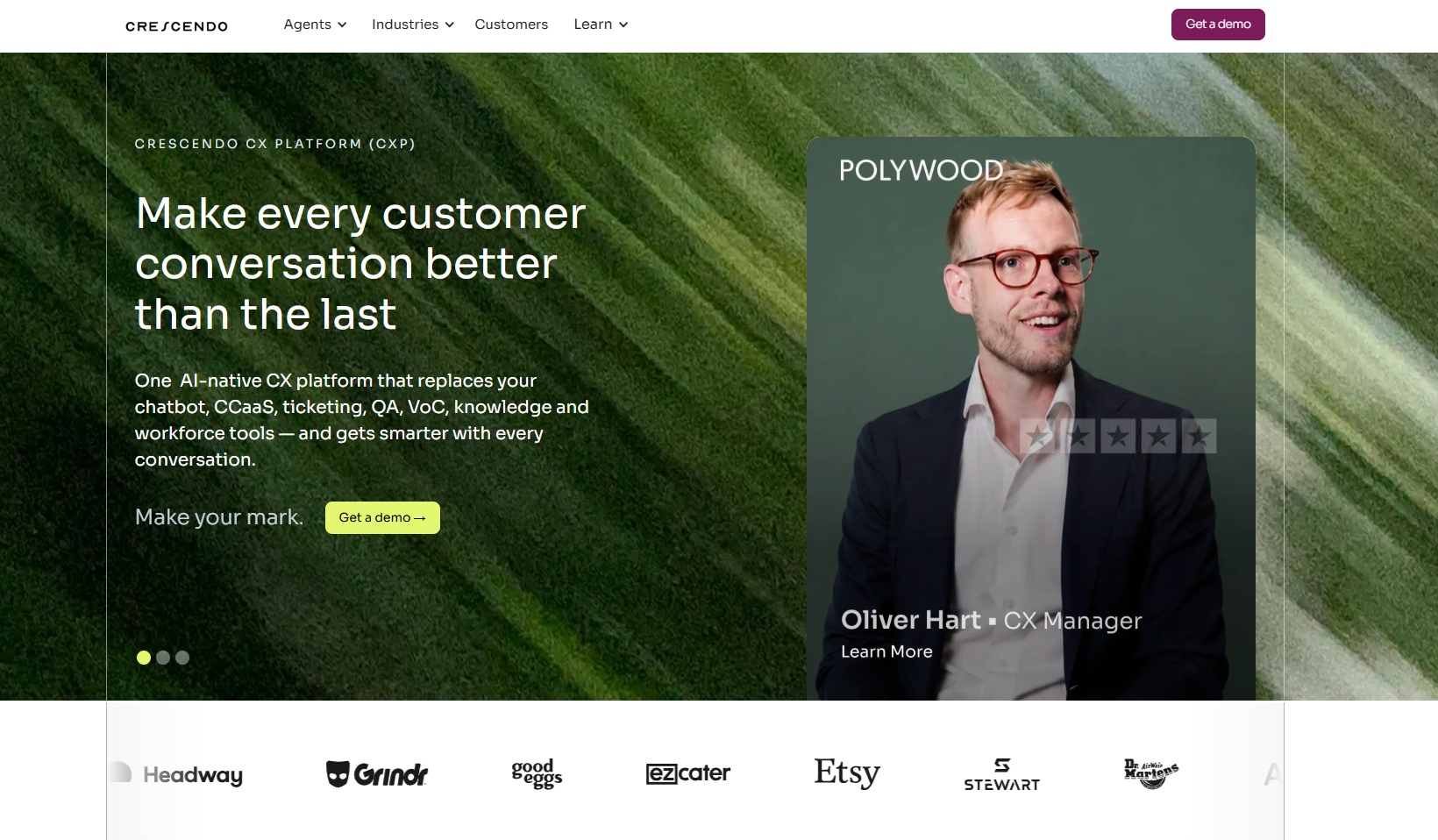
Crescendo AI is an AI customer service platform that handles conversations across voice, chat, email, SMS, and WhatsApp. Its agents answer questions, complete tasks like order lookups and account changes, and hand conversations to people when needed.
It also offers tools and managed expertise for improving support operations. Crescendo AI pricing is based on resolutions, but we couldn't verify a current public starting price.
Why consider Crescendo AI alternatives?
Crescendo makes sense if you want a broader overhaul of customer support. If you mainly need to automate repetitive tickets, I'd compare smaller, more focused options first. Here's why.
You may be buying more platform than you need
Crescendo markets itself as a replacement for ticketing, contact center, quality assurance, knowledge, and workforce tools. That's a substantial platform scope for a team that only needs an AI agent.
My take: if your helpdesk and reporting already work, start by testing AI inside that setup. Replacing functioning systems should solve a specific problem, not be the default price of adopting automation.
Managed expertise may overlap with your own team
Crescendo says it deploys a team to keep its platform calibrated to your business and take responsibility for outcomes. That service is part of its positioning, alongside the software.
That's useful if you need operational help. If you already have a capable support operations team, I'd ask exactly what the vendor will own before paying for services that overlap with internal responsibilities.
Headline AI prices aren't a fair comparison
The billing units genuinely differ. Fin lists $0.99 per outcome, including completed workflows that involve handoffs. eesel lists $0.40 per support ticket or chat session and bills tasks regardless of outcome.
I wouldn't choose Crescendo or an alternative on a per-resolution headline alone. Ask each vendor to price the same workload, then include the human effort left after the AI finishes.
Your team's results matter more than a vendor's promises
An NBER working paper on AI-assisted customer support reported a 14% average increase in issues resolved per hour, with the largest gains among less experienced workers and minimal impact on highly experienced workers. The study examined an assistant helping human agents, not autonomous support or Crescendo specifically.
My takeaway: test the workflow your team actually needs before committing to a broader platform. A newer team may benefit from better answer suggestions, while an experienced team may need automation that completes actions. Those are different buying decisions.
7 best Crescendo AI alternatives
These Crescendo AI competitors cover different ways to run customer support automation. We compared their current product information and pricing, with each recommendation focused on the team it suits best.
1. Featurebase ✨

Featurebase is an AI customer support platform for product-led SaaS. It combines AI-powered support, help center, and feedback management into a single platform for startups that want their customer-facing tools in one place.
Fibi can use help articles, past conversations, customer requests, changelogs, and roadmap context to answer questions. That context is useful when customers ask whether a feature is available or what your team is working on.
Top features
- Omnichannel inbox for live chat, email, and Slack conversations
- Fibi AI Agent for customer questions and custom actions like trial extensions and refunds
- Help center with AI search and multilingual self-service
- Feedback, roadmap, and product update tools
Why consider it: Featurebase suits product-led teams that want SaaS customer support, self-service content, and product feedback together. Combining these tools can help your team keep support answers connected to product changes.
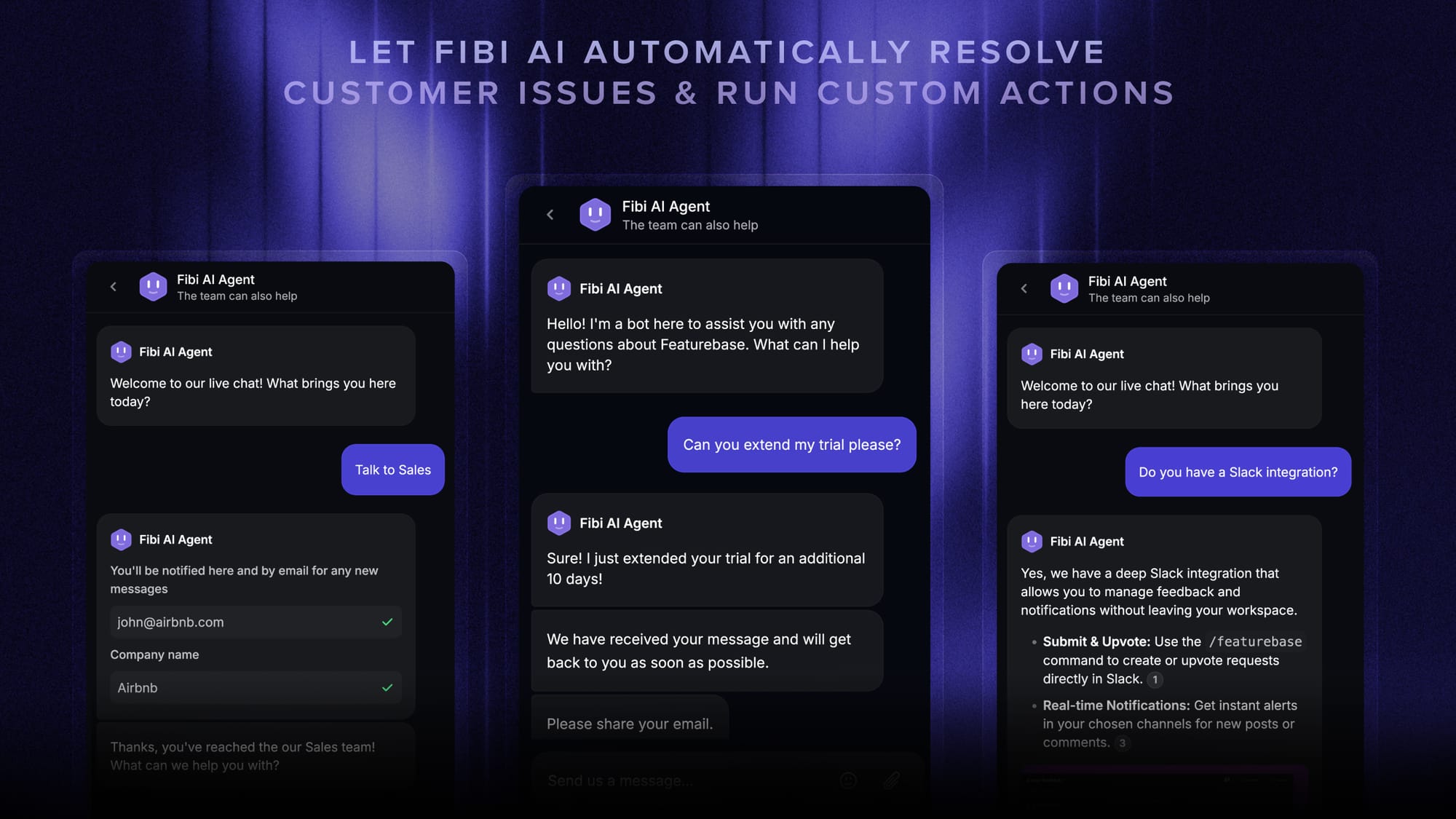
Pricing: $29/seat/month annually + $0.49/AI resolution. The Free plan includes 1 seat and unlimited conversations, but doesn't include AI.
Main trade-off: Workflows, Slack, and SLAs require Professional, starting at $59/seat/month annually, while multi-brand support requires Enterprise. Workflow-based email automation therefore needs a higher plan, and custom Fibi actions are currently labeled Beta.
✨ Automate your support with the fastest AI-enhanced Inbox today →
2. Intercom
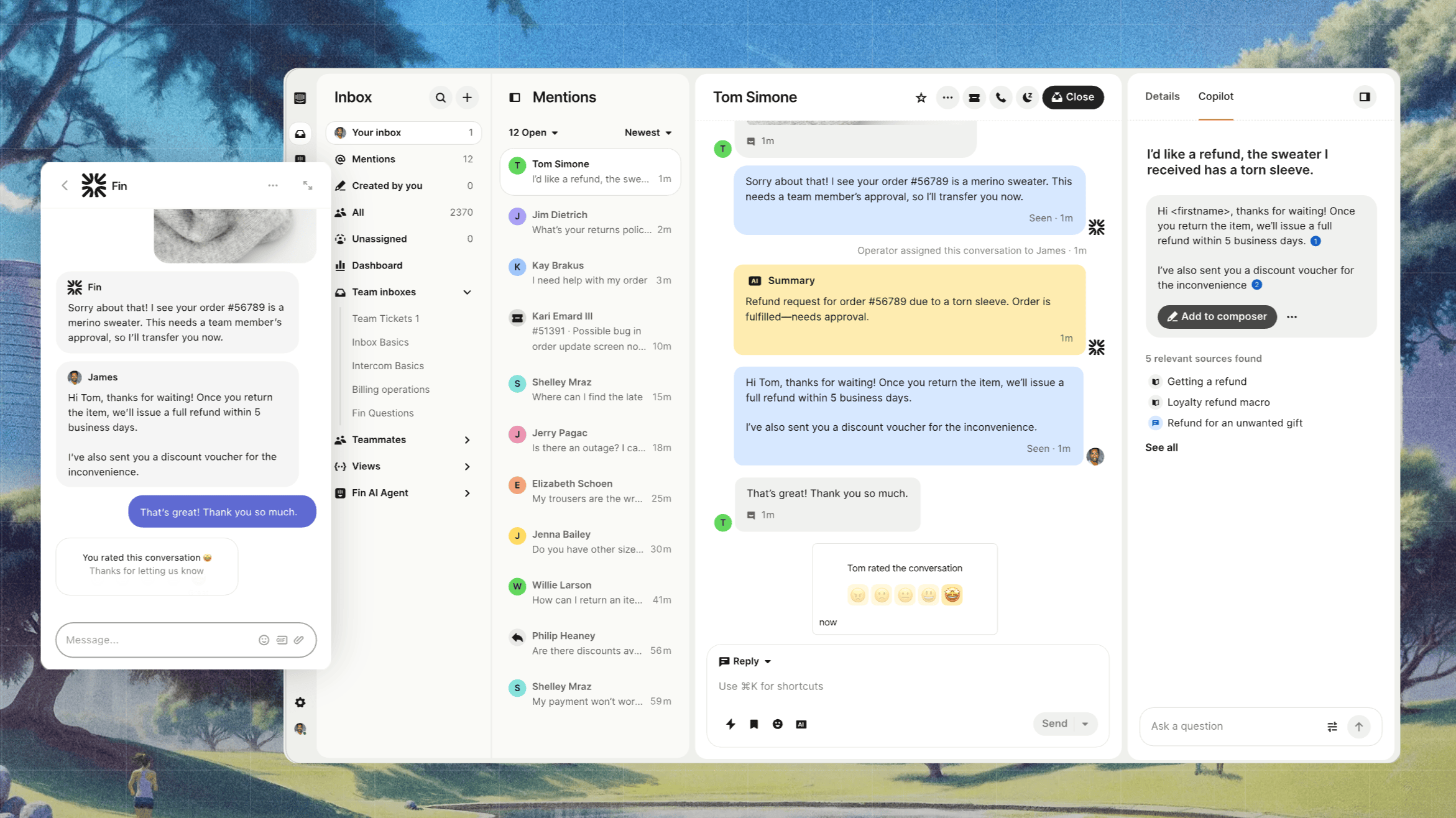
Intercom offers Fin AI Agent alongside its helpdesk. You can also use Fin with a supported existing helpdesk, which makes it worth considering if replacing your inbox isn't part of the plan.
Fin can answer questions, take actions in external systems, and hand conversations to your team. The integrated Intercom offering adds a messenger, ticketing, and a help center.
Top features
- Fin for automated customer conversations and actions
- Existing-helpdesk deployment or an integrated support platform
- Shared inbox, messenger, and ticketing in Intercom plans
- Workflow automation on higher plans
Why consider it: Intercom gives you flexibility over how much of your support stack you replace. Start by deciding whether you're buying Fin alone or moving your agents into Intercom too.
Pricing: From $0.99/Fin outcome. Standalone Fin has a minimum monthly commitment, with 50 outcomes given as an example, and no Intercom seat charge. Using the Intercom helpdesk adds seat fees: Essential starts at $19/seat/month billed annually ($29 billed monthly), while Advanced is $85/seat/month and Expert is $132/seat/month, billed annually.
Main trade-off: Fin's definition of an outcome includes confirmed or assumed resolutions and completed Procedures, including handoffs. Don't treat every charged outcome as an issue resolved without human work. G2 feedback also makes cost management worth checking as you add usage and features.
3. Zendesk
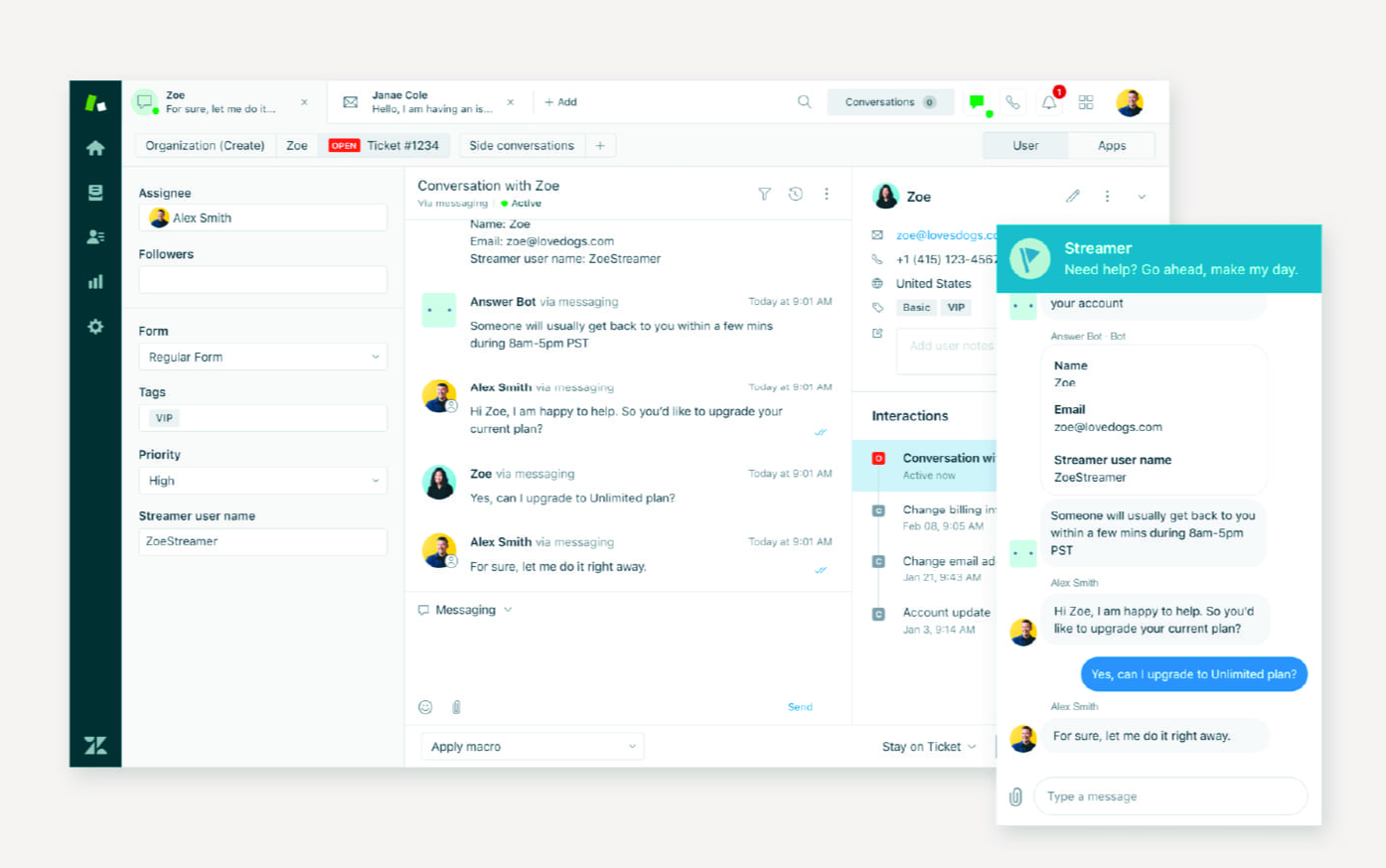
Zendesk is a strong candidate when your support operation needs established ticketing, routing, and reporting. Its Suite combines support channels with a knowledge base and AI agents.
For a team already using Zendesk, evaluating its AI capabilities can mean fewer changes to agent workflows. For a new buyer, the attraction is having a structured system for both automated requests and the work people still handle.
Top features
- Ticket routing, triggers, and automations
- Messaging, live chat, and telephony in Suite
- Knowledge base and AI agents
- Analytics and a broad integration marketplace
Why consider it: Zendesk suits teams that put operational consistency first. It gives support managers a familiar framework for assigning ownership and tracking the work that remains after automation.
Pricing: $55/agent/month annually for Suite Team. AI usage is measured in automated resolutions, and plans include a baseline allocation. Get the included volume and additional usage rate confirmed for your account.
Main trade-off: The seat subscription is only part of the budget. Add AI usage and any extra products you need, and allow time to maintain routing and configuration. G2 feedback highlights useful ticketing and automation alongside concerns about complexity and cost.
4. Gorgias
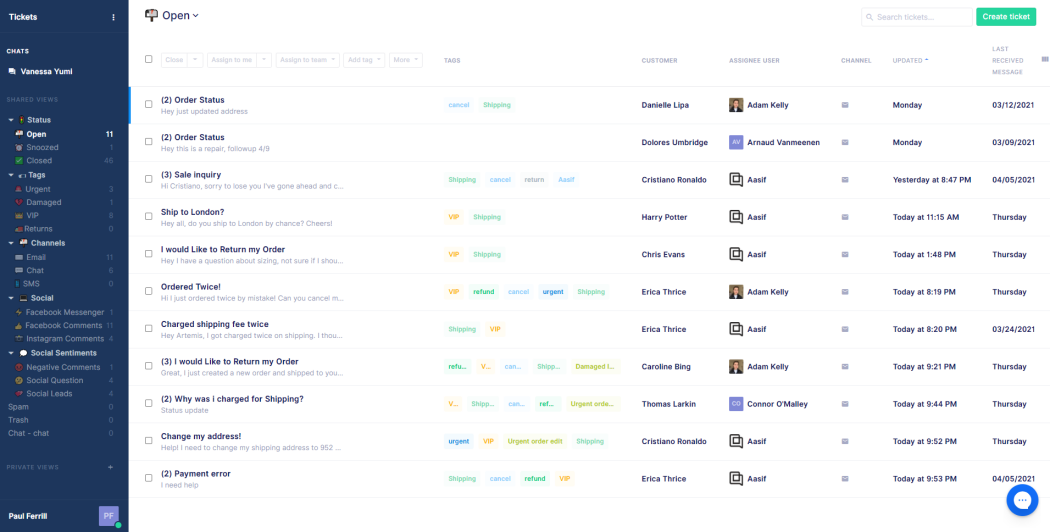
Gorgias focuses on ecommerce customer support, making it a practical option for online stores handling order questions, returns, and shopping-related conversations. Its Shopify connection is a major reason to shortlist it.
The value is having store context inside the support workflow. Instead of judging the AI on generic answers, you can assess how well it handles the requests that create most of your ticket volume.
Top features
- Ecommerce helpdesk with Shopify integration
- AI Agent for automated customer interactions
- Order context and store-related support actions
- Ticket and automation usage reporting
Why consider it: Gorgias is the most focused choice here for merchants. It deserves a closer look when your support queue revolves around purchases rather than software troubleshooting.
Pricing: $40/month for Starter with AI. The displayed bundle includes 50 tickets and 30 automated interactions, and Starter is monthly only. Basic with AI is displayed at $77/month billed annually, with 300 tickets and 30 automated interactions.
Main trade-off: Both ticket volume and AI usage affect the bill. Starter's displayed overages are $0.40 per additional ticket and $1.50 per additional automated interaction. Confirm Starter availability before relying on that entry price, since its signup control wasn't active during our check.
G2 feedback reinforces the Shopify fit, while pricing concerns make seasonal volume especially important to model.
5. eesel AI
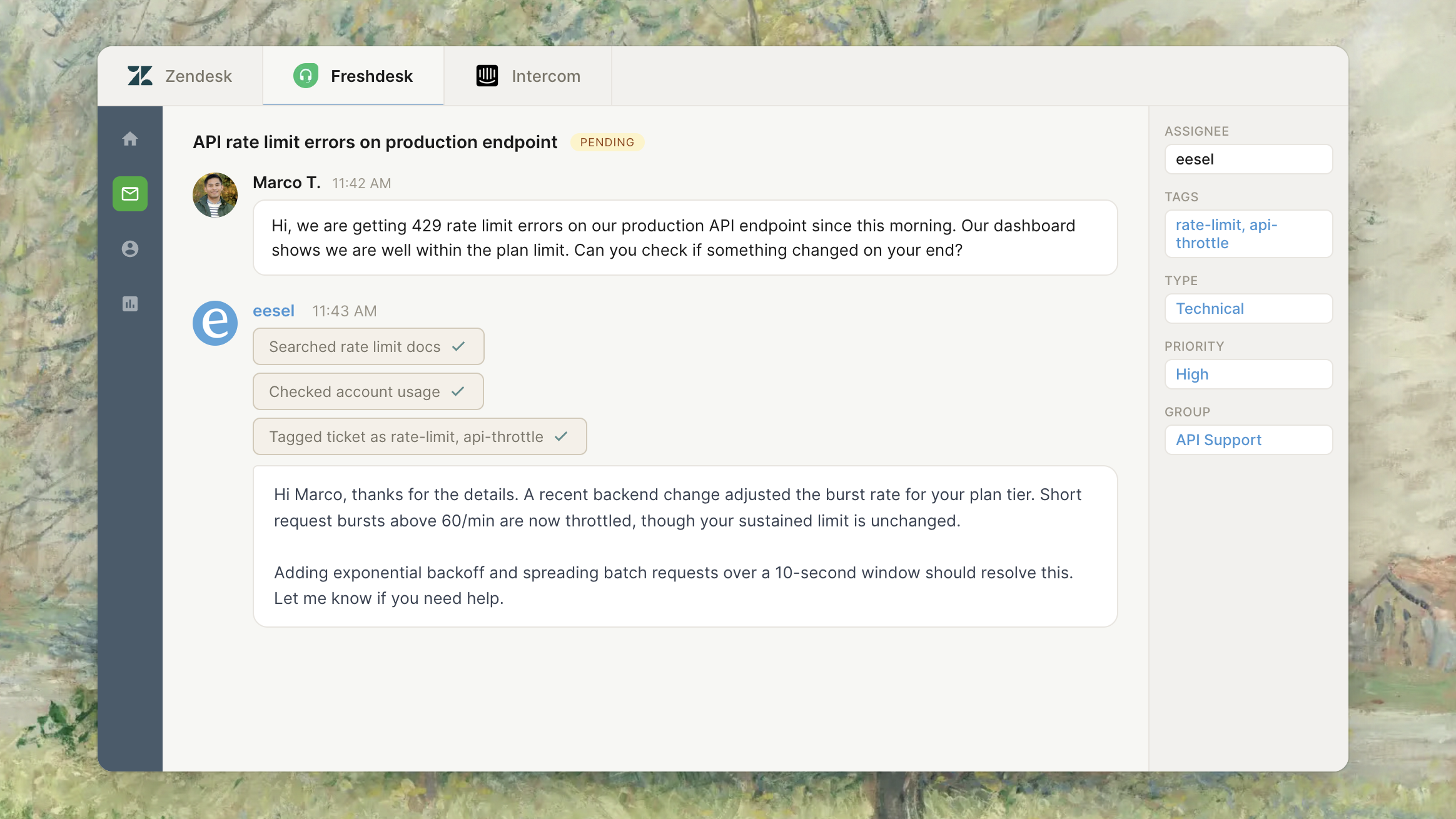
eesel AI adds AI support agents to your existing helpdesk. It can use documentation and past tickets, handle frontline requests, and escalate work according to your settings.
That makes it useful when your team likes its current support platform but wants to automate more of the queue. You can keep the underlying inbox and evaluate the AI separately.
Top features
- Answers grounded in documentation and past tickets
- Ticket tagging, field updates, and API actions
- Human handoff based on your escalation settings
- Simulation over selected tickets before rollout
Why consider it: eesel offers a relatively direct way to evaluate AI on top of an existing workflow. Its ticket simulation is particularly useful for checking whether the agent understands the requests your team already handles.
Pricing: $0.40/support ticket or chat session. Standard usage has no platform fee or minimum commitment, and a ticket or session covers the interaction rather than each individual message. Enterprise has a separate platform fee plus usage.
Main trade-off: You pay for processed support tasks regardless of whether the AI resolves them. A ticket that still needs a teammate can therefore create both AI usage and human work. Include your existing helpdesk subscription when comparing the total with an all-in-one platform.
6. Decagon
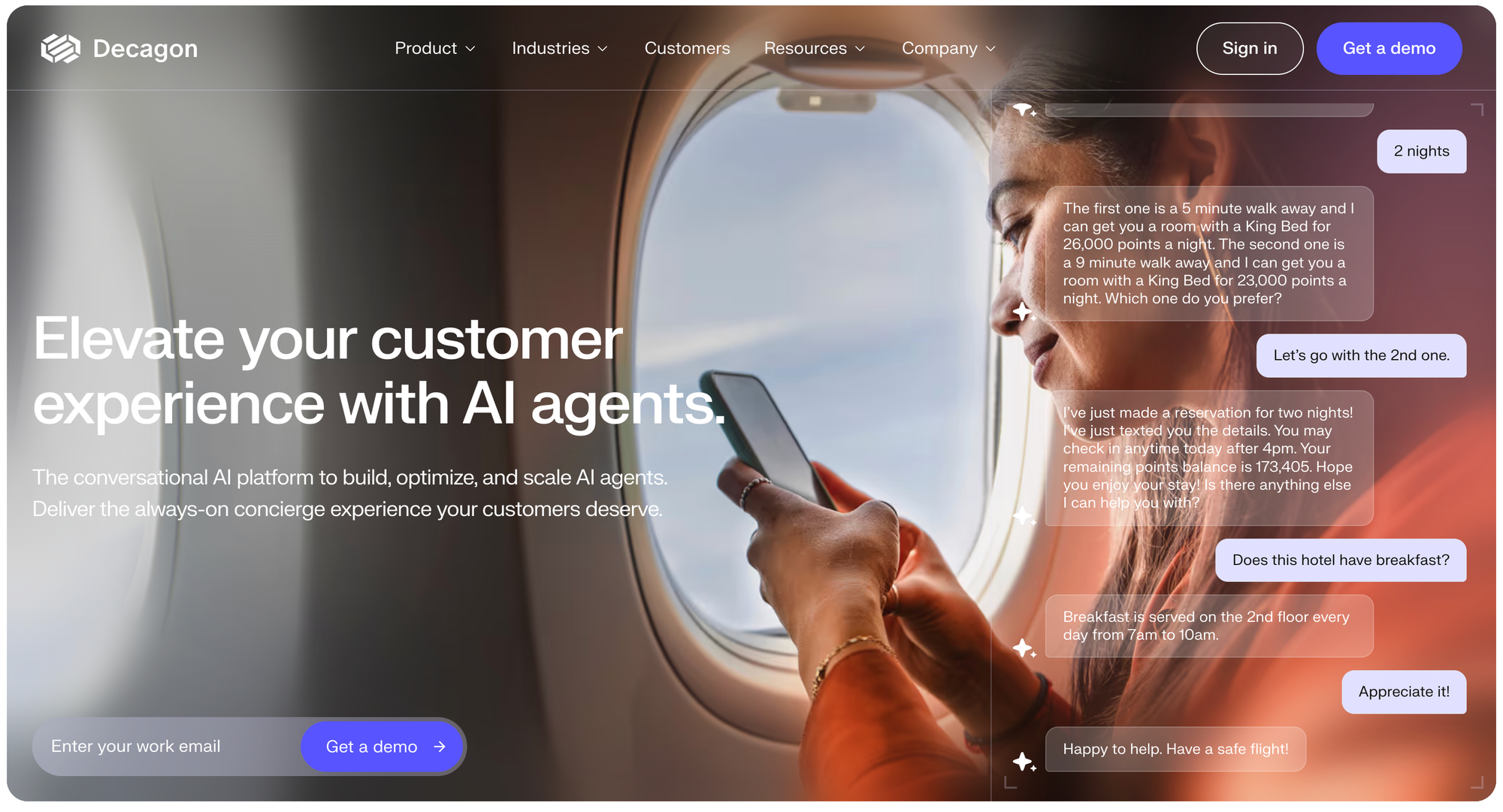
Decagon is an enterprise AI customer support platform for teams that need agents to follow detailed business processes. Its Agent Operating Procedures let teams describe how an agent should handle workflows in natural language.
This is worth investigating when customer requests involve several systems or policy decisions. For example, handling a billing exception may require checking account details, applying eligibility rules, and deciding whether approval is necessary.
Top features
- AI agents across chat, voice, and email
- Natural-language Agent Operating Procedures
- Testing and experimentation tools
- Monitoring to inspect agent behavior
Why consider it: Decagon puts workflow definition and ongoing evaluation at the center of its product. Ask the team to demonstrate a real process with exceptions, rather than only answering questions from a knowledge base.
Pricing: Custom quote. We couldn't verify a public numeric starting rate, so request the billing unit, commitment, implementation scope, and support terms together.
Main trade-off: You need a scoped evaluation to establish both fit and cost. Natural-language tools can make changes more accessible, but your team still needs to define policies and validate integrations. G2 feedback supports checking the learning curve and your specific customization requirements during the pilot.
7. Sierra
Sierra builds conversational AI agents for customer service across digital and voice channels. It's worth considering when you want an enterprise agent experience that follows your brand's policies and supports more than website chat.
Its Ghostwriter tooling can help create agents from materials such as procedures and conversation transcripts. Insights and guardrails support the work of reviewing and improving agent behavior after launch.
Top features
- Customer conversations across chat, email, voice, SMS, and WhatsApp
- Agent creation supported by Ghostwriter
- Guardrails for defining agent behavior
- Insights into customer conversations and agent performance
Why consider it: Sierra suits an enterprise evaluation where channel coverage and agent behavior both matter. Give the vendor a sample of your support work and ask it to show how the agent follows policy across channels.
Pricing: Custom quote. Sierra promotes outcome-based pricing but doesn't publish a universal starting rate on the page we checked.
Main trade-off: You can't build a reliable budget from the public headline alone. Your proposal needs to define the outcome, the commitment, and the services included. Agree on implementation milestones and who maintains the agent before committing.
How to choose the right Crescendo AI alternative
I would narrow the list by operating model first, then compare cost and performance using the same support workload.
Decide what you're replacing
Write down whether you're replacing an AI agent, a helpdesk, managed operations, or several of those together. That decision changes your shortlist immediately.
- Keep the helpdesk: Evaluate eesel AI or standalone Fin if your current inbox already works well.
- Combine support tools: Consider a complete platform when your team is maintaining too many disconnected systems.
- Build enterprise automation: Evaluate Decagon and Sierra against your actual processes and channel requirements.
For ecommerce, include Gorgias early. If structured ticketing and reporting drive the decision, include Zendesk.
Compare a complete monthly bill
Use a normal month and a busy month. Keep the number of agents, incoming conversations, and expected human escalations consistent across quotes.
Budget model: Helpdesk seats + AI usage + channel fees + platform or service commitments + remaining human support costs.
Then check how each vendor counts usage. Per-resolution pricing only becomes comparable once you know which conversations qualify, how the vendor treats handoffs, and what work your team still performs.
Don't assume a cheaper AI unit makes the whole operation cheaper. An existing helpdesk subscription or extra service commitment may have more impact than a small difference in usage rates.
Evaluate answers and actions separately
An AI agent might explain your cancellation policy correctly but still fail to cancel the subscription. Include both information requests and tasks that require a change in another system.
Agree on the evidence you'll review:
- Answer quality: Does the response follow the right policy and use current information?
- Action accuracy: Does the agent make the correct change, with the required permission?
- Escalation quality: Does a teammate receive the relevant context when the AI cannot continue?
- Operational effort: How much work does your team spend maintaining knowledge and correcting behavior?
That gives you a more useful decision than choosing the vendor with the most impressive resolution claim.

Get the best modern Crescendo alternative
Automatically resolve 70% of customer requests & cut down manual support loads
Conclusion
The best Crescendo AI alternative depends on what you want to own. Keep your helpdesk with eesel or Fin, focus on ecommerce with Gorgias, or evaluate Zendesk, Decagon, and Sierra for more complex support operations.
Featurebase is a modern AI customer support platform for product-led SaaS. It brings your support inbox, Fibi AI Agent, help center, and feedback tools together, helping your team support customers with the context of your product.
You can start with the Free plan for live chat and unlimited conversations. AI is available on paid plans, so choose the package that fits your automation needs. 👇
✨ Explore AI-powered customer support with Featurebase →

FAQs
Can I migrate my conversation history from Crescendo?
Migration depends on the export options in your Crescendo account and the import formats supported by the new vendor. Ask both teams to confirm which messages, attachments, customer fields, and timestamps can transfer. Test a sample before treating the migration as complete.
Can I deploy an alternative without developers?
Basic knowledge-based support can often be configured through a product's interface and existing integrations. Custom actions against your own systems may still need technical help for authentication, permissions, and API behavior. Ask the vendor to separate the initial setup from ongoing maintenance.
Do AI support subscriptions include human support agents?
An AI software subscription doesn't automatically include people to answer escalations. Implementation assistance and customer success services are also different from a staffed support team. If you need outsourced agents, make staffing, coverage hours, languages, and responsibilities explicit in the contract.
Can I test an AI agent before customers see its answers?
Ask for a preview environment, historical-ticket replay, or a mode that drafts answers for internal review. Test sensitive requests and policy exceptions alongside common questions. Keep customer-facing deployment limited until you've reviewed the results.
What happens when a customer reopens an AI-resolved conversation?
The billing treatment depends on the vendor's definition of a resolution or outcome and its reopening window. Ask whether the original charge remains, whether a new charge can occur, and how reopened conversations appear in reports. Confirm those rules in writing before using resolution counts to forecast spend.