Blog Best Free SaaS Tools for Startups in 2026
Best Free SaaS Tools for Startups in 2026
Compared the best free SaaS tools for startups in 2026, organized by category, with the real free-plan limits so you can build a full stack for close to $0.

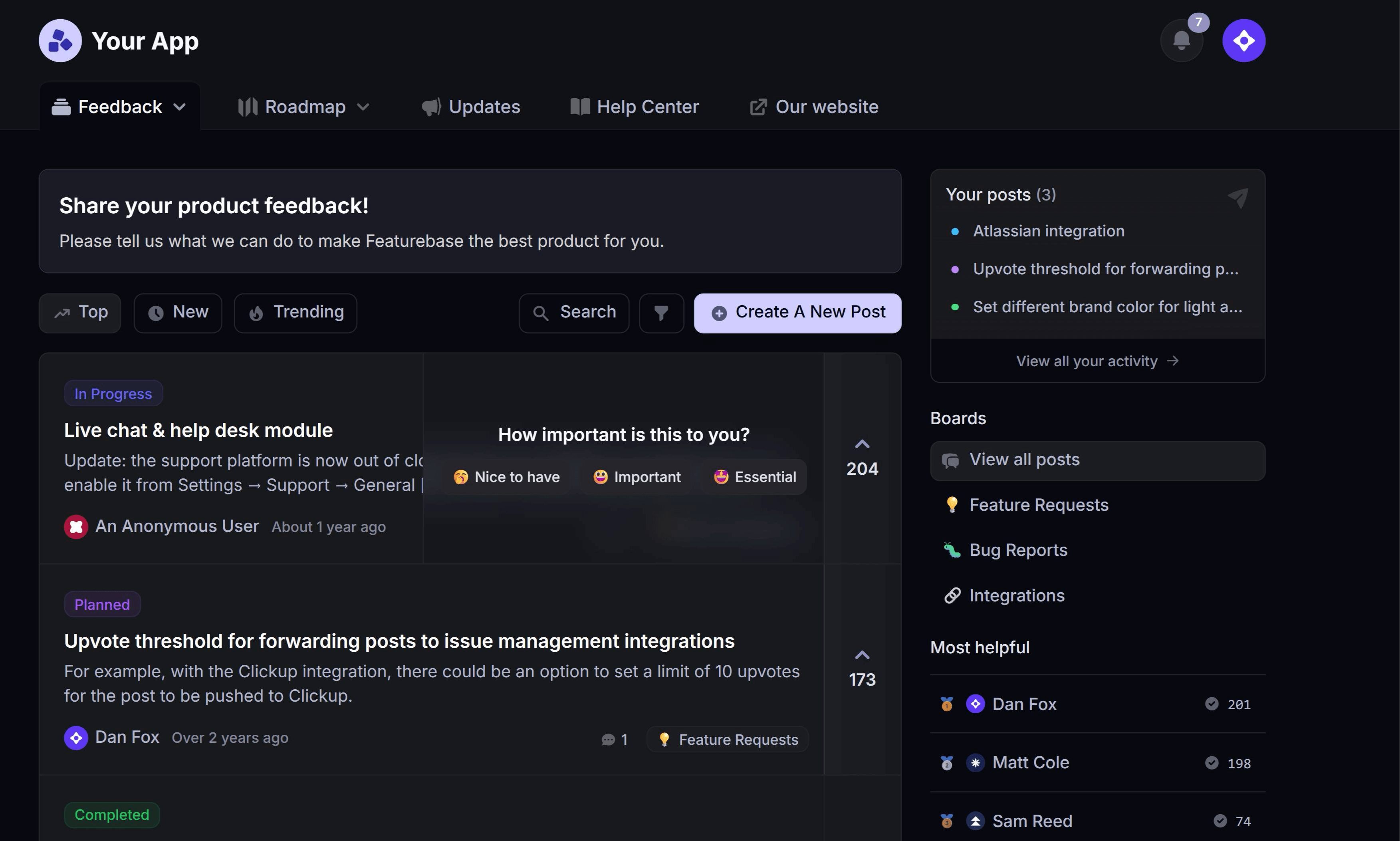

You can run a real early-stage startup on free SaaS tools. The catch is that "free" almost always means "free until you grow" - a user cap here, a usage limit there, a branding badge you can't remove.
The trick is picking the right free tool per category and knowing which ceiling you'll hit first. Here are the best free SaaS tools for 2026, sorted by category, with the real limits behind each one. 👇
Key takeaways
| Category | Best free tool | What the free plan gives you |
|---|---|---|
| Customer support & help desk | ✨Featurebase | Unlimited conversations, a shared inbox, and live chat |
| Team communication | Slack | Unlimited users, 90 days of message history |
| Project & task management | Trello | Unlimited cards, up to 10 boards per workspace |
| Docs & knowledge base | Notion | Unlimited pages, generous block limit for small teams |
| Design | Figma | 3 design files, unlimited collaborators |
| Analytics & product data | PostHog | 1M events per month, all products included |
| Email & marketing | Brevo | 300 emails per day, unlimited contacts |
| Developer & hosting | Vercel | Free Hobby tier for personal projects and MVPs |
What counts as a "free" SaaS tool
Before you start signing up, it helps to know what "free" actually means, because three very different things all get labeled that way:
- Free plan: free forever, with hard caps on users, usage, or features. You can stay on it indefinitely as long as you fit inside the limits.
- Freemium: the same idea, but the free tier is deliberately built as an on-ramp to a paid plan. The core is usable, the good stuff is gated.
- Free trial: full access to a paid plan for a fixed window, usually 7 to 30 days, after which you pay or lose access.
If a tool only offers a trial, it isn't really free. Everything on this list has a genuine free-forever plan.
It's worth being deliberate about this because the tools add up fast. Companies use an average of 112 SaaS apps, and even teams under 200 people run around 42, according to BetterCloud's State of SaaSOps research. Starting each category on a free plan is how most startups keep that sprawl from turning into a five-figure monthly bill before they've raised a dollar.
The best free SaaS tools by category
Here's the stack, category by category. For each one I've flagged the strongest free plan and the limit you'll most likely bump into first.
Customer support & help desk
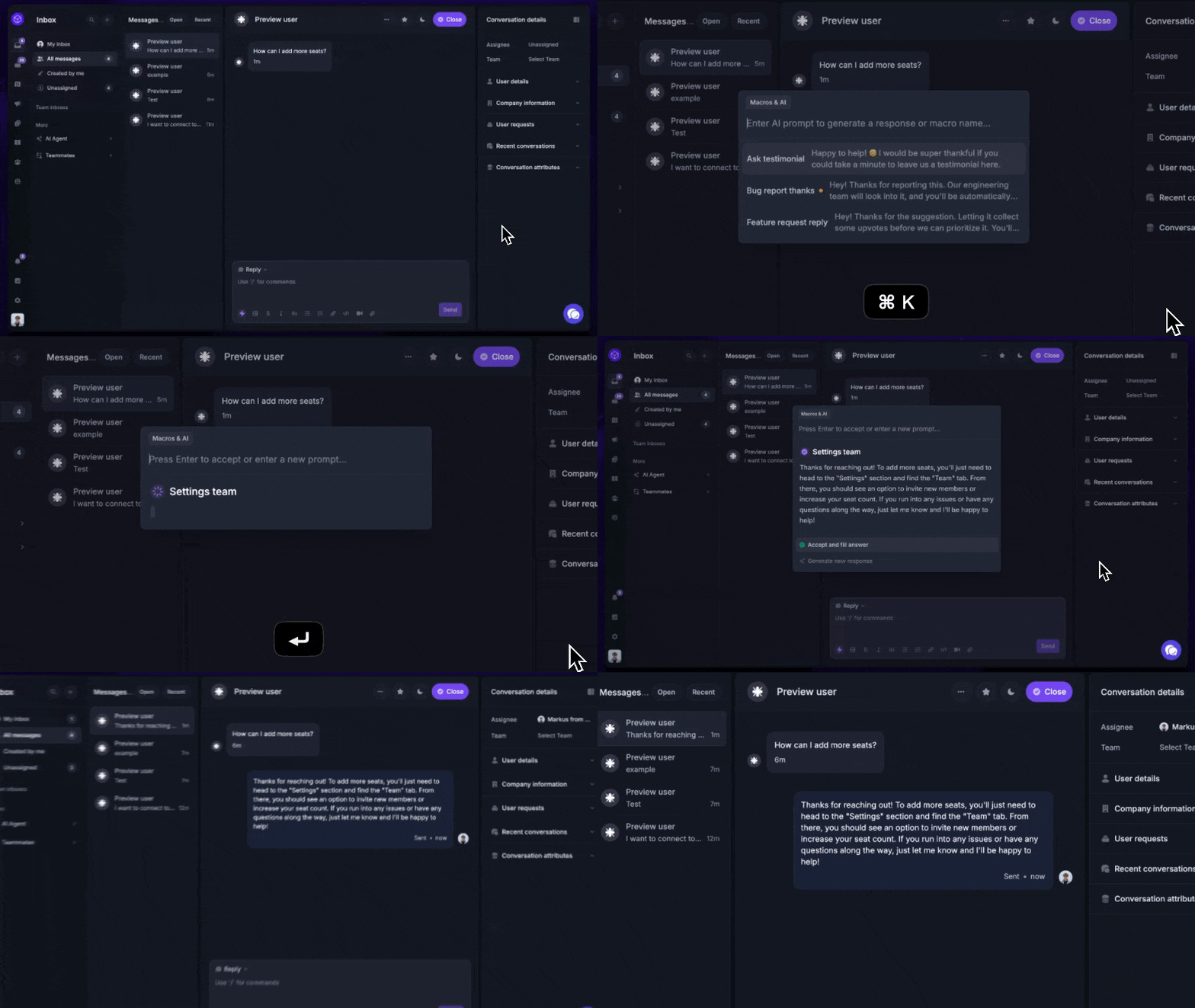
Talking to customers is one of the first things a new SaaS has to do, and you don't need an enterprise help desk to do it well. A handful of tools offer real free plans for live chat, a shared inbox, and a help center.
- Featurebase: free plan with unlimited conversations, a shared inbox, live chat, and an AI-powered help center, with feedback boards and a roadmap built in. It's the free support tool I'd start with.
- Tawk.to: completely free live chat that a lot of early startups begin with, if all you need is a chat widget on the site.
- Freshdesk: a free tier for basic email ticketing, useful once support grows beyond live chat.
There's a fuller breakdown of the options in our guide to SaaS customer support.
Team communication
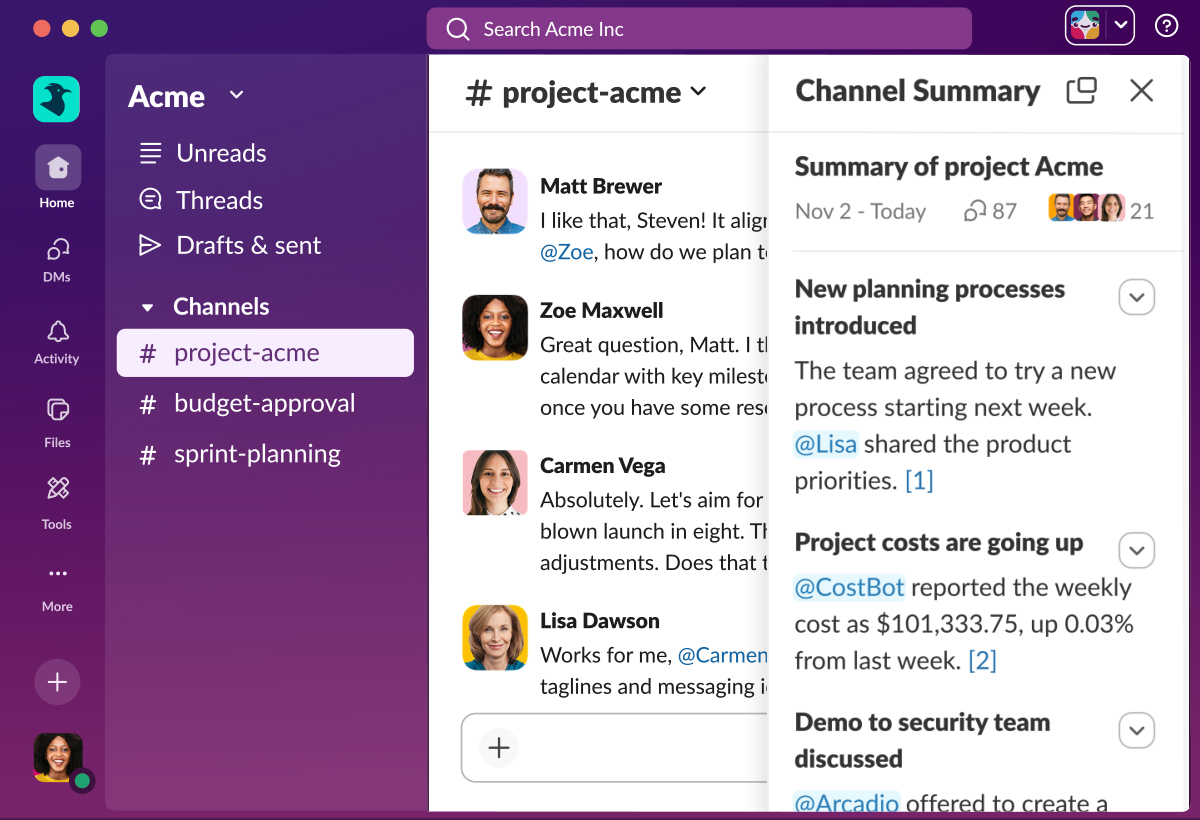
Every team needs one place to talk. The free plans here are generous enough that most startups never pay until they cross a headcount or history threshold.
- Slack: unlimited users on the free plan, with the last 90 days of messages searchable. You lose older history until you upgrade, but for a small team that's rarely a blocker early on.
- Discord: genuinely free for almost everything, which is why so many developer-first and community-led startups run on it.
Project & task management
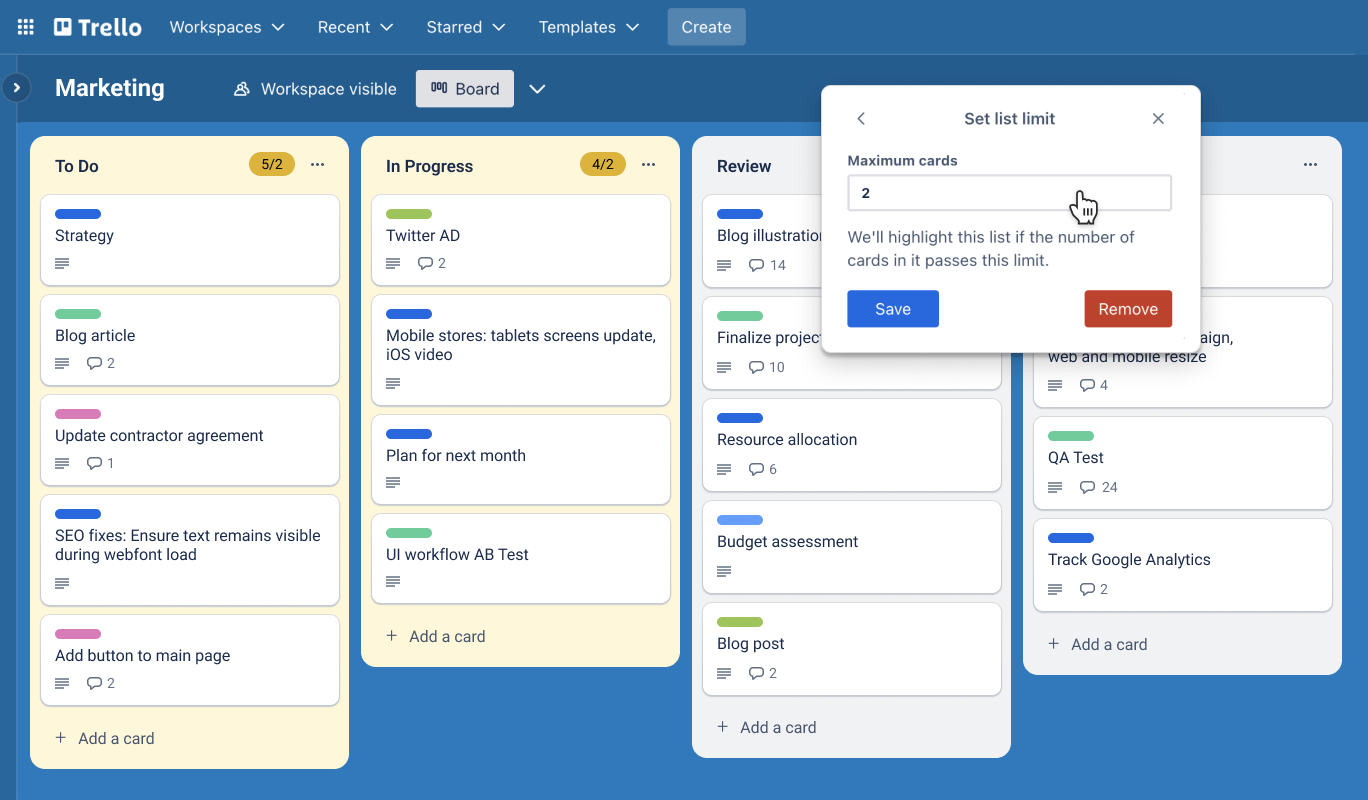
Free project tools have gotten good enough that a small team rarely needs to pay for one.
- Trello: unlimited cards and up to 10 boards per workspace, with a dead-simple Kanban interface anyone can pick up in minutes.
- ClickUp: a much deeper free plan with tasks, docs, and multiple views, at the cost of a steeper learning curve.
- Linear: a free tier built for product and engineering teams that want speed and a clean issue tracker.
Docs & knowledge base
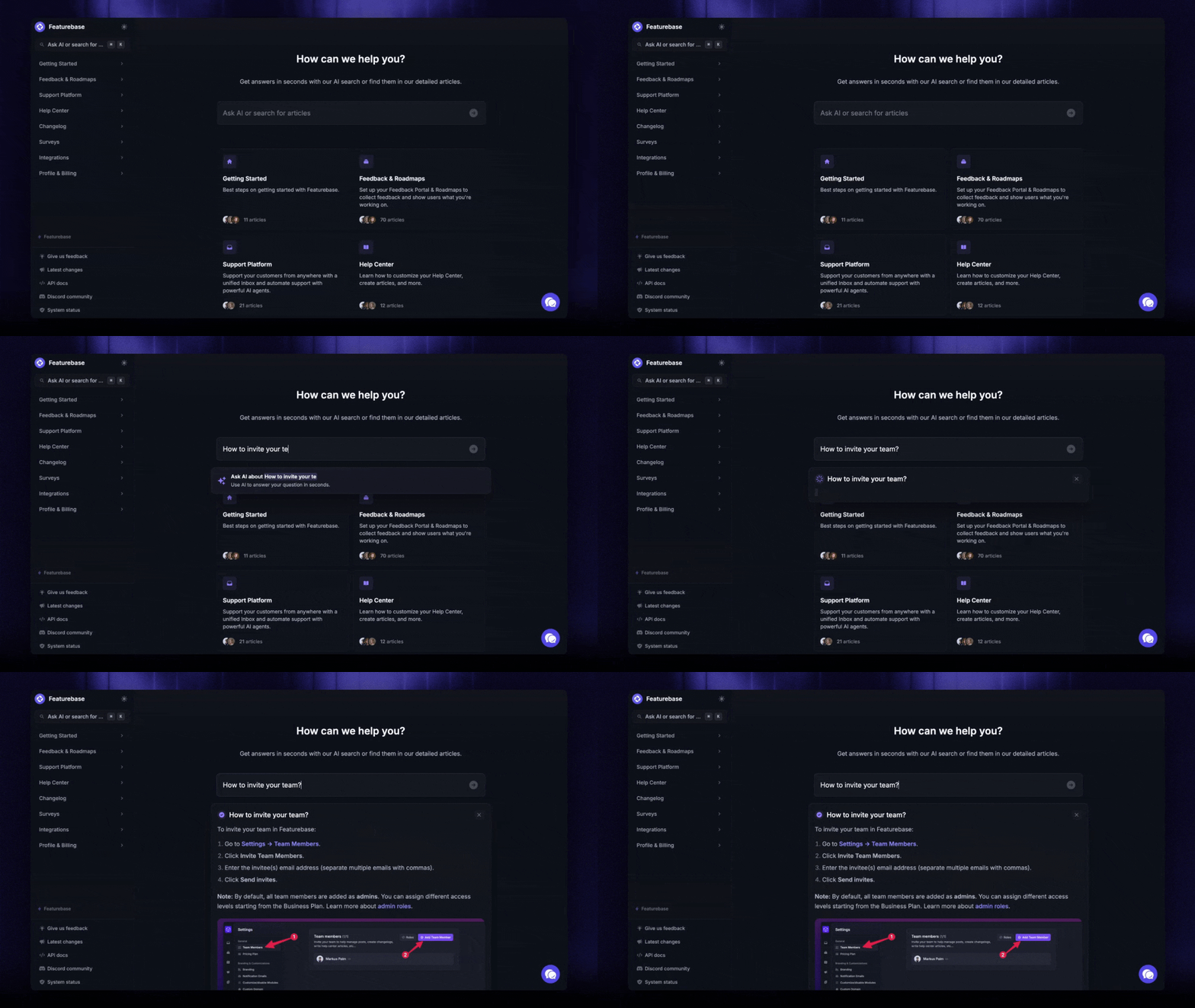
You need somewhere to write things down, from internal notes to a customer-facing help center.
- Notion: unlimited pages and a generous block limit for small teams, flexible enough to run docs, wikis, and lightweight project tracking in one place.
- Google Workspace: Docs, Sheets, and Drive cover most early documentation needs for free with a personal account.
- Featurebase: if the docs are customer-facing, its free plan includes an AI-powered help center you can publish on your own domain.
Design
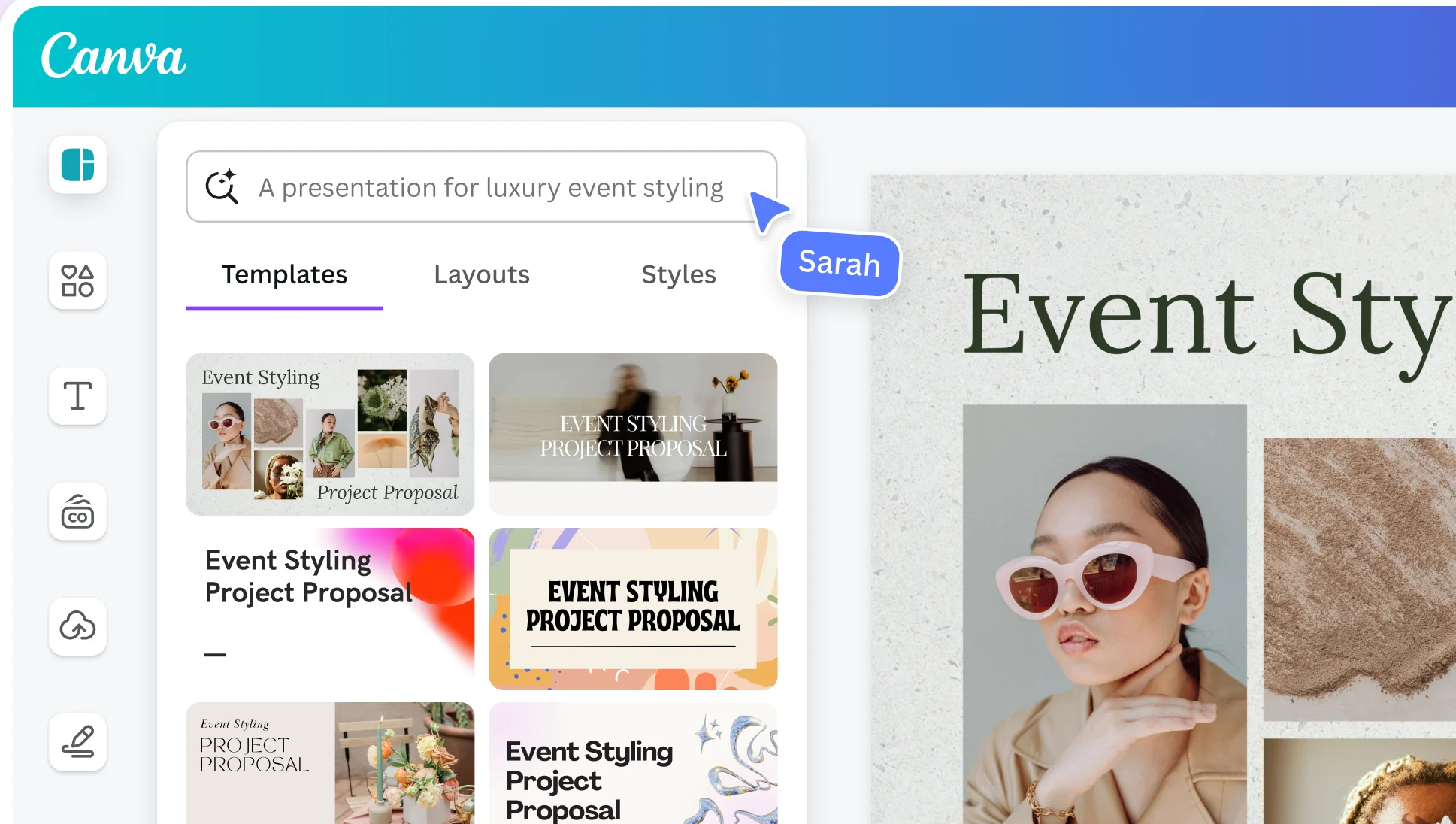
You don't need a paid design suite to ship a polished product early on.
- Figma: the free starter plan gives you 3 design files with unlimited collaborators, which is plenty for an early product and marketing site.
- Canva: free for social graphics, decks, and quick marketing assets, with a large template library.
If you're collecting design input from your team, our roundup of design feedback tools covers the free options there too.
Analytics & product data
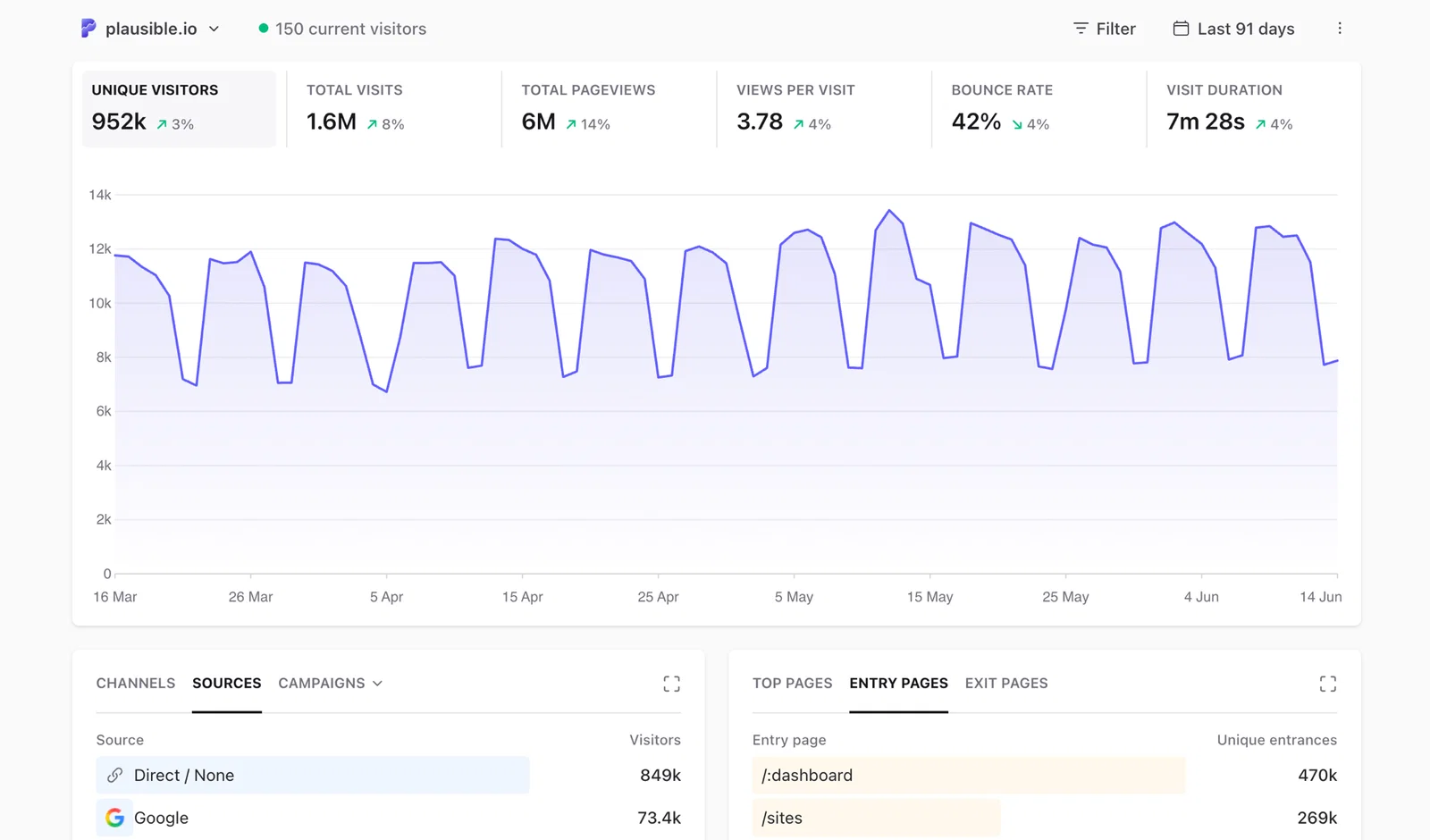
Understanding what users do in your product shouldn't cost anything at the start.
- PostHog: 1M events per month free, with product analytics, session replay, and feature flags in one open-source-friendly platform.
- Google Analytics: still the free default for website traffic and acquisition data.
- Plausible/Fathom: lightweight, privacy-first analytics with small free tiers or trials if you want something simpler than GA.
Email & marketing
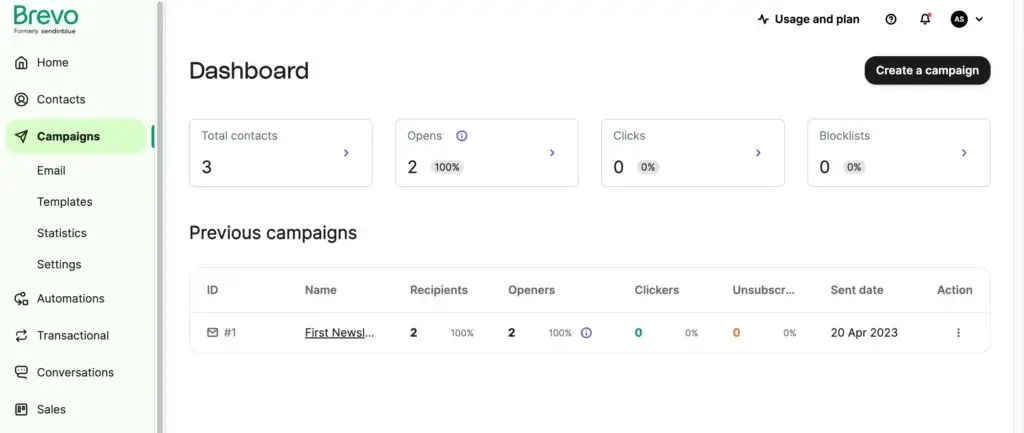
Transactional and marketing email both have solid free tiers, so you can start sending without a card.
- Brevo: 300 emails per day with unlimited contacts, covering both marketing campaigns and transactional email.
- MailerLite: a clean free plan for up to 1,000 subscribers, good for early newsletters.
- Resend: a developer-friendly free tier for transactional email if you'd rather send from code.
Developer & hosting tools
This is where free tiers are most generous, because the vendors want you building on their platform.
- Vercel & Netlify: free Hobby tiers that host frontends and MVPs with automatic deploys from Git.
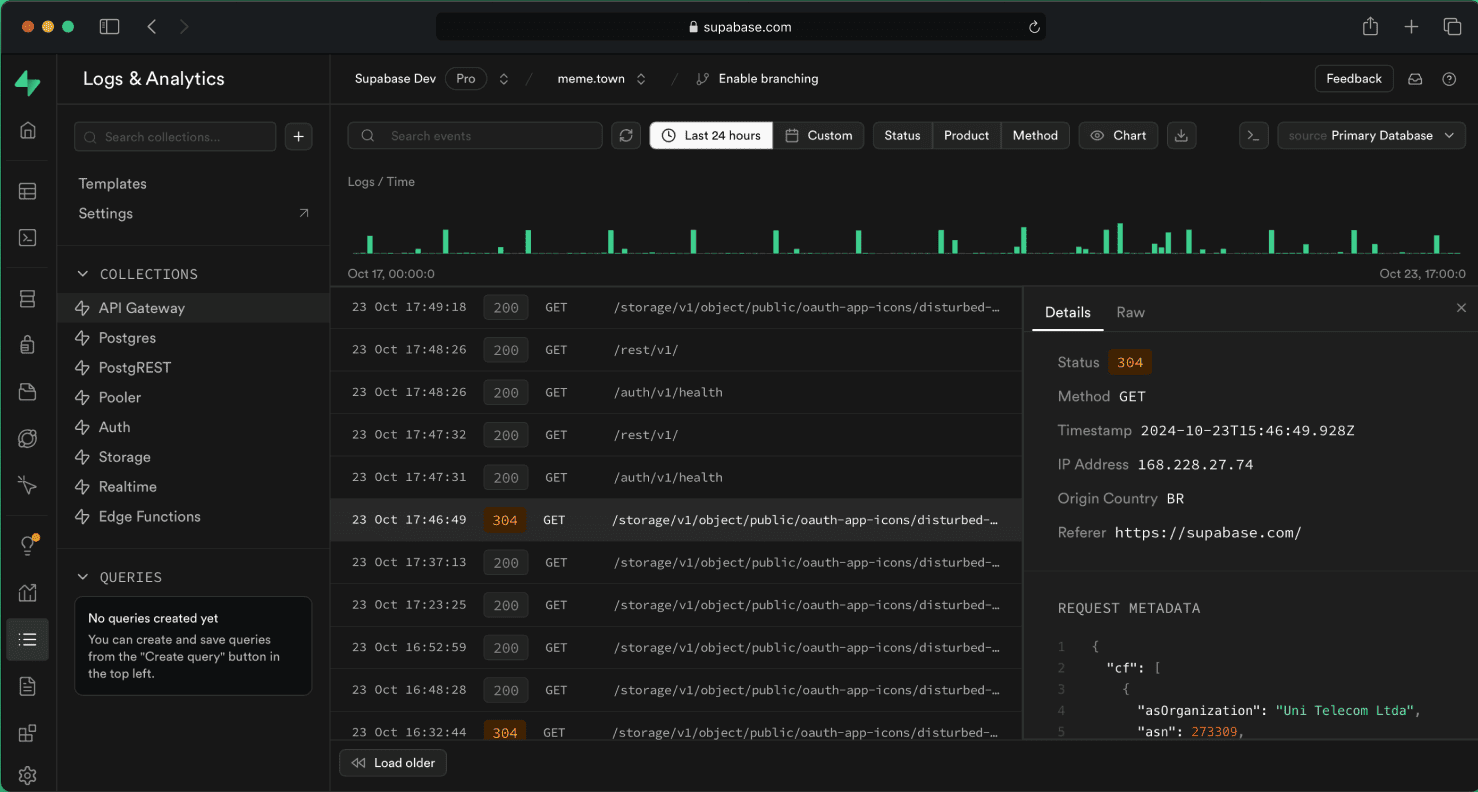
- Supabase: a free Postgres database, auth, and storage in one, the go-to backend for a lot of indie SaaS.
- GitHub & Cloudflare: free source control and a free CDN plus edge functions round out a full free stack.
How to build a free SaaS stack (and when to start paying)
You don't need every tool above. A lean early-stage stack usually means one pick per category you actually use, and nothing more. A few practical rules:
- Start with one tool per category: resist signing up for three project trackers. Pick the free plan that fits your team size and commit to it.
- Match the cap to your team, not to today: a free plan capped at 2 or 3 users is fine solo, but check the seat limit before you onboard the whole team onto it.
- Watch for the branding badge: free tiers on email, forms, and chat widgets often carry the vendor's logo. Fine early, worth removing once you're customer-facing.
- Check the first paid tier now: you'll probably upgrade the tools you rely on most, so make sure the next step up is a price you'd happily pay later.
As for when to move off free, the signals are consistent across every category: you're hitting a user or usage cap, you need automation the free plan locks, or you're spending real time on manual workarounds. When that starts happening weekly, the free plan is costing you more in lost time than a paid one would in fees. Upgrade the one or two tools that are actually pinching, and keep everything else free.

Build your customer support stack for free
Collect feedback, manage requests, and support customers with Featurebase’s free plan.

Conclusion
You really can run an early-stage SaaS on almost entirely free tools. The winners come down to your team size and which limit you'll hit first: Slack and Trello for the basics, Figma and Notion for building, PostHog and Vercel for the technical side, and a real support tool so you can actually talk to your users.
That last one is the piece most stacks underestimate. Featurebase gives you an AI-powered support inbox, live chat, and a help center on a free plan, with built-in feedback boards and a roadmap, so support and product live in one place instead of scattered across tools.
It comes with a free plan and setup takes minutes, so there's no downside to trying it. 👇
✨ Automate your support with the fastest AI-enhanced Inbox today →

FAQs
Are free SaaS tools good enough to run a real startup?
For an early-stage team, yes. Free plans on communication, project management, design, and analytics tools are more than enough to build and launch a product. The realistic expectation is that you'll upgrade a few of them as you grow and hit user, usage, or feature caps, but you can get a long way before you pay for anything.
How many SaaS tools does the average company use?
Companies use an average of 112 SaaS apps, according to BetterCloud's State of SaaSOps research, and even teams under 200 people run around 42. Early-stage startups sit well below that, which is exactly why starting each category on a free plan keeps costs sane while the stack is still forming.
What's the difference between a free plan, freemium, and a free trial?
A free plan is free forever with hard caps on users, usage, or features. Freemium is the same idea, but the free tier is built specifically as an on-ramp to a paid upgrade. A free trial gives you full access to a paid plan for a set window, usually 7 to 30 days, after which you pay or lose access. Only the first two are truly free to stay on.
How much should an early-stage startup spend on SaaS tools?
Close to nothing at the very start. Most categories have a free plan strong enough to launch on, so early software spend can realistically stay near $0 outside of hosting or a domain. As you grow, budget for the one or two tools you rely on most rather than paying for every tier at once.
What's the best free customer support tool for a startup?
For an early-stage team, look for a free plan that covers live chat, a shared inbox, and a help center, since those three handle most early support. Featurebase offers exactly that on its free plan, with unlimited conversations and an AI-powered help center, plus feedback and roadmap tools built in. It runs alongside the rest of your stack rather than replacing anything.
Can you build a full SaaS stack without paying for anything?
Mostly, yes. Communication, project management, docs, design, analytics, and feedback all have free plans strong enough to build on, and hosting is often free for early projects too. The categories where free runs out first are usually email volume, advanced automation, and extra user seats, so those are the first places you'll likely start paying as you scale.