Blog Customer Service7 Quickchat AI Alternatives for Better Customer Support
7 Quickchat AI Alternatives for Better Customer Support
Looking for Quickchat AI alternatives? Compare 7 customer support tools by AI capabilities, pricing, team access, and the workflows they handle best.



✨ Automate your support with the fastest AI-enhanced Inbox today →
Quickchat AI can answer customer questions and run actions, but its credit allowances and team limits can become a headache as your support needs change.
Finding a replacement gets confusing when one vendor charges per reply, another per conversation, and another per outcome. A cheaper starting price doesn't necessarily mean a smaller bill.
In this guide, I'll compare 7 Quickchat AI alternatives by their support capabilities, pricing, and best-fit workflows so you can build a useful shortlist. 👇
Key takeaways
| Tool | Best for | Pricing model | Starting cost | Main trade-off |
|---|---|---|---|---|
| Featurebase✨ | Software teams combining support, feedback, and updates | Seats + AI resolutions | $29/seat/month billed annually + $0.49/AI resolution | Slack and workflows require Professional |
| Fin (Intercom) | Adding AI to an existing helpdesk | AI outcomes, plus seats if using Intercom | From $0.99/outcome | Minimum commitment and outcome definitions matter |
| Tidio (Lyro AI) | Ecommerce support and website chat | Lyro conversations, plus optional platform plan | Lyro from $39/month, billed monthly | AI and human-support allowances are separate |
| Chatbase | Deploying knowledge-based AI agents | Subscription with message credits | Hobby from $40/month, billed monthly | Helpdesk and API access require Standard |
| Botpress | Building custom conversational AI workflows | Subscription with conversations + AI usage | Plus from $150/month, billed annually | Paid plans automatically recharge usage |
| Zendesk | Support operations spanning tickets, messaging, and phone | Agent seats + AI usage | Suite Team from $55/agent/month, billed annually | Advanced capabilities and AI usage add costs |
| Ada | Automating complex support processes across channels | Custom contract | Custom quote | Requires a sales-led evaluation |
What is Quickchat AI?
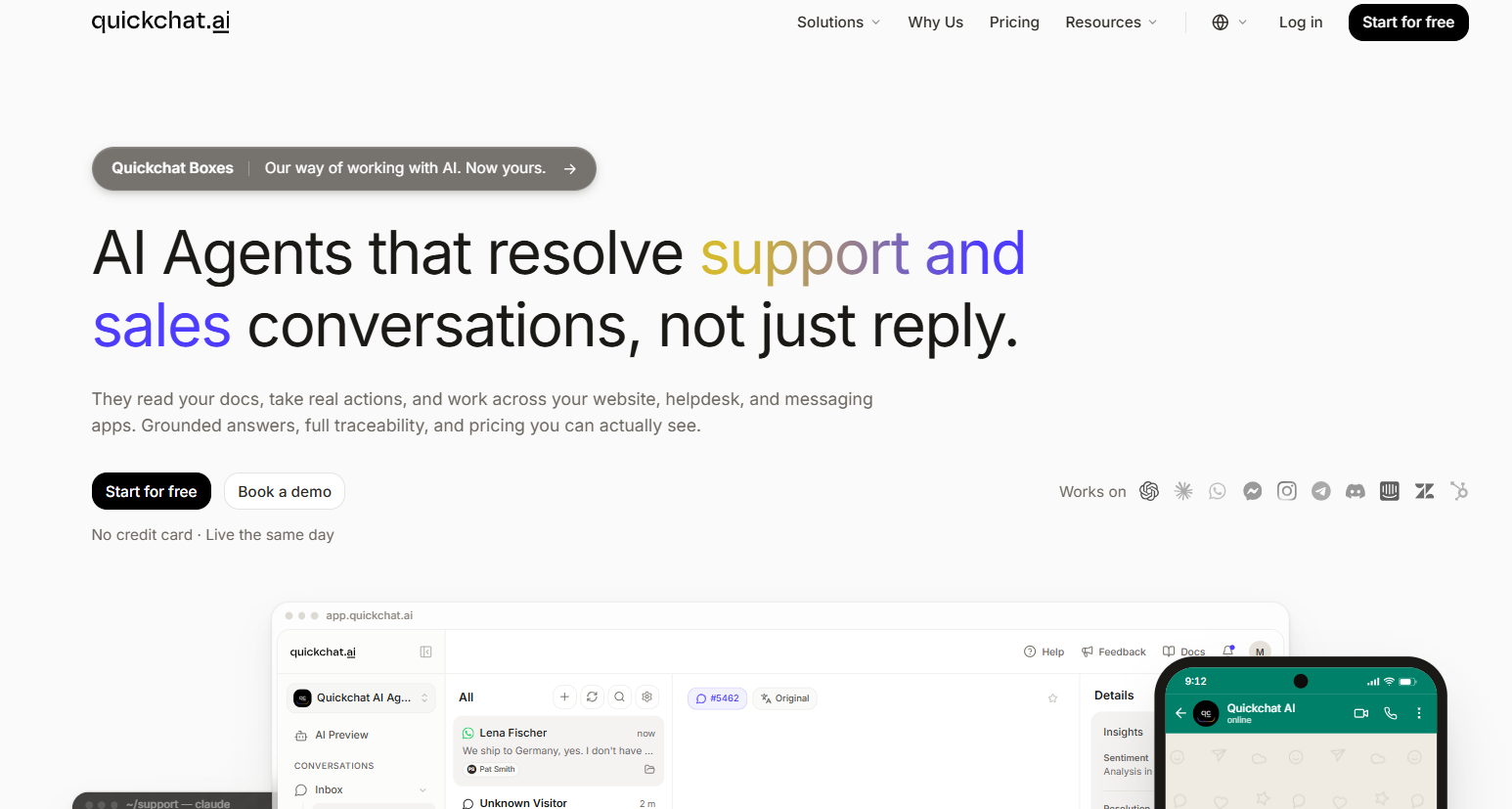
Quickchat AI is a conversational AI platform for building agents that handle customer support, sales, and other business workflows. You can connect company knowledge, customize responses, and let an agent take actions through integrations or your own systems.
It supports multilingual conversations, a shared inbox, and human handoff with conversation context. Quickchat can also work alongside existing tools such as Intercom and Zendesk, so switching isn't necessary just to get helpdesk integration.
Commercial plans start at $9/month on monthly billing. There's also a free plan, but it's limited to personal, noncommercial use. Whether Quickchat fits comes down to the usage allowance, team access, and workflows you need.
Why consider Quickchat AI alternatives?
Quickchat covers more than basic FAQ automation. Still, these plan conditions can make another AI customer support tool a better fit.
Credit limits and billing predictability
Quickchat's self-service plans use AI credits. A response consumes 1, 2, or 4 credits depending on the model, so your allowance doesn't translate directly into a fixed number of customer conversations.
When credits run out, AI replies stop until your allowance resets or you upgrade. That matters if a product launch or outage suddenly increases support demand.
Quickchat also offers enterprise pricing from $0.50 per resolution, with a minimum of 2,000 resolutions per month. Compare that separately from its credit-based subscriptions.
Team access and plan restrictions
Starter, Basic, and Essential each include 1 user. Professional provides 3 users at $299/month, while Business provides 10 at $999/month on monthly billing.
API access and conversation exports are listed on Business. If several teammates need access or exports are part of your reporting process, check the required tier before treating the $9 entry price as your likely cost.
The support platform your team needs
An AI agent is only part of the workflow. Your team may also need phone support, ticket routing, a public help center, or a way to track product requests from conversations.
Start with the work you want to consolidate. Some alternatives bring human support and AI into one platform, while others are useful for adding automation to the helpdesk you already use.
7 best Quickchat AI alternatives
These Quickchat competitors serve different support workflows. I've compared their published capabilities and pricing to show where each belongs on your shortlist.
1. Featurebase

Featurebase is a modern AI customer support platform for product-led SaaS. It combines AI-powered support, help center, and feedback management into a single platform for startups that want all their customer-facing tools in one place. Featurebase is loved by thousands of support teams from companies like Lovable, Raycast, and n8n. 💫
It's a strong Quickchat alternative when your customer base is growing faster than your support team and you want support, feedback, and product communication connected. Fibi AI Agent can draw on help articles and other workspace knowledge, then perform actions such as extending a trial or issuing a refund.
Top features:
- Omnichannel inbox – Manage live chat, email, and Slack conversations from one AI-powered view
- Fibi AI Agent - Resolve customer issues on autopilot & run custom actions like trial extensions and refunds
- Help center with AI search – Provide instant, multilingual self-serve answers
- Workflows & automations – Auto-assign tickets, route conversations, collect customer data, and more
- AI Copilot – Help your agents answer customers faster with AI Copilot that uses your internal knowledge
- Multi-brand support – Manage multiple Help Centers and Live chats from a single workspace
- Automatic AI translations – Automatically translate all messages and help articles to your customers native language
- Service Level Agreements – Track SLAs to make sure your team responds to customers on time, every time
- Mobile app – Respond to customers, receive notifications, and unblock users on the go
- Feedback & roadmap tools – Collect feature requests and close the loop with updates
- Product updates – Publish release notes with a changelog page, in-app widget, and emails
- Integrations – Connects with Slack, Linear, Jira, HubSpot, and more
Pricing: $29/seat/month billed annually + $0.49/AI resolution. Growth costs $37/seat/month on monthly billing. The Free plan includes 1 seat and unlimited conversations, but Fibi requires a paid plan.
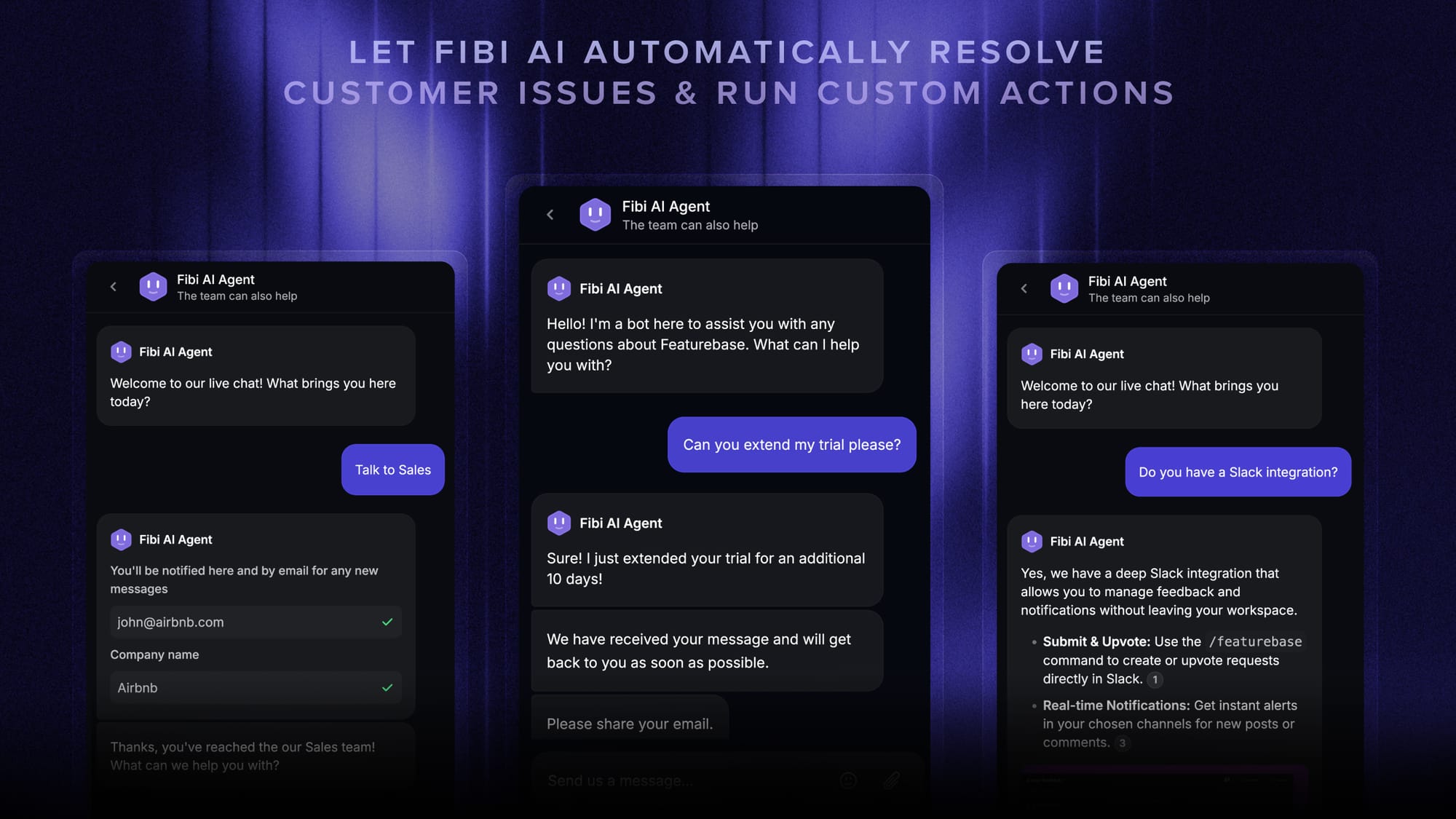
Feature availability varies by plan. Slack support, workflows, and SLAs require Professional, while multi-brand support requires Enterprise. Fibi charges once per resolved conversation, rather than for every AI response.
Featurebase fits software teams bringing their customer-facing tools together. For phone-led support or store-specific order operations, prioritize the alternatives built around those channels and workflows.
✨ Automate your support with the fastest AI-enhanced Inbox today →
2. Fin (Intercom)
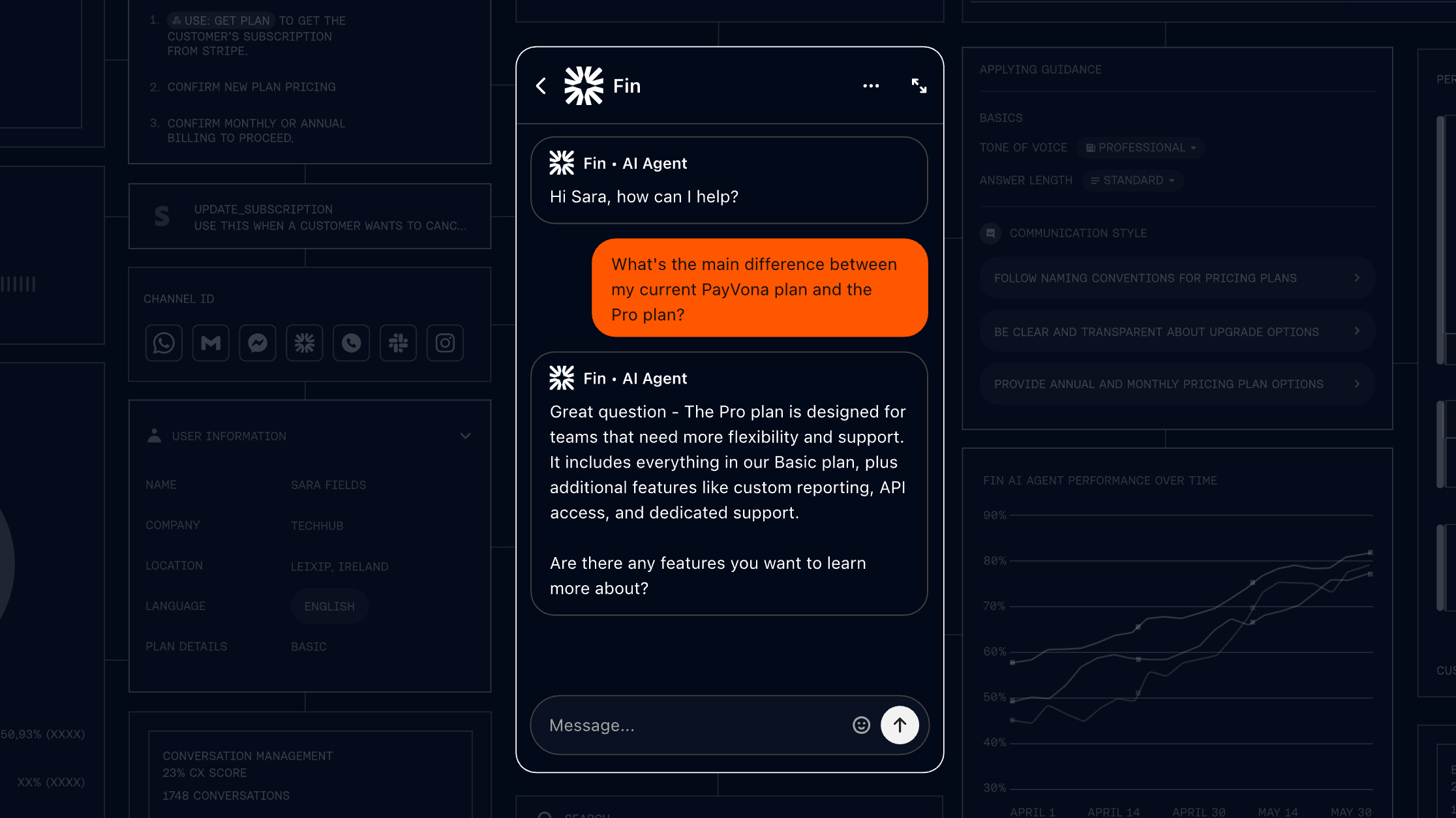
Fin is worth considering if you want a customer service AI agent while keeping your existing helpdesk. It can also run inside Intercom's own support platform, giving you a choice between adding AI and replacing the wider support system.
Top features
- Answers across email, live chat, phone, and other supported channels
- Actions in external systems
- Human handoff to your team's inbox
- Controls for response tone and answer length
Why consider it: Fin's existing-helpdesk option avoids making a full platform migration part of your AI evaluation. G2 feedback highlights routine-question handling, alongside concerns about answer accuracy and usage costs.
Fin pricing: From $0.99/outcome. Using Fin with an existing helpdesk requires no Intercom seats, but a minimum monthly commitment applies. Intercom's full helpdesk adds seat charges.
Check the definition carefully: a billed outcome can include a confirmed or assumed resolution, or a completed Procedure, including a handoff. It doesn't always mean the AI independently solved the entire issue.
3. Tidio (Lyro AI)
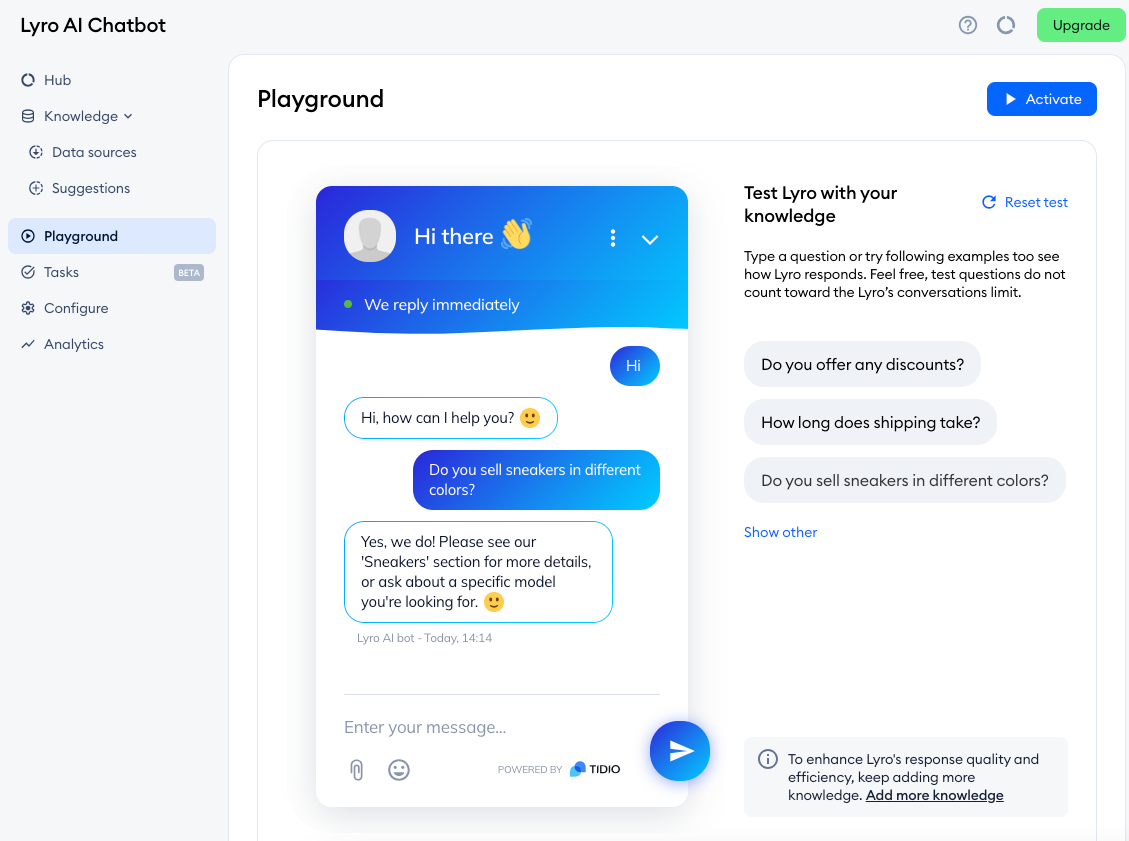
Tidio combines live chat and ticketing with Lyro AI for automated customer conversations. It's a practical option for ecommerce teams that want website support, human handoff, and automation around common shopping questions.
Top features
- Lyro answers grounded in supplied support content
- Live chat and ticketing for human agents
- Shopify integrations and supported store actions
- Visual Flows for website automation
Why consider it: Tidio brings AI and human website support together in an accessible interface. Ease of setup appears in G2 feedback, while advanced-feature costs and customization limits are recurring considerations.
Tidio pricing: Lyro from $39/month, billed monthly. This includes 50 Lyro conversations per month. A separate Tidio Starter subscription begins at $29/month on monthly billing if you also need its paid platform features.
Tidio's initial 50 free Lyro conversations are a one-time allowance, not a fresh monthly quota. Price the AI conversations and human-support requirements separately before choosing a package.
4. Chatbase
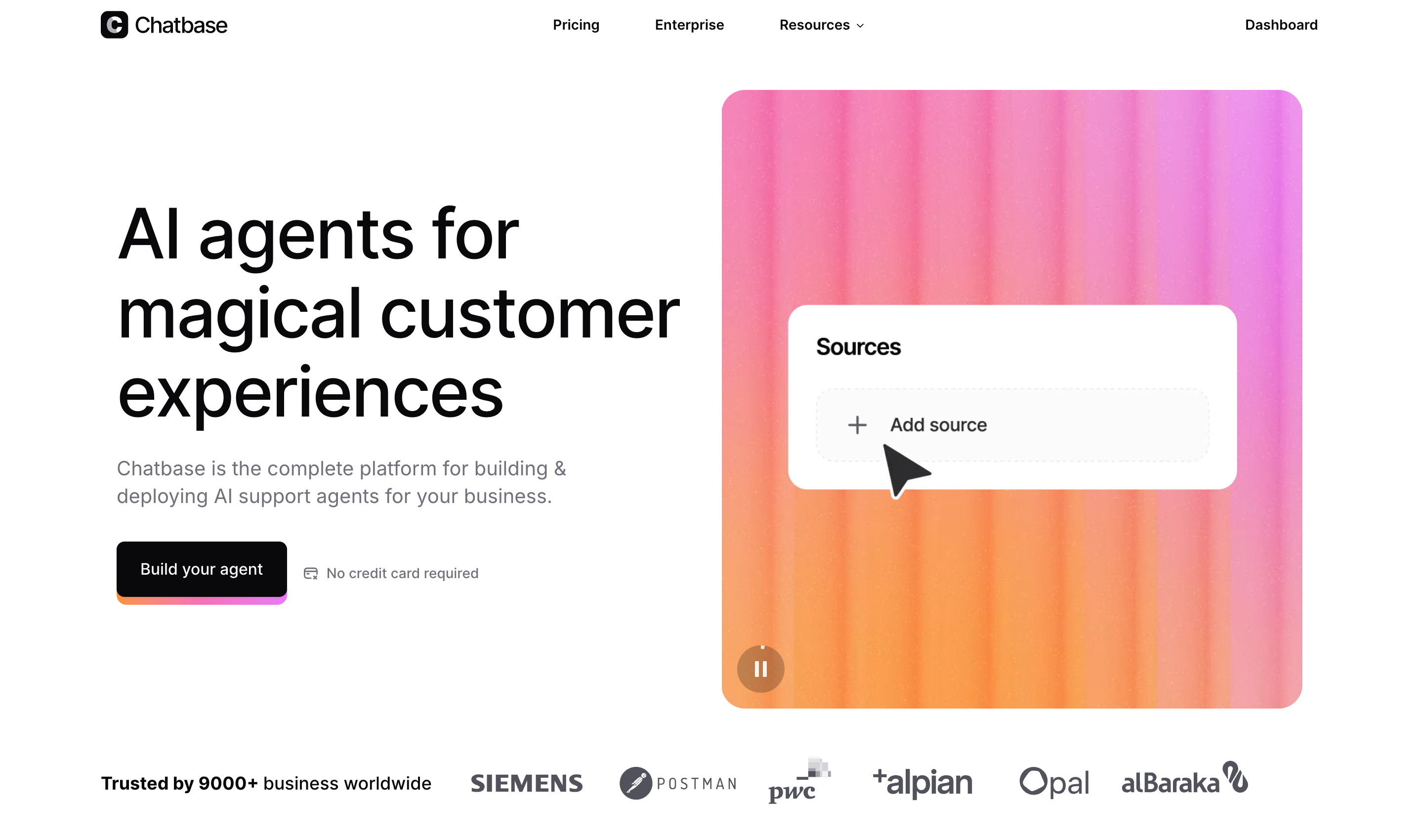
Chatbase is a useful option when you want to turn company knowledge into a customer-facing AI chatbot. It also offers helpdesk, voice, and telephony capabilities on higher plans, giving it scope beyond a website chatbot.
Top features
- AI agents grounded in your knowledge sources
- Integrations and conversation analytics
- File attachments and personalized experiences
- Helpdesk, voice, and API access on Standard and above
Why consider it: Chatbase offers a straightforward starting point for knowledge-based automation. Ease of deployment appears in G2 feedback. The main budget consideration is which capabilities you need beyond the entry plan.
Chatbase pricing: Hobby from $40/month, billed monthly. It includes 700 message credits and 2 members. Standard costs $150/month on monthly billing, with 4,000 credits and 3 members, and adds helpdesk and API access.
Check add-ons before budgeting. Automatic credit recharge costs $40 per 1,000 credits, and removing Chatbase branding costs another $99/month. A Free plan includes 50 message credits per month.
5. Botpress
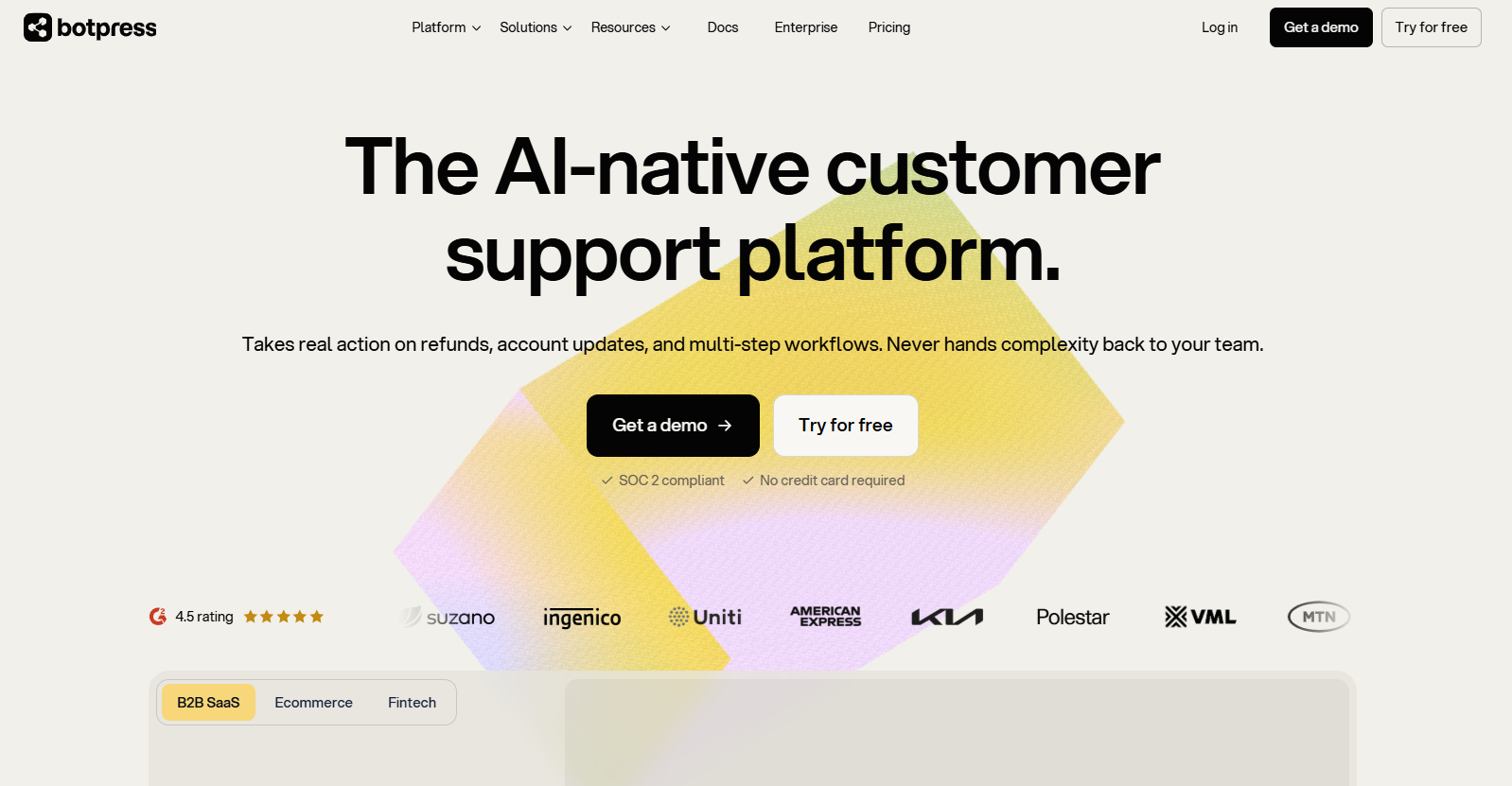
Botpress is a chatbot development platform for teams building custom conversational AI workflows. Its Studio and developer tools support agent building, while Botpress Desk adds a helpdesk for managing customer conversations.
Top features
- Visual workflow building and developer customization
- Knowledge-based agents and integrations
- Webchat, a help center, and human-support tools
- Team routing and permissions on higher plans
Why consider it: Botpress gives you room to shape the agent around a specific process. G2 feedback points to flexibility, with a learning curve as workflows and integrations become more involved.
Pricing: Plus from $150/month, billed annually. It includes 250 conversations per month and $25 of AI usage. The Free plan provides 100 conversations with no top-ups.
On Plus, additional conversations come in $65 packs of 100. Paid plans automatically recharge conversation allowances, and additional AI usage can trigger separate charges. Human-assisted and emulator conversations also count, so include testing and escalations in your budget.
6. Zendesk
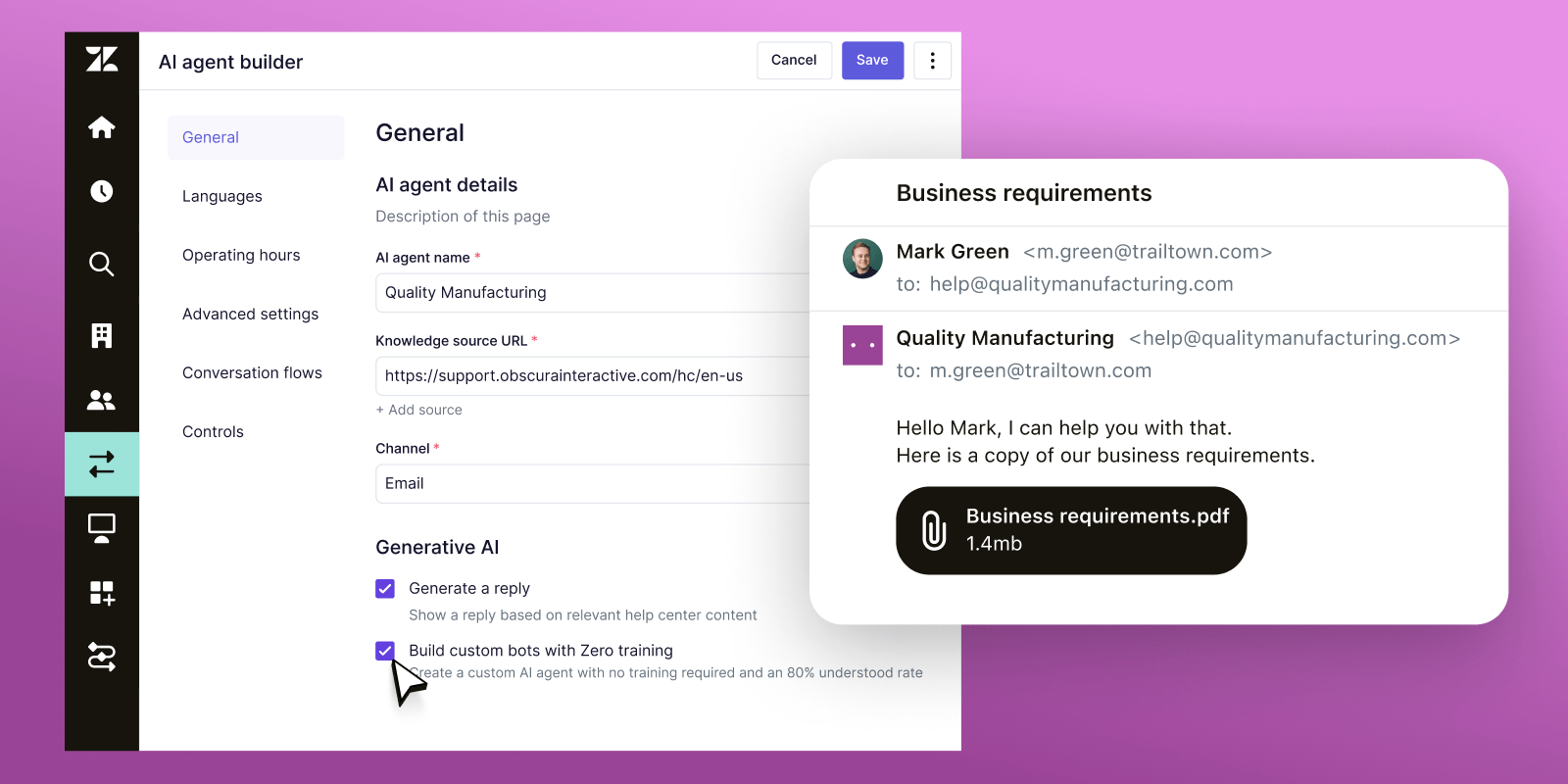
Zendesk is a broader customer support platform for operations spanning ticketing, messaging, and phone. It belongs on your shortlist when the support system itself needs more structure.
Top features
- Omnichannel ticketing and routing
- Messaging, live chat, and telephony
- Knowledge base and AI agents
- Workflow tools, reporting, and advanced capabilities by plan
Why consider it: Zendesk combines human-support operations with AI automation. G2 feedback values centralized workflows, while configuration and learning effort are common trade-offs. Plan for someone to maintain routing, permissions, and reporting as requirements change.
Zendesk pricing: Suite Team from $55/agent/month, billed annually. The simpler Support Team plan starts at $19/agent/month billed annually, but focuses on email ticketing and doesn't represent the same channel coverage.
AI automated-resolution usage can add charges. Confirm included allowances and additional rates, plus any Copilot or workforce-management add-ons, before comparing it with a standalone chatbot subscription.
7. Ada
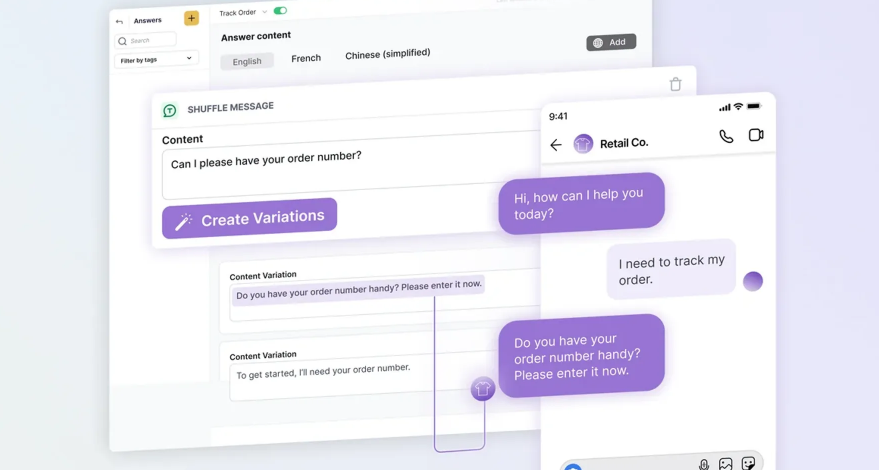
Ada focuses on AI customer service across messaging, email, and voice. It's worth evaluating when agents must follow detailed business procedures and perform actions across multiple systems.
Top features
- AI support across messaging, email, and voice
- Playbooks for multi-step support processes
- Tools for connecting agents to business systems
- Testing, coaching, and performance measurement
Why consider it: Ada emphasizes automating complex service processes with controls and ongoing evaluation. Older G2 feedback highlights manageable content changes, with integration and reporting limitations worth examining in a current demo.
Ada pricing: Custom quote. Ada's public site directs buyers to a demo rather than publishing a self-service starting price.
Ask the vendor to demonstrate a complete workflow using your own requirements, including exceptions and escalation. You'll need a tailored proposal to compare implementation, supported channels, usage, and ongoing operating costs with Quickchat.
How to choose a Quickchat AI alternative
I'd choose customer support automation around the change you want your team to feel every day:
- Bring customer-facing work together: Choose a platform that connects the inbox, self-service content, and customer feedback. Featurebase lets you turn support conversations into tracked feature requests, connecting recurring questions with product work.
- Keep your helpdesk: Start with an agent that works with your existing support system. Fin is one option, and Quickchat itself supports this approach, so compare the actual integration and handoff requirements.
- Build a custom process: Evaluate Botpress for workflow control, or Ada for complex, managed customer-service automation. Assign an owner for maintaining the agent after launch.
For ecommerce or phone-heavy operations, prioritize the corresponding channel and action requirements. Then calculate the cost of your required seats, expected AI usage, and necessary plan upgrades together.

Get the best modern Quickchat AI alternative
Automatically resolve 70% of customer requests & cut down manual support loads
Conclusion
The best Quickchat AI alternative fits both your automation requirements and the way your team handles escalations. Compare the complete cost of your required workflow before deciding which starting price looks best.
Featurebase combines AI-powered support, a help center, and feedback management for software teams that want their customer-facing tools in one place. It helps you handle conversations and connect customer requests with product updates.
You can explore the inbox with a Free plan or evaluate Fibi on a paid-plan trial. The Free plan excludes AI, but gives you a starting point to see whether the wider workflow fits. 👇
✨ Automate your support with Featurebase's AI-powered inbox →
FAQs
Do I need coding skills to switch from Quickchat AI?
Many no-code AI agents let you import support content and configure answers without programming. Custom account actions or integrations may need developer help, especially when authentication and permissions are involved. Identify those requirements before estimating the work of switching.
Can I move my Quickchat AI knowledge base to another platform?
You can often reuse your original documents, website pages, and written answers if the new platform supports those sources. Don't assume the agent's instructions, action definitions, or conversation history transfer automatically. Keep the source material separate so you can rebuild and validate the new agent.
Is ChatGPT a direct replacement for Quickchat AI?
ChatGPT's general chat interface isn't a like-for-like replacement for a deployed customer-support agent. A business support workflow also needs customer-facing channels, controlled access to company data, escalation, and operational monitoring. Building with an AI model requires implementing those surrounding components too.
Can I test another AI agent without disrupting live support?
Yes, start in a private test environment or on a page that isn't part of your active support flow. After validation, route a limited set of conversations to the new agent and keep a clear human fallback. Avoid enabling 2 agents to answer the same customer thread.
How should I compare AI answer quality before switching?
Give each candidate the same knowledge sources and a representative set of anonymized customer questions. Check factual accuracy, successful actions, and whether the agent escalates when it should. Include ambiguous requests and questions your documentation can't answer, then assess results against answers your support team has approved.