Blog Customer ServiceBest Customer Self-Service Software for 2026
Best Customer Self-Service Software for 2026
Compare the 10 best customer self-service software tools for 2026, from AI help centers to ticket-deflecting portals, and find the right fit for your support team.



✨ Create a beautiful AI-powered Help Center with Featurebase for free →
Most customers would rather solve a problem themselves than wait in a support queue. The trouble is, most self-service leaves them digging through outdated articles and giving up halfway, so they open a ticket anyway.
Good customer self-service software fixes that. It surfaces the right answer fast through a searchable knowledge base, AI chat, and a self-service portal, deflecting tickets while keeping customers happy.
Here are the 10 best customer self-service software tools for 2026, and how to pick the right one. 👇
Key takeaways
| Tool | Best for | Free plan | Starting price | Main trade-off |
|---|---|---|---|---|
| ✨Featurebase | Modern SaaS teams wanting an AI help center, support, and feedback in one | Yes | $29/seat/mo | Newer than legacy suites, fewer enterprise add-ons |
| Zendesk | Large teams needing deep omnichannel ticketing at scale | No | $19/agent/mo | Cost and complexity climb fast with add-ons |
| Intercom | Product-led teams wanting AI chat deflection with Fin | No | $19/seat/mo billed annually ($29 monthly) + $0.99 per Fin outcome | Per-outcome AI pricing is hard to forecast |
| Freshdesk | SMBs wanting an affordable, easy-to-launch help desk | No | $19/agent/mo | Analytics and AI sit behind higher tiers |
| HubSpot Service Hub | Teams already running on HubSpot CRM | Yes | $15/seat/mo | Costs escalate at scale, plus onboarding fees |
| Zoho Desk | Zoho-ecosystem businesses on a budget | Yes | $7/agent/mo | Fiddly setup, Zia AI is fairly basic |
| Help Scout | Small teams wanting a simple inbox and docs | Yes | $25/user/mo | Light on automation and chatbot flows |
| Document360 | Teams needing a dedicated standalone knowledge base | No | Custom quote | Search depth and analytics are limited |
| Gorgias | Shopify and ecommerce stores | No | $10/mo | Ticket-based billing can spike with volume |
| Salesforce Service Cloud | Large enterprises needing CRM-centric service | No | $25/user/mo | High cost and long, complex setup |
What is customer self-service software?
Customer self-service software lets your customers find answers and resolve issues on their own, without waiting for an agent. Instead of emailing support and sitting in a queue, they search a help center, ask an AI chatbot, or check a community forum and get unstuck in seconds.
It usually bundles a few channels into one system:
- Knowledge base/help center: a searchable library of articles, guides, and FAQs customers browse for answers.
- AI search and chatbots: assistants that answer questions in natural language and deflect repetitive tickets.
- Community forum: a space where customers ask questions and get answers from each other and your team.
- Self-service portal: a logged-in hub where customers submit, track, and manage their own tickets.
- In-app widgets: help content embedded directly in your product, so users get answers without leaving.
The goal is the same across all of them: help customers help themselves, so your team handles fewer repetitive questions and people get faster answers.
Why customer self-service matters
Self-service isn't a nice-to-have anymore. It's how most customers want to deal with support in the first place.
According to Gartner, 73% of customers use self-service at some point during their service journey. People reach for a help center or chatbot before they ever pick up the phone.
Done well, customer self-service software pays off in a few clear ways:
- Fewer tickets: every question answered by an article or chatbot is one your agents don't have to touch.
- Lower costs: a deflected question is far cheaper than a live agent conversation.
- 24/7 availability: customers get answers at 2am without your team being online.
- Faster resolutions: no queue and no back-and-forth for simple questions.
There's a catch, though. That same Gartner research found only 14% of issues are fully resolved in self-service. The tools deflect the easy stuff, but a poorly built help center just frustrates people until they open a ticket anyway. That gap is exactly what separates good self-service software from the rest.
What to look for in customer self-service software
Not all self-service tools are equal. The best ones actually get customers to an answer instead of burying it. Here's what to prioritize:
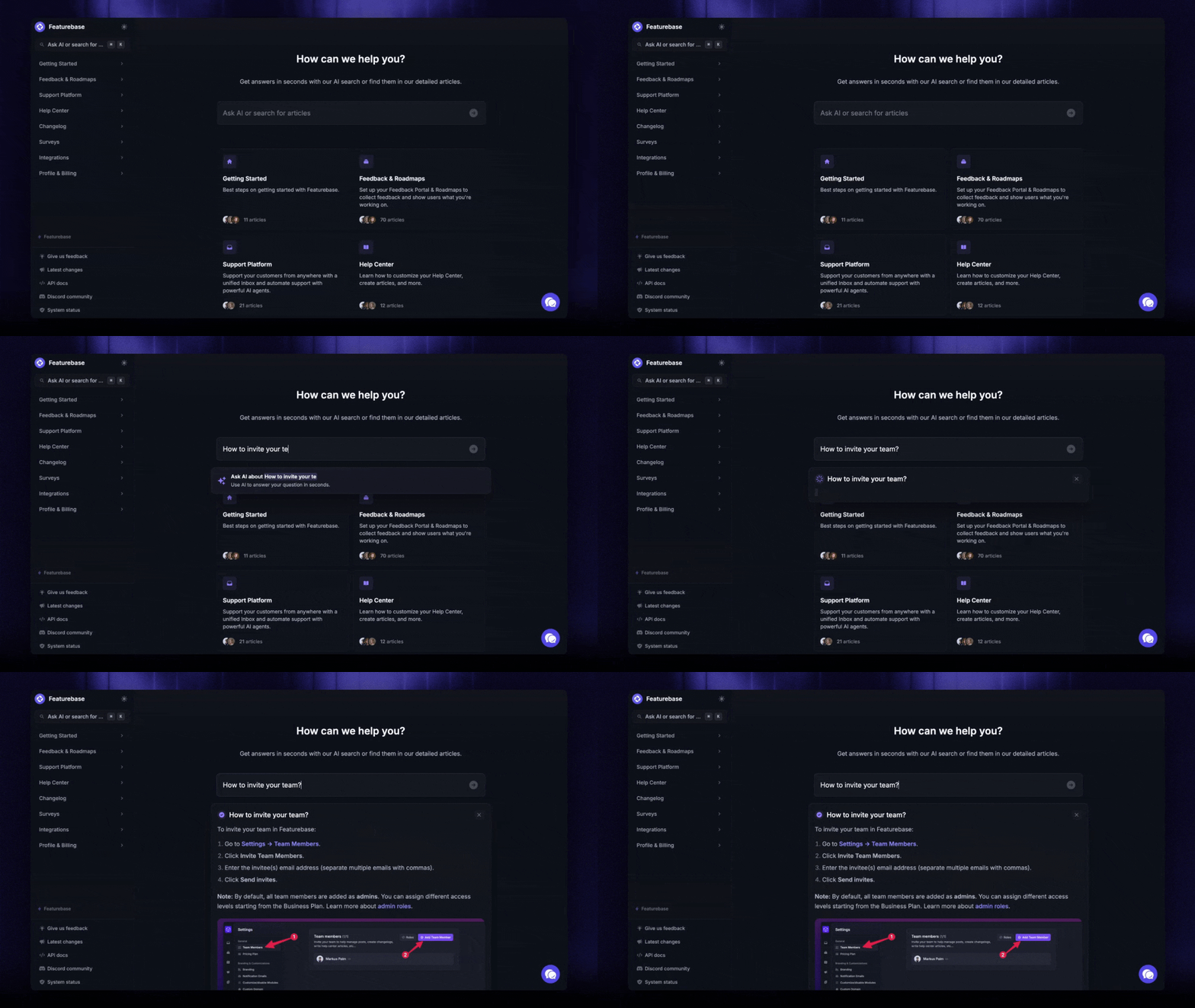
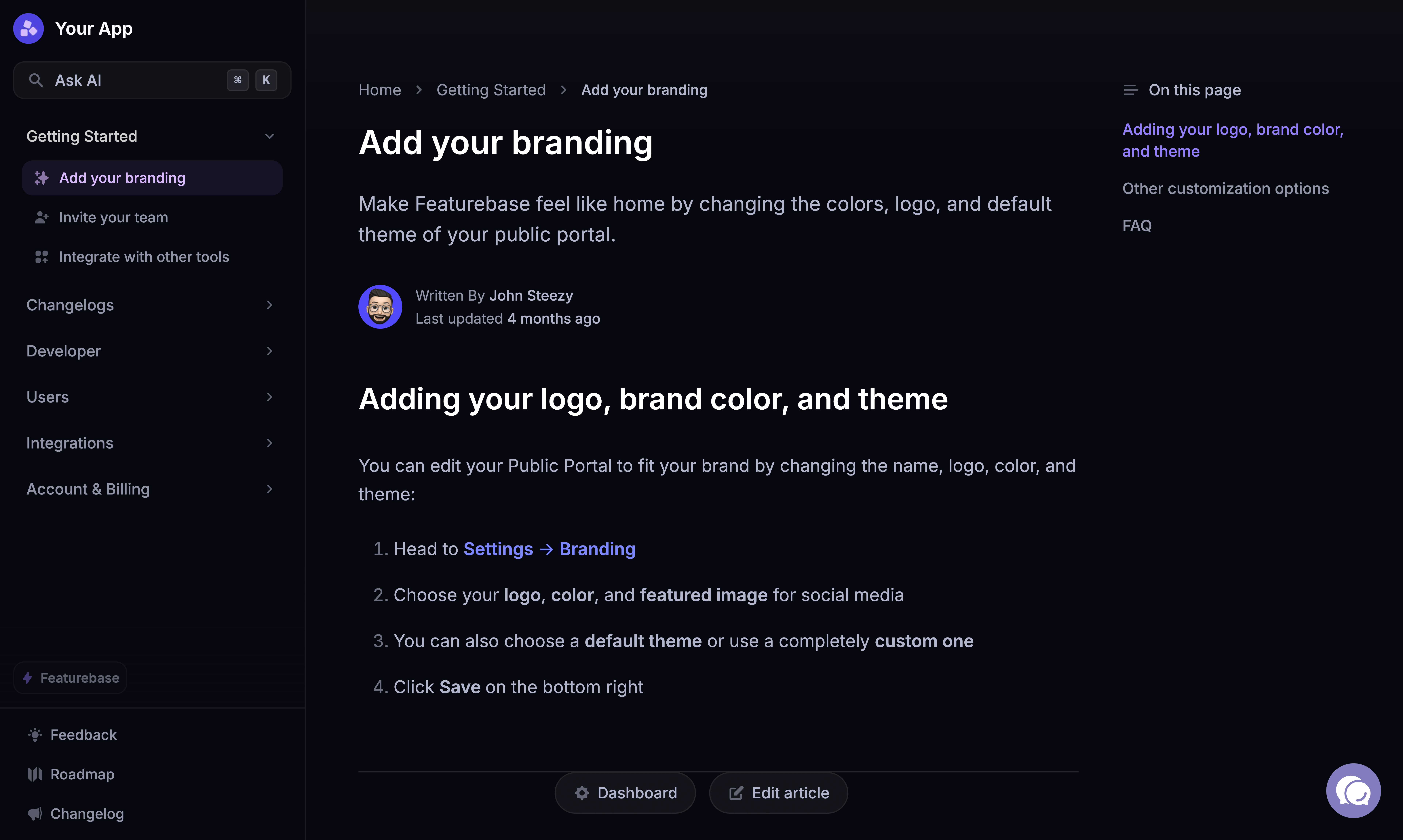
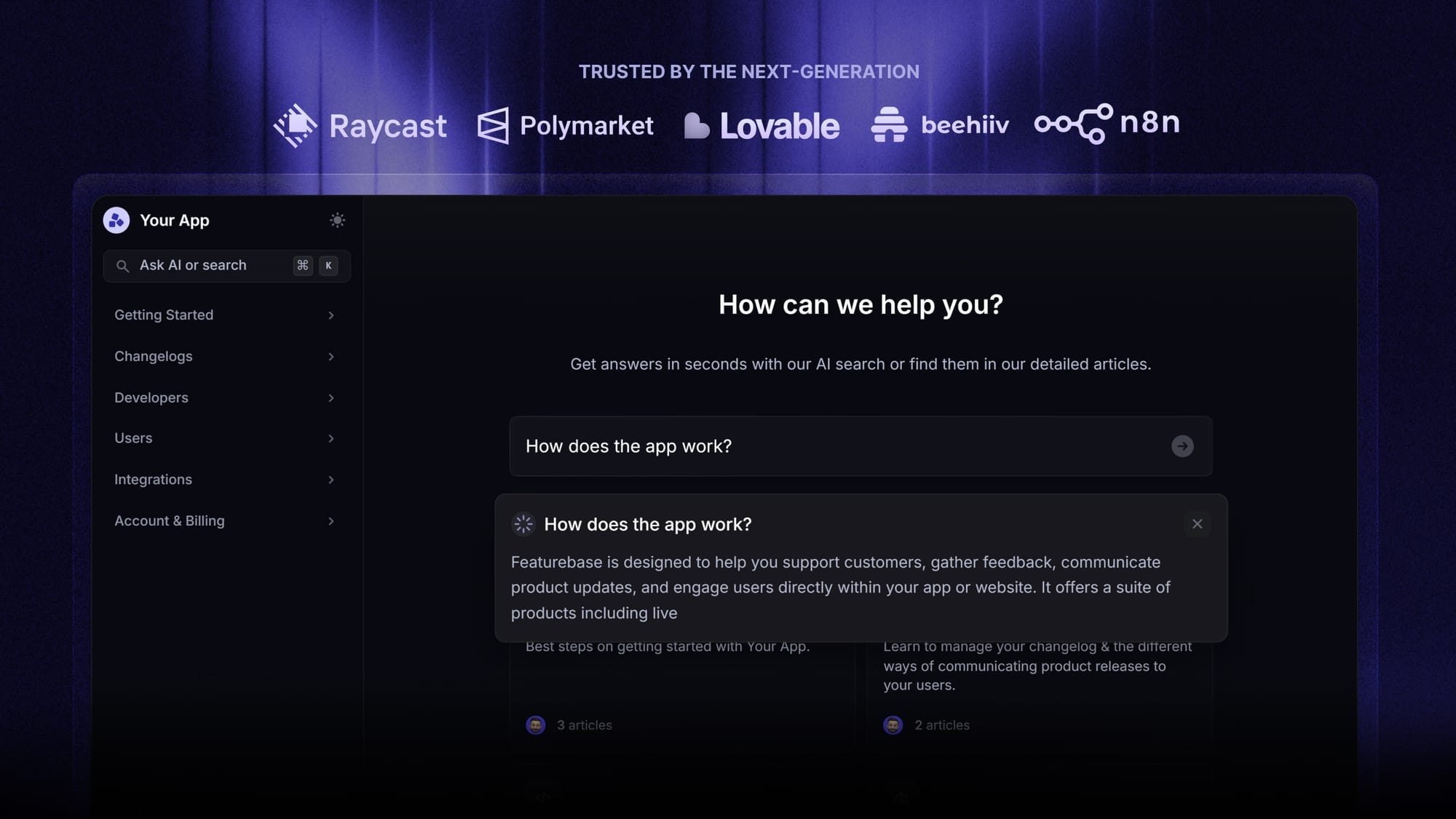
- Great search and AI answers: this is the whole game. Gartner found the top reason customers abandon self-service is not being able to find relevant content, which happens in 43% of failed attempts. Look for AI search that summarizes an answer right in the search bar. Featurebase, for example, does exactly this, returning a summarized answer instantly instead of a list of links to dig through.
- Ticket deflection: an AI chatbot that resolves common questions before they ever reach an agent.
- Multi-channel reach: a help center, in-app widget, and portal so customers get help wherever they are.
- Easy authoring: your team should be able to write and update articles without a developer.
- Analytics: reporting on what customers search for, what they can't find, and where your articles fall short.
- Multilingual support: automatic translation if you serve customers in more than one language.
The 10 best customer self-service software tools for 2026
Here's a closer look at each tool, what it does well, and where it falls short, starting with Featurebase.
1. Featurebase✨
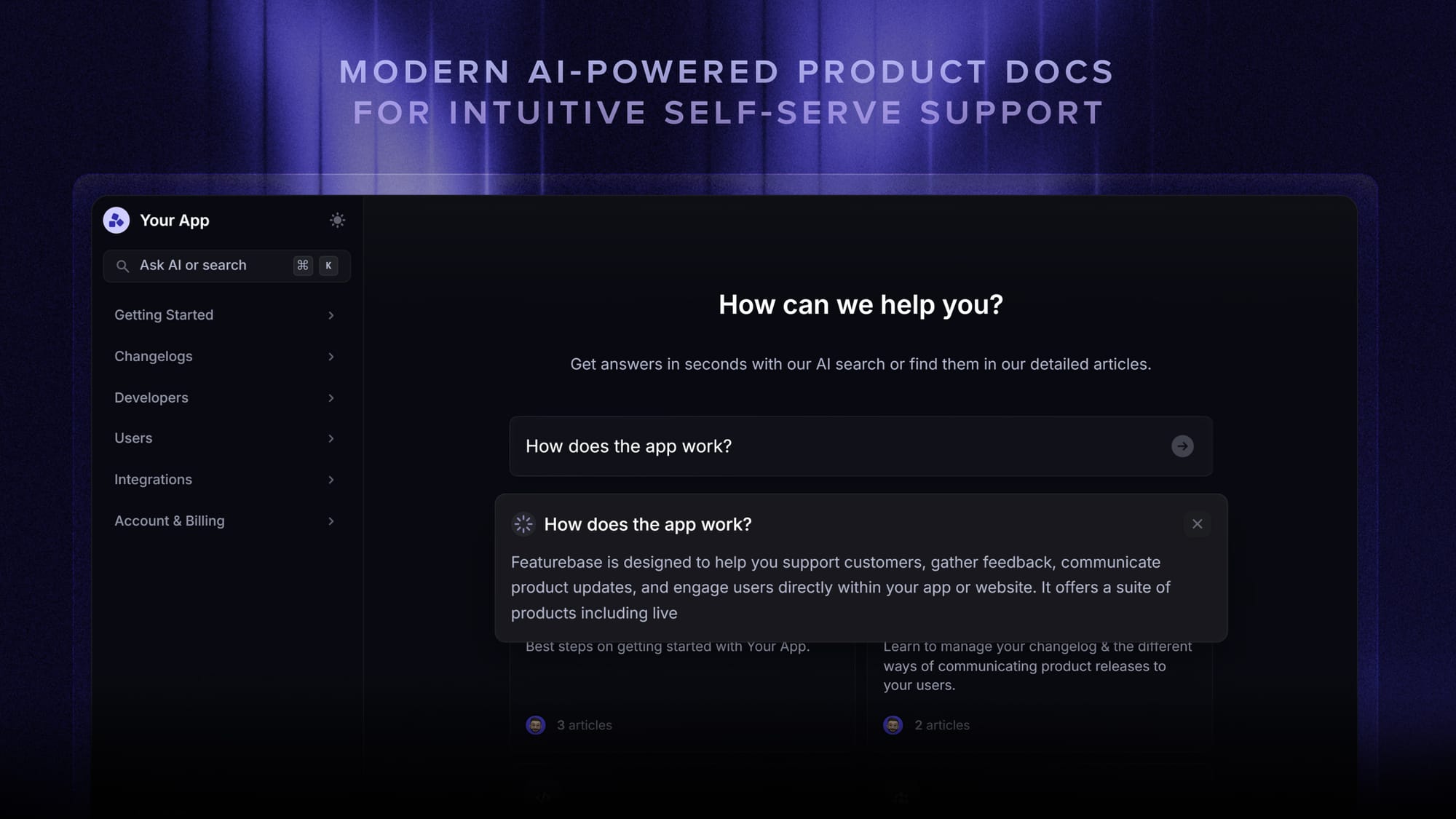
Featurebase is a modern & powerful support platform for SaaS teams that helps you create beautiful product docs, provide AI-powered support, and collect feedback all in one place. It's loved by thousands of support teams from companies like Lovable, Raycast, and n8n. 💫
Top features:
- Public & internal help center – Create a branded knowledge base with your domain and design for easy self-service support
- Embeddable in-app widget – Serve help articles directly within your app, reaching users where they need assistance most
- AI-powered search answers – Summarize answers for users right in the search bar in seconds
- Automatic AI translations – Automatically translate and show your Help Center in your users native languages
- Multi-brand support – Manage multiple Help Centers and Live chats from a single workspace
- AI-powered support platform – Manage chat, email, and Slack support conversations from one AI-powered view
- Feedback & roadmap tools – Collect feature requests and close the loop with updates
- Product updates – Publish release notes with a changelog page, in-app widget, and emails
- Integrations – Connects with Slack, Linear, Jira, HubSpot, and more
Pricing: You can create a public help center with a fully free plan. Paid plans start at just $29/seat/mo for unlimited articles.
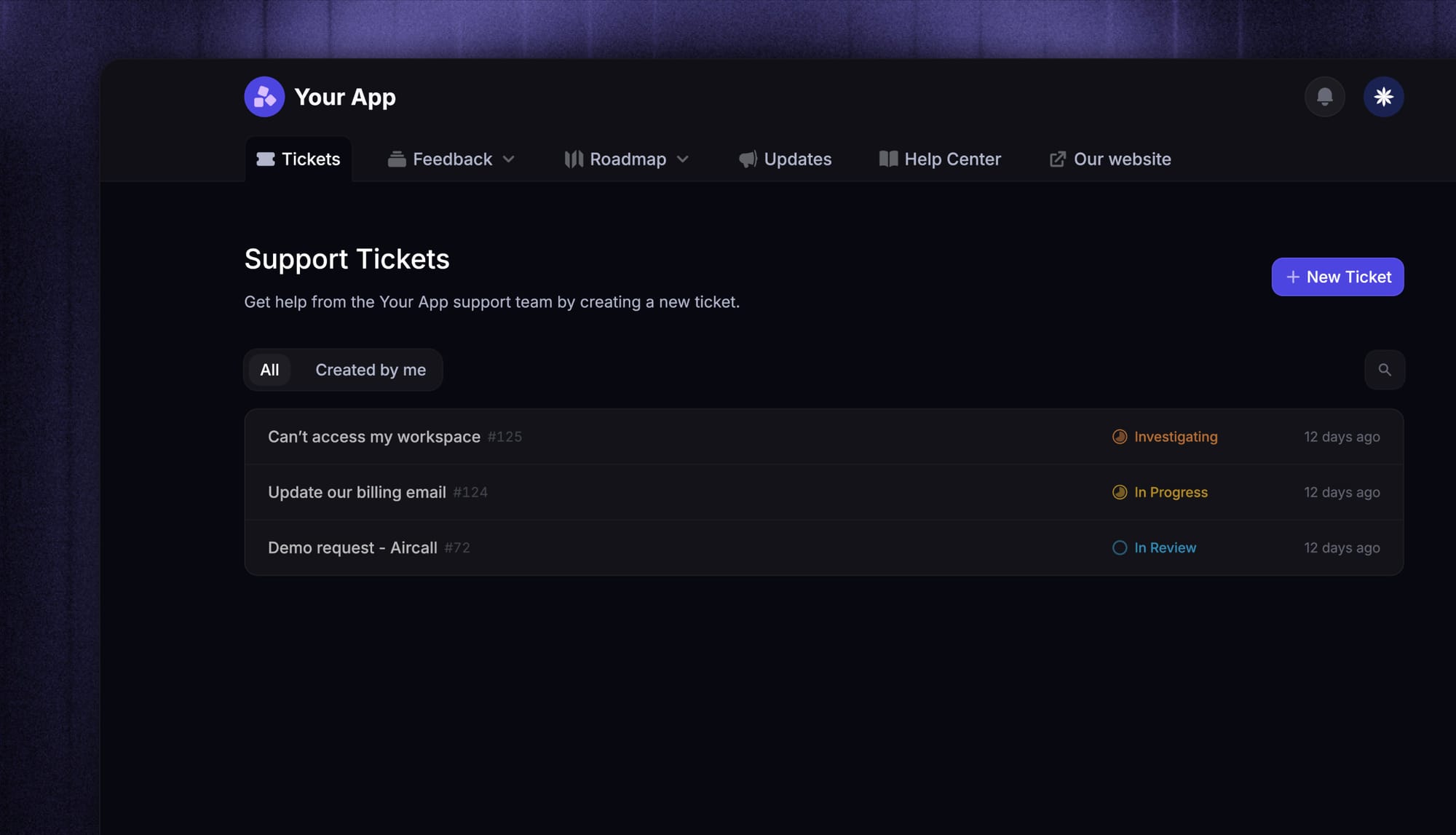
Featurebase offers a modern customer-facing product suite by integrating your help center, live chat, feedback collection, and product updates to build better products and customer experiences.
✨ Create a beautiful AI-powered Help Center with Featurebase for free →
2. Zendesk
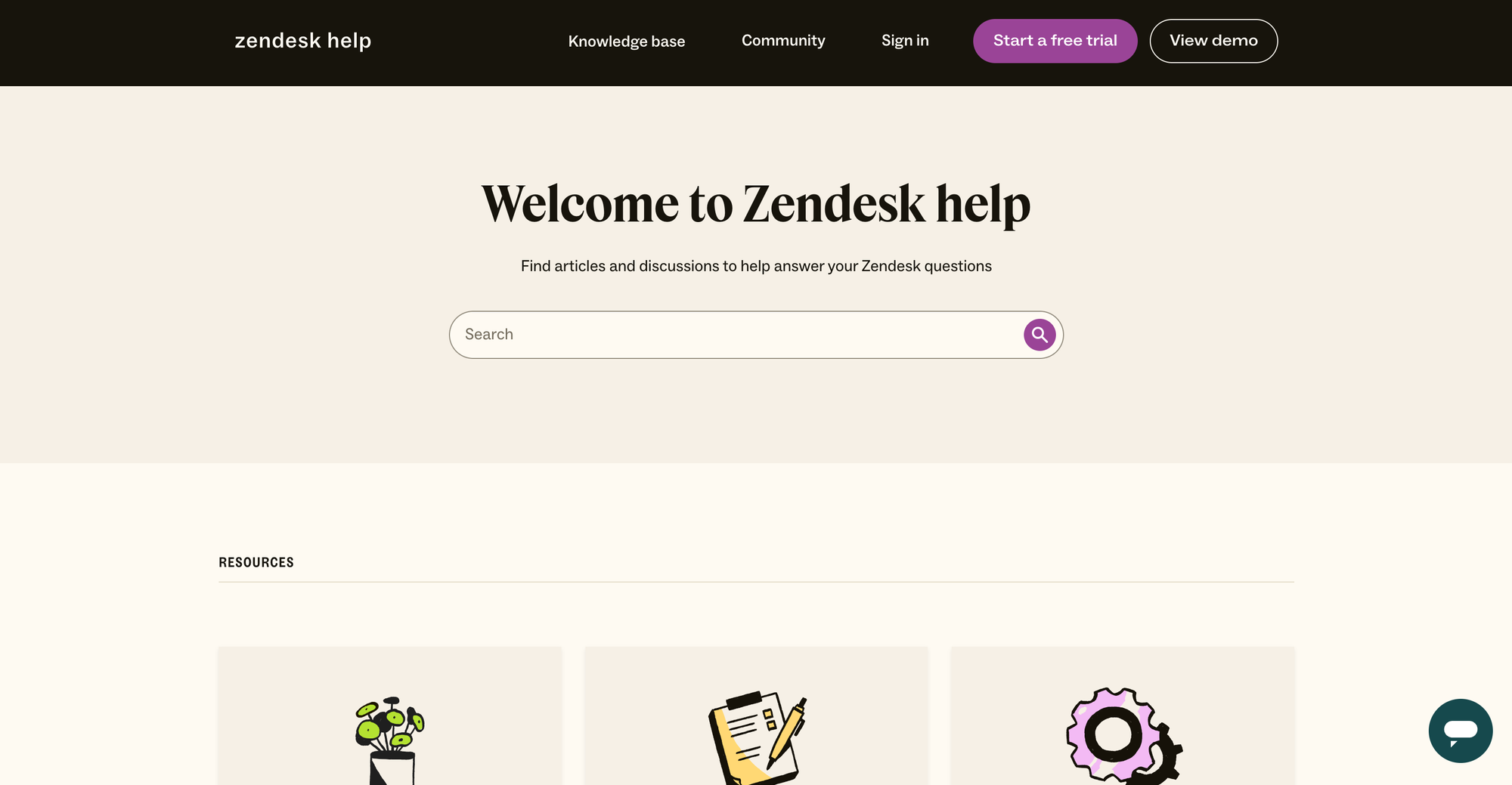
Zendesk is one of the best-known customer support and help desk platforms, built to manage tickets across email, chat, phone, and social in one place. Its self-service side includes a knowledge base, community forum, and AI agents that deflect common questions.
Top features
- Help center with generative AI search
- Community forum for peer-to-peer answers
- AI agents and automated ticket deflection
- Omnichannel ticketing across email, chat, phone, and social
- Reporting and analytics dashboards
Pricing: No free plan, but there's a 14-day trial. Zendesk's pricing starts at $19/agent/mo for Support Team, and the Suite that adds the help center and AI search starts at $55/agent/mo (Suite Team), rising to $115/agent/mo (Suite Professional).
The trade-off is cost and complexity. G2 reviewers consistently flag that per-agent seats and add-ons push bills well above the headline price, and that setup and administration take real time and expertise. Deeper analytics and AI features also sit behind higher tiers.
3. Intercom
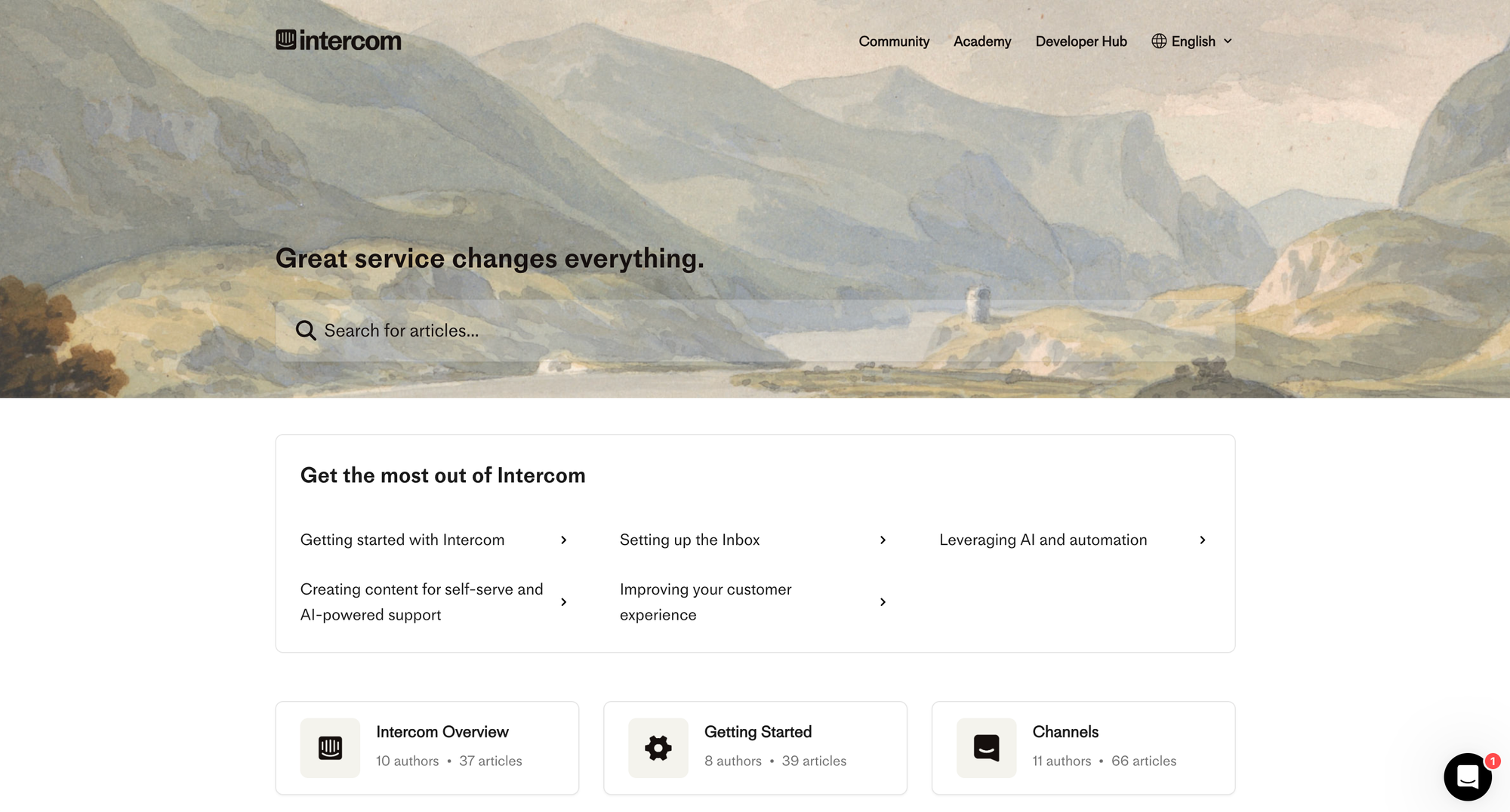
Intercom is a customer communication platform known for its in-app messenger and its AI agent, Fin. For self-service, it pairs a help center with Fin, which answers customer questions automatically inside your product.
Top features
- Fin AI agent for automated resolutions
- Help center integrated with the messenger
- In-app chat and proactive messaging
- Workflow automation and routing
- Reporting on resolution rates
Pricing: No free plan (a free trial is available). Intercom's pricing starts at $19/seat/month for Essential billed annually ($29 billed monthly), plus $0.99 per Fin outcome. Advanced costs $85/seat/month and Expert costs $132/seat/month, billed annually.
Users on G2 love the modern interface and Fin's deflection, but a recurring theme is cost. The per-outcome AI pricing on top of per-seat plans makes budgeting hard, and teams report spend running well above their first estimate. Small businesses in particular find it steep.
4. Freshdesk
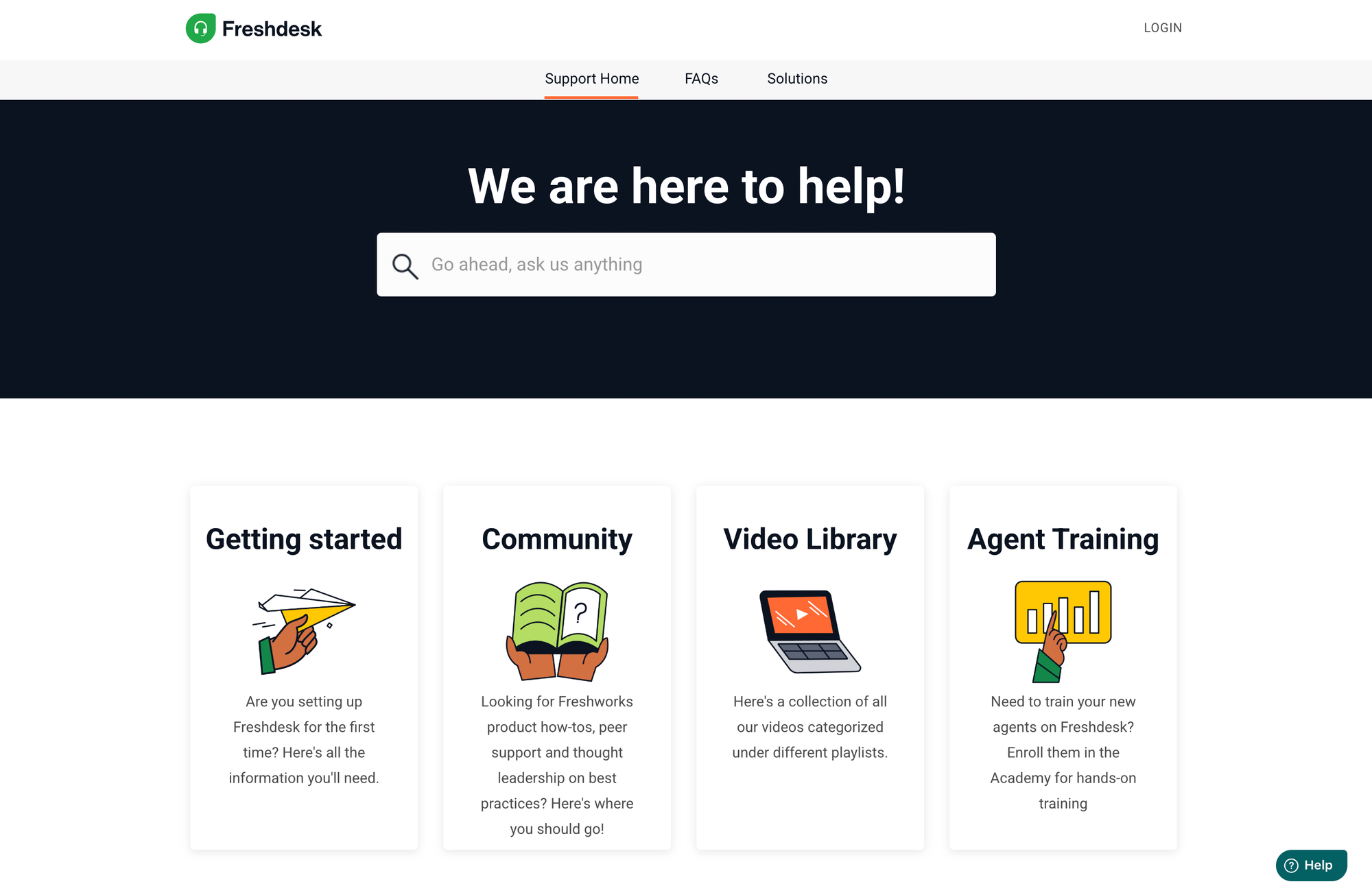
Freshdesk, from Freshworks, is a popular help desk for small and mid-sized teams. It's easy to launch and includes a knowledge base and AI-powered self-service out of the box.
Top features
- Knowledge base and self-service portal
- Freddy AI for chat deflection and agent assist
- Omnichannel ticketing
- Automation for routing and SLAs
- Reporting dashboards
Pricing: No free plan (14-day trial). Paid plans start at $19/agent/mo (Growth), $55 (Pro), and $89 (Enterprise). Freddy AI Copilot is a $29/agent/mo add-on.
G2 reviewers praise the clean interface and fast onboarding, and rate it strong value for SMBs. The common complaints: default analytics are shallow, Freddy AI costs stack up quickly, and several useful features are gated behind pricier tiers.
5. HubSpot Service Hub
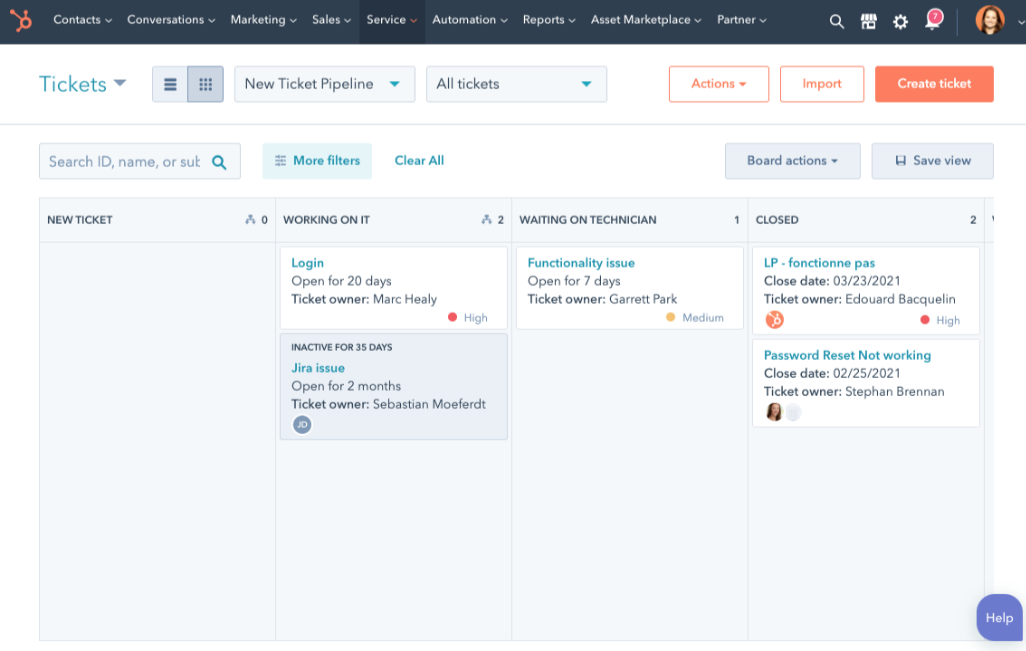
HubSpot Service Hub is the customer service side of HubSpot's CRM platform. Its self-service tools include a knowledge base and help desk, all tied to the same customer data as your sales and marketing.
Top features
- Knowledge base tied to HubSpot CRM
- Help desk and ticketing
- AI chatbot and live chat
- Customer portal
- Reporting connected to CRM data
Pricing: Free tools available for up to 2 users. Paid plans start around $15/seat/mo (Starter), $90 (Professional), and $150 (Enterprise), with onboarding fees on the higher tiers.
If you already run on HubSpot, the unified data and easy interface are a real draw, per G2 reviews. The downsides reviewers cite: costs escalate quickly as you add seats, lower tiers feel limiting, and the knowledge base has some structural constraints.
6. Zoho Desk
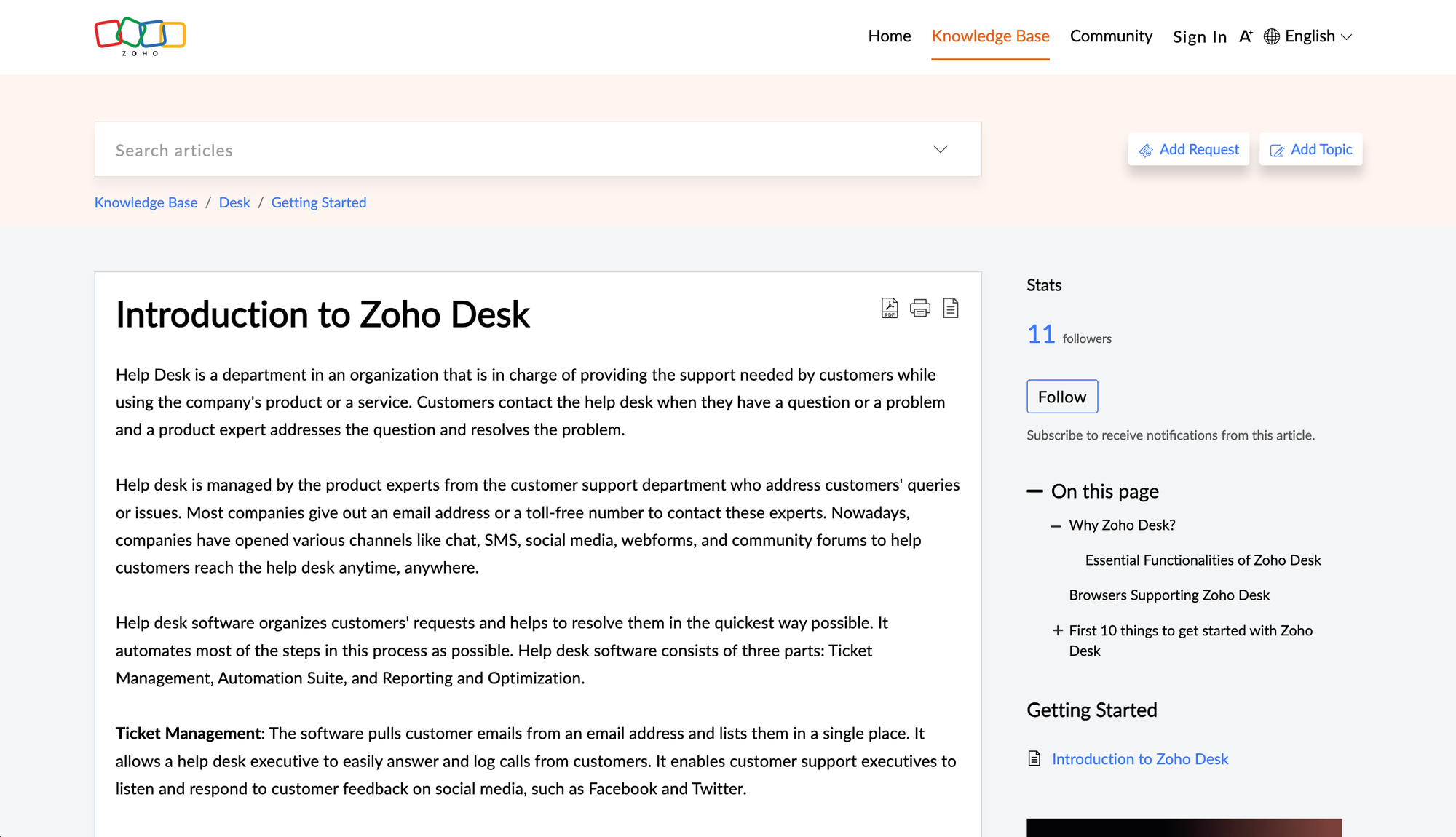
Zoho Desk is an affordable, omnichannel help desk that fits naturally into the broader Zoho ecosystem. Its self-service features include a help center, community forum, and the Zia AI assistant.
Top features
- Help center and community forum
- Zia AI assistant and answer bot
- Omnichannel ticketing
- Workflow automation
- Zoho ecosystem integrations
Pricing: Free plan for up to 3 agents. Paid plans start at $7/agent/mo (Express), $14 (Standard), $23 (Professional), and $40 (Enterprise), billed annually.
It's one of the cheapest options here, and G2 reviewers value the automation and ecosystem fit. The trade-offs: setup has a steep learning curve, the Zia AI feels basic next to newer assistants, and the mobile app trails the desktop experience.
7. Help Scout
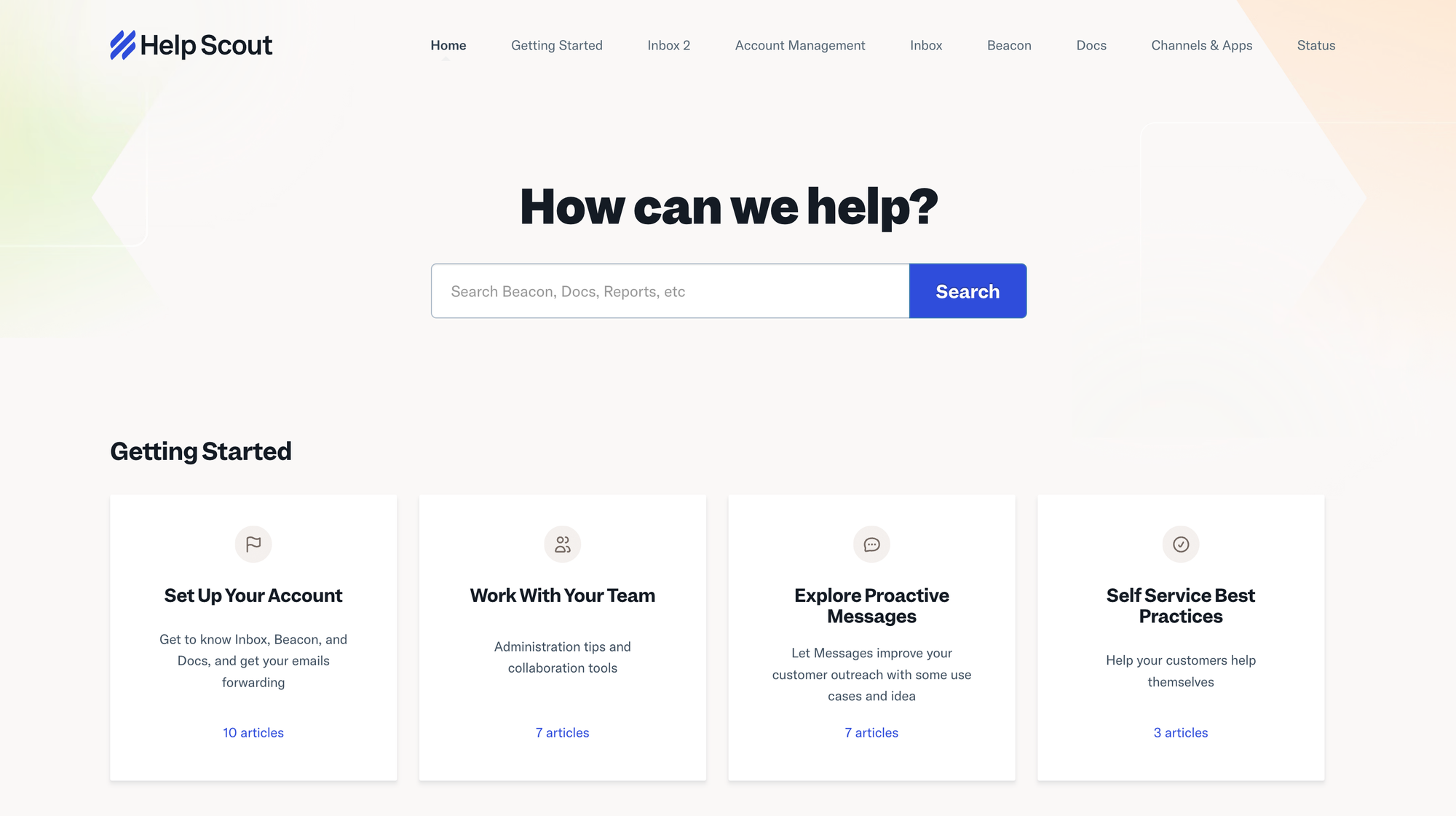
Help Scout is a simple, email-style help desk built for small teams that want a shared inbox plus lightweight documentation. Its Docs knowledge base and Beacon widget power the self-service side.
Top features
- Docs knowledge base
- Beacon in-app help widget
- Shared inbox with collision detection
- AI Answers for self-service
- Reporting
Pricing: Free plan for up to 5 users, 1 inbox, and 1 Docs site. Paid plans start at $25/user/mo (Standard), $45 (Plus), and $75 (Pro). AI Answers is $0.75 per resolution.
G2 reviewers love its simplicity, collaboration features, and reliability. Where it falls short: automation is limited with no full chatbot builder, it doesn't natively support WhatsApp or voice, and advanced reporting sits on higher-tier plans.
8. Document360
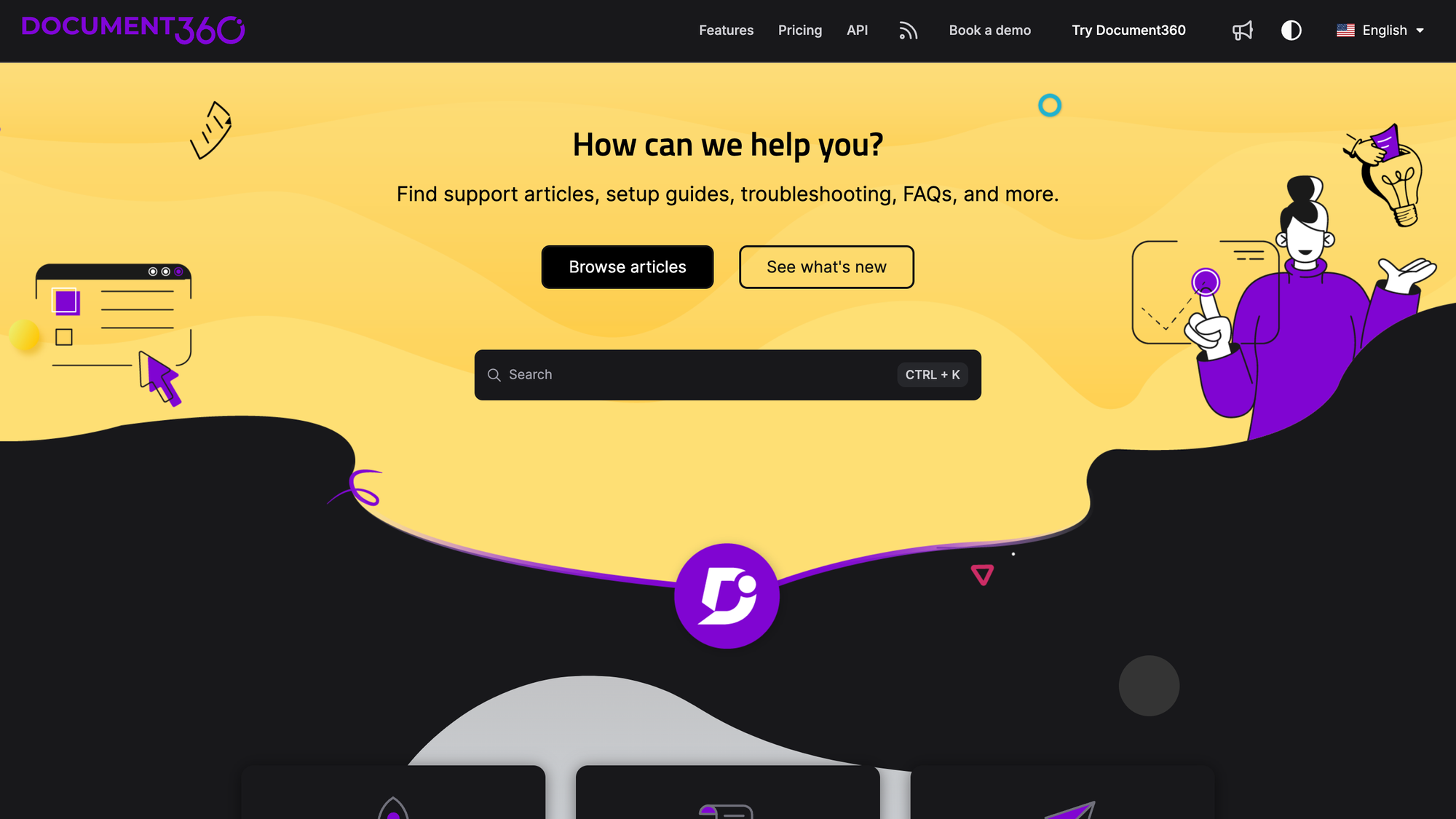
Document360 is a dedicated knowledge base platform rather than a full help desk. If your main goal is a polished, standalone self-service knowledge base, it's built specifically for that.
Top features
- Standalone knowledge base with versioning
- AI-powered search and article assistant
- Category and workflow management for docs
- Public and private knowledge bases
- Analytics on article performance
Pricing: No free plan (14-day trial). Document360 uses custom, configuration-based pricing, so you'll need a quote based on team size, workspaces, and languages.
It's a strong pick for teams that live in their documentation, and G2 reviewers praise the clean authoring experience and frequent updates. The common gripes: search can lack depth for complex queries, user management is thin for larger teams, and analytics don't go especially deep.
9. Gorgias
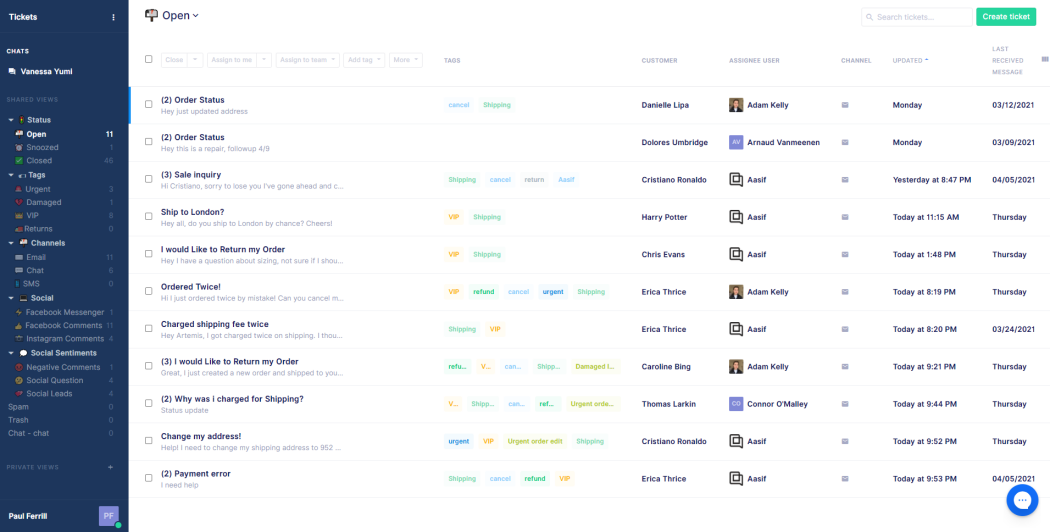
Gorgias is a help desk built specifically for ecommerce, with deep Shopify integration. Its self-service tools help online stores deflect the repetitive order questions that flood support.
Top features
- Help center and self-service flows for ecommerce
- AI agent for automated resolutions
- Shopify, order, and refund data inside the ticket
- Macros and automation rules
- Revenue tracking on support
Pricing: No free plan (a free trial is available). Gorgias pricing is ticket-based rather than per-agent, starting at $10/mo (50 tickets), $60 (300), $360 (2,000), and $900 (5,000). The AI agent is billed per resolution.
For Shopify stores, G2 reviewers rate the ecommerce depth and automation highly. The trade-offs: ticket-based billing can spike with volume, a single AI-resolved conversation can be billed as both a ticket and a resolution, and its AI is strongest on Shopify.
10. Salesforce Service Cloud
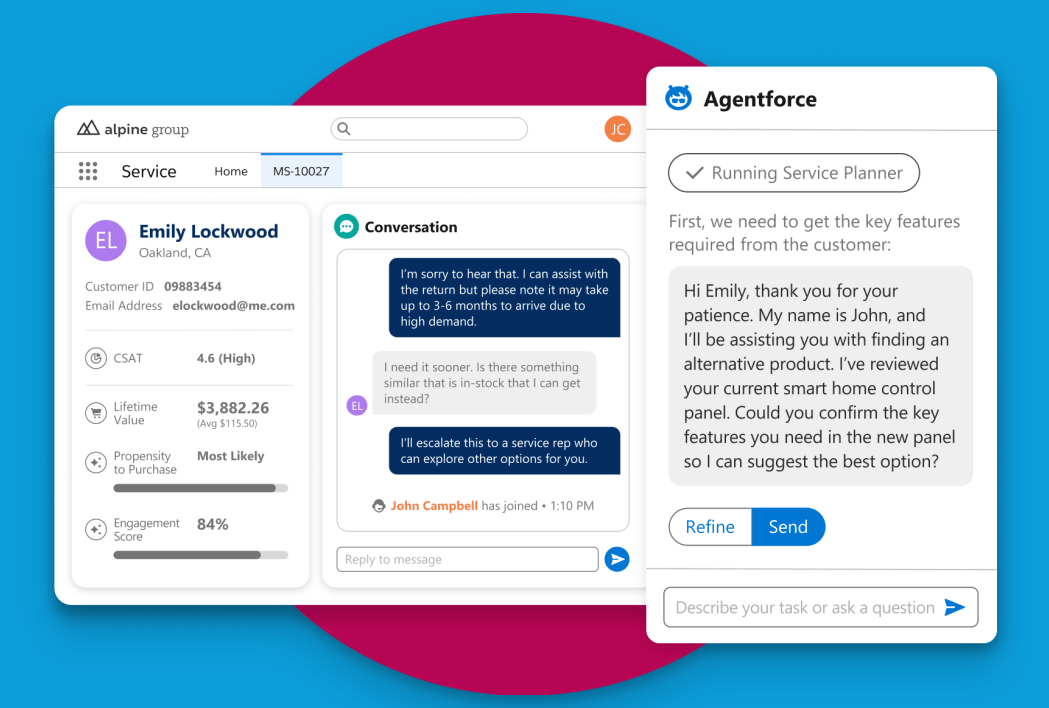
Salesforce Service Cloud is the enterprise-grade service platform tied to the Salesforce CRM. Its self-service features include a knowledge base, customer portal, and AI, all built for large, complex operations.
Top features
- Knowledge base and self-service portal
- Einstein and Agentforce AI
- Case management at scale
- Deep Salesforce CRM integration
- Advanced reporting and customization
Pricing: No free plan (a free trial is available). Editions start at $25/user/mo (Starter Suite), $100 (Pro Suite), $175 (Enterprise), and $350 (Unlimited), billed annually.
It's the most powerful and scalable option here, and G2 reviewers highlight its flexibility and ecosystem. But it comes with a high total cost of ownership, a steep learning curve, and long implementations, which is why it fits large enterprises far better than lean teams.
How to choose the right customer self-service tool
The best tool depends on your size, your stack, and where your customers get stuck. A few quick rules of thumb:
- Small or fast-growing SaaS: prioritize a modern, AI-powered help center that's quick to set up and affordable, like Featurebase, Help Scout, or Zoho Desk.
- Ecommerce: Gorgias is purpose-built for Shopify stores and order-related questions.
- Already on a big CRM: HubSpot Service Hub or Salesforce Service Cloud keep self-service tied to your customer data.
- Enterprise scale: Zendesk and Salesforce handle high volume and complex routing, if you can absorb the cost and setup.
Whatever you pick, remember that adoption is half the battle. Gartner found that 60% of customer service agents fail to promote self-service, so make sure your team actually points customers to your help center and portal. The best self-service software only works when people know it's there.

Create a beautiful AI-powered Help Center
Give customers the answers they need. AI-native, beautiful, and built for usability
Conclusion
Customer self-service software has become essential, not optional. Customers want to solve problems on their own, and the right tool deflects tickets, cuts costs, and keeps people happy, as long as it actually helps them find answers fast.
Featurebase is a modern & powerful Help Center tool that lets you create a beautiful knowledge base with a custom domain, in-app widgets, AI-powered search, and automatic translations. It also comes with feedback collection, surveys, roadmaps, and changelog features to help you build a product your users love.
It has affordable pricing and a Free plan, so there's no downside to trying it. Plus, we can help you seamlessly migrate from any existing knowledge base tool. 👇
✨ Create a beautiful AI-powered Help Center with Featurebase for free →
FAQs
What's the difference between customer and employee self-service software?
Customer self-service software helps your external customers solve problems on their own, through a public help center, chatbot, community, or portal. Employee self-service software, often part of an HR or IT system, helps your internal staff handle things like payroll, time-off requests, and IT tickets. They share the same idea of letting people help themselves, but serve completely different audiences.
Is a knowledge base the same as customer self-service software?
Not quite. A knowledge base is one channel within customer self-service software: the library of help articles customers search. Full self-service software usually adds an AI chatbot, a community forum, an in-app widget, and a portal for tracking tickets on top of the knowledge base. The knowledge base is the foundation, but it's rarely the whole system.
How do you measure customer self-service success?
The core metric is your self-service or deflection rate: the share of questions resolved without an agent. Teams also track ticket volume reduction, article views and search success, and how many searches end with no useful result. Watching what customers search for but can't find is one of the fastest ways to spot gaps in your help content.
What's the best free customer self-service software?
Several tools offer genuinely useful free tiers, including Zoho Desk (up to 3 agents), Help Scout (up to 5 users), and HubSpot's free tools. Featurebase also lets you publish a full, AI-powered help center on a completely free plan, which makes it a strong starting point for startups that want modern self-service without a budget.
Do customers actually prefer self-service over talking to an agent?
For simple, common questions, most customers do prefer self-service. It's faster than waiting in a queue and available around the clock. For complex, sensitive, or emotional issues, though, people still want a human. The best approach is to deflect the repetitive questions with self-service while keeping easy access to a live agent for everything else.
Can small businesses afford customer self-service software?
Yes. Several strong options are built for small budgets: Zoho Desk starts at $7/agent/mo, Gorgias at $10/mo, and tools like Featurebase, Help Scout, HubSpot, and Zoho all offer free plans. A small team can launch a searchable help center and a basic chatbot for little to nothing, then upgrade as support volume grows.