Blog Product Management13 Release Notes Examples That Users Will Actually Read
13 Release Notes Examples That Users Will Actually Read
See 13 release notes examples from leading software companies, learn what makes each one work, and copy a practical template for your next product update.


✨ Start announcing updates & drive engagement with Featurebase for free →
Most release notes fail because they describe what the team built instead of what users can now do.
These 13 release notes examples show how strong product teams turn launches, improvements, and bug fixes into updates people can scan, understand, and act on. 👇
Key takeaways
- Effective release notes lead with the user outcome, then explain the change and any action the reader needs to take.
- The best format depends on the audience. A developer needs version details, while a product user usually needs benefits, visuals, and a clear next step.
- Consistent labels, short summaries, dates, and product-area tags make a long update history easier to navigate.
- Great examples range from Linear's compact weekly updates to UiPath's detailed enterprise archive. Their structures differ because their readers differ.
- Featurebase✨ lets teams publish release notes on a public changelog and distribute them through in-app announcements and email.
What strong release notes have in common
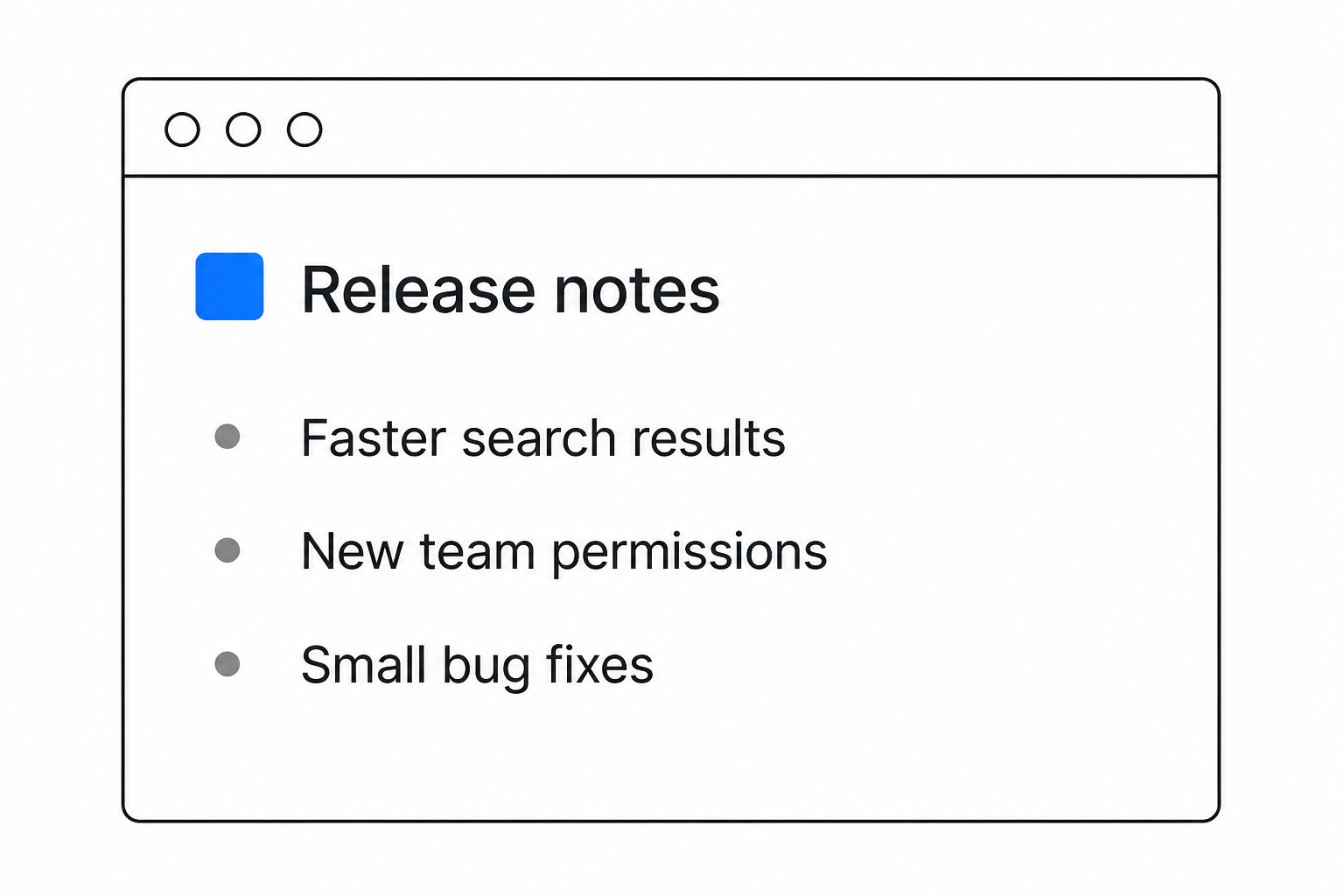
Strong release notes answer 3 questions quickly: What changed, who does it affect, and why should the reader care? Everything else supports those answers.
A release note is not a cleaned-up engineering ticket. It is customer-facing communication built from technical facts.
They lead with user impact
Start with what the reader can now accomplish. Internal project names, implementation details, and ticket numbers can add context later, but they should not carry the headline.
Compare these 2 approaches:
- Implementation-first: Added configurable batch processing to the export pipeline.
- User-first: You can now export large datasets without the process timing out.
The second version makes the benefit clear even if the reader knows nothing about the underlying work.
They match the detail to the audience
Release notes serve more readers than many teams expect. Product users want benefits and instructions. Administrators need compatibility warnings and migration details. Support, sales, and customer success teams need enough context to explain the change to customers.
A Microsoft Research study examined 32,425 release notes from 1,000 GitHub projects, then interviewed 15 practitioners and surveyed 314 people. The researchers found meaningful differences between what stakeholders wanted release notes to contain.
One document can serve multiple audiences when it uses a short summary first and places technical detail underneath. For complex products, separate curated highlights from the complete technical record.
They make scanning easy
Readers rarely approach release notes like a book. They scan for the product area, feature, platform, or problem that affects them.
Use a predictable set of elements:
- Date or version: Identifies the release without making readers infer the timeline.
- Change label: Marks an item as new, improved, fixed, deprecated, or known.
- Outcome-led title: States what became possible or what problem disappeared.
- Short summary: Explains the change and affected audience in 1 or 2 sentences.
- Visual or documentation link: Provides depth without turning the entry into a manual.
This structure matters more than chasing an arbitrary word count. An ICSE study of 69,851 releases across 2,232 Google Play apps found that apps tended to publish either very short notes of fewer than 7 words or longer notes of more than 50 words. Apps with longer notes also tended to have higher average ratings, though that correlation does not prove length caused the difference.
They respect the cost of change
Users do not automatically welcome every update. A 2026 UserTesting survey of 4,000 adults found that 78% of American respondents avoided software updates unless necessary. The research also found that people were more receptive when companies explained the value and minimized disruption.
Be specific when an update changes a familiar workflow. Explain what moved, what stayed the same, and whether the user needs to do anything.
They give important changes a visual
Screenshots, short GIFs, and brief videos often explain interface changes faster than prose. Add an annotation that points directly to the new control or behavior instead of dropping in an unexplained full-screen image.
Save visuals for changes readers need to see. A small backend fix usually needs a precise sentence, not a decorative screenshot.
14 release notes examples worth learning from
The following companies use different formats because their products, audiences, and release cadences differ. Each example includes one practice you can adapt without copying the company's entire system.
1. Featurebase
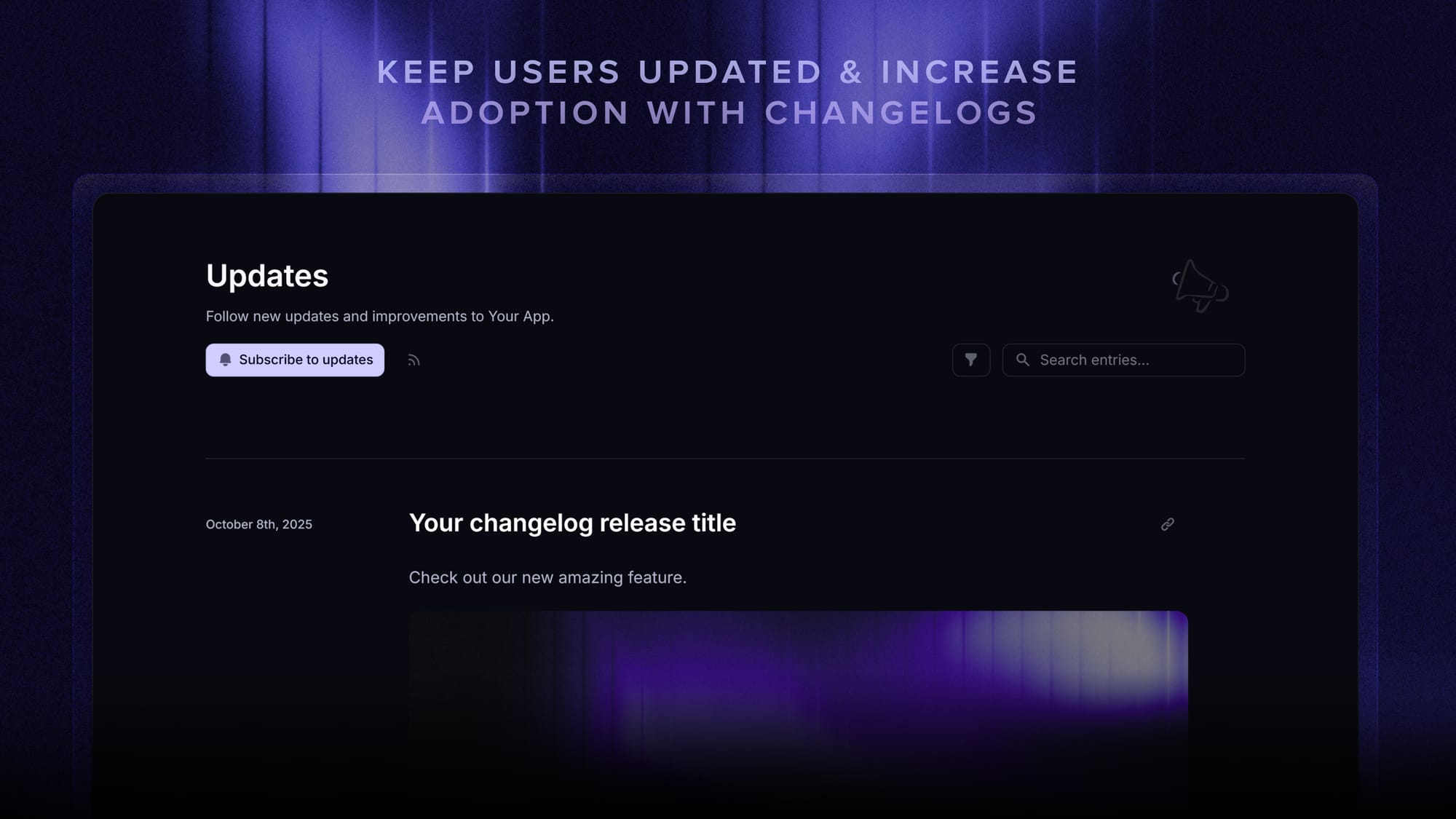
Featurebase connects release notes with the rest of the customer-feedback loop. Teams can turn shipped feedback into a changelog post, notify the users who requested it, and distribute the announcement through a public changelog, in-app messages, and email.
Its AI changelog writer can create a first draft from Linear or Jira issues, while targeting controls help teams show each update to the users it affects. Built-in analytics then reveal how people engage with the announcement.
What to copy: Connect each release to the customer request behind it, then publish and distribute the update from one workflow.
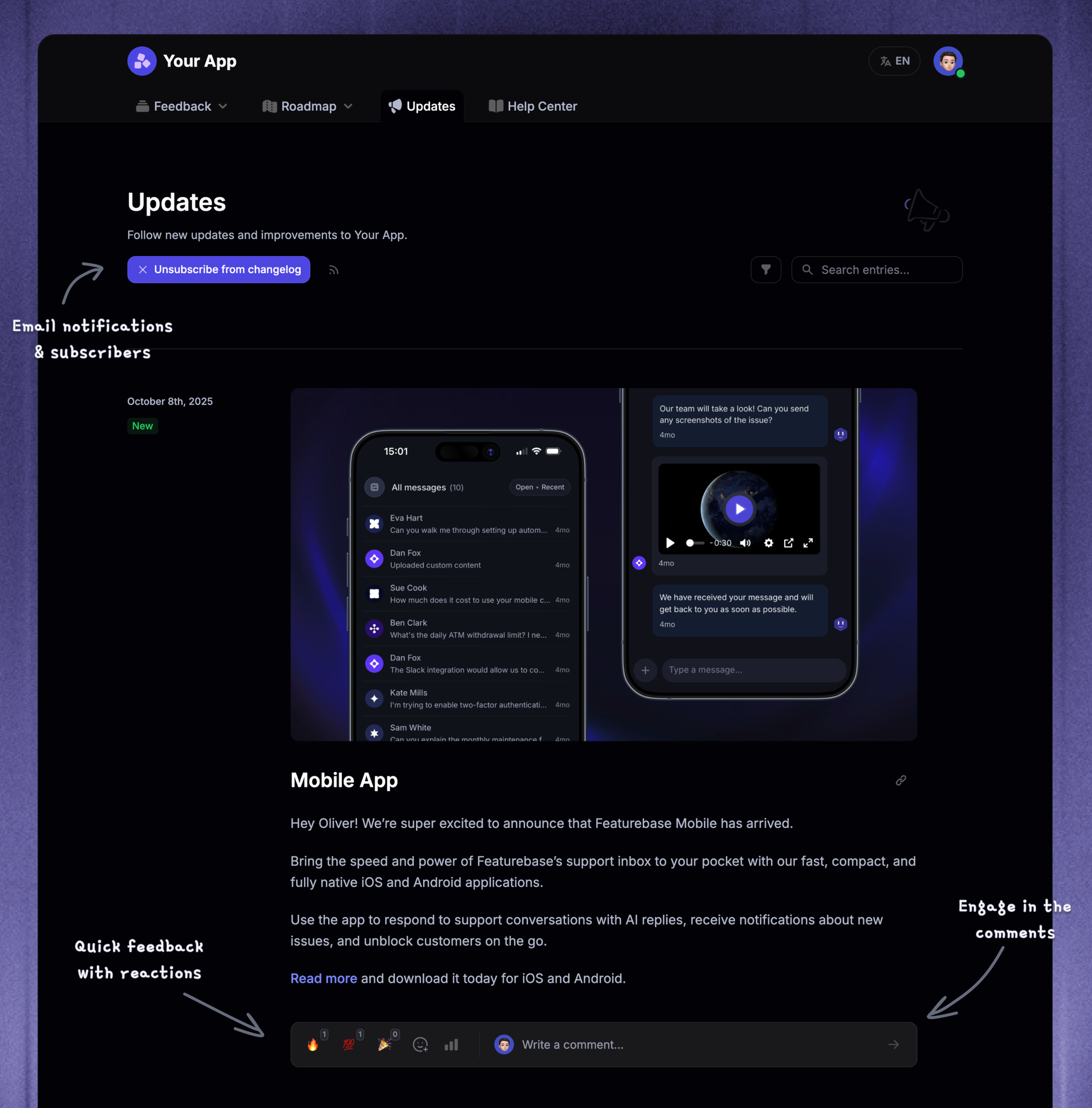
This approach works especially well for product teams that already collect feature requests. Closing the loop shows customers that their feedback led to a real outcome instead of disappearing into a backlog.
✨ Start announcing updates & drive engagement with Featurebase for free →
1. Linear
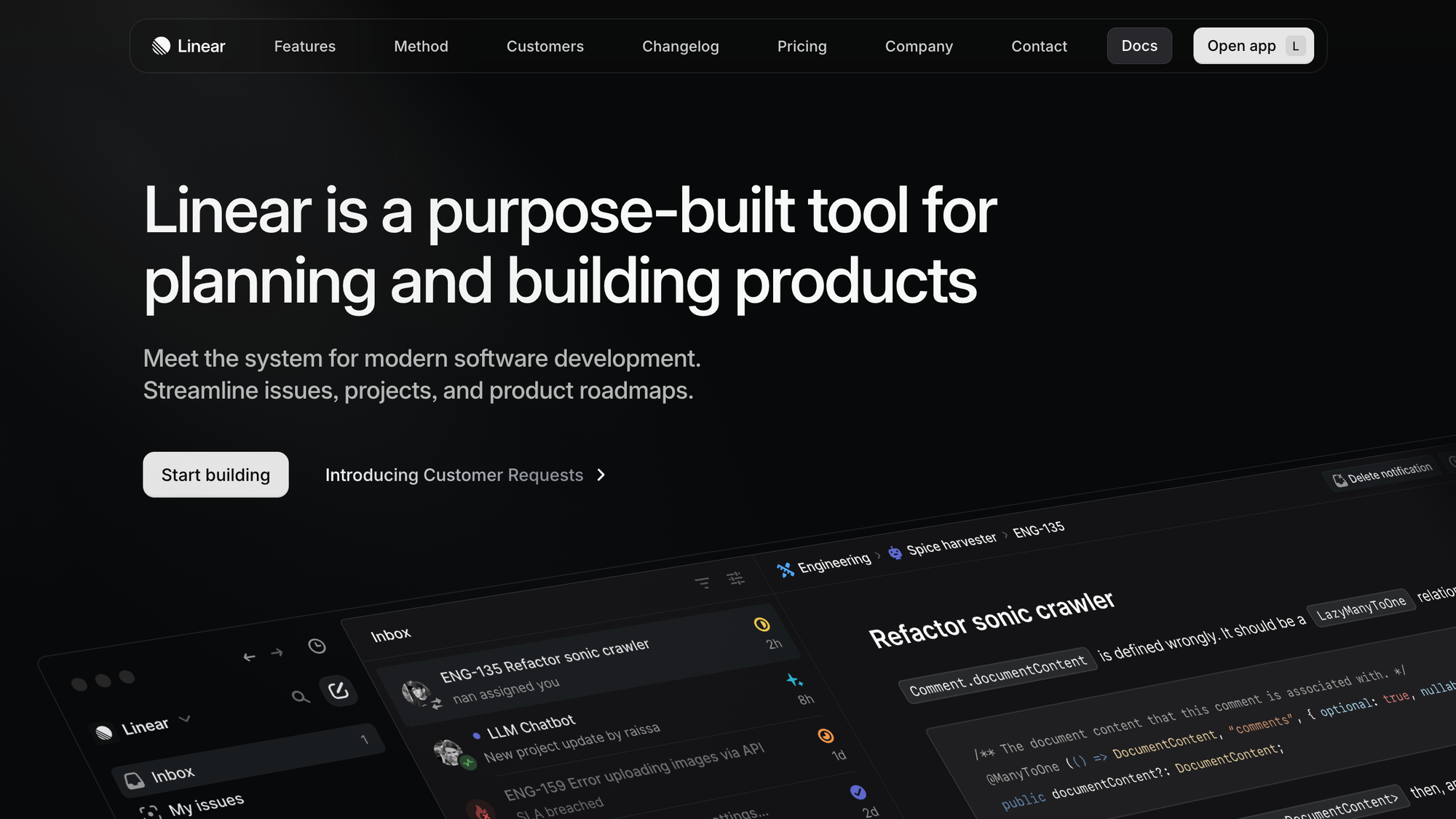
Linear treats release communication as a regular publishing habit. Its changelog uses compact, image-rich entries and a consistent weekly rhythm, which makes the page feel like an active record of product momentum.
The strongest lesson is not simply to publish every week. It is to choose a cadence your team can maintain and make each entry useful on its own. Linear also repackages updates for social channels, so the changelog becomes the source for broader release communication.
What to copy: Write a capability-led headline, show the change, and publish on a predictable schedule.
This format works best for teams that ship continuously. If your cadence is irregular, publish when there is something meaningful to explain rather than filling an empty week with tiny internal changes.
2. Vercel

Vercel's routine updates are frequent and concise, while major launches receive a larger stage. Technical entries can include code or measurable performance changes, giving developers evidence instead of adjectives.
This two-tier system prevents ordinary improvements from being delayed until the next marketing event. It also keeps major announcements special because every small fix is not dressed up like a product launch.
What to copy: Maintain a low-ceremony format for routine shipping and reserve larger campaigns for genuinely important releases.
The line between the 2 tiers should be explicit. Define which releases receive a standard entry and which qualify for a launch campaign so the decision does not become a debate every time something ships.
3. Raycast
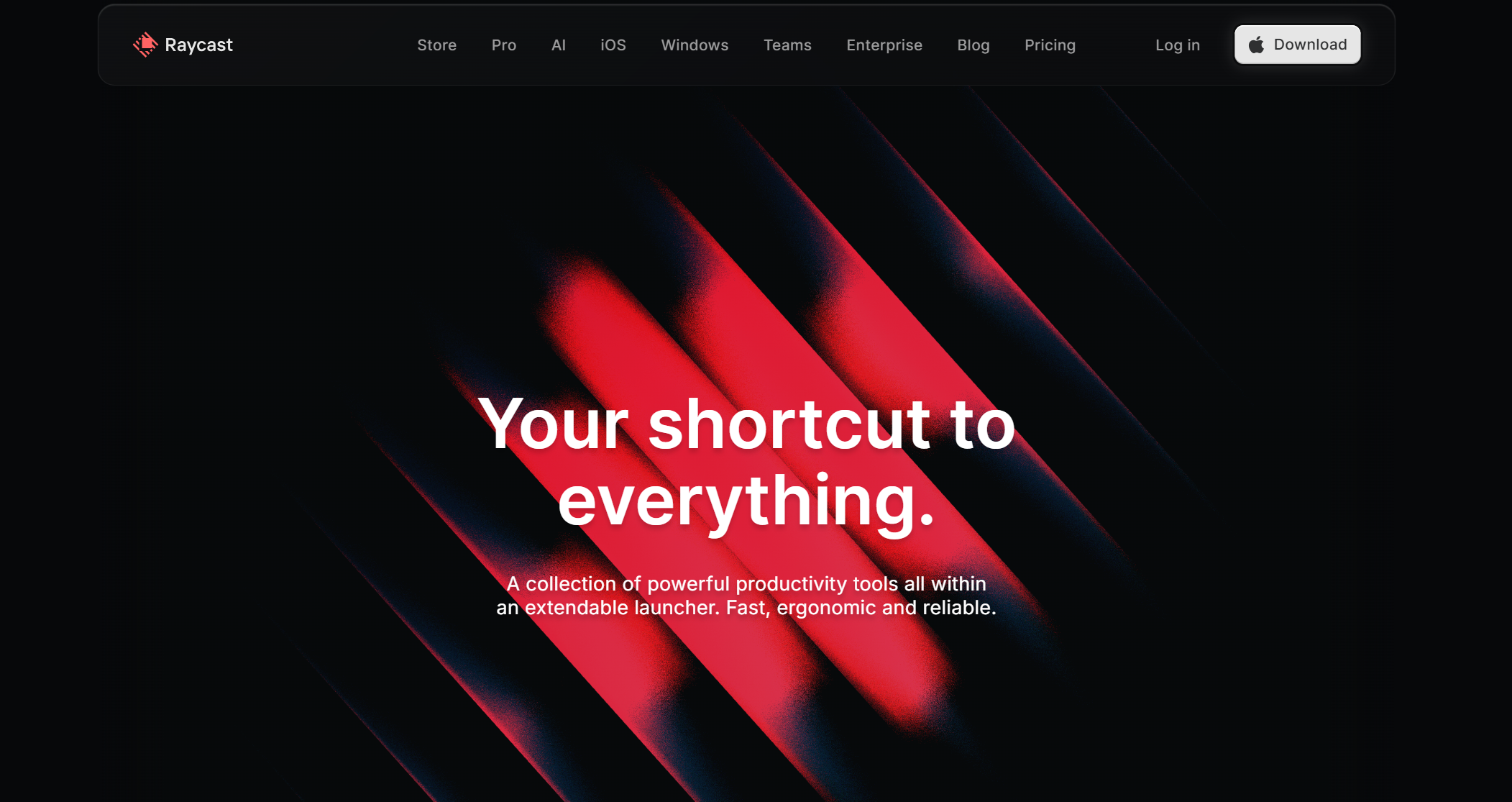
Raycast uses a recognizable brand voice without losing the product information. Its updates feel written by people who use the product, and visuals help the reader understand the new behavior quickly.
Personality works because the core facts remain easy to find. A witty introduction cannot rescue a vague explanation of what changed.
What to copy: Add personality after the outcome, availability, and next step are clear.
This style is easiest to sustain when the company already has a clear editorial voice. A short voice guide can keep multiple authors consistent without forcing every update to sound identical.
4. Notion
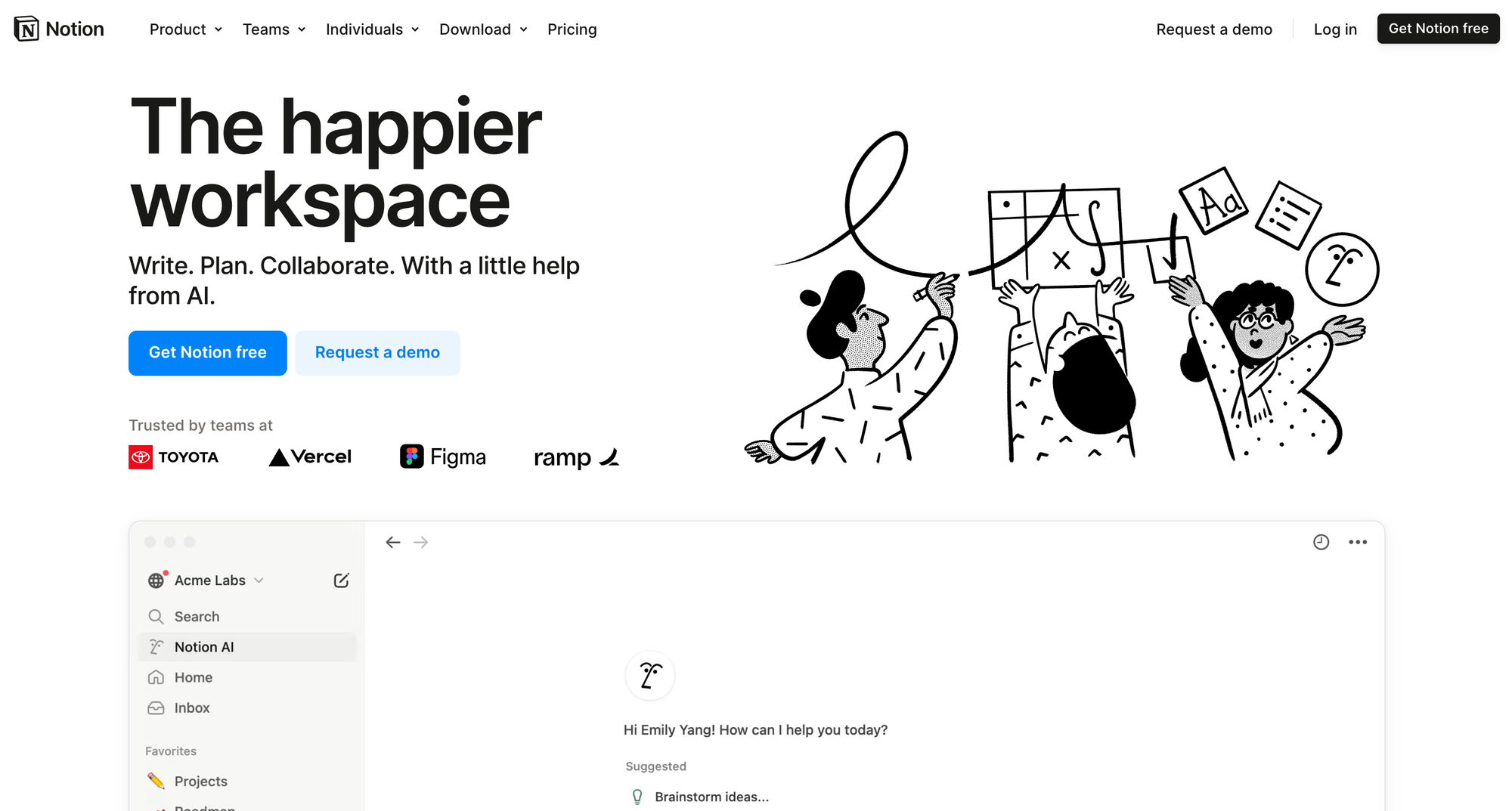
Notion keeps many updates extremely short and frames them around new capabilities. Strong visuals do much of the explanatory work, while links give interested readers a route to deeper guidance.
Larger groups of improvements receive named releases. That creates a memorable umbrella for related changes without forcing every small update into a long narrative.
What to copy: Start with “You can now...” and let a focused visual replace unnecessary explanation.
Avoid making the documentation link do all the work. The release note should still contain the benefit and essential context so the reader can decide whether the deeper guide is relevant.
5. Figma
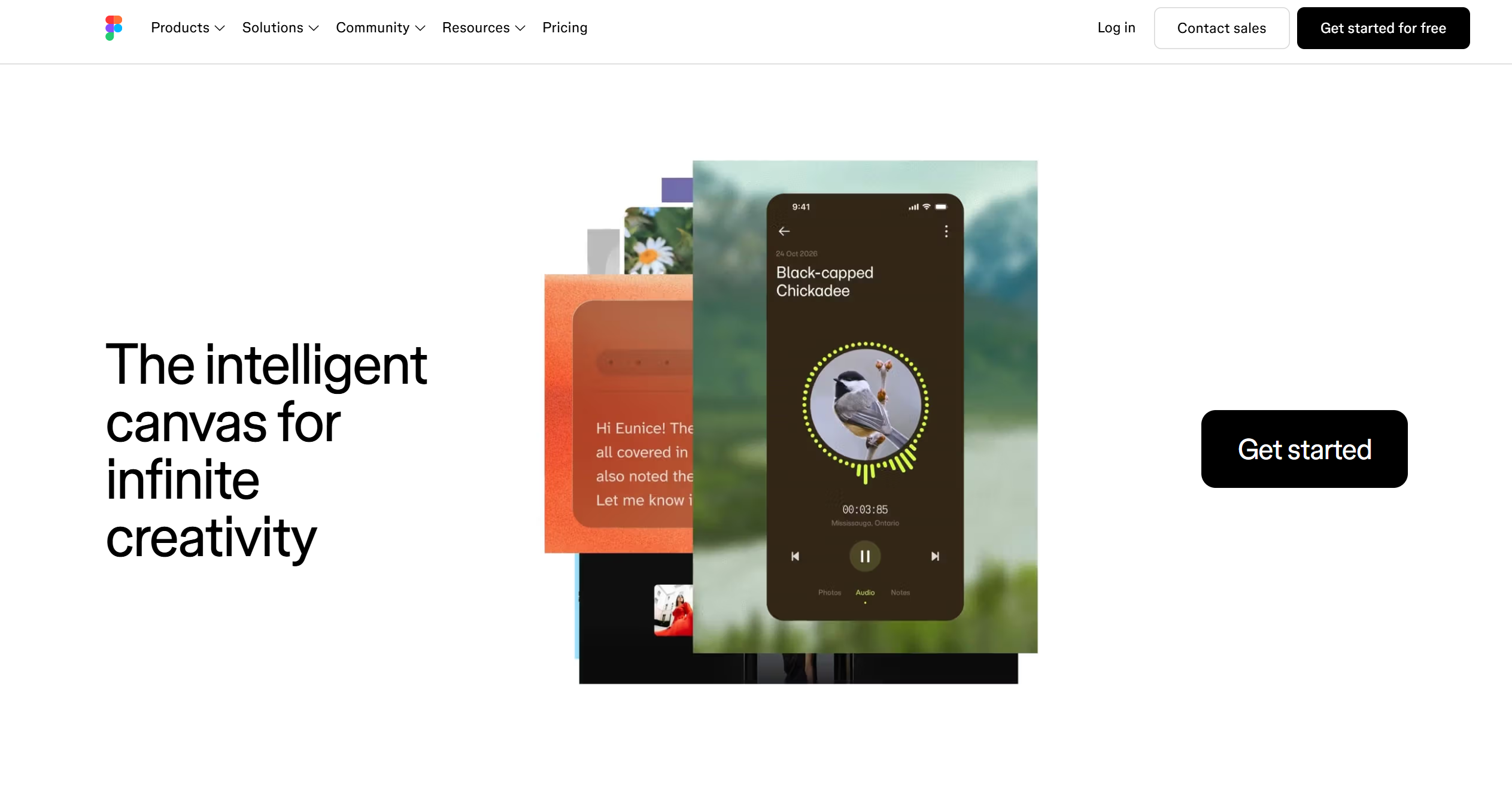
Figma separates its visual “what's new” experience from its more complete release record. Casual readers get a curated showcase, while power users can still find granular details.
This is a better compromise than forcing every reader through one medium-depth feed. Teams with complex products can create a short highlights layer that links to a detailed source of truth.
What to copy: Serve scanners and technical readers with 2 connected layers instead of one overloaded page.
Keep the layers synchronized. The curated announcement should link to the exact detailed entry, and both should use the same feature name, availability information, and release date.
6. GitHub
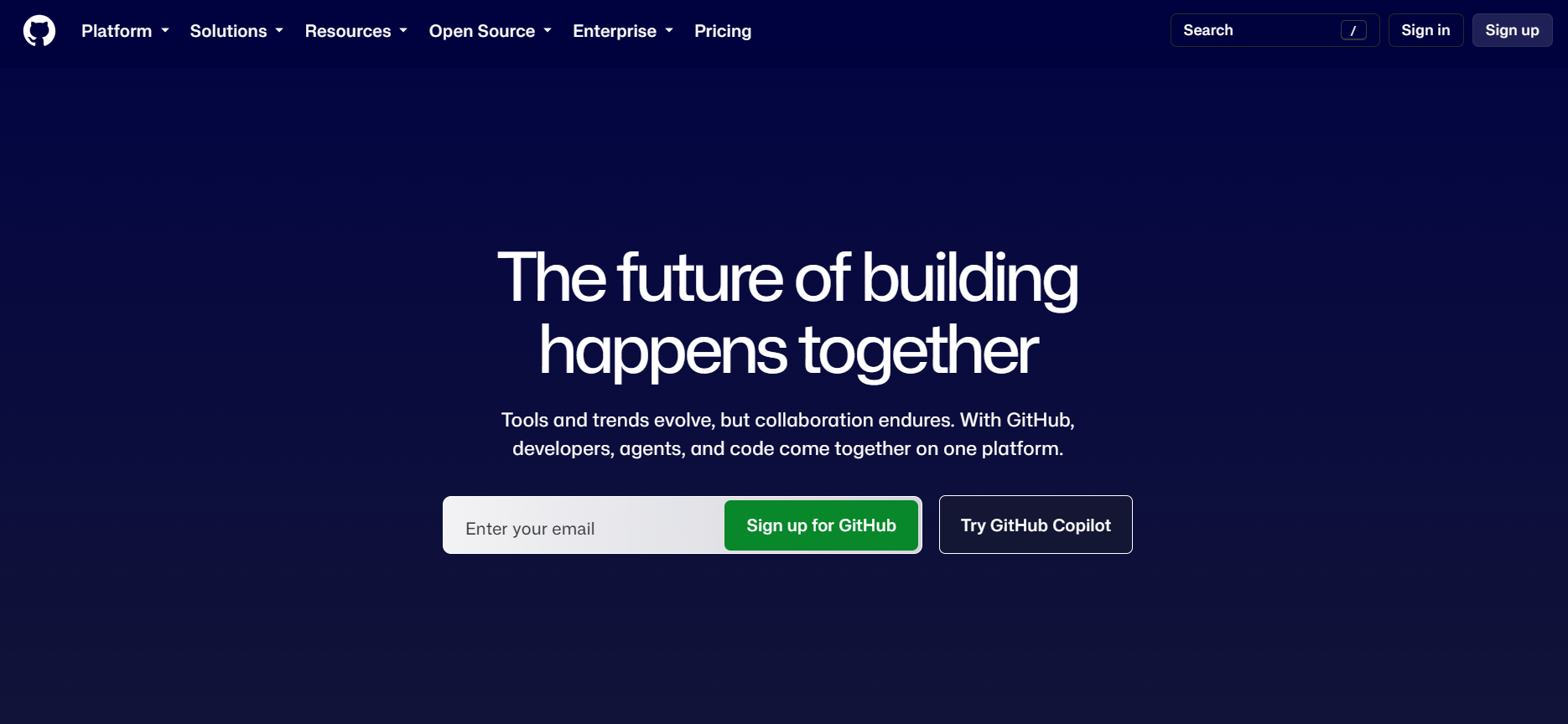
GitHub publishes at high volume across a large product surface. Labels such as new release, improvement, and retired help readers identify the type of change, while product tags, filters, and feeds make the archive manageable.
The page succeeds because readers are not expected to consume everything. They can find or subscribe to the slice that affects their work.
What to copy: Add consistent change types and product-area tags before your archive becomes difficult to navigate.
Choose a small taxonomy and maintain it. A filter becomes less useful when authors create near-duplicate tags such as analytics, reporting, reports, and insights for the same product area.
7. Stripe

Stripe serves developers who need exact compatibility information and decision-makers who want the broader product story. Its technical API changelog provides structured, versioned detail, while curated product communication explains the significance of larger changes.
Stable URLs and predictable formatting also make individual updates easier to reference later. That matters when documentation, support conversations, and AI tools need to point to a precise release.
What to copy: Keep the complete technical record structured, then create a shorter narrative layer for major releases.
This approach is especially useful for APIs, infrastructure products, and enterprise software. Compatibility information can remain exact without forcing every business stakeholder to parse it before understanding the release.
8. Intercom
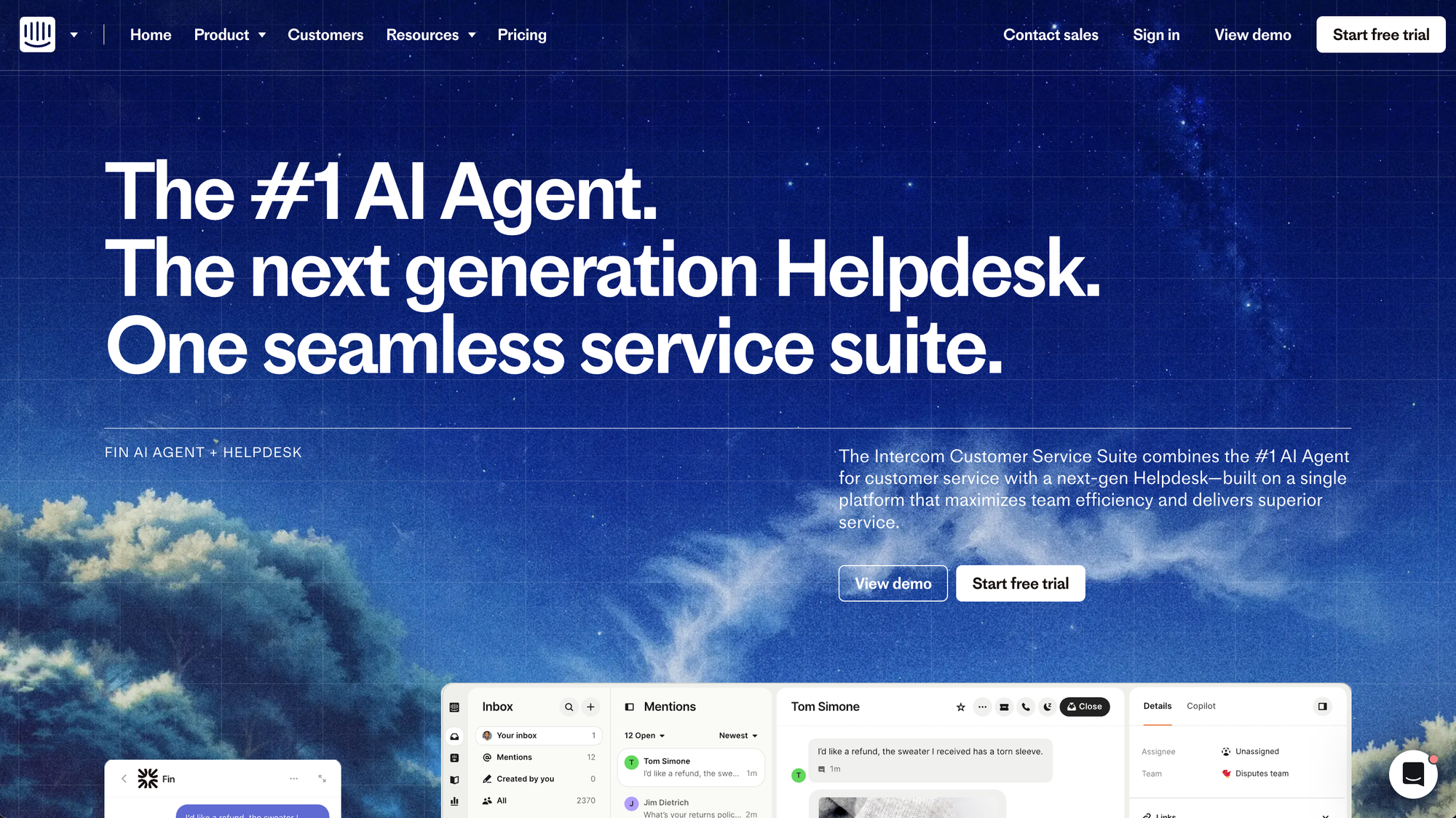
Intercom has turned groups of product updates into seasonal “Built for You” presentations. Demonstrations, narrative, and a host give major batches of releases more reach than a changelog entry alone.
This approach suits teams shipping enough meaningful improvements to support a recurring event. It also gives sales and customer success teams a polished resource they can share.
What to copy: Package related major releases into a short event or recorded walkthrough, while keeping the changelog as the permanent record.
Do not let the event become the only documentation. Recordings are difficult to search and slow to scan, so every demonstrated change still needs a stable written entry.
9. Canny
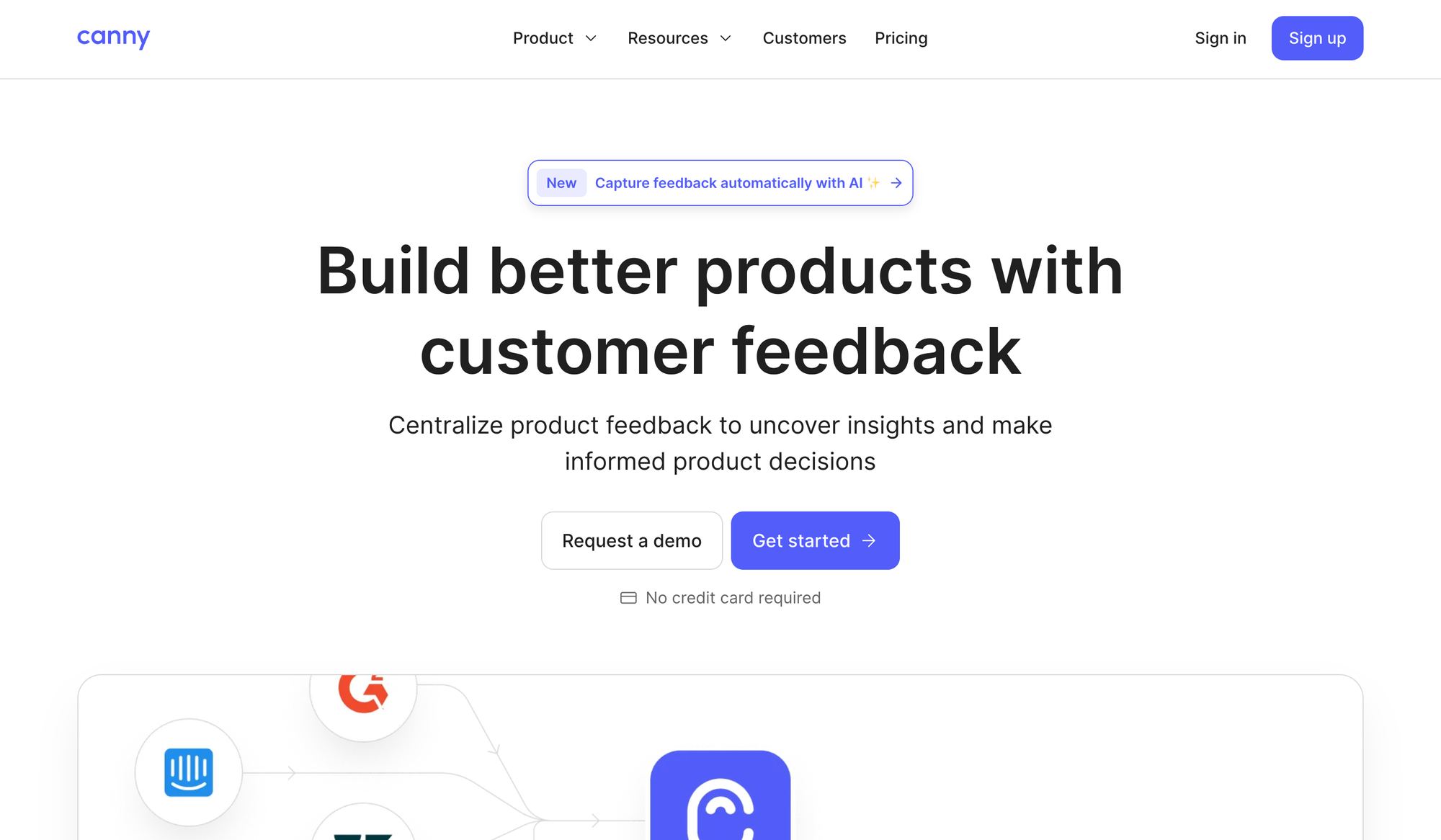
Canny connects changelog announcements to the feedback requests behind them. When a requested feature ships, the people who voted for it can be notified and see that their input reached the product.
That closes the feedback loop at the moment it matters. The release note becomes more than an announcement because it shows a direct line between a customer problem and the shipped response.
What to copy: Link a release to the request it resolves and notify the customers who asked for it.
Close the loop selectively. Notify users who requested or voted for the specific capability rather than sending every announcement to the entire customer base.
10. UiPath

UiPath needs to document a complex enterprise platform with multiple products, environments, and deployment models. Its release content therefore prioritizes navigation through structured catalogs, product groupings, dates, and release highlights.
The value is findability, not brevity. An administrator should be able to locate the one compatibility change that affects a deployment without reading every update.
What to copy: Give long technical release notes a map with product, platform, version, and date navigation.
A highlights block at the top can serve readers who do not need the full catalog. Keep it short and link every highlight to the relevant detailed section below.
11. Slack
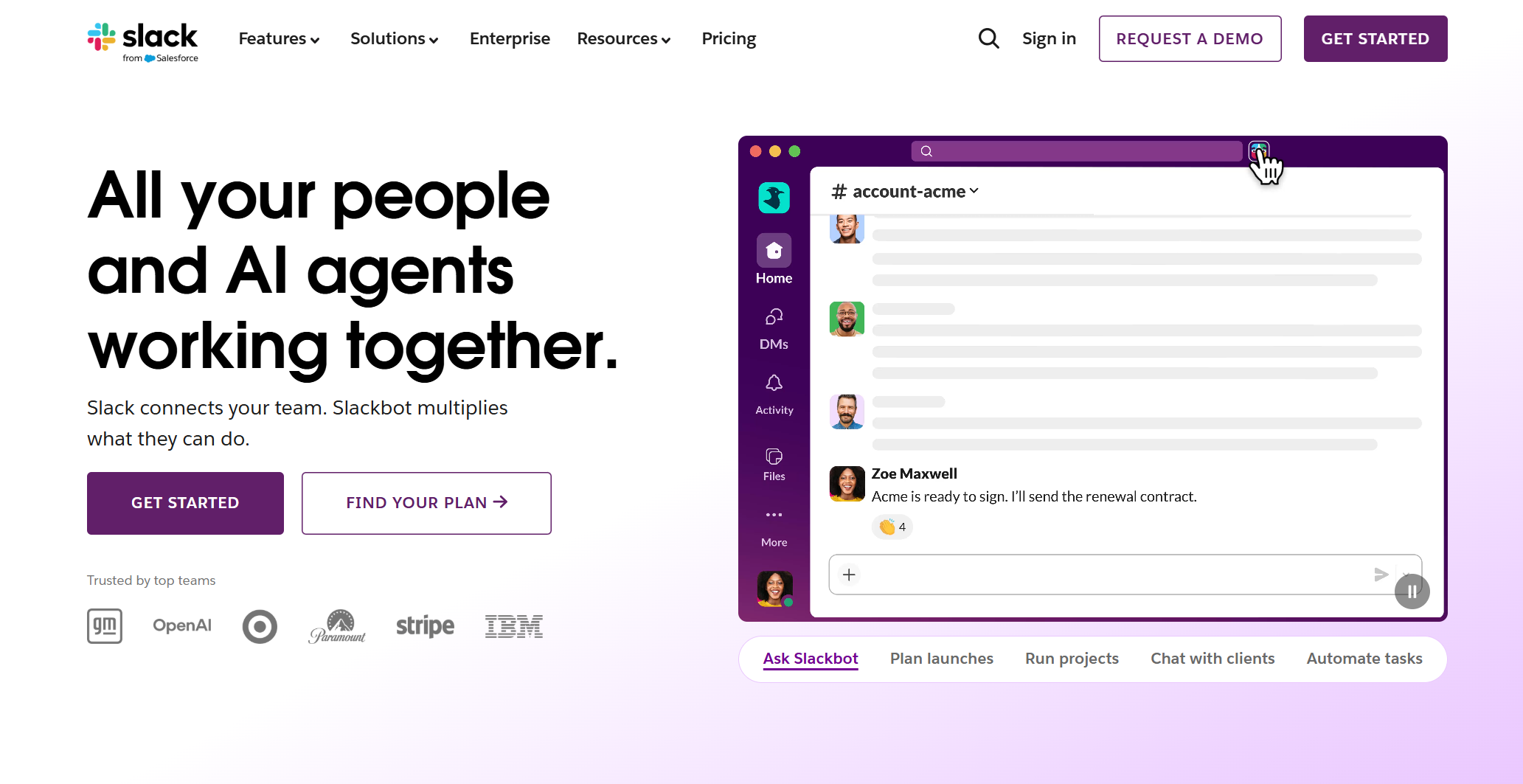
Slack became well known for turning routine fixes into playful release-note copy. The humor gave an ignored surface a recognizable voice and made some otherwise ordinary updates memorable.
The practical constraint is clarity. Readers still need to understand whether a bug was fixed, which platform changed, and what they should expect now.
What to copy: Use brand voice to sharpen a clear message, not to hide a thin one.
Humor is also a localization and accessibility decision. If a joke makes the fix harder to translate or understand, keep the joke for social promotion and make the changelog entry direct.
12. Duolingo

Duolingo treats app-store release notes as useful brand space. Short updates can use the product's established mascot voice while still communicating maintenance work or a visible improvement.
This example is useful because the channel is restrictive. Even when space is limited, a specific and recognizable update is better than “bug fixes and performance improvements.”
What to copy: Adapt your voice to short-form channels, but name at least one concrete outcome whenever possible.
When the store listing is the only release surface a user sees, prioritize the most broadly useful change. Link or direct power users to a complete changelog if the release contains more detail than the store allows.
13. Zoom
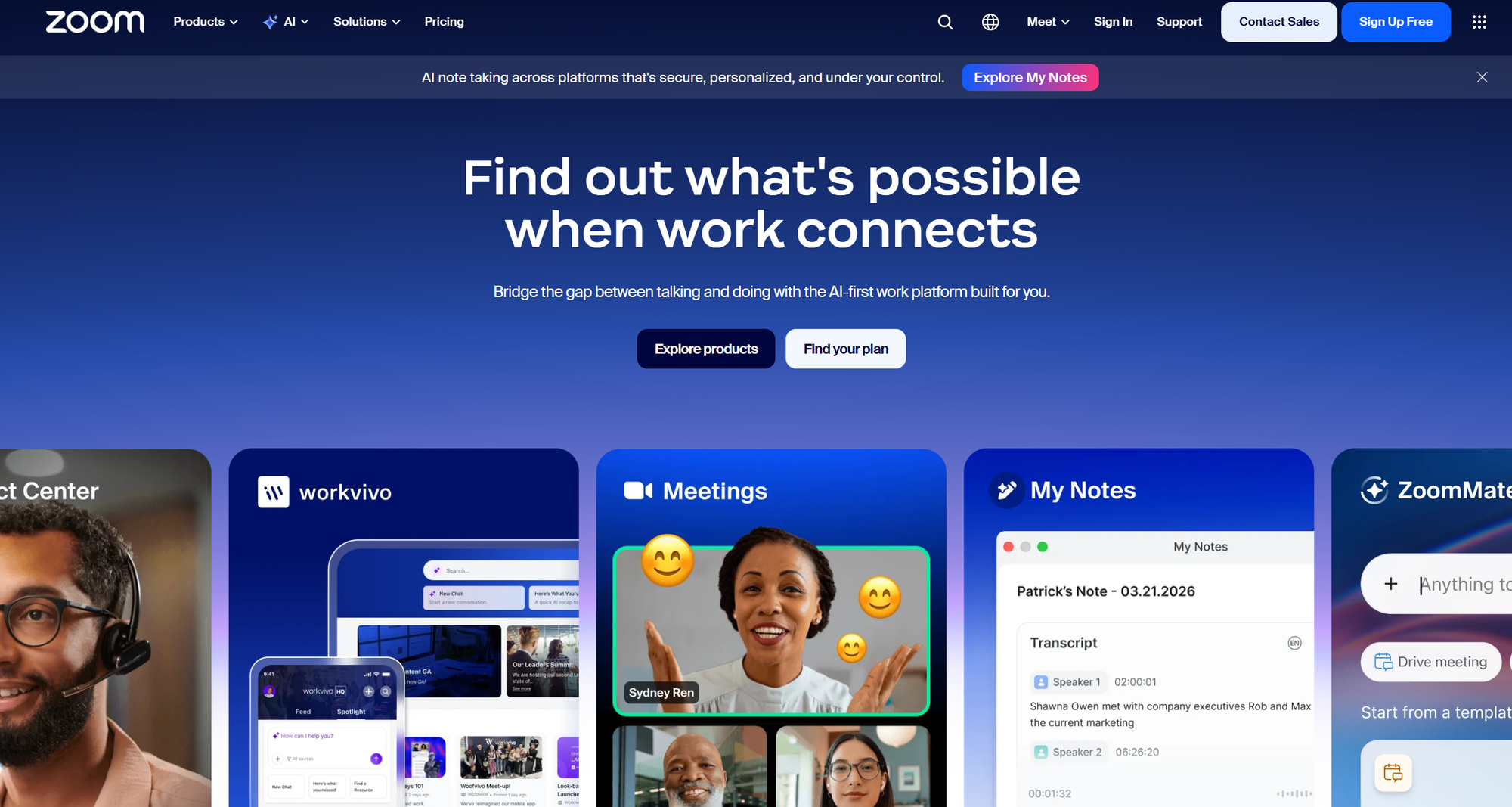
Zoom's detailed release notes organize changes by platform, date, version, new features, enhancements, and resolved issues. The structure supports administrators who need accuracy and a dependable history.
The trade-off is density. A short summary of major impacts helps less technical readers understand the release before they reach the detailed record.
What to copy: Pair a complete version history with a concise summary for readers who only need the important changes.
Separate resolved issues from known issues. Readers should never have to guess whether a listed problem was fixed in the current version or remains unresolved.
Release notes template
Use one stable structure for product release notes and adjust its depth to the size of the change. A major release needs context and a visual, while a bug-fix batch can be a short list.
Template for a major release
## [What the user can now do]

[New] · [YYYY-MM-DD] · Available on [plans or platforms] · [product area]

**Summary:** [One sentence explaining what changed and who it affects.]

**What you can do now:** [Explain the capability and the problem it solves in 2 or 3 sentences.]

[Screenshot, GIF, or short video]

**Get started:** [Link to the feature or relevant documentation.]

**Known limitations:** [State any important limitation or workaround.]
Template for minor product updates
## [YYYY-MM-DD] product updates

**Summary:** [One sentence describing the theme of this update.]

- **Improved**: [What changed and how it affects the user.]
- **Fixed**: [What happened before and what happens now.]
- **New**: [Small capability and where the user can find it.]
Template for bug fixes
## Bug fixes · [YYYY-MM-DD]

- **Fixed**: [The user-visible problem] now [the correct behavior].
- **Affected versions**: [Platforms or versions, if relevant.]
- **Action required**: [What the user must do, or “No action required.”]
Keep the user-facing summary even when technical documentation exists elsewhere. The release note explains the impact, while the documentation explains the complete behavior.
Before publishing, run each entry through this short review:
- Accuracy: Confirm the shipped behavior, affected plans, platforms, and version with the team that built it.
- Audience: Name who benefits or who must take action instead of writing for an undefined “user.”
- Outcome: Replace implementation language with the problem solved or capability unlocked.
- Findability: Apply the correct date, change type, product-area tag, and stable link.
- Distribution: Decide which audiences need the changelog entry only and which also need email or in-app communication.
Do not copy internal tickets directly into this structure. Tickets document how a team planned and implemented work, while release notes translate that work into customer impact.
How to distribute release notes
A public changelog should be the permanent source of truth, but it should not be the only place users encounter updates. Choose additional channels based on the importance and context of the change.
- Public changelog: Keep a searchable history with stable links for every release.
- In-app announcement: Show a change when the affected user is close to the relevant workflow.
- Email: Use for major releases, account changes, or updates that matter to users who may not log in regularly.
- App-store listing: Summarize mobile changes in plain language and mention the clearest benefit or fix.
- Social and community channels: Highlight visual launches, invite discussion, and direct readers back to the canonical entry.
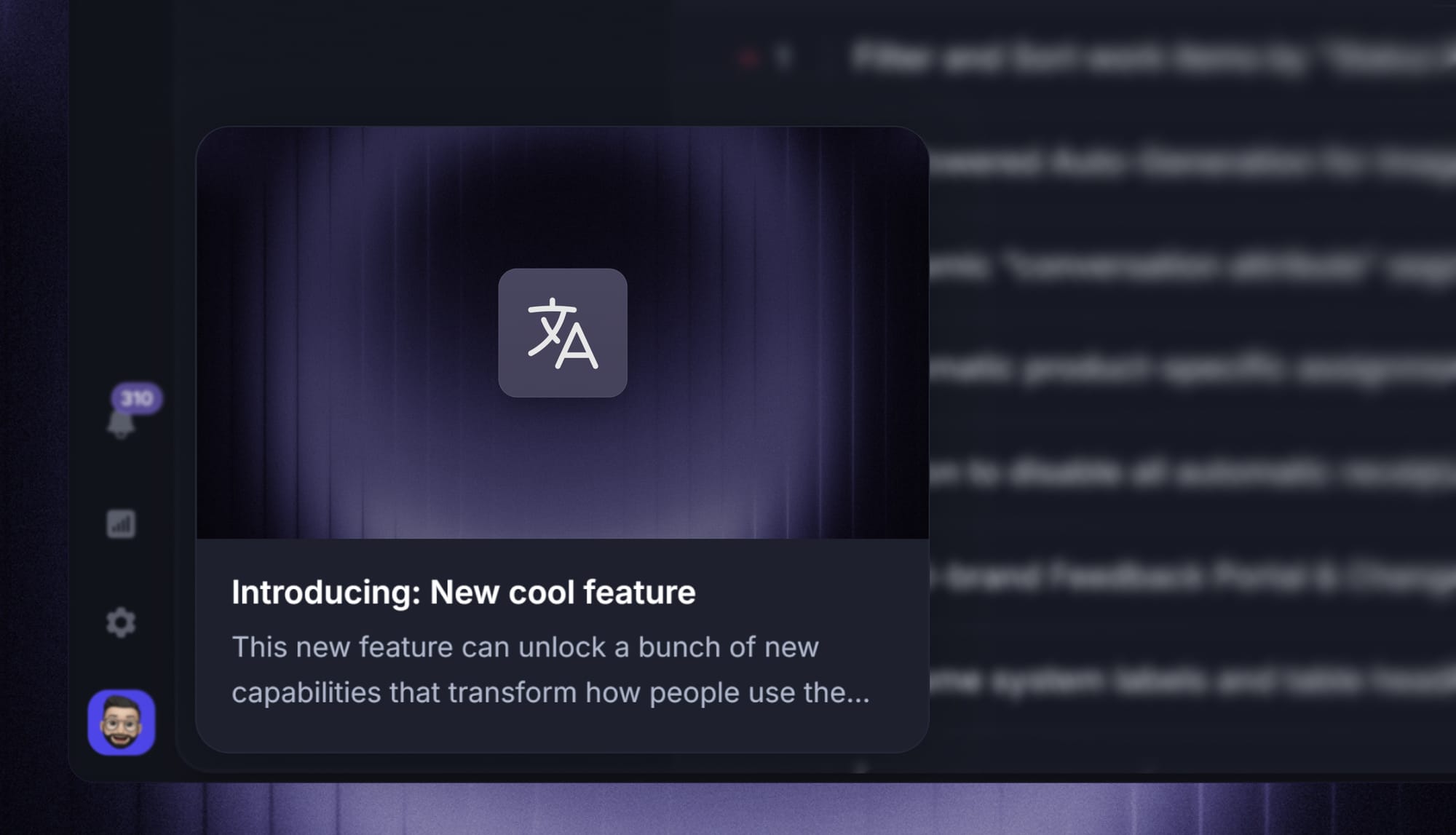
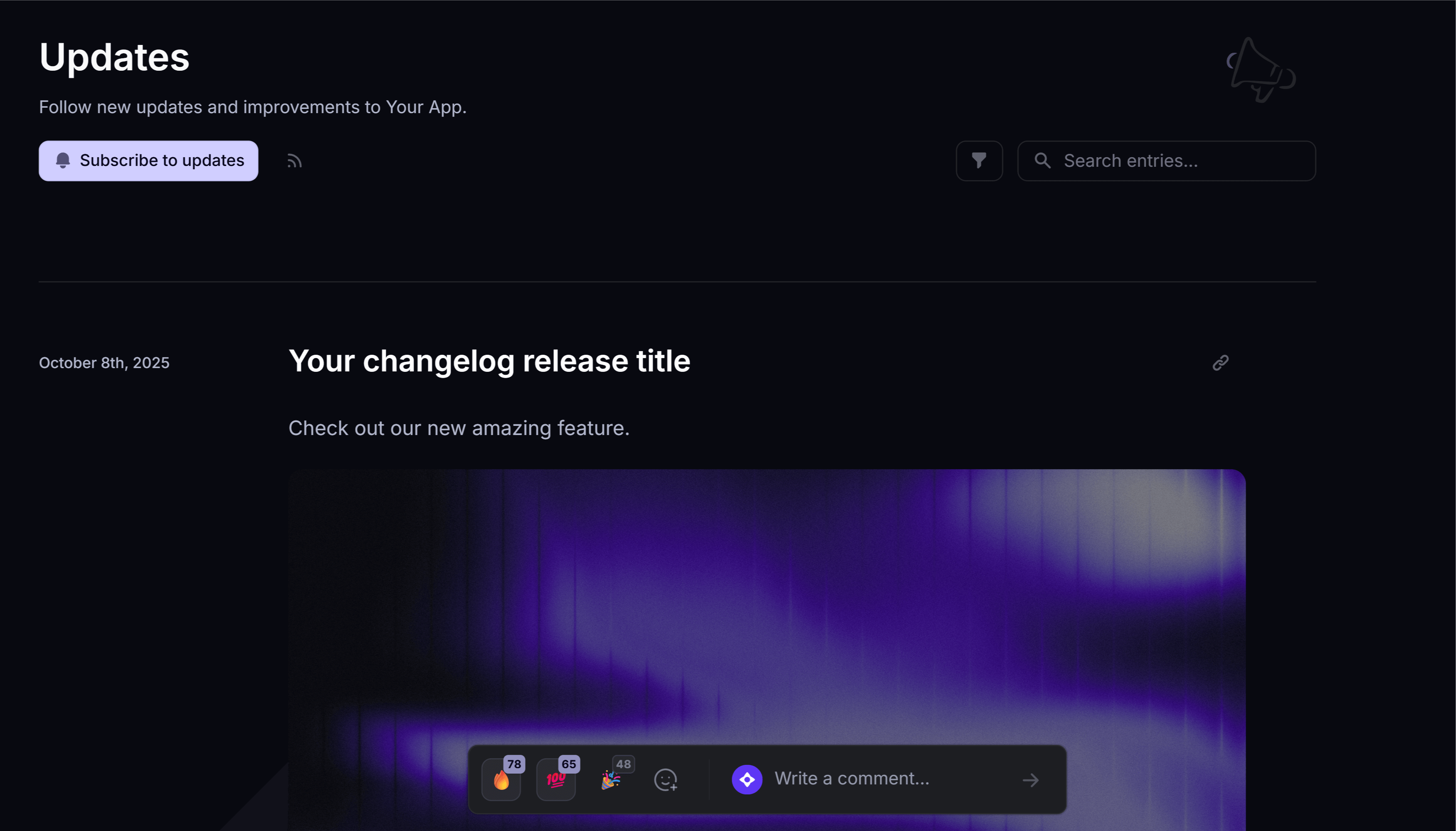
Featurebase brings the first 3 channels together. Teams can publish a branded changelog, surface updates through in-app widgets or popups, send automatic release emails, target specific user segments, and track how people engage with each announcement.
Do not broadcast every update everywhere. A critical security change may need email and in-app communication, while a minor visual adjustment may only need a changelog entry.

Start announcing updates with Featurebase for free
Beautiful release notes that drive adoption - effortlessly, with no code
Conclusion
The best release notes make product work understandable. Lead with the user outcome, add the detail each audience needs, and publish through a structure and cadence your team can maintain.
Featurebase is a modern & powerful changelog tool that helps you keep your users updated with release notes, in-app popups, and automatic emails. It has an AI changelog writer, a powerful editor, and supports 40+ languages.
It comes with affordable pricing and a Free plan with unlimited changelogs. You can set it up in minutes, so there's no downside to trying it. 👇
✨ Start announcing updates & drive engagement with Featurebase for free →
FAQs
What makes a good release note?
A good release note explains what changed, who it affects, and why the change matters. It uses plain language, a scannable structure, and enough detail for the reader to decide whether they need to act.
How often should release notes be published?
Publish release notes on a predictable cadence that matches how often your product changes. High-velocity teams may publish weekly, while teams with fewer changes can use a monthly digest and separate urgent notices for security or compatibility updates.
Where should you publish release notes?
Publish every release on a permanent, searchable changelog page, then distribute important updates through email, in-app messages, app stores, or community channels. Featurebase can combine the public changelog, in-app announcement, and email steps in one publishing workflow.
What is the difference between release notes and a changelog?
Release notes are curated explanations of one release written for the people affected by it. A changelog is the chronological record where those updates live and may also include smaller or more technical changes.
Who should write release notes?
Engineering should supply accurate facts, while a product manager, product marketer, or technical writer should own the final customer-facing draft. Give one person responsibility for publication so collaborative review does not turn into unclear ownership.
Can AI help write release notes?
AI can turn tickets, commit messages, and rough notes into a useful first draft. A person should still verify the behavior, remove internal jargon, confirm the affected audience, and make sure the stated benefit is real.