Blog Product ManagementHow to Write Release Notes (With Template & Examples)
How to Write Release Notes (With Template & Examples)
Learn how to write release notes people actually read, with a 7-step method, a copy-paste template, and 4 real examples from Linear, Stripe, Figma, and Duolingo.

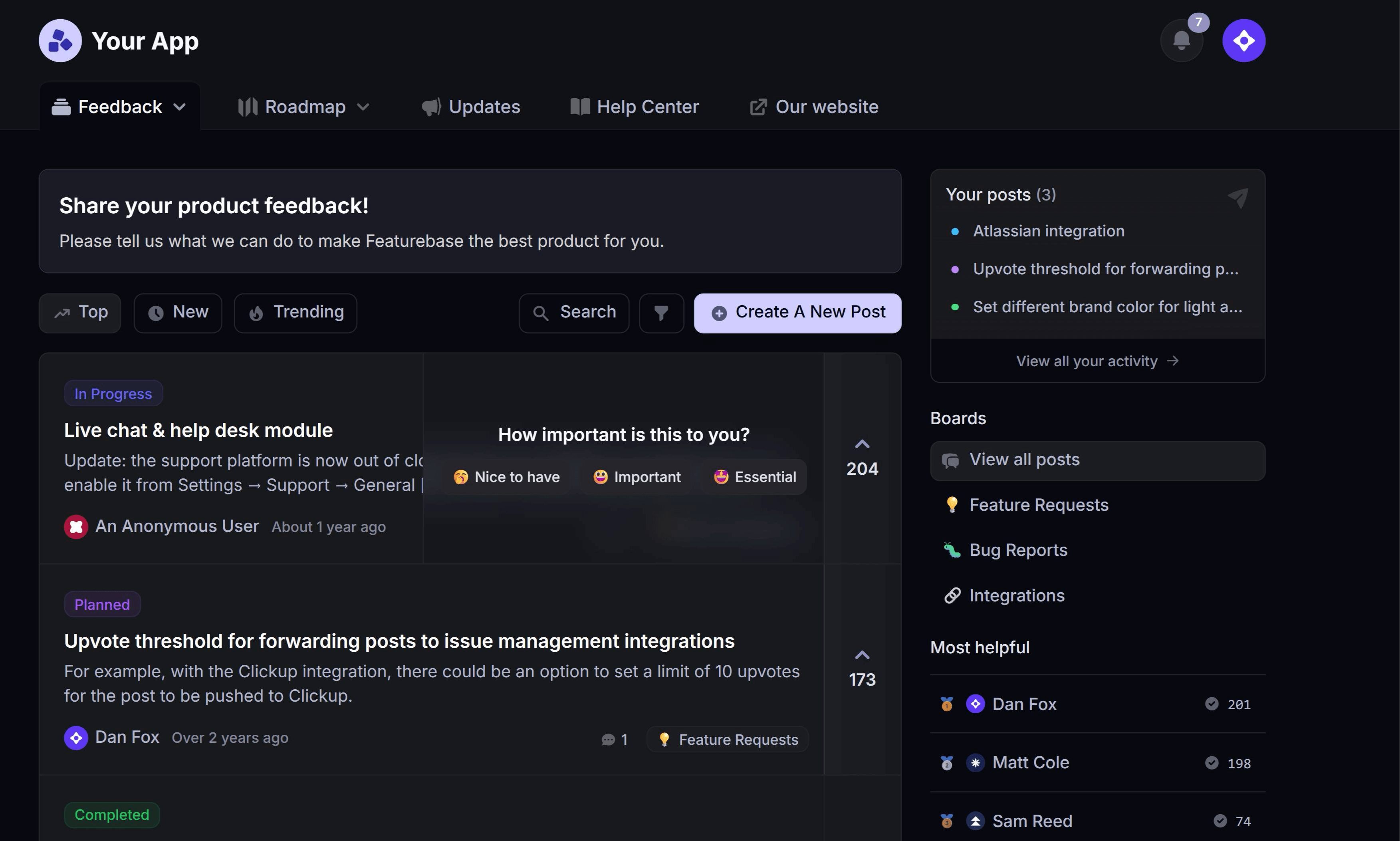

✨ Start announcing updates & drive engagement with Featurebase for free →
You shipped the feature. Nobody noticed.
That's the quiet failure mode of most product teams: the work gets done, the release notes get written in 5 minutes from the commit log, and the update lands with zero adoption. The fix isn't more announcements. It's writing the notes from the user's side of the screen instead of yours.
Here's the method, the template, and 4 examples worth learning from. 👇
Key takeaways
- Release notes are user-facing summaries of what changed in your product, written for the person using it, not the person who built it.
- A changelog is the running log of every change. Release notes are the edited, human version of one release.
- Every entry should answer one question: what can I do now that I couldn't do before?
- Group changes into 3 buckets - New, Improved, and Fixed - so readers can scan for the part that affects them.
- Lead with the biggest change, cut the jargon, and add a screenshot or GIF for anything you actually want adopted.
- Tools like Featurebase✨ let you publish one update to a changelog page, an in-app widget, and an email at the same time.
- Publishing is half the job. Notes nobody sees are the same as notes nobody wrote.
What are release notes?
Release notes are a short, user-facing document that explains what changed in a new version of your product. They cover new features, improvements, bug fixes, and anything the user needs to know before or after upgrading.
They're not internal documentation. A QA report, a Jira sprint summary, and a git diff all describe the same release, but none of them are release notes.
The audience is the person who opens your product tomorrow morning and finds a button in a different place.
Release notes vs. changelog
Release notes and changelogs get used interchangeably, but they do different jobs:
- A changelog is the complete running log of every change, usually in reverse-chronological order and often generated from commits or tickets. It's a record.
- Release notes are the curated, written-for-humans summary of one specific release. They're an edit.
In practice most SaaS teams publish release notes onto a changelog page, which is why the terms blur. If you want the full breakdown, we covered changelog vs. release notes separately.
The distinction matters for one reason: a changelog can be automated, release notes can't. The moment you auto-generate the prose, you're back to publishing commit messages.
Why most release notes go unread
It isn't an attention problem. It's a writing problem, and it shows up in 3 predictable ways.
- They describe the change, not the outcome: "Added support for nested filter groups in the query builder" tells the reader what you did. "You can now filter by 2 conditions at once" tells them why they should care. Only the second one earns a click.
- They're written in your vocabulary: internal feature names, service names, and ticket IDs mean nothing outside the team. If a reader has to translate the sentence, they stop reading it.
- Everything is the same size: when a major redesign and a tooltip typo fix get the same heading and the same paragraph length, the reader can't tell which one matters. So they skim both and remember neither.
The cost of this is real. Pendo's 2024 product benchmarks, built on aggregated data from 6,800 companies, put the average feature adoption rate at 6.4%, with best-in-class products reaching 15.6%. Earlier Pendo research found that 80% of features in the average software product are rarely or never used.
Release notes are the cheapest feature adoption lever you already own. Most teams just point it at the wrong target.
What to include in your release notes
The Good Docs Project and most enterprise documentation standards converge on roughly the same set of sections. You won't need all of them every release, but this is the full menu:
- A title and version: what the release is called and which version or date it maps to, so users can match it to what they're running.
- A high-level summary: 1 or 2 sentences on the theme of the release. Skip it for small patches.
- New features: things that didn't exist before. This is the section people actually read.
- Improvements: existing things that got faster, cleaner, or more capable.
- Bug fixes: what broke and now works. Keep these short, and write them from the symptom the user saw, not the root cause you found. Our bug report guide covers that framing in more depth.
- Known issues: what's still broken. Including these builds more trust than hiding them costs you.
- Breaking changes and deprecations: anything that requires the user to act. This goes at the top, not the bottom.
- Changes requiring configuration: features that won't turn on by themselves.
If a section is empty, delete it. An "Improvements" heading with "None this release" underneath is noise.
How to write release notes in 7 steps
1. Start from what changed for the user
Open the ticket list, then close it. For each item, write one sentence that starts with "You can now…" or "It's no longer…".
If you can't finish that sentence, the change probably doesn't belong in user-facing release notes. Internal refactors, dependency bumps, and infrastructure work are real work, but they're not news.
This single reframe fixes more bad release notes than every other tip combined.
2. Lead with the headline change
Every release has one thing that matters most. Put it first, give it the most words, and let everything else be shorter.
If the release has a breaking change, that goes above the headline feature. People who are about to have their integration break care more about that than your new dashboard.
3. Write titles as outcomes, not feature names
Your internal name for the feature is a label. The reader needs a benefit.
- ❌ "Bulk Actions v2"
- ✅ "Update 100 records at once"
- ❌ "Introducing Smart Segments"
- ✅ "Filter customers by plan, usage, and signup date together"
The internal name can appear in the body. It shouldn't carry the headline.
4. Group everything into New, Improved, and Fixed
3 buckets is the sweet spot. It's enough structure for a reader to find their part in 2 seconds and few enough labels that you never argue about which one something goes in.
Use the same 3 labels every single release. Consistency is what makes notes scannable over time, because readers learn the shape and stop re-reading the structure.
Some teams add "Removed" or "Security" as a fourth. That's fine. What's not fine is inventing new categories per release.
5. Cut the jargon and keep each entry to 2 lines
Write for someone who uses your product but doesn't work at your company. That rules out internal service names, acronyms you invented, and anything a new hire would need explained.
2 lines per entry is a useful ceiling. If an entry needs more, it needs a linked doc or a blog post, not a longer bullet.
Read it out loud before publishing. Anything you'd feel odd saying to a customer's face, rewrite.
6. Add a visual for anything you want adopted
Text tells people something changed. A screenshot or short GIF shows them where it is.
Attach a visual to your headline change every release. For everything below the fold, text is fine.
The rule of thumb: if you'd have to explain where to find the feature, show it instead.
7. Link back to the request that started it
Most of what you ship came from somewhere. When an update closes out a feature request, say so and link it.
It costs you one sentence and it does 3 things: it proves you listen, it gives the update social proof, and it pulls the original requesters back into the product. That's closing the feedback loop, and it's the highest-return habit in this whole list.
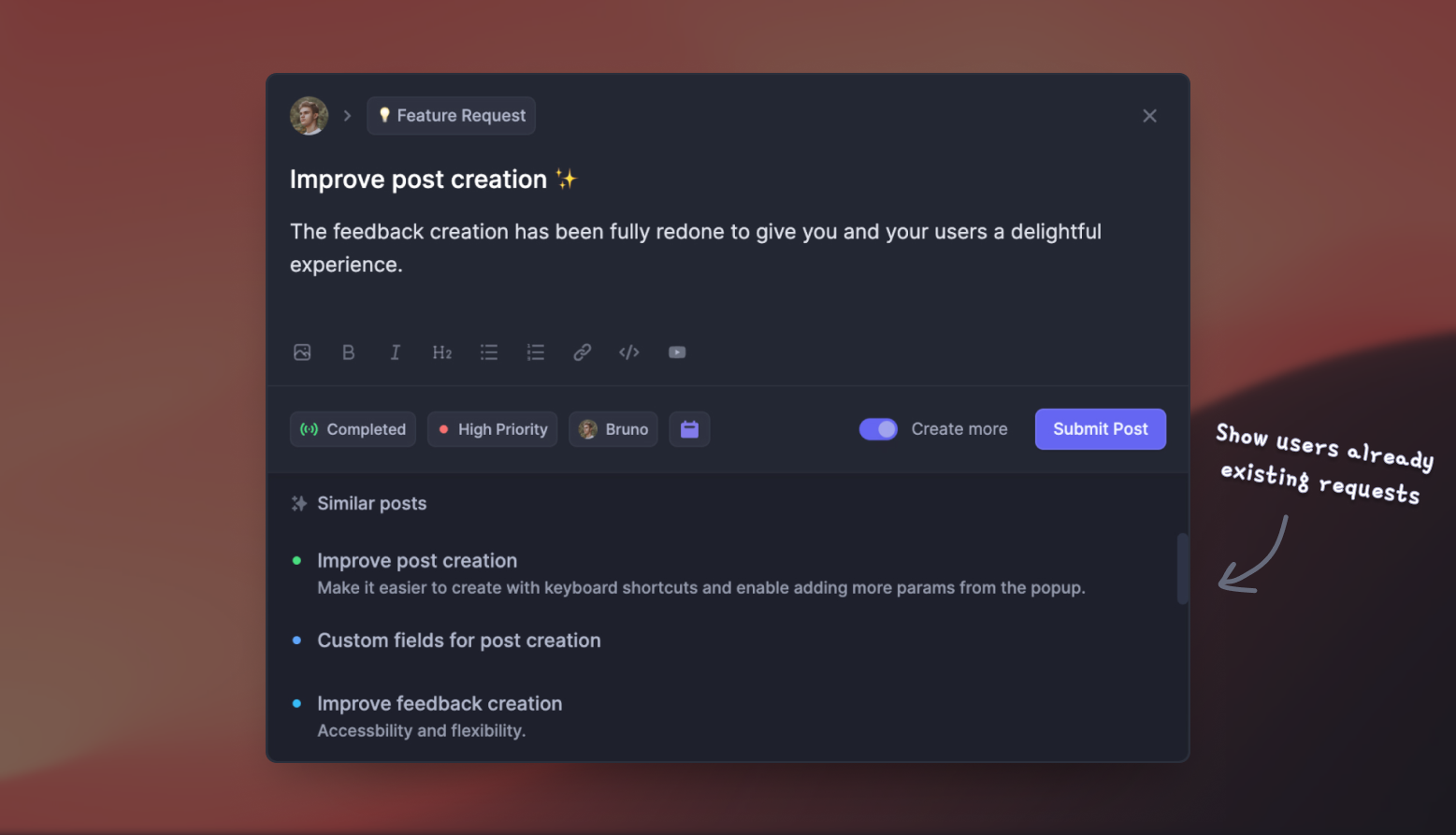
With Featurebase you can connect a published update back to the original feature request so everyone who voted for it gets notified automatically when it ships.
A release notes template you can copy
Paste this into your changelog and delete the sections you don't need.
# [Release title - the outcome, not the feature name]
Version [X.Y.Z] · [Date]

[One or two sentences on the theme of this release. Skip for small patches.]

## Breaking changes
- [What changed and exactly what the user needs to do about it, with a deadline if there is one.]

## New
- **[Outcome-shaped title]**: [What you can now do, in one or two lines.] [Link to docs.]

## Improved
- **[What got better]**: [How it's different from before.]

## Fixed
- [The symptom the user saw, now resolved.]

## Known issues
- [What's still broken, and when you expect it fixed.]
2 notes on using it. Keep the section order identical across every release, and if you add icons or labels to the section headings, keep those fixed too, so returning readers learn to scan by shape instead of by reading.
4 release notes examples worth learning from
Linear treats each release like a small launch post. Entries are grouped by theme, written in plain language, and paired with a short video or screenshot for anything visual. The lesson: your changelog can carry a brand voice without becoming a marketing page.
Stripe puts breaking changes and API version dates first, because their audience is developers who need to know what will break before they know what's new. The lesson: order sections by what your specific audience is most afraid of.
Figma ships short, frequent notes grouped by product area, with bug fixes listed openly rather than buried. The lesson: consistent cadence beats occasional long-form. Readers build a habit around a rhythm.
Duolingo writes app store release notes with a distinct voice and a recurring character. It works because the personality never replaces the information, it just carries it. The lesson: humor is a delivery mechanism, not a substitute for saying what changed.
The pattern across all 4: a fixed structure, a consistent voice, and no gap between what the team knows and what the notes say.

Start announcing updates with Featurebase for free
Beautiful release notes that drive adoption - effortlessly, with no code
Where to publish your release notes
Writing good notes and then hiding them on a page nobody visits is the most common way this goes wrong. One release should land in more than one place.
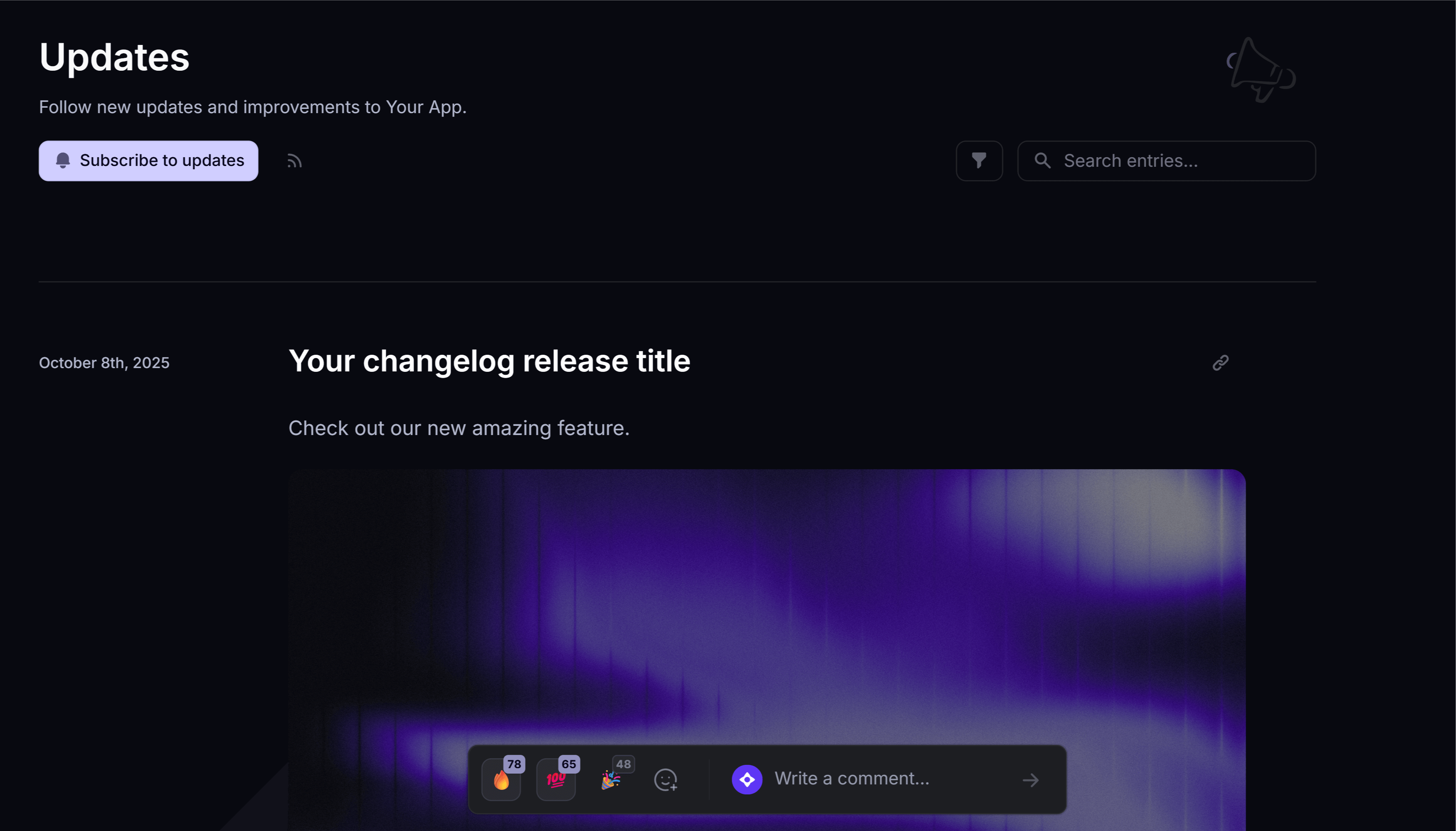
- A public changelog page: your permanent, linkable record. It's what you point support tickets and sales calls at, and it gets indexed.
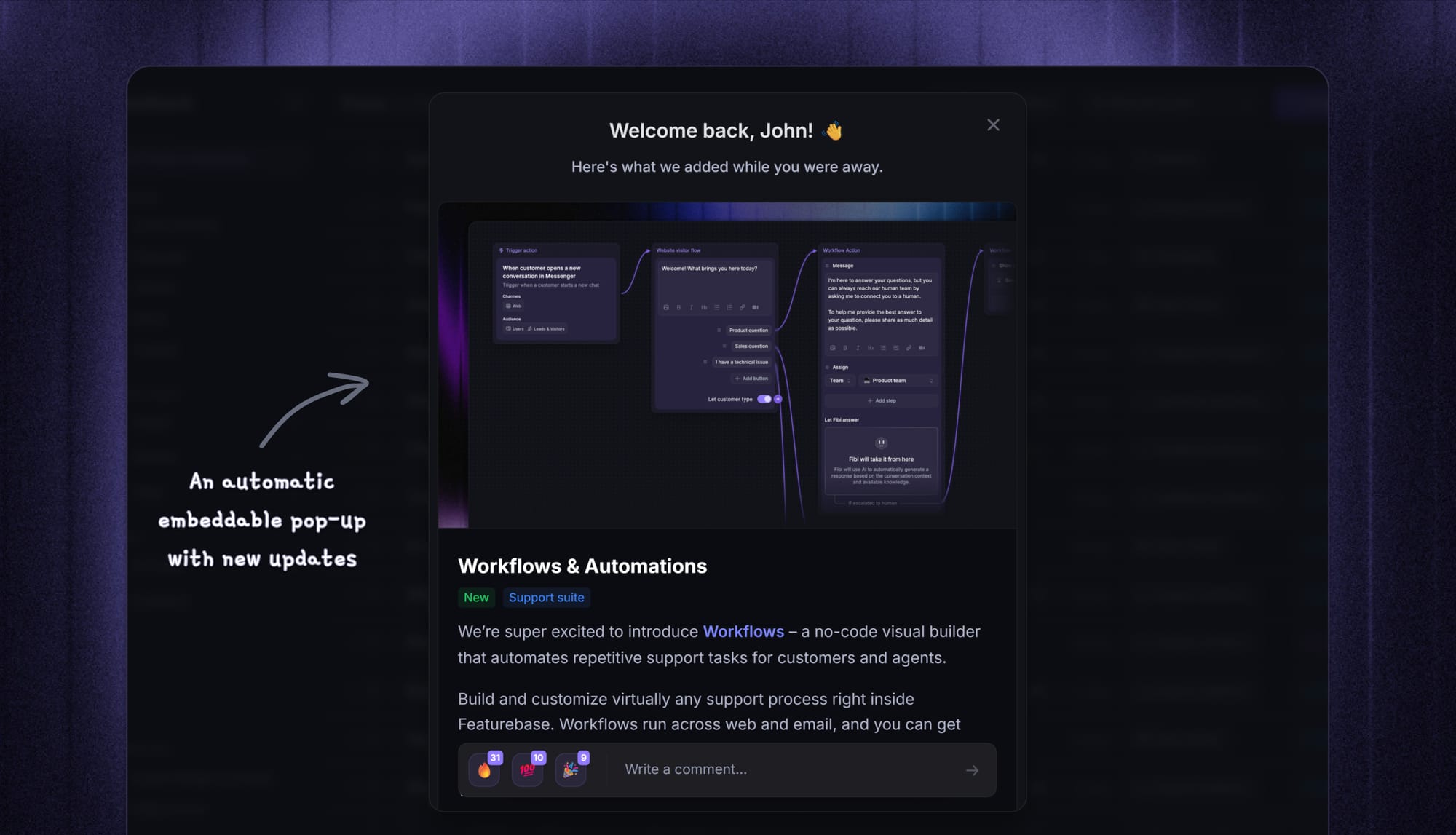
- An in-app widget or popup: the highest-intent surface you have, because the reader is already inside the product where the change lives. It also reaches people without competing with their inbox, which is the same logic behind choosing in-app over push notifications.
- An email to subscribers: for anything big enough that dormant users should come back for it. Don't send one every release.
- Your existing channels: Slack communities, social, and for headline features a full product launch strategy around the release.
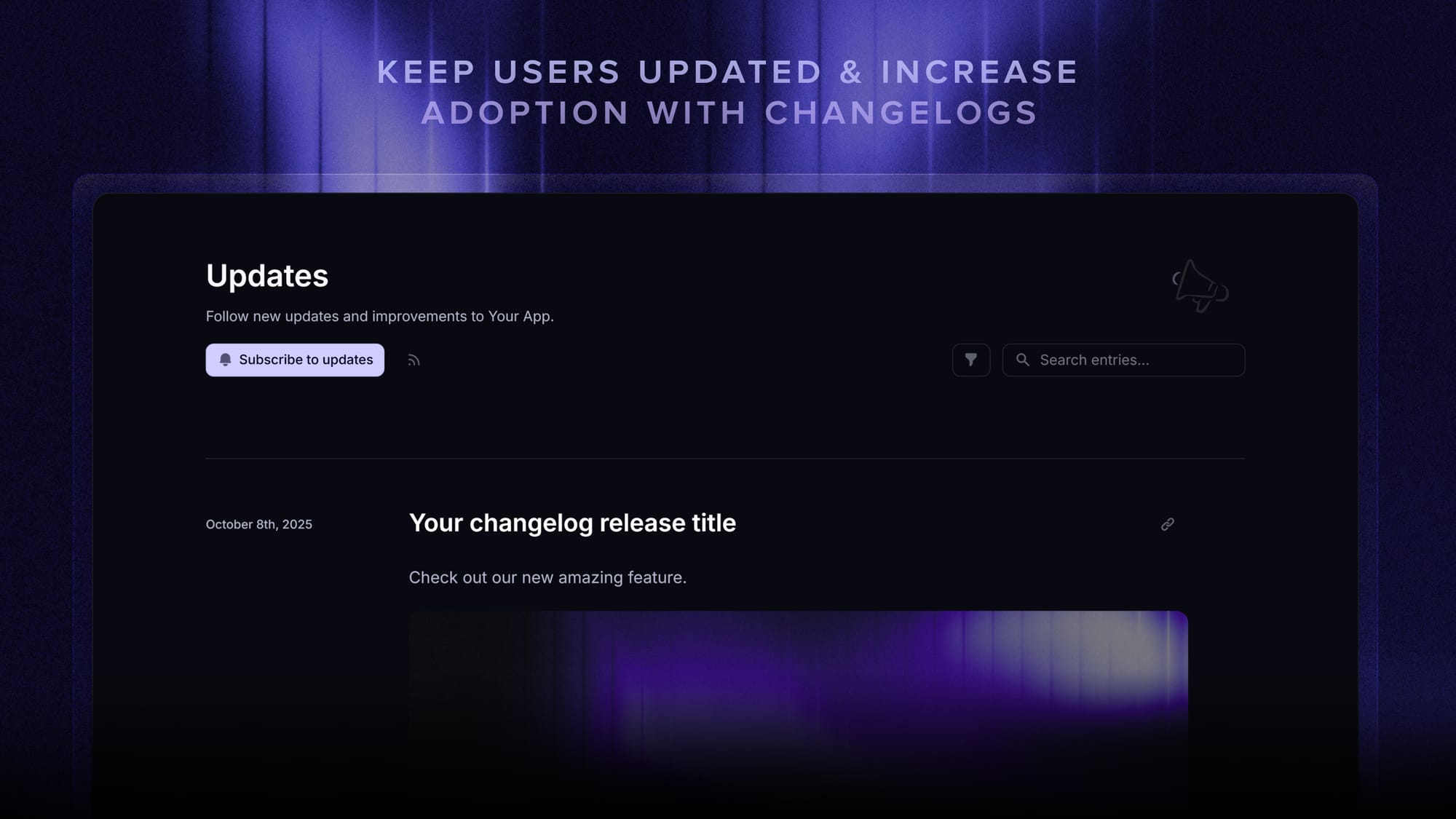
If you want one draft to land in all of those places at once, that's what a dedicated changelog tool does. Featurebase publishes a single update to a branded changelog page, an in-app widget, and an automatic release email at once, then shows you which of those surfaces people actually opened it from. We've also compared the free changelog tools if you're still picking one.
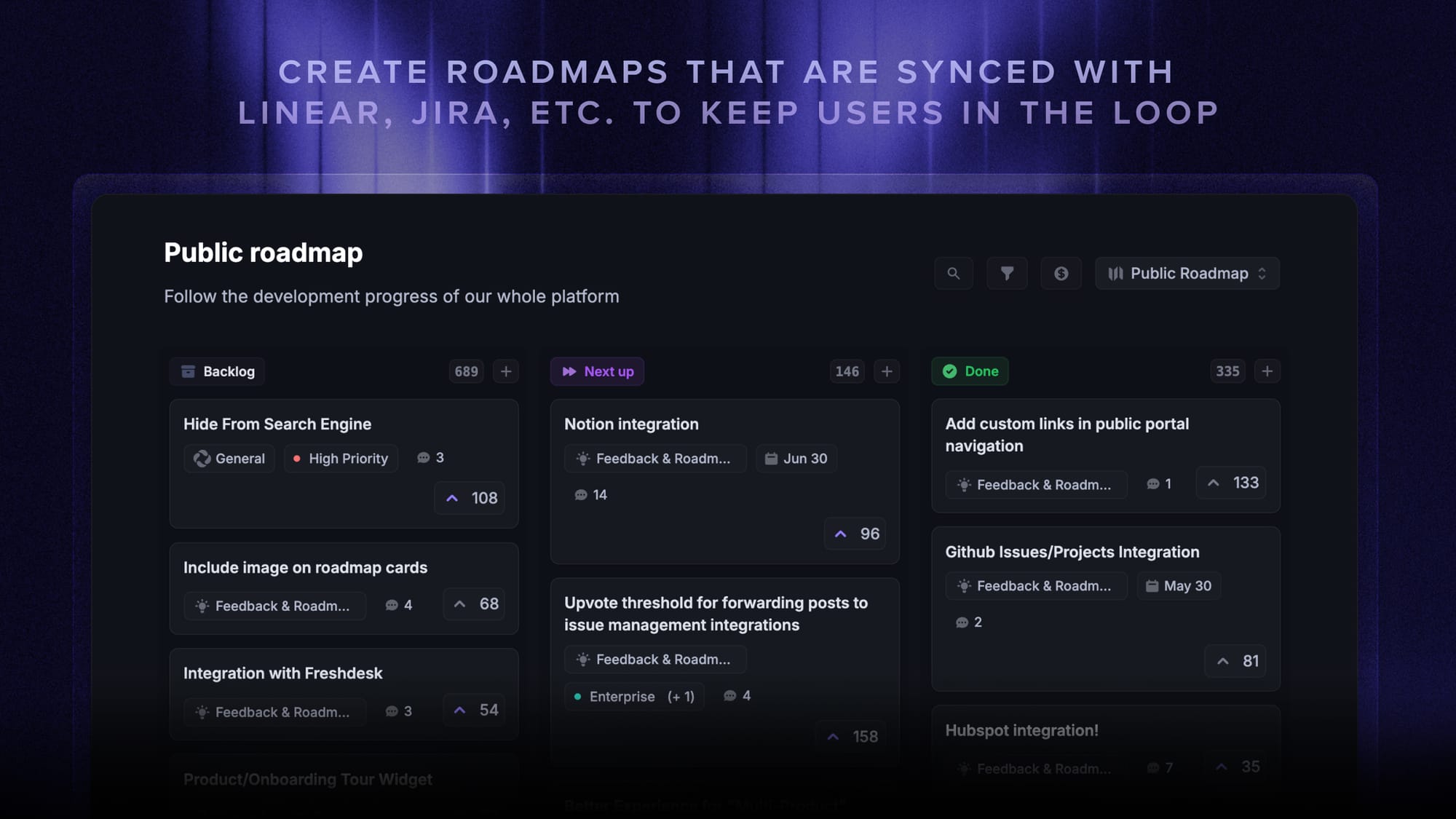
Pairing your changelog with a public roadmap closes the circle: users see what shipped and what's coming next.
Conclusion
Good release notes aren't a documentation task. They're the last 10% of shipping, and they decide whether the other 90% gets used.
Featurebase is a changelog tool that helps you keep users updated with release notes, in-app popups, and automatic emails. It has an AI changelog writer, a powerful editor, changelog analytics, and support for 40+ languages, plus feedback and roadmap tools so every update can link back to the request behind it.
It comes with affordable pricing and a Free plan with unlimited changelogs. You can set it up in minutes, so there's no downside to trying it. 👇
✨ Start announcing updates & drive engagement with Featurebase for free →
FAQs
Who should write release notes?
Whoever shipped the change should draft it, because they know what actually changed. One owner, usually a product manager or product marketer, then edits every release for voice and consistency. Engineering supplies the raw change list, but a raw change list is not a release note.
How often should you publish release notes?
Match your release cadence rather than a fixed calendar. Teams shipping continuously usually batch into a weekly or biweekly post so each one has enough substance to be worth opening. The only hard rule is not going silent for months and then dumping everything at once, since a wall of 40 items gets skimmed and forgotten.
Can AI write release notes for you?
AI is good at the first draft and bad at the edit. It can turn a list of merged pull requests or closed tickets into a structured starting point in seconds, but it can't tell which change matters most to your users or what your product voice sounds like. Featurebase includes an AI changelog writer that drafts updates from completed Jira and Linear issues, which removes the blank-page problem while leaving the judgment calls to you.
Do people actually read release notes?
Yes, but mostly where they already are. Traffic to a standalone changelog page tends to be modest, while an in-app widget or popup reaches users at the moment they're inside the product the change affects. That's why placement matters at least as much as the writing does.
What are the 5 steps of release management?
Release management is typically broken into plan, build, test, deploy, and review. Release notes sit between deploy and review: they're how the change reaches users, and reader reactions and comments feed straight into the review step. Getting the notes wrong turns a good deployment into a release nobody knows about.
Should release notes include bug fixes and known issues?
Both belong in release notes, in separate sections. Write bug fixes from the symptom the user experienced rather than the technical root cause, and keep them to one line each. Known issues feel uncomfortable to publish, but listing them cuts support tickets and buys you far more credibility than the silence costs.