Blog Customer ServiceWhat Is Hypercare? A Guide to Post-Launch Support
What Is Hypercare? A Guide to Post-Launch Support
Hypercare is the intensive support period right after a launch or go-live. Learn what it is, why it matters, how long it lasts, and how to run one.



✨ Automate your support with the fastest AI-enhanced Inbox today →
The riskiest moment of any launch isn't launch day. It's the days and weeks right after, when real users hit your new system for the first time, and everything you didn't catch in testing suddenly surfaces.
Hypercare is how teams get through that window without losing customers, adoption, or their sanity.
Below, I'll break down what hypercare actually is, why it matters, what a hypercare period looks like, how long it lasts, and the mistakes that quietly derail one. 👇
Key takeaways
- Hypercare is a short, high-touch support period that follows a major change like a launch, migration, onboarding, or ERP go-live.
- Most hypercare periods run 1 to 8 weeks, but they end on exit signals (issue volume back to normal), not a fixed calendar date.
- The goal is stabilization - catch problems early, help users adapt, and protect adoption before small issues turn into churn.
- Hypercare needs its own team, tighter SLAs, and clear exit criteria. Treating it as "extra hours" for the existing team is the most common way it fails.
- Featurebase✨ helps you handle the support and feedback surge during hypercare - an AI-powered inbox, feedback boards, and a changelog to keep users in the loop, all in one place.
What is hypercare?
Hypercare is a short, time-boxed period of intensive, high-touch support that follows a major operational change. During hypercare, a dedicated team stands by with faster response times and proactive monitoring to stabilize the change before things shift back to standard support.
That "major change" can take a few forms:
- A product or feature launch - especially big releases or UX overhauls
- A software migration or version upgrade - yours or your customer's
- A customer onboarding - particularly enterprise or large cohorts
- An ERP or system go-live - the classic origin of the term in IT and project management
The word comes from IT and project management, where hypercare described the support window right after a system go-live. It's since spread into customer support and SaaS, because a launch looks the same from both sides: the customer lives through a rocky transition, and your team is the one steadying it.
Why hypercare matters
New systems are at their most fragile the moment real users touch them. A testing environment never fully mirrors real conditions, so issues that stayed hidden in a controlled setup surface fast once actual work starts flowing through.
Done well, a hypercare period pays off in a few ways:
- Smoother adoption: When users get quick answers during the transition, they actually learn the new system instead of inventing workarounds or giving up. That's the difference between a rollout that sticks and one that quietly gets abandoned.
- Lower churn and stronger retention: The first weeks after a change are when frustration turns into canceled contracts. Resolving issues fast keeps small annoyances from becoming reasons to leave.
- Better feedback while it's fresh: A launch window is the richest source of real product signal you'll get. Every recurring ticket is a gap, and every confused user is a fix waiting to happen.
Skip hypercare and the downside is just as predictable: productivity dips as people struggle, workarounds pile up, and resistance to the whole change starts to build.
What happens during a hypercare period
A hypercare period isn't just "the same support, but busier." It runs on its own structure: named owners, tighter response targets, and a clear plan for what to watch.
The hypercare team
Hypercare works best when specific people own it, rather than the whole team absorbing it on top of their day jobs. A typical hypercare team includes a few core roles:
- Hypercare manager: Owns the whole period, coordinates the team, and decides when hypercare ends. This is the person accountable for the exit call.
- Support agents: Handle incoming issues and questions, usually on tighter response times than normal.
- Communication specialist: Keeps customers informed with proactive updates, so they hear about changes and fixes from you rather than by surprise.
- Data analyst: Watches ticket volume, adoption, and recurring issues to spot patterns and inform the exit decision.
On a small team, one person often wears two of these hats. The point isn't headcount, it's that someone clearly owns each job.
The core activities
Across the period, the work tends to fall into a handful of activities:
- Rapid response: Dedicated agents resolve issues fast, often on response targets measured in minutes rather than hours.
- Proactive monitoring: The team watches performance and usage continuously, catching problems before users report them.
- Hands-on user support: Experts guide people through new processes in real scenarios, closing the gap between training and actual use.
- Capturing and closing the loop: Every issue, bug report, and piece of feedback gets logged, and users get told when it's fixed. That last part is what keeps confidence from eroding.
One thing worth building in early is a way to prioritize. Not every issue is a fire, and treating them all the same buries the critical ones. Sort by impact and urgency so the problems that actually threaten the launch get attention first.
How long does hypercare last?
Most hypercare periods run 1 to 8 weeks, though complex ERP or platform migrations can stretch to 12 weeks or more. But the exact duration isn't really the point. The exit is.
Hypercare should end when the situation is stable, not when a date on the calendar arrives. A few signals tell you you're there:
- Issue volume is back to baseline - new tickets have dropped to roughly what they were before the change.
- Response and resolution times are back to normal - and have held there for a couple of weeks, not just a good day.
- Users are self-sufficient - fewer questions, more independent problem-solving, no recurring confusion.
- No critical issues are open - the remaining problems are minor and infrequent.
When you hit those, hand off gradually rather than all at once. Dial support intensity down as things settle instead of yanking it away overnight, which just recreates the panic you spent weeks resolving.
Common hypercare mistakes to avoid
Most hypercare failures trace back to the same handful of mistakes:
- Treating it as "extra hours": Hypercare is a different operating mode with its own SLAs, owners, and metrics, not just the normal team working later. Run it like overtime and it burns people out without the structure to actually stabilize anything.
- Vague or missing exit criteria: With no agreed definition of "done", hypercare quietly drags on forever and the tightened SLAs never lift. Decide what "stable" looks like before you go live.
- Burning out the same team: Piling a high-intensity window onto the people already running day-to-day support is how you lose good agents. Pull in extra help, or lean on automation, so the same humans aren't double-shifting for weeks.
- No proactive communication: If customers discover changes on their own, you've already lost some trust. Tell them what's changing, what to expect, and where to get help before they have to ask.
- Skipping the retrospective: The launch you just survived is a goldmine of lessons for the next one. Skip the debrief and you'll repeat every avoidable mistake.
Handling the support and feedback surge during hypercare

Whatever triggered your hypercare period, support requests and feedback both spike at once. You're fielding a surge of questions and bug reports while also trying to keep everyone informed about what you're fixing. Doing that across scattered inboxes, spreadsheets, and Slack threads is how things slip through the cracks.
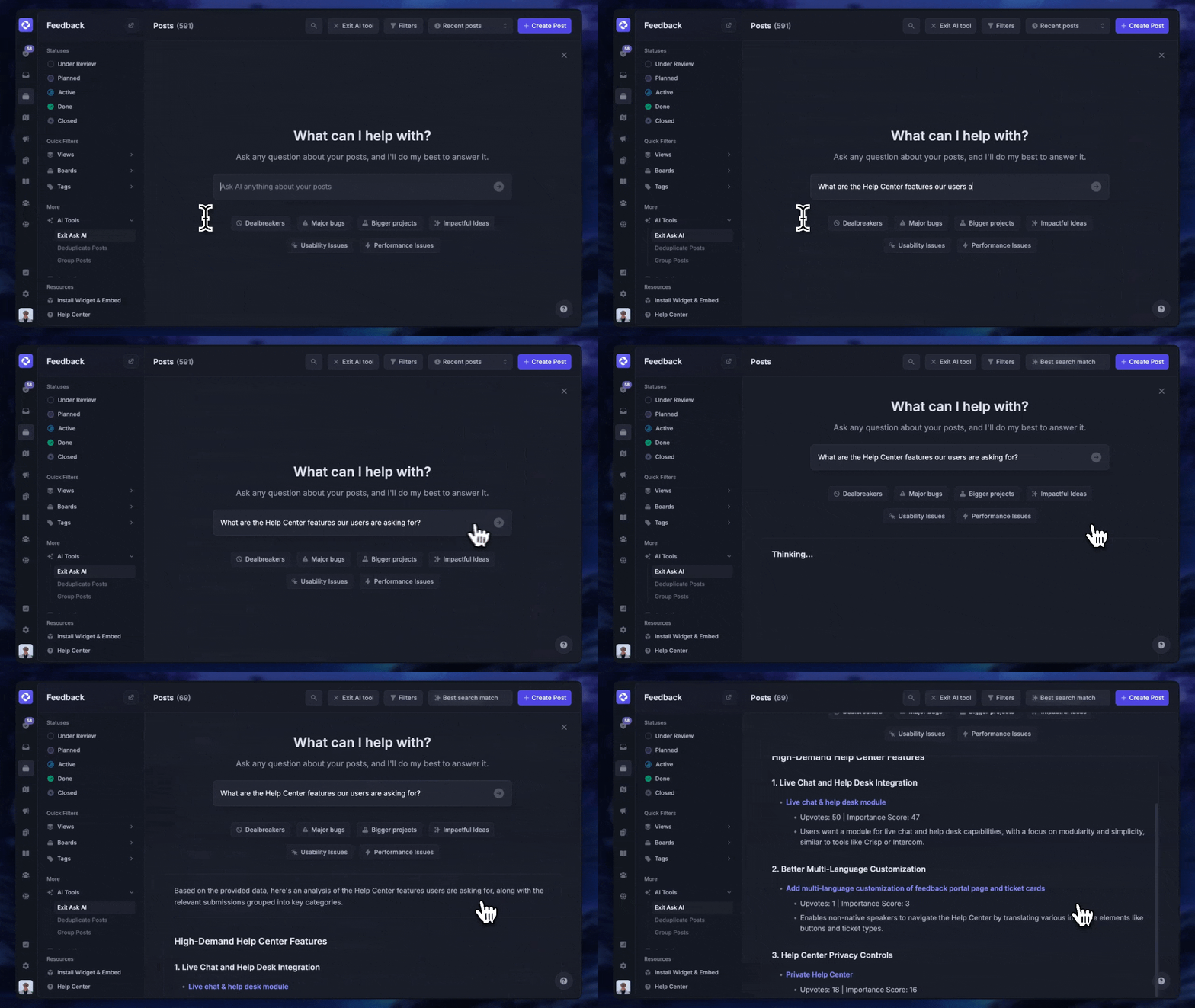
This is where having your support and feedback in one place helps. Featurebase brings the tools you lean on during a launch window together, so you're not stitching them across 5 apps:
- AI-powered inbox - handle live chat, email, and Slack from one view, with an AI agent that resolves common issues on its own so your team can focus on the hard ones
- Feedback boards - capture bug reports and feature requests as they come in, and let users vote so you can see what's hurting the most
- Changelog and product updates - announce fixes and changes with in-app widgets and emails, so users always know you're on it
It comes with a free plan, so you can spin it up for a launch without a big commitment.

Resolve 70% of customer requests with AI
Automatically resolve customer issues & cut down support loads for your team
Conclusion
Hypercare isn't a nice-to-have bolt-on to a launch. It's the window where a change either sticks or falls apart, and running it with a real plan - a named team, tighter SLAs, and clear exit criteria - is what carries you from a shaky go-live to business as usual.
Featurebase is a modern AI support platform that helps you handle the busiest support moments in one place. You get an AI-powered inbox with an agent that resolves issues on autopilot, feedback boards to capture bugs and requests as they land, and a changelog to keep users updated on every fix.
It comes with a free plan and fast onboarding, so there's no downside to trying it before your next launch. 👇
✨ Automate your support with the fastest AI-enhanced Inbox today →

FAQs
What's the difference between hypercare and aftercare?
Hypercare is the intensive stabilization phase right after go-live, with dedicated people and fast response times. Aftercare is the ongoing support that follows once things are stable, with normal response times, a regular team, and a focus on optimization rather than firefighting. In short, hypercare gets you through the risky transition, and aftercare keeps improving things long-term.
What's the difference between hypercare and early life support (ELS)?
Early life support (ELS) is the ITIL term for the stabilization window after a system go-live, and it focuses on the IT side: incident response, performance tuning, and fixing what testing missed. Hypercare covers the same window but stretches the lens to include the customer or end-user experience of the change. If you work in IT you'll usually call it ELS, and if you work in support or CS, you'll call it hypercare.
What comes after hypercare?
Once hypercare ends, support transitions to business-as-usual, sometimes called aftercare. Response times relax back to normal SLAs, the dedicated hypercare team hands off to the regular support crew, and the focus shifts from stabilizing the change to steady, ongoing improvement. The handoff should be gradual, with a documented log of any open risks.
What is hypercare in project management?
In project management, hypercare is the post-go-live support phase near the end of a project's delivery lifecycle. After the solution is live, the project team stays engaged with heightened support to stabilize it, resolve early issues, and help users adapt before the project formally closes and ownership moves to a standard support team.
What is hypercare in SAP and ERP go-lives?
For SAP and other ERP go-lives, hypercare is the intensive support window right after the new system goes live, typically lasting 4 to 12 weeks. Because ERP systems touch so many business processes at once, this phase leans heavily on dedicated experts, proactive monitoring, and fast issue resolution to keep daily operations running while users adjust.
How do you measure hypercare success?
Track a mix of support and adoption signals: ticket volume trending back to baseline, response and resolution times returning to normal, and escalation rates dropping week over week. For onboarding-style hypercare, time-to-first-value (how fast users hit their first real win) is one of the most telling metrics. The overall goal is a stable system and confident users, not just a lower ticket count.