Blog Customer ServiceHelp Scout Review 2026: Pricing, Pros & Cons
Help Scout Review 2026: Pricing, Pros & Cons
This review breaks down Help Scout’s 2026 pricing, main features, pros and cons, and who it’s best for.



✨ Automate your support with the fastest AI-enhanced Inbox today →
Help Scout has spent years as the favorite support tool for small, customer-first teams. But a 2025 price increase and some long-standing gaps in reporting and automation have more teams asking whether it's still the right pick in 2026.
So is it? This review breaks down Help Scout's pricing, its real pros and cons, the features that matter, and who it's actually best for 👇
Key takeaways:
- Email-first shared inbox: Help Scout uses a Gmail-like conversation view instead of numbered tickets, which makes it fast to learn and friendly for customers.
- Genuinely easy to use: reviewers rate it around 4.6/5 on G2 and Capterra, and onboarding usually takes minutes, not weeks.
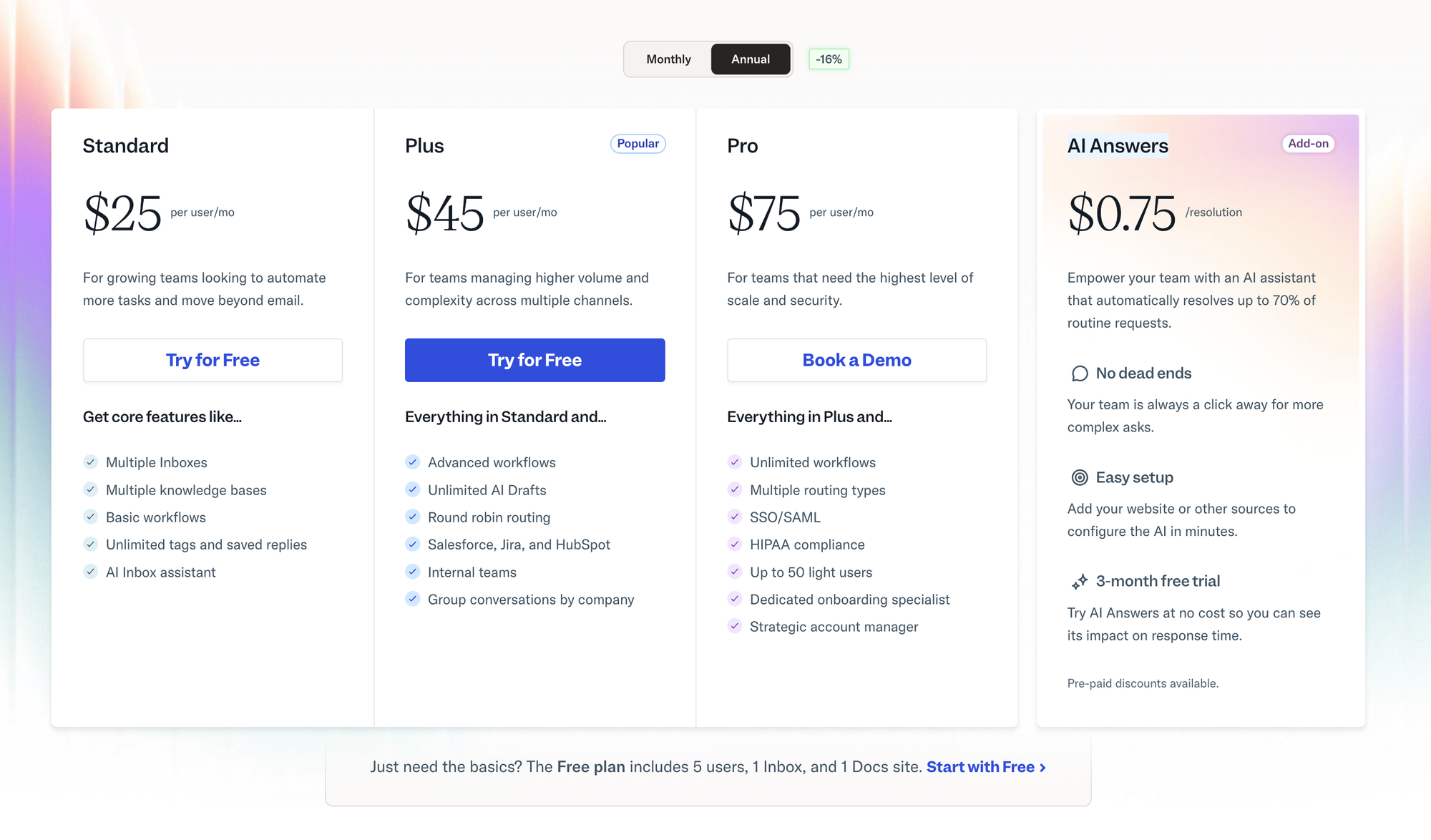
- Per-user pricing: Free, Standard at $25/user/mo, Plus at $45/user/mo, and Pro at $75/user/mo, with AI Answers billed at $0.75 per resolution.
- Where it falls short: reporting is shallow on lower tiers, native social channels are thin, and there's no autonomous chatbot builder.
- Best for small and mid-sized SaaS and ecommerce teams that live in email and value simplicity over deep configuration.
- Want support, feedback, and a roadmap in one tool? Featurebase✨ is a modern all-in-one alternative worth a look.
What is Help Scout?
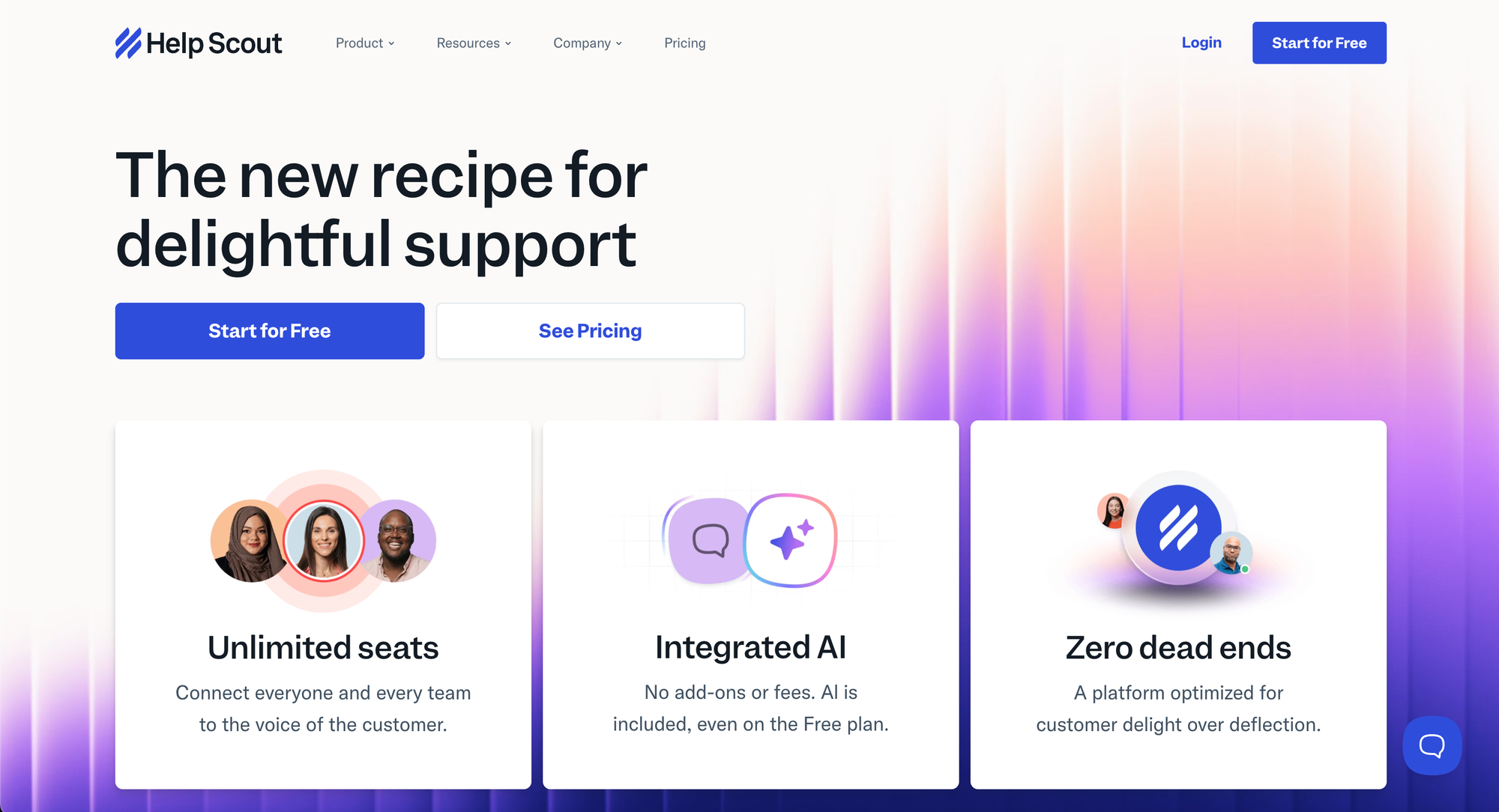
Help Scout is a customer support platform built around a shared inbox. Instead of turning every email into a numbered ticket, it keeps conversations looking like normal emails, which feels more personal to customers and more familiar to your team.
It's built on 3 core pieces:
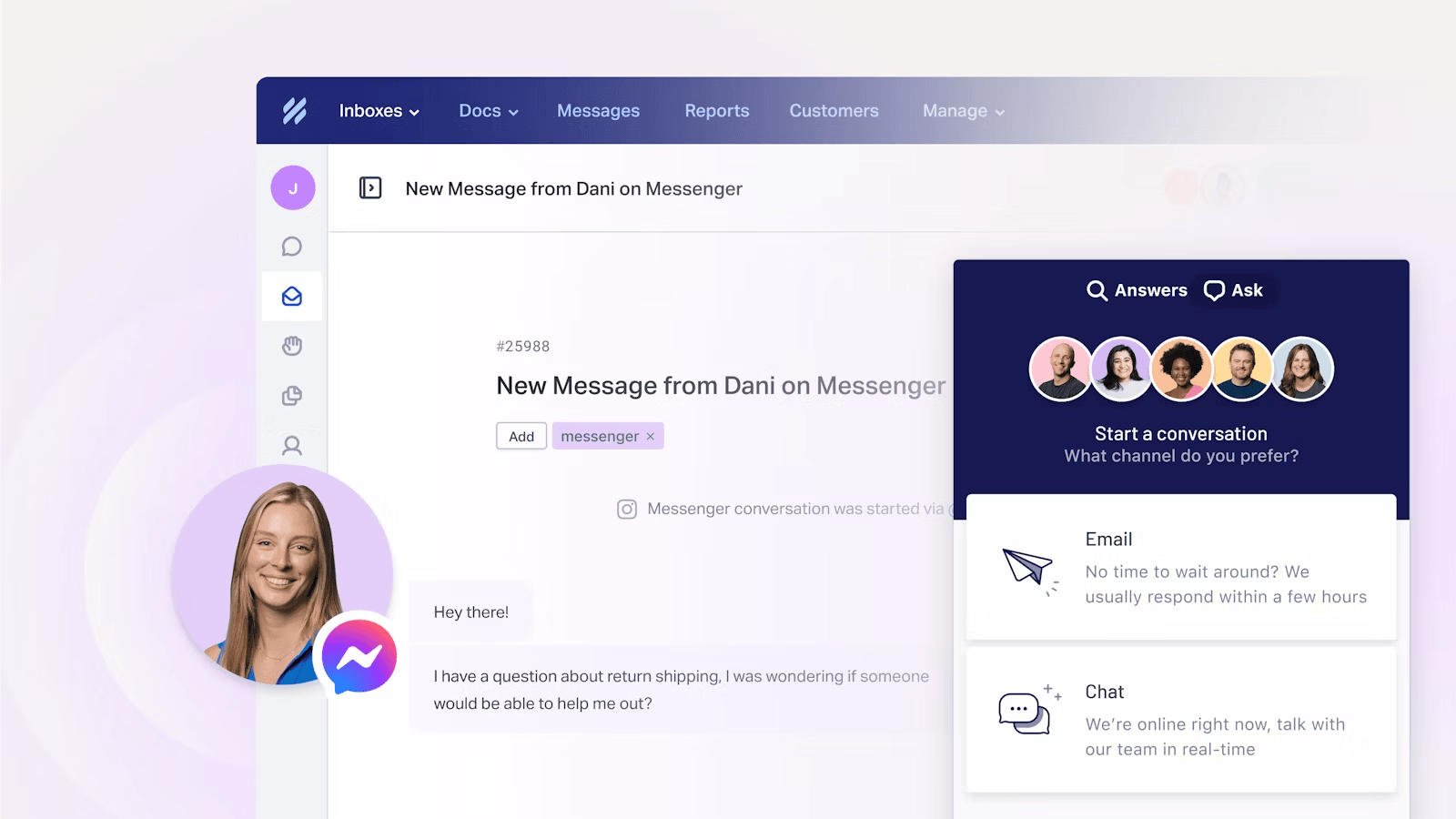
- Inbox: a shared workspace where your whole team handles email, live chat, and social messages together, with collision detection and internal notes.
- Docs: a knowledge base where you publish self-serve help articles for customers.
- Beacon: an embeddable widget that surfaces help articles, live chat, and contact forms anywhere in your site or app.
The whole product is designed around a simple idea: support should build relationships, not process customers like queue numbers. That philosophy is why teams that care about customer experience tend to love it.
Help Scout pricing
Help Scout uses per-user pricing with unlimited contacts, and every paid plan includes its AI assistant features at no extra cost. Annual billing saves you roughly 16% over monthly. Here's how the plans break down in 2026:
| Plan | Price (per user / mo) | Best for |
|---|---|---|
| Free | $0 | Tiny teams testing the waters (5 users, 1 inbox, 1 Docs site) |
| Standard | $25 | Growing teams that need live chat and AI |
| Plus | $45 | Higher-volume teams needing custom fields and reporting |
| Pro | $75 | Larger teams needing SSO, HIPAA, and advanced security |
A few things worth knowing before you commit:
- The Free plan is real, but limited: it covers up to 5 users, 1 inbox, 1 Docs site, and 100 contacts a month. It's great for testing or a very small team.
- AI Answers is a separate add-on: the autonomous chatbot is billed at $0.75 per resolution on top of your plan, with a 3-month free trial to start.
- Advanced features live on higher tiers: custom fields, advanced permissions, and detailed reporting only unlock on Plus and Pro, so the real cost for a growing team is often higher than the Standard sticker price.
For a deeper tier-by-tier breakdown with real cost examples, see our Help Scout pricing guide.
Help Scout pros and cons
No tool is perfect. Here's an honest look at what reviewers consistently praise and where Help Scout frustrates teams, based on recurring themes across G2 and Capterra feedback.
Pros
- Ease of use: the email-style interface is clean and uncluttered, so new agents get productive fast with very little training. This is the single most-praised thing about Help Scout.
- Top-rated support: Help Scout's own support team scores around 9.1/10 on G2 for quality, backed by 24/6 availability, live classes, and detailed docs.
- AI included in paid plans: AI Drafts, AI Summarize, and AI Assist come bundled at no extra cost, unlike rivals that charge separately for comparable AI.
- Transparent, predictable pricing: clear per-user costs with unlimited contacts make it easy to forecast spend as you grow.
- Free, no-dev migration: the Import2 tool moves your data over from tools like Zendesk for free for most customers, with no engineering help needed.
Cons
- Shallow reporting: analytics are basic on lower tiers, custom reporting is gated to higher plans, and there's no SLA tracking until you pay up. Teams that live in dashboards tend to feel boxed in.
- Thin multichannel support: there's no deep native social management, so Instagram and WhatsApp coverage feels limited next to omnichannel giants, and SMS leans on integrations.
- No autonomous chatbot builder: Help Scout has AI Drafts and the AI Answers add-on, but it lacks a no-code bot builder for fully autonomous resolution that platforms like Tidio or Gorgias offer.
- Mobile app gaps: the iOS and Android apps cover the basics but still miss features like workflows, so power users end up back on desktop.
- Tier-gating: several features small teams expect, like custom fields and proper reporting, sit behind the $45 Plus plan, which pushes the effective price up.
Help Scout's key features
Beyond the shared inbox, Help Scout packs the core toolkit most support teams need. Here's what stands out.
Shared inbox and collaboration
This is the heart of the product. Conversations land in a shared, email-like view where your team can assign threads, leave private notes, and use saved replies to answer faster. Collision detection stops 2 agents from replying to the same customer at once, and a Slack-style "/" menu pulls up snippets, formatting, and notes without memorizing shortcuts.
AI features
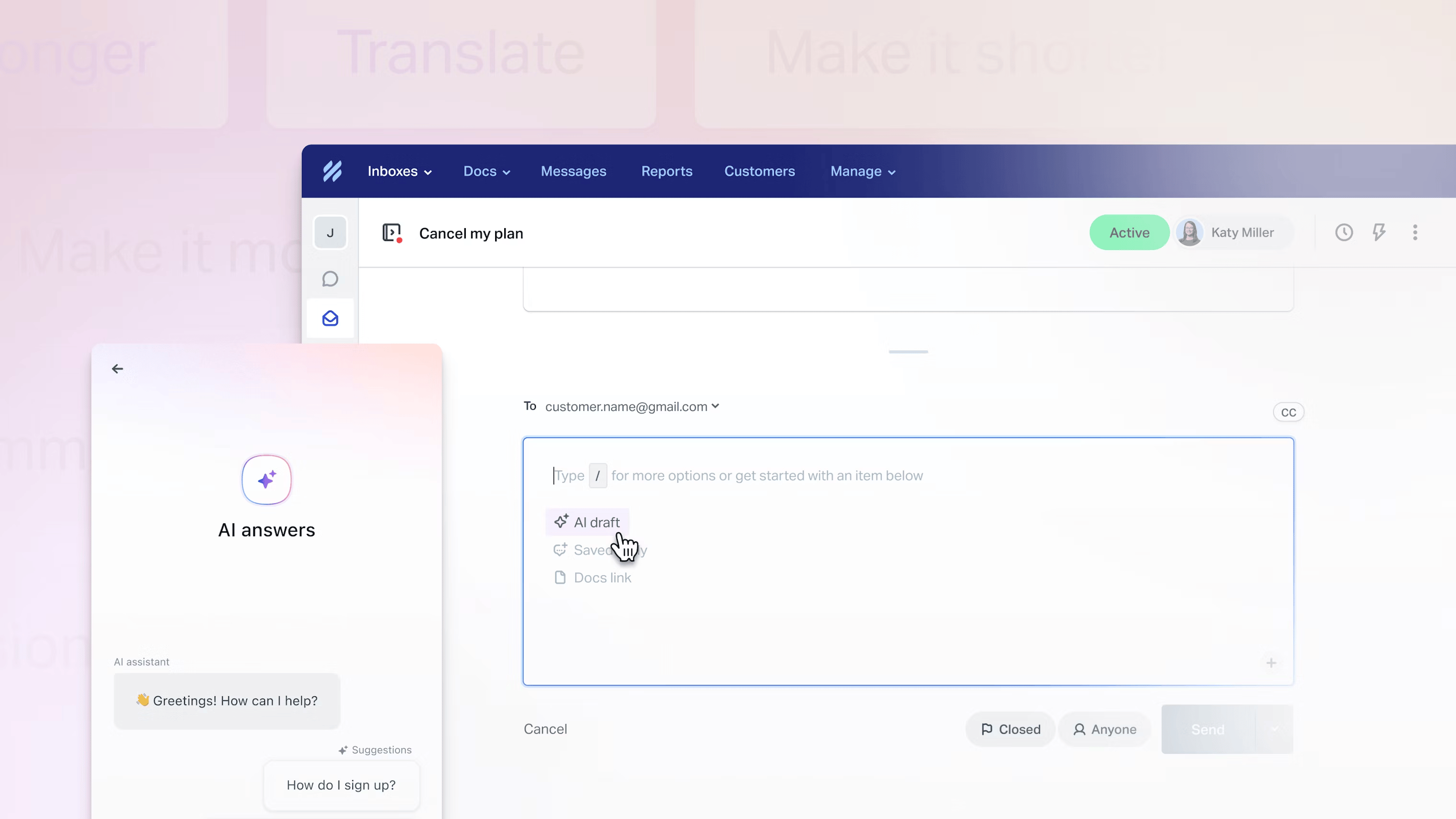
Help Scout takes a deliberately human-first approach to AI. AI Assist can expand, shorten, or translate replies, AI Summarize condenses long threads into a few bullets so you can catch up fast, and AI Drafts suggests full replies based on past conversations. The optional AI Answers chatbot resolves common questions from your help content, but a human is always one click away.
Docs knowledge base and Beacon
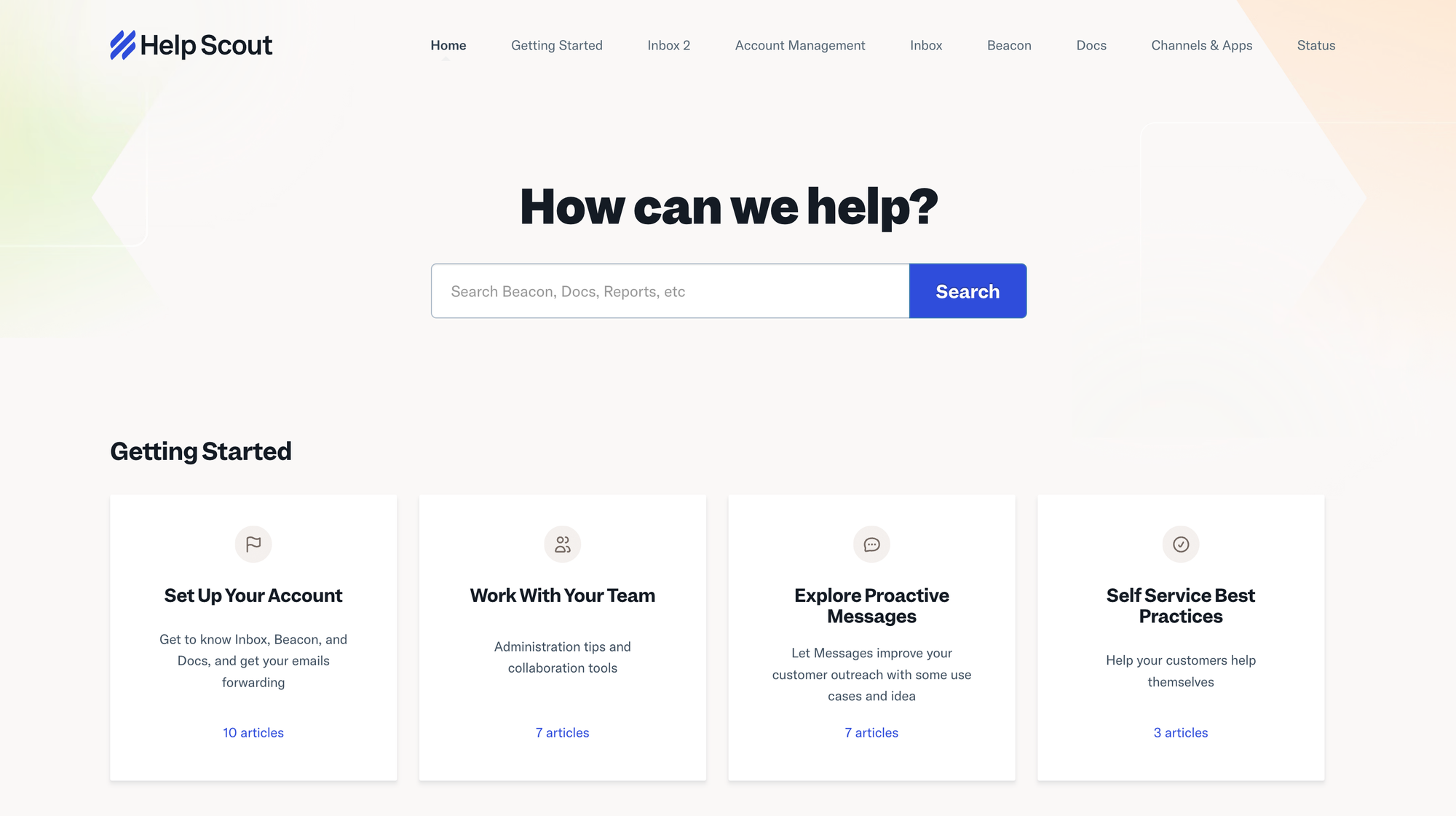
Docs lets you publish a branded, searchable knowledge base so customers can help themselves. The Beacon widget then embeds that content, plus live chat and contact forms, right where customers get stuck, and it can suggest different articles depending on the page they're on.
Reporting and mobile
Pre-built reports cover conversation volume, response times, and customer happiness, though the depth depends heavily on your plan. The mobile apps for iOS and Android let you reply and stay on top of conversations on the go, with the caveat that some automation features aren't there yet.
Who Help Scout is best for
Help Scout is at its best for small and mid-sized SaaS and ecommerce teams that handle most of their support over email and value a simple, human experience over heavy configuration. If your priorities are fast onboarding, a clean inbox, and great self-service, it's hard to beat.
It's a weaker fit if you run high-volume omnichannel support across social and SMS, need an autonomous AI chatbot, or rely on deep custom reporting and SLAs. Those teams usually outgrow Help Scout's simplicity and start shopping for something with more automation muscle.
Help Scout alternatives worth considering
If Help Scout isn't quite right, the usual names that come up are Zendesk for enterprise-grade configuration, Intercom for AI-first messaging, and Freshdesk for budget-friendly ticketing. Each trades some of Help Scout's simplicity for more power or a lower entry price.
There's also a newer option built for product-led teams: Featurebase. It combines an omnichannel inbox and AI agent with feedback collection and a public roadmap, so you can run support and product feedback from one place instead of stitching tools together. We cover the full lineup in our Help Scout alternatives guide, and the dedicated comparison below shows exactly how it stacks up.

Get the best Help Scout alternative
Automatically resolve 70% of customer requests & cut down manual support loads
Featurebase: A modern Help Scout alternative
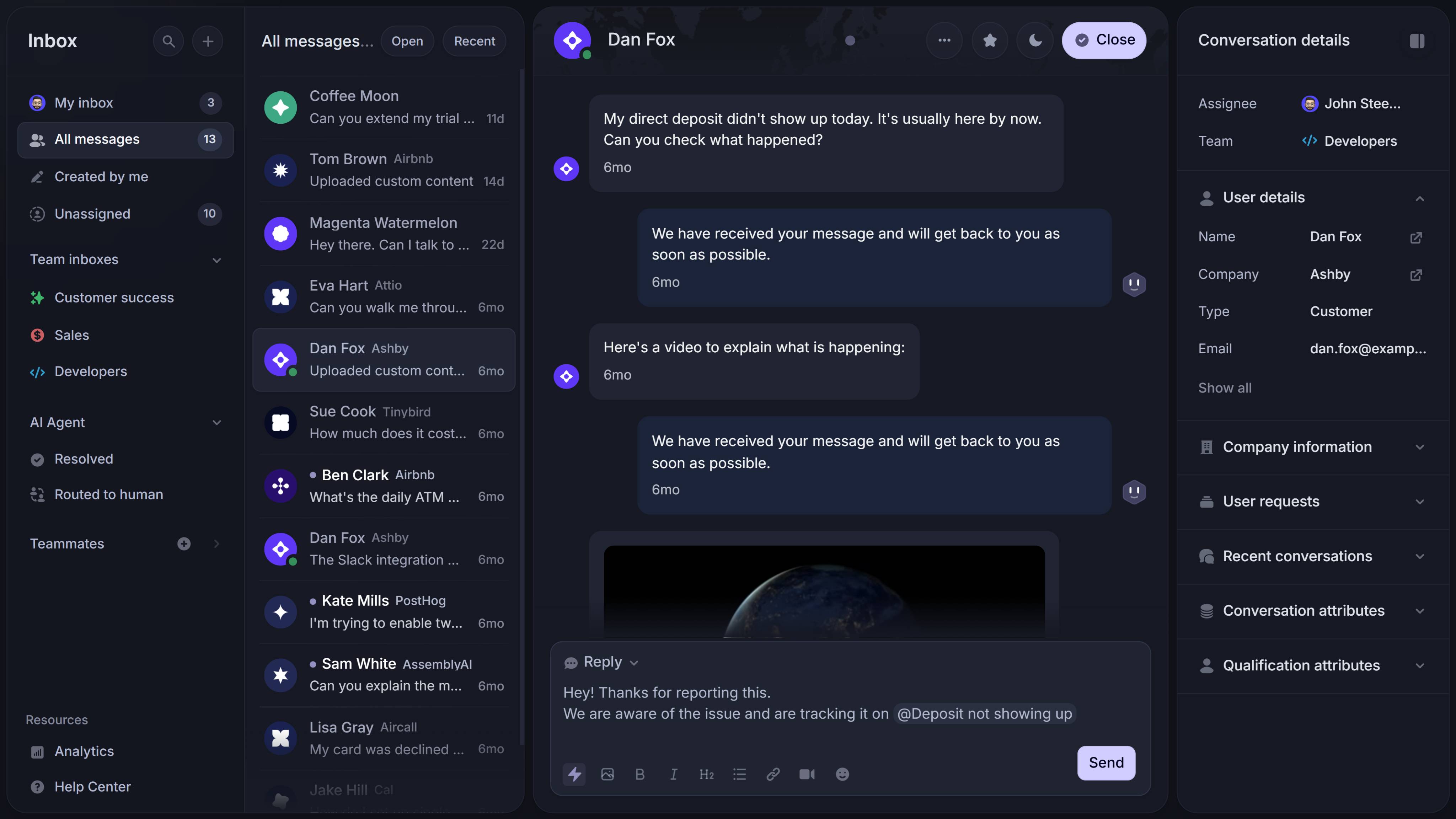
If Help Scout's simplicity appeals to you but its gaps don't, Featurebase is worth a look. It's a modern support platform built for product-led SaaS teams, used by the likes of Lovable, Raycast, and n8n. 💫

Like Help Scout, it gives you a clean omnichannel inbox for email, live chat, and Slack, plus an AI-powered help center for self-serve answers. Where it goes further is automation and product feedback: its Fibi AI Agent can resolve issues on autopilot and even run actions like trial extensions and refunds, and an AI Copilot helps your agents reply faster using your internal knowledge.
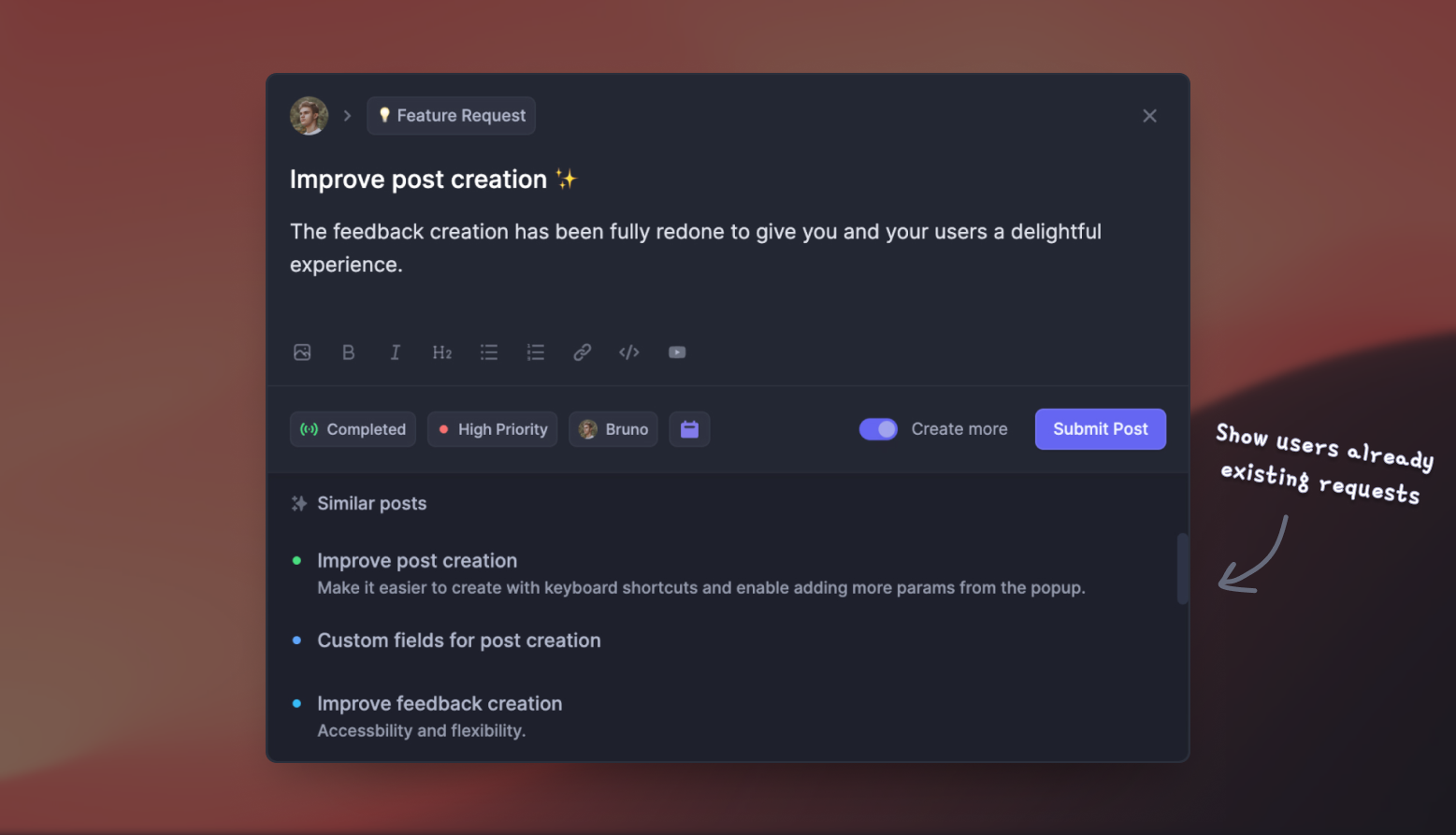
The bigger difference is scope. Featurebase folds in the tools Help Scout leaves out, so the same platform that runs your support also collects feature requests, powers a public roadmap, and ships changelog updates. That means support and product feedback live in one place instead of across separate tools.
On pricing, there's a free plan with unlimited conversations, and paid plans start at $29/seat/month with $0.29 per AI resolution, so it lands in a similar range to Help Scout's Standard tier.
The verdict: Is Help Scout worth it?
For the right team, Help Scout is absolutely worth it. If you run an email-first support operation and want a tool your whole team can pick up in an afternoon, its clean inbox, bundled AI, and famously good support make it one of the best choices out there. The honest caveats are reporting depth, thin social channels, and a price that creeps up once you need Plus-tier features.
If you want all of that simplicity but also wish your support tool handled product feedback and a roadmap, it's worth looking wider. Featurebase is a modern support and feedback platform that brings your inbox, AI agent, help center, feature requests, and changelog together in one place, so you can support customers and build what they're asking for without juggling 5 separate tools.
It comes with a Free plan and quick, credit-card-free onboarding, so there's no downside to trying it. 👇
✨ Automate your support with the fastest AI-enhanced Inbox today →

FAQs
Does Help Scout have a free plan?
Yes. Help Scout's Free plan covers up to 5 users, 1 shared inbox, 1 Docs knowledge base, and 100 contacts per month. It's a solid way to test the product or run support for a very small team, though you'll hit its limits quickly as you grow.
Can Help Scout handle live chat and social media?
Help Scout offers live chat through its Beacon widget, plus Instagram and Facebook Messenger on paid plans and WhatsApp on higher tiers. That said, its native social management is lighter than dedicated omnichannel platforms, so heavy social-support teams may find it limiting.
How easy is it to migrate to Help Scout?
It's one of the easier migrations in the category. Help Scout's free Import2 tool moves your conversations, tags, and customer profiles over from tools like Zendesk, and it's free for most customers with no developer help required.
Is Help Scout secure?
Yes. Help Scout offers SSO/SAML and IP restrictions as add-ons, and HIPAA compliance is available on the Pro plan. It maintains strong uptime and standard data-protection practices, which is enough for most SaaS and ecommerce teams.
What is the best Help Scout alternative?
It depends on what you need: Zendesk for enterprise configuration, Intercom for AI-first chat, or Freshdesk for budget ticketing. For teams that want support plus product feedback and a roadmap in one tool, Featurebase is a strong all-in-one alternative with a free plan.
Is Help Scout worth it for a small business?
For most small businesses doing email-first support, yes. It's affordable to start, quick to set up, and easy for a small team to share. If you need heavy automation, deep reporting, or full omnichannel coverage, you may outgrow it and want to compare other options first.