Blog Customer ServiceTidio Review 2026: Features, Pricing, Pros & Cons
Tidio Review 2026: Features, Pricing, Pros & Cons
An honest Tidio review for 2026: features, pricing, and the trade-offs nobody mentions before you sign up.



✨Automate your support with the fastest AI-enhanced Inbox today →
Tidio promises live chat, chatbots, and an AI agent in one affordable tool, and for the most part it delivers. The interface is genuinely easy to use, the free plan is generous, and the Lyro AI agent is surprisingly capable for a tool at this price.
But the pricing has a few traps worth knowing about before you commit, and the feature set leans more toward sales than deep customer support.
In this review, I'll break down what Tidio does well, where it falls short, what it actually costs, and who it's the right fit for. 👇
Key takeaways:
- Tidio is a live chat, chatbot, and AI customer service tool aimed at small and medium businesses, with a strong free plan and fast setup.
- Lyro, its AI agent, can resolve a large share of common questions automatically once it's trained on your content.
- Pricing looks cheap at the entry level ($29/month) but gets confusing fast once you add Lyro AI conversations and Flows visitors as separate add-ons.
- Its biggest weaknesses are a thin integration library, limited routing and ticketing depth, and a chat widget that shows Tidio branding unless you pay extra.
- It's best for SMBs and ecommerce stores that want to automate simple conversations, less ideal for support-heavy teams that need advanced workflows.
- If you want a modern all-in-one support, help center, and feedback platform instead, Featurebase✨ is a strong Tidio alternative.
What is Tidio?
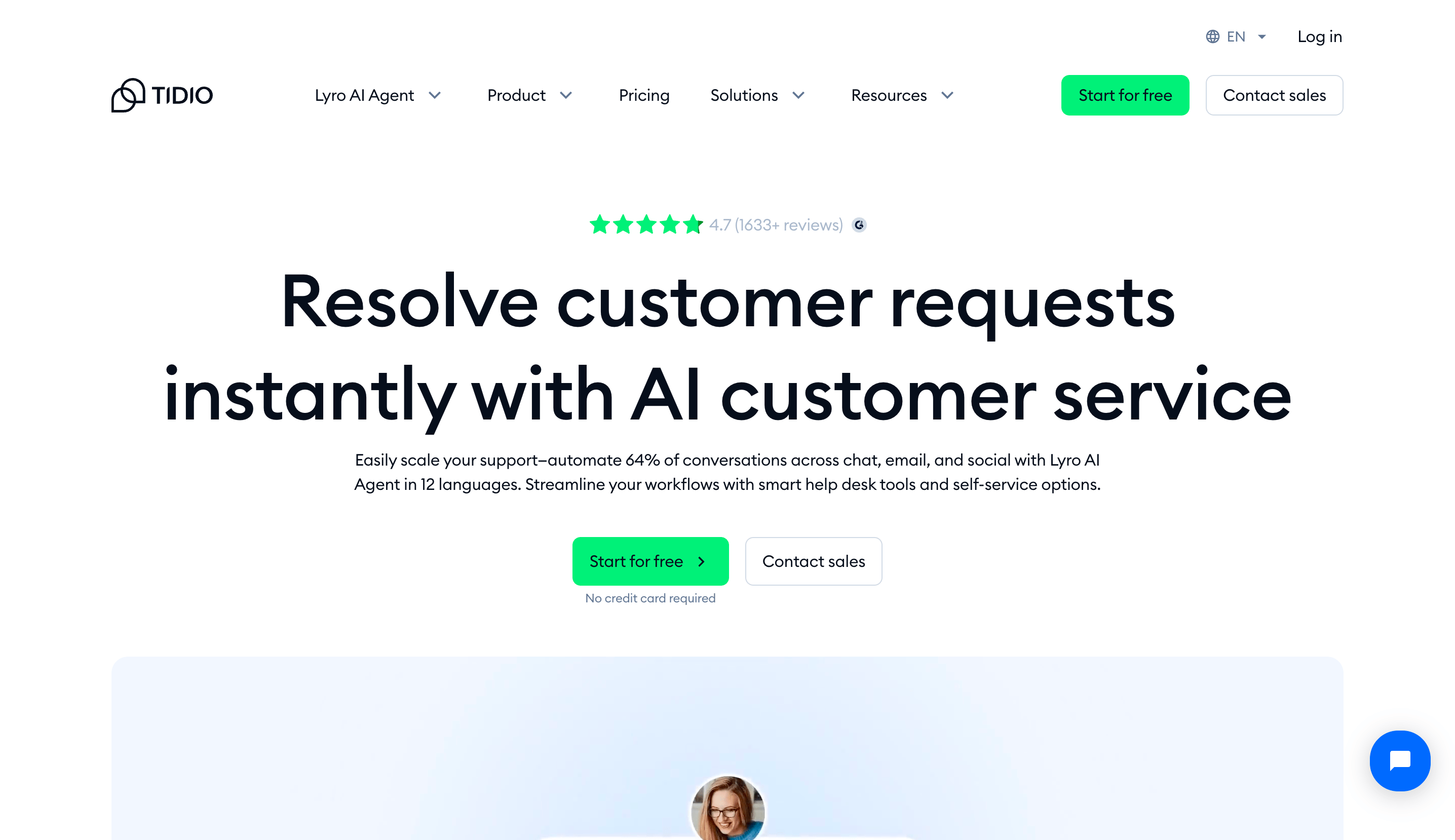
Tidio is an all-in-one customer service platform that combines live chat, AI chatbots, and a shared inbox into a single tool. It started life as a simple live chat widget and has since grown into a broader customer experience platform aimed at small and medium businesses.
The core idea is simple: talk to your website visitors in real time, automate the repetitive questions with chatbots, and pull every conversation (website chat, email, Facebook Messenger, Instagram, and WhatsApp) into one inbox.
It's used by ecommerce stores, service businesses, and SaaS teams that want to boost support and capture more sales without stitching together 5 different tools. Tidio is especially popular with Shopify and WordPress stores thanks to its quick, no-code setup.
Tidio's main features
Tidio packs a lot into one platform. Here's what you actually get and how the main pieces hold up in practice.
Live chat and unified inbox
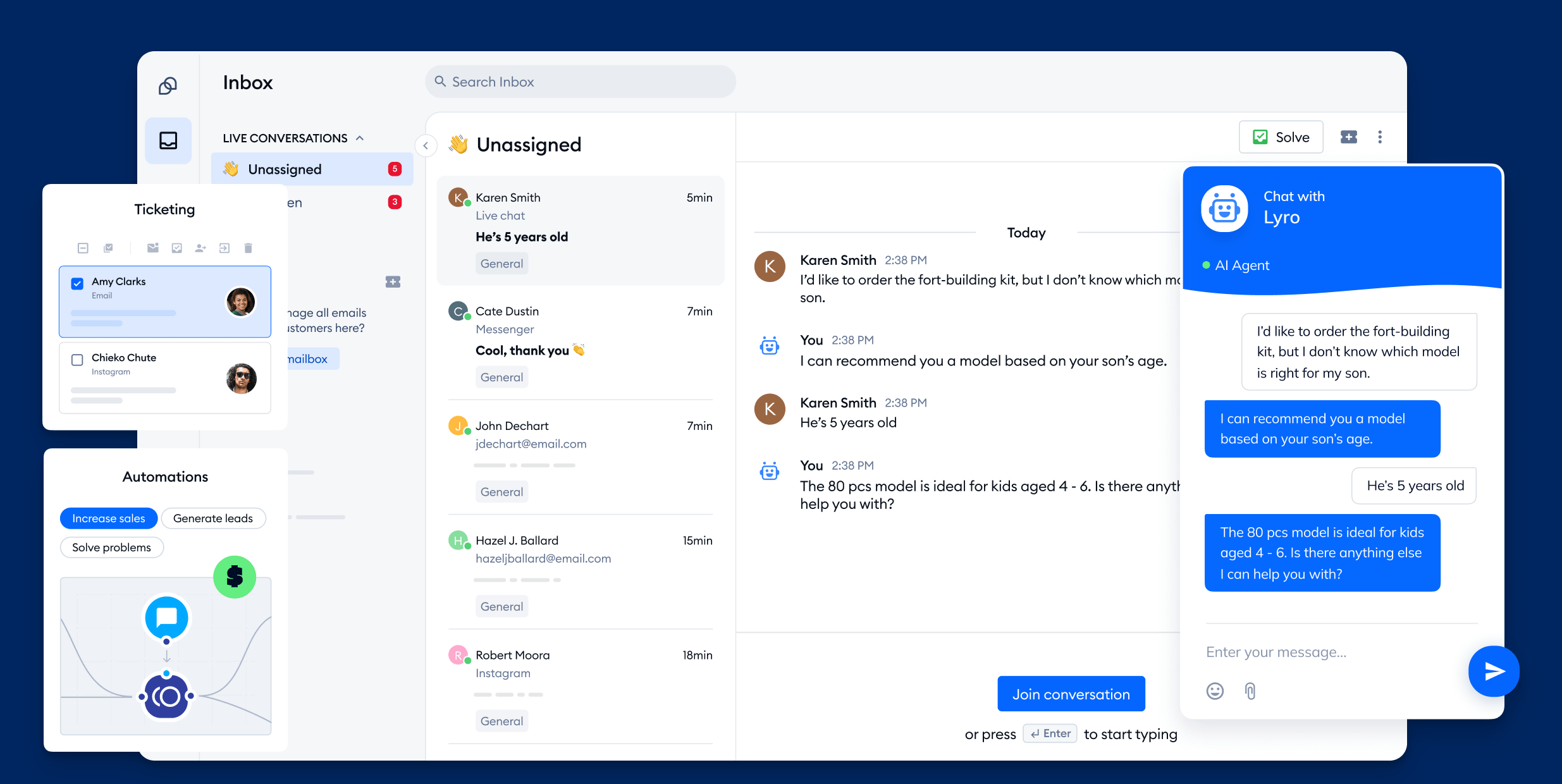
Live chat is the heart of Tidio, and it's well executed. You can customize the chat widget to match your brand, see what visitors are typing before they hit send with live typing preview, and fire off canned responses for common questions.
Every conversation lands in one shared inbox, whether it came from website chat, email, or social. Agents see the full conversation history and customer profile in the same window, and chats can be auto-assigned to available team members.
The inbox is clean and modern, easily one of the better-designed ones in the budget live chat space.
Lyro AI agent and chatbot flows
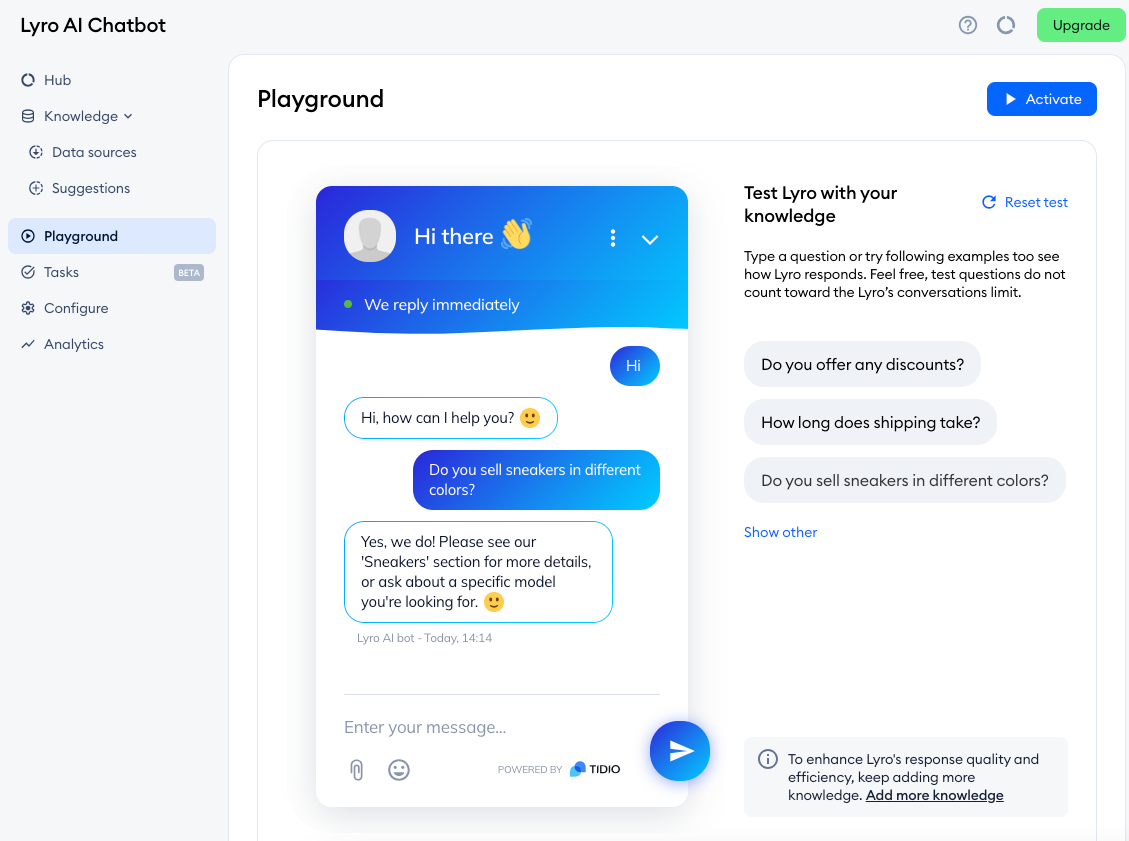
Tidio has two distinct ways to automate conversations, and it's worth understanding the difference:
- Lyro AI agent: This is Tidio's conversational AI. You train it on your help content and website, and it answers customer questions in natural language without pre-set scripts. By Tidio's own figures, Lyro can solve up to 70% of customer problems automatically, with a stated 67% resolution rate.
- Chatbot flows: These are visual, rule-based automations built in a drag-and-drop editor. You set a trigger (like a visitor landing on your pricing page) and map out a multi-step conversation with conditional logic and branching paths.
The flow builder is one of Tidio's standout features. It comes with around 40 ready-made templates across sales, lead generation, and support, so beginners can get a working chatbot live in minutes.
Visitor tracking and automation
Tidio shows you who's on your site in real time: which pages they're viewing, where they're located, and how they found you. You can then set automated triggers based on that behavior.
For example, you can greet returning customers with a discount, nudge visitors who've left items in their cart, or proactively offer help to someone stuck on a checkout page. For ecommerce stores, this is where a lot of the value sits.
Multichannel and integrations
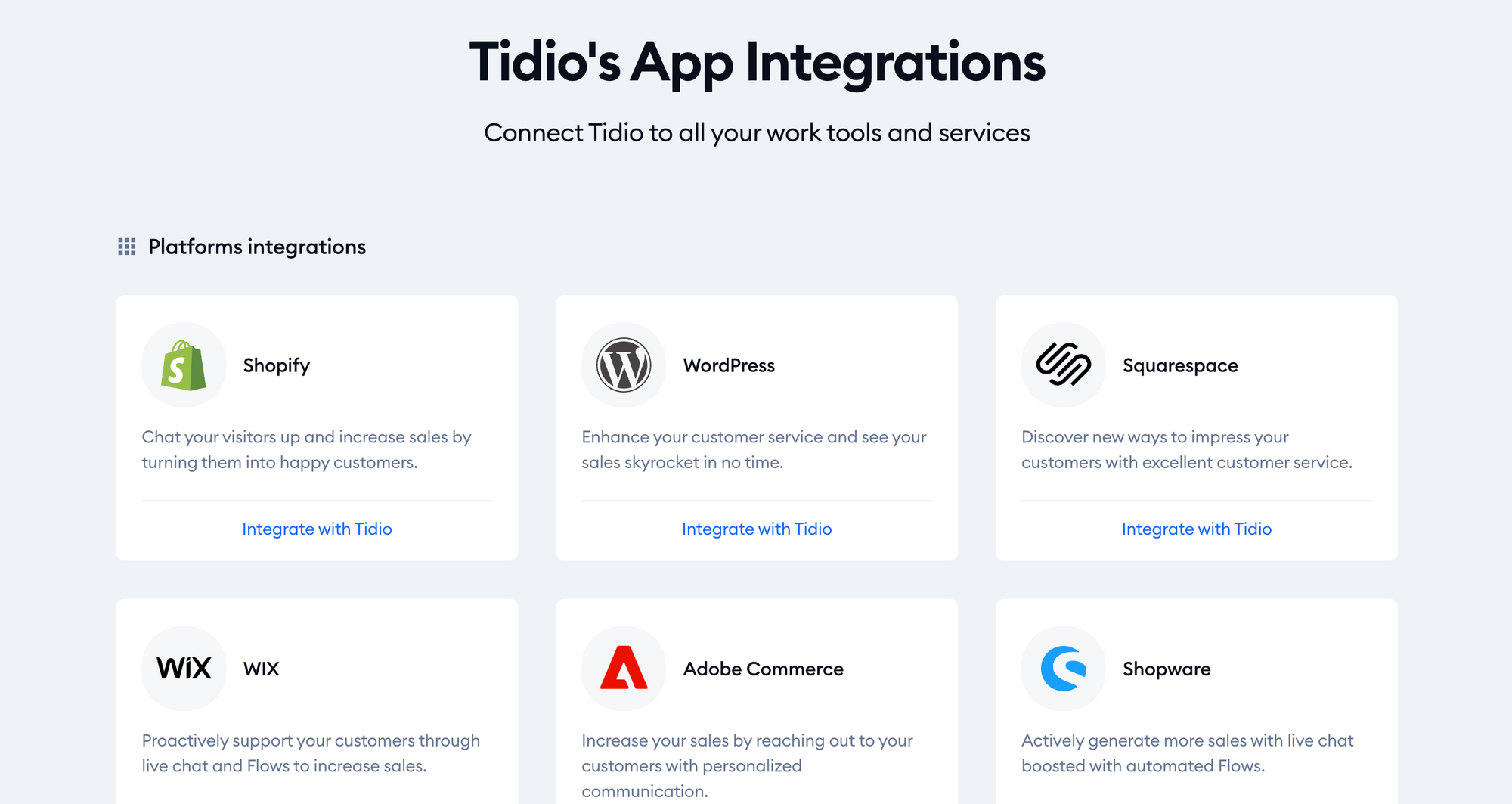
Tidio centralizes website chat, email, Facebook Messenger, Instagram, and WhatsApp into one place, so you're not juggling separate apps for each channel.
The integration library, though, is thinner than you'd expect. The native integrations it does have are solid, especially the deep Shopify one, but the overall range is limited to a handful of CRMs, email tools, and analytics platforms. Anything beyond that usually means routing through Zapier. There's no native Google Sheets, Telegram, or ChatGPT integration, for instance.
Analytics and reporting
Tidio gives you a decent set of dashboards covering conversation volume, response times, agent performance, and chatbot effectiveness. The Lyro analytics are a nice touch, showing answer rates, how often conversations get handed to humans, and the questions Lyro couldn't answer.
The main gap is flow analytics. You can't easily see how visitors move through a specific chatbot flow or where they drop off, which makes optimizing individual flows harder than it should be.
Tidio pricing
Tidio's pricing is where things get complicated. On the surface it's cheap, but the real cost depends on how much you lean on AI and chatbot flows, because those are billed separately.
Here's how the main plans break down (monthly pricing):
| Plan | Price / month | What you get |
|---|---|---|
| Free | $0 | 50 conversations/mo, 50 one-off Lyro conversations, 100 Flows visitors, live chat, helpdesk, all channels |
| Starter | $29 | 100 conversations, basic analytics, live visitors list, operating hours |
| Growth | $59 | From 250 conversations, advanced analytics, permissions, automatic chat assignment, macros, live typing |
| Plus | From $749 | Custom conversation limits, departments, custom branding, dedicated success manager, OpenAPI |
| Premium | Custom | Highest limits, guaranteed 50% Lyro resolution rate, pay-per-resolution billing, SSO, managed service |
The catch is the add-ons. The conversation counts above are "billable conversations" between a visitor and a human agent. AI and chatbot flows sit outside that:
- Lyro AI conversations: Every plan includes 50 one-off Lyro conversations. After that, you pay for more, roughly $0.50 per AI conversation or via add-on packs. For an AI-heavy support workflow, this becomes the real cost driver.
- Flows visitors: Free and Starter plans only reach 100 visitors with chatbot flows. To scale up (for example, 2,000 visitors reached), you add a Flows package on top of your base plan.
- Branding removal: The "Powered by Tidio" badge stays on your chat widget unless you pay an extra fee (around $20/month) to remove it.
So while $29/month is the headline, a small store running Lyro and chatbot flows at any real volume can easily end up paying a good deal more once the add-ons stack up. All paid plans come with a 7-day free trial, no card required.
Tidio pros and cons
After weighing the hands-on reviews and Tidio's own feature set, here's the honest balance sheet.
Pros:
- Genuinely easy to use: The dashboard is clean, modern, and intuitive. Setup is a quick 4-step process, and there are no-code installs for Shopify, WordPress, and Wix. Most teams can be live in under an hour.
- Strong free plan: Few tools at this level give you live chat, a helpdesk, all channels, chatbots, and a taste of AI for free. It's a real plan, not a crippled demo.
- Capable AI and chatbot flows: Lyro handles natural-language questions well once trained, and the visual flow builder with 40+ templates makes automation approachable for beginners.
- Excellent for ecommerce: The Shopify integration and behavior-based triggers make it a great fit for online stores that want to recover carts and answer product questions automatically.
Cons:
- Confusing pricing structure: Billable conversations, Lyro conversations, and Flows visitors are all metered separately, so it's hard to predict your real monthly bill. The entry price rarely reflects what you'll actually pay.
- Limited integrations: Beyond a handful of native connections, you're relying on Zapier for most tools. Notable gaps include Google Sheets, Telegram, and a native ChatGPT integration.
- Light on advanced support features: Ticketing exists but isn't deep, and there's no advanced routing, voice/video calls, or co-browsing. Larger or support-heavy teams will feel the ceiling.
- Branding costs extra: Removing the Tidio logo from your widget is a paid add-on, which feels stingy on top of a subscription.
Who Tidio is best for
Tidio is a strong fit if you're a small or mid-sized business, especially an ecommerce store, that wants to automate simple conversations and capture more leads without a steep learning curve. If your priorities are live chat, proactive sales nudges, and a friendly chatbot, Tidio delivers excellent value.
It's a weaker fit for support-heavy teams. If you field high ticket volumes, need advanced routing and SLAs, want a deep integration ecosystem, or care about flow-level analytics, you'll likely outgrow Tidio. Several reviewers note it feels built more for marketing and sales automation than for serious customer service operations.
If that second description sounds like you, it's worth looking at a more complete, support-first platform before committing.
Looking for a Tidio alternative? Try Featurebase
Tidio is great for simple chat and sales automation, but if you want modern AI support, a built-in help center, and feedback tools without piecing together separate products and add-ons, there's a cleaner option. 👇

Featurebase is a modern AI customer support platform for product-led SaaS. It combines AI-powered support, help center, and feedback management into a single platform for startups that want all their customer-facing tools in one place. Featurebase is loved by thousands of support teams from companies like Lovable, Raycast, and n8n. 💫
Top features:
- Omnichannel inbox – Manage live chat, email, and Slack conversations from one AI-powered view
- Fibi AI Agent - Resolve customer issues on autopilot & run custom actions like trial extensions and refunds
- Help center with AI search – Provide instant, multilingual self-serve answers
- Workflows & automations – Auto-assign tickets, route conversations, collect customer data, and more
- AI Copilot – Help your agents answer customers faster with AI Copilot that uses your internal knowledge
- Multi-brand support – Manage multiple Help Centers and Live chats from a single workspace
- Automatic AI translations – Automatically translate all messages and help articles to your customers native language
- Service Level Agreements – Track SLAs to make sure your team responds to customers on time, every time
- Mobile app – Respond to customers, receive notifications, and unblock users on the go
- Feedback & roadmap tools – Collect feature requests and close the loop with updates
- Product updates – Publish release notes with a changelog page, in-app widget, and emails
- Integrations – Connects with Slack, Linear, Jira, HubSpot, and more
Pricing: Free plan available with unlimited conversations. Paid plans start at $29/seat/month with $0.29 per AI resolution.
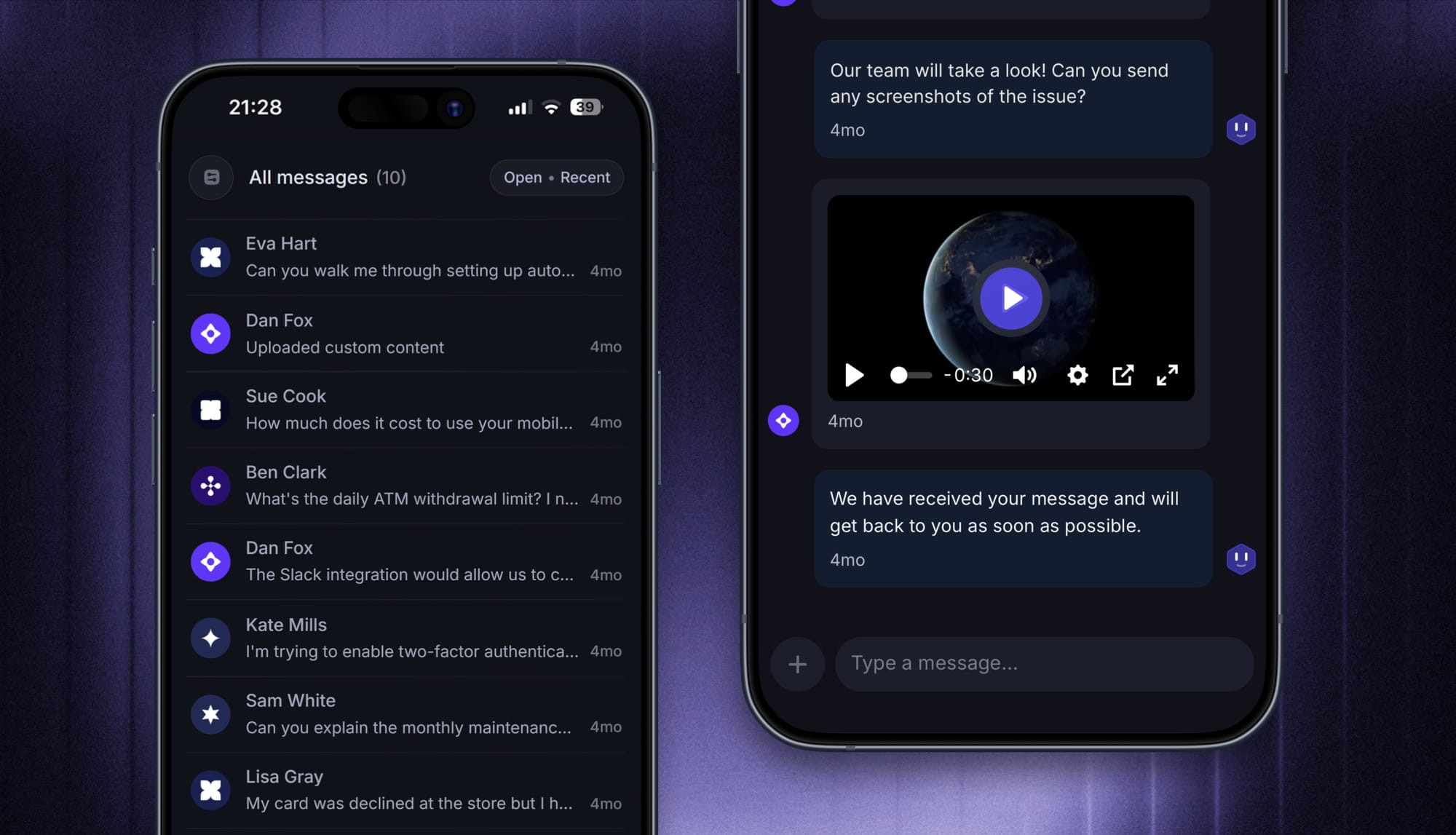
Featurebase covers all the basic support features that legacy platforms do, but with a much more modern approach. It comes with AI automations, a mobile app, and multiple channels (email, live chat, Slack, etc.).
Conclusion
Tidio earns its popularity. It's easy to set up, pleasant to use, genuinely affordable to start, and its AI agent and chatbot flows punch above their weight for small businesses. For an ecommerce store or a small team that mostly needs live chat and light automation, it's one of the best-value tools around.
The trade-offs are real, though: pricing that's hard to predict once add-ons stack up, a thin integration library, and support features that stay shallow for larger teams.
If you want a modern, all-in-one alternative, Featurebase brings AI-powered support, a beautiful help center, and feedback collection together in one platform, so you can automate support, help customers self-serve, and turn requests into product decisions without juggling separate tools and metered add-ons.
It comes with a Free plan and quick onboarding, so there's no downside to trying it. 👇
✨Automate your support with the fastest AI-enhanced Inbox today → Try Featurebase for free

FAQs
Is Tidio free, and what does the free plan include?
Yes, Tidio has a free plan. It includes 50 billable conversations per month, a one-time allocation of 50 Lyro AI conversations, 100 visitors reached with chatbot flows, plus live chat, helpdesk, and all channels (website, Facebook, Instagram, and WhatsApp). It's a solid way to test the platform, though the AI and flow limits are easy to hit. If you want a support tool with a free plan and no metered AI add-ons, Featurebase offers a free plan with unlimited conversations as well.
How much does Tidio cost per month?
Paid plans start at $29/month for Starter and $59/month for Growth, with Plus starting at $749/month and Premium priced custom. The important caveat is that AI (Lyro) conversations and chatbot Flows visitors are billed separately as add-ons, so your real monthly cost can climb well above the base plan once you use those features at scale.
What is Lyro, and how does Tidio's AI work?
Lyro is Tidio's conversational AI agent. You train it on your own content, like help articles and website pages, and it answers customer questions in natural language rather than following fixed scripts. It can also handle tasks like checking order status, and it hands conversations off to a human agent when it can't resolve something.
Is Tidio better for sales or customer support?
Tidio leans toward sales and marketing automation. Its proactive triggers, cart-recovery flows, and lead-generation templates are strong, and its chatbot library skews toward sales use cases. It handles basic support well, but teams with high ticket volumes or a need for advanced routing, voice, and co-browsing will find it light on deeper support features.
Is Tidio reliable and legit?
Yes, Tidio is a legitimate, widely used platform. It has thousands of positive reviews on sites like G2 and GetApp, runs on AWS infrastructure, and is trusted by hundreds of thousands of businesses. Reviewers occasionally note minor performance hiccups and timezone-limited live support, but overall it's considered reliable.
Does Tidio integrate with Shopify and WordPress?
Yes. Tidio has a deep native Shopify integration that lets its AI answer product questions, recommend items, and check order status, which makes it a favorite for online stores. It also offers a no-code WordPress install. Beyond those, its native integration range is limited, so other connections often require Zapier.