Blog Customer ServiceJira AI Explained: Features, Use Cases, and Limits
Jira AI Explained: Features, Use Cases, and Limits
Jira AI combines Rovo, automation, summaries, natural-language search, and service tools. Learn what it does, its limits, and how to evaluate it.



✨ Get the modern Ticketing Inbox designed for efficiency →
Jira AI now spans issue writing, summaries, work breakdown, automation, natural-language search, and service management. The hard part is knowing which capabilities come from Rovo, where they work, and whether they solve a measurable bottleneck for your team.
This guide breaks down the most useful features, their limits, and a practical way to evaluate them. 👇
Key takeaways
- Jira AI is a collection of embedded features across Jira, Jira Service Management, and Rovo, not a standalone assistant.
- Jira AI works best as an assistance layer, not an autonomous project manager. Let it prepare work and surface context, but keep priorities, approvals, and customer commitments with people.
- Start with summaries, issue drafting, natural-language search, or ticket triage. These repetitive workflows are more likely to produce measurable value than launching a broad AI agent initiative.
- Poor Jira hygiene will limit every AI feature. If issues, statuses, and knowledge sources are inconsistent, AI will organize the confusion rather than fix it.
- Do not promise a capability before checking the Jira product, Cloud plan, permissions, and rollout status. Availability is fragmented enough to affect implementation decisions.
- If customer requests start in support or feedback channels, Featurebase✨ can send them to Jira and keep customers updated as the work progresses.
- Judge a pilot by cycle time, output quality, rework, and resolution outcomes. Prompt counts and feature activation are adoption metrics, not evidence of value.
What is Jira AI?
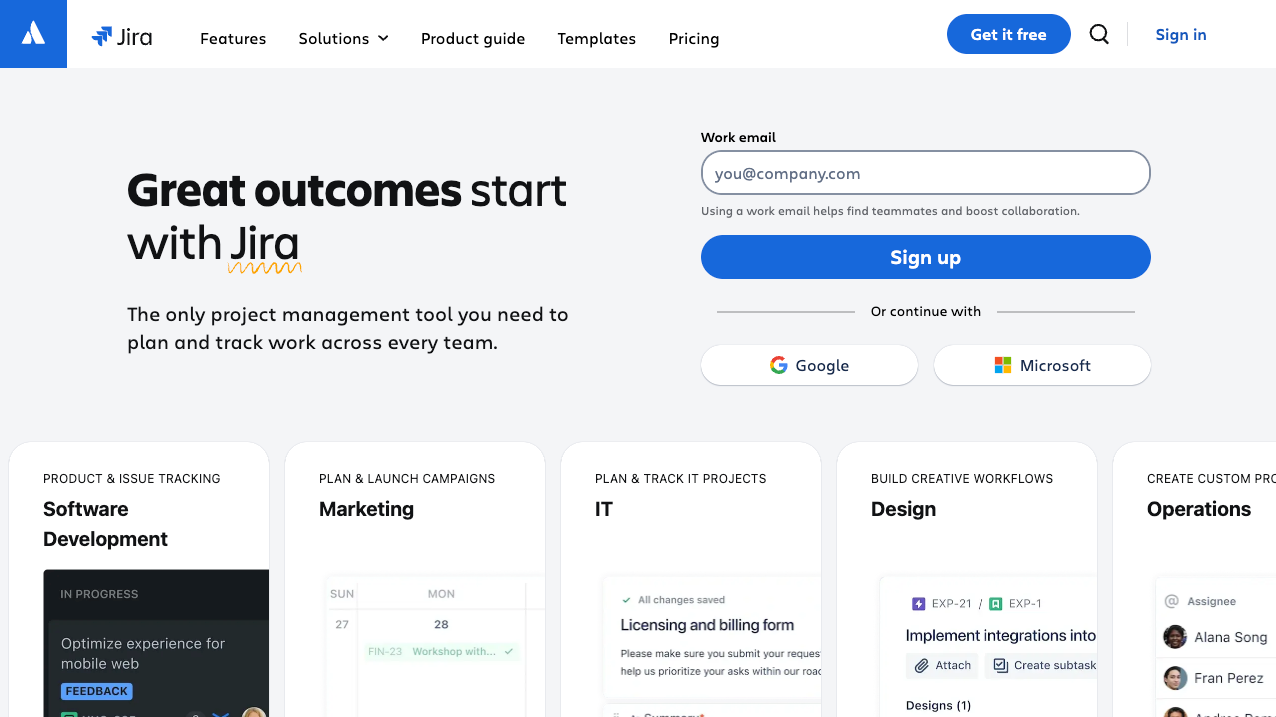
Jira AI is a practical label for the artificial intelligence features Atlassian embeds across Jira and its wider cloud platform. These capabilities can create and refine work items, summarize activity, search project data, generate automation rules, and help service teams respond to requests.
It is not a separate Jira product that replaces project management. Think of it as an assistance layer inside existing workflows. The AI can produce a useful first draft or surface relevant context, while people still own priorities, approvals, customer commitments, and production decisions.
How Atlassian Intelligence became Rovo
Atlassian Intelligence was the original brand for many generative AI features inside Atlassian products. Rovo became the broader AI experience, combining search, chat, agents, and product-specific assistance across permitted workplace data.
You may still encounter both names in older guides, interface labels, or team conversations. The useful distinction is functional:
- Embedded Jira AI: Supports a specific task, such as rewriting an issue description or summarizing comments.
- Rovo Search and Chat: Help people find and interpret information across connected sources they are allowed to access.
- Rovo AI agents: Follow defined instructions for repeatable work that may cross multiple tools or steps.
The labels matter less than the workflow you want to improve. Start by identifying the repeated task, the context required, and the point where a person must check the result.
Where Jira AI appears
Jira AI appears in different places depending on the product and plan:
- Jira: Supports planning and delivery work, including issue drafting, work breakdown, summaries, natural-language search, and automation.
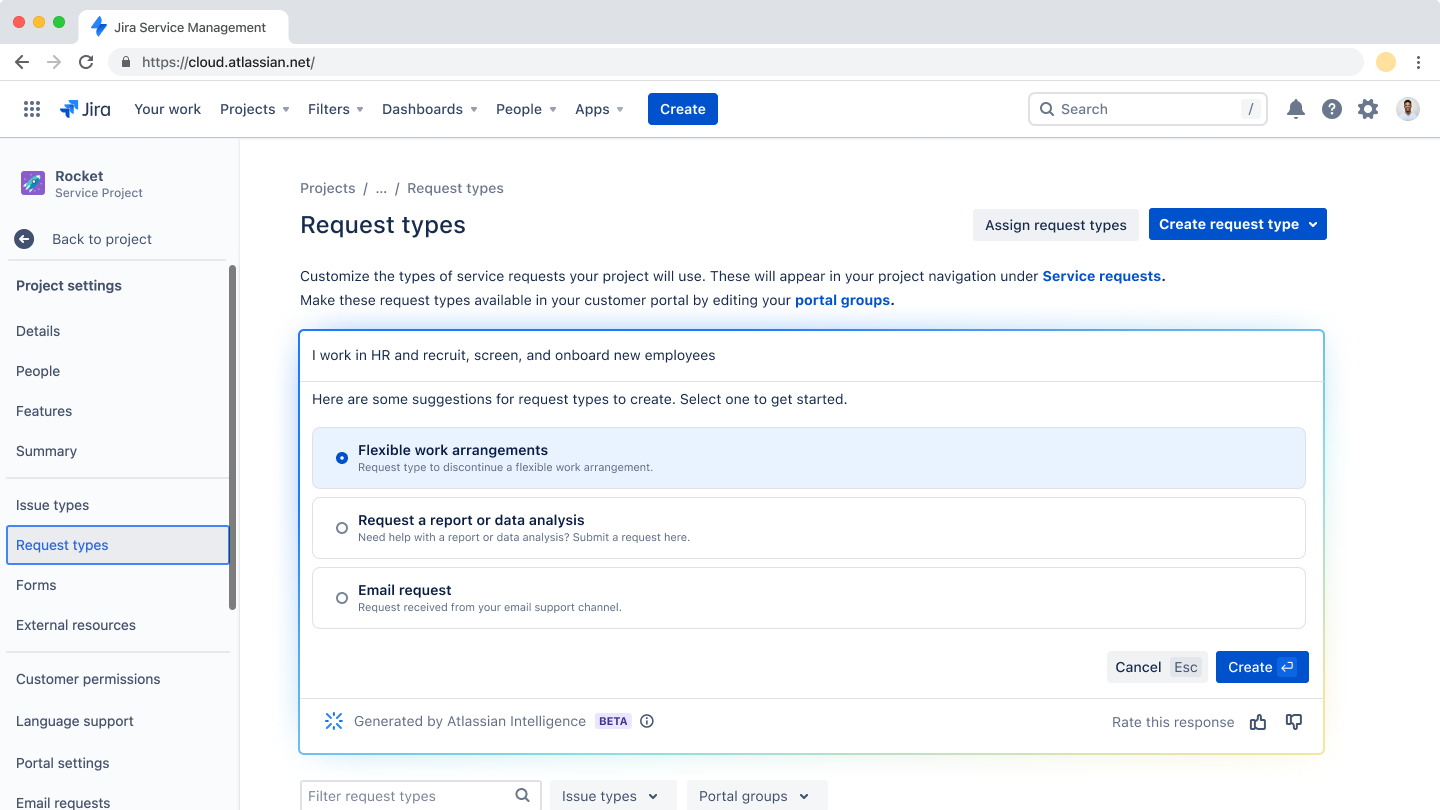
- Jira Service Management: Applies AI to request intake, triage, suggested responses, self-service, incident context, and knowledge management.
- Rovo: Extends search, chat, and agents across Jira, Confluence, and other connected sources while respecting user permissions.
This distribution explains why 2 people in the same company may describe Jira AI differently. A product manager could use it to shape user stories, while a service agent sees request summaries and AI-assisted replies.
Use Jira AI for 6 practical workflows
The best Jira AI use cases are frequent, bounded, and easy to review. They reduce the time spent gathering context or formatting work without handing final judgment to a model.
Draft and refine Jira issues
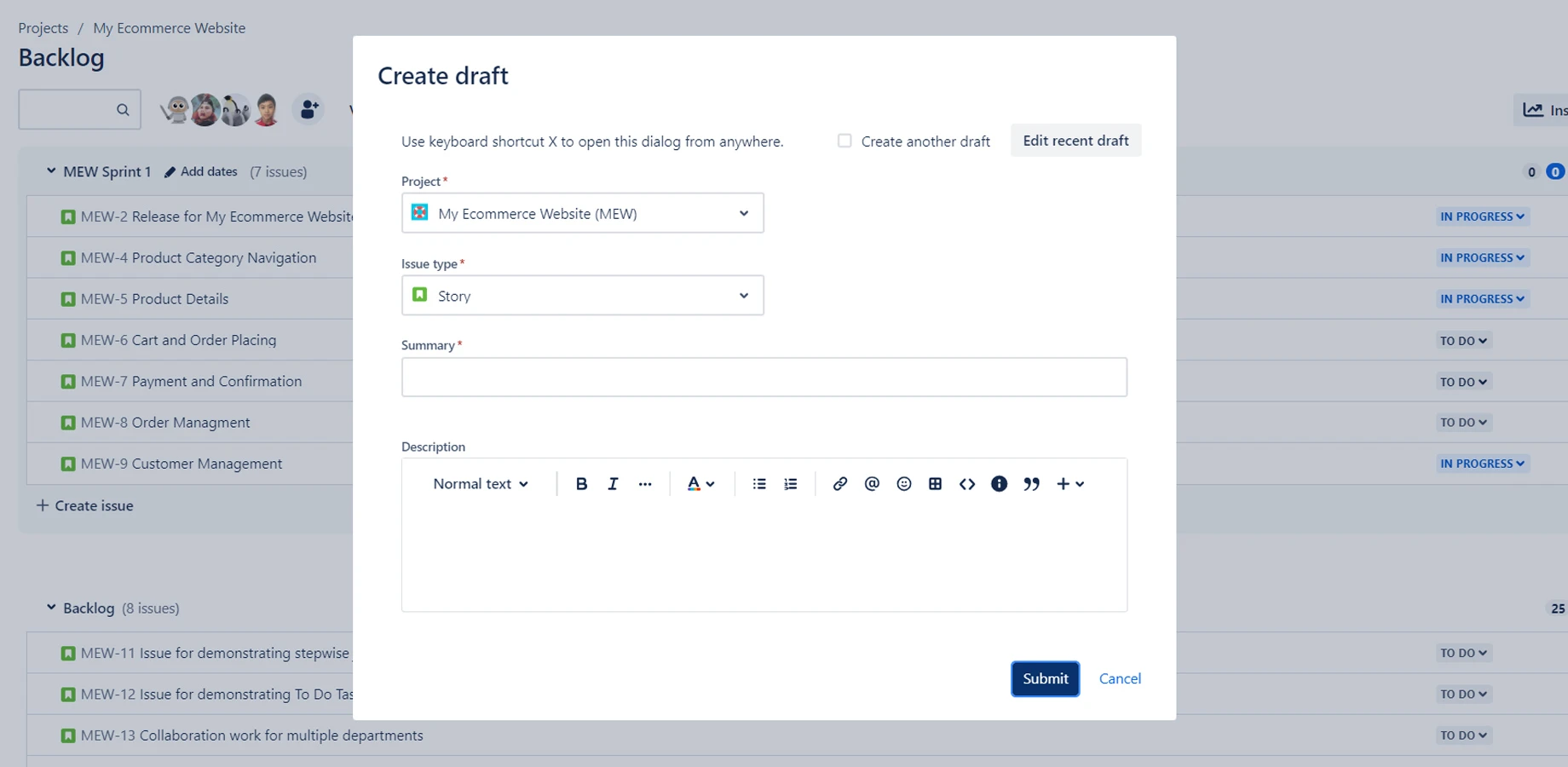
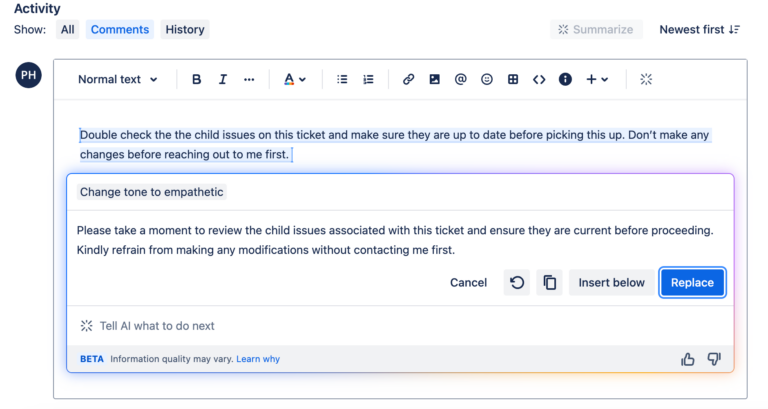
Jira AI can turn rough notes into a structured issue, improve wording, adjust tone, and suggest acceptance criteria. A product manager might provide the affected user, desired outcome, constraints, and known edge cases, then ask for a user story and testable criteria.
This is faster than starting from an empty description, but the draft still needs product context. Check that the output reflects the real customer problem, does not invent requirements, and matches your team's definition of ready.
Prompt quality matters less than input quality. A vague sentence produces polished ambiguity. A short brief with a user, goal, evidence, and constraint gives the AI enough material to organize.
Summarize work items and comment threads
Long Jira issues often hide the current decision beneath status updates, technical debate, and pasted logs. AI summaries can condense that activity into the latest state, unresolved questions, owners, and next actions.
This is useful during handoffs, incident reviews, sprint planning, and leadership updates. Ask for a summary with a time boundary and a specific purpose, such as “Summarize decisions since Monday and list anything blocking release.” A generic summary may capture the discussion but miss the operational point.
Treat the result as a navigation aid. Important decisions should still be verified against the original comment or linked document before someone changes scope, closes an incident, or communicates externally.
Break epics into actionable tasks
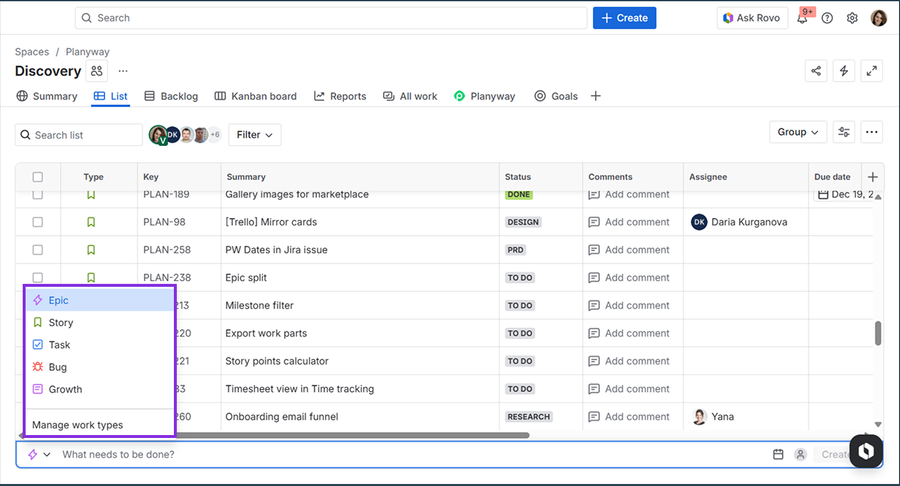
AI can suggest smaller work items from an epic, feature brief, or project goal. It can identify likely design, engineering, testing, documentation, rollout, and measurement tasks that a team might otherwise uncover gradually.
The value is coverage, not authority. Generated tasks can expose missing work and speed up planning, but they do not understand your architecture, staffing, dependencies, or release risk unless those details are supplied. Review the breakdown with the people responsible for delivery.
A good output should produce independently understandable tasks, clear dependencies, and observable completion criteria. If it merely repeats the epic in smaller sentences, it has not reduced planning work.
Create automation rules with natural language
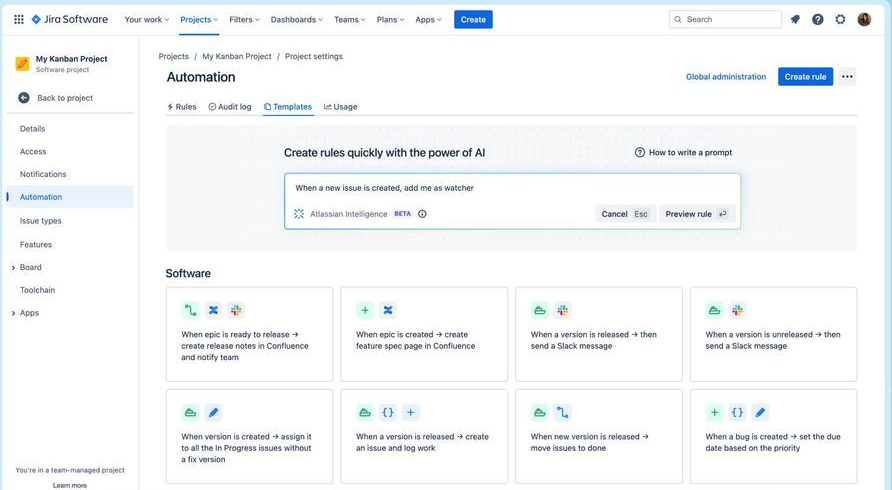
Natural-language rule generation can translate an operational request into proposed AI automation rules. A team could describe a rule that assigns high-priority security issues, requests missing fields, or alerts an owner when work remains blocked.
This lowers the barrier for people who understand the process but do not remember every automation component. It also makes prototyping faster for experienced administrators.
Generated automation should be tested with representative cases before it affects a live project. Check the trigger, conditions, branches, permissions, and possible loops. A rule that sounds correct in plain language can still update too many issues or send unnecessary notifications.
Search Jira without writing JQL
Natural-language search helps people find work without constructing Jira Query Language from memory. A lead might ask for unresolved customer-facing bugs assigned to a team this quarter, then inspect the generated results or query.
This is especially helpful for occasional Jira users and exploratory questions. It can also give experienced users a starting point for complex searches. The user still needs to confirm that field names, status categories, dates, and project boundaries reflect the intended scope.
Natural-language search does not eliminate the need for clean project data. Inconsistent labels, custom fields, duplicate statuses, and missing ownership make both AI search and hand-written JQL less reliable.
Triage and resolve service requests
In Jira Service Management, a Jira chatbot and embedded AI tools can summarize requests, classify intent, suggest replies, surface knowledge, and support self-service. The workflow is well suited to repeatable questions where the answer depends on trusted documentation and established service policies.
The productivity case is credible when assistance is paired with good knowledge and agent oversight. A large field study of 5,179 customer support agents found that access to a generative AI assistant increased productivity by 14% on average, with a 34% improvement for novice and lower-skilled workers. The gains came from helping people apply patterns from stronger performers, not from removing humans from the process. (NBER)
Customer context may also begin outside Jira. Featurebase can collect support tickets or feedback requests, connect each one to a Jira feature request, and keep customer-facing progress aligned through two-way status sync. That gives service teams a clearer route from intake to engineering work without asking customers to follow internal project details.
Know where Jira AI needs more than a prompt
Jira AI can shorten repetitive work, but it cannot repair a weak operating model. Before rollout, examine the data, permissions, review process, and team behavior around the chosen workflow.
Source quality affects every answer
AI answers are only as dependable as the information available to them. Outdated help articles, incomplete issues, conflicting Confluence pages, and undocumented decisions lead to incomplete or misleading results.
Define which sources are authoritative for the workflow. Assign owners and review dates to knowledge that affects customers or operations. Archive stale material when possible, and make key decisions explicit instead of leaving them buried in comments.
This matters most for service use cases. An AI assistant cannot reliably distinguish an approved policy from an old workaround unless the organization maintains that distinction in its knowledge base.
Permissions and plans shape availability
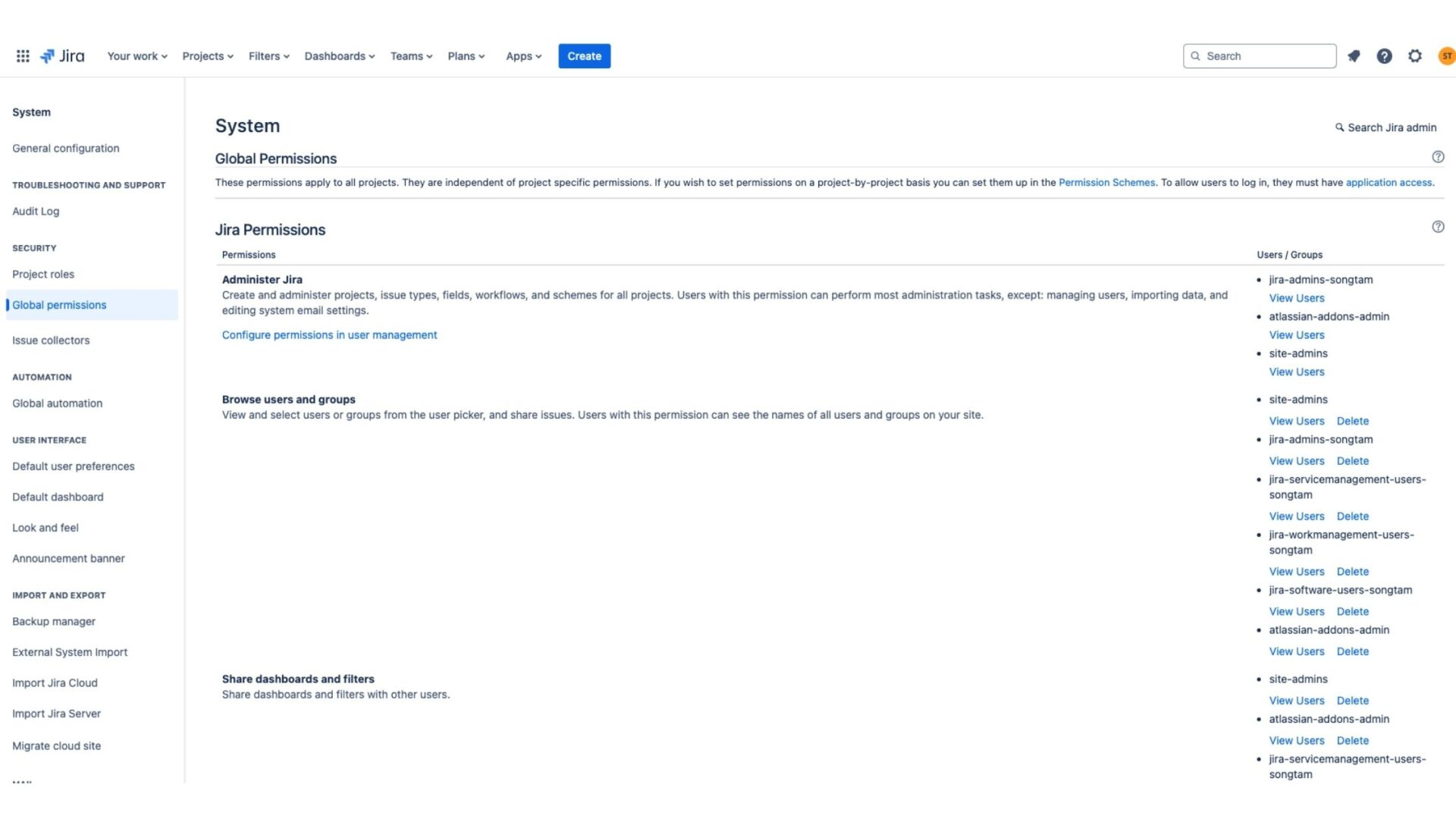
Jira AI availability varies across products, Jira Cloud plans, feature rollouts, and administrator controls. Rovo experiences may also depend on connected sources, usage allowances, and the permissions of the person asking the question.
Confirm current entitlement and governance requirements before committing to a workflow. Document who can create agents, which sources they may access, what actions they may take, and how activity is reviewed.
Permissions also affect answer quality. Colleagues can ask the same question and receive different results because they have access to different projects or pages. That can be correct security behavior, but teams need to understand it before treating an AI answer as a shared view of company knowledge.
AI output still needs verification
Fluent output can hide mistakes. Jira AI may omit a recent decision, misunderstand a custom field, generate a broad query, or propose an automation rule with unintended effects.
Match the review level to the consequence. A rewritten description may only need a quick read. A customer reply needs policy and tone checks. A production automation or incident action should follow the same approval and testing standards as a manually configured change.
Keep the source close to the output. Reviewers should be able to open the original issue, comment, document, or policy that supports an answer instead of approving it because it sounds plausible.
Individual speed does not guarantee team results
An AI feature can help an individual finish a task faster while creating more rework downstream. Faster issue drafting is not valuable if engineers still lack acceptance criteria. More summaries do not improve delivery if nobody owns the next action.
Adoption metrics can also be misleading. Microsoft's 2024 Work Trend Index found that 75% of knowledge workers were already using AI at work, and 46% of AI users had started within the prior 6 months. High usage shows demand, but it does not prove better quality, cycle time, or customer outcomes. (Microsoft WorkLab)
Evaluate the whole workflow. Look for changes in handoff time, missing information, reopened work, resolution quality, and customer effort. Those outcomes reveal whether local speed translates into team performance.
Evaluate Jira AI with a focused pilot
A narrow pilot gives your team better evidence than a company-wide launch built around general enthusiasm. Choose a workflow with enough volume to measure and low enough risk to review closely.
Choose a measurable workflow
Start with a repeated task that has a clear input and output. Good candidates include summarizing complex issues before handoff, drafting a standard type of user story, classifying a service request, or generating a proposed automation rule.
Record a baseline before introducing AI. Measure how long the task takes, how often information is missing, how much rework occurs, and what quality threshold reviewers expect.
Avoid beginning with a broad goal such as “make project management more efficient.” It is too vague to show whether Jira AI helped. A goal such as “reduce the median time to prepare a complete escalation summary by 25% without increasing corrections” is testable.
Define a human review step
Name the person or role responsible for checking each output. Give reviewers a short checklist tied to the risks of the workflow, such as factual accuracy, required fields, customer policy, query scope, or automation impact.
Also define what the AI must never decide alone. Examples include changing a committed delivery date, closing a major incident, approving access, or sending a sensitive customer response.
Review should create learning, not just approval. Capture recurring errors and update the source material, issue template, or instructions that caused them.
Measure outcomes instead of usage
Track results before and after the pilot. Useful measures include median handling time, first-pass completeness, reopened issues, escalations, customer resolution rate, and reviewer correction rate.
Prompts sent, summaries generated, and active users can describe adoption, but they do not demonstrate value. Pair every usage metric with an outcome and a quality control.
At the end of the pilot, decide whether to expand, revise, or stop. Expansion should depend on sustained improvement and acceptable risk, not on the novelty of the feature.
Connect customer work to Jira with Featurebase
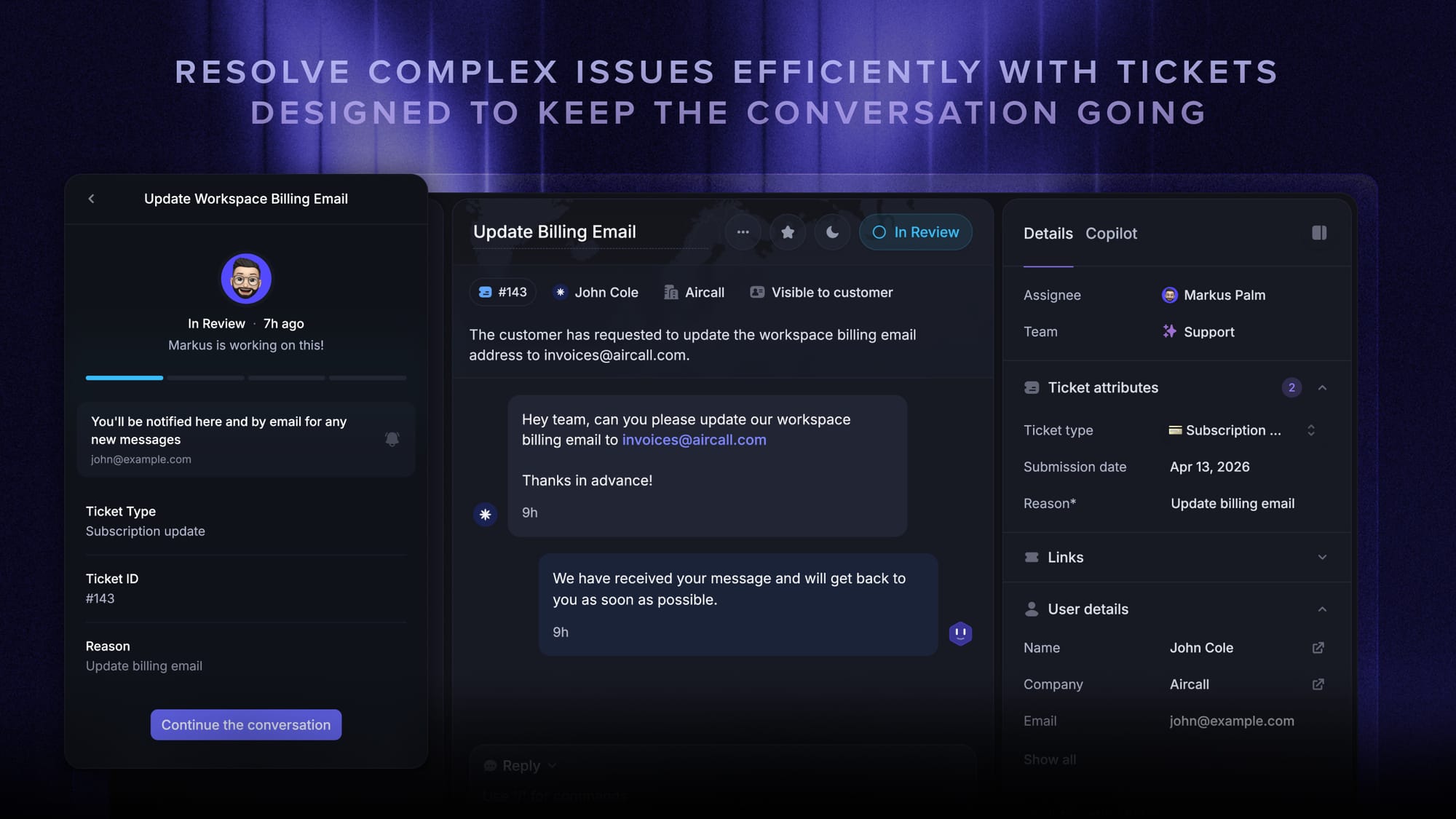
Featurebase is a modern AI customer support platform for product-led SaaS. It combines AI-powered ticketing, help center, and feedback management into a single platform for startups that want all their customer-facing tools in one place. Featurebase is loved by thousands of support teams from companies like Lovable, Raycast, and n8n. 💫
Top features:
- Omnichannel inbox – Manage tickets, live chat, email, and Slack conversations from one AI-powered view
- Tickets Portal – A dedicated page where customers can submit, view, and track all their tickets in one place
- AI Copilot – Help your agents answer customers faster with AI Copilot that uses your internal knowledge
- Workflows & automations – Auto-assign tickets, route conversations, collect customer data, and more
- Service Level Agreements – Track SLAs to make sure your team responds to customers on time, every time
- Tickets in Messenger - Customers can track their tickets progress directly from your product
- Fibi AI Agent - Resolve customer issues on autopilot & run custom actions like trial extensions and refunds
- Help center with AI search – Provide instant, multilingual self-serve answers
- Automatic AI translations – Automatically translate all messages and help articles to your customers native language
- Integrations – Connects with Slack, Linear, Jira, HubSpot, and more
Pricing: Free plan available with unlimited conversations. Paid plans start at $29/seat/month with $0.49 per AI resolution.
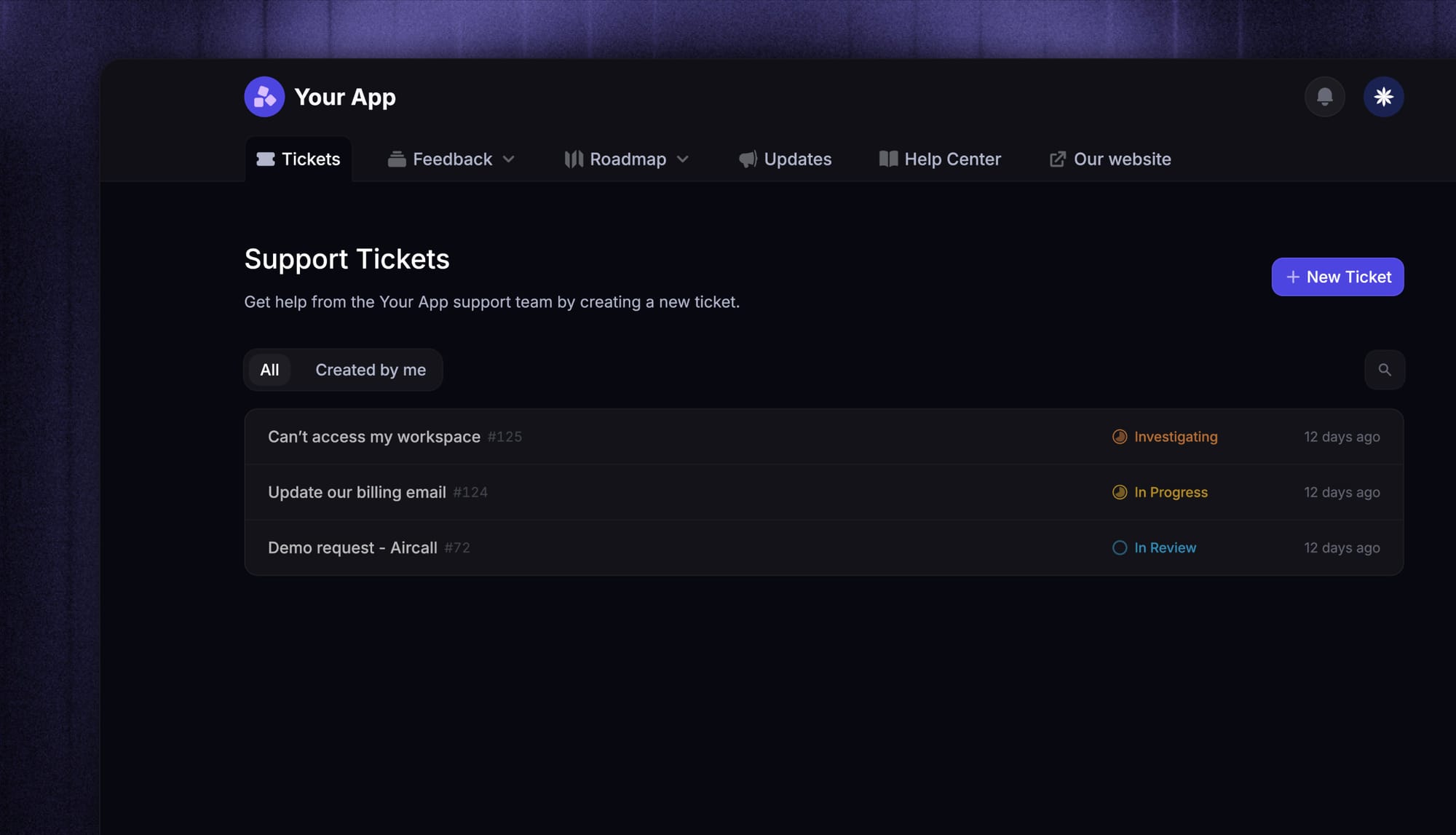
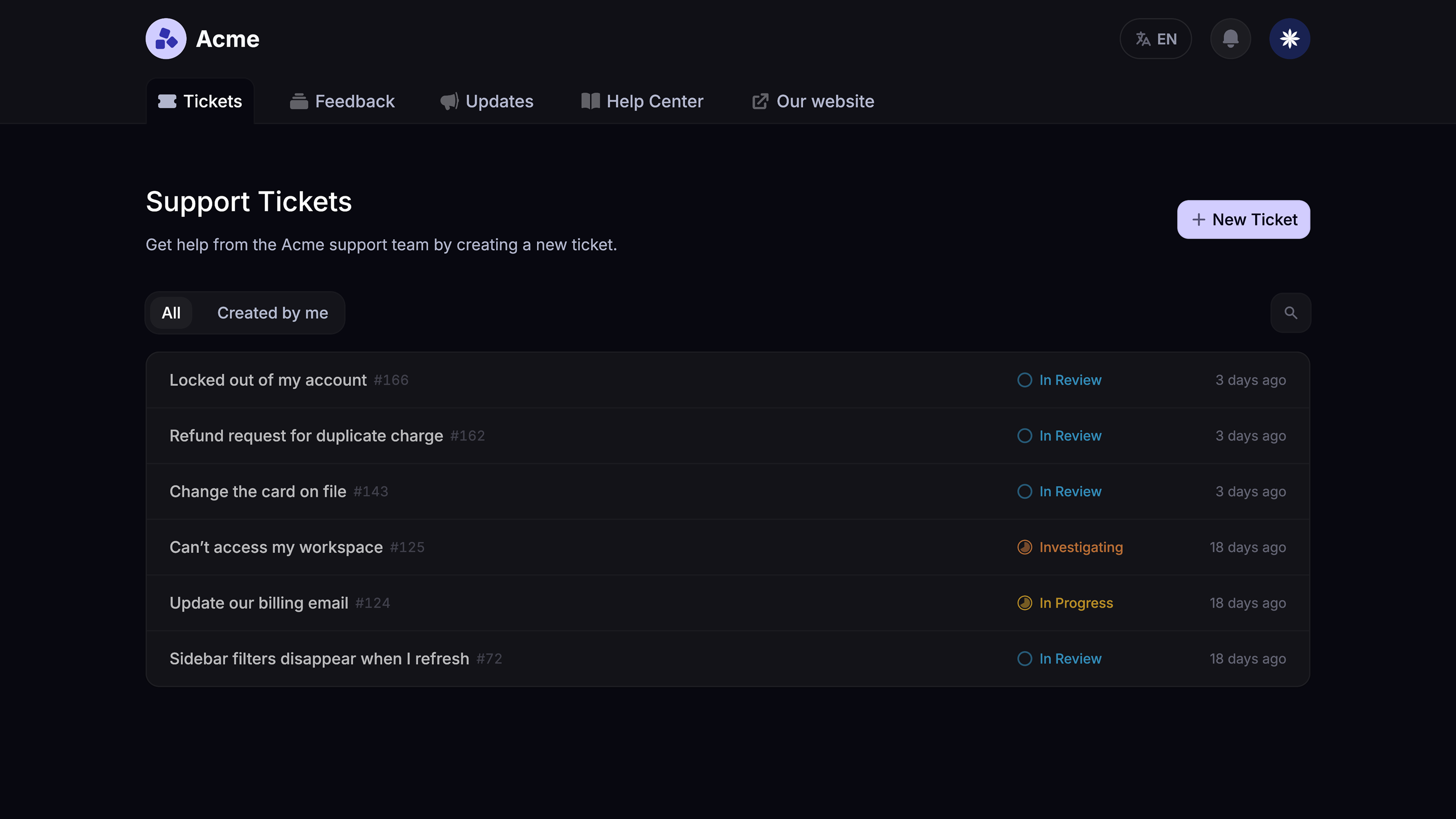
Featurebase covers all the basic support features that legacy platforms do, but with a much more modern approach. It comes with AI automations, a mobile app, and multiple channels (email, live chat, Slack, etc.).

Modern Ticketing Inbox, Designed for Efficiency
Support your customers from anywhere with an AI-powered omnichannel inbox
Conclusion
Jira AI is most useful when you tie it to a specific bottleneck and keep people accountable for final decisions. Start with a measurable workflow, improve the knowledge behind it, and expand only when faster output also improves quality or customer outcomes.
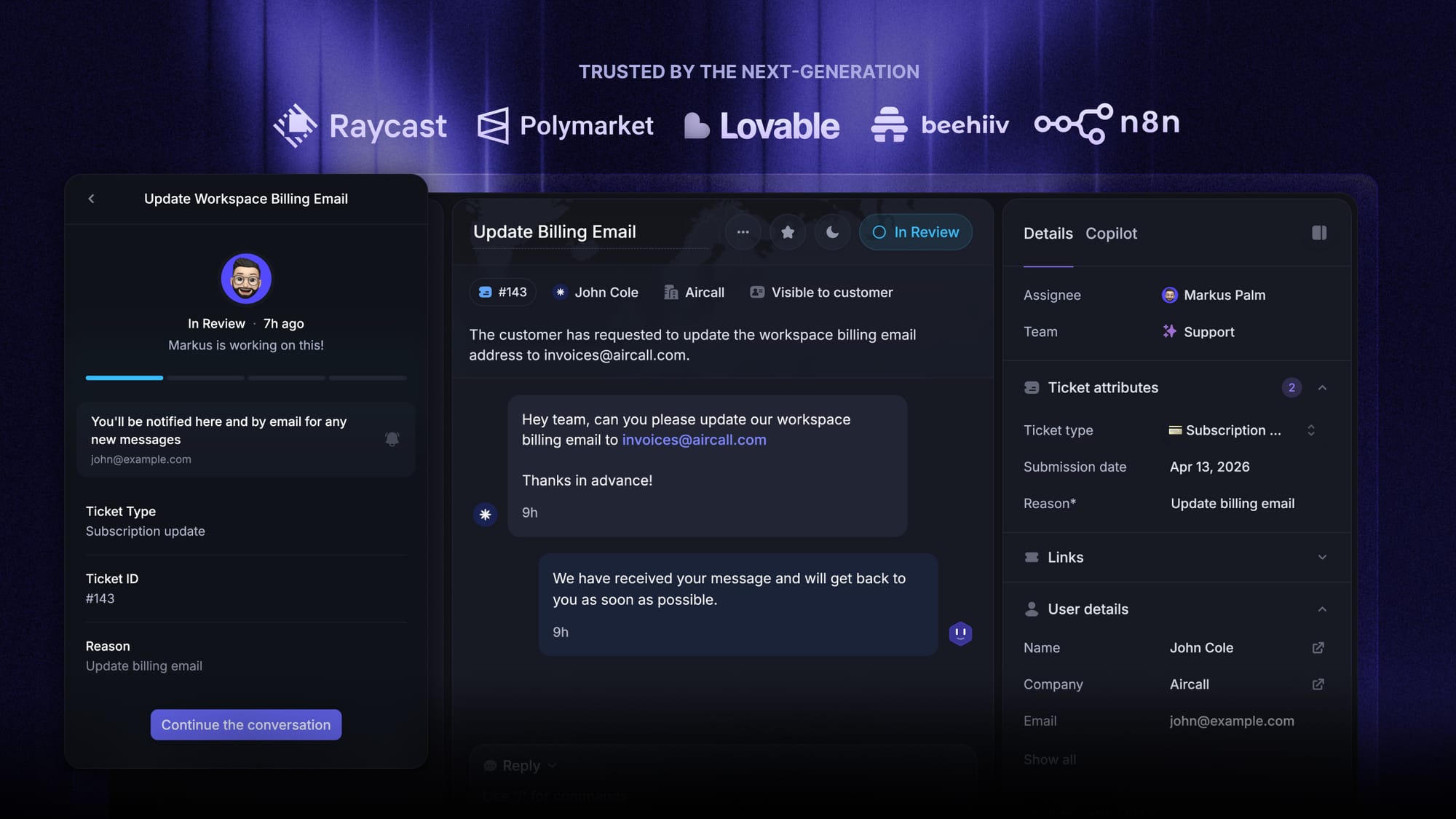
Featurebase connects AI-powered customer support, feedback, and customer-facing tickets with Jira, so your team can move requests into delivery without losing the customer context. A free plan is available, so there's no downside to trying it. 👇
✨ Connect customer support and ticketing to Jira with Featurebase →
FAQs
How do you connect AI to Jira?
You can use Jira's embedded AI and Rovo capabilities, install an approved Marketplace app, connect an external tool through its native integration, or build a controlled connection with APIs. Choose the method based on the data the workflow needs, the actions it may take, and the review controls required.
Which AI tools integrate with Jira?
Options include Atlassian's own Rovo tools, Marketplace assistants, automation platforms, developer tools, and customer support systems such as Featurebase. Evaluate each option for permission handling, source transparency, action controls, data residency, and measurable fit with the intended workflow.
Is Jira's AI assistant available on every plan?
No. Availability can vary by Jira product, Cloud plan, feature rollout, administrator settings, and usage allowance. Confirm current entitlements in Atlassian's official plan and administration information before designing a process around a specific capability.
Can Jira AI work with Jira Data Center?
Do not assume that the native AI and Rovo experiences available in Atlassian Cloud are also available in Jira Data Center. Data Center teams may need a third-party integration, a custom controlled connection, or a Cloud transition, depending on security and deployment requirements.
What kind of knowledge base does Jira AI need?
It needs current, permissioned, and clearly owned source material. Service policies, help articles, product documentation, incident procedures, and project decisions should be consistent enough for both people and AI to identify the authoritative answer.
Can Jira AI create user stories?
Yes, it can turn a short brief into a draft user story, acceptance criteria, and related tasks. A product owner should still verify the customer problem, scope, dependencies, edge cases, and definition of done before the story enters delivery.