Blog Customer ServiceGorgias AI Explained: Features, Pricing, and Limits
Gorgias AI Explained: Features, Pricing, and Limits
Explore Gorgias AI features, pricing, Shopify integration, and limitations. Learn what AI Agent handles and whether it fits your customer support team.



✨ Looking for a Gorgias alternative with support and feedback in one place? Explore Featurebase →
Gorgias AI can answer product questions, track orders, and handle customer requests using your store's data. But its value depends on the work you need automated, and its monthly bill includes more than a helpdesk subscription.
In this guide, I'll break down its features, pricing, and limitations so you can decide whether it fits your support team and what to check before switching it on. 👇
Key takeaways
- Gorgias AI Agent handles ecommerce conversations: It combines store data and your business knowledge to answer questions and perform configured actions.
- Successful automation has its own cost: Budget for your helpdesk subscription, AI interaction allowance, and any overages.
- Setup quality matters: Accurate policies, connected systems, and tested workflows determine which requests it can resolve reliably.
- Featurebase✨ suits product-led SaaS teams: It brings AI support, help center, feedback, and product updates into one platform.
What is Gorgias AI?
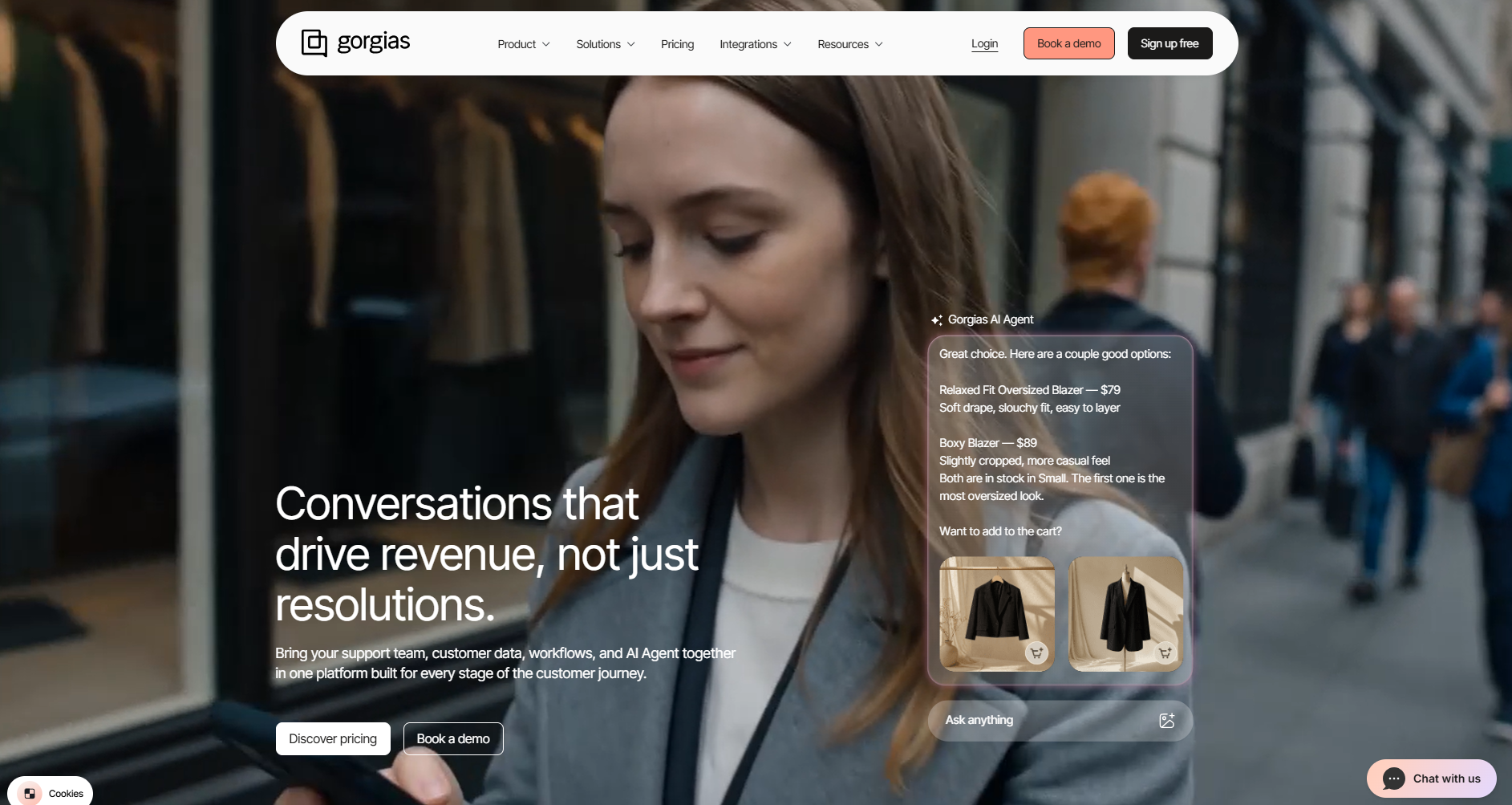
Gorgias AI is the artificial intelligence functionality within Gorgias, a customer support platform built for ecommerce customer service. Its customer-facing AI Agent uses your store's information and instructions to respond to shoppers and carry out support tasks.
When people search for the “Gorgias AI chatbot,” they're usually referring to AI Agent. It can help with product discovery before a purchase and questions about an order afterward.
AI Agent, Gaia, and rule-based automation
There are several names to untangle before evaluating the product:
- AI Agent: The customer-facing agent that answers questions and performs configured tasks. Gorgias currently presents this as AI Agent 3.0.
- Gaia: An assistant for the team managing AI Agent. It identifies problems in knowledge and configuration, drafts improvements, and applies fixes with your approval.
- Rule-based automation: Features such as Flows and Order Management that give customers structured paths to answers or self-service options.
These serve different purposes. A Flow might let a shopper select a predefined option, while AI Agent can respond to a question written in the shopper's own words.
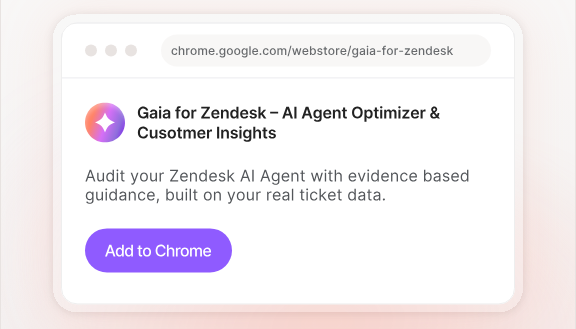
Gaia helps maintain that experience behind the scenes. Its current page labels Voice of Customer analytics and proactive helpdesk-wide gap detection as upcoming capabilities, so those shouldn't drive a purchase decision today.
What can Gorgias AI do?
Gorgias AI's main strength is connecting customer conversations to ecommerce information and actions. Here are the 5 capability groups that matter most when evaluating it.
Answer product and policy questions
AI Agent can draw on help center articles, website content, documents, and guidance you provide. This gives it information about delivery, returns, product details, and other recurring questions.
For example, a shopper might ask whether a jacket is suitable for wet weather. A useful answer needs the product's actual materials and care instructions, rather than a generic description of waterproof clothing.
That makes knowledge base best practices part of the work. If your product page and returns policy contradict each other, resolve the contradiction before expecting consistent answers.
Handle order tracking and changes
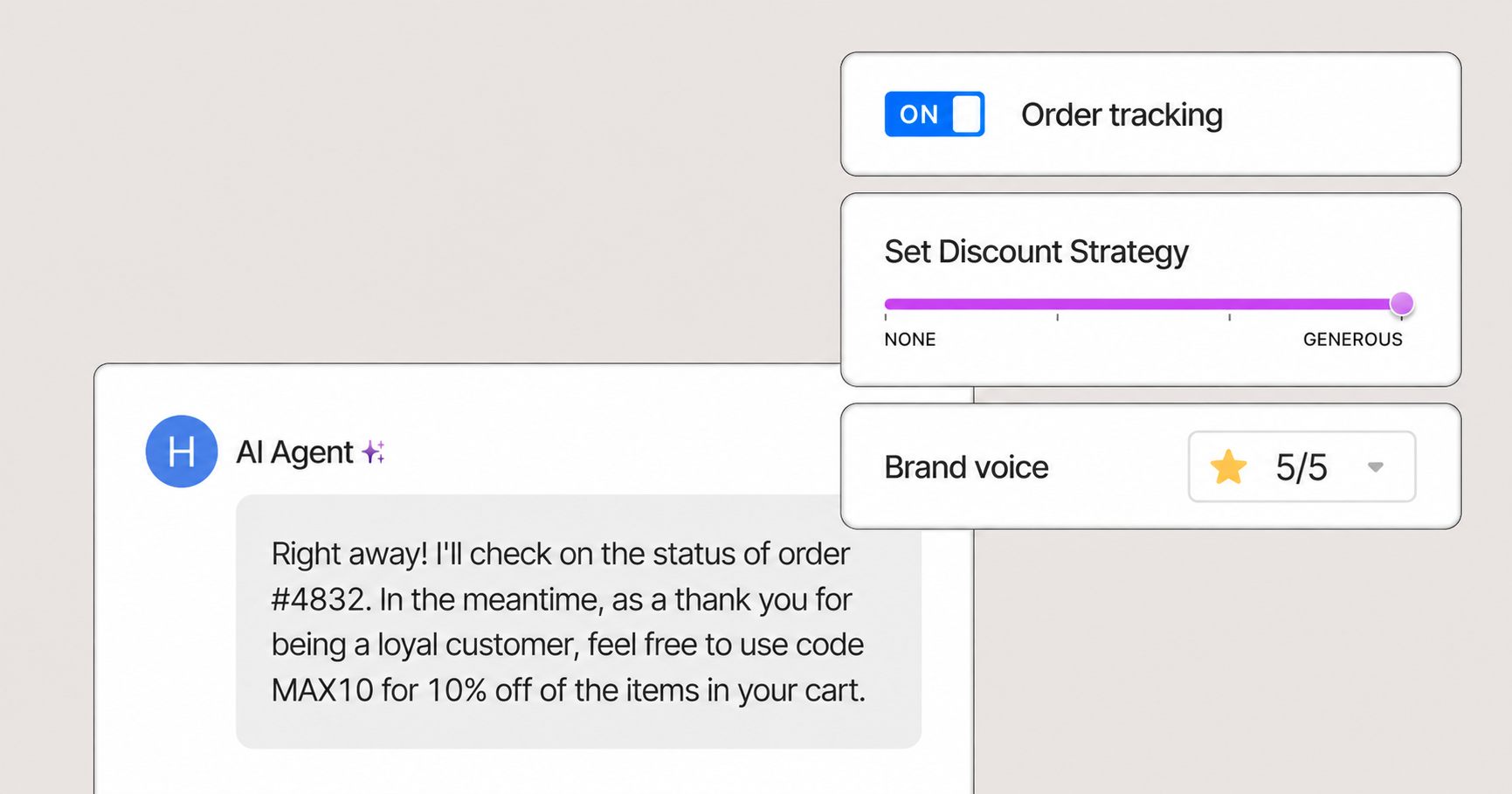
The Shopify integration gives Gorgias access to order and customer information. AI Agent can use that context for order-status questions and configured Actions for changes such as cancellations or shipping-address updates.
Reading an order and changing it are different capabilities. Actions need to be configured and invoked through the appropriate skill or guidance.
Check what happens beyond Shopify, too. Gorgias documents that its Shopify cancellation and address-edit actions change the Shopify record. You still need to understand how those changes reach your fulfillment provider before promising a shopper that a parcel will arrive at a different address.
Support returns and subscription requests
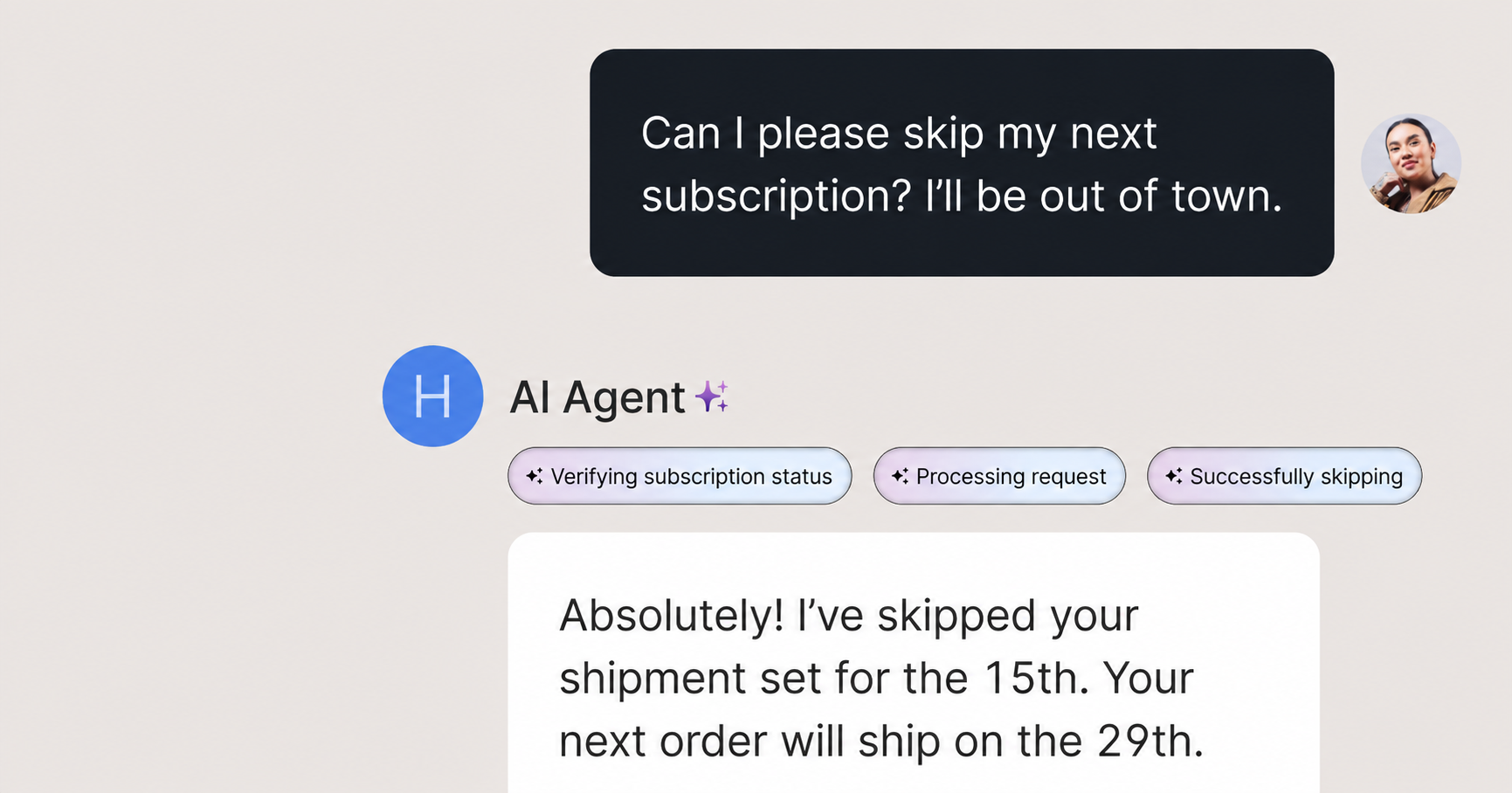
AI Agent can explain return policies and use connected apps to help with requests such as returns or subscription changes. The exact steps depend on your integrations and the actions you've made available.
A return request might involve checking eligibility, directing the shopper to a returns portal, or running an action. Those are different outcomes, even if they all appear under “returns automation.”
Test the exceptions that matter to your store: multiple subscriptions, partially fulfilled orders, final-sale products, or requests outside the usual return window. An integration's presence alone doesn't establish that it supports every variation.
Help shoppers choose products
Gorgias AI also supports pre-purchase conversations, one of several ecommerce chatbot use cases. It can use catalog and customer information to answer product questions, make product recommendations, and support configured discount or upsell workflows.
For a shopper choosing between 2 items, that could mean explaining differences in fit, materials, or intended use. The goal is a useful recommendation grounded in your catalog.
Evaluate the sales side separately from support automation. A conversation that ends with a product suggestion has a different business outcome from a resolved delivery complaint.
Improve responses with knowledge and feedback
Gorgias provides tools for customer service quality assurance, including reviewing AI conversations, examining response reasoning, and testing changes before deploying them. Gaia adds assistance with identifying knowledge gaps and preparing improvements.
For your team, this creates an ongoing review process: identify a recurring failure, correct its source, test the change, and review subsequent conversations.
Don't judge improvement solely by the number of closed tickets. Alongside your customer service metrics, check whether customers received the correct answer and whether your team had to repair the outcome later.
How much does Gorgias AI cost?
Gorgias AI pricing combines a helpdesk subscription with an allowance for automated interactions. The broader Gorgias pricing structure also includes helpdesk-only options. The amount you pay depends on your package, billing commitment, and usage.
The following packages were displayed with AI Agent enabled. Annual prices are monthly equivalents paid upfront, not month-to-month offers.
| Plan | Monthly billing | Annual billing, per month | Helpdesk tickets per month | Automated interactions per month |
|---|---|---|---|---|
| Starter | $40 | Monthly only | 50 | 30 |
| Basic | $90 | $77 | 300 | 30 |
| Pro | $550 | $471 | 2,000 | 190 |
| Advanced | $1,430 | $1,227 | 5,000 | 530 |
These are the displayed combined packages, rather than helpdesk-only prices or a quote for every possible custom allowance. Voice and SMS have separate add-on charges.
Helpdesk and AI charges explained
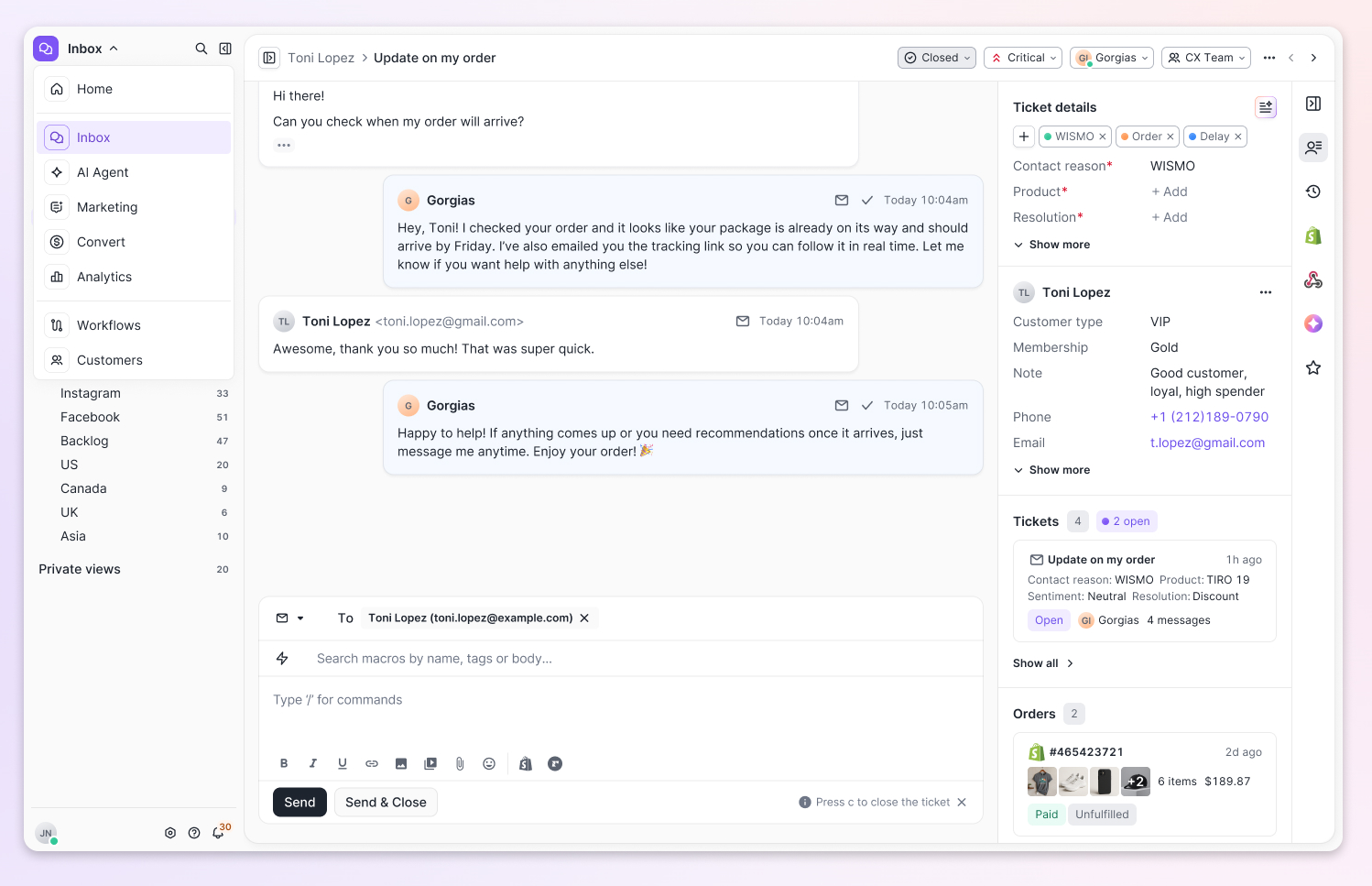
On Basic with monthly billing, the displayed $90 package consists of $60 for helpdesk usage and $30 for 30 automated interactions. The displayed AI overage is $1.50 per additional automated interaction.
An AI-resolved conversation also counts toward helpdesk usage. That means successful automation can consume both allowances, but it doesn't mean every conversation immediately creates 2 extra charges.
The practical question is whether you exceed either allowance. A store with modest ticket volume but a high automation rate can outgrow its AI allowance while staying within its helpdesk limit.
Accounts on legacy subscriptions may have different terms. Compare your actual package with expected monthly usage before budgeting from a headline per-resolution price.
2 monthly cost examples
Let's use the displayed Basic monthly package and keep total ticket usage within its allowance. These are hypothetical calculations, excluding taxes and add-ons.
Example 1: Your store uses 300 helpdesk tickets and 30 automated interactions. Both fit within the displayed package, so the total is $90 for the month.
Example 2: Your store uses 300 helpdesk tickets and 100 automated interactions. The additional 70 automated interactions cost 70 × $1.50 = $105, bringing the total to $195 for the month.
The second example doesn't include helpdesk overages because the ticket total still fits. It also isn't a claim that $195 is the cheapest package available for that usage, since a different allowance or negotiated plan could change the calculation.
Gorgias AI strengths and limitations
Gorgias makes the most sense when your support queue contains repeatable ecommerce work. Its strengths become clearer when you look at the tasks your agents perform every day.
Where it can help:
- Store context: Order and product information can inform the conversation, reducing the need to ask shoppers for details your business already holds.
- Action-taking: Configured workflows can move a request forward instead of stopping at an answer.
- Shared support workspace: AI and human support operate within the Gorgias environment, helping your team review conversations and take over when needed.
What to account for:
- Usage-based costs: A higher automation rate can increase AI charges. Model busy months alongside a typical month.
- Knowledge maintenance: New products, promotions, and policy changes need to be reflected in the information AI Agent uses.
- Integration boundaries: An available action may have conditions or affect only one system. Test the complete customer outcome.
- Channel availability: Confirm the precise AI capabilities available on each channel in your account. A helpdesk supporting phone calls doesn't, by itself, establish which calls AI can autonomously handle.
Gorgias provides testing and control tools, so the limitation isn't an absence of oversight. It's that your team still needs to use those tools and review what the automation does.
How to evaluate Gorgias AI for your team
Start with a sample of your real support conversations. Group them by the work needed to resolve them, such as answering a policy question, looking up an order, or changing a subscription.
Then evaluate the following:
- Task completion: Did the AI finish the required work, provide instructions, or leave a human to complete it?
- Answer quality: Did it use the correct product information, customer context, and policy?
- Exception handling: What happened when the request fell outside your standard process?
- Customer experience: Was the conversation clear, and did human handoff preserve the context when the shopper needed further help?
- Total cost: How do subscription and usage costs compare with the work your team actually avoids?
Include difficult cases in the trial. A straightforward tracking request tells you less about readiness than a customer asking to change an address after fulfillment has started.
Set a review cadence and give someone ownership of improvements. Customer support automation works best when the team knows which problems to investigate and who can update the underlying knowledge or workflow.
Finally, consider your business model. Ecommerce order workflows may be central for a Shopify brand, while SaaS customer support may center on account questions, reported bugs, trial extensions, and product requests.

Resolve 70% of customer requests with AI
Automatically resolve customer issues & cut down support loads for your team
Featurebase for SaaS support teams
Featurebase is a modern AI customer support platform for product-led SaaS. It combines AI-powered support, help center, and feedback management into a single platform for startups that want all their customer-facing tools in one place. Featurebase is loved by thousands of support teams from companies like Lovable, Raycast, and n8n. 💫

Top features:
- Omnichannel inbox – Manage live chat, email, and Slack conversations from one AI-powered view
- Fibi AI Agent - Resolve customer issues on autopilot & run custom actions like trial extensions and refunds
- Help center with AI search – Provide instant, multilingual self-serve answers
- Workflows & automations – Auto-assign tickets, route conversations, collect customer data, and more
- AI Copilot – Help your agents answer customers faster with AI Copilot that uses your internal knowledge
- Multi-brand support – Manage multiple Help Centers and Live chats from a single workspace
- Automatic AI translations – Automatically translate all messages and help articles to your customers native language
- Service Level Agreements – Track SLAs to make sure your team responds to customers on time, every time
- Mobile app – Respond to customers, receive notifications, and unblock users on the go
- Feedback & roadmap tools – Collect feature requests and close the loop with updates
- Product updates – Publish release notes with a changelog page, in-app widget, and emails
- Integrations – Connects with Slack, Linear, Jira, HubSpot, and more
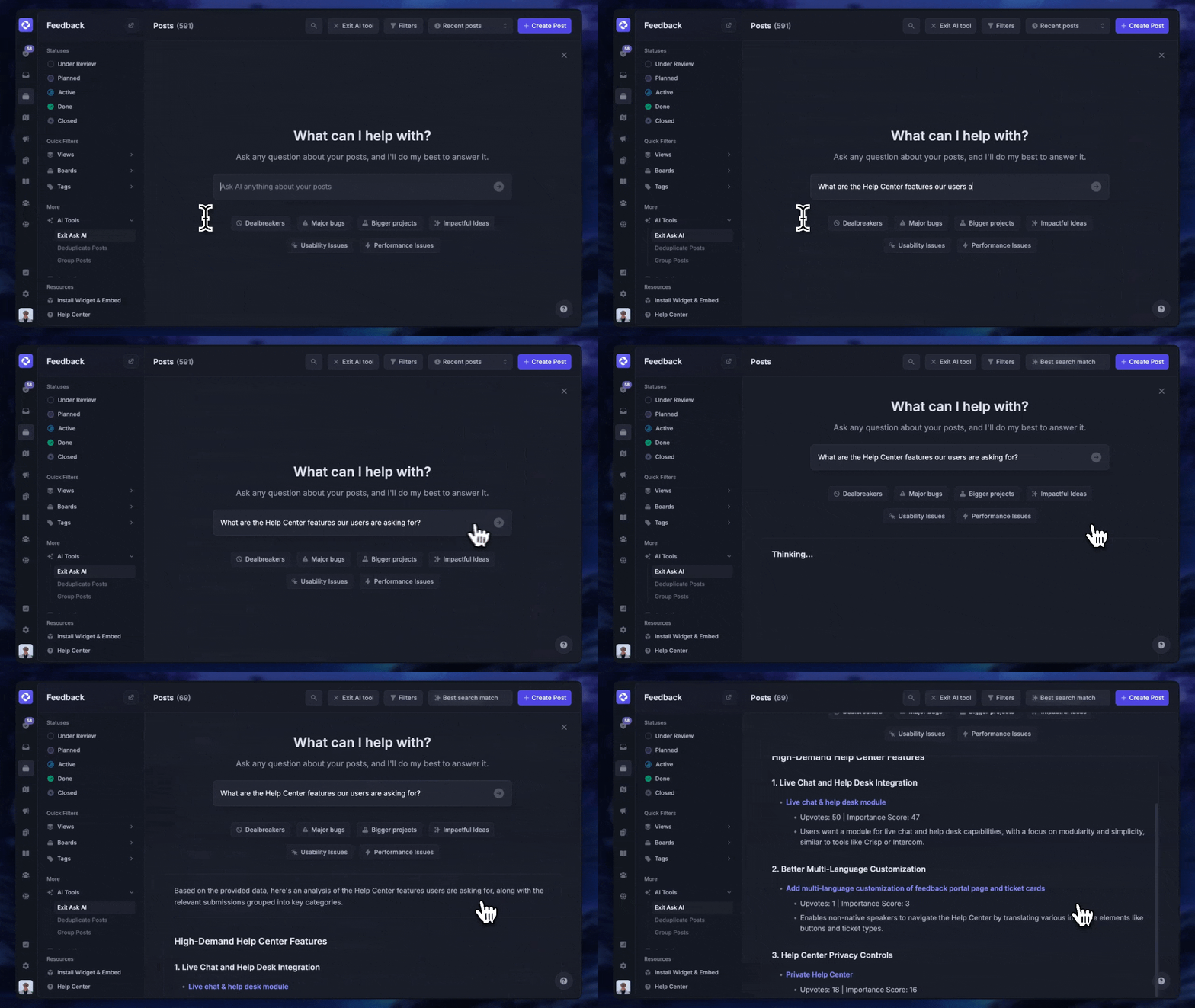
Fibi can use your help articles, past conversations, feedback, roadmap, and changelog as context. That helps it answer questions about your product, including features that are planned or in progress.
Pricing: Free plan available with unlimited conversations. Paid plans start at $29/seat/month, billed annually, with $0.49 per AI resolution. The Free plan does not include AI, and features such as Slack support, workflows, and multi-brand support depend on the paid tier.
Conclusion
Gorgias AI is worth evaluating when your team needs to automate ecommerce conversations and connected order workflows. Check the total bill, test your exceptions, and measure successful outcomes alongside automation volume.
For product-led SaaS teams, Featurebase brings AI support, a help center, and feedback management together, with Fibi using your product knowledge to answer customers and run custom actions.
You can start with the Free plan and explore paid AI support when you're ready. 👇
✨ Automate your customer support with Featurebase →

FAQs
Can I use Gorgias AI without Shopify?
Gorgias's current setup documentation requires a connected Shopify store to use AI Agent in the helpdesk. The broader Gorgias platform supports other ecommerce integrations, but those integrations don't establish equivalent AI Agent access.
Can I add Gorgias AI Agent to an existing Zendesk or Freshdesk setup?
Gorgias AI Agent is part of the Gorgias platform, rather than a standalone AI layer for those helpdesks. Using it as your primary support agent would require evaluating a move to Gorgias and how your existing channels and workflows would transfer.
What happens to AI charges when a human takes over?
Gorgias defines an automated interaction as one handled without human-agent involvement within 72 hours. If the customer needs a human during that window, the interaction is charged as a helpdesk ticket rather than an automated interaction as well.
Can Gorgias AI use different brand voices across channels?
Gorgias documents channel-specific instructions for adjusting tone, response length, and formatting alongside a general personality. Some of these controls are in a beta rollout, so availability can vary between accounts. Test the channels you intend to use before relying on those settings.
Can I choose which conversations Gorgias AI handles?
Yes. Skills let you define instructions for particular conversation intents and turn individual skills on or off. You can test changes before publishing them and review performance by conversation type as you expand coverage.