Blog ComparisonsTop 12 Digital Customer Service Tools for Teams in 2026
Top 12 Digital Customer Service Tools for Teams in 2026
Provide an exceptional customer service experience, save time and improve agent productivity with these digital customer service tools.



Phone calls belong in the 20th century and with so many ways for customers to reach you, I can bet that your phone is quiet most of the day. Digital is the new frontier, which is both exciting and scary. It's easier than ever for customers to reach you, but at the same time, this means countless channels to watch out for.
So, do you pick a few favorites and go all in on those channels or try to cover everything at once?
The truth is that you no longer have to make that choice. Modern digital customer service software let you cover multiple channels, and thanks to AI, you can handle many customer interactions without a real, human agent getting involved.
Today, we show you the best digital customer service tools that not only save you time and money, but also make customers happy after an interaction with your business. 👇
Overview
In short - the best digital customer service platforms in 2026
- ✨Featurebase – best for product-led SaaS teams that want support, feedback, and product workflows tightly connected in one system
- Freshdesk – best for teams that want a balance of affordability, ease of use, and scalable omnichannel support
- Zendesk – best for companies that need a highly structured platform to manage complex customer interactions at scale
- Intercom – best for SaaS teams focused on real time messaging, automation, and proactive customer engagement
- Help Scout – best for teams that prioritize simple, human style email support and a clean user experience
- Zoho Desk – best for businesses that want strong features and automation at a lower price point with solid customization options
- Hiver – best for teams already using Gmail that want to turn their inbox into a lightweight support system
- Salesforce Service Cloud – best for enterprises that need deep customization and full control over large scale customer requests
- BlueTweak – best for teams focused on optimizing customer support workflows and extracting actionable insights from support data
- Document360 – best for teams that want to reduce ticket volume with a strong self service knowledge base
- Knowmax – best for teams that need guided workflows and knowledge tools to help support agents deliver consistent answers
- Chatbase - best for teams that need omnichannel support and don't mind a bit of setup time
The best digital customer service tools to improve customer satisfaction
Customer expectations are getting higher each year, and if you don't have the manpower to provide help quickly, you better have a great tech stack. These are some of the best choices to provide a positive customer experience in 2026 and beyond.
1. Featurebase ✨

Featurebase is a digital customer service platform built for product-led SaaS teams that want to handle support, feedback, and communication in one place. Instead of splitting conversations across tools, it brings everything into a single system, which helps teams respond faster and stay closer to what users actually need.
Top features:
- Omnichannel inbox: Manage tickets, live chat, email, and Slack conversations from one unified view
- Customer tickets portal: Give users a place to submit, track, and manage their requests
- AI copilot for agents: Generate replies and suggestions based on your internal knowledge
- Smart workflows: Automate routing, tagging, and follow-ups based on customer data
- SLA tracking: Monitor response times and keep support performance consistent
- In-product ticket tracking: Let users check ticket status without leaving your app
- AI agent automation: Resolve common issues automatically and trigger actions like refunds or upgrades
- Help center with AI search: Provide instant answers through self-serve knowledge base software
- Automatic translations: Support customers globally with built-in language translation
- Deep integrations: Connect with tools like Slack, Jira, HubSpot, and Linear
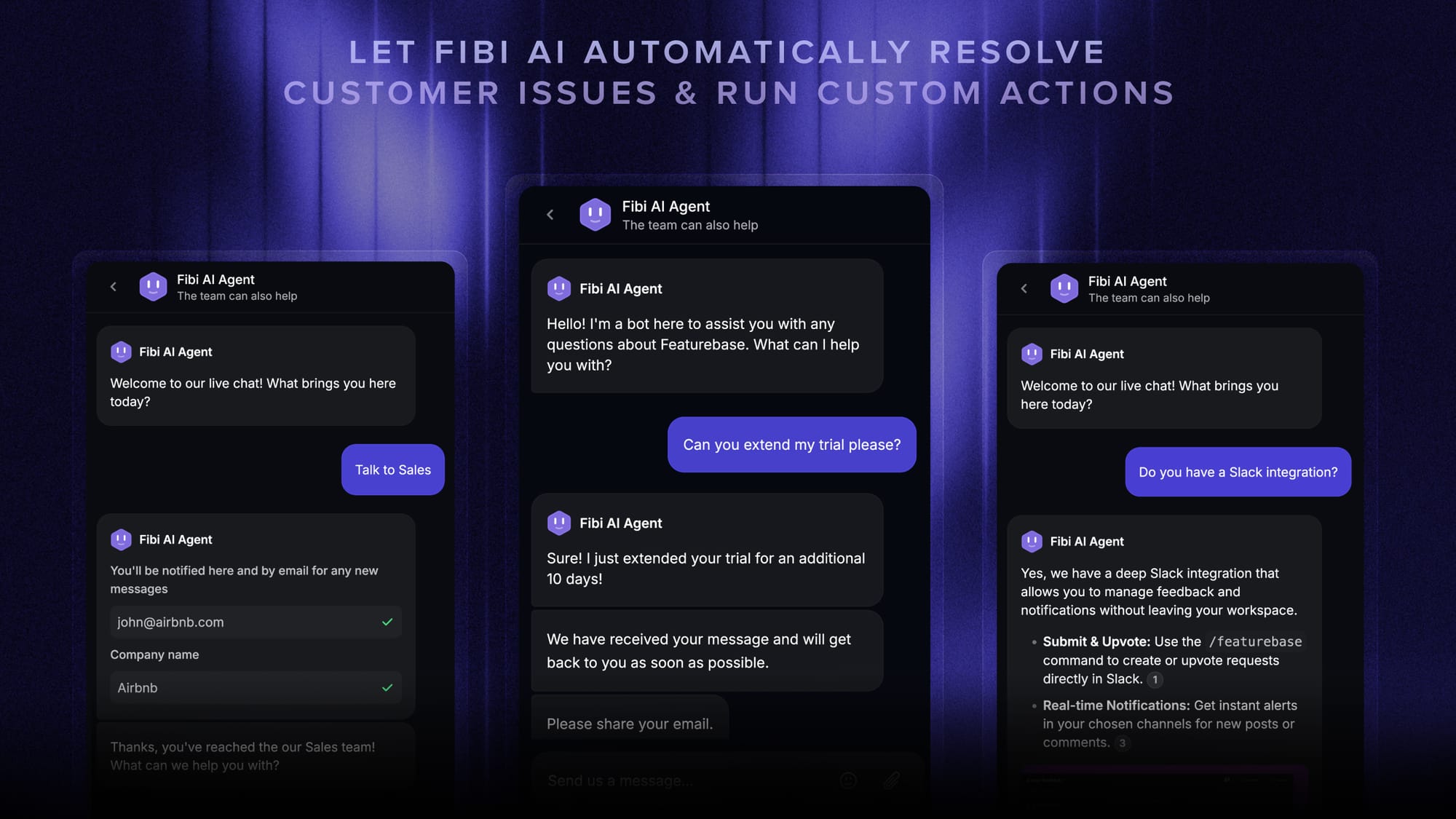
Pricing: Free plan available with unlimited conversations. Paid plans start at $29/seat/month with $0.29 per AI resolution.
Featurebase helps customers resolve problems on their own and enhances customer experience without requiring upgraded agent performance. If you want improved customer satisfaction and you have a SaaS product, Featurebase ticks all the boxes at a low and predictable cost.

Resolve 70% of customer requests with AI
Automatically resolve customer issues & cut down support loads for your team
2. Freshdesk
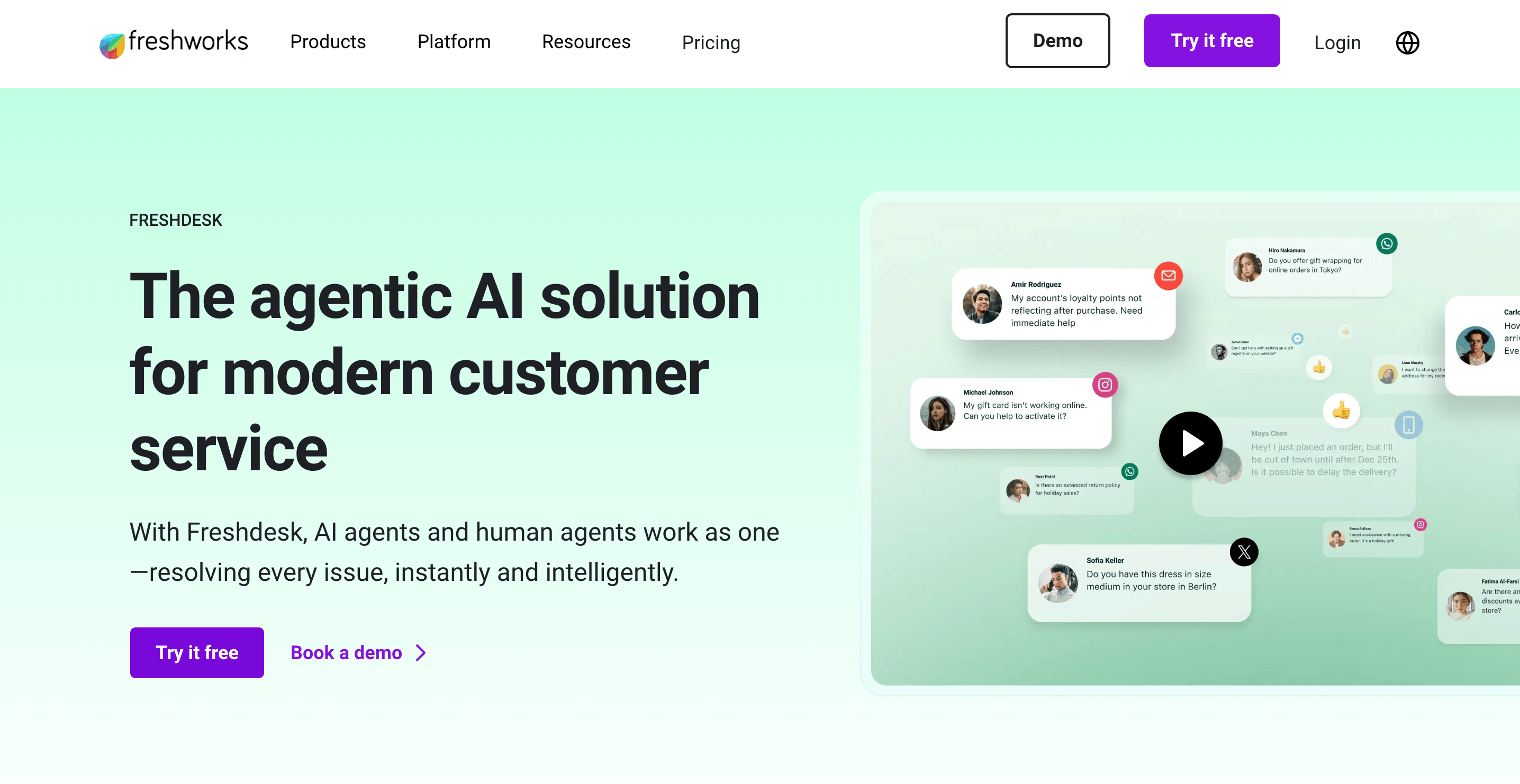
Freshdesk is a digital customer service platform built for teams that need to manage conversations across multiple channels without losing track of context. It works well for companies that want a structured way to handle support while still keeping things flexible as they grow.
Top features:
- Unified support inbox: Manage email, chat, phone, and social conversations in one place
- Automation workflows: Route, prioritize, and resolve tickets automatically
- Self-service help center: Create a knowledge base customers can access anytime
- AI assisted responses: Suggest replies and help agents respond faster
- Customer context view: See past interactions and details in a single thread
Freshdesk pricing starts at $19/agent/month and a free plan is available.
Freshdesk can become more expensive as you move into higher tiers for advanced features. Some teams also find the interface slightly overwhelming at first, especially when setting up automation and workflows.
3. Zendesk
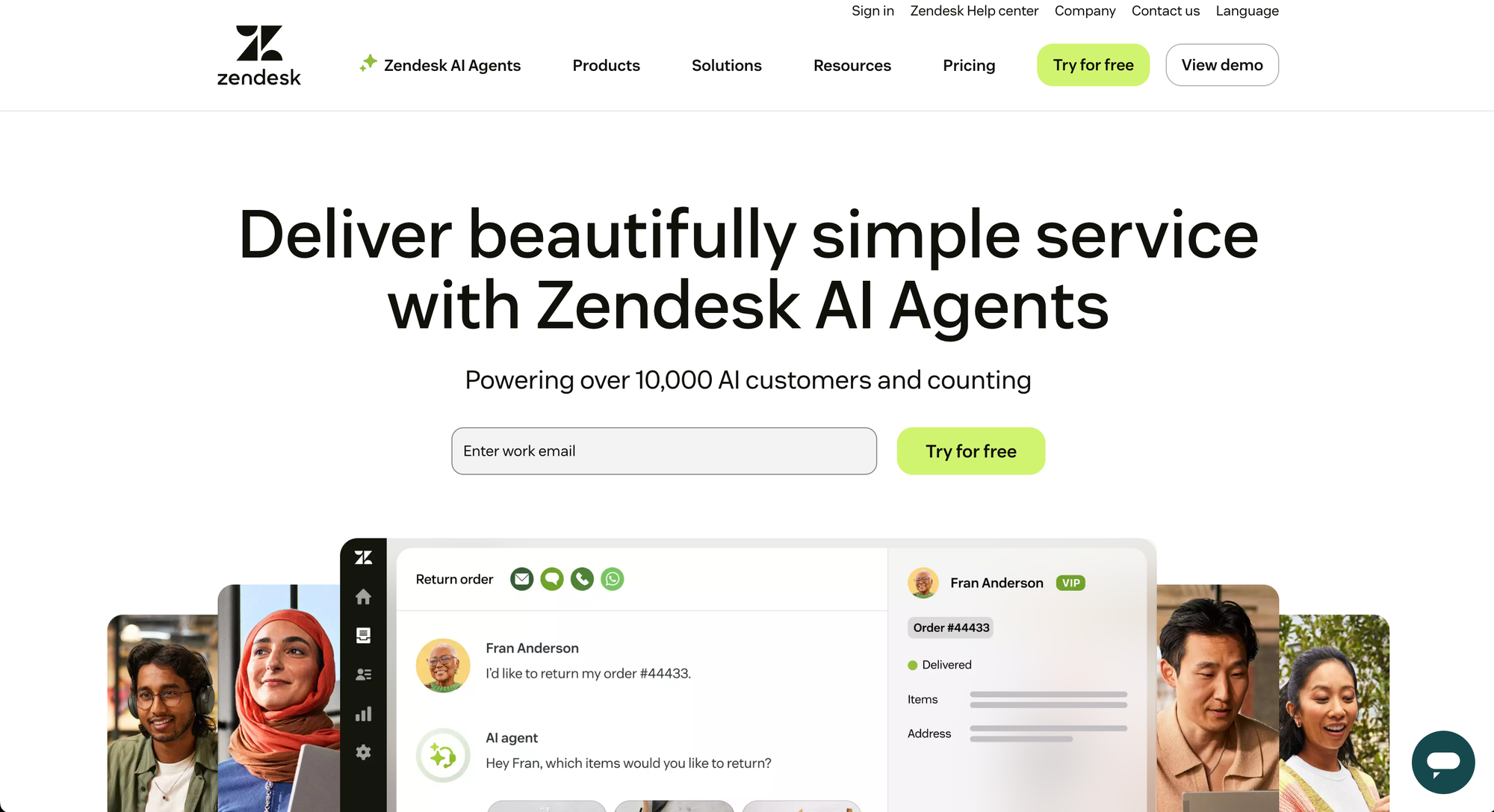
Zendesk is a digital customer service platform built for companies that need a structured way to manage customer interactions at scale. It is widely used by customer service teams that want to centralize communication, improve response times, and build stronger customer relationships across multiple channels.
Top features:
- Omnichannel inbox: Manage email, chat, phone, and social conversations in one place
- Advanced ticketing system: Organize and track customer interactions across teams
- Automation and routing: Assign and prioritize tickets automatically
- Help center and knowledge base: Provide self service support for common issues
- Detailed analytics: Track performance, customer satisfaction, and team efficiency
Zendesk pricing starts at $19/agent/month and a free trial is available.
Zendesk can feel complex to set up and manage, especially for smaller teams. Costs also increase quickly as you add more advanced features, and customization can take time to get right.
4. Intercom
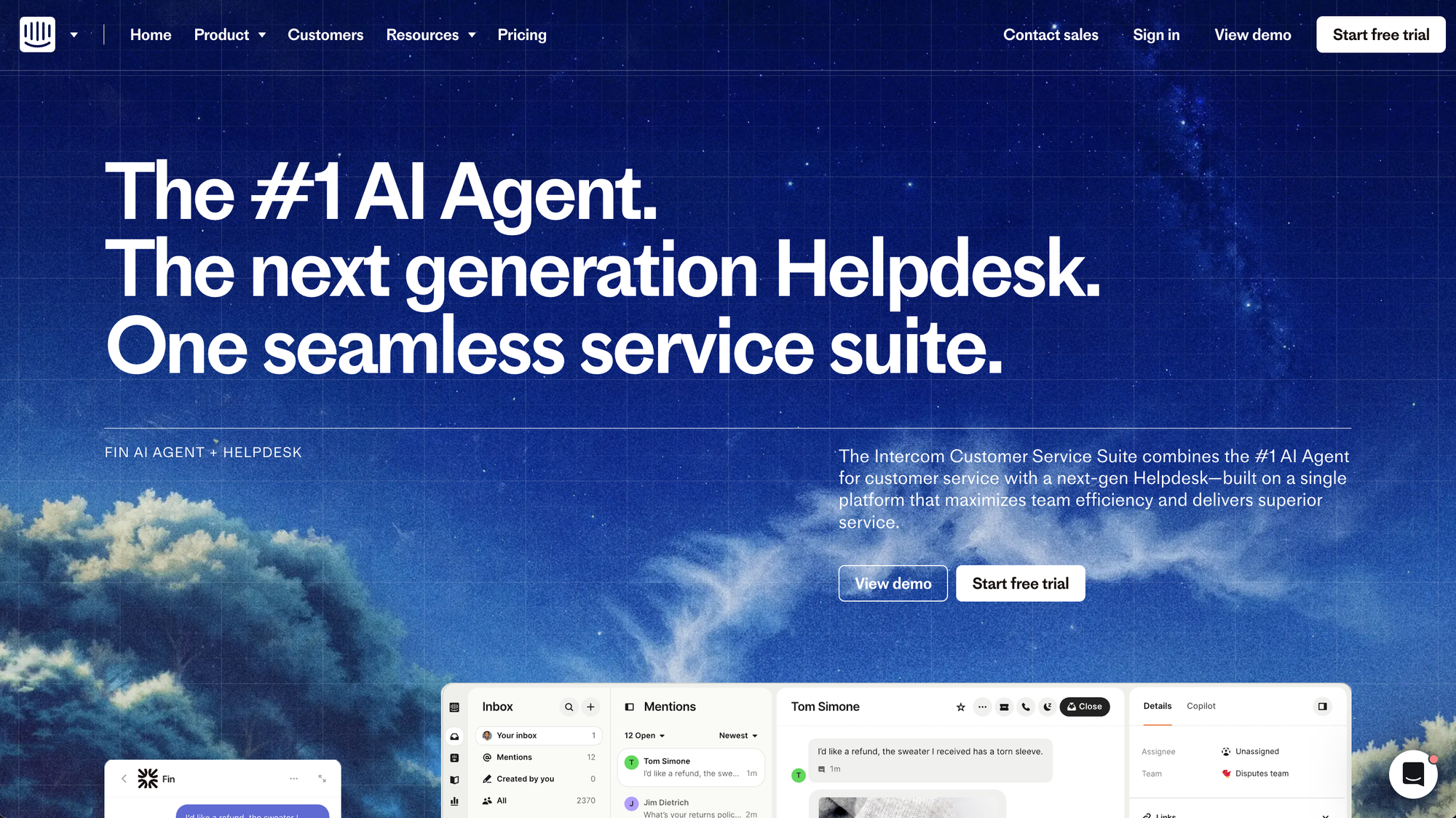
Intercom is a digital customer service and messaging platform built for teams that want to handle customer queries and customer inquiries through real time conversations. It combines live chat, automation, and customer relationship management features, which makes it a popular choice for SaaS companies focused on proactive support and engagement.
Top features:
- Live chat and messaging: Talk to customers in real time across web and mobile
- AI chatbot automation: Handle common customer queries automatically
- Shared inbox: Manage conversations across chat, email, and messages in one place
- Help center integration: Surface relevant articles directly inside conversations
- Customer data and CRM features: Store and use customer data to personalize support
Pricing: starts at $19/seat/month for Essential billed annually ($29 billed monthly), plus $0.99 per Fin outcome. Advanced costs $85/seat/month and Expert costs $132/seat/month, billed annually.
Intercom can get expensive quickly, especially as your number of users or conversations grows. It is also more focused on messaging and engagement, which means it may not fully replace a traditional ticketing system for some teams.
5. Help Scout
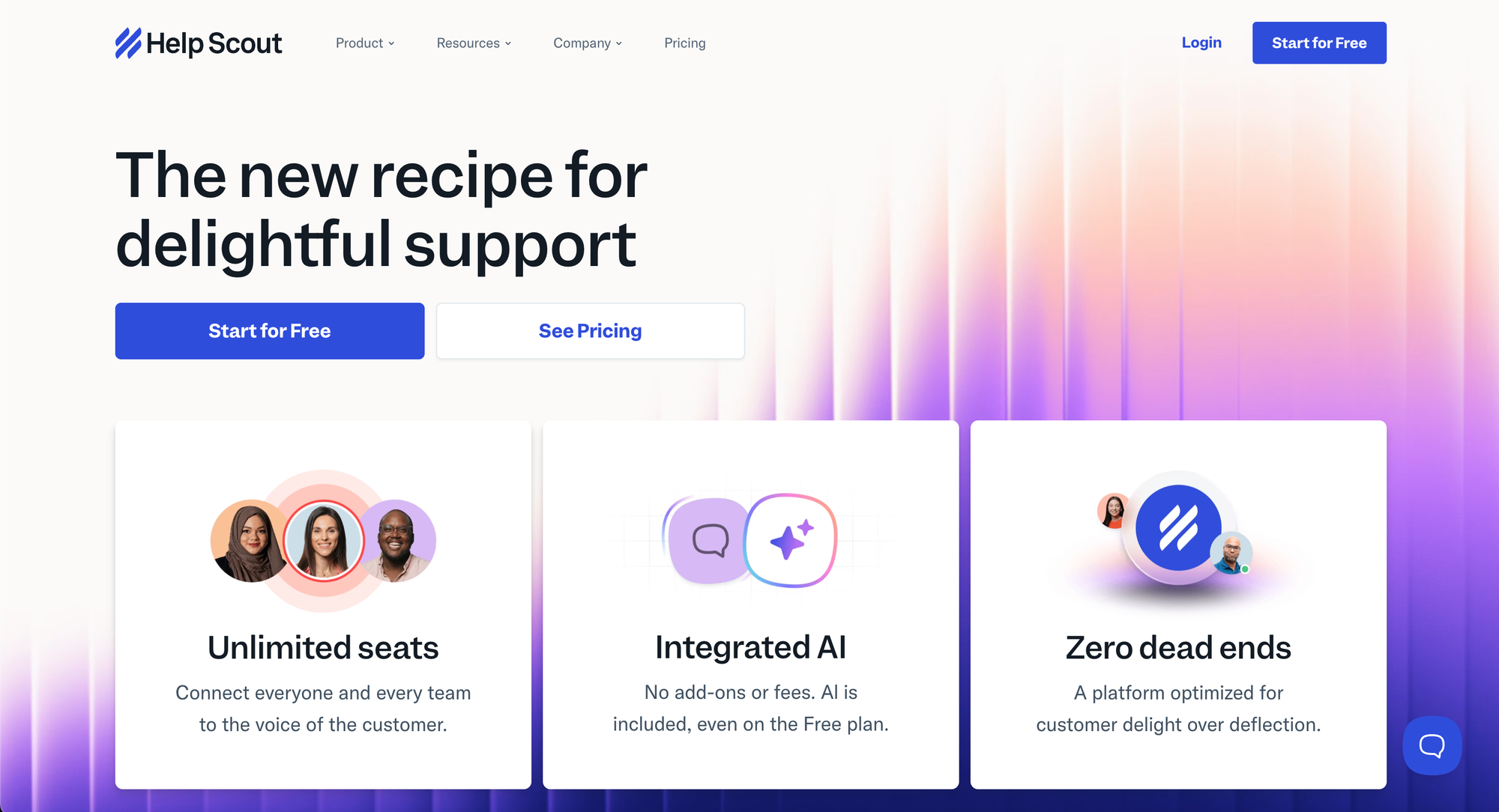
Help Scout is one of the more straightforward digital customer service tools, built for teams that want to keep support simple and personal. It is widely used by companies that prefer email-style communication, giving customer service representatives a clean way to manage conversations without the complexity of larger platforms.
Top features:
- Shared inbox: Manage customer emails collaboratively without exposing internal workflows
- Conversation-based support: Keep interactions natural instead of rigid ticket threads
- Knowledge base (Docs): Create a self-service help center for customers
- Automation rules: Route and tag conversations automatically
- Reporting and insights: Track performance and customer satisfaction
Help Scout pricing starts at $25/user/month, and a free trial is available.
Help Scout is more limited when it comes to advanced automation and multi-channel support. It is best suited for email-first teams, which can be restrictive if you need a broader customer service setup.
6. Zoho Desk
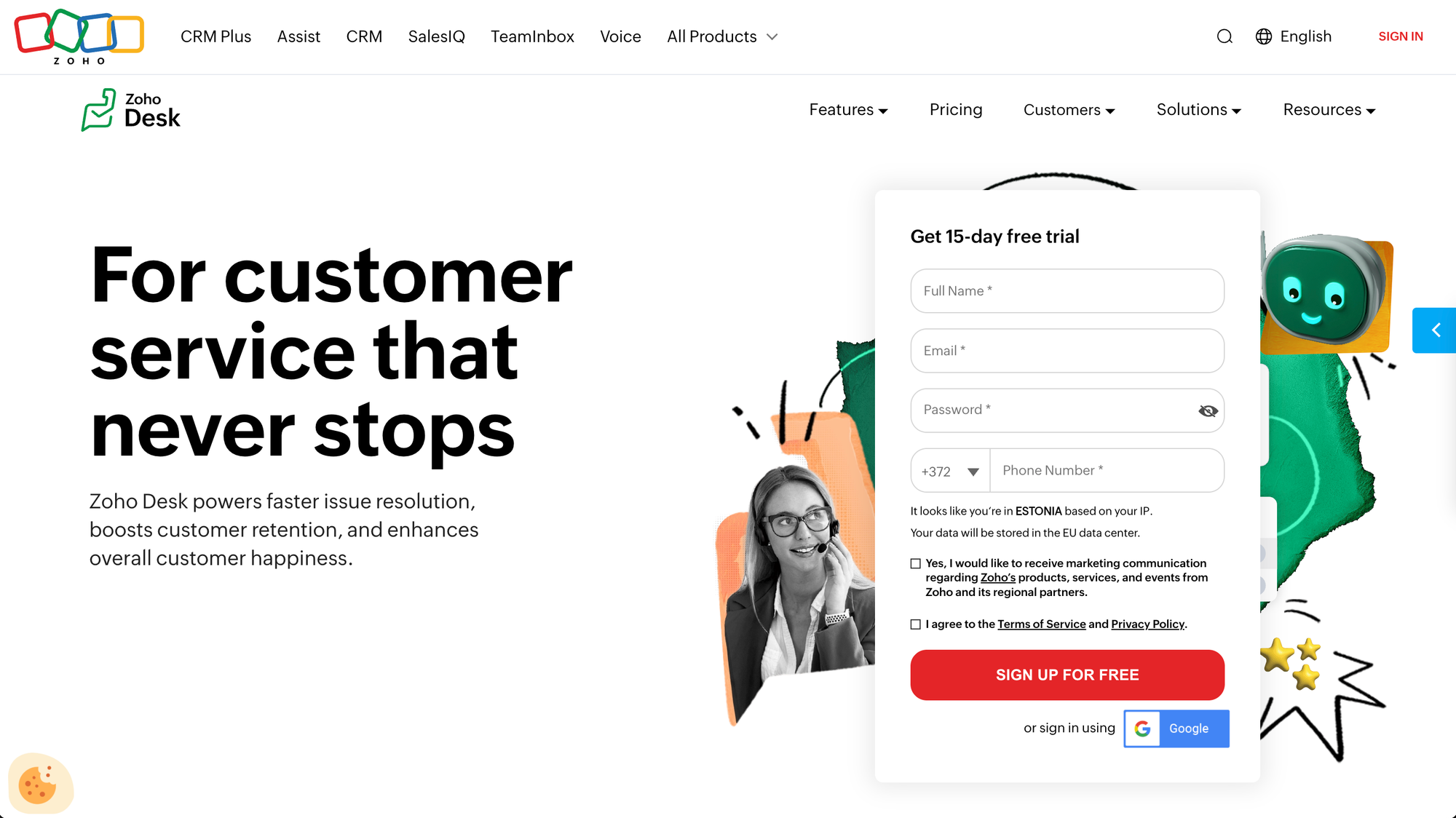
Zoho Desk is one of the more flexible customer support tools for teams that want to manage conversations across channels while keeping costs under control. It is often used by support teams that need a balance between automation, customization, and day to day usability, with a focus on improving customer loyalty through consistent service and better use of customer feedback.
Top features:
- Omnichannel inbox: Handle email, chat, phone, and social interactions in one place
- Automation workflows: Assign, prioritize, and resolve tickets automatically
- Help center and self service: Build knowledge bases for faster resolution
- Customer feedback tools: Collect ratings and insights after interactions
- Custom dashboards and reports: Track team performance and service quality
Zoho Desk pricing starts at $7/agent/month and a free plan is available.
Zoho Desk can feel cluttered due to the number of features available, especially for new users. Some teams also find that advanced customization and automation take time to fully set up and optimize.
7. Hiver
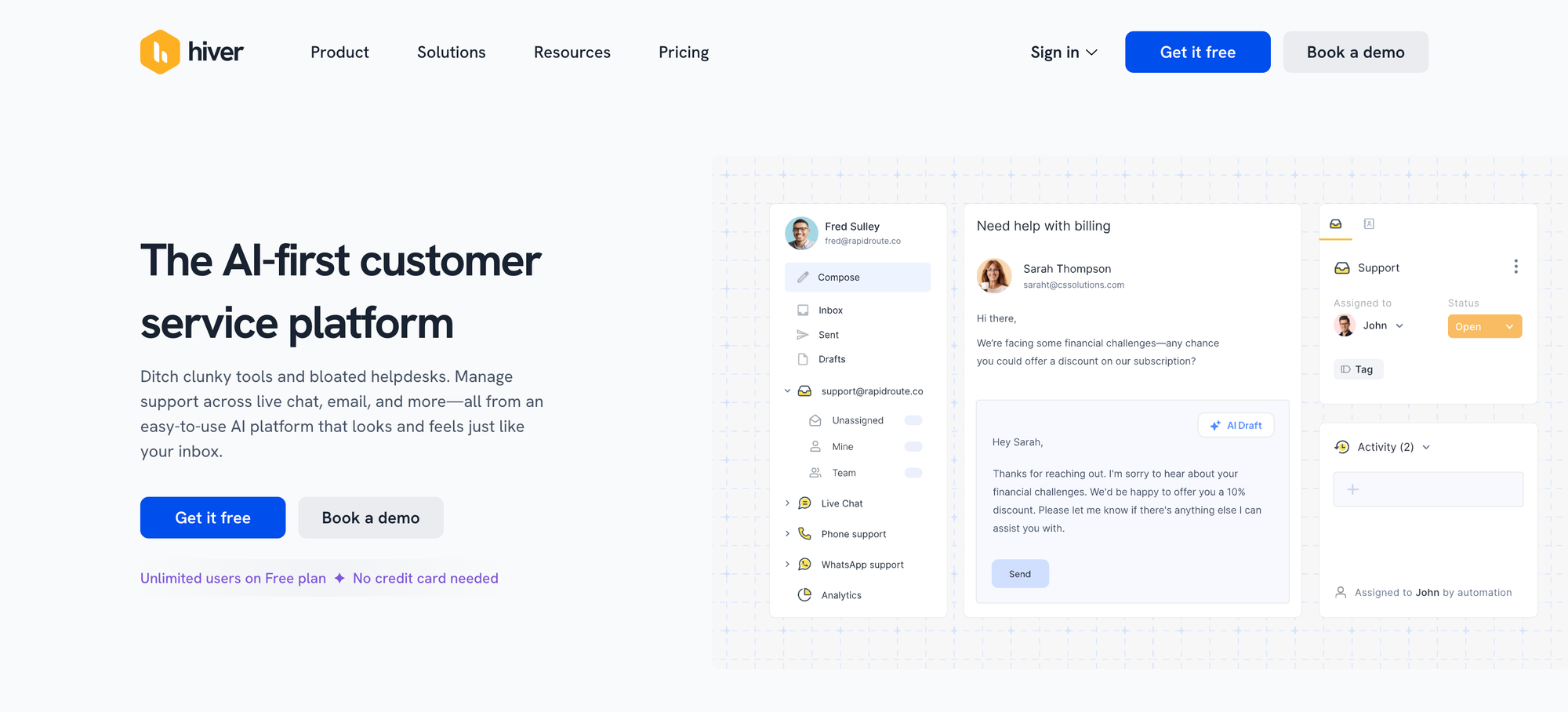
Hiver is a digital customer service tool that works directly inside Gmail, making it a practical choice for support teams that want to manage conversations without switching platforms. It is often used by customer support teams looking to enhance customer satisfaction and keep workflows simple, while still delivering a consistent customer experience.
Top features:
- Shared inbox in Gmail: Manage customer emails collaboratively within your existing inbox
- Email to ticket tracking: Turn conversations into structured support tasks
- Internal notes and tagging: Help your customer support team collaborate behind the scenes
- Automation rules: Assign and manage conversations automatically
- Performance reporting: Track response times and team activity
Hiver pricing starts at $25/user/month, and a free trial is available.
Hiver is more limited than full platforms when it comes to multi-channel support and advanced automation. It also depends heavily on Gmail, which may not suit teams with more complex customer experience needs.
8. Salesforce Service Cloud
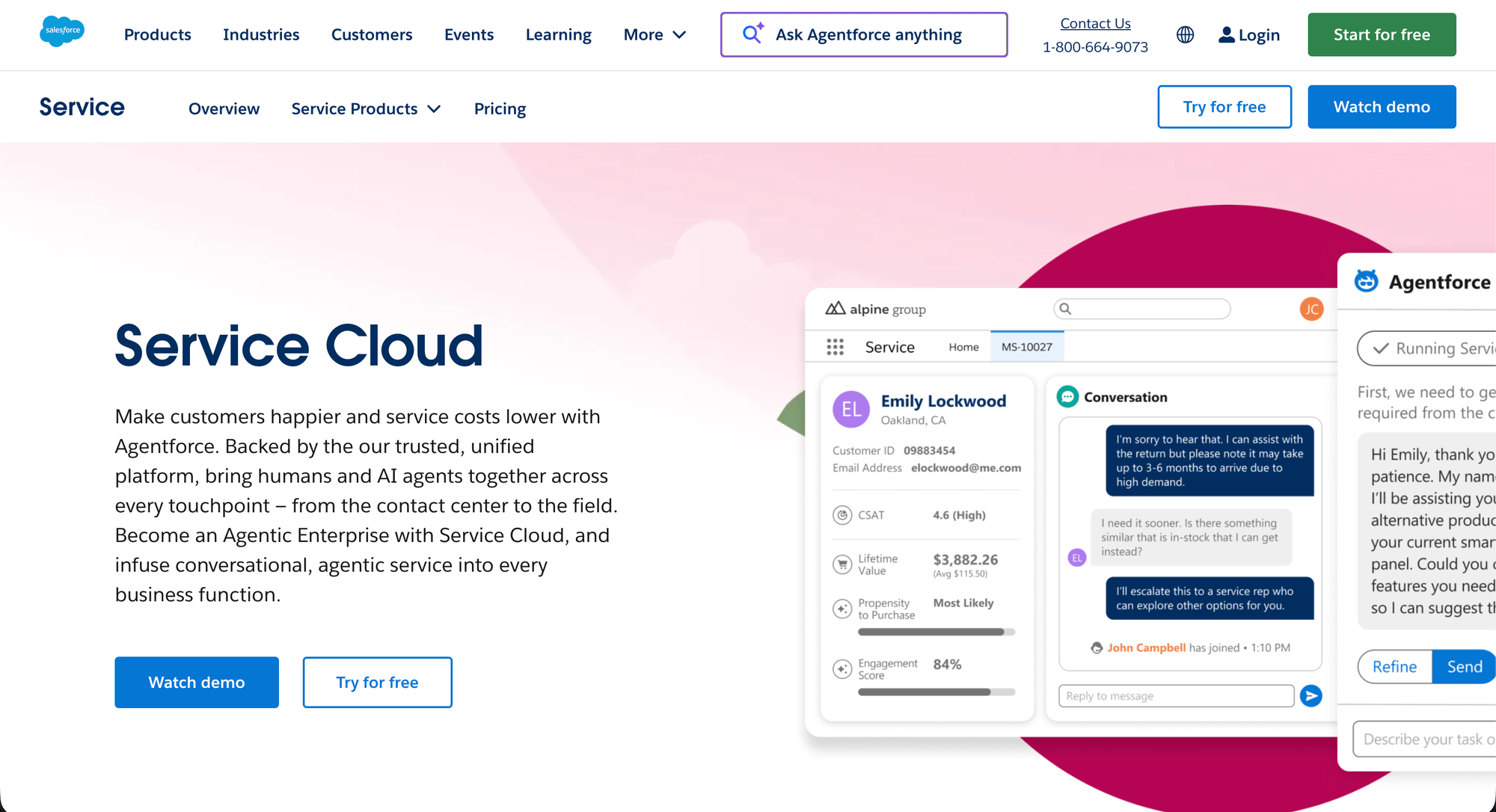
Salesforce Service Cloud is one of the more advanced digital customer service tools, built for organizations that need to handle large volumes of customer requests across multiple channels. It is widely used by enterprise teams that want to enhance customer support and engage customers with a highly customized support experience.
Top features:
- Omnichannel case management: Manage customer requests from email, chat, phone, and social in one place
- Advanced automation workflows: Route and resolve cases using rules and AI driven logic
- Knowledge base and self-service: Help customers find answers without contacting support
- Customer data integration: Use CRM data to personalize support interactions
- Detailed analytics and reporting: Track performance, trends, and customer satisfaction
Pricing: starts at $25/user/month, and a free trial is available.
Salesforce Service Cloud can be complex to implement and often requires dedicated resources to manage. Costs also increase quickly as you add features, which can make it less practical for smaller teams.
9. BlueTweak
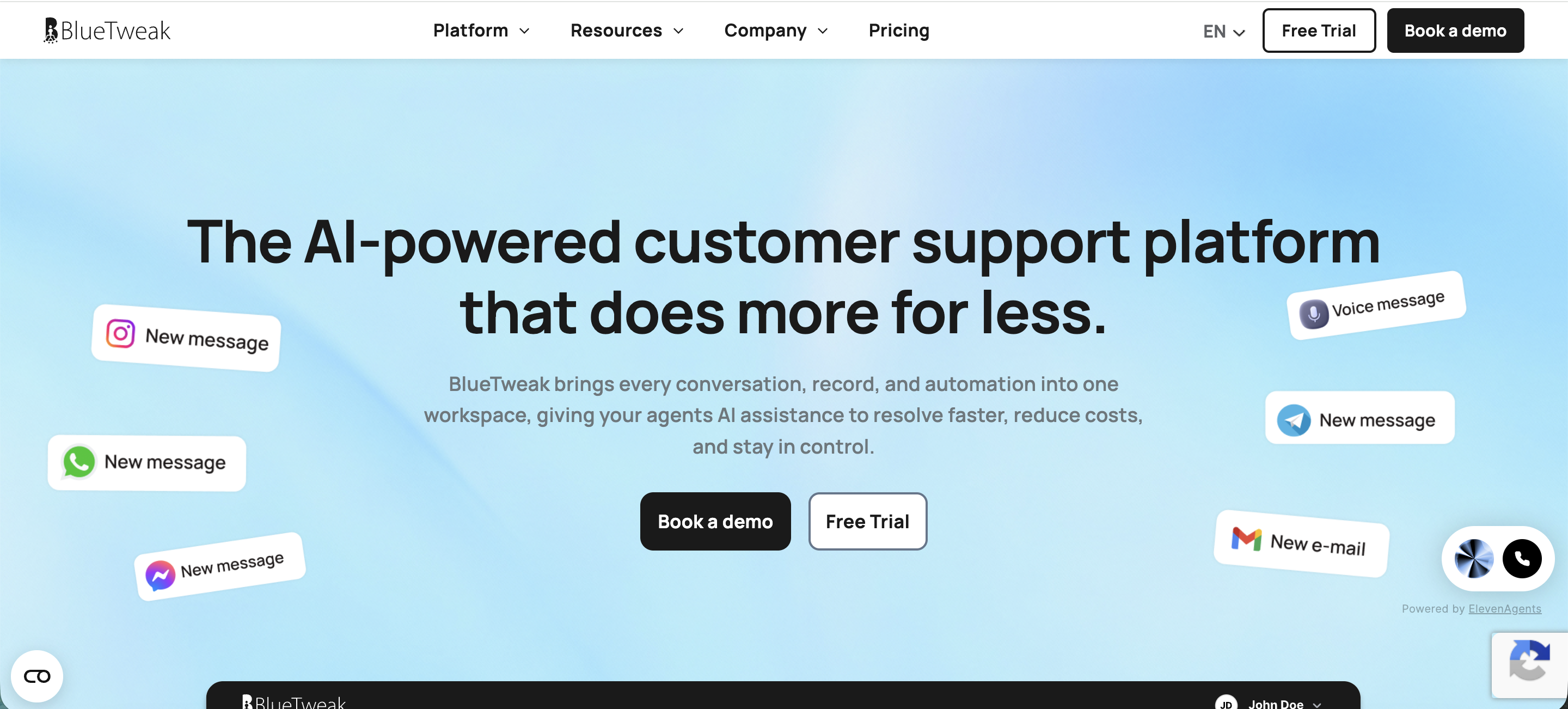
BlueTweak is a digital customer service platform focused on helping teams optimize customer support workflows through automation and data. It is built for companies that want to deliver more personalized customer support while using analytics to improve their customer engagement strategy.
Top features:
- Workflow automation tools: Build and manage customer support workflows with flexible rules
- Customer data insights: Turn support interactions into actionable insights for your team
- Personalization features: Deliver personalized customer support based on user behavior and history
- Engagement tracking: Monitor how customers interact across different touchpoints
- Reporting dashboards: Analyze performance and identify areas for improvement
Pricing starts at 65EUR per agent per month.
BlueTweak is more focused on analytics and optimization than day to day ticket handling. Teams looking for a traditional help desk may find it lacking in core support features like ticketing and omnichannel communication.
11. Document360
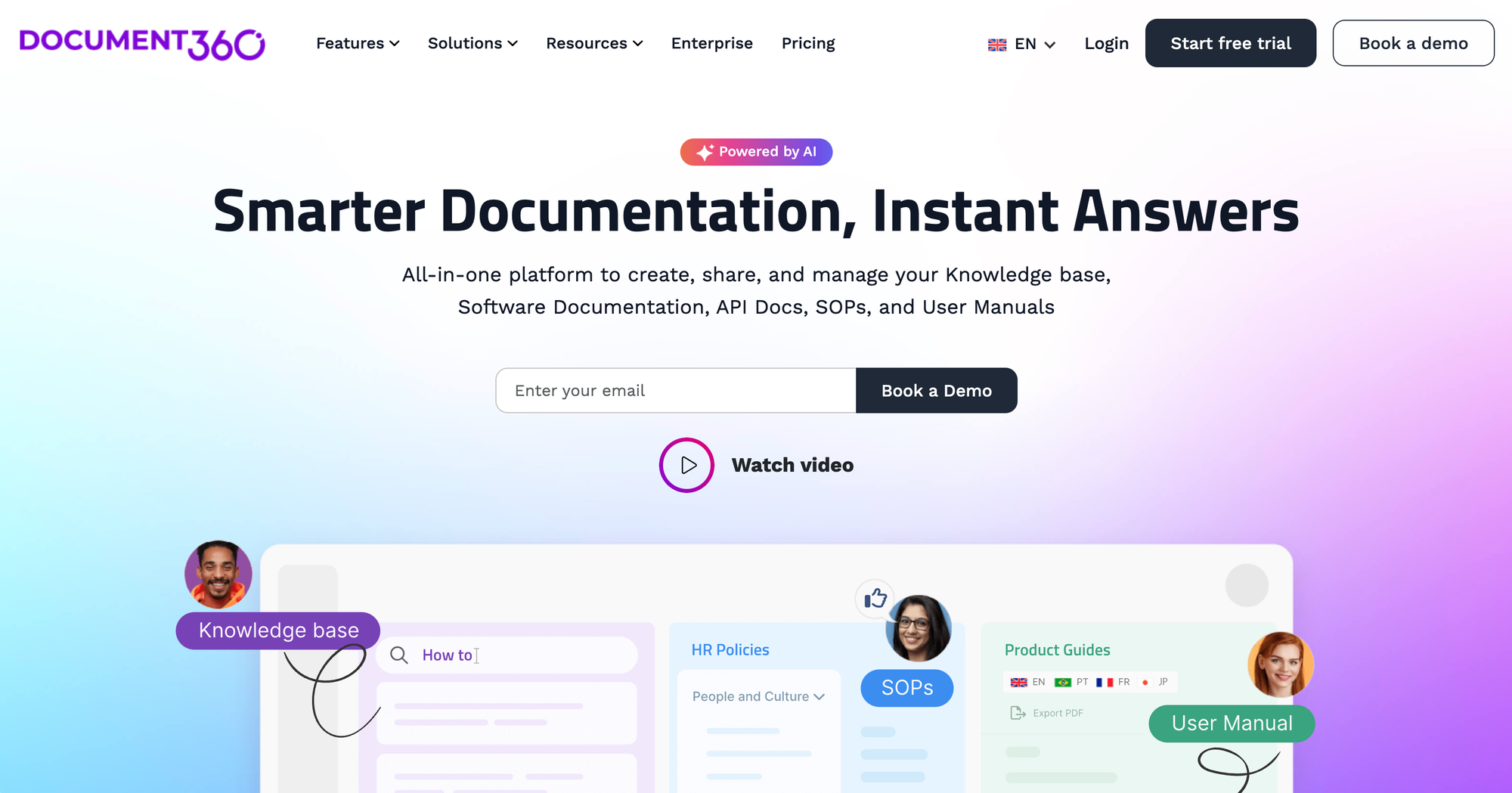
Document360 is a knowledge base and documentation platform often used alongside help desk software to handle self service support. It is built for teams that want to create structured documentation that helps customers find answers across multiple communication channels, without always relying on direct support.
Top features:
- Knowledge base platform: Build public and private help centers for different customer needs
- Advanced content editor: Create and manage documentation with version control
- Category and organization system: Structure content for easy navigation
- Analytics and insights: Track what users search for and where they get stuck
- Integrations with support tools: Connect with platforms like Zendesk and Intercom
Pricing is not publicly available so you'll have to reach out and get a quote.
Document360 is not a full help desk solution, so it works best as a complement to other tools. Teams looking for built-in ticketing or real-time support will need to pair it with a separate platform.
11. Knowmax
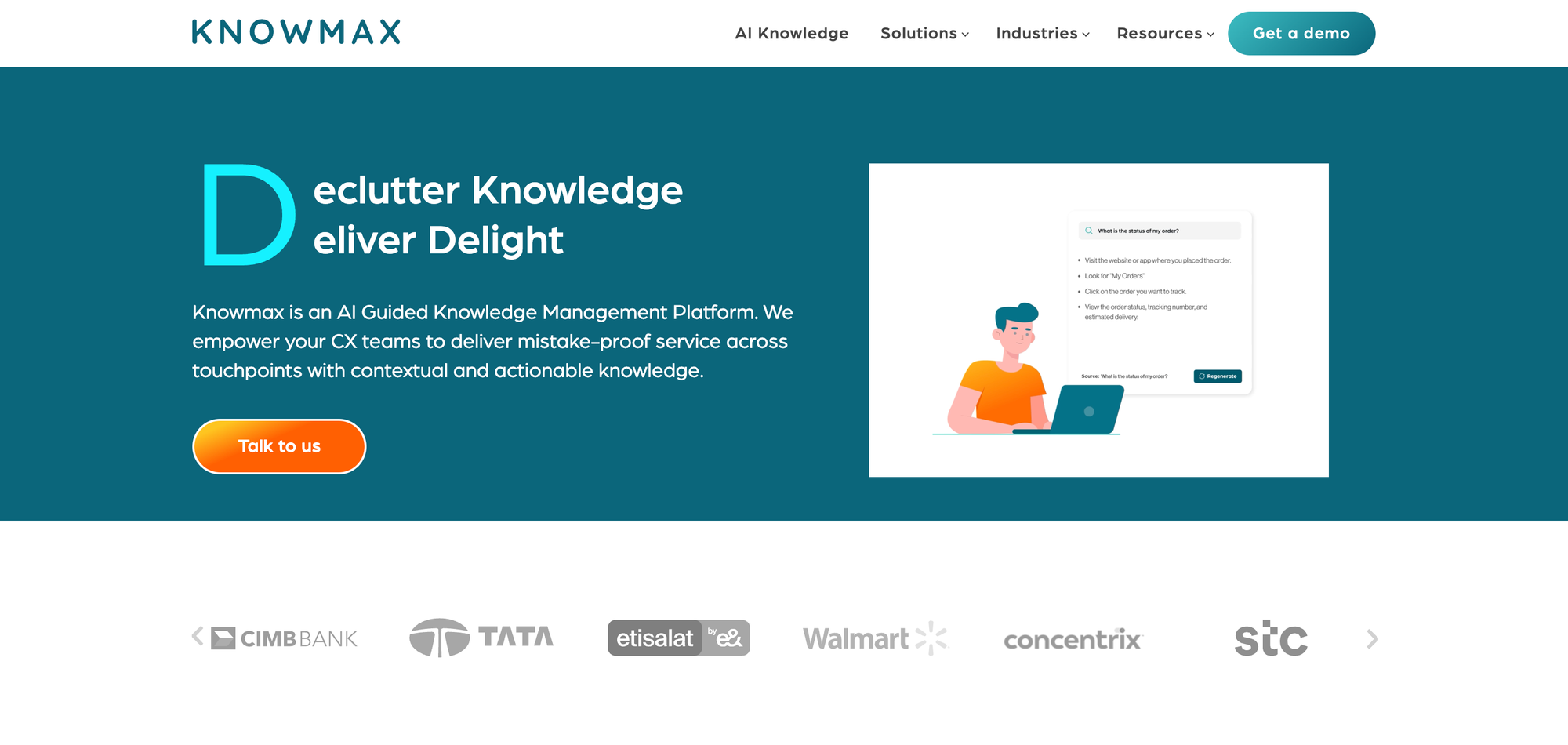
Knowmax is a knowledge management platform built to support agents with guided workflows and structured information. It is popular with teams that want to improve the customer service experience by giving agents the tools they need to provide fast, personalized assistance.
Top features:
- Guided workflows: Step-by-step decision trees to help support agents handle complex cases and eliminate repetitive tasks
- Centralized knowledge base: Store and manage support content in one place
- Agent assist tools: Surface relevant information during live interactions and support processes
- Integration with ticket management systems: Connect knowledge directly to support workflows
- Content analytics: Track usage and identify gaps in support materials
Pricing: custom pricing based on requirements.
Knowmax is not a standalone help desk, so it depends on other systems for ticket management and communication. Teams looking for an all-in-one solution will need to integrate it with additional customer support tools.
12. Chatbase
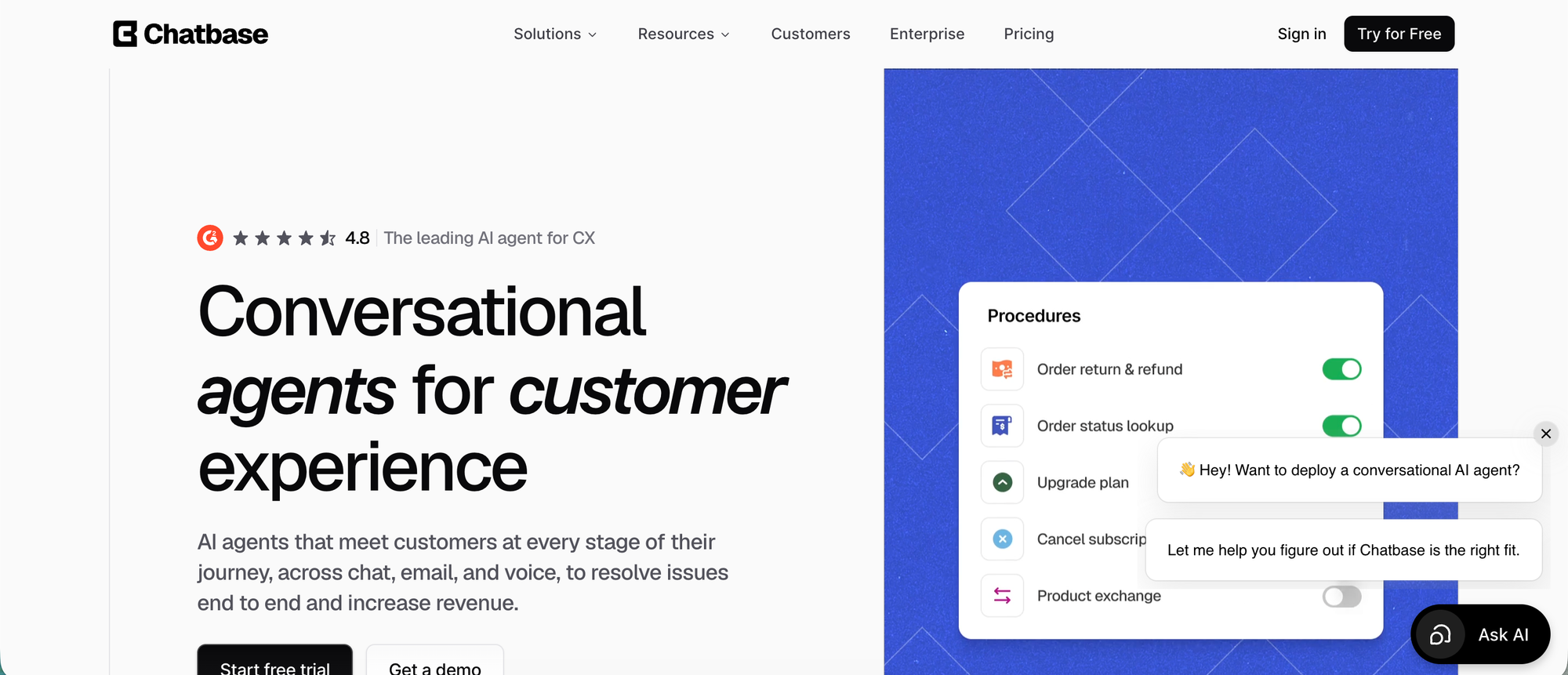
Chatbase helps teams deliver digital customer service across website chat, email, WhatsApp, Facebook Messenger, Instagram DM, Slack, and voice. It is useful for companies that want customers to get fast answers online while still giving human agents a clean way to step in when a conversation needs review.
Top features:
- Customer-facing AI agents: Helps answer common questions across support, sales, onboarding, product guidance, and ecommerce.
- Digital channel coverage: Supports website chat, email, WhatsApp, Facebook Messenger, Instagram DM, Slack, and voice.
- Human handoff: Lets teams review, assign, and take over conversations that need personal support.
- Workflow support: Uses Actions and Procedures to collect context, retrieve information, route issues, and trigger approved next steps.
- Ecommerce help: Supports Shopify workflows for product questions, recommendations, carts, order status, billing details, and order views.
- Security for larger teams: Supports SOC 2 Type II, GDPR, SSO, RBAC, audit logs, and HIPAA-eligible Enterprise workspaces after setup.
Pricing: Chatbase pricing includes a free plan. Paid plans start at $32/month when billed annually.
Chatbase is a good fit for teams that want digital service to feel instant across channels, not limited to a ticket form or email queue. The main tradeoff is setup time: teams need to configure sources, workflows, and handoff rules carefully when they want the AI agent to handle more than basic questions.
Get the best customer service software for your team and customers
Most teams don’t struggle because they lack tools. They struggle because they have too many of them.
One handles tickets. Another handles chat. A third stores knowledge. And somewhere in between, your product team is trying to make sense of what customers actually want. That fragmentation is where things break, slow responses, missed context, and support that feels reactive instead of intentional.
The tools in this list all solve parts of that problem. Some are great at scale, others at simplicity, others at automation. The right choice depends on how you want your customer service to feel, structured and process-driven, or fast, connected, and product-aware.
If you lean toward the second option, it makes sense to look at platforms that bring everything closer together.
Featurebase stands out here because it does not treat support as an isolated function. It connects conversations, feedback, and product updates in one place, so you are not just answering tickets, you are learning from them and acting on them.
✨ Automate your support with the fastest AI-enhanced Inbox today →