Blog ComparisonsZendesk vs Helpjuice: Which Is Better?
Zendesk vs Helpjuice: Which Is Better?
Zendesk and Helpjuice get pitched against each other constantly, but they aren't the same kind of tool. Here's what each actually does, how they price, and which one fits your team.



✨Psst... want a modern, affordable alternative to Zendesk? Featurebase gives you a help center, support inbox, and feedback tools in one place → check it out
People compare Zendesk and Helpjuice as if you're picking between two knowledge base tools. You're not.
Zendesk is a full customer-service suite. The knowledge base is one module sitting next to ticketing, live chat, and voice. Helpjuice is a standalone knowledge base and nothing else. Compare them on the wrong axis and you either overpay for a suite you won't use or buy a specialist tool when you needed a whole support platform.
In this guide, I'll break down what each tool actually is, how their pricing really works, and where each one wins. 👇
Key takeaways:
- Zendesk is a suite: the knowledge base (Zendesk Guide) is one piece of a platform that also does ticketing, live chat, email, and voice.
- Helpjuice is a specialist: it's a dedicated knowledge base with no ticketing and no live chat, built to do one thing well.
- The pricing models are opposites: Zendesk charges per agent per month, while Helpjuice charges a flat monthly fee no matter how many people you have.
- Pick Zendesk if you need an all-in-one support operation, not just a place to store help articles.
- Pick Helpjuice if a powerful standalone knowledge base is genuinely all you need and the flat fee fits your budget.
- If the help center is what you care about but you also want support and feedback tools in one place with a free plan, Featurebase✨ is the modern alternative to both.
Zendesk vs Helpjuice at a glance
| Zendesk | Helpjuice | |
|---|---|---|
| Type | Full customer-service suite | Standalone knowledge base |
| Knowledge base | Zendesk Guide (one module) | The entire product |
| Ticketing and live chat | Yes | No |
| Pricing model | Per agent, per month | Flat monthly fee |
| Starting price | $19/agent/mo (Support Team) | $249/mo |
| Free plan | No (14-day trial) | No (14-day trial) |
| Best for | Teams needing a full support platform | Teams that only need a great KB |
What are Zendesk and Helpjuice?
Before comparing features, it helps to be clear on what category each tool actually belongs to. This is where most comparisons go wrong.
Zendesk
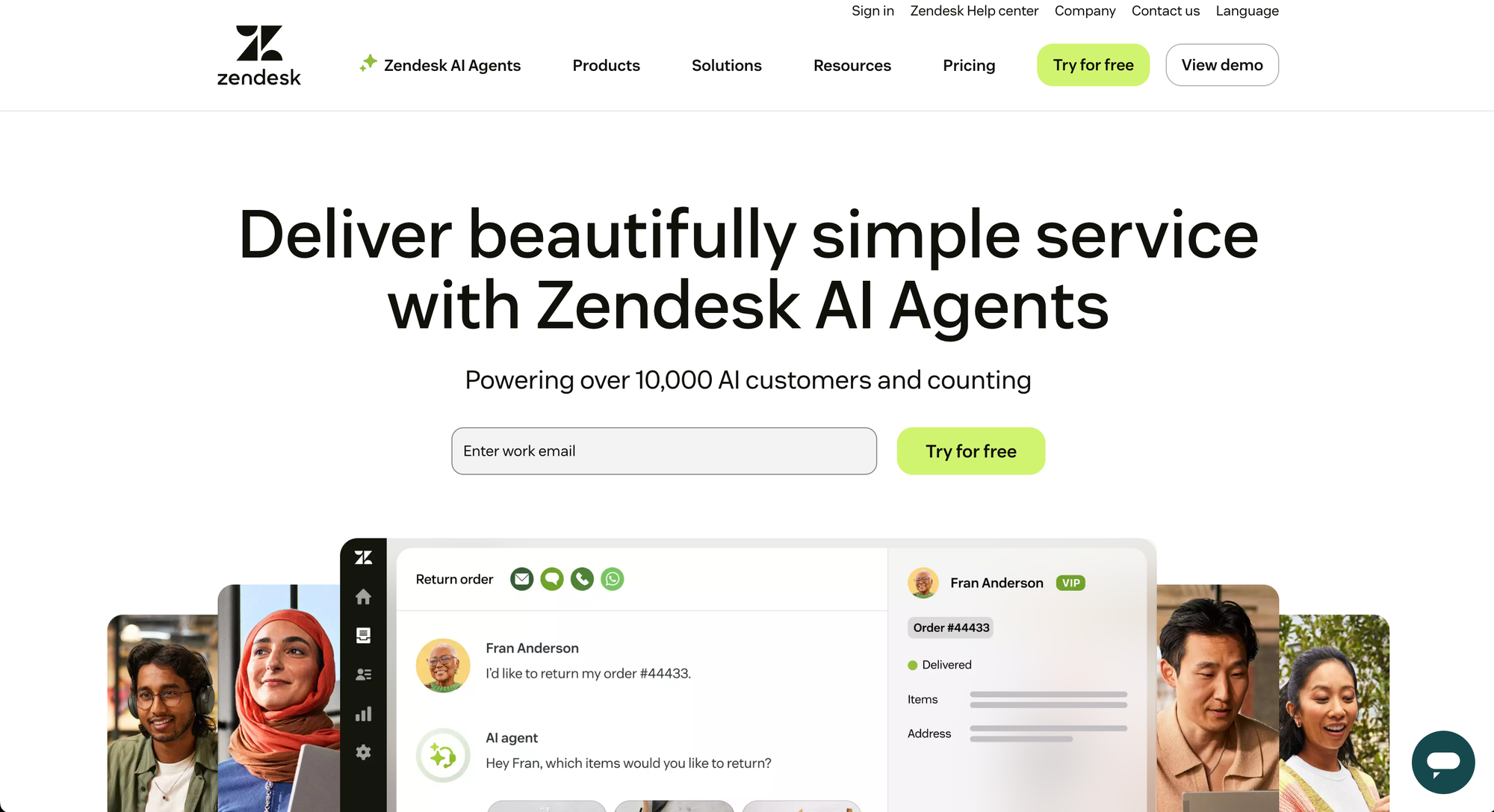
Zendesk is one of the best-known customer-service platforms on the market. It bundles ticketing, live chat and messaging, email, voice, and a knowledge base (called Zendesk Guide) into a single suite, with AI agents layered across the top.
The knowledge base is real and capable, but it's designed to feed the rest of the support operation. Help articles power AI answers, deflect tickets, and sit alongside the agent inbox. You rarely buy Zendesk for the knowledge base. You buy Zendesk for the whole machine and get the knowledge base as part of it.
That breadth is the appeal and the catch. G2 reviewers consistently praise the unified omnichannel support, strong automation, and reporting. They also flag a steep learning curve and an interface that can feel heavy once ticket volume climbs.
Helpjuice
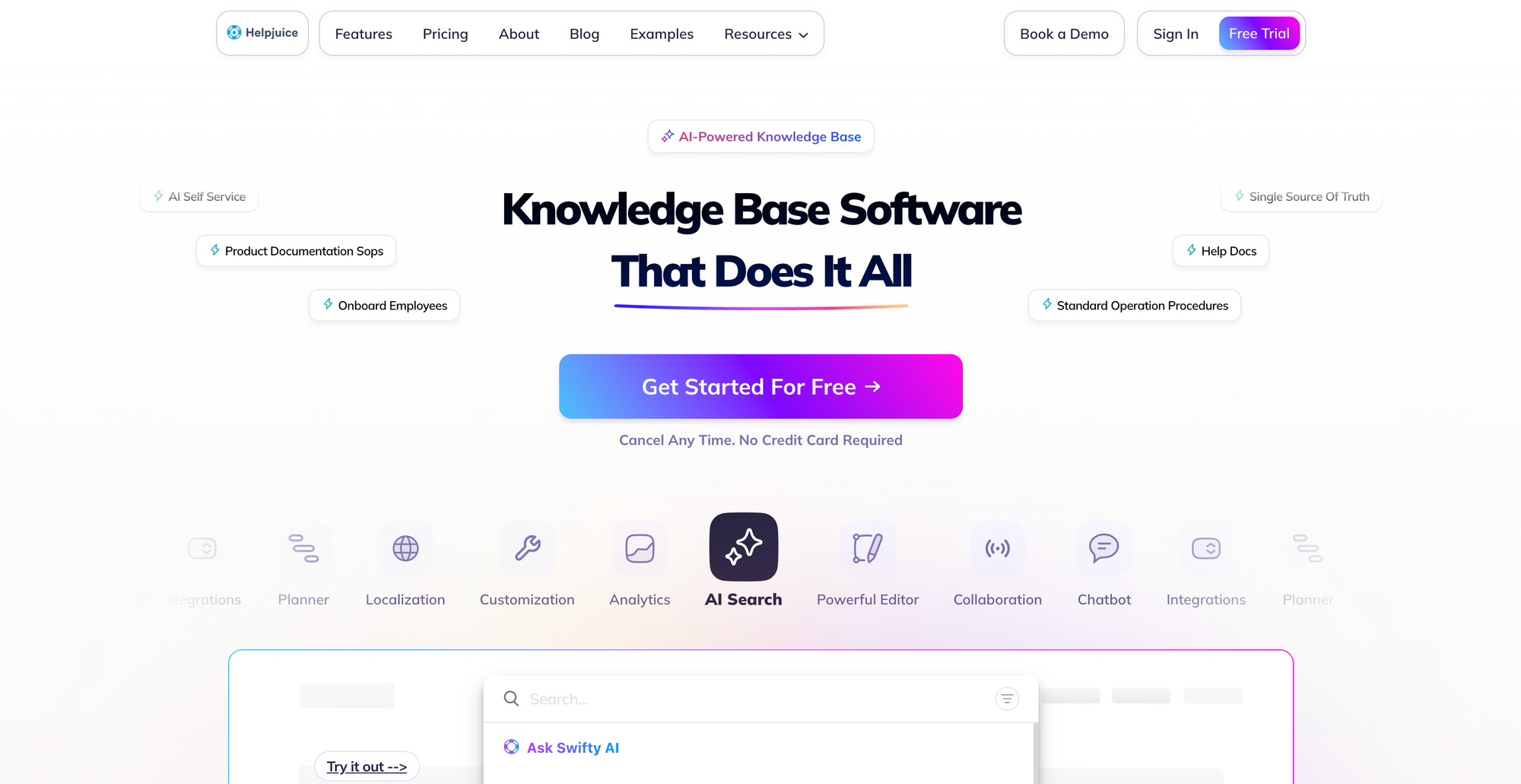
Helpjuice goes the other way. It's a dedicated knowledge base tool, full stop. No ticketing, no live chat, no shared inbox. It exists to help you build, organize, and search help content for customers or staff.
Because it does one thing, it tends to do that thing well. Reviewers on G2 single out the fast, typo-tolerant search that even indexes the text inside uploaded files, plus a responsive support team and a genuinely useful AI Suite for drafting articles.
The trade-offs are the flip side of being a specialist. A recurring theme in G2 feedback is that the editor can get clunky with complex formatting, the interface feels dated next to newer tools, and reorganizing large numbers of articles is slow.
Knowledge base and editor
This is the category where the two tools come closest to a fair fight, since it's Helpjuice's entire reason to exist.
Helpjuice gives you deep control over a single knowledge base: custom branding, themes, granular user permissions, and content authoring built for teams that live in their docs all day. The catch reviewers raise is the editor itself, which can fight you on tables and rich formatting, with occasional auto-save quirks.
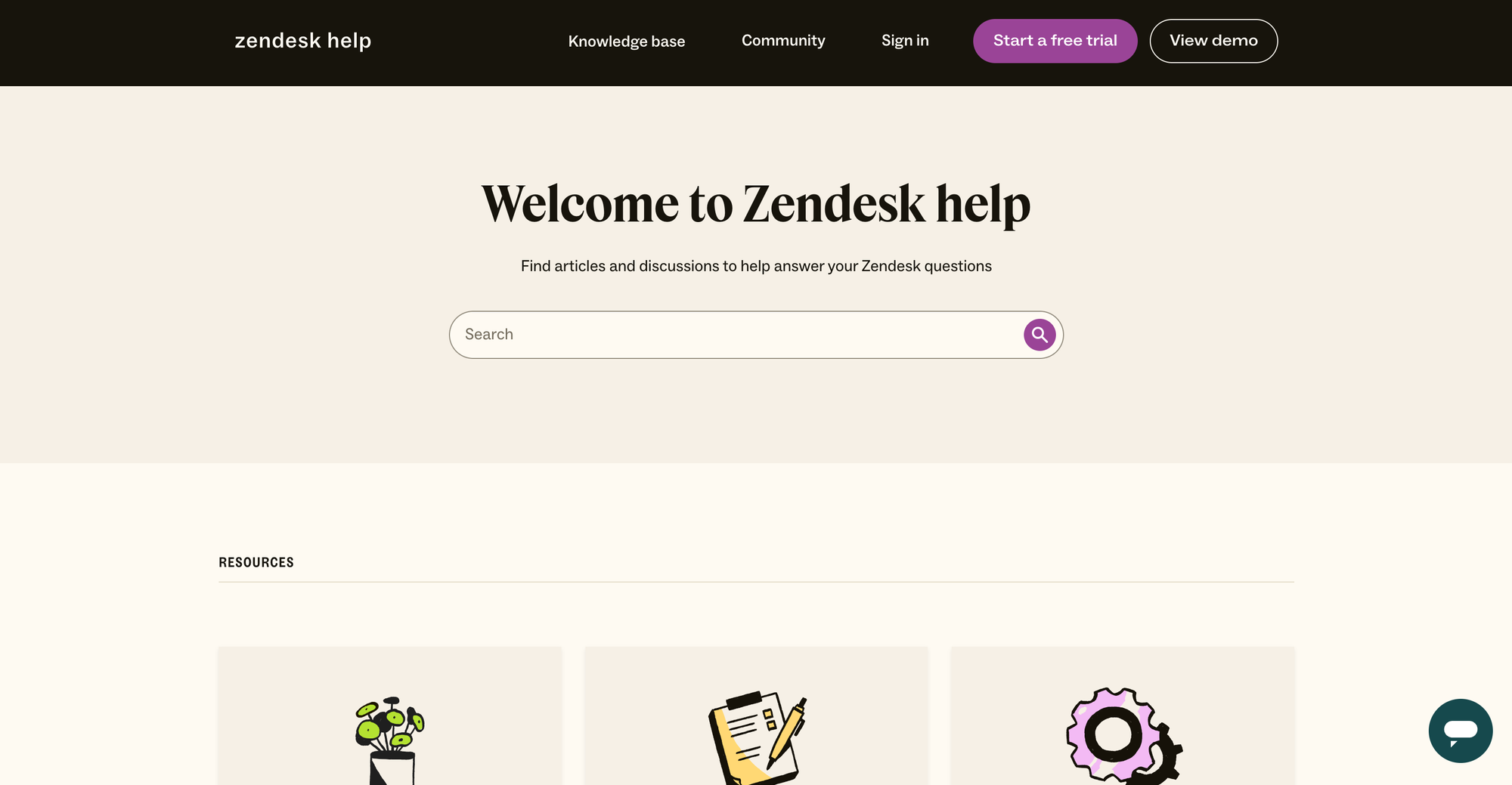
Zendesk Guide is more than capable for a support knowledge base, and it's tightly wired into the rest of Zendesk. The downside reviewers point to is customization: much of the look-and-feel is code-dependent, so deeper branding changes often need CSS and developer time.
If a clean, modern editor and a branded help center are the priority, it's worth knowing this isn't a two-horse race. With Featurebase you can publish a branded, AI-powered help center, embed it as an in-app widget so answers surface right inside your product, and auto-translate every article into your customers' languages.
Search and AI
A knowledge base is only as good as its search, because most people never contact support if they can find the answer first. 81% of customers try to handle issues themselves before reaching out to a live rep, so search quality is doing real work.
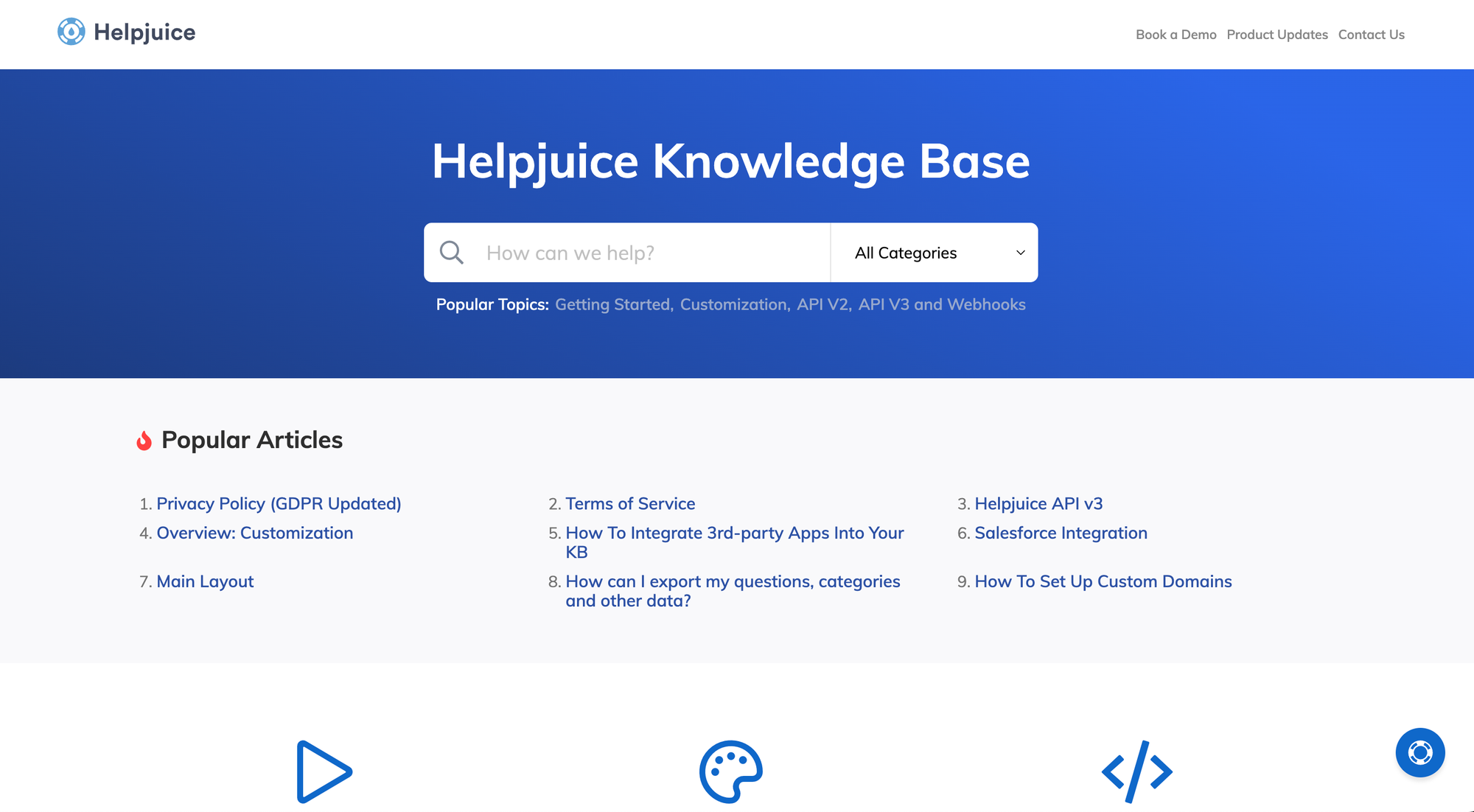
Helpjuice leans hard into this. Its search handles natural-language queries, tolerates typos, indexes attachments, and suggests related content, which is exactly what you want from a tool whose only job is finding answers. Its AI Suite also helps draft and improve articles.
Zendesk's advantage is that its AI spans the whole funnel, not just the help center. AI agents can resolve tickets autonomously, Copilot assists human agents, and the knowledge base feeds those answers. If you want AI working across chat, email, and tickets rather than only inside the KB, that breadth matters. If you only care about article search, it's more than you need.
Pricing
This is the most practical difference between the two, and it's where the "which is cheaper" question actually gets answered: it depends entirely on your team size.
Zendesk charges per agent, per month. The more people on your support team, the more you pay.
| Plan | Price (per agent/month, billed annually) |
|---|---|
| Support Team | $19 |
| Suite Team | $55 |
| Suite Professional | $115 |
| Suite Enterprise | Custom |
Note that the knowledge base, AI agents, and live chat only show up on the Suite plans, so the $19 Support Team tier is mostly email and ticketing. AI agent usage is billed on top, per automated resolution.
Helpjuice charges a flat monthly fee, regardless of how many agents you add.
| Plan | Price (flat, per month) |
|---|---|
| Knowledge Base | $249 |
| AI-Knowledge Base | $449 |
| Unlimited AI-Knowledge Base | $799 |
The flat fee sounds simple, and at scale it can be a bargain. But there's a gotcha reviewers call out: Helpjuice counts everyone you add as a "user," including people who only ever read articles. The lower tiers cap users, so a larger team building an internal wiki can get pushed toward the $799 unlimited plan even if only a handful of people write anything.
Neither tool has a free plan. Both offer a 14-day trial.
Support channels and scope
This circles back to the core point: these tools cover very different ground.
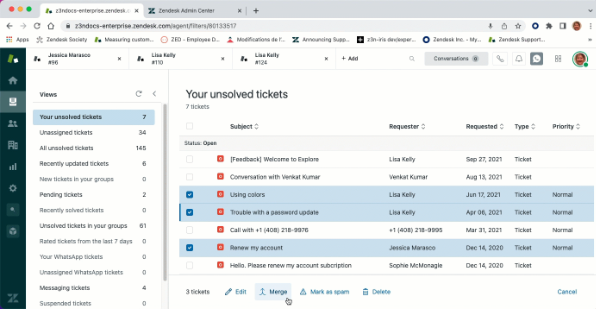
Zendesk is built to run an entire support operation. Tickets, live chat, email, voice, AI agents, workforce management, and reporting all live under one roof. If you're staffing a support team and need somewhere for conversations to land, Zendesk is in the right category, even if reviewers warn that pricing climbs fast and the platform takes time to learn.
Helpjuice deliberately doesn't do any of that. There's no inbox and no live chat. It assumes you already have a support channel and just need a great knowledge base to sit beside it. That focus is a strength if a KB is all you want, and a hard limit if it isn't.
So the honest framing isn't "which is better." It's "do you need a support platform, or a standalone knowledge base?" The answer points you to one tool or the other, and occasionally to neither.
Looking beyond Zendesk and Helpjuice: try Featurebase
Notice the gap between these two? Zendesk gives you support channels, but treats the knowledge base as an afterthought; you have to code to customize. Helpjuice gives you a great knowledge base, but no support channels at all. Featurebase sits in the middle, and it's worth a look if neither extreme fits.
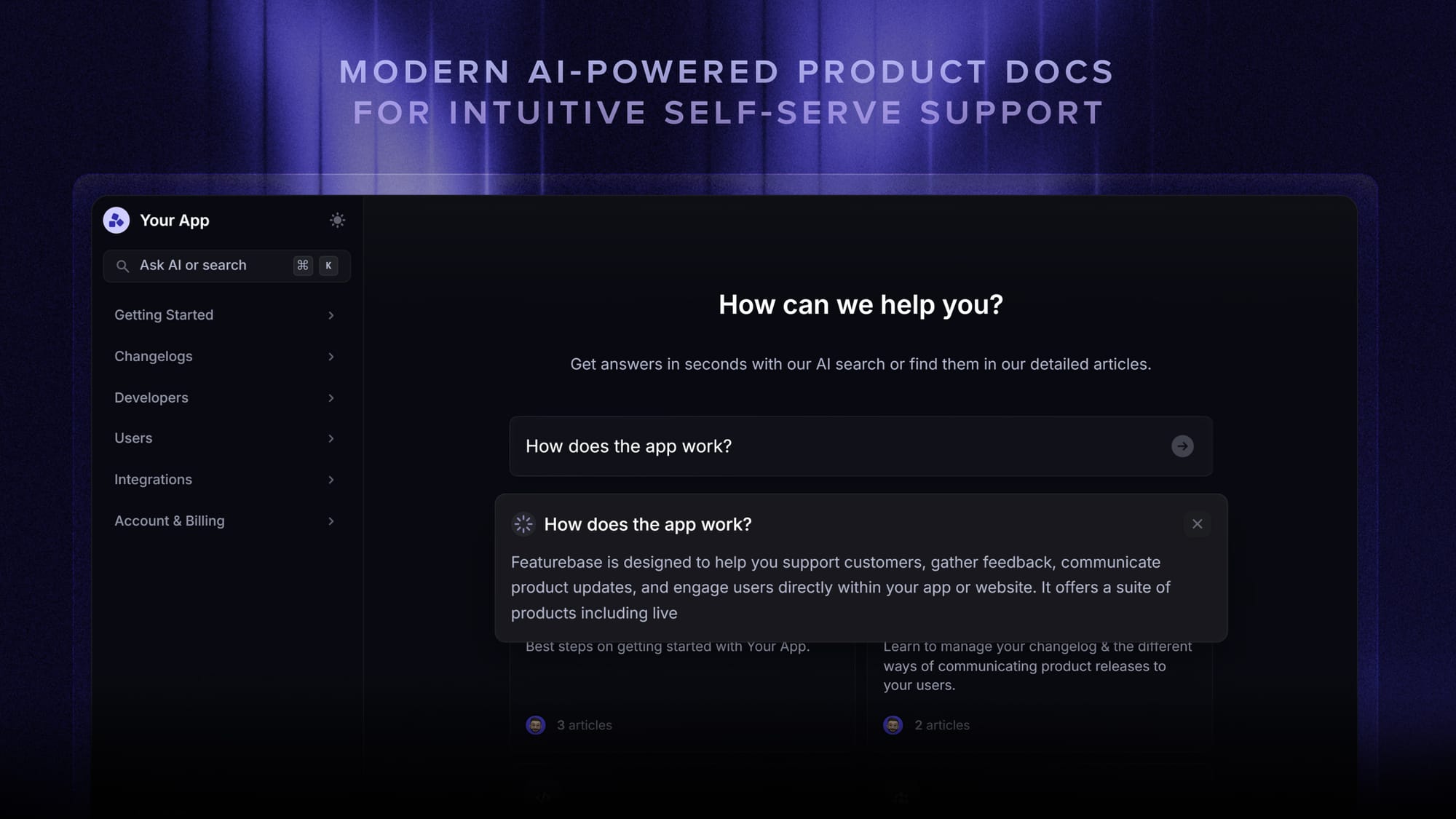
It pairs a modern, branded help center with an actual support inbox, so you get the self-service docs and somewhere for conversations to land, without buying two tools. The help center is AI-powered out of the box: search summarizes answers for users instantly, articles auto-translate into your customers' languages, and you can embed the whole thing as an in-app widget so help shows up inside your product. On top of that, you get feedback collection, a public roadmap, and changelog tools in the same place, which is handy if you want to actually act on what users tell you.
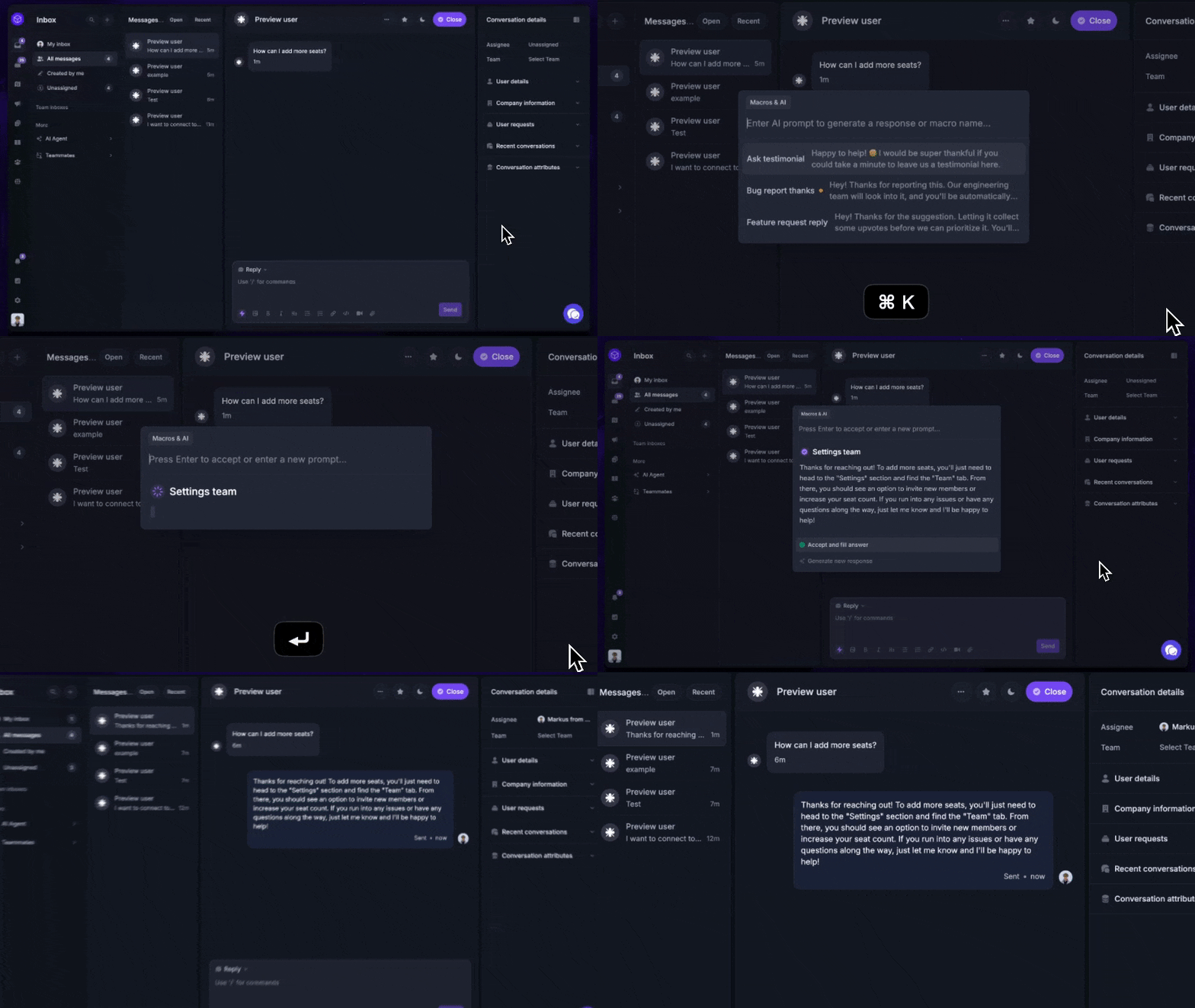
The part that tends to win people over coming from these two is the pricing. There's a genuinely free plan that includes a public help center, and paid plans start at $29/seat/mo. That's a different universe from Helpjuice's $249/mo floor, and it doesn't balloon per agent the way Zendesk does. It's used by teams at Lovable, Raycast, and n8n, and we'll help you migrate your existing articles over if you want to test it properly.
Conclusion
Zendesk and Helpjuice both show up when you search for knowledge base software, but they answer different questions. Zendesk is the pick when you need a full support platform and the knowledge base is one part of it. Helpjuice is the pick when a powerful standalone KB is genuinely all you need and the flat fee works for you.
Featurebase is a modern and powerful Help Center tool that lets you create a beautiful knowledge base with a custom domain, in-app widgets, translations, and so much more. It also comes with support, feedback collection, surveys, and changelog features to help you build a product your users love.
It has affordable pricing and a Free plan, so there's no downside to trying it. Plus, we can help you seamlessly migrate from any existing knowledge base tools. 👇
✨ Create a beautiful AI-powered Help Center with Featurebase for free →

FAQs
Is Helpjuice cheaper than Zendesk?
It depends on your team size. Zendesk charges per agent per month, so a small team can start as low as $19 per agent, while Helpjuice charges a flat fee starting at $249/mo. Once you have enough agents, Helpjuice's flat pricing can work out cheaper, but only if a knowledge base is all you need. If you also want ticketing and live chat, you're comparing Helpjuice against Zendesk's full Suite plans, not the entry tier.
Does Zendesk have a knowledge base?
Yes. Zendesk's knowledge base is called Zendesk Guide, and it's included in the Suite plans rather than the entry-level Support plan. It lets you publish help articles, power AI answers, and deflect tickets, all connected to the rest of the Zendesk support platform.
What is Helpjuice used for?
Helpjuice is a standalone knowledge base tool used to build, organize, and search help content. Teams use it for both customer-facing help centers and internal wikis or documentation. It doesn't include ticketing or live chat, so it's meant to sit alongside whatever support channels you already use.
Can you use Zendesk and Helpjuice together?
Yes. Helpjuice offers a Zendesk integration, so you can connect your Helpjuice knowledge base to your Zendesk support workflow. Some teams run Helpjuice as their main knowledge base while keeping Zendesk for tickets and live chat, though that does mean paying for two tools.
Which is better for internal knowledge management?
Both can handle internal documentation, but they lean different ways. Helpjuice is built like a flexible internal wiki with strong search and permissions, which suits teams whose main goal is a company knowledge base. Zendesk's internal knowledge tends to shine when it's tied to an active support team using the rest of the platform.
Is there a free knowledge base alternative to Zendesk and Helpjuice?
Yes. Featurebase offers a free plan that lets you publish a public, AI-powered help center, which neither Zendesk nor Helpjuice does. It also bundles support, feedback collection, and product updates in the same tool, so you can cover more than just documentation without paying per agent or committing to a flat monthly fee.