Blog Customer Service7 Best Customer Service Call Tracking Software in 2026
7 Best Customer Service Call Tracking Software in 2026
The 7 best customer service call tracking software tools in 2026, compared on pricing, features, and real user feedback to help you track and improve every call.



✨ Automate your support with the fastest AI-enhanced Inbox today →
Missed calls, untracked conversations, and no idea which agent (or campaign) drove the call. When your customer service runs on the phone, that blind spot costs you customers and budget.
Customer service call tracking software fixes it by logging, recording, and analyzing every call, so you can see what's working and coach your team.
In this guide, I'll break down the 7 best tools for tracking customer service calls, from dedicated call-tracking platforms to modern support suites, with honest pricing and trade-offs. 👇
Key takeaways:
| Tool | Best for | Starting price | Free plan | Main trade-off |
|---|---|---|---|---|
| CallRail | Marketers tracking which campaigns drive phone calls | From $50/mo | No, 14-day trial | Costs climb with numbers and minutes, plus limited regions |
| CallTrackingMetrics | Agencies needing deep call attribution and routing | From $65/mo | No | Steep learning curve and cluttered interface |
| CloudTalk | SMB call centers wanting a quick-setup cloud phone system | From €19/user/mo | No, 14-day trial | Call-quality and dropped-call complaints |
| Talkdesk | Mid-market contact centers with 50-500 agents | From $85/user/mo | No | Opaque pricing and multi-year contracts |
| Zendesk | Growing teams wanting omnichannel support plus voice | From $19/agent/mo | No, 14-day trial | Voice needs pricier Suite plans and can be tricky to budget |
| Freshdesk | SMBs wanting an affordable helpdesk with optional calling | Free, then $19/agent/mo | Yes, up to 2 agents | Call features are a separate product, Freshdesk Contact Center |
| Level AI | Contact centers automating call QA and agent coaching | Custom pricing | No | No public pricing, and AI tagging can miss nuance |
What is customer service call tracking software?
Customer service call tracking software is a tool that records, logs, and analyzes the phone calls between your customers and your support team. It captures who called, why, how long it took, and how the call was handled, then turns that into reports you can act on.
The phrase covers two slightly different jobs:
- Marketing call tracking: Tools that tie inbound calls back to the ad, keyword, or campaign that drove them. Useful for attribution and proving marketing ROI.
- Service-quality tracking: Tools that track and score the actual support interaction, like call recording, transcription, sentiment, and QA scoring, so you can improve how your team handles customers.
Most teams searching for "customer service call tracking" want the second job, but the best setups often borrow from both.
It still matters because the phone hasn't gone away. Nearly 80% of consumers say phone calls are important for communicating with businesses, and 64% prefer the phone for personal matters like healthcare, according to TransUnion's 2024 research. If you can't track those calls, you can't improve them.
How to choose customer service call tracking software
It's easy to get lost in long feature lists. To stay focused, weigh each tool against the factors that actually change day-to-day work:
- Channels you support: If your customers mostly call, a call-center or call-tracking tool fits. If they're split across chat, email, and phone, you want omnichannel tracking in one place.
- Why you're tracking: Marketing attribution and service-quality QA are different goals. Pick the tool built for the one you care about, not the one with the longest feature list.
- Analytics and QA depth: Look for call recording, transcription, and scoring if your goal is coaching. Look for dynamic number insertion and source attribution if your goal is marketing. Transcripts show why calls fail, not just that they happened. A call transcript analysis of 24,263 insurance sales calls found that price caused only 0.5% of lost bookings, while ‘busy, bad time’ caused 24.6%.
- Integrations: The tool should sync with your CRM and helpdesk so call data lives next to everything else you know about the customer.
- Compliance: Call recording is regulated. Make sure the tool handles consent, redaction, and data retention for your region.
- Real cost: Watch for per-minute fees, per-number charges, seat minimums, and multi-year contracts that push the price well past the sticker.
One more thing worth deciding early: are you tracking phone calls, or tracking the broader customer relationship? If most of your support already happens over chat, email, and in-app, a unified platform like Featurebase lets you track every conversation, feature request, and support ticket in one place, without a separate phone system. If the phone is central to your business, you'll want one of the dedicated call-tracking tools below.

Get the best CX call tracking software
Automatically resolve 70% of customer requests & cut down manual support loads
The 7 best customer service call tracking software tools
Here are the 7 tools worth shortlisting, starting with the best option for teams tracking digital support and feedback, followed by the strongest dedicated call-tracking and contact-center platforms.
1. CallRail
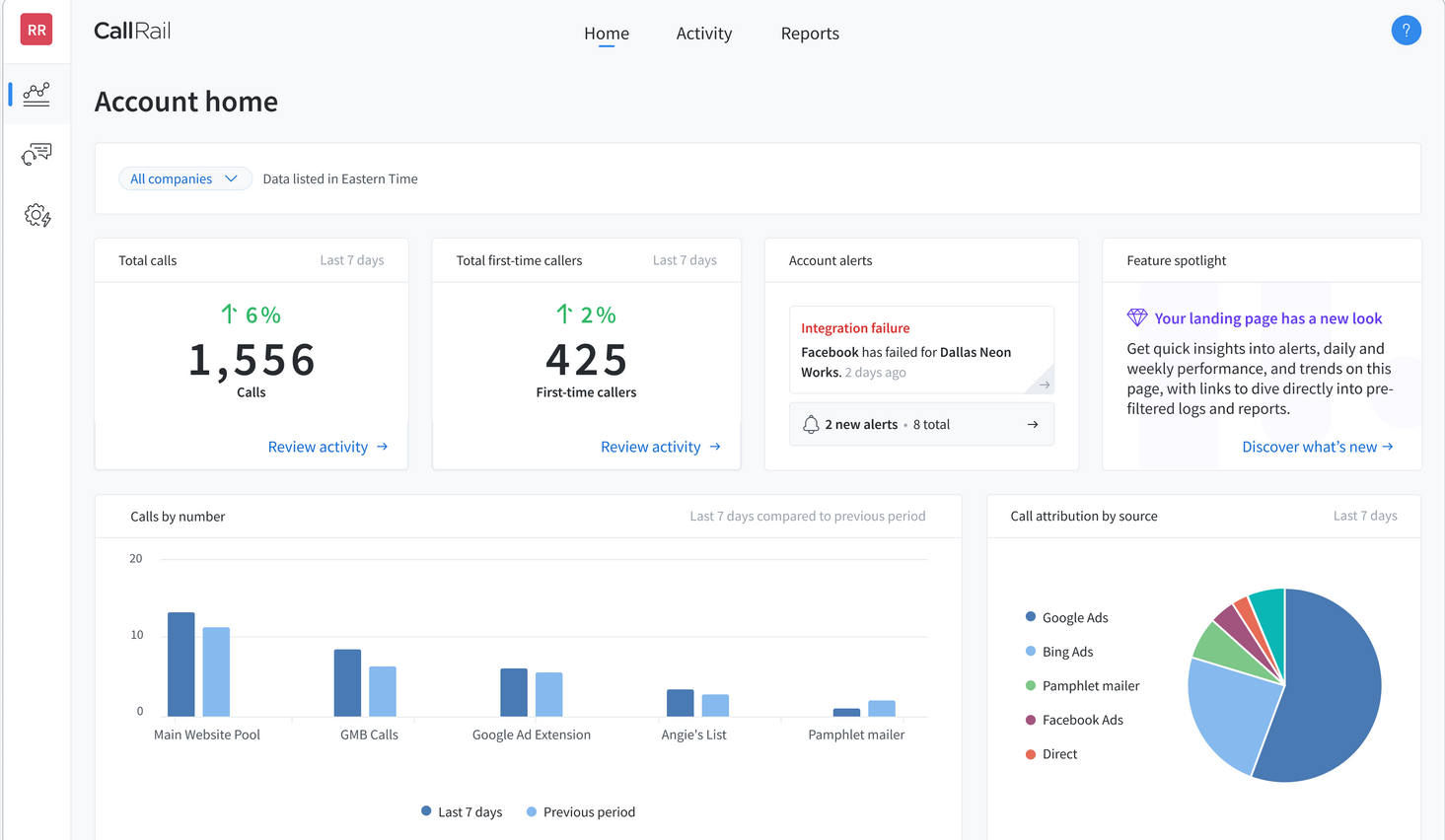
CallRail is one of the best-known names in marketing call tracking. It's built to show you which ads, keywords, and campaigns drive phone calls, then record and transcribe those calls for analysis.
Key features:
- Dynamic number insertion that swaps website numbers by traffic source
- Call recording and transcription
- Keyword-level and multi-touch attribution
- Conversation intelligence and reporting dashboards
CallRail shines on ease of use. Reviewers consistently praise the intuitive setup and how easy it is to separate calls by source, whether from Google Ads, Facebook, or your website. The main complaints center on cost and support: prices climb quickly as you add numbers, minutes, and features, and users report slow tier-1 support that often has to escalate. Service is also limited to the US, Canada, UK, and Australia.
Pricing: No free plan, but a 14-day free trial is available. Paid plans start at $50/month, with extra fees for additional numbers and per-minute usage that can push the real cost well past the sticker.
Best for marketing and demand-gen teams that want to prove which campaigns drive calls, more than support teams focused on service quality.
2. CallTrackingMetrics
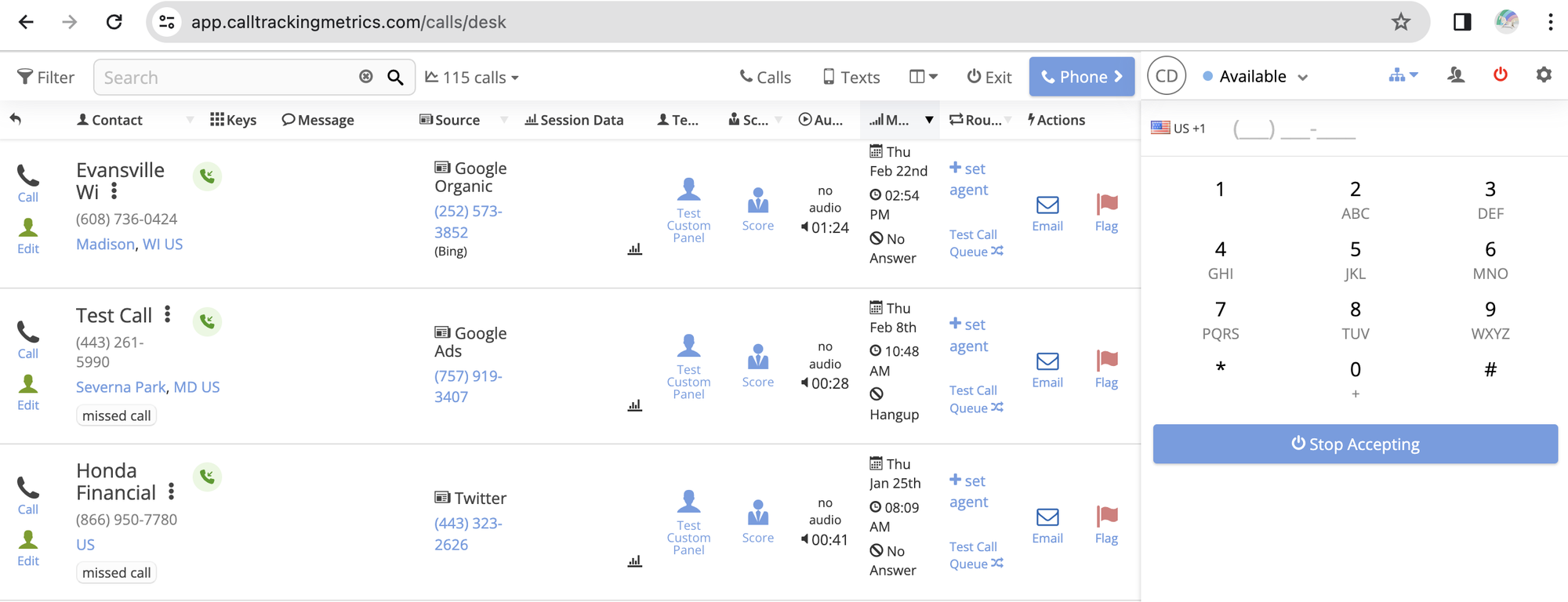
CallTrackingMetrics (CTM) goes deeper than basic attribution, blending call tracking with contact-center features like routing, scoring, and automation. It's popular with agencies managing many clients.
Key features:
- Call tracking and multi-touch attribution
- Custom routing, IVR menus, and call queues
- Call recording, scoring, and AI transcription
- Looker Studio integration and ROI reporting
Users rate CTM highly for its deep call analytics and responsive support, and agencies like how cleanly data flows into client reporting. The recurring complaint is the learning curve, which reviewers call the single biggest drawback, alongside a cluttered interface that makes settings hard to find. Some users also report occasional bugs and dropped calls, and that advanced features take time to master.
Pricing: No free plan. Plans start at $65/month (billed annually, or $79 billed monthly), plus usage-based fees for minutes, numbers, and AI features.
Best for agencies and data-driven marketing teams that need granular attribution and routing, and have time to learn the platform.
3. CloudTalk
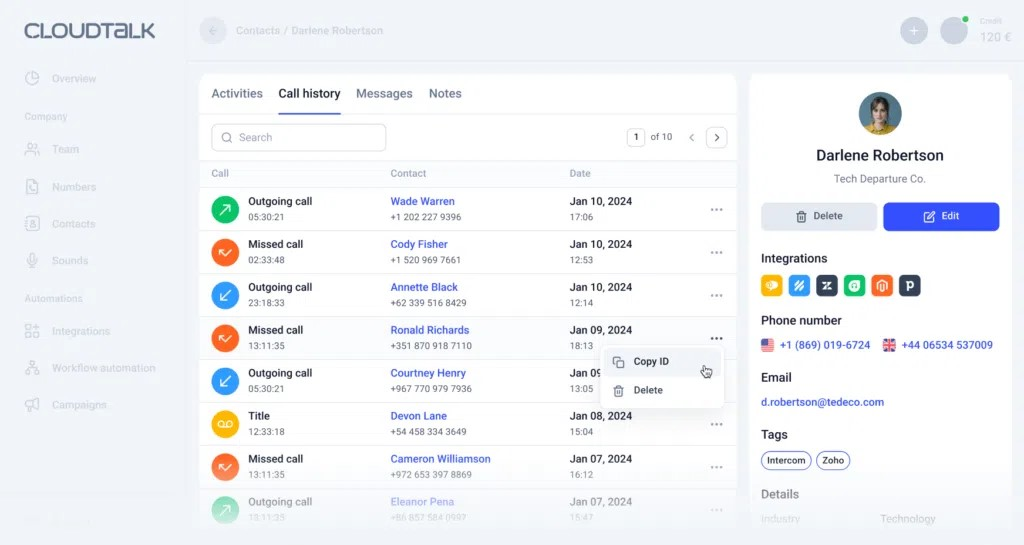
CloudTalk is a cloud-based call center and business phone system with call tracking built in. It's aimed at support and sales teams that want a quick-to-deploy phone setup with CRM syncing.
Key features:
- Cloud phone system with call recording and transcription
- Power dialer and workflow automation
- Native integrations with HubSpot, Salesforce, Pipedrive, and Zoho
- Custom call routing and dashboards
The standout praise is ease of use and smooth CRM integration, with reviewers noting the automatic call logging that cuts down manual work. The biggest red flag is call quality: dropped calls, lag, and one-way audio are the most common complaints, especially for remote reps on WiFi. Users also report unreliable mobile and desktop apps and slow support responses, and costs climb once you add dialers and AI features.
Pricing: No free plan, but a 14-day trial is available. Plans start at €19/user/month (billed annually).
Best for small and mid-sized call centers that want a fast-to-set-up cloud phone system and live mostly on stable, wired connections.
4. Talkdesk
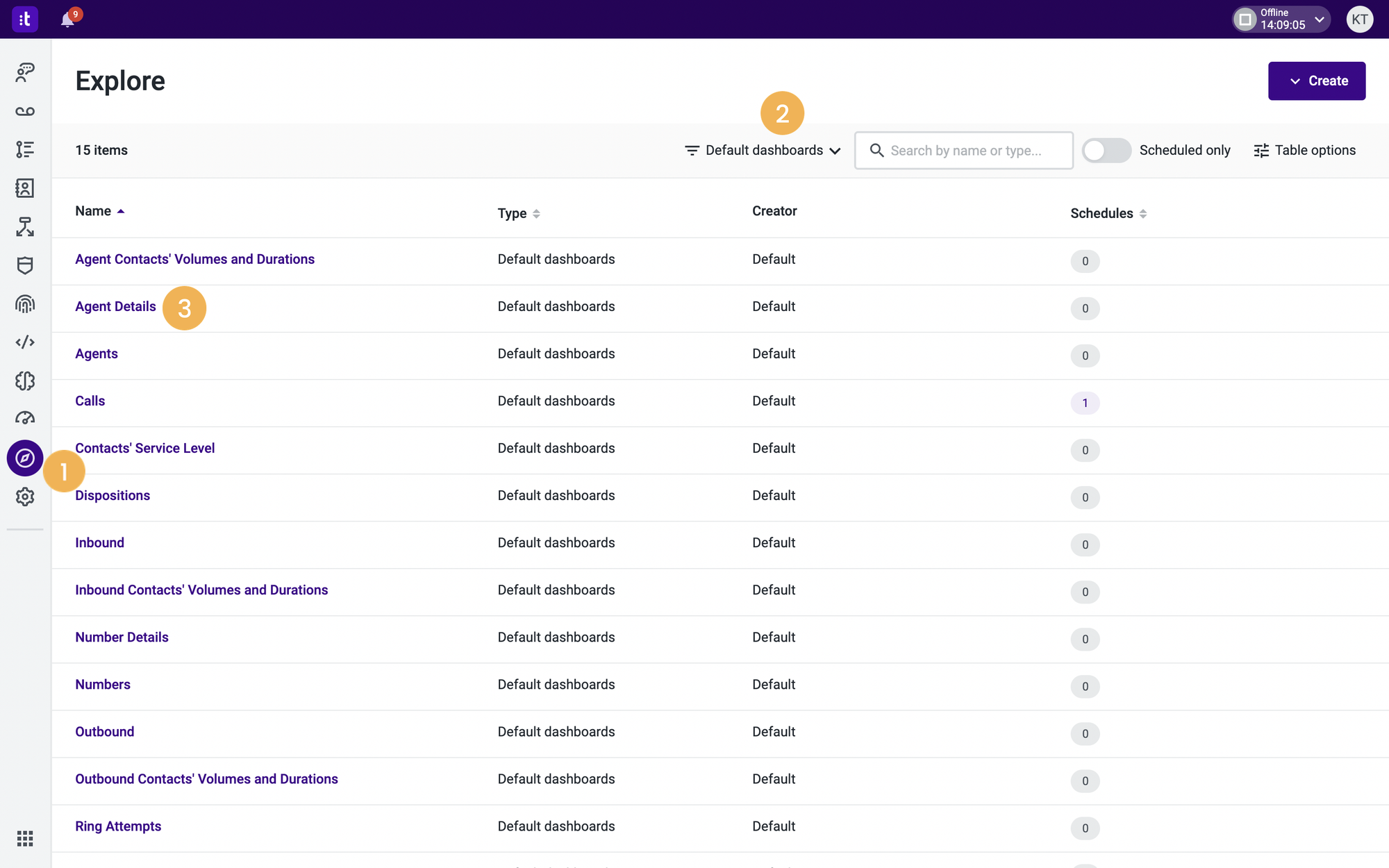
Talkdesk is an enterprise-grade contact center platform (CCaaS) with strong AI and analytics. It's built for larger support operations that need omnichannel routing and call QA at scale.
Key features:
- Cloud contact center with omnichannel routing
- AI voice assistants and agent-assist tools
- Call recording, analytics, and QA dashboards
- Integrations with Salesforce, ServiceNow, and Zendesk
Reviewers praise the clean interface and how quickly new agents get up to speed, plus the AI and automation features. The persistent complaints are platform stability (dropped calls and dashboard lag show up across hundreds of reviews) and pricing transparency. List prices look manageable, but with telecom charges, AI add-ons, and implementation, the real total cost of ownership often lands far higher. Support response times also frustrate users for a call-center tool.
Pricing: No free plan. Plans start at $85/user/month (Digital Essentials), typically on a multi-year contract, with telecom usage billed on top.
Best for mid-market contact centers of roughly 50 to 500 agents that need AI-powered routing and can commit to an enterprise contract.
5. Zendesk

Zendesk is one of the biggest names in customer service, and its Suite plans include voice alongside ticketing, chat, and email, so you can track calls in the same place as every other channel. If the price gives you pause, there are plenty of Zendesk alternatives worth a look.
Key features:
- Omnichannel support across email, chat, voice, and social
- Built-in voice with call recording and routing (Suite plans)
- Strong automation, triggers, and reporting
- AI agents and a large integrations marketplace
Zendesk earns consistent praise for unified multichannel support and powerful automation and reporting. The common complaints are cost and complexity: reviewers say the pricing is among the hardest to budget against in the support space, the platform has a steep learning curve, and the interface can feel heavy and slow at high ticket volumes.
Pricing: No free plan (14-day trial). The Support Team plan starts at $19/agent/month, but voice/telephony and AI agents require the Suite plans, which start at $55/agent/month.
Best for growing support teams that want phone tracking inside a full omnichannel platform and have the budget and admin time to run it.
6. Freshdesk
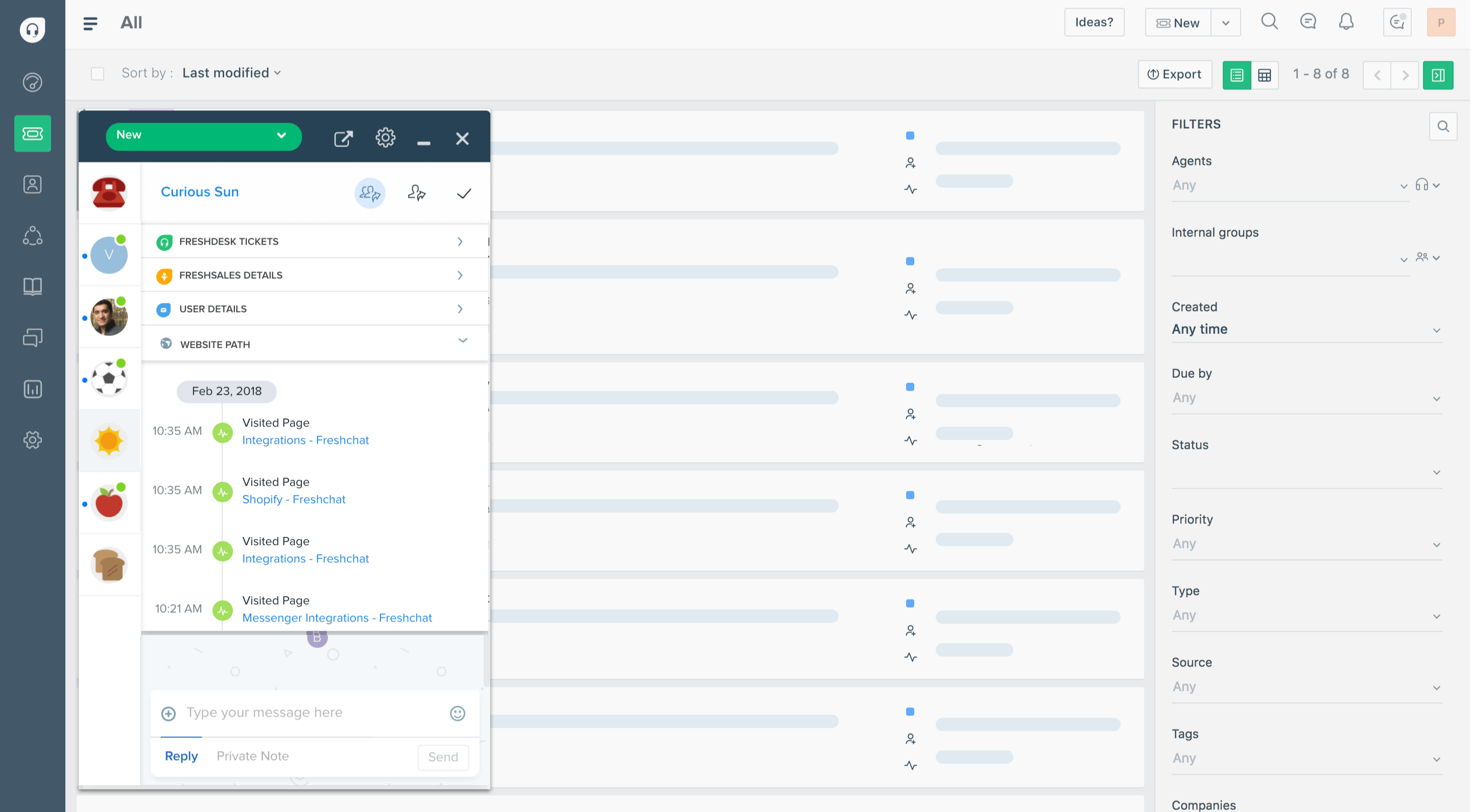
Freshdesk is an approachable, affordable helpdesk that's a favorite among small and mid-sized teams. Its call tracking comes via Freshdesk Contact Center (formerly Freshcaller), a separate phone product in the Freshworks family.
Key features:
- Ticketing with multichannel support and automation
- Self-service portal and knowledge base
- Freshdesk Contact Center for inbound/outbound calling
- Reporting and Freddy AI assistance
Users like the intuitive interface and strong automation that routes tickets and cuts manual work. The drawbacks: advanced features and detailed reporting are gated behind higher tiers, and the biggest call-tracking caveat is that Freshcaller is effectively a separate system with its own login, so the integration between helpdesk and phone is looser than you'd expect.
Pricing: Free plan for up to 2 agents. Paid plans run $19/agent/month (Growth), $55 (Pro), and $89 (Enterprise), billed annually. Call features are priced separately through Freshdesk Contact Center.
Best for SMBs that want an affordable, easy helpdesk and can treat calling as an optional add-on rather than the core.
7. Level AI
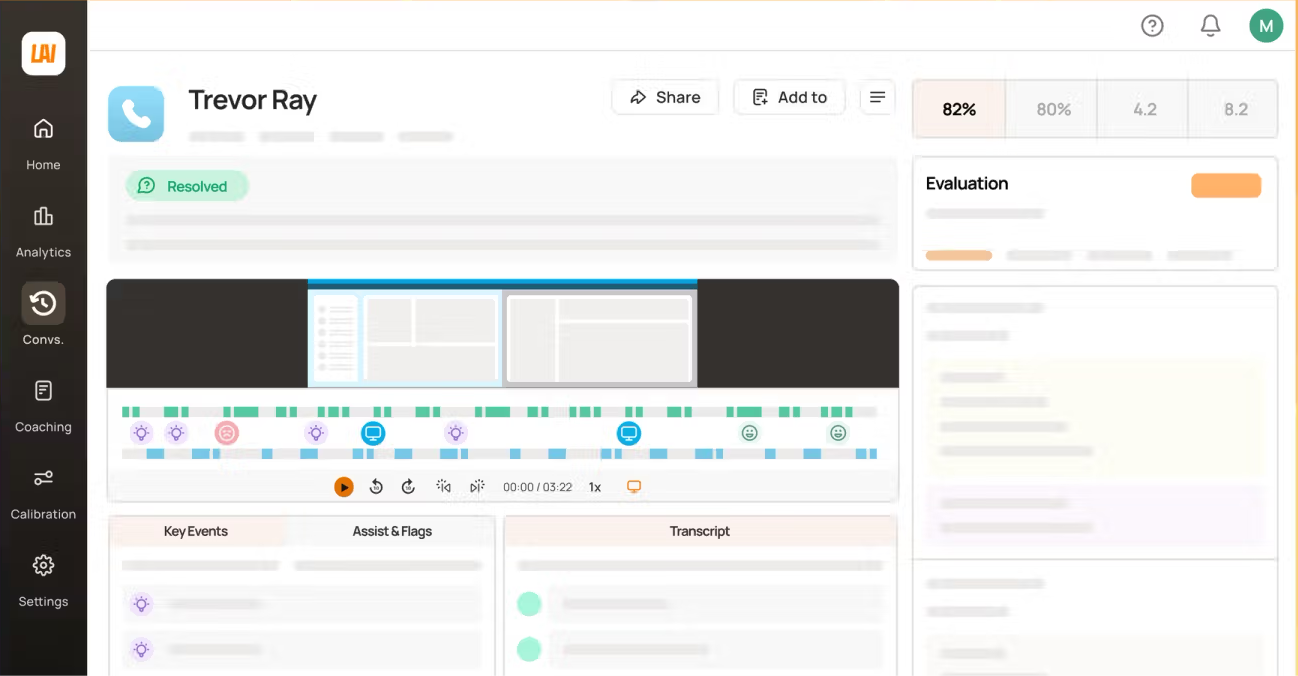
Level AI takes a different angle: instead of running your phone system, it sits on top of it to automate quality assurance. It captures and scores conversations across channels so you can coach agents and spot trends.
Key features:
- Automated QA scoring across calls, chat, and email
- Sentiment analysis and conversation insights
- Agent coaching and trend detection
- Real-time agent assist
Reviewers value how Level AI replaces hours of manual ticket review with automated scoring (its Instascore feature), and how its sentiment analysis surfaces recurring issues and coaching opportunities. The main limitations are accuracy on nuanced or complex conversations, where tagging and sentiment can slip, and occasional lag when working through large volumes of data.
Pricing: Custom, quote-based. Level AI doesn't publish public rates and has no free plan.
Best for established contact centers that already have a phone system and want to automate QA and agent coaching on top of it.
What call tracking software does not solve
Call tracking software is useful when your team needs to record calls, route inbound phone conversations, analyze agent performance, or understand which campaigns drive phone leads.
But it does not solve the full customer feedback loop.
A customer might call support to report a bug, request a feature, complain about onboarding, or explain why they are considering churn. The call tracking tool can capture the conversation, but your team still needs somewhere to organize what the customer said, connect it to the right account, prioritize it, and close the loop later.
Featurebase✨ addresses this challenge by giving teams a structured way to capture, organize, and act on customer feedback.

Featurebase is not call tracking software. It does not offer call recording, IVR, phone routing, or marketing attribution. Instead, it helps SaaS teams track and act on customer feedback across support conversations, feature requests, surveys, changelogs, and roadmaps.
With Featurebase, you can:
- Collect feedback from support conversations, in-app widgets, feedback boards, Slack, and integrations
- Organize feature requests, bugs, and customer pain points in one place
- Link feedback to users and companies
- Prioritize requests based on customer impact
- Share public or private roadmaps
- Announce product updates with a changelog
- Close the loop with customers when their feedback turns into a shipped improvement
So if your main problem is tracking phone calls, choose a dedicated call-tracking or contact-center platform from the list above.
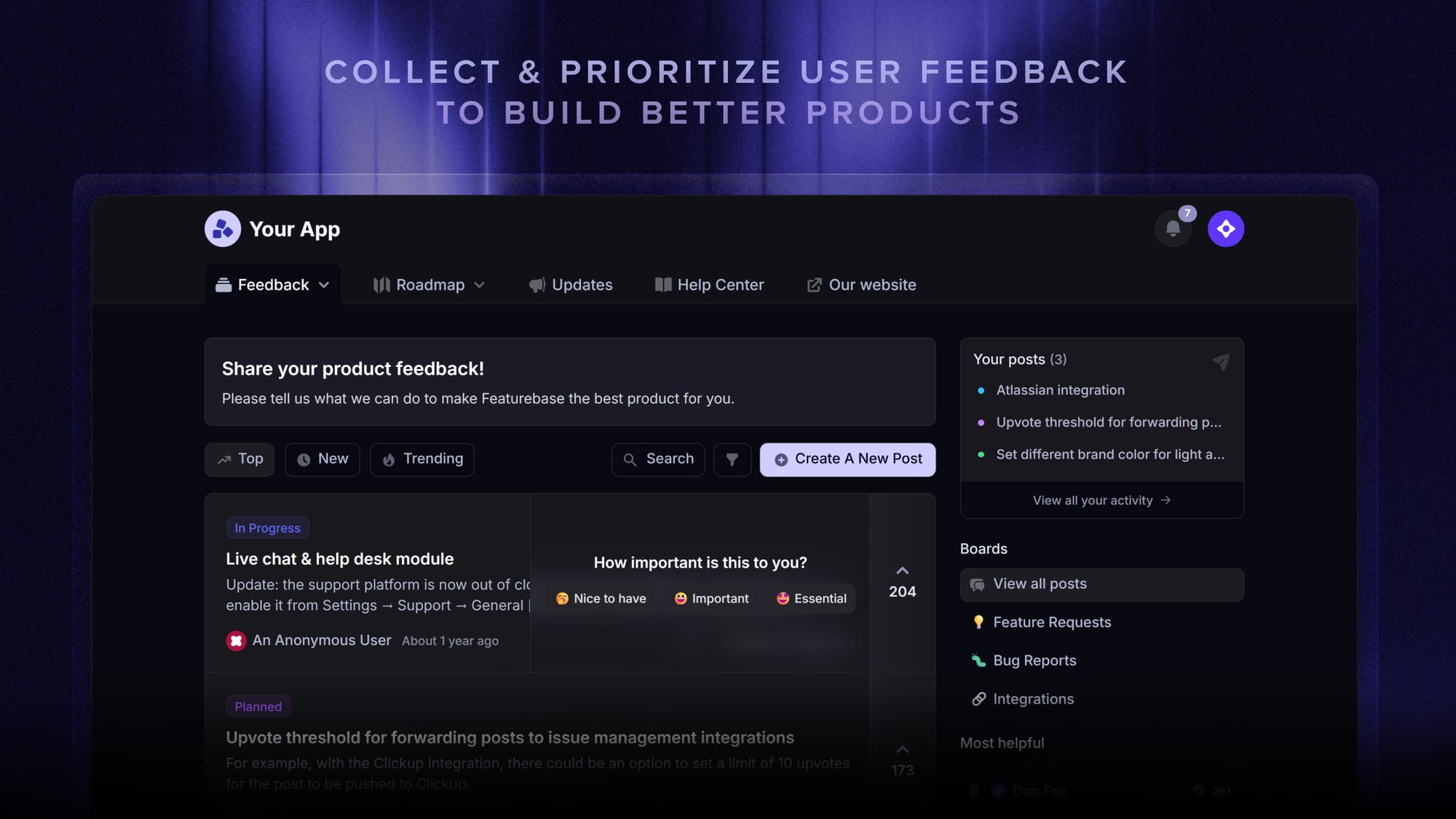
But if your bigger problem is turning customer conversations into product decisions, Featurebase gives your team a better system for capturing feedback, prioritizing what matters, and keeping customers updated.
Conclusion
The right customer service call tracking software depends on the job you're actually doing. For marketing attribution, CallRail and CallTrackingMetrics lead. For running a call center, CloudTalk, Talkdesk, and Level AI fit. For tracking calls inside a full support platform, Zendesk and Freshdesk make sense.
But if "tracking customer service" really means staying on top of every conversation, request, and ticket across your digital channels, you don't need a phone system at all. Featurebase is a modern AI customer support platform that unifies your inbox, help center, and feedback in one place, so you can track and resolve every customer interaction, automate the repetitive ones with AI, and turn support into product insight.
It comes with a Free plan with unlimited conversations, and onboarding takes minutes, so there's no downside to trying it. 👇
✨ Automate your support with the fastest AI-enhanced Inbox today →

FAQs
How does customer service call tracking software work?
Most tools assign trackable phone numbers (or sit on top of your existing system) to capture every inbound and outbound call. They record and transcribe the conversation, log who called and why, and tie it to a source, a customer, or an agent. That data flows into reports and dashboards so you can measure volume, response times, and quality.
Can call tracking software improve customer service?
Yes. By recording and scoring calls, it shows you exactly where service breaks down, whether that's long hold times, missed calls, or inconsistent answers. Teams use it to coach agents with real examples, recover missed-call opportunities, and spot recurring issues before they spread. The tracking itself doesn't fix service, but it gives you the data to.
What software do most call centers use?
Most call centers run on dedicated contact-center platforms like Talkdesk, Zendesk, CloudTalk, or RingCentral, which combine call routing, recording, and analytics. The right choice usually comes down to team size, channel mix, and budget. Smaller teams lean toward simpler cloud phone systems, while larger operations need enterprise routing and QA.
How much does customer service call tracking software cost?
It varies widely. Dedicated call-tracking tools start around $50 to $65/month plus per-minute and per-number fees. Helpdesks with voice run roughly $19 to $115/agent/month. Enterprise contact centers start near $85/user/month and often climb past $200 once add-ons and telecom are included. A few tools, like Freshdesk, offer a limited free tier.
Is it legal to record customer service calls?
It depends on where you and your customer are located. Some regions require only one party to consent to a recording, while others require all parties to consent. Most reputable tools include consent prompts, automatic redaction, and data-retention controls to help you stay compliant. This isn't legal advice, so check the rules for your specific region before recording.
Does call tracking software integrate with my CRM and helpdesk?
Almost always. Standard integrations sync call data with CRMs like Salesforce, HubSpot, and Pipedrive, and with helpdesk tools so call records sit next to tickets and customer history. This is one of the most important things to check before buying, since call data is far more useful when it lives alongside everything else you know about the customer.
Do you need separate tools for call tracking and customer support?
Not necessarily. If the phone is central to your business, a dedicated call-tracking or contact-center tool is worth it. But if most of your support happens over chat, email, and in-app, a unified platform like Featurebase lets you track and manage every conversation, feature request, and support ticket in one place, without running a separate phone system.