Blog ComparisonsBest Customer Service Portal Software in 2026
Best Customer Service Portal Software in 2026
Compare the 9 best customer service portal software tools of 2026 by who they fit, with fresh pricing, honest trade-offs, and free-plan options.



✨ Automate your support with the fastest AI-enhanced Inbox today →
Your customers would rather solve their own problems than wait in your support queue. But when your help content is scattered or your portal feels clunky, they give up and flood your inbox anyway.
A customer service portal fixes that: one branded place where customers find answers, submit tickets, and track requests on their own. The trick is picking software that actually deflects work instead of just storing articles.
Here are the 9 best customer service portal tools in 2026, with honest pricing and trade-offs. 👇
Key takeaways:
| Tool | Best for | Starting price | Free plan | Main trade-off |
|---|---|---|---|---|
| Featurebase✨ | Modern SaaS teams wanting AI support, help center, and feedback in one | $0 (free plan) | Yes | Newer platform, lighter on legacy ITSM workflows |
| Zendesk | Enterprises needing a mature, full-channel service suite | $19/agent/mo | No (trial) | Cost and complexity climb fast at scale |
| Freshdesk | Growing teams wanting an affordable all-rounder | $19/agent/mo | Yes | Best features gated to higher tiers |
| Zoho Desk | Teams already living in the Zoho ecosystem | ~$7/agent/mo | Yes (3 agents) | Dated UI and a steeper learning curve |
| HubSpot Service Hub | Teams running support on HubSpot CRM | $15/seat/mo | Yes (free tools) | Price jumps fast as you add seats and AI |
| Help Scout | Small teams wanting simple, email-first support | $25/user/mo | Yes | Basic reporting, limited deep automation |
| Intercom | Product-led teams wanting AI-first messaging | $19/seat/mo billed annually ($29 monthly) + $0.99 per Fin outcome | No (trial) | Usage-based AI and add-ons get pricey |
| Gorgias | Ecommerce brands running on Shopify | $10/mo | No (trial) | Ticket-based billing spikes in peak season |
| Document360 | Knowledge-base-first documentation teams | Custom quote | No (trial) | Knowledge base only, not a full helpdesk |
What is customer service portal software?
A customer service portal is a self-serve hub where customers find answers, submit and track support tickets, and manage their account without emailing your team. Customer service portal software is the support software you use to build and run it.
It matters because self-service is now the default first move. Gartner reports that 73% of customers use self-service at some point in their customer service journey. If you don't give them a good portal, they'll still try to self-serve, just badly, and then contact you frustrated.
Most customer service portals combine 3 things:
- A knowledge base: searchable help articles, FAQs, and guides customers read to answer their own questions.
- Ticketing and tracking: a way for customers to submit a request and follow its status without chasing your team over email.
- Live chat or messaging: a fallback for when self-service isn't enough, often backed by an AI agent that answers first.
This is different from a generic client portal built mainly for sharing files and invoices. A customer service portal is about resolving support issues, so customer self-service and deflection sit at its core.
What to look for in customer service portal software
Self-service only works if it actually resolves the issue. Gartner found that just 14% of customer service issues are fully resolved in self-service, and in 43% of failed cases customers simply couldn't find content relevant to their problem. The right software closes that gap. Here's what to look for:
- Self-service depth: a fast, well-organized knowledge base with strong search is the engine of the whole portal. Weak search is the single biggest reason self-service fails.
- AI deflection: modern portals resolve common questions before they ever reach an agent. Featurebase, for example, pairs a help center with AI search with an AI agent that answers repetitive questions automatically, so your team only handles the issues that truly need a human.
- A real ticket portal: customers should be able to submit a request and see its status in one place, not wonder whether their email vanished. Behind the portal, case management software tracks each request.
- Branding and white-labeling: the portal should look like part of your product, on your domain, so customers trust it.
- Integrations: it needs to connect to the tools you already run, like your CRM, Slack, and engineering tracker, so context isn't lost.
- Transparent pricing: watch for per-agent costs that balloon at scale and usage fees (per AI resolution or per ticket) that make your monthly bill hard to predict.

Get the best customer service tool
Automatically resolve 70% of customer requests & cut down manual support loads
The 9 best customer service portal software tools
1. Featurebase✨

Featurebase is a modern AI customer support platform for product-led SaaS. It combines AI-powered support, help center, and feedback management into a single platform for startups that want all their customer-facing tools in one place. Featurebase is loved by thousands of support teams from companies like Lovable, Raycast, and n8n. 💫
Top features:
- Omnichannel inbox – Manage live chat, email, and Slack conversations from one AI-powered view
- Fibi AI Agent - Resolve customer issues on autopilot & run custom actions like trial extensions and refunds
- Help center with AI search – Provide instant, multilingual self-serve answers
- Workflows & automations – Auto-assign tickets, route conversations, collect customer data, and more
- AI Copilot – Help your agents answer customers faster with AI Copilot that uses your internal knowledge
- Multi-brand support – Manage multiple Help Centers and Live chats from a single workspace
- Automatic AI translations – Automatically translate all messages and help articles to your customers native language
- Service Level Agreements – Track SLAs to make sure your team responds to customers on time, every time
- Mobile app – Respond to customers, receive notifications, and unblock users on the go
- Feedback & roadmap tools – Collect feature requests and close the loop with updates
- Product updates – Publish release notes with a changelog page, in-app widget, and emails
- Integrations – Connects with Slack, Linear, Jira, HubSpot, and more
Pricing: Free plan available with unlimited conversations. Paid plans start at $29/seat/month with $0.29 per AI resolution.
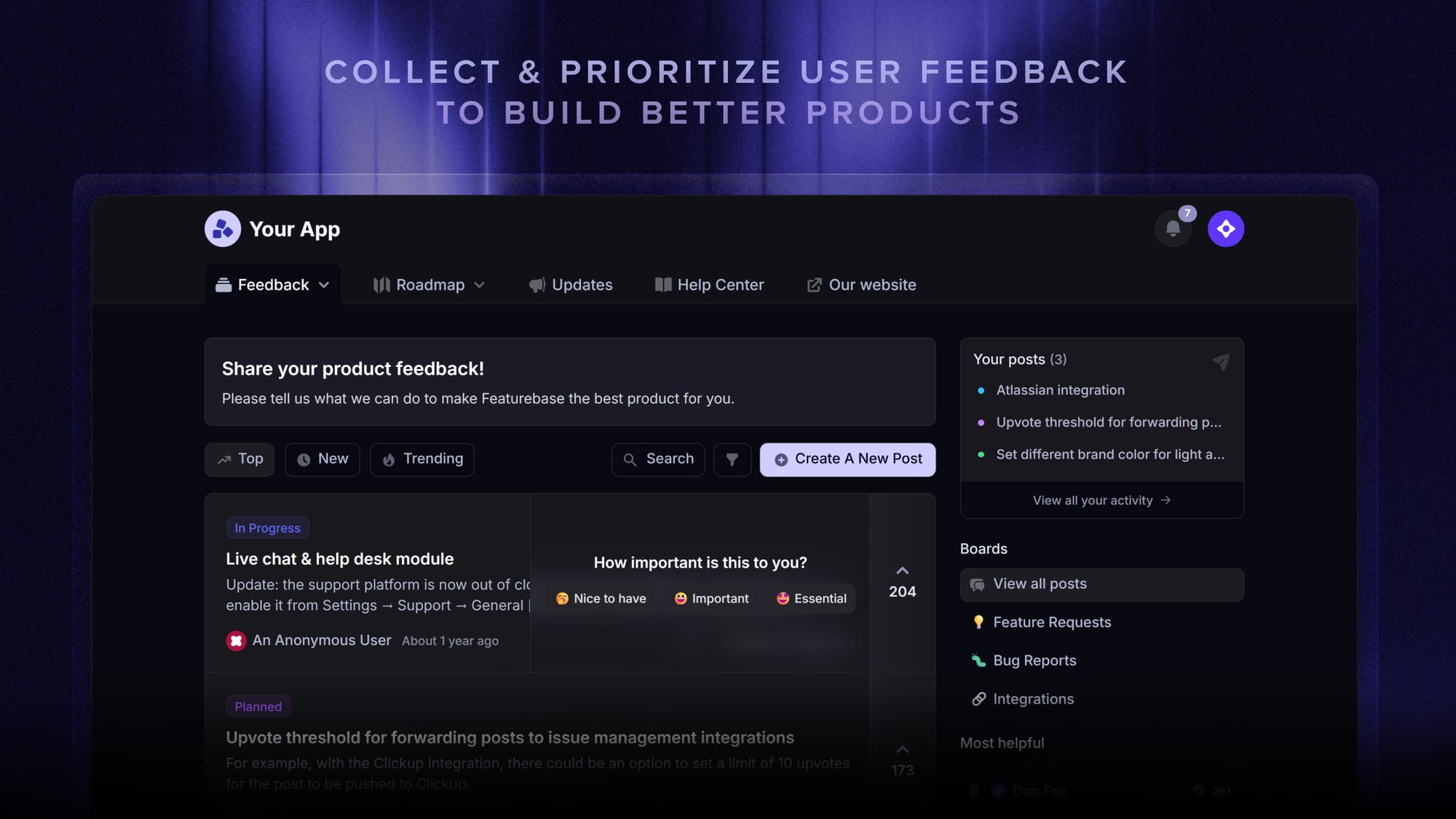
Featurebase covers all the basic support features that legacy platforms do, but with a much more modern approach. It comes with AI automations, a mobile app, and multiple channels (email, live chat, Slack, etc.).
✨ Automate your support with the fastest AI-enhanced Inbox today →
2. Zendesk

Zendesk is the best-known name in customer service software, and its self-service portal is among the most mature. You get a knowledge base, a community forum, AI agents, and a help center that ties into one of the deepest ticketing systems on the market.
It's best for larger or enterprise support teams that need every channel and heavy customization, and have the budget and resources to set it up.
Key features
- Knowledge base, community forum, and customizable help center
- AI agents and Copilot across email, chat, and voice
- Deep automation, triggers, and skills-based routing
- 1,800+ apps and integrations
Pricing: No free plan (14-day trial). Zendesk pricing starts at $19/agent/mo for the Support Team plan, with the Suite plans (AI agents, messaging, help center) running $55-$115/agent/mo and Enterprise priced on request.
Watch out for cost and complexity. Reviewers consistently flag that the price climbs quickly as you add agents and advanced features, reporting is gated to higher tiers, and the setup has a real learning curve.
3. Freshdesk
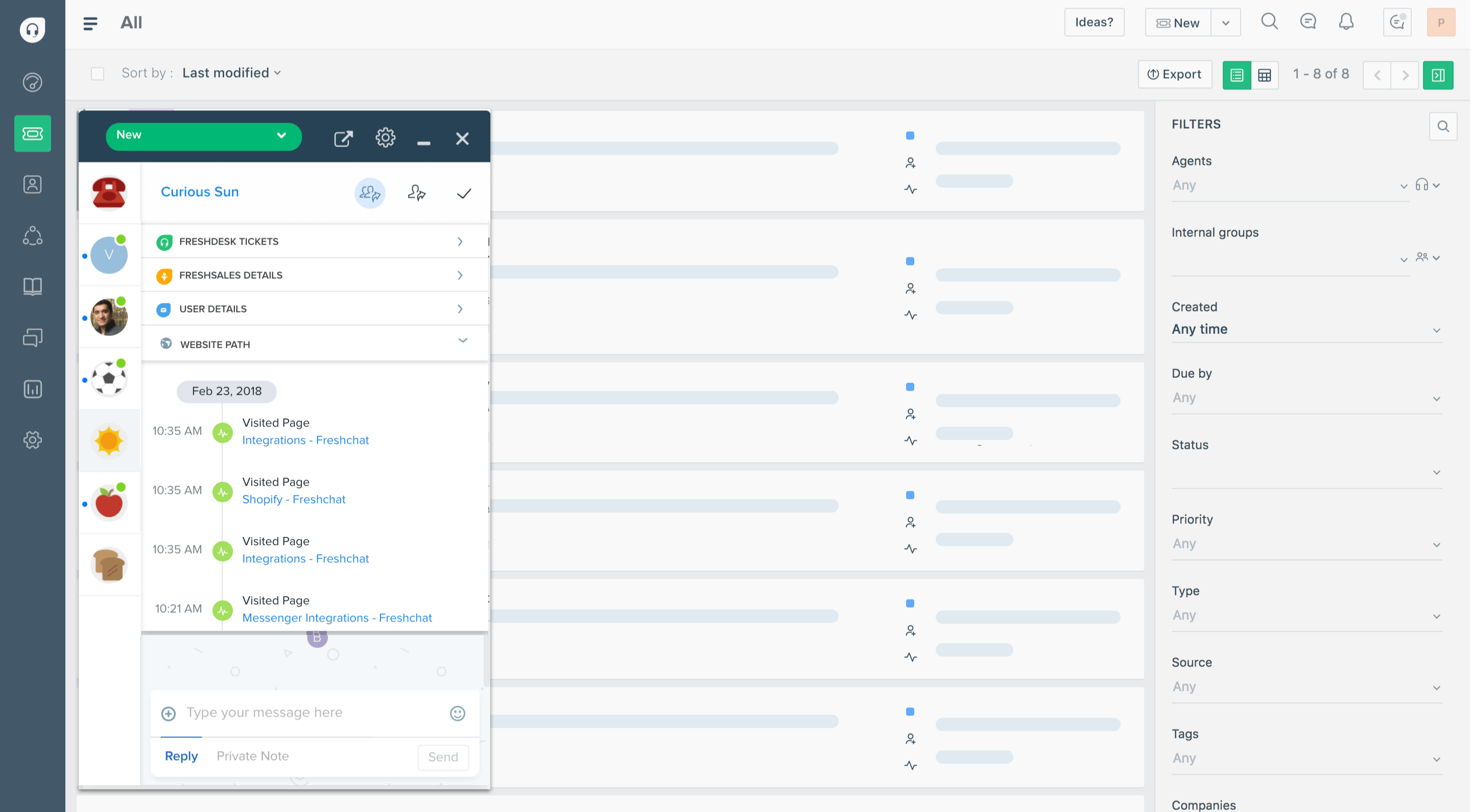
Freshdesk is Zendesk's most popular affordable rival, and it ships a solid customer portal with a knowledge base, community forum, and ticket tracking out of the box. Everything becomes a ticket, which keeps email, chat, and social requests organized in one place.
It's best for growing teams that want a capable all-rounder without enterprise pricing.
Key features
- Customer portal with knowledge base and community forum
- Ticketing across email, chat, social, and phone
- Automation rules and ticket routing
- AI assistance on higher tiers
Pricing: Free plan available. Freshdesk pricing for paid plans starts at $19/agent/mo (Growth), with Pro at $55 and Enterprise at $89/agent/mo, billed annually.
The main trade-off is that some of the most useful features (advanced automation, deeper reporting, and certain add-ons) sit behind higher plans, and search can slow down at very high ticket volume.
4. Zoho Desk
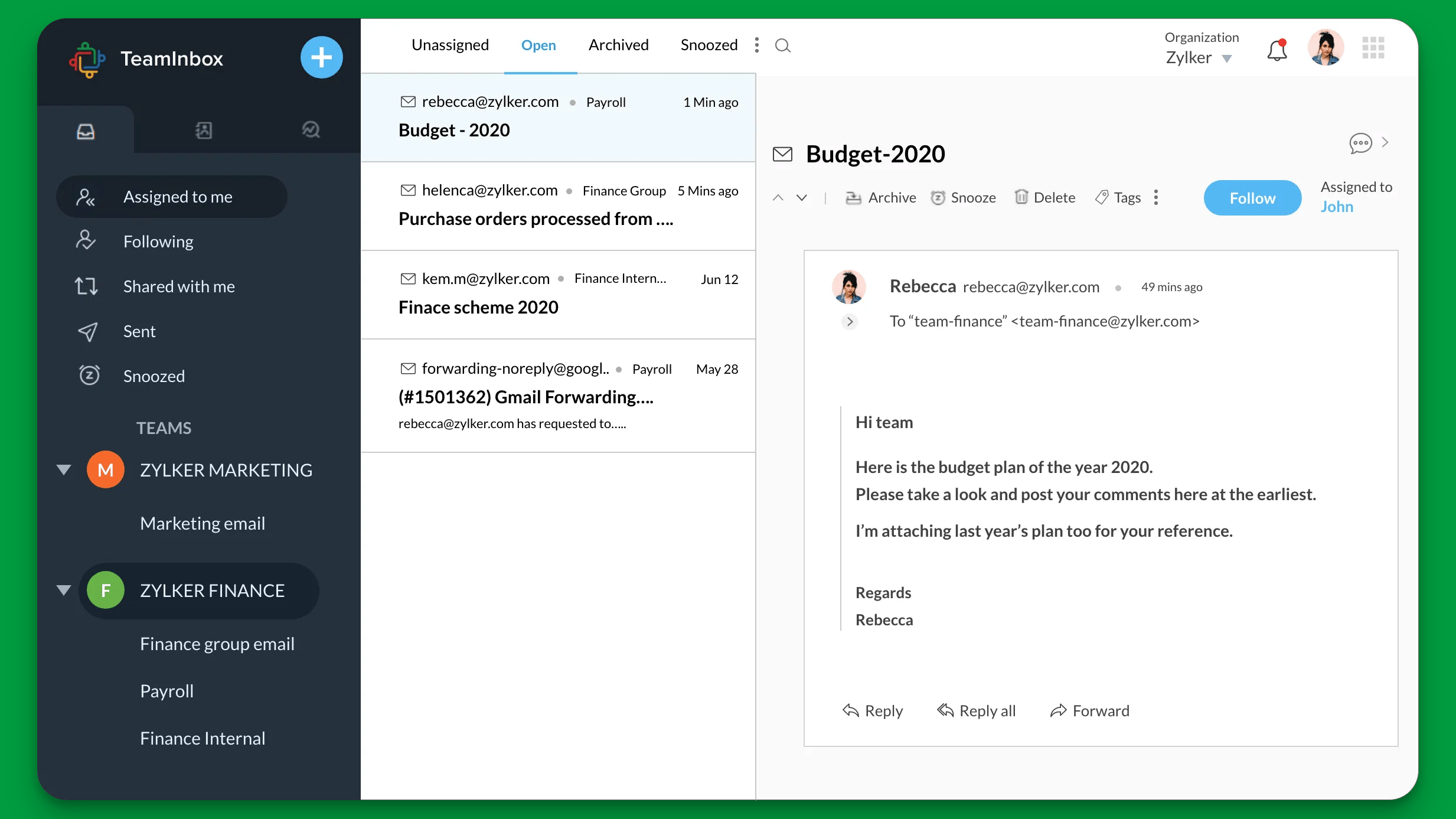
Zoho Desk is a budget-friendly help desk with a self-service portal, multi-brand help centers, and an ASAP widget you can embed in any app. If you already use other Zoho apps, it slots in neatly and keeps your data in one place.
It's best for cost-conscious teams already invested in the Zoho ecosystem.
Key features
- Self-service portal with knowledge base and community
- Multi-brand help centers and embeddable ASAP widget
- Blueprint workflow automation
- Tight integration with Zoho CRM and apps
Pricing: Free plan for up to 3 agents. Zoho Desk pricing for paid plans runs from roughly $7/agent/mo (Express) up to $40/agent/mo (Enterprise), billed annually.
The catch is the experience. Reviewers describe the interface as cluttered and dated, the learning curve as steep, and the built-in AI as basic compared to newer tools.
5. HubSpot Service Hub
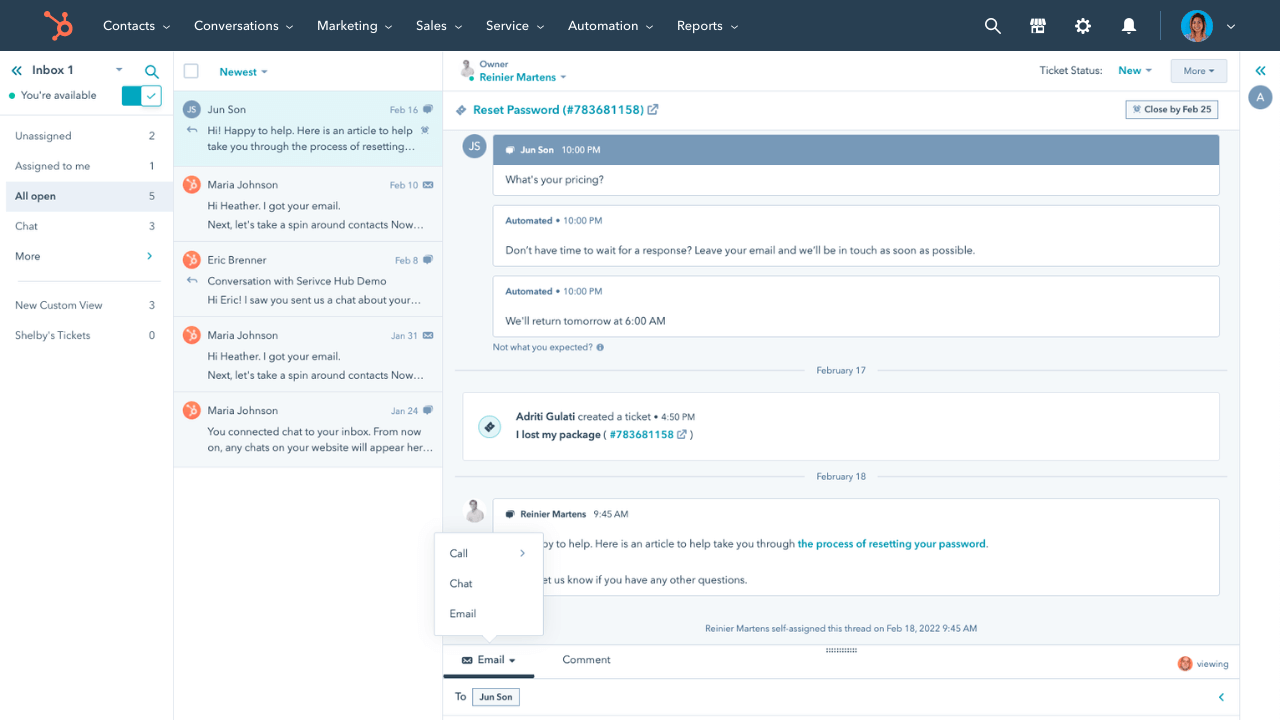
HubSpot Service Hub builds a customer portal directly on top of HubSpot's CRM, so every ticket, conversation, and customer record stays connected to sales and marketing data. The portal lets customers track their open tickets and search a knowledge base.
It's best for teams that already run on HubSpot and want support to share the same customer record.
Key features
- Customer portal with knowledge base and ticket tracking
- Native HubSpot CRM, sales, and marketing data
- Live chat, shared inbox, and automation
- Reporting and customer feedback tools
Pricing: Free tools available. HubSpot pricing for Service Hub starts at $15/seat/mo (Starter), with Professional at $90/seat/mo and Enterprise at $150/seat/mo (10-seat minimum).
The downside is cost creep. The bill rises quickly once you add seats or need advanced features, AI credits run out fast, and customization is more limited than dedicated help desks.
6. Help Scout
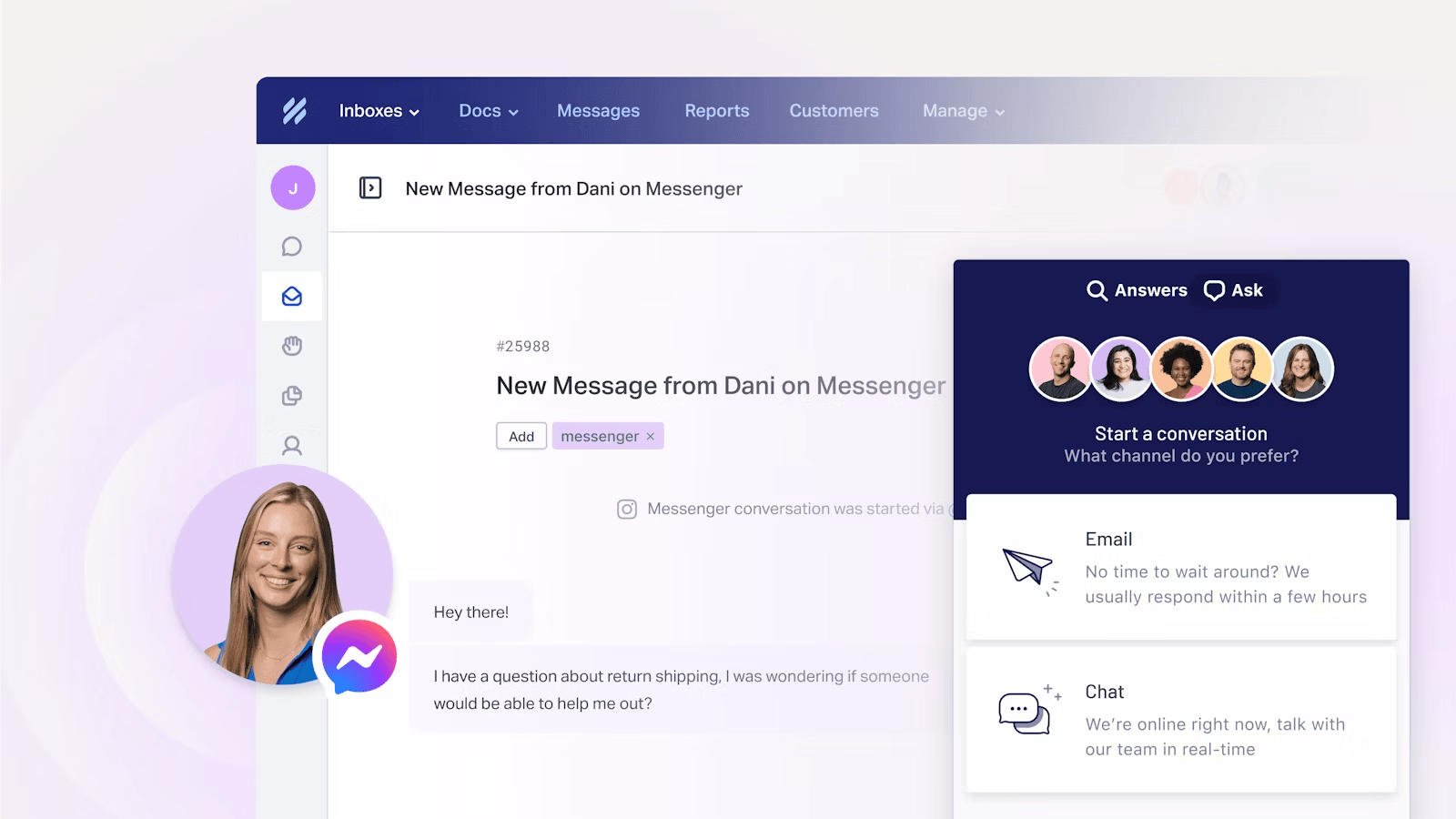
Help Scout is a clean, email-first support platform with a Docs knowledge base and an embeddable support widget (Beacon) that surfaces help articles and a contact form. It's known for being fast to learn and pleasant to use.
It's best for small teams that want straightforward, human support without a heavy setup.
Key features
- Docs knowledge base and embeddable Beacon widget
- Shared inbox with live chat, Instagram, and Messenger
- AI Answers chatbot and AI draft replies
- 100+ integrations including Salesforce and HubSpot
Pricing: Free plan for 5 users. Help Scout pricing for paid plans is $25/user/mo (Standard), $45 (Plus), and $75 (Pro), with AI Answers billed at $0.75 per resolution.
The trade-off is depth. Reviewers love the simplicity but note that reporting is fairly basic, workflow customization is limited, and some channels like WhatsApp and voice aren't natively supported.
7. Intercom
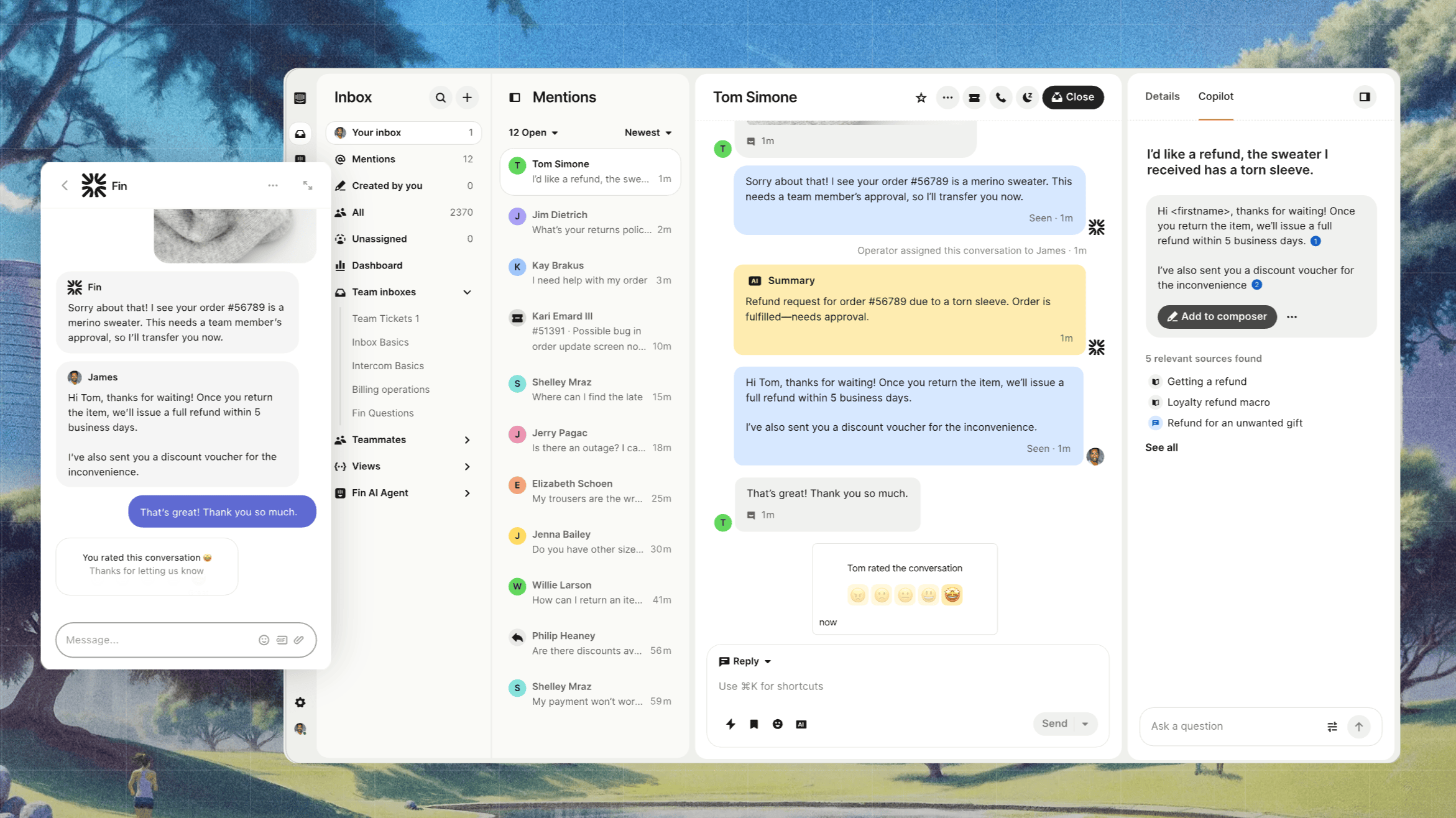
Intercom is an AI-first customer service platform built around the Messenger and its Fin AI Agent, which resolves questions using your help center content. The public help center plus in-product messaging make for a slick self-service experience.
It's best for product-led teams that want AI deflection and in-app messaging front and center.
Key features
- Public and private help center
- Fin AI Agent for automated resolutions
- Shared inbox, ticketing, and workflow automation
- Strong app ecosystem and in-product messaging
Pricing: No free plan (14-day trial). Intercom pricing starts at $19/seat/month for Essential billed annually ($29 billed monthly), plus $0.99 per Fin outcome. Advanced costs $85/seat/month and Expert costs $132/seat/month, billed annually.
The recurring complaint is cost. Per-seat pricing stacks with usage-based AI fees and add-ons, which makes bills hard to predict, and the platform can feel like overkill for small teams.
8. Gorgias
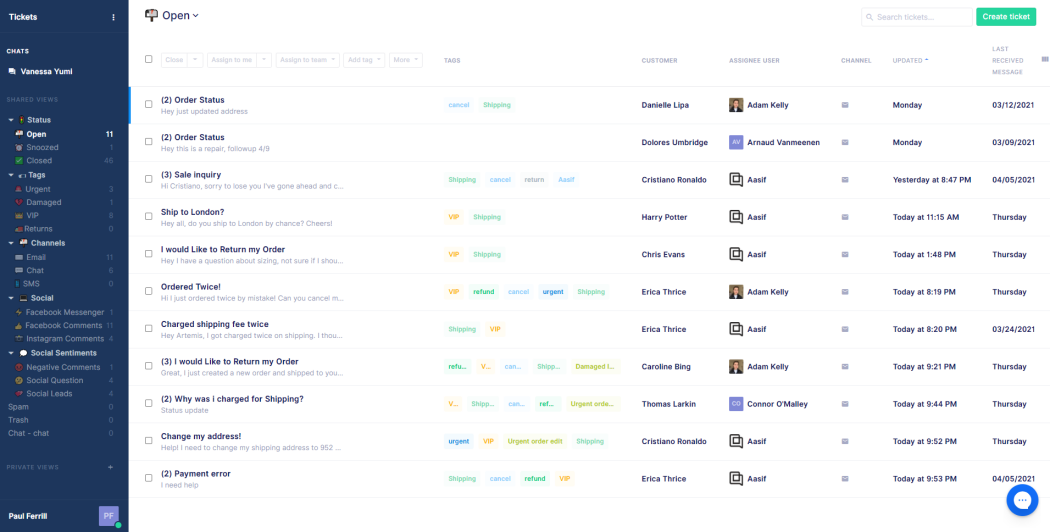
Gorgias is a help desk built specifically for ecommerce, with a self-service portal and deep Shopify integration. Agents can see order data and issue refunds or edit orders without leaving the helpdesk, and the portal handles automated order-status answers.
It's best for ecommerce brands, especially on Shopify, that want support tied to order data.
Key features
- Self-service portal with order-aware automation
- Deep Shopify, BigCommerce, and Magento integrations
- Email, chat, social, and SMS in one dashboard
- Macros and intent detection for fast replies
Pricing: No free plan (14-day trial). Gorgias pricing is ticket-based, starting at $10/mo (50 tickets), then $60 (Basic), $360 (Pro), and $900/mo (Advanced).
The big trade-off is that pricing scales with ticket volume, so seasonal spikes can push your bill well above plan limits. Its AI Agent also only works with Shopify, which limits multi-platform stores.
9. Document360
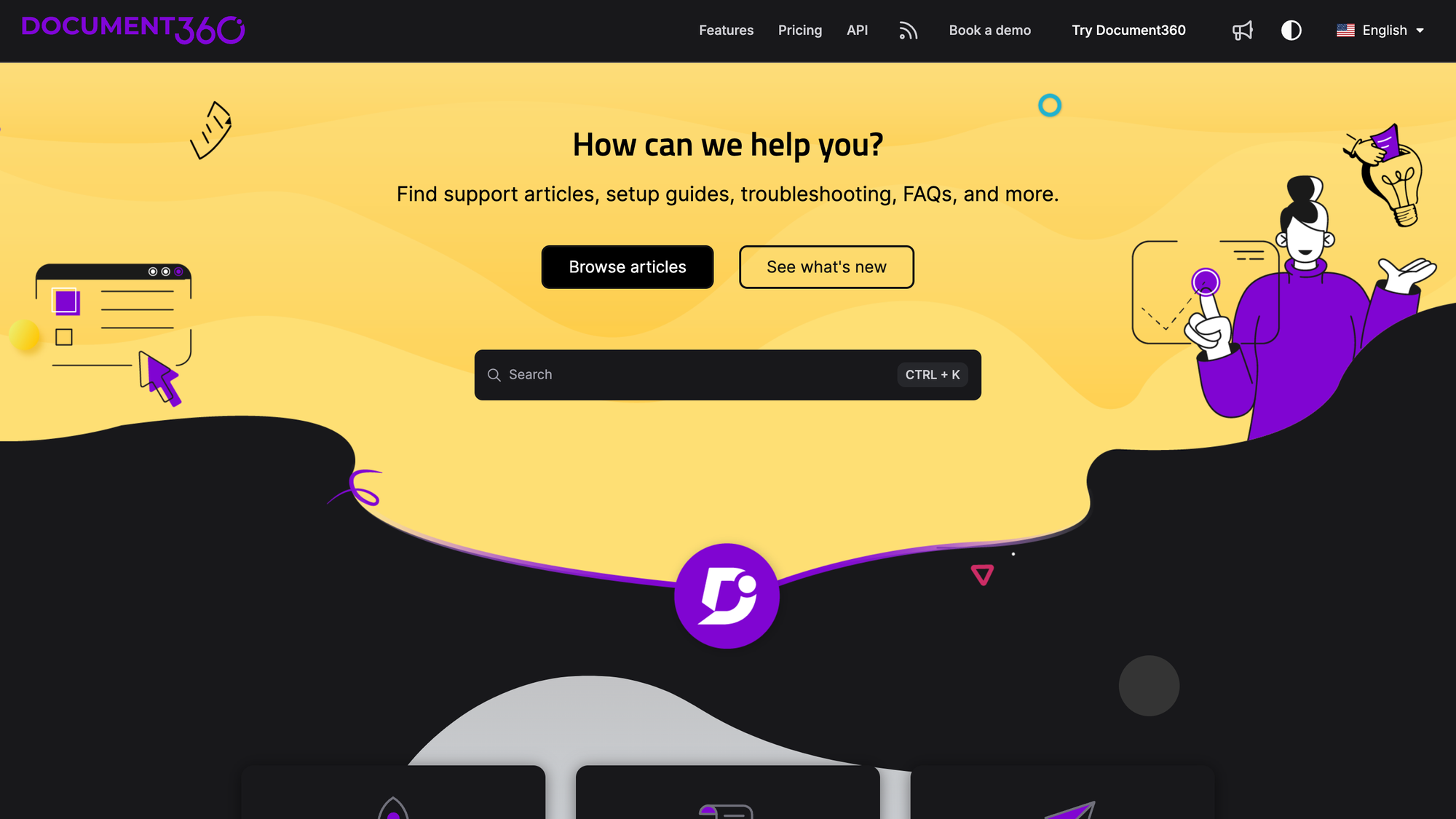
Document360 is a dedicated knowledge base platform rather than a full help desk. If your priority is a polished, searchable self-service portal with strong authoring, version control, and AI search, it's one of the best at that one job.
It's best for documentation-heavy teams that want a standalone knowledge base and ticket deflector.
Key features
- Internal and external knowledge base with custom domain
- AI search and AI writing tools (Eddy)
- Support ticket deflector and embedded help center
- Integrations with Zendesk, Freshdesk, and Intercom
Pricing: No free plan (14-day trial). Document360 uses quote-based pricing across its Professional, Business, and Enterprise tiers.
The limitation is scope. Document360 is a knowledge base, not a ticketing system, so you'll still need a separate help desk for conversations. Reviewers also note design customization is limited and large sites can feel sluggish.
How to choose the right customer service portal
The best portal depends on your team's size, stack, and what you sell. A quick way to narrow it down:
- If you're a small or early-stage team: prioritize a free plan and fast setup. Featurebase, Help Scout, and Zoho Desk all let you launch a real portal without a big upfront commitment.
- If you're scaling a SaaS support org: weigh AI deflection and automation over raw channel count. The tools that resolve tickets before they reach an agent will save the most as you grow.
- If you run an ecommerce store: order-aware support matters most, which is where Gorgias fits.
- If documentation is your main goal: a knowledge-base-first tool like Document360 will outperform a general help desk on authoring and search.
Whatever you pick, test the search and AI experience before you commit. A portal that customers can't navigate just routes them back to your inbox.
Use the right tool for you
Automatically resolve 70% of customer requests & cut down manual support loads
Conclusion
A customer service portal is only as good as the answers customers find inside it. The right software gives them a fast, branded place to self-serve, deflects repetitive questions with AI, and still makes it easy to reach a human when they need one.
Featurebase brings all of that together in one modern platform. You get an AI-powered help center, an omnichannel inbox with the Fibi AI Agent, ticketing, and built-in feedback and product updates, so you can run your entire customer-facing experience without stitching 5 tools together.
It comes with a Free plan, affordable paid pricing, and quick onboarding, so there's no downside to trying it. 👇
✨ Automate your support with the fastest AI-enhanced Inbox today →

FAQs
How much does customer service portal software cost?
It ranges from free to enterprise pricing. Most tools charge per agent or seat, usually $15-$30/agent/mo on entry plans, while AI features are often billed per resolution and ecommerce tools like Gorgias bill per ticket. Featurebase offers a free plan and paid plans from $29/seat/mo, making it one of the most affordable ways to launch a full portal.
Are customer service portals secure?
Yes. Reputable portals require a customer login and protect data with encryption and role-based access controls, so customers only ever see their own tickets and information. Most also offer SSO and compliance certifications like SOC 2 on higher tiers, which matters if you handle sensitive data.
What's the difference between a customer portal and a customer service portal?
A customer portal is a broad term for any branded space where customers log in, often to share files, view invoices, or manage an account. A customer service portal is specifically focused on support: finding answers, submitting tickets, and tracking requests. The lines blur, but if your goal is deflecting support volume, you want a service-focused portal built around a knowledge base and ticketing.
Can a customer service portal reduce support ticket volume?
Yes, when it's done well. A strong knowledge base plus an AI agent can resolve a large share of repetitive questions before they ever reach your team. The key is searchability, since most self-service attempts fail when customers can't find content relevant to their issue, so keep your articles current and easy to navigate.
Can I build my own customer service portal?
You can, by building secure logged-in pages on your own site, but it's rarely worth it. You take on the cost of building, hosting, and continuously maintaining the portal, plus security. Off-the-shelf software gives you a knowledge base, ticketing, and AI search out of the box, usually for less than the engineering time a custom build consumes.
Do customer service portals integrate with help desk and knowledge base tools?
Yes. Most customer service portals either bundle a knowledge base and ticketing together or integrate with dedicated tools. Many also connect to your CRM, Slack, and engineering trackers so customer context follows the conversation, which is worth confirming for the specific tools in your stack before you commit.