Blog Customer Service7 Best Customer Service Training Software for 2026
7 Best Customer Service Training Software for 2026
Untrained customers churn and flood your support queue. Here are the 7 best customer service training software tools for 2026, compared on price, fit, and trade-offs.



Customers who don't understand your product churn. They file more tickets, adopt fewer features, and quietly slip away to a competitor.
Customer service training software fixes that. It teaches your customers (and your support team) so they get value faster and lean on your queue less.
But the category is wider than most buyers realize. It spans full LMS platforms, in-app guidance, and self-service knowledge bases, and the right pick depends on how your customers actually learn.
Here are the 7 best options for 2026 👇
Key takeaways:
| Tool | Best for | Starting price | Free option | Main trade-off |
|---|---|---|---|---|
| Skilljar | Customer academies at software companies | Custom (~$30k+/yr) | Demo only | Deep customization needs code |
| iSpring Learn | Course authoring on a budget | Quote (active users) | 30-day trial | Basic branding, rigid reports |
| TalentLMS | Getting a training portal live fast | From $119/mo | Yes (5 users) | Dated UI, shallow reporting |
| Uteach | Branded employee onboarding and skills testing | Custom | Demo | One training portal per standard account |
| Docebo | AI-driven enterprise learning | Custom (~$25k+/yr) | Demo only | Steep setup, opaque pricing |
| Absorb LMS | Scaling large customer academies | Custom (~$34k+/yr) | Trial + demo | Customization needs a developer |
| WorkRamp | One platform for customers and staff | Custom (~$20k+/yr) | Demo | Limited reporting, setup effort |
| Appcues | In-app, contextual training | Custom (MAU-based) | Free trial | Install needs a developer |
What is customer service training software?
Customer service training software is any tool that teaches people how to use your product and service well, so they get value faster and need less hand-holding from your team.
In practice, "people" means two audiences. Some tools train your customers so they can self-serve (product education, onboarding, certifications). Others train your support agents on skills, tools, and processes. Many teams need a bit of both, and a few platforms cover both audiences.
The category splits into 3 broad approaches, and each fits a different learning need:
- LMS platforms: Structured courses, quizzes, and certifications delivered through a learner portal. Best when customers need to understand concepts before they can use your product.
- In-app guidance: Tooltips, product tours, and checklists that teach inside your product, in the moment. Best for procedural, "how do I do this?" learning.
- Knowledge bases: Searchable self-service help content. Best for reference lookups and deflecting repeat questions before they become tickets.
Let the learning need pick the format, not the other way around.
Why customer service training software matters
Untrained customers are expensive. Every gap in their understanding turns into a support ticket, a call, or a 1:1 with a CSM, and it multiplies across every account you add.
The upside is just as measurable. According to an IDC InfoBrief on customer education, organizations that invest in it see a 10-16% lift in key performance metrics across every stage of the customer lifecycle, from onboarding through renewal and growth.
Training also scales what used to need a human in the room. A ready-made learning platform helps here, giving agents on-demand communication skills training instead of relying on one-off coaching. When you have 50 customers, your CS team can onboard each one by hand. At 500 or 5,000, that model breaks. Training software turns that tribal knowledge into a repeatable program, which is a big lever on both customer retention and support cost.
What to look for in customer service training software
The feature lists all look similar. These are the 5 things that actually separate the tools:
- Content authoring and formats: Look for built-in course creation plus support for video, SCORM, quizzes, and docs, so you are not paying for a separate authoring tool.
- Automation: Auto-enrollment, reminders, and certificate issuance save your team from routine busywork as your program grows.
- Reporting: You want completion rates, quiz scores, and progress you can actually act on. Weak, export-only reporting is the single most common complaint across these tools.
- Integrations: CRM (Salesforce, HubSpot), support tools, and product analytics let you trigger training on real signals and measure its impact on retention.
- Self-service and branding: A self-service knowledge base trains customers passively and deflects tickets, so a lot of "training" happens without a course at all. Branding controls matter too if you want the experience to feel like part of your product.
The 7 best customer service training software tools in 2026
The list runs across all 3 approaches, so match the entry to how your customers learn, not just to the feature count.
1. Skilljar
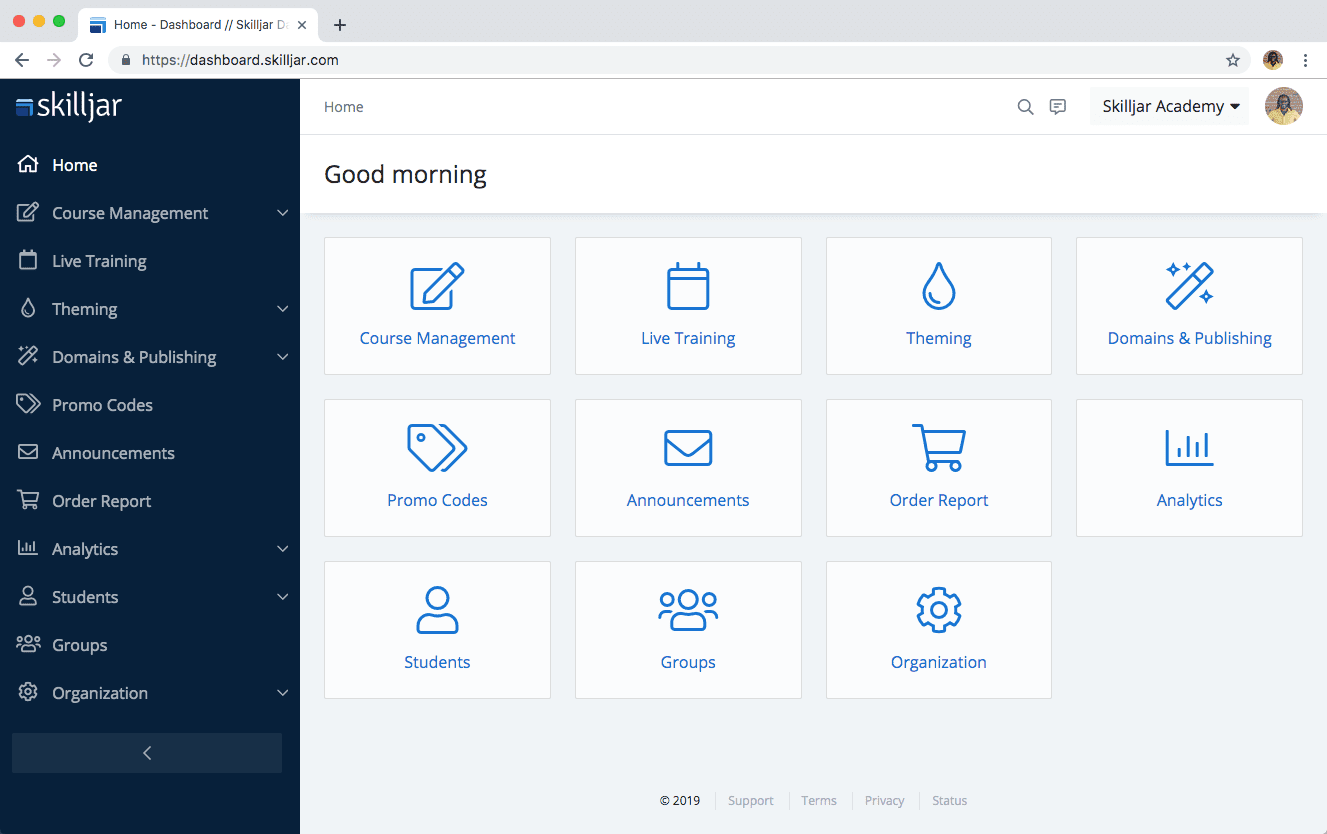
Skilljar, now part of Gainsight, is a customer education LMS built specifically for external, customer-facing training rather than repurposed employee learning. It is a strong fit for software companies that want a branded academy with certifications and monetization.
Key features:
- Purpose-built customer and partner training with learning paths
- Deep Salesforce integration that ties training activity to CRM data
- Certifications, SCORM support, and course monetization
- Analytics on course completion and engagement
Pricing: Custom and quote-based, on a per-active-user model. Most companies land in the $30,000-$90,000 per year range, and there is no free plan, only a demo.
Trade-offs: Skilljar reviewers on G2 consistently flag two limits: reporting that often needs data exports for deeper insight, and customization that leans on HTML, CSS, or the API, which leaves non-technical admins boxed in. There is also no native learner mobile app, and the pricing is steep for smaller teams.
Best for: Software companies building a formal customer academy.
2. iSpring Learn
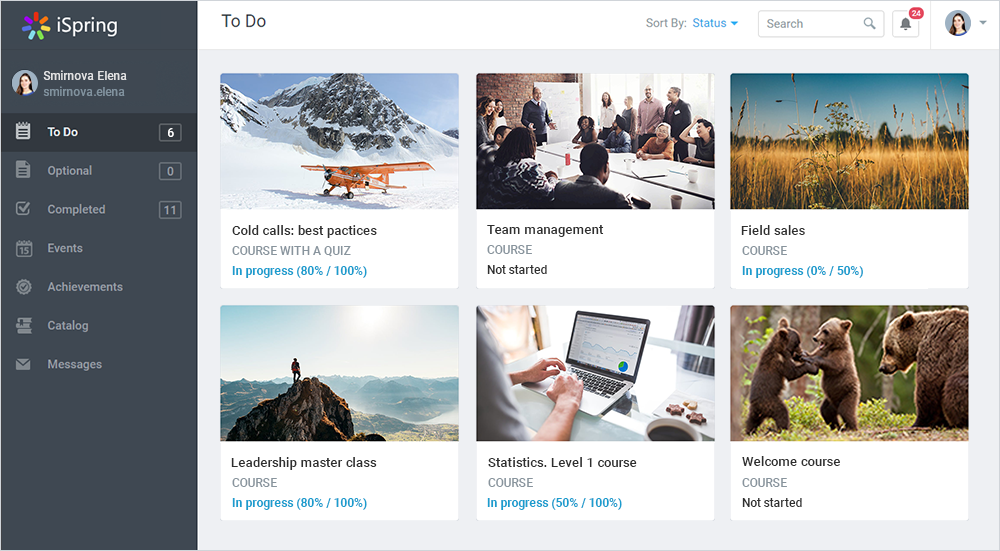
iSpring Learn is a cloud-based LMS that pairs well with iSpring Suite, its authoring toolkit. That combination makes it a budget-friendly way to build structured, role-based customer onboarding without buying a separate course builder.
Key features:
- Bundled iSpring Suite authoring for interactive courses, quizzes, and role-plays
- Custom training checklists and learning tracks by role or audience
- Native mobile apps with offline access
- Detailed learner progress reports and localization
Pricing: Quote-based, billed by active users, with a 30-day free trial and a live demo available.
Trade-offs: G2 reviewers praise how easy iSpring is to use and its responsive support, but the recurring gripes are inflexible reporting formats and fairly basic branding and interface customization. A few also note missing integrations like Slack.
Best for: Teams that want course authoring and delivery in one affordable package.
3. TalentLMS
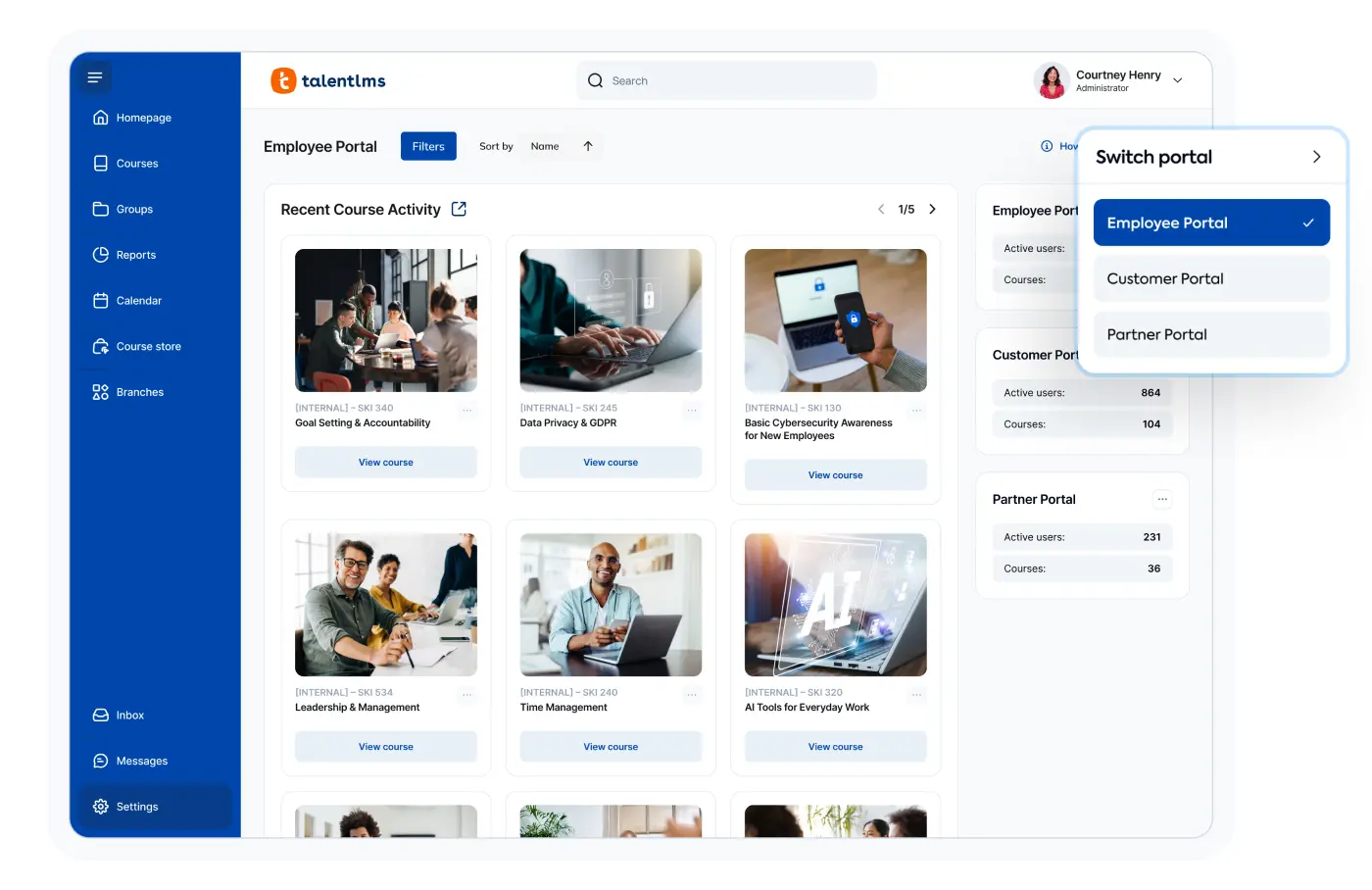
TalentLMS is a lightweight, fast-setup LMS with a genuine free tier. It gets a training portal live in days rather than months, which makes it a low-risk way to test whether a course-based approach works for your customers.
Key features:
- Drag-and-drop course builder with ready-made templates
- Gamification and customizable assessments
- One-click integrations with CRM, support, and ecommerce tools
- Streamlined admin dashboard and progress tracking
Pricing: Free plan for up to 5 users and 10 courses. Paid plans run from $119/month (Core) to $229/month (Grow) and $449/month (Pro), billed annually.
Trade-offs: Reviewers on G2 love the ease of use and value for money, but the common complaints are limited customization, a UI that feels dated, and reporting that gets shallow once you want deeper analytics.
Best for: Teams that need a training portal up and running fast.
4. Uteach
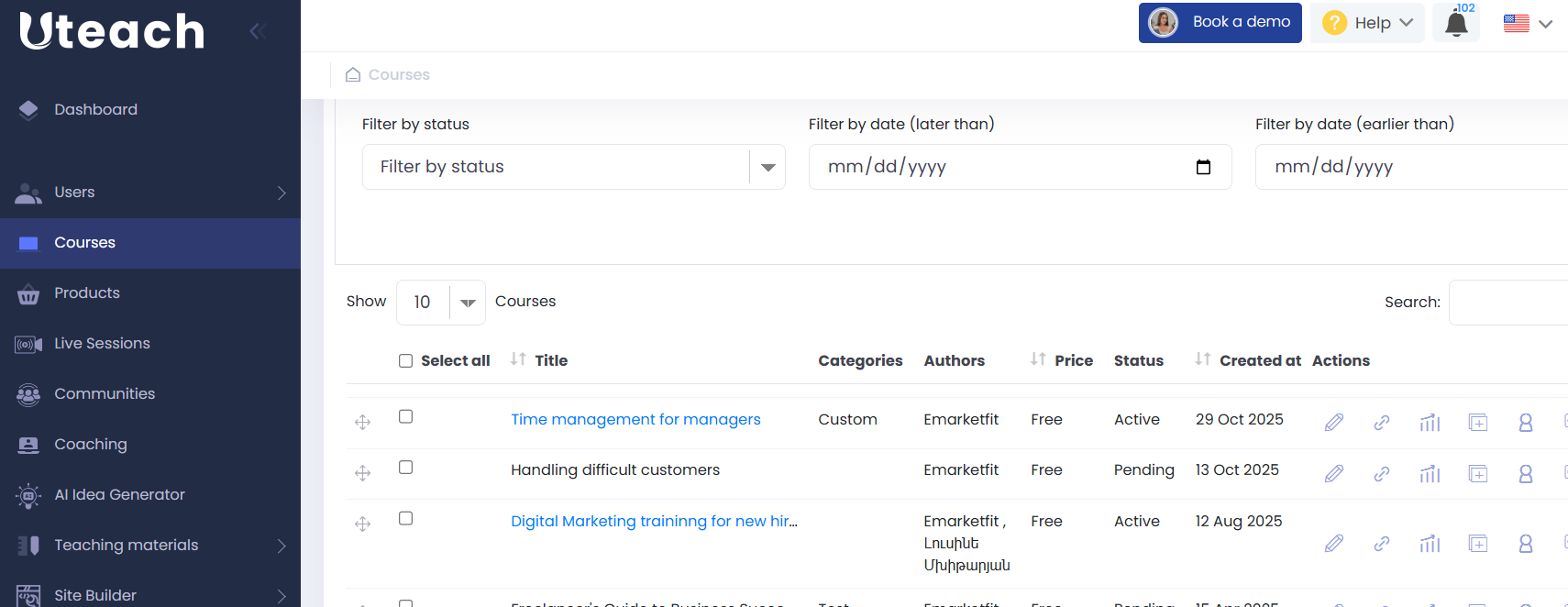
Uteach is an all-in-one employee training LMS for businesses that want to manage onboarding, skills testing, and professional development under their own brand. It combines course creation, assessments, automated certification, and reporting with AI tools to simplify training administration.
Key features:
- AI-assisted course creation and quiz generation
- Employee onboarding, assessments, and learning paths
- Automated branded certificates
- Individual and group progress tracking with exportable reports
- SCORM support and branded mobile apps
- API, SSO, and Zapier integrations
Pricing: Custom and quote-based, based on the organization's size and training needs.
Trade-offs: Uteach does not support multiple independent training portals under a standard account, although custom solutions are available. Some advanced features have a learning curve, and gamification requires custom development.
Best for: Businesses that want a branded LMS for employee onboarding, testing, and ongoing training, with built-in assessments and progress tracking.
5. Docebo
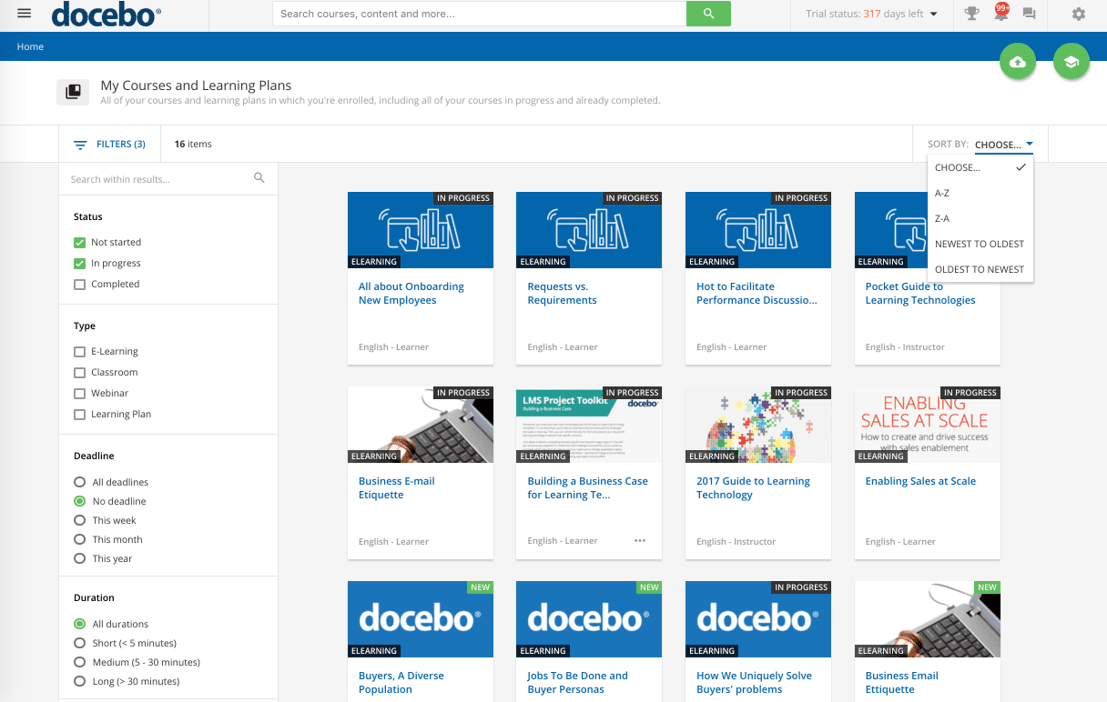
Docebo is an AI-powered enterprise learning platform built to manage training across customers, partners, and employees from one place. It leans hard into AI personalization and scale.
Key features:
- AI-driven content recommendations and learning paths
- Multi-tenant architecture for separate audience portals
- SCORM and xAPI compliance plus a content marketplace
- Automated administration and gamification
Pricing: Custom and quote-based, with no public list price. Starting costs typically begin around $25,000 per year and scale well past that at enterprise volume.
Trade-offs: G2 reviewers value the automation and scalability but describe a steep admin learning curve, a complex setup, and opaque, negotiated pricing. Reporting often requires combining multiple reports or exporting to a spreadsheet, and it can feel like overkill for smaller teams.
Best for: Large enterprises managing several training audiences at once.
6. Absorb LMS
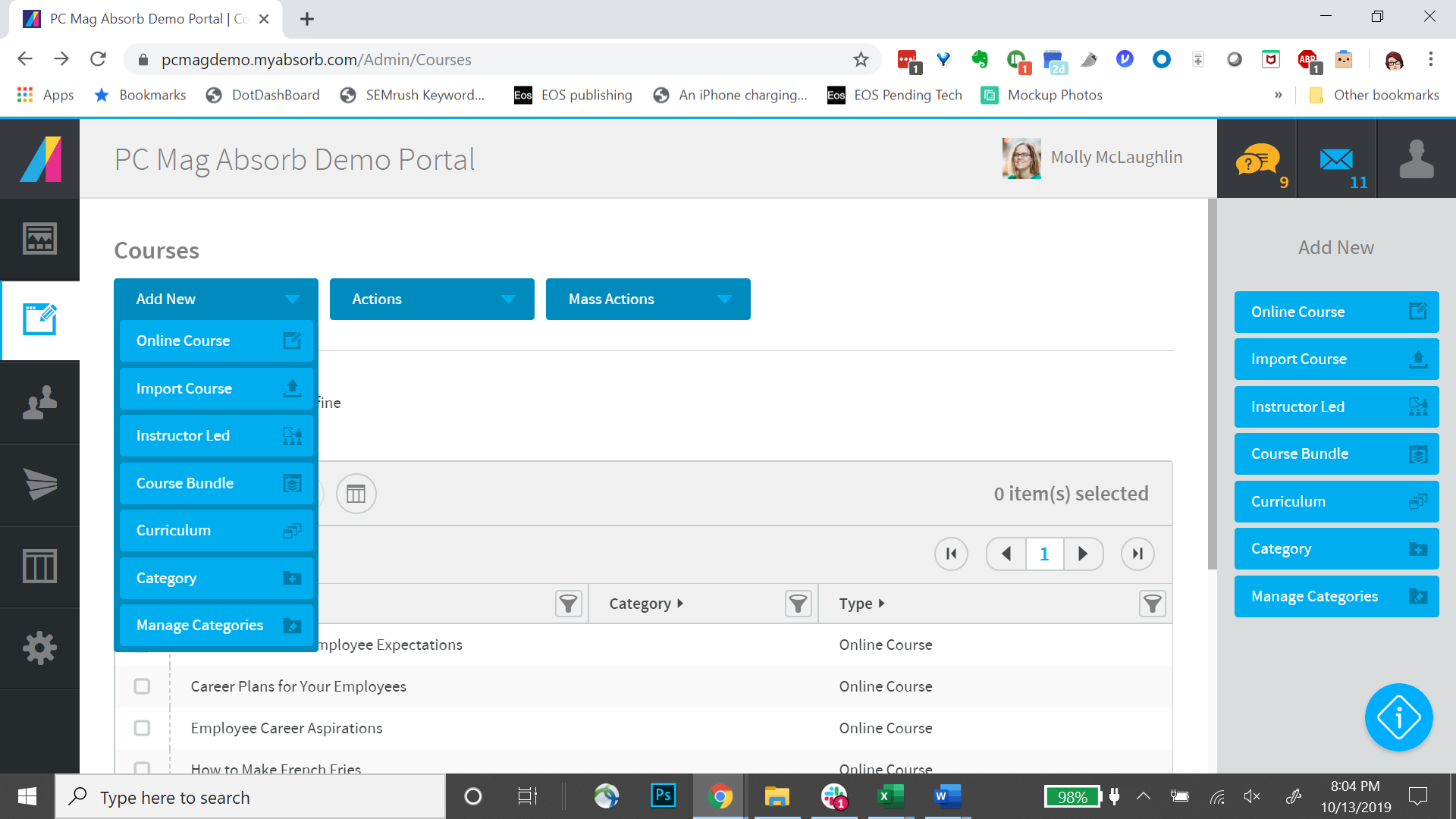
Absorb LMS is built for scale. Its cloud infrastructure supports large learner volumes and automated workflows, so it suits organizations training a big and growing customer base.
Key features:
- AI-powered content recommendations and intelligent search
- Multi-tenant portals for different audiences
- Automated enrollments and a straightforward course builder
- Enterprise-grade security and API integrations
Pricing: Custom and quote-based, priced per active learner. SMB customers average around $34,000 per year, and a free trial plus demo are available.
Trade-offs: Reviewers on G2 call Absorb easy to administer with strong support, but branding and UI customization often need developer help on lower tiers, the analytics are inflexible without exports, and there is no central resource library outside of courses.
Best for: Enterprises scaling a large, structured customer academy.
7. WorkRamp
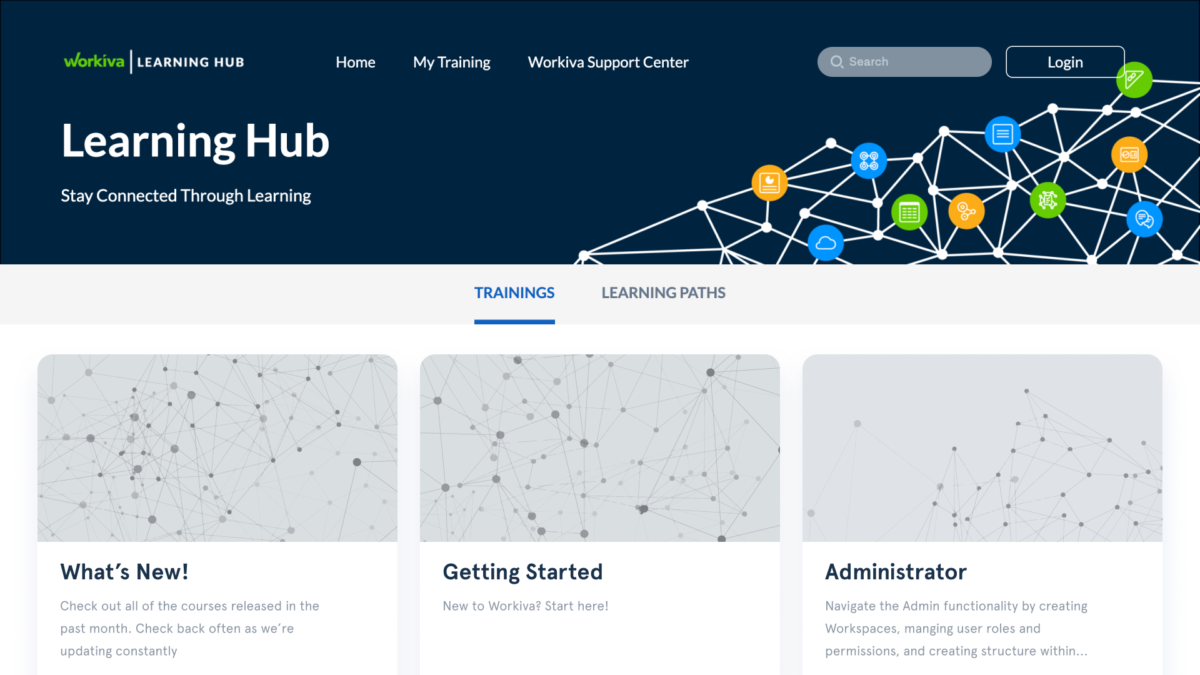
WorkRamp is an all-in-one learning platform that covers customer education, employee training, and sales enablement under one roof. It appeals to teams that want to avoid tool sprawl across audiences.
Key features:
- Unified platform for customer, employee, and sales training
- Built-in content authoring
- Customer academy templates to speed up setup
- Smooth integrations with common tools
Pricing: Custom and quote-based, with annual contracts commonly starting around $20,000-$30,000 and scaling from there. Access is by demo.
Trade-offs: G2 reviewers like the intuitive interface and breadth across audiences, but flag limited reporting, some setup complexity for advanced features, and a lack of scheduled training reassignment (like yearly recertification).
Best for: Companies that want one platform for every training audience.
8. Appcues
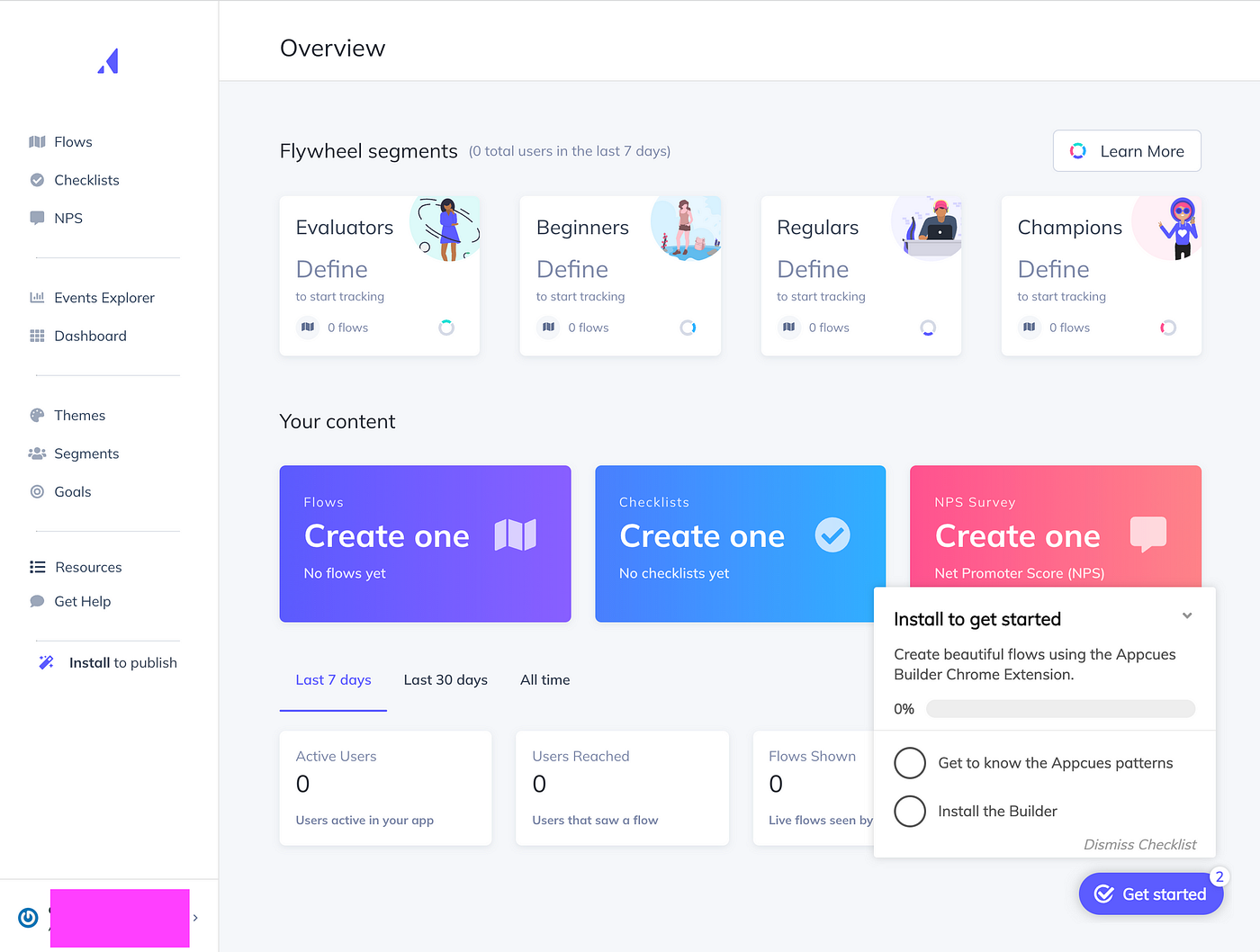
Appcues takes the in-app route. Instead of sending customers to an external portal, it teaches them inside your product with tours, tooltips, and checklists, at the exact moment they are trying to get something done.
Key features:
- Low-code builder for in-app tours, tooltips, and checklists
- Behavioral targeting based on what users have (or haven't) done
- Onboarding, feature adoption, and survey flows
- Analytics on flow engagement
Pricing: Custom and quote-based on a monthly-active-user model, with Start, Grow, and Enterprise tiers, plus a Spark plan for teams under 25 people. A free trial is available.
Trade-offs: G2 reviewers praise the flow builder and flexibility, but installation usually needs a developer, segmentation and templates can feel limited, analytics are not real-time, and support is US-only. It is also pricey for early-stage startups.
Best for: Product-led teams that want contextual, just-in-time training.
Further reading
Want to go deeper on customer service and self-service education? A few related guides:
- Best customer service software
- Essential customer service skills to train for
- Customer service KPIs worth tracking
- The SaaS customer support guide
- How an AI knowledge base works
- Knowledge base article templates
- How to build a customer service strategy
- Customer service interview questions to ask when hiring
Train customers or employees with self-service using Featurebase
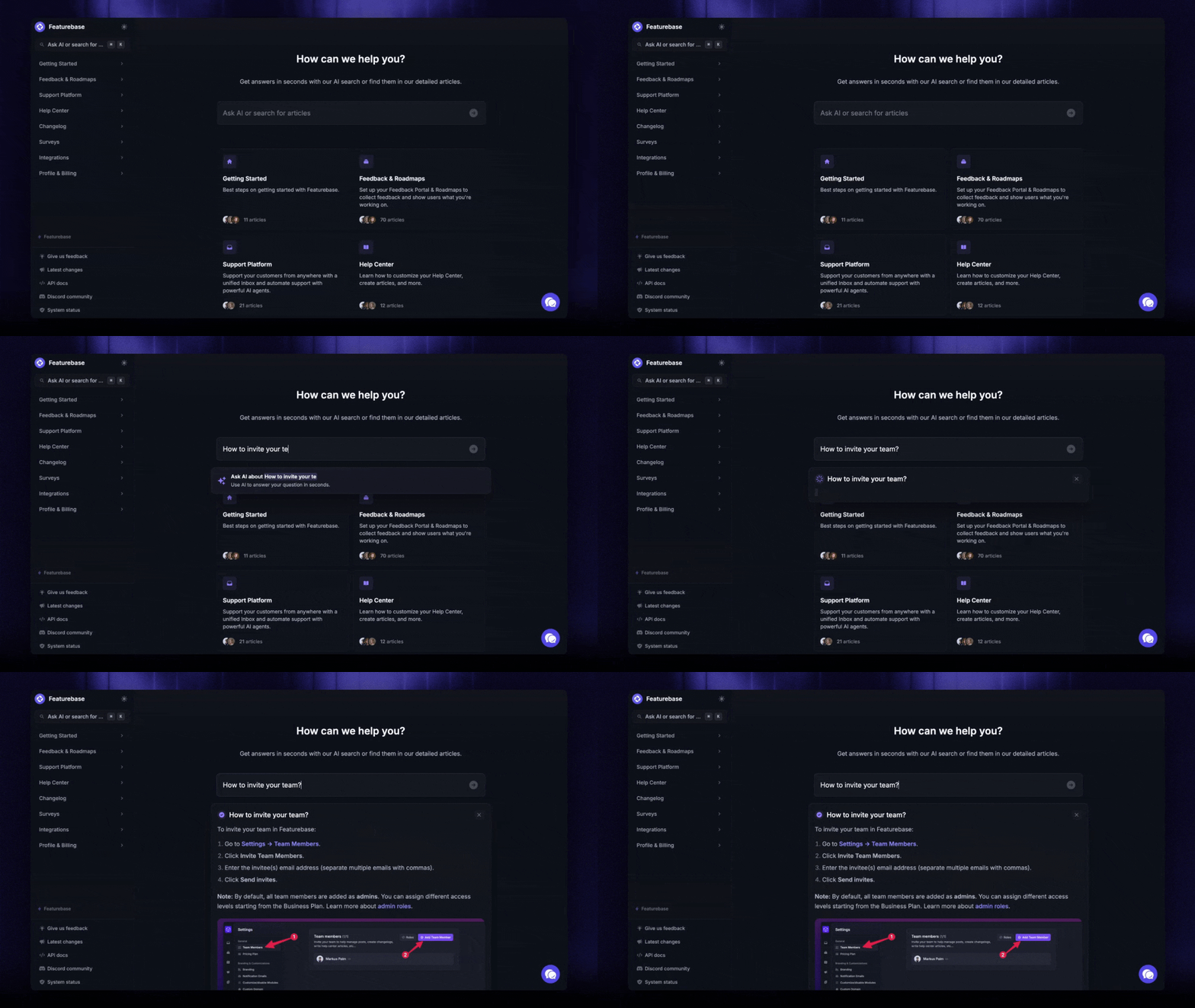
Not every team needs a full LMS. If most of your support volume is repeat "how do I..." questions, the fastest fix is a searchable help center that answers them on the spot. That is really just customer training that scales, without building a single course. 👇

Featurebase is a modern & powerful support platform for SaaS teams that helps you create beautiful product docs, provide AI-powered support, and collect feedback all in one place. It's loved by thousands of support teams from companies like Lovable, Raycast, and n8n. 💫
Top features:
- Public & internal help center – Create a branded knowledge base with your domain and design for easy self-service support
- Embeddable in-app widget – Serve help articles directly within your app, reaching users where they need assistance most
- AI-powered search answers – Summarize answers for users right in the search bar in seconds
- Automatic AI translations – Automatically translate and show your Help Center in your users native languages
- Multi-brand support – Manage multiple Help Centers and Live chats from a single workspace
- AI-powered support platform – Manage chat, email, and Slack support conversations from one AI-powered view
- Feedback & roadmap tools – Collect feature requests and close the loop with updates
- Product updates – Publish release notes with a changelog page, in-app widget, and emails
- Integrations – Connects with Slack, Linear, Jira, HubSpot, and more
Pricing: You can create a public help center with a fully free plan. Paid plans start at just $29/seat/mo for unlimited articles.
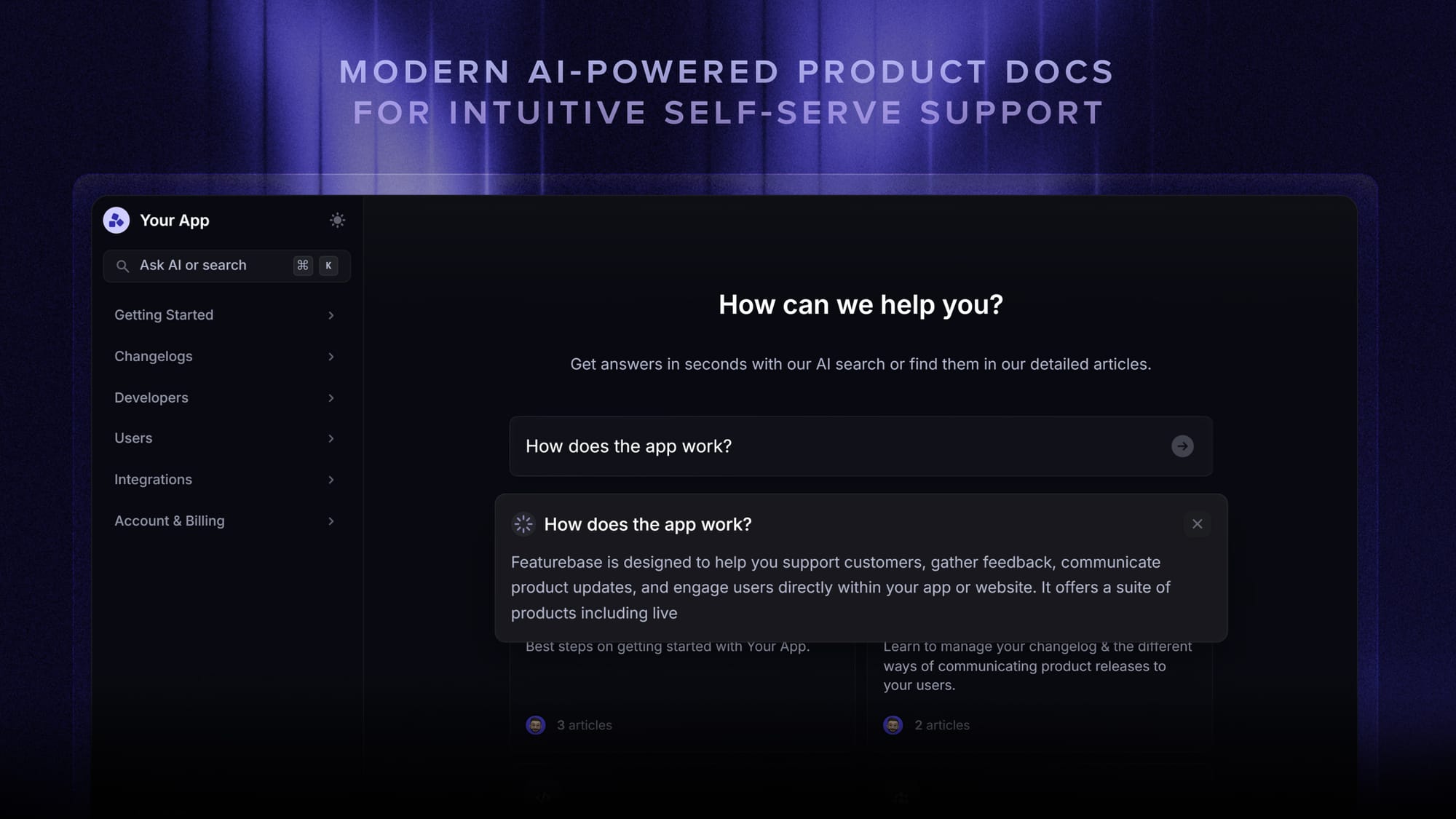
Featurebase brings your help center, live chat, feedback collection, and product updates into one place, so you can shrink your ticket volume while learning exactly what to document next.

Get the best customer service tool
Automatically resolve 70% of customer requests & cut down manual support loads
Choosing the right customer service training software
The best customer service training software depends on how your customers learn. If they need structured lessons, go with an LMS. If they need guidance inside your product, use in-app onboarding. But if most questions are simple “how do I…” issues, a searchable help center is usually the fastest way to reduce tickets.
Featurebase helps with that by giving SaaS teams a modern help center, AI-powered search, in-app widgets, live chat, and feedback tools in one place. You can document repeat questions, let customers self-serve, and use feedback to see what still needs better explanation.
It also has a free plan, affordable paid plans, and quick setup, so you can start building your help center without a long migration or a big upfront commitment. 👇
✨ Create a beautiful Help Center with Featurebase for free →
FAQs
What's the difference between customer training software and an LMS?
An LMS is one type of customer training software, not the whole category. Customer training software also includes in-app guidance tools and self-service knowledge bases. An LMS handles structured courses, certifications, and learning paths, while the broader category covers any tool that helps customers learn to use your product.
How much does customer service training software cost?
It ranges widely. Lightweight LMS platforms like TalentLMS start around $119 per month, and some tools offer free tiers. Enterprise, quote-based platforms like Skilljar, Docebo, and Absorb often run from $25,000 to $90,000+ per year, priced by active learners. Self-service knowledge base tools tend to be the most affordable, with per-seat plans and free options.
How does customer service training software reduce support tickets?
It answers common questions before they reach an agent. Self-service help content, in-app walkthroughs, and structured onboarding all teach customers to solve problems themselves, which cuts repeat tickets. The clearer your training covers your top ticket drivers, the bigger the deflection.
Can one platform train both my customers and my support team?
Some can. Multi-audience LMS platforms like Docebo and WorkRamp run separate portals for customers, partners, and employees from one system. If training both groups matters to you, check for multi-tenant or multi-portal support so each audience gets its own tailored experience.
What features should I look for in customer service training software?
Focus on content authoring and formats, automation, actionable reporting, integrations with your CRM and support stack, and branding or self-service options. Reporting depth and customization are the two areas reviewers most often find lacking, so weigh those carefully against your needs.
How do you measure the effectiveness of customer training?
Start with completion and quiz scores, then tie them to business outcomes. Track feature adoption, support ticket deflection, time-to-value, and retention by training cohort. Completion alone means little if trained customers are not activating or renewing, so watch customer service metrics that connect training to real behavior.