Customer Service Strategy: the Complete Guide for 2026
Find out how to build and maintain an effective customer service strategy while keeping your team and customers delighted at the same time.


On this page
Looking for a modern customer service platform? Check out Featurebase
If someone asks you what your idea of a great customer service strategy is, and you respond with: "customers reach out with problems, and we help them", we have bad news. A truly effective customer service strategy is documented, well thought-out, and focused on long-term customer satisfaction.
But building out a customer service strategy is more than hiring a customer service team, purchasing a couple of tools, and hoping your customer satisfaction score grows over time.
Today, we show you what a customer service strategy is, what it should (not) include, some great examples to follow, and how you can get started today. 👇
What is a customer service strategy, anyway?
A customer service strategy is simply a clear plan for how your company supports customers when they need help. It defines what kind of experience you want people to have when something goes wrong, when they have a question, or when they need guidance using your product.
Without a strategy, support becomes reactive. Agents answer tickets as they arrive, everyone handles situations differently, and customers get inconsistent responses depending on who picks up the conversation.
A real strategy answers a few basic but important questions:
- How quickly should customers hear back from you?
- What channels can they use to contact support?
- What authority do support agents have to solve problems?
- When should issues be escalated to product, engineering, or management?
But a strategy is only as good as the system that runs it. That system is customer support operations - the operational backbone that lets your support team scale without losing consistency.
Think of it as a playbook for how support should work across the company to meet customer expectations and improve customer loyalty.
For example, a small SaaS company might decide that every customer email gets a reply within two hours during the workday, live chat is available inside the product, and support agents can issue refunds up to a certain amount without approval.
This is, in fact, one of the principles Featurebase was built on and we baked it into the product, but more on that later.
An e-commerce business might focus on fast chat support during checkout, automated order updates, and a simple returns process to increase short- and long-term revenue.
The point is to create clear rules that help your team handle customer issues consistently, even as the business grows.
This way, even if you add many more customers and customer service agents, get started with complex tools and workflows, the basics stay the same, and your customer service standards are on the same level.
What a customer service strategy is not
It is easy to confuse a customer service strategy with a few other things that look similar on the surface. Many companies say they have a strategy when they actually have something much smaller.
- First, a strategy is not a help desk tool. Buying software like Zendesk or Freshdesk does not magically create a plan for customer support. Those tools organize tickets and conversations. They do not decide how fast you respond, how agents solve problems, or what kind of experience customers should have.
- Second, it is not a list of canned responses. Templates can help agents reply faster, but they are only a small piece of the puzzle. A real strategy focuses on outcomes, like resolving issues quickly or preventing repeat problems, not just sending prewritten messages. Many teams also use an AI presentation maker to create clearer internal training materials and, if needed, customer support presentations.
- Third, it is not a document that sits in a folder. Some companies write a beautiful "customer service strategy" presentation during a leadership meeting and never look at it again. If the support team does not actually use it in daily work, it is just documentation.
- Finally, it is not only the responsibility of the support team. Product managers, engineers, billing teams, and operations all influence the customer experience. When a strategy exists only inside the support department, many of the problems customers face will never get fixed at their source.
How to build a customer service strategy in practical steps
Offering exceptional customer service comes from being intentional.
Great customer service doesn't happen by accident, and it has to be built. If you're just starting out with your customer support operations, you're in a superb position to build strong foundations.
And even if you already have a customer service team and strategy, the following steps will help you rethink and reshape your approach.
1. Start by defining what good service actually means for your company
Before choosing tools or writing scripts, decide what 'good service' looks like in practical terms. This customer service checklist shows what good looks like. This sounds obvious, but many companies skip it and jump straight to software.
Start with a few concrete questions:
- How fast should customers get their first response?
- What kind of tone should support agents use?
- What problems should support teams solve immediately versus escalate to other teams higher up in the food chain?
For example, a SaaS company might decide that:
- All tickets get a first response within an hour during business hours
- Billing issues are resolved in the same conversation whenever possible
- Agents can issue refunds under $100 without manager approval
Write these standards down and make them visible to the team. A strategy that lives only in a slide deck will never affect daily operations.
2. Map the real problems that show up in customer interactions
A customer service strategy becomes easier once you understand the patterns behind incoming requests. Most teams assume they know the issues. The ticket data usually proves otherwise.
Export the last few months of support conversations and categorize them. Common buckets often include:
- Login and account access
- Billing questions
- Product bugs
- Feature confusion
- Integration issues
Now look at the volume.
If 35% of tickets come from password resets, that is a product experience problem and not something that support can fix. Add clearer login instructions, improve password reset emails, or add social login.
If many questions involve onboarding steps, build a help article, a short walkthrough video, or an in-app checklist. A single piece of documentation can remove hundreds of repetitive tickets.
The strategy here is simple. Fix the root causes, not just the conversations.
3. Decide which channels actually deserve attention from your customer service team
Many companies try to be everywhere at once. Email, live chat, phone, social media, community forums, WhatsApp. The result is slower replies everywhere.
Instead, pick the channels that match how customers already interact with you. Understanding the different types of customer service helps you decide which mix fits.
For example:
A B2B SaaS tool might focus on email and live chat inside the app, because customers contact support while using the product.
An ecommerce store might prioritize chat and social media DMs, since customers are already browsing the shop on mobile.
Once you pick the channels, set expectations clearly:
- Live chat available from 9AM to 6PM
- Email replies within 12 hours
- Phone support for enterprise customers only, while businesses can also use an AI phone answering service to automatically manage incoming calls, schedule callbacks, and provide 24/7 customer assistance
Customers rarely get angry about rules. They get angry about uncertainty and not knowing when and if someone will resolve a problem.
4. Give support agents the authority to actually solve problems
One of the fastest ways to destroy a support experience is forcing agents to ask permission for everything.
If a customer has to wait two days because the agent needs approval for a simple refund, the problem becomes worse than the original issue.
Set clear boundaries where agents can make decisions themselves.
For example:
- Refunds under $100 allowed without manager approval
- Free account upgrades for 7 days when a product bug causes downtime
- Shipping replacements immediately when items arrive damaged
This does two things.
- Customers get faster solutions.
- Agents feel trusted instead of acting like ticket routers.
5. Build feedback loops between support and product teams to provide better customer service
Customer support sees product issues earlier than almost anyone else. The problem is that most companies treat support as a separate department instead of a feedback engine.
Create a simple system where support reports on patterns every week.
Example process:
Every Friday, the support lead shares a short report with the product team:
- Top 5 most common complaints this week
- Bugs reported by multiple customers
- Features customers keep asking for
- Confusing parts of the onboarding flow
A product manager can then prioritize fixes based on real user frustration rather than guesses. Some of the best product improvements come directly from support conversations.
6. Measure a few metrics that actually reflect customer satisfaction
Many teams track dozens of support metrics but rarely look at the ones that matter.
Instead of monitoring everything, focus on a small set of indicators:
- First response time
- Time to resolution
- Customer satisfaction score after tickets close
- Percentage of tickets solved in the first reply
For example, if first response time drops from 8 hours to 1 hour, customer satisfaction usually rises immediately.
But numbers alone are not enough. Read real ticket conversations every week. Metrics show patterns, conversations show context.
Customer service strategy examples you can copy and learn from
The problem with customer service strategy is that it's not measurable so you can't just look at a company and say: they're crushing it, I want to copy this. However, there are some best practices that you can follow and here are a few to get started with.
Turn support conversations into product fixes
Any SaaS strategy has to account for SaaS customer support, since support is tied directly to renewals, adoption, and churn.
Take companies like Slack. Their support team constantly tracks patterns in incoming questions. If hundreds of customers ask how to connect Google Drive, that is not a support issue. It means the feature is confusing.
Instead of writing longer help articles, the product team simplifies the integration flow.
A practical version of this strategy looks like this:
- Support tags recurring questions in the help desk
- Every week the team reviews the most common issues
- Product managers prioritize fixes that remove friction in the customer journey
The result is fewer tickets over time and happier users.
This customer service approach does something many companies ignore. It fixes the root cause instead of repeatedly answering the same question.
It is also one of the most reliable ways to improve customer retention, because customers stop running into the same frustrating problems.
Give support agents the ability to solve problems
Many support teams have great customer service skills, but they cannot use them because every decision requires approval.
The best companies remove that bottleneck.
A well-known example comes from Zappos. Support agents can issue refunds, replacements, or shipping upgrades without asking a manager first. If something went wrong, the agent fixes it immediately.
You can apply the same thinking in almost any business.
For example, an e-commerce store might allow agents to:
- Replace damaged products instantly
- Issue refunds under $75
- Offer store credit if shipping delays happen
This creates an exceptional customer service strategy because customers get solutions during the first conversation instead of waiting days for approvals.
It also sends a strong internal signal. Support agents are not just ticket processors. They are trusted to protect the relationship with the customer.
That trust often leads to more loyal customers, because people remember when a company solved their problem quickly without making them jump through hoops.
Build a support experience around the entire customer journey
Most companies think about customer service only after something goes wrong. The smarter approach is to support customers across the entire customer journey.
Companies like Shopify do this well.
They know new users often struggle during the first few weeks, so they provide:
- Onboarding emails with clear next steps
- A searchable knowledge base
- In-app chat for quick questions
- Webinars and tutorials for beginners
The goal is simple. Reduce confusion before it turns into frustration.
If you run a SaaS product, a similar customer service approach could look like this:
Week 1: onboarding emails explaining key features Week 2: support check in asking if the customer needs help Week 4: suggestions for advanced features they might not know about
This kind of support does not just fix problems. It helps customers succeed. And when customers succeed, customer retention improves naturally.
Create a fast response culture that customers notice
Speed is still one of the easiest ways to stand out in support.
Many companies promise a reply within 24 hours. The best support teams respond in minutes.
Take Intercom's early support model. Their team focused heavily on first response time. Customers often received an answer in under ten minutes during business hours.
That kind of responsiveness changes how people perceive your brand.
If a company replies quickly and solves issues in one conversation, customers start to trust them more. That trust leads to stronger relationships and more loyal customers.
A practical version of this strategy might include:
- Live chat during peak usage hours
- Clear internal targets for first response time
- Support staff scheduled around customer activity, not office hours
Speed alone does not create great support, but combined with strong customer service skills, it becomes a powerful differentiator.
How Featurebase helps you build and maintain a strong customer service strategy
A great customer service strategy only works if the tools behind it help your team execute. Without the right platform, agents end up juggling inboxes, missing patterns in feedback, and guessing which issues actually matter to customers.
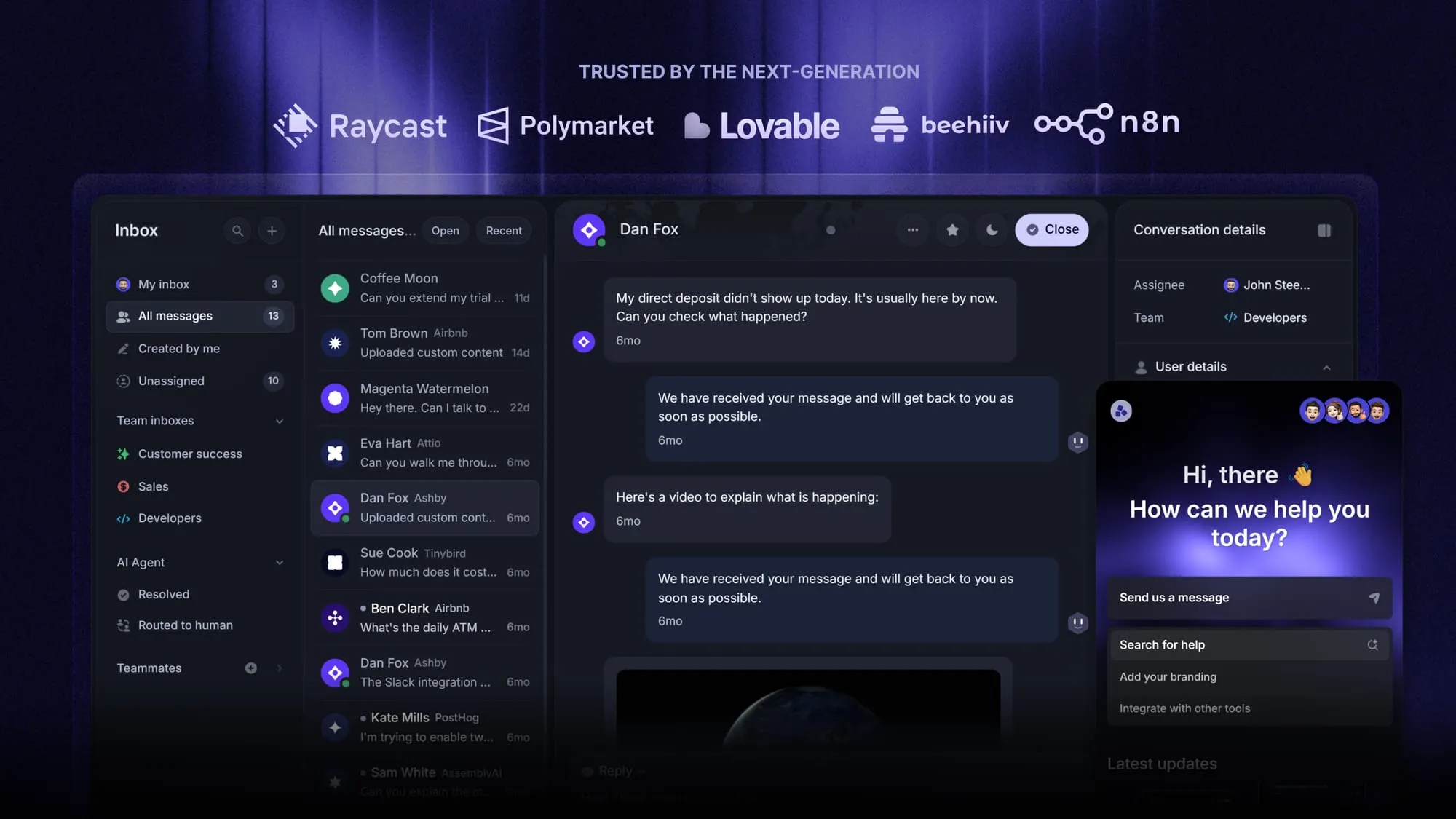
Featurebase is a modern AI customer service platform for product-led SaaS. It combines an AI-powered omnichannel inbox, help center, and feedback management into a single platform, so your team has everything it needs to deliver exceptional customer service in one place. It's loved by thousands of support teams from companies like Lovable, Raycast, and n8n. 💫
Top features:
- Omnichannel inbox – Manage live chat, email, and Slack conversations from one AI-powered view
- Fibi AI Agent – Resolve customer issues on autopilot & run custom actions like trial extensions and refunds
- Help center with AI search – Provide instant, multilingual self-serve answers
- Workflows & automations – Auto-assign tickets, route conversations, collect customer data, and more
- Automatic AI translations – Automatically translate all messages and help articles to your customers native language
- Service Level Agreements – Track SLAs to make sure your team responds to customers on time, every time
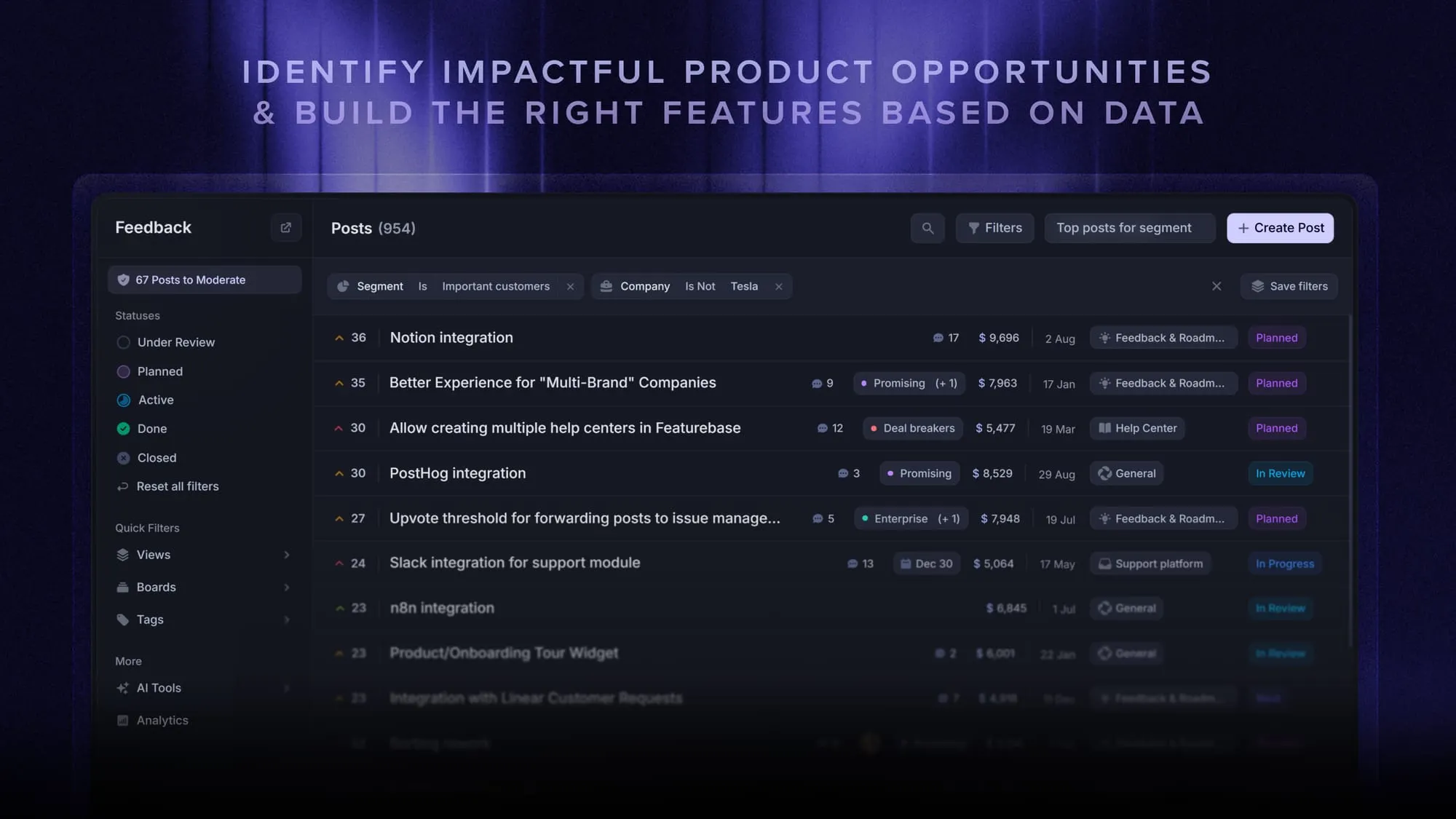
- Feedback & roadmap tools – Collect feature requests and close the loop with updates
- Product updates – Publish release notes with a changelog page, in-app widget, and emails
- Integrations – Connects with Slack, Linear, Jira, HubSpot, and more
Pricing: Free plan available with unlimited conversations. Paid plans start at $29/seat/month with $0.29 per AI resolution.
Featurebase covers all the basic support features that legacy platforms do, but with a much more modern approach. Setup takes minutes and doesn't require a credit card, so there's no downside to trying it. 👇
Automate your support with the fastest AI-enhanced Inbox today