ServiceNow AI Chatbot: The Complete Guide for 2026
Find out what a ServiceNow chatbot is, how it works, how much it costs, and whether it makes sense for your business use case.

On this page
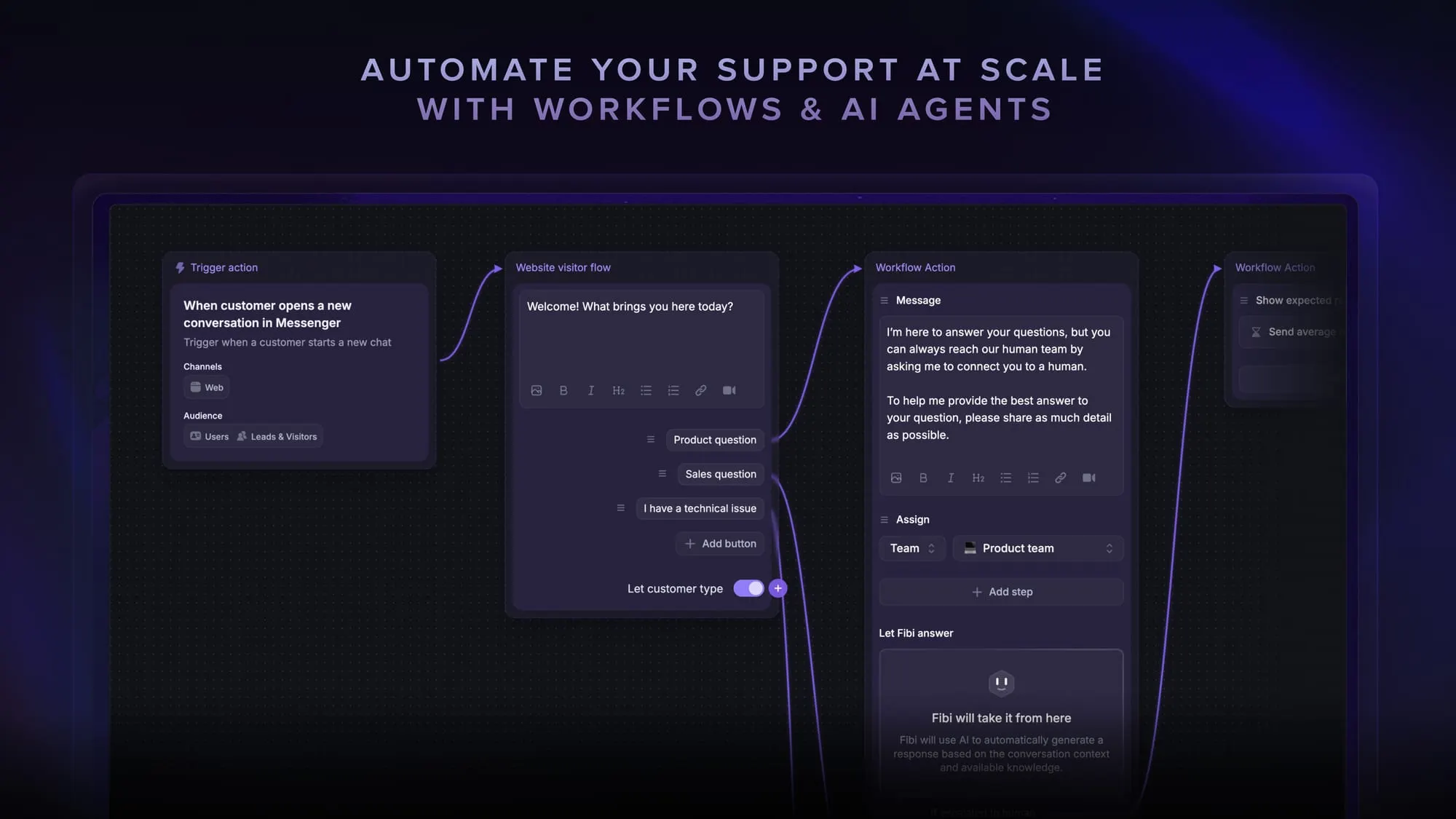
Psst... Looking for a more modern & powerful alternative to ServiceNow? Check out Featurebase
Are you looking to improve customer satisfaction and save money for your business? There is no silver bullet to do all of this at once, but conversational AI chatbots come pretty close.
Using AI, you can automate responses, offer customers self-service options, and reduce the number of conversations your agents have to deal with daily.
ServiceNow is a tool that can help you with that and then some. This is a full stack of tools that help with everything from creating workflows to increasing user engagement, automating routine tasks, and much more.
But today, we're interested in one thing only: the ServiceNow chatbot and how it performs in real life.👇
TL;DR - short overview:
- ServiceNow chatbot is a virtual agent that connects chat conversations directly to ServiceNow workflows and records
- It is built mainly for mid-sized and large organizations with complex internal processes
- The chatbot handles common requests like ticket status, access requests, and policy questions
- It works inside tools like Microsoft Teams, Slack, and ServiceNow portals
- Pricing is not public and often reaches five figures per year after setup and maintenance
- There are many more modern alternatives, including Featurebase, which provides modern AI-powered support for fast-growing teams.
What is ServiceNow and who is it for?
ServiceNow is a cloud-based enterprise platform used to manage and automate internal business processes, most commonly IT service management. It's a central system where teams can log requests, track work, enforce workflows, and report on performance across the organization.

ServiceNow is best known for handling IT tickets such as incidents, service requests, and change management.
Over time, it has expanded far beyond IT and now supports areas such as:
- HR operations
- customer service management
- security operations
- enterprise workflow automation
Everything runs on a single data model, which helps large teams standardize how work moves through the business.
ServiceNow is primarily built for mid-sized to large organizations with complex internal processes.
It is the right tool for enterprises that need strict governance, detailed permissions, audit trails, and highly configurable workflows across multiple departments and regions. Companies in regulated industries such as finance, healthcare, telecoms, and government often rely on it for compliance and scale.
That said, ServiceNow is usually not a good fit for small teams or startups. Setup requires specialist knowledge, implementation partners are common, and ongoing administration can be heavy. It works best when process control, reporting depth, and cross-department coordination matter more than speed of setup or simplicity.
The ServiceNow AI chatbot
ServiceNow includes a built-in chatbot that acts as a conversational front end to its workflows and knowledge base. It can be used internally (with your team) or externally (with your customers and website visitors).

The chatbot allows employees or customers to ask questions in plain language and complete common tasks without navigating forms or portals. Typical use cases include checking ticket status, requesting access, resetting passwords, submitting HR requests, or finding policy information.
The chatbot connects directly to ServiceNow records, workflows, and approvals. This means actions taken in chat follow the same rules and audit trails as requests submitted through the platform. It can be used inside collaboration tools and messaging platforms like Microsoft Teams or Slack, as well as on web portals.
For larger organizations, this reduces ticket volume for repetitive requests and gives users faster answers while keeping everything inside the same system of record.
How the chatbot works
If you're already using ServiceNow and want to add a ServiceNow virtual agent or AI chatbot into your customer support workflow, here is how that works:
- A user opens the chatbot in a supported channel, for example, the ServiceNow portal, Microsoft Teams, Slack, or a website widget.
- The user types a question or request, such as “reset my password”, “where is the travel policy”, or “check my ticket status”.
- The chatbot interprets the message, detects intent, and pulls key details, for example, an application name, an account type, an employee ID, or a ticket number.
- It then decides what to do next, either show a knowledge article, offer a guided menu, or start a workflow, such as creating an incident or a service request.
- If it needs more information, it asks short follow-up questions and validates the answers. For example, which system is affected, urgency, or who should have access.
- When the request is clear, it triggers the relevant ServiceNow process, such as creating a record, routing it to the right team, or starting an approval.
- The chatbot confirms the action, shares the reference number, and shows next steps, such as expected response time, approval status, or a link to the request.
- If the chatbot cannot resolve the issue, it escalates to a human agent, passing along the conversation and collected details so the agent does not start from zero.
- After resolution, it can follow up with status updates and request feedback, depending on how the organization has configured notifications and surveys.
In short, the virtual agent uses natural language understanding (NLU) combined with ServiceNow databases to resolve user requests automatically without escalating to human agents. In theory, the virtual agent conversations should be an efficient replacement for your agents, providing accurate and comprehensive responses to commonly asked questions.
ServiceNow chatbot pricing model
ServiceNow doesn't publicly show its pricing, which is in line with its enterprise target audience. You'll have to get in touch with their sales team to find out how much ServiceNow costs, the entire platform, and not just the chatbot.
You'll have to factor in:
- the consultation fees (to figure out which natural language processing tools you may need, for how many internal and external users, etc.)
- the installation and setup fees (to configure ServiceNow to work with the rest of your tech stack, so it can deliver self-service solutions based on your own data)
- the annual maintenance fees (apparently, starting at $200/year and up)
User reviews also show that additional integrations, customizations, and training all cost money, with the average annual subscription for ServiceNow ending up at $10,000 and up.
Looking for an affordable & transparent pricing? Check out Featurebase
Pros & cons of using a ServiceNow AI chatbot
Using ServiceNow for enhancing operational efficiency may or may not make sense, depending on your budget, goals, and target audience.
Pros:
- Reduces repetitive tickets by handling common requests like password resets, access requests, and policy questions directly in chat, thanks to the use of machine learning.
- Works on top of existing ServiceNow workflows, approvals, and records, so nothing bypasses governance or audit requirements.
- Gives users faster answers by surfacing knowledge articles and request options without forcing them to search portals.
- Integrates well with tools employees already use, such as Slack and Microsoft Teams, which improves adoption in your team.
- Collects required details up front, which leads to cleaner tickets and less back and forth for support teams during user interactions.
- Keeps a full interaction history tied to ServiceNow records, which helps with reporting and compliance.
Cons:
- Heavily dependent on how well ServiceNow is configured. Poorly defined workflows or weak knowledge content limit its usefulness. If you don't spend the time on the setup, you won't get the desired customer satisfaction.
- Setup and tuning often require platform specialists, especially for intent design, conversation flows, and integrations.
- Feels rigid compared to standalone chatbots, since conversations are closely tied to predefined forms and processes. The ServiceNow virtual agent is taught on your data and it doesn't veer far from it.
- Less suitable for open-ended questions or complex troubleshooting that does not map cleanly to existing workflows. In other words, the virtual agent designer gives you only enough room to cover answers tied to your database. For anything outside the usual pattern, the AI agents may not provide a good answer.
- Can frustrate users if overused for scenarios where human judgment is clearly needed. In other words, user satisfaction will suffer if they spot that they're talking to generative AI and not a human being.
- Adds licensing and maintenance overhead, which may not make sense for smaller teams with simple support needs. If you want just chatbot capabilities for improving customer satisfaction, ServiceNow is too expensive.
Why Featurebase makes more sense for your business and customers ✨
It would be wrong of us to bash ServiceNow because it can make great use of artificial intelligence and automate even the most strategic tasks for your team and customers. But if you just want a chatbot that gives your customers an intelligent conversational experience, ServiceNow is not it.
Here's why:
- ServiceNow locks you into an expensive, annual contract ranging into thousands of dollars per month.
- To access the ServiceNow chatbot, you need to purchase the entire platform.
- Aside from purchasing, you have to set up the entire ServiceNow platform and teach your agents how to use it.
If you just want an AI chatbot that learns from your knowledge base and that can get launched today, ServiceNow will disappoint you. It's expensive, slow to set up, and forces you to tie the rest of your ecosystem to this platform.
At Featurebase, we let you do just that: provide exceptional customer experiences to your customers. Our AI agent Fibi learns from your customer interactions and automates responses, helping you resolve customer problems before they reach an agent.
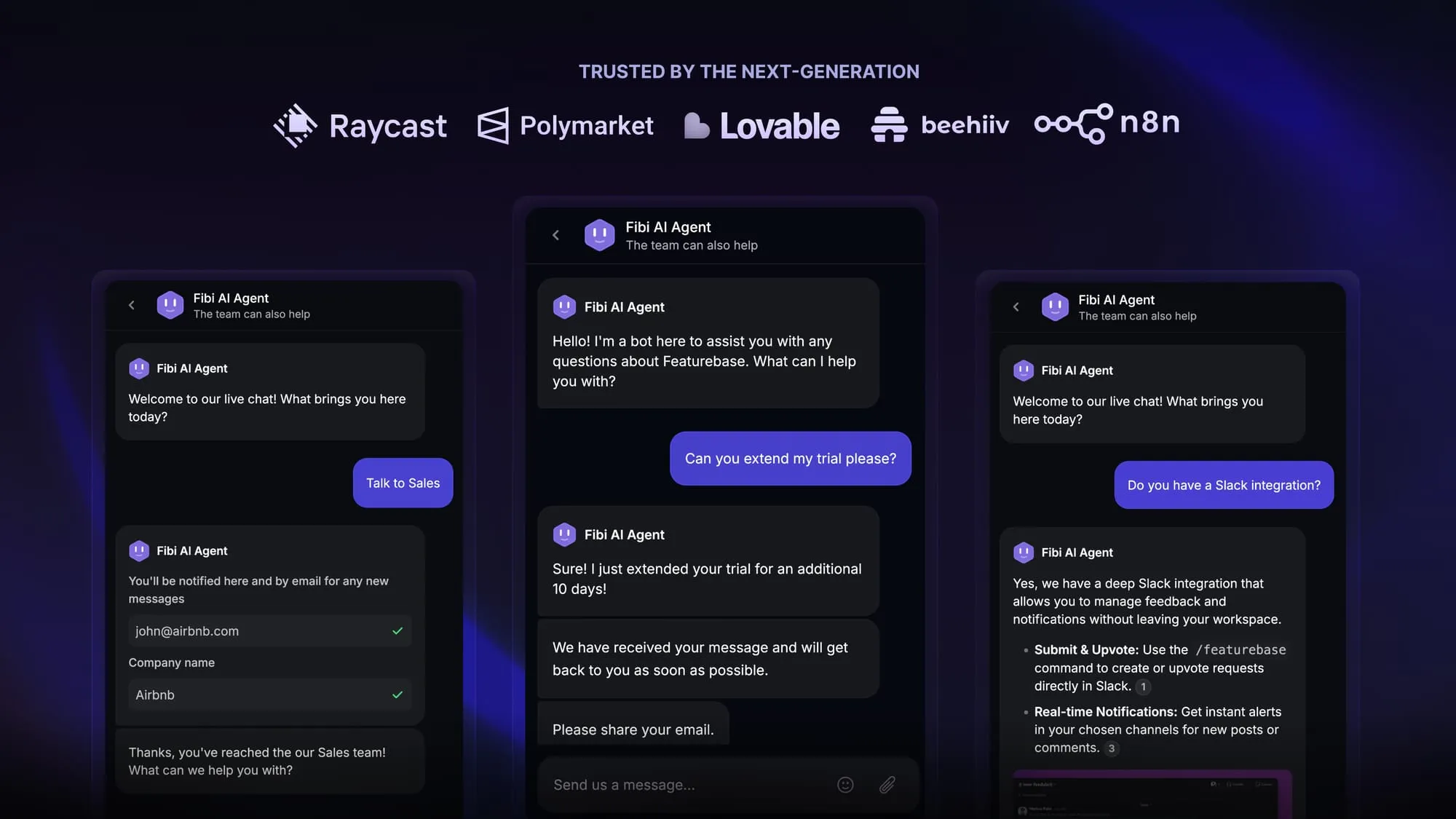
Whether it's in your live chat, Slack or email, our AI chatbot has deep integration with your existing tech stack and doesn't force you to use anything outside of Featurebase.
Perhaps most importantly, Featurebase is built for modern, growing businesses. Paid plans start as low as $29/seat/month, and $0.29 per AI resolution, which is lower than any competitor in the customer service software industry.
Automate your support with the fastest AI-enhanced Inbox today