Blog Customer FeedbackSurveyMonkey Pricing Guide 2026: Costs, Plans, and Hidden Fees
SurveyMonkey Pricing Guide 2026: Costs, Plans, and Hidden Fees
SurveyMonkey pricing got you puzzled? Explore costs, hidden fees, and top alternatives like Featurebase to simplify surveys & feedback collection.

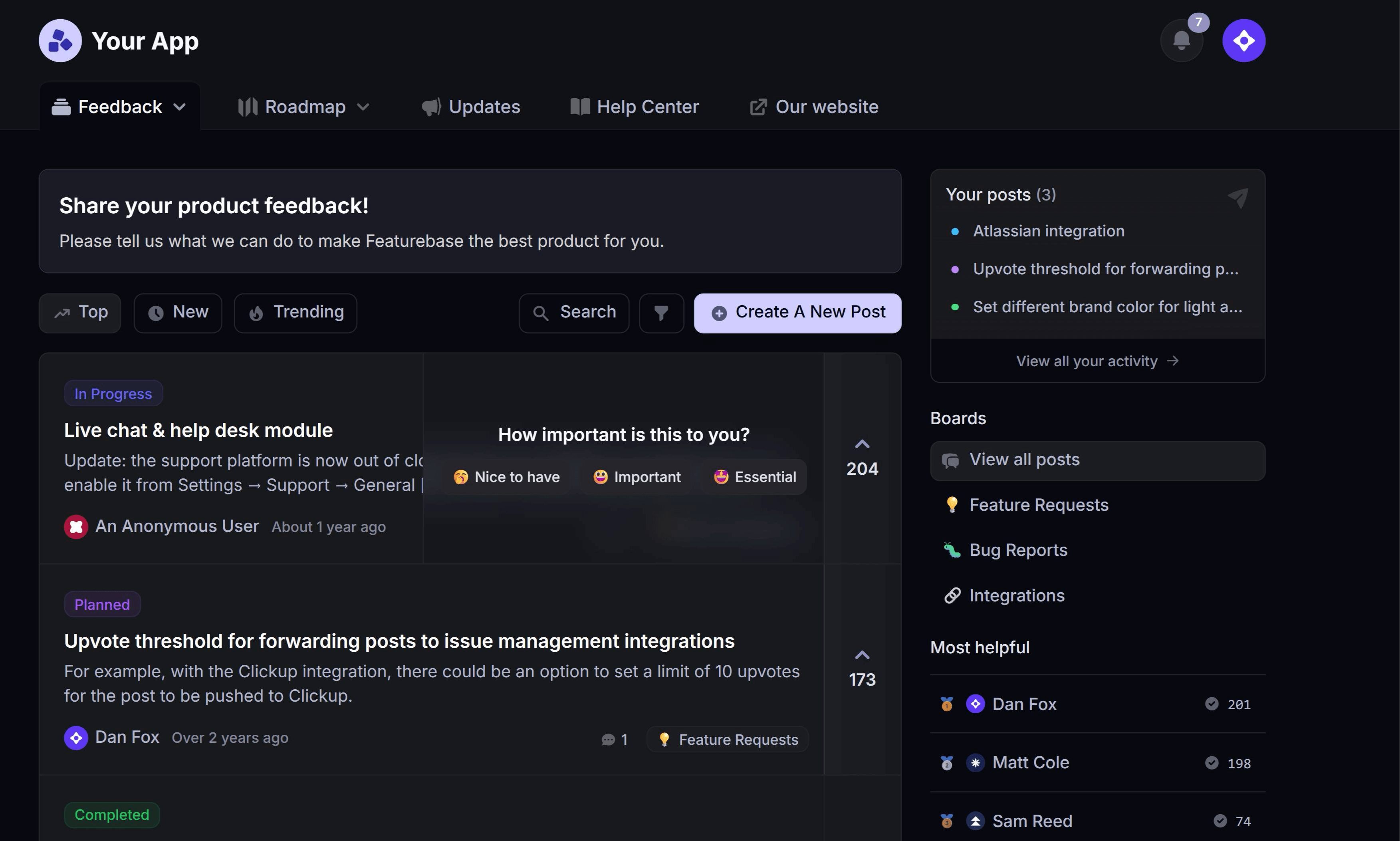
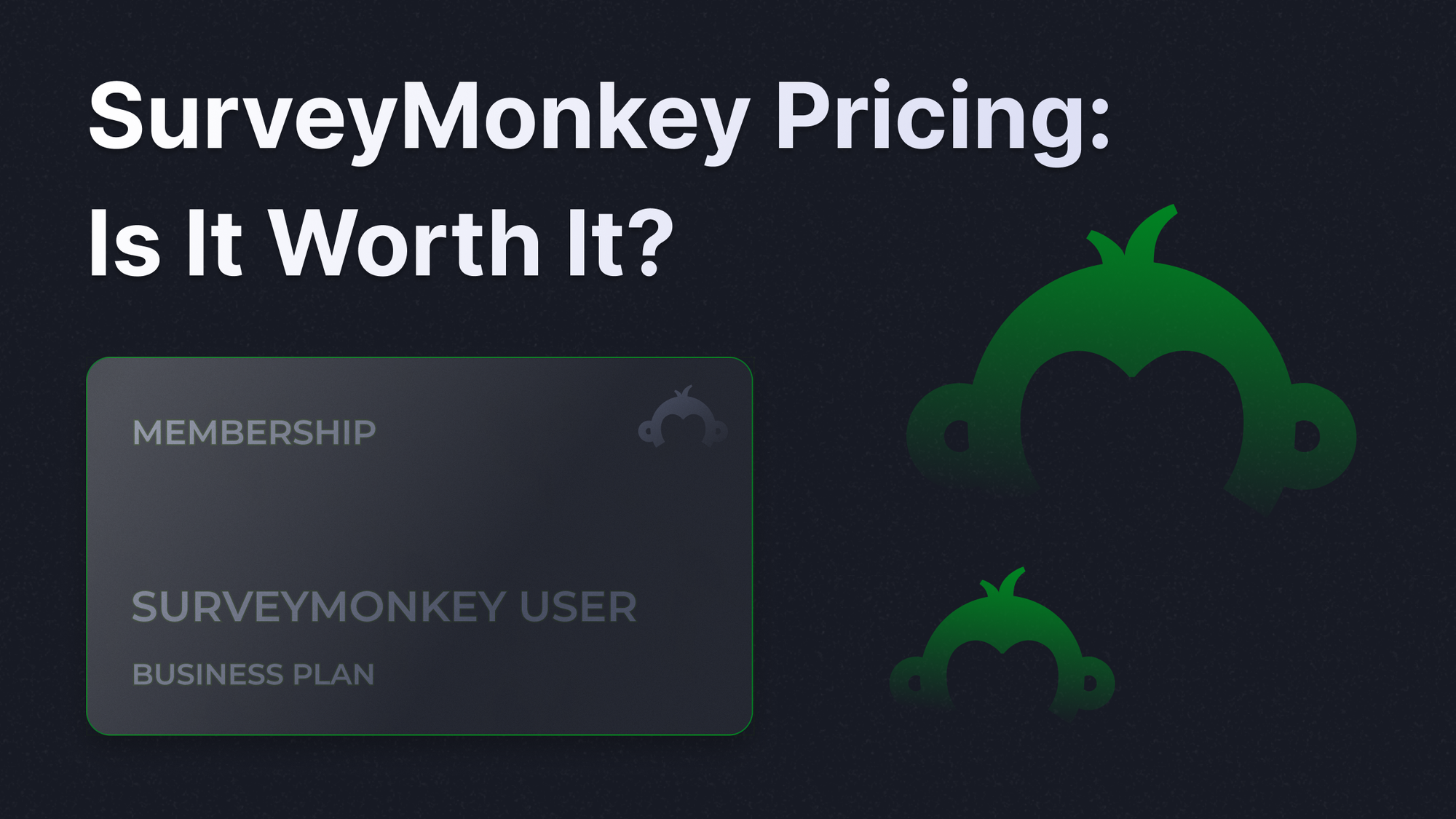
✨ Psst.. Looking for a more powerful alternative to SurveyMonkey? Try Featurebase for free! →
SurveyMonkey is one of the most widely used survey software platforms, offering a range of plans designed to help businesses, small teams, and individuals collect feedback efficiently. Understanding SurveyMonkey pricing is critical before committing to paid plans, especially as your survey needs grow.
This guide breaks down SurveyMonkey pricing plans, explores hidden fees, and compares features with alternatives like Featurebase, a platform for integrated customer feedback and survey management. 👇
Key takeaways
- SurveyMonkey pricing is split to 2: Individual and Team plans.
- Team plans require annual billing and a 3-user minimum, making the real starting cost $1,080/year at the minimum.
- Team plans cost ranges from $30 to $92/user/month (billed annually), with 50,000 and 100,000 included responses per year, respectively.
- Extra responses cost $0.15 each and are auto-billed (e.g., 10,000 extra responses = $1,500), and SurveyMonkey Audience respondents are sold separately, adding to total costs.
- Other alternatives offer more features, like Featurebase which offers integrated employee feedback and survey tools that can complement or replace SurveyMonkey for product or customer insights.
What is SurveyMonkey?
SurveyMonkey simplifies data collection and analysis, allowing users to design surveys with advanced branching, skip logic, and multiple-choice questions. It supports everything from market research to employee feedback and customer satisfaction surveys.
With templates organized by survey goals, you can quickly create surveys for event registrations, market studies, or internal employee feedback. Users can distribute surveys via survey url, survey link, email, or social media. For businesses, SurveyMonkey also enables survey sharing and team management.
Breakdown of SurveyMonkey's pricing plans
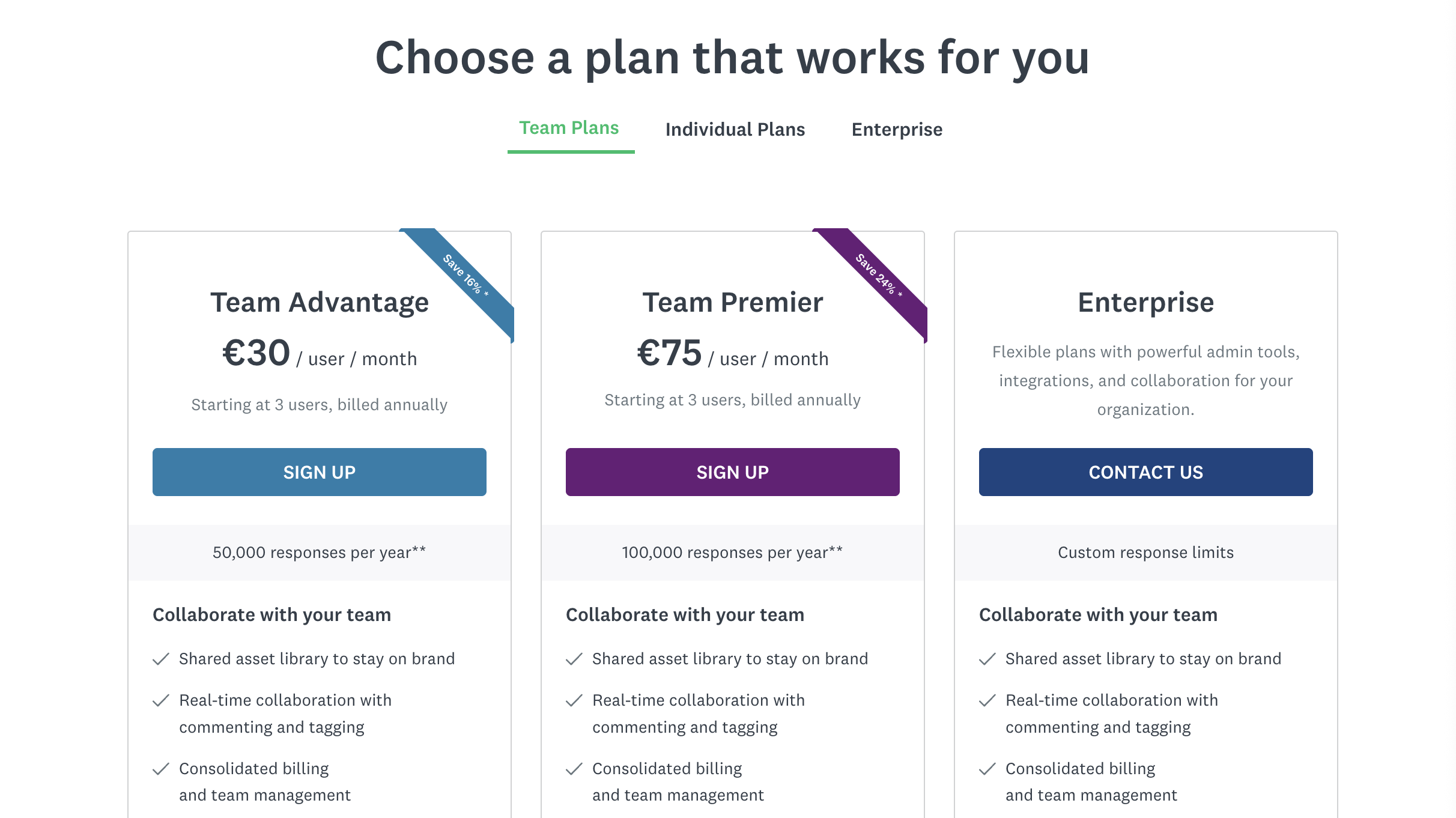
⚠️ Note: Extra responses beyond plan limits cost $0.15 each. SurveyMonkey Audience responses are separate.
Individual plans explained
| Plan | Price | Minimum Users | Key Features | Annual Cost |
|---|---|---|---|---|
| Free | $0 | — | 10 questions per survey, up to 40 responses per survey, basic tools | $0 |
| Individual Standard | $39/mo | — | Unlimited surveys, reporting, and skip logic | $468/yr |
| Advantage (Annual) | $32/mo | — | Exports, advanced logic, custom logo, multi-survey analysis | $384/yr |
| Premier (Annual) | $99/mo | — | A/B testing, advanced features, phone support, unlimited responses | $1,188/yr |
Free plan
Designed for personal use or small surveys, with basic tools and templates. It’s limited to 10 questions per survey and up to 40 responses per survey, with no advanced logic, customization, or analytics.
Standard ($39/mo)
Best for solo users who need unlimited surveys and basic reporting. Includes skip logic and general reporting tools, but offers lower-tier capabilities than annual upgrades.
Advantage ($36/mo - annual)
Adds more professional features like data exports, more advanced logic, custom branding (logo), and multi-survey analysis, making it a better fit for recurring survey work.
Premier ($99/mo)
The top individual tier, with advanced features like A/B testing, more robust analysis, phone support, and unlimited responses.
Team plans explained
| Plan | Price | Minimum Users | Key Features | Starting Cost (3 Users/Annual) |
|---|---|---|---|---|
| Team Advantage | $30/user/mo | 3 | • Team management • Shared assets & libraries • Survey sharing • 50,000 responses per year included |
$1,080/yr |
| Team Premier | $92/user/mo | 3 | • Advanced branching • Block randomization • Advanced survey tools • 100,000 responses per year included |
$3,312/yr |
| Enterprise | Custom | Depends | • Single sign-on (SSO) • Enterprise-grade security • Admin controls • Custom response limits • Dedicated support |
Bespoke |
Team Advantage ($30/seat/mo)
Built for collaboration and shared survey management, with team libraries, survey sharing, and admin features. Includes 50,000 responses per year and is priced per user, with a 3-seat minimum billed annually.
Team Premier ($75/seat/mo)
Adds advanced survey controls like advanced branching, block randomization, and multilingual surveys. Includes 100,000 responses per year and is priced per user, with a 3-seat minimum billed annually.
Enterprise (custom)
Custom pricing for larger organizations needing SSO, enterprise security controls, advanced admin management, and flexible limits. Typically includes dedicated support and options for advanced integrations and compliance needs.

The best SurveyMonkey alternative
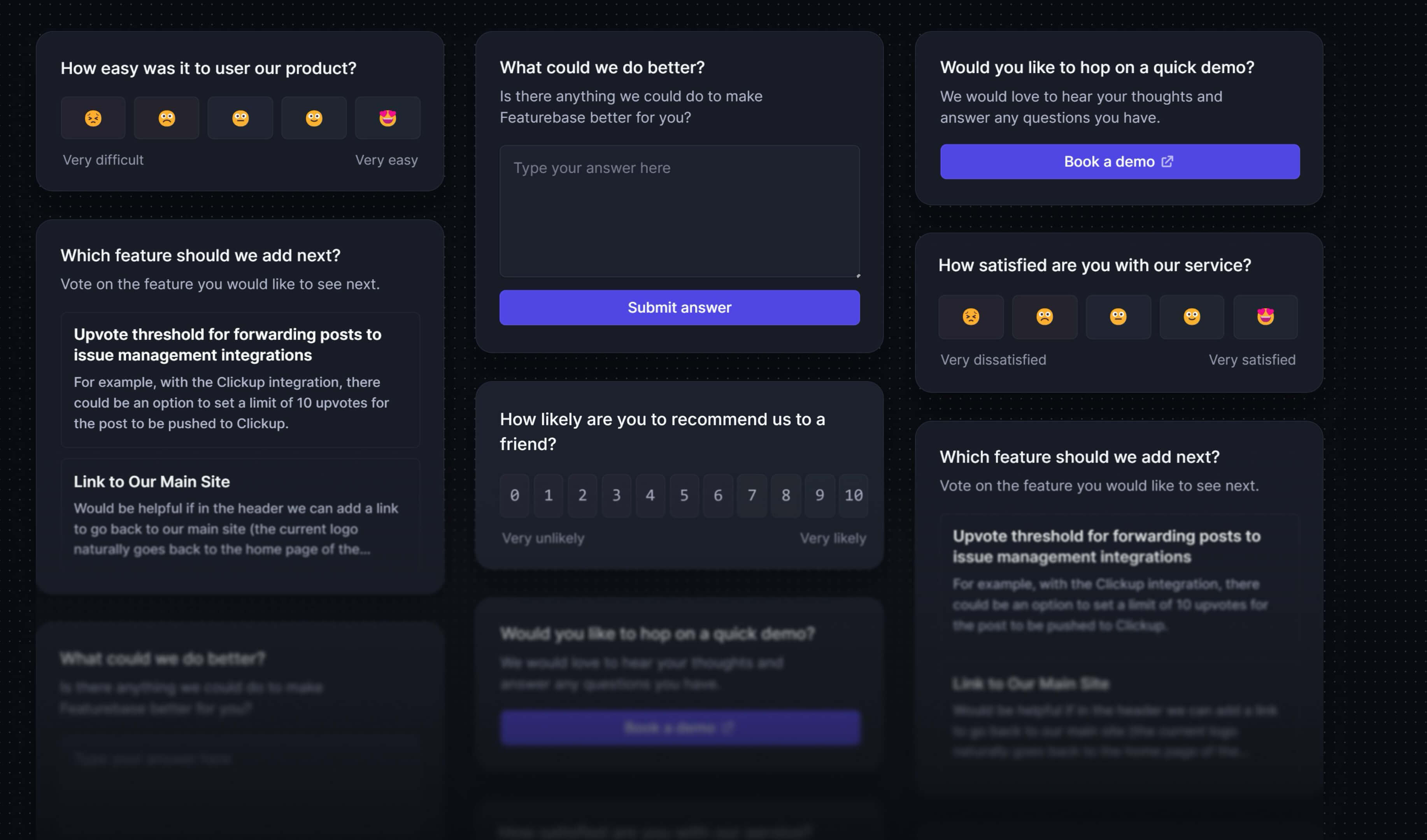
Create targeted NPS, CSAT, multiple-choice, or text response surveys for free
Hidden costs & limitations
While SurveyMonkey offers flexible pricing plans, there are several additional costs and limitations that can significantly impact your total investment over time. Understanding these factors is essential before choosing a plan.
1. Extra response charges can add up quickly
Most paid plans include a fixed number of responses per year or per survey. Once you exceed that response limit, you are charged $0.15 per additional response.
For teams running large market research projects or collecting ongoing customer feedback, these overage fees can become one of the biggest hidden expenses.
Paid users are billed automatically for extra responses beyond their plan allocation.
This means a campaign with thousands of additional respondents can unexpectedly increase your costs.
2. SurveyMonkey Audience is priced separately
If you need help finding respondents, SurveyMonkey offers SurveyMonkey Audience, which lets you target participants based on demographics, location, job role, and more.
However, this is not included in standard paid plans.
Pricing varies depending on targeting criteria, audience size, and geography, which makes budgeting harder for teams doing frequent market research or product validation.
3. Team plans require annual commitments and minimum users
Unlike some modern survey software tools, team plans have structural limitations:
- Minimum of 3 users
- Must be billed annually
- Higher upfront cost compared to monthly individual plans
This can be restrictive for startups or small teams that want flexibility or short-term usage.
4. Advanced features are locked behind higher plans
Many of the more advanced tools that businesses need are only available in higher plans, including:
- Advanced branching and logic
- Multilingual surveys
- Multi survey analysis
- Advanced reporting and cross-tabulation
- White labeling and branding controls
This creates pricing jumps when teams outgrow lower tiers.
5. Add-ons and enterprise features may cost extra
Some capabilities are only available as add-ons, especially in enterprise environments:
- Offline surveys
- SMS distribution
- Advanced integrations
- HIPAA or enterprise-grade security requirements
- Premium customer support or onboarding
These additional costs are often not obvious during initial plan comparisons.
6. Free plan limitations can force upgrades sooner than expected
The free plan includes limited features such as:
- Only 10 questions per survey
- Up to 40 responses per survey
- Limited analytics and customization
For professional use, most teams will need to upgrade quickly, especially if they run multiple surveys or need deeper data insights.
Real-world pricing example
| Plan | Team Advantage | Team Premier |
|---|---|---|
| Base Monthly Cost (per user) | $30 | $92 |
| Number of Users | 5 | 5 |
| Base Annual Cost | $1,800 | $5,520 |
| Included Responses/Year | 50,000 | 100,000 |
| Extra Responses | 20,000 | 30,000 |
| Cost of Extra Responses ($0.15 per response) | $3,000 | $4,500 |
| Total Annual Cost (with extra responses) | $4,800 | $10,020 |
Explanation:
- Team Advantage: 5 users paying $30/month totals $1,800/year. If the team collects 20,000 responses beyond the 50,000 included, that’s an additional $3,000, bringing the total to $4,800/year.
- Team Premier: 5 users paying $92/month totals $5,520/year. Exceeding the 100,000 responses by 30,000 adds $4,500, making the total $10,020/year.
💡 Key Takeaway: For small businesses, costs can quickly rise once you exceed the included responses. Factor in team size, survey frequency, and response volume when evaluating SurveyMonkey's prices. Featurebase can offer a more predictable pricing model with unlimited surveys and responses.
Not sold on SurveyMonkey? Here are your options
If you like SurveyMonkey’s flexibility but not the price, especially once you factor in higher plans, add-ons, or response limits, you’ve got options. Plenty of survey platforms offer similar or even more modern functionality without the steep costs. Here are some of the best alternatives:
- ✨Featurebase – Best for product teams that want surveys plus feedback management in one tool. Includes surveys, NPS, feedback boards, in-app widgets, analytics, and integrations. Starts at $29/seat/month with unlimited surveys and responses. Most comparable modern alternative.
- Typeform – Best for high-completion, conversational surveys with a one-question-at-a-time experience. Strong logic and branching with polished UX. Starts at $25/month.
- QuestionPro – Best for research-heavy surveys with CX tools, NPS, and panel management capabilities. Starts around $99/month.
- FormGrid – Best for creating visually unique surveys with flexible layouts, custom designs, and free unlimited responses. Starts at $29/month.
- Tally – Best minimalist survey tool with unlimited surveys, logic, and calculations in a distraction-free interface. Starts at $29/month.
- Jotform – Best for flexible surveys and forms with drag-and-drop builders, widgets, and integrations. Starts at $34/month.
- ClearlyRated – Best for agencies and service firms focused on NPS and client satisfaction benchmarking with automated feedback programs. Custom pricing.
You can explore more survey tools and comparisons in our SurveyMoney alternatives blog to find the right fit for your team and budget.
So, is SurveyMonkey worth it?
SurveyMonkey’s pricing in 2026 ranges from a free plan for simple surveys to much more expensive team and enterprise plans with advanced features. The jump in cost can be significant once you need more responses, multiple users, or deeper analytics. Because of that, the best plan really comes down to how often you run surveys, how large your audience is, and whether you need collaboration or advanced reporting tools.
Featurebase is a modern and powerful SurveyMonkey alternative. It helps you collect customer feedback through surveys, NPS, embeddable widgets, and feedback boards, then analyze it all in one place with integrations and analytics. This makes it a strong alternative for teams that want survey software plus product insights without juggling multiple tools.
It comes with affordable pricing and a Free Plan that includes unlimited feedback collection. The onboarding is fast and does not require a credit card, so there is no downside to trying it. 👇
✨ Start running surveys & collecting feedback with Featurebase for free →