Blog Customer ServiceTicket Triage: Process, Best Practices, and Examples
Ticket Triage: Process, Best Practices, and Examples
Learn how ticket triage works, what to check at intake, and how to use a 6-step process, practical examples, and AI to give every request a clear next step.



✨ Get the modern Ticketing Inbox designed for efficiency →
A service outage, an invoice request, and a feature suggestion can land in your queue within minutes. Before anyone starts solving them, someone needs to work out what's happening, what needs attention, and who owns the next step.
That's the job of ticket triage. In this guide, I'll walk through a practical triage process, 4 examples, and where automation can take work off your team's plate. 👇
Key takeaways
- Ticket triage turns an incoming request into an actionable case with enough context, a priority, and an owner.
- Prioritization decides the order of work. Routing decides where it goes. Both are decisions within triage.
- A useful handoff includes the problem, customer impact, evidence, and the next action.
- AI ticket triage can assist with classification and summaries, while clear rules and human review keep decisions accountable.
- Featurebase ✨ combines customer ticketing, support conversations, and automation in one platform.
What is ticket triage?
Ticket triage is the initial assessment of a support request to establish what it concerns, how urgently it needs attention, and who should handle it. It includes collecting missing information, categorizing the issue, checking its impact, and coordinating the next step.
A support ticket might start as an email, a chat message, or a submitted form. Triage turns that initial report into something another teammate can act on without restarting the conversation.
These related activities have different jobs:
- Ticket triage: Assesses the request and establishes a plan for handling it.
- Ticket prioritization: Determines its place in the queue using impact, urgency, and service commitments.
- Ticket routing: Sends it to the appropriate team or agent.
The same principles apply to service desk ticket triage and customer support. An employee reporting a broken laptop and a customer reporting a failed integration both need their issue understood and assigned.
Triage usually happens before investigation. You may repeat it when new information changes the scope, urgency, or team needed.
Why ticket triage matters
Without a shared process, tickets tend to follow whoever notices them first. The easiest questions get answered while an unclear report sits untouched, or a customer repeats the same explanation to several teams.
Consistent triage helps prevent those gaps:
- Less repeated questioning: The next agent receives the relevant context and evidence.
- Earlier attention to serious issues: The team checks customer impact before choosing what to work on.
- Clear responsibility: Someone owns the next action, including requests that need another team's help.
- Better expectations: Customers know what happens next and when they'll hear back.
The goal is to make requests actionable. Sorting a ticket into a queue is only useful if someone can pick it up and move it forward.
What to check during ticket intake
Collect the information needed to decide the next step. A short how-to question needs less investigation than a report that an entire team cannot sign in.
Use this intake checklist as a starting point:
| Check | What to capture |
|---|---|
| Request | What is the person trying to do, and what happened instead? |
| Affected area | Which product, account, integration, or service is involved? |
| Impact | Who is affected, what work is blocked, and is there a workaround? |
| Timing | When did it start, and is there a relevant deadline? |
| Evidence | Exact error, relevant screenshot, reproduction steps, or previous troubleshooting |
| Existing context | Related tickets, known incidents, and applicable service commitments |
Keep questions specific. “Does this happen for everyone in your workspace or only your account?” gives you more useful information than “Can you explain further?”
You don't need every field completed before acting. A credible report of widespread disruption should reach the incident owner while you gather the remaining details.
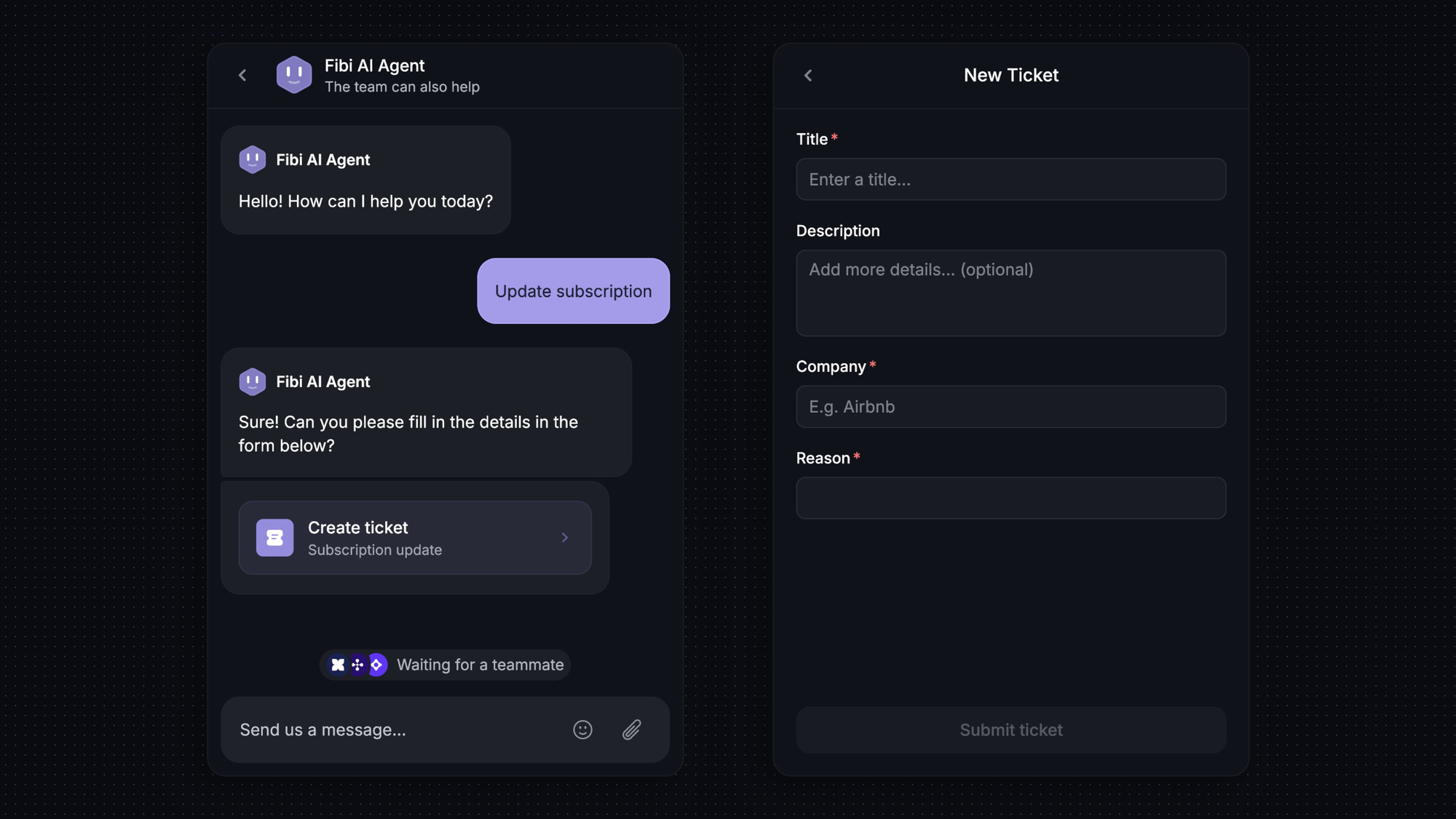
How to triage support tickets in 6 steps
Use the same basic sequence across channels. Straightforward requests can pass through it quickly, while unclear or serious issues need closer attention.
1. Capture the request and fill the important gaps
Bring the message into your ticketing system with its conversation history. Identify the requester and affected account, then check what information is already available before asking for more.
If the customer has contacted you through several channels, connect the relevant records where your system supports it. Keep a clear place for the ongoing conversation so teammates don't send conflicting replies.
Ask for the missing detail that changes the decision. For a failed export, that might be whether it affects every export or a single file. Save deeper troubleshooting for the person investigating.
2. Categorize the issue and check for related cases
Ticket categorization should describe the request clearly enough to guide handling. Useful categories might include account access, billing, bugs, how-to questions, and feature requests, with a separate field for the product area.
Choose labels your team understands consistently. If agents routinely debate between 2 categories, clarify the definitions or combine them.
Check for a known incident or an existing request before opening another investigation. Several customers reporting the same error may need separate customer conversations but a shared technical investigation.
When the cause is unclear, record what you know. “Export fails with error 503” is a better starting point than an unverified diagnosis of database failure.
3. Assess impact and set an initial priority
Establish how much disruption the issue causes and how quickly the situation could worsen. Check whether the customer can continue working, whether others are affected, and whether an agreed response deadline applies.
Apply your team's priority definitions to that evidence. A message containing “urgent” deserves assessment, but the word alone doesn't establish the severity of the problem.
Write down the reason for the decision. “All workspace users blocked from signing in, no workaround” gives the next agent something concrete to reassess.
Keep priority separate from category. A billing question can be a routine invoice request or an account suspension preventing access. The category alone won't tell you which.
4. Assign an accountable owner
Send the request to a team with the knowledge and access needed to move it forward. Make clear who is responsible for the next action and who will keep the customer updated.
Use a short handoff note:
- Problem: What the customer is trying to do and where it fails.
- Impact: Who is affected and what work is blocked.
- Evidence: Error details, relevant records, and checks already completed.
- Next action: The specific investigation or decision needed.
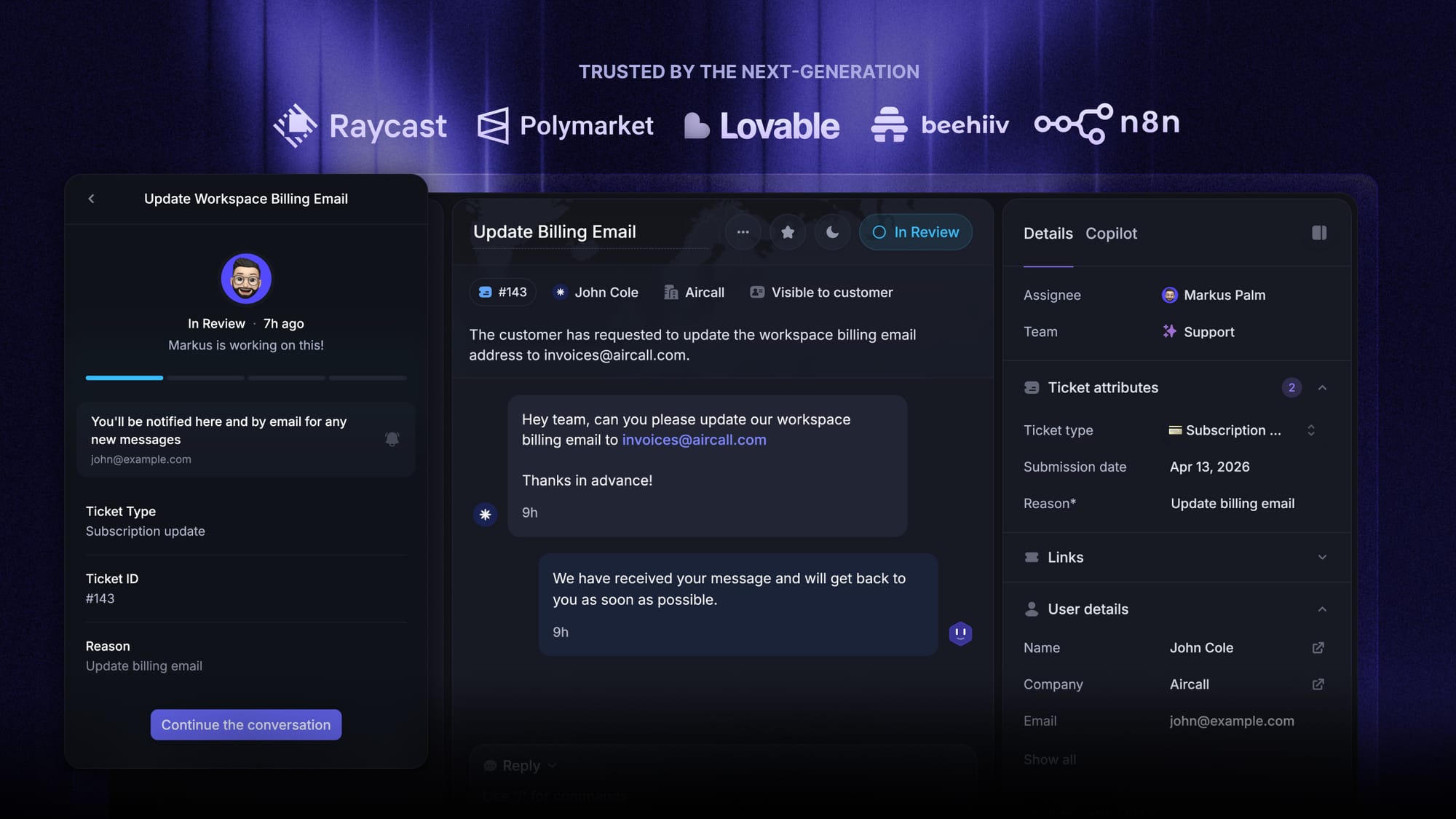
In Featurebase, Balanced assignment gives waiting conversations to eligible teammates with the fewest open conversations, taking availability and assignment limits into account. Your team still needs an owner watching work that cannot yet be assigned.
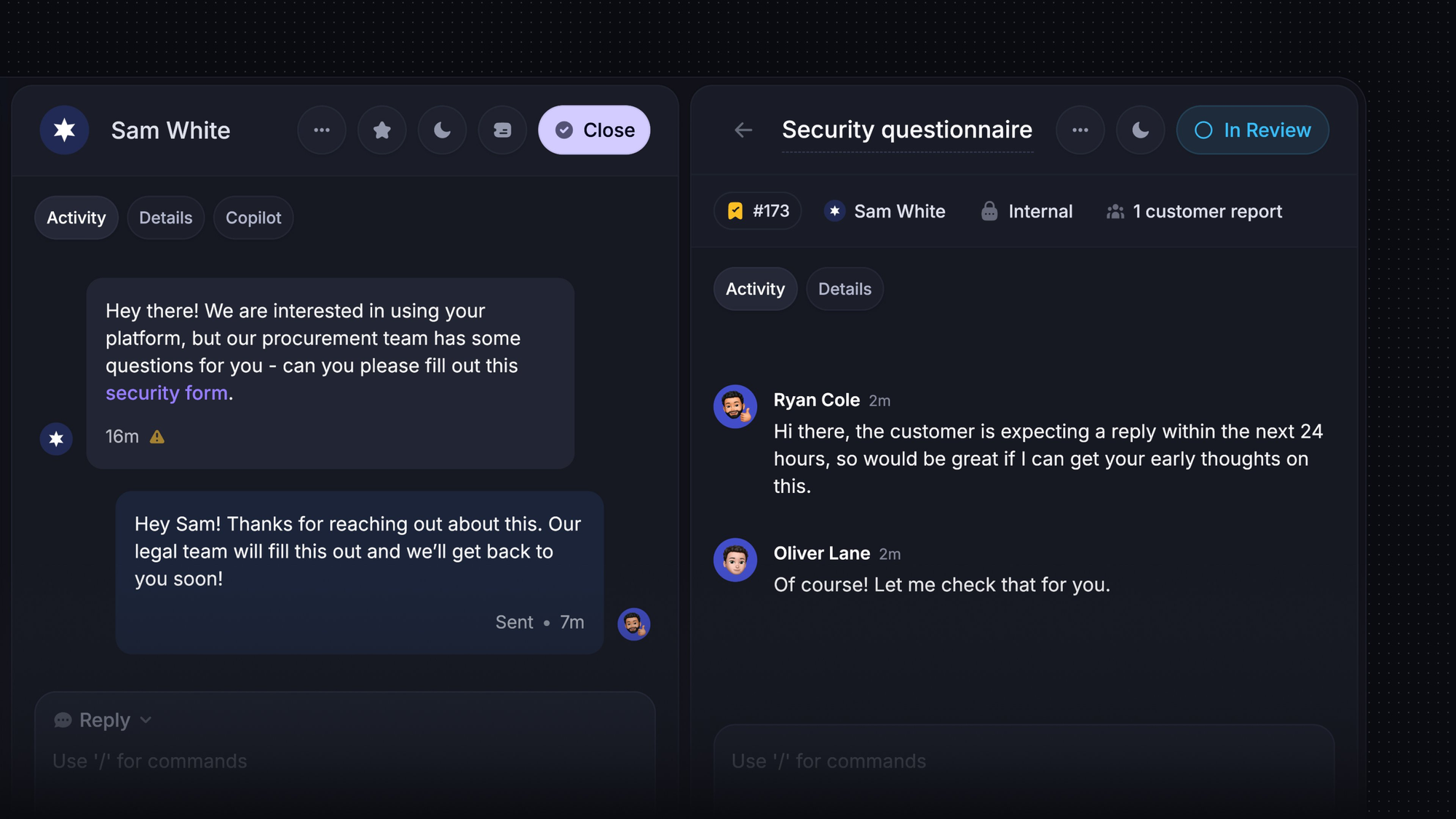
5. Acknowledge the request and set expectations
Tell the customer what you understood, what happens next, and when to expect another update. Keep that promise separate from a resolution estimate you cannot yet support.
For example:
We've confirmed that your scheduled export is failing. Our integrations team is checking the error, and I'll update you by 3 p.m. today even if the investigation is still ongoing.
Check the applicable SLA and your working hours before committing to a time. An automated receipt confirms delivery, but it shouldn't imply that someone has started investigating.
6. Reassess when the situation changes
Triage is worth revisiting when new information changes the handling decision. An isolated error may become a wider incident, a workaround may stop working, or a response deadline may approach without an owner accepting the ticket.
Define when ticket escalation should happen and who receives it. Include both cases that need specialist knowledge and cases that need a lead to remove a delay.
Carry the existing context into the escalation. The customer shouldn't need to repeat the story because your internal ownership changed.
4 ticket triage examples
These examples show the information and coordination needed at intake. Your own priority policy determines the response target.
1. Several customers report a service outage
Check the affected service, when the failures began, and whether an incident is already open. Connect the reports to the existing investigation or alert the designated incident owner if this is new.
Keep individual customer communication accountable. Linking tickets should give customers consistent updates without creating a separate engineering investigation for every report.
2. A customer cannot complete an integration
Find out which integration and operation fail, capture the exact error, and check whether the customer has ever completed that operation successfully.
Pass those details to technical support with the business impact and any workaround. The handoff should make it clear whether the team needs to investigate a new failure, explain a setup requirement, or confirm a product limitation.
3. A customer asks for an invoice correction
Identify the invoice, the requested correction, and any deadline. Clarify whether the customer needs a document updated or is disputing the charge itself.
Send the request to the appropriate billing owner with that distinction recorded. Keep the support contact responsible for the customer update while finance reviews the change.
4. A customer requests a missing feature
Ask what they're trying to accomplish and how they're handling it today. Check whether the capability already exists, whether there's a workaround, or whether this is a new feature request.
Record the underlying need and send it into the product feedback process. Acknowledge the request without promising a delivery date that the product team hasn't committed to.
How to automate ticket triage
Automated ticket triage works best when the team has agreed on the decisions it wants to automate. Start with a defined request type, then review the results before expanding.
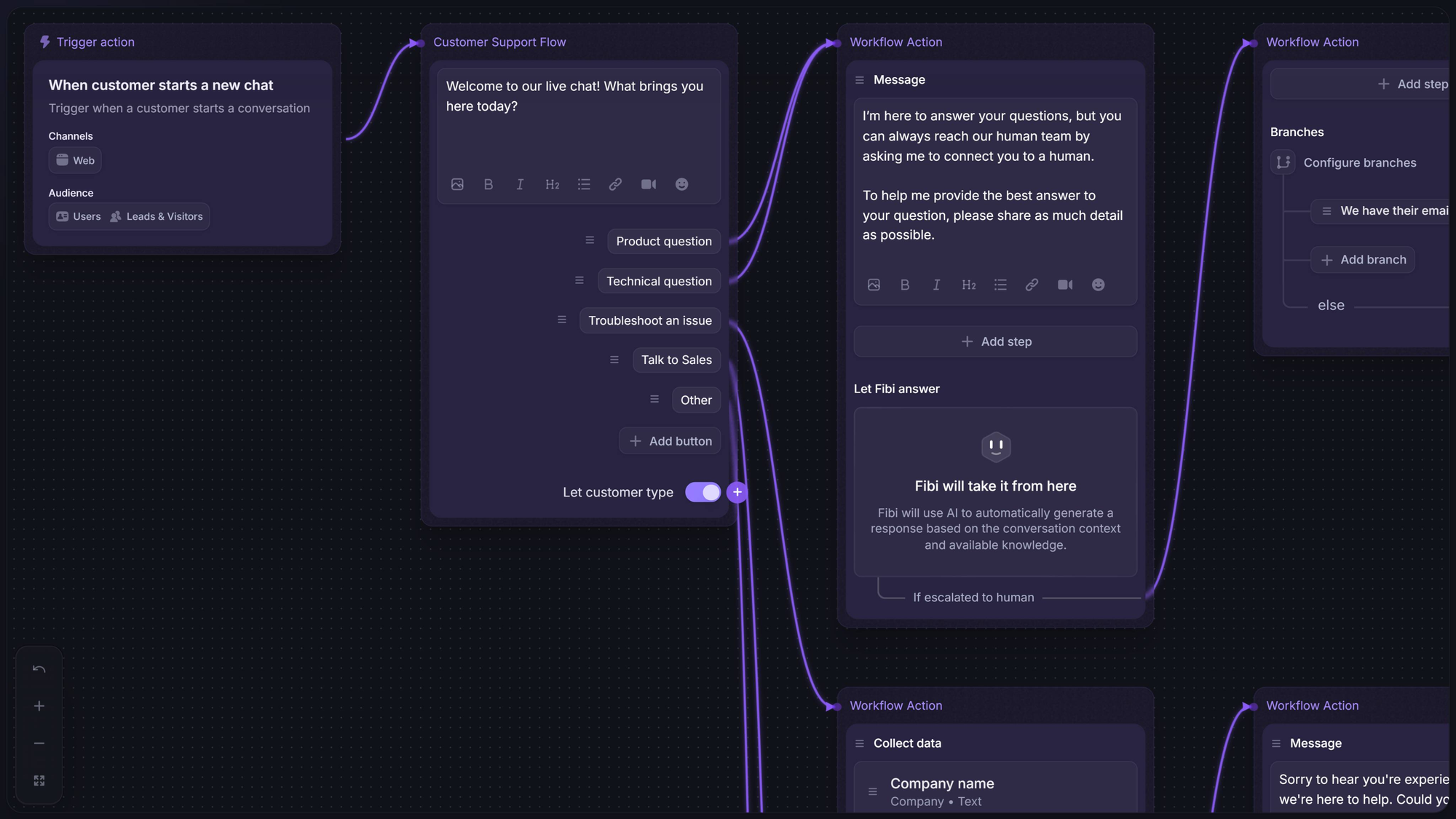
Use rules for repeatable decisions
Rules work well when the relevant information is explicit. A submitted billing form can receive a category automatically. A known customer attribute can determine the applicable SLA.
Featurebase Workflows can collect customer data, tag and assign conversations, mark them as priority, and apply SLAs. These actions let the same intake policy run consistently across matching requests.
Check for conflicting rules. If several automations can change the same assignment or deadline, make their responsibilities clear before turning them on together.
Use AI ticket triage to interpret incoming messages
AI ticket triage can help turn free-text requests into structured information. Depending on the AI helpdesk software, it can suggest a category, extract relevant details, or summarize a long conversation for the receiving agent.
Separate the suggestion from the action it triggers. Identifying a probable account-access issue is one decision. Approving an account change is another, with different requirements.
Test suggestions against representative tickets that experienced agents have reviewed. Include unclear messages and uncommon requests, then look at errors by category. A strong overall result can hide repeated mistakes on an important issue type.
Keep an exception path for human review
Send uncertain, conflicting, or sensitive cases to a person. The reviewer should see the original message, the proposed classification, and the evidence available.
Make corrections easy to record so you can improve categories, rules, or model instructions. Also distinguish triage from resolution: assigning a request correctly doesn't mean the customer's problem has been solved.
Ticket triage best practices and metrics
Review how reliably intake prepares work for the receiving team. Broader ticket handling best practices cover the rest of the journey through investigation and closure.
For triage itself, focus on these habits:
- Name the queue owner: Assign responsibility for checking new and unassigned requests during each coverage period.
- Define when triage is complete: Require enough context, a handling decision, and a clear next owner or action.
- Keep the customer informed: Record the promised update so a handoff doesn't lose the commitment.
- Review corrections together: Use misclassified or repeatedly reassigned tickets to improve the process.
Track a small set of metrics with consistent definitions:
| Metric | What it tells you |
|---|---|
| Time to triage | How long requests wait before the initial assessment is complete |
| Time to accepted ownership | How long it takes for a responsible person to pick up the work |
| Reassignment rate | How often tickets move because the initial destination was unsuitable |
| Unassigned ticket age | Whether requests are accumulating without an accountable owner |
| SLA compliance | Whether responses meet the commitments applicable to those tickets |
Use the median alongside a measure of longer waits, such as the 90th percentile, for timing metrics. An average can hide a small group of customers waiting much longer.
Read the numbers alongside the tickets. A transfer to engineering may be a necessary escalation, while 3 transfers between general queues may point to unclear ownership.
Manage customer ticket triage with Featurebase
Featurebase is a modern AI customer support platform that combines ticketing, a help center, and feedback management. It gives software teams one place to handle customer questions, coordinate complex requests, and keep customers informed.
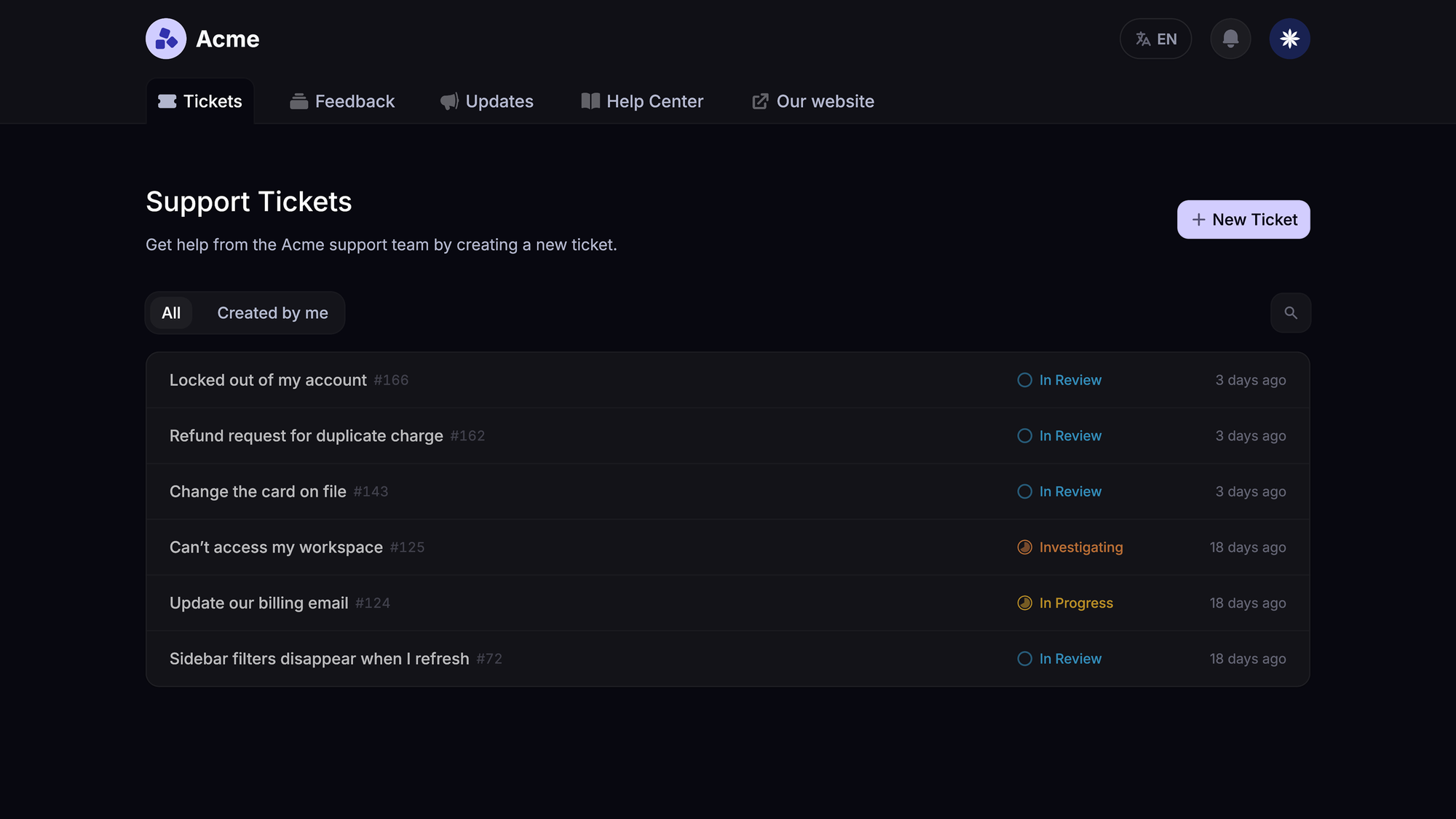
Top features:
- Omnichannel inbox – Manage tickets, live chat, email, and Slack conversations from one AI-powered view
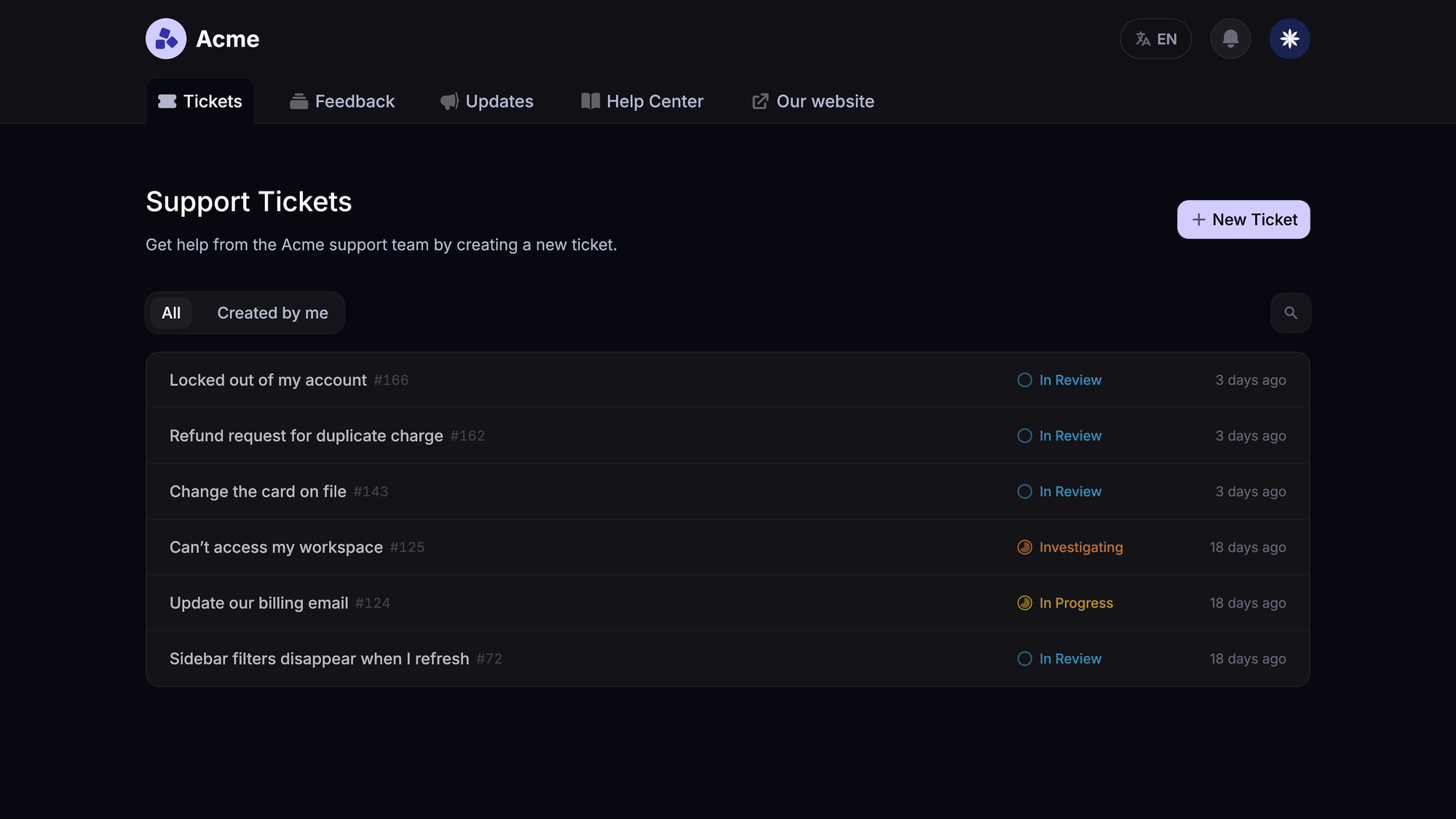
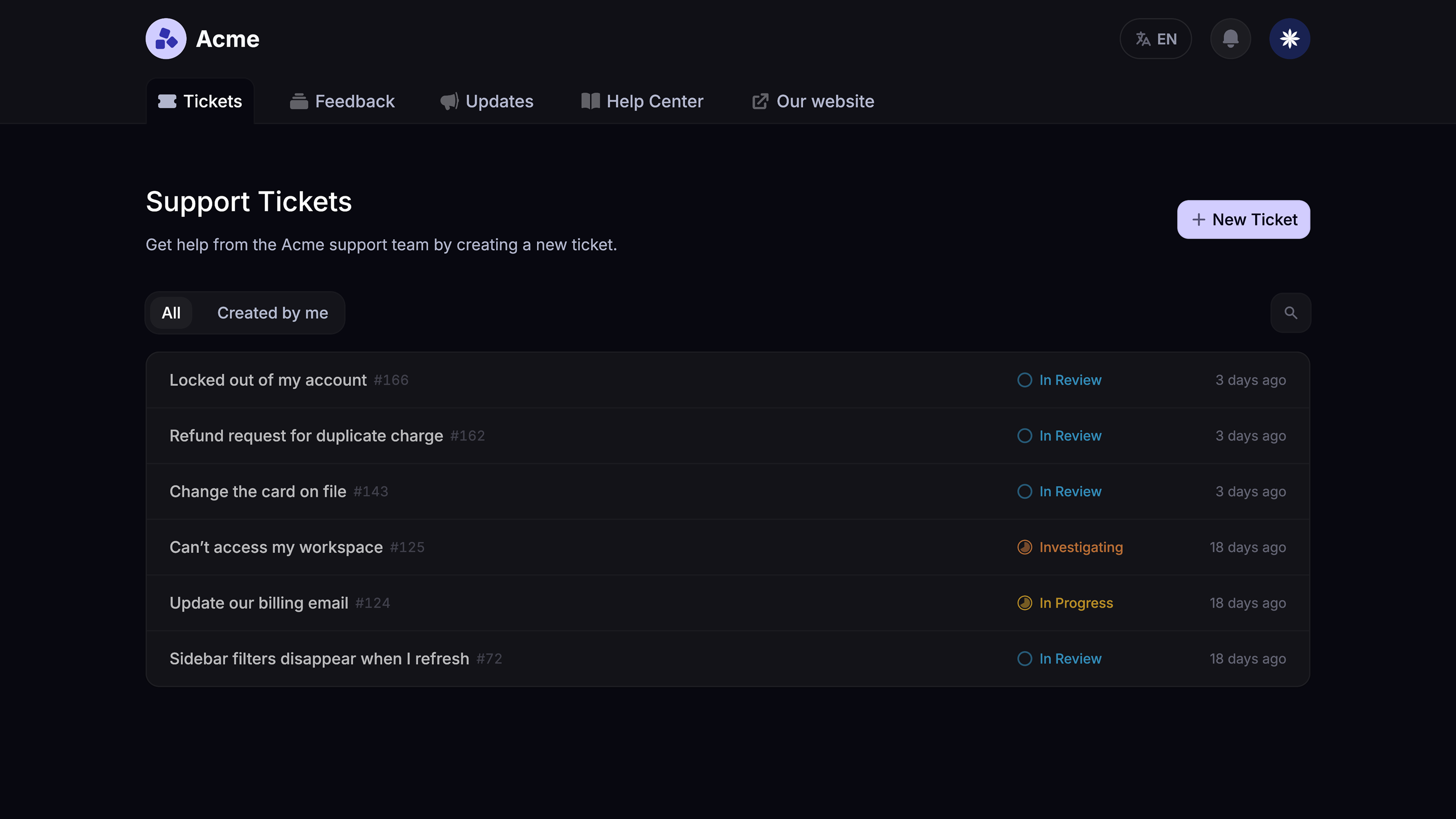
- Tickets Portal – A dedicated page where customers can submit, view, and track all their tickets in one place
- AI Copilot – Help your agents answer customers faster with AI Copilot that uses your internal knowledge
- Workflows & automations – Auto-assign tickets, route conversations, collect customer data, and more
- Service Level Agreements – Track SLAs to make sure your team responds to customers on time, every time
- Tickets in Messenger - Customers can track their tickets progress directly from your product
- Fibi AI Agent - Resolve customer issues on autopilot & run custom actions like trial extensions and refunds
- Help center with AI search – Provide instant, multilingual self-serve answers
- Automatic AI translations – Automatically translate all messages and help articles to your customers native language
- Integrations – Connects with Slack, Linear, Jira, HubSpot, and more
Pricing: The Free plan includes 1 seat and unlimited conversations, with AI excluded. Paid plans start at $29/seat/month, billed yearly, with AI resolutions billed at $0.49 each. Workflows, SLAs, and the Ticket Portal require Professional or Enterprise. Professional starts at $59/seat/month, billed yearly.

Modern Ticketing Inbox, Designed for Efficiency
Support your customers from anywhere with an AI-powered omnichannel inbox
Conclusion
Good ticket triage gives every request a clear next step. Capture the context, assess the impact, establish ownership, and revisit the decision when the situation changes.
Featurebase brings customer tickets, AI support, and team collaboration together so your team can carry that context from the first message through the handoff.
You can start with the Free plan for basic ticketing and conversations, then choose a paid plan when you need AI or workflow automation. 👇
✨ Automate your support with the fastest AI-enhanced Inbox today →
FAQs
What should you look for in ticket triage software?
Look for support for your actual intake channels, usable customer context, and a clear record of assignment changes. Test it with representative requests to see whether agents can correct mistakes and find the information they need. Evaluate reporting and integrations alongside the headline AI features.
What data do you need before automating ticket triage?
Start with a documented category list, current team responsibilities, and examples of correctly handled tickets. The data needed depends on the approach: form-based rules may need only structured fields, while a model trained on historical tickets needs reliable labels. Confirm the tool's requirements before assuming you need years of ticket history.
How much does automated ticket triage cost?
Costs can include agent seats, AI usage, integrations, implementation, and ongoing administration. Some tools include rules in their subscription but charge separately for AI capabilities or usage. Compare the total for your expected workload and check exactly what event triggers a usage charge.
Can you triage support tickets over the phone?
Yes. The person taking the call can capture the issue and relevant context in a ticket while speaking with the customer. Confirm the callback details and record the agreed next update so the conversation can continue if another teammate takes over.
How do you create triage guidelines for complex issues?
Build them from cases where experienced teammates disagreed about how to proceed. Document the evidence that settled each decision and who can resolve similar uncertainty next time. Use those cases in team calibration sessions so the guidance reflects actual judgment calls, not just an ideal workflow.