Blog Customer ServiceTicket Escalation: How to Build a Process That Actually Works
Ticket Escalation: How to Build a Process That Actually Works
63% of consumers may switch after one bad support experience. Here’s how ticket escalation helps you fix urgent issues before they turn into churn.



✨ Get the modern Ticketing Inbox designed for efficiency →
Most support tickets shouldn't need escalating. The ones that do are usually the ones that decide whether a customer stays or churns, so the cost of a sloppy escalation process is bigger than most teams realise.
In this guide I'll walk through what ticket escalation actually is, the 5 types you'll run into, what a working escalation process looks like end-to-end, the metrics that tell you it's working, and the best practices that stop unnecessary escalations from clogging your queue in the first place. 👇
Key takeaways:
- Ticket escalation is moving a support ticket to a more experienced agent, a different team, or a higher tier when the current owner can't resolve it.
- There are 5 common types: hierarchical, functional, time-based (SLA), priority-based, and sentiment-based.
- A working ticket escalation process has clear triggers, named owners at each tier, defined SLAs, and a loopback so the same issue doesn't escalate twice.
- The metrics that matter: escalation rate, first contact resolution, mean time to resolution, and post-escalation CSAT.
- ✨ Featurebase gives support teams an AI-powered inbox, SLA tracking, workflow automations, and Tracker tickets to bundle escalations affecting multiple customers in one place.
What is ticket escalation?
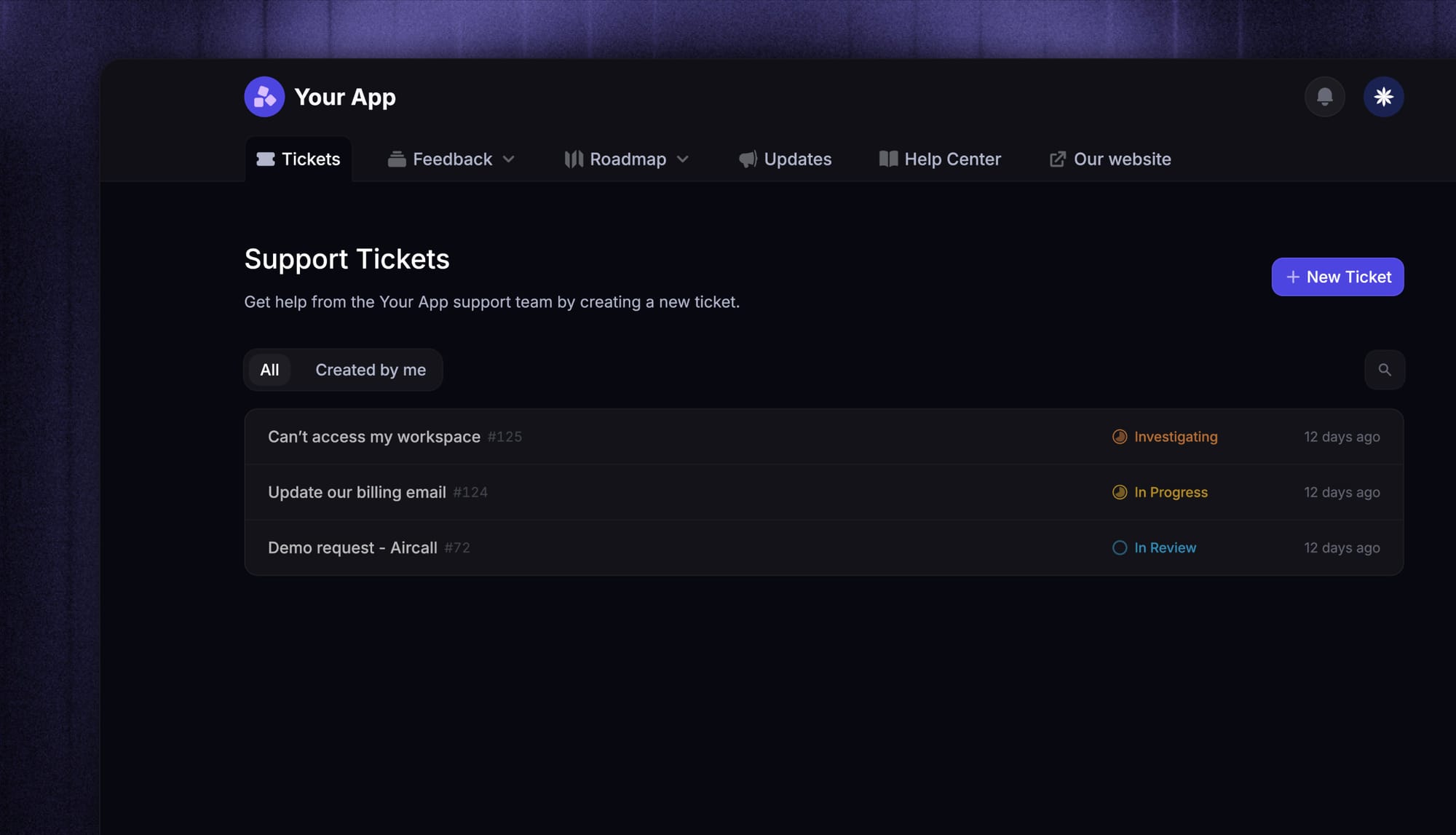
Ticket escalation is the process of moving a customer support ticket to a more experienced agent, a specialized team, or a higher support tier when the current owner can’t resolve it within the expected scope or SLA.
This usually happens when a ticket needs deeper technical knowledge, manager approval, engineering support, or urgent handling. Without a clear escalation process, these issues sit in the queue, breach SLAs, frustrate customers, and increase churn risk.
It’s also important to separate escalation from a normal handoff. Reassigning a ticket because an agent’s shift ended is not escalation. Escalation means the issue has become too complex, urgent, or high-impact for the current owner to solve alone.
Most support teams use 3 tiers:
Tier 1: Handles common questions, basic troubleshooting, billing, and account issues.
Tier 2: Handles more complex issues that need deeper product knowledge or internal access.
Tier 3: Handles the hardest cases, such as bugs, security incidents, outages, or engineering-level problems.
The tiers define who can solve what. The escalation process defines when and how a ticket moves between them.
When should you escalate a ticket?
Not every difficult ticket needs to escalate. The rule of thumb: escalate when the ticket meets one of 4 conditions and the current owner can't resolve it without help.
- The agent doesn't have the technical knowledge A billing question that turns into a refund authorization, a bug that needs engineering, an API issue that needs a developer. Frontline agents shouldn't be guessing here.
- The ticket has breached or is about to breach an SLA Service level agreements set the response and resolution targets your team commits to. If the clock is running out, escalation is what stops it.
- The customer is high-value or the issue is high-priority Enterprise accounts, security incidents, and outages don't wait in the standard queue.
- The customer is unhappy and the conversation is going sideways Sentiment matters. A customer asking for a manager, threatening to cancel, or repeatedly expressing frustration is a signal to escalate before the relationship breaks.
The stakes are real. Zendesk's 2025 CX Trends Report found that 63% of consumers say they're willing to switch to a competitor after a single bad customer service experience. The ticket you fumble today is the customer you lose next month.
Define clear escalation criteria upfront and document them where every agent can find them. Vague rules ("escalate if it's complex") produce inconsistent decisions. Specific rules ("escalate any refund over $500 to billing, escalate any P1 outage to engineering within 15 minutes") produce a process you can measure.

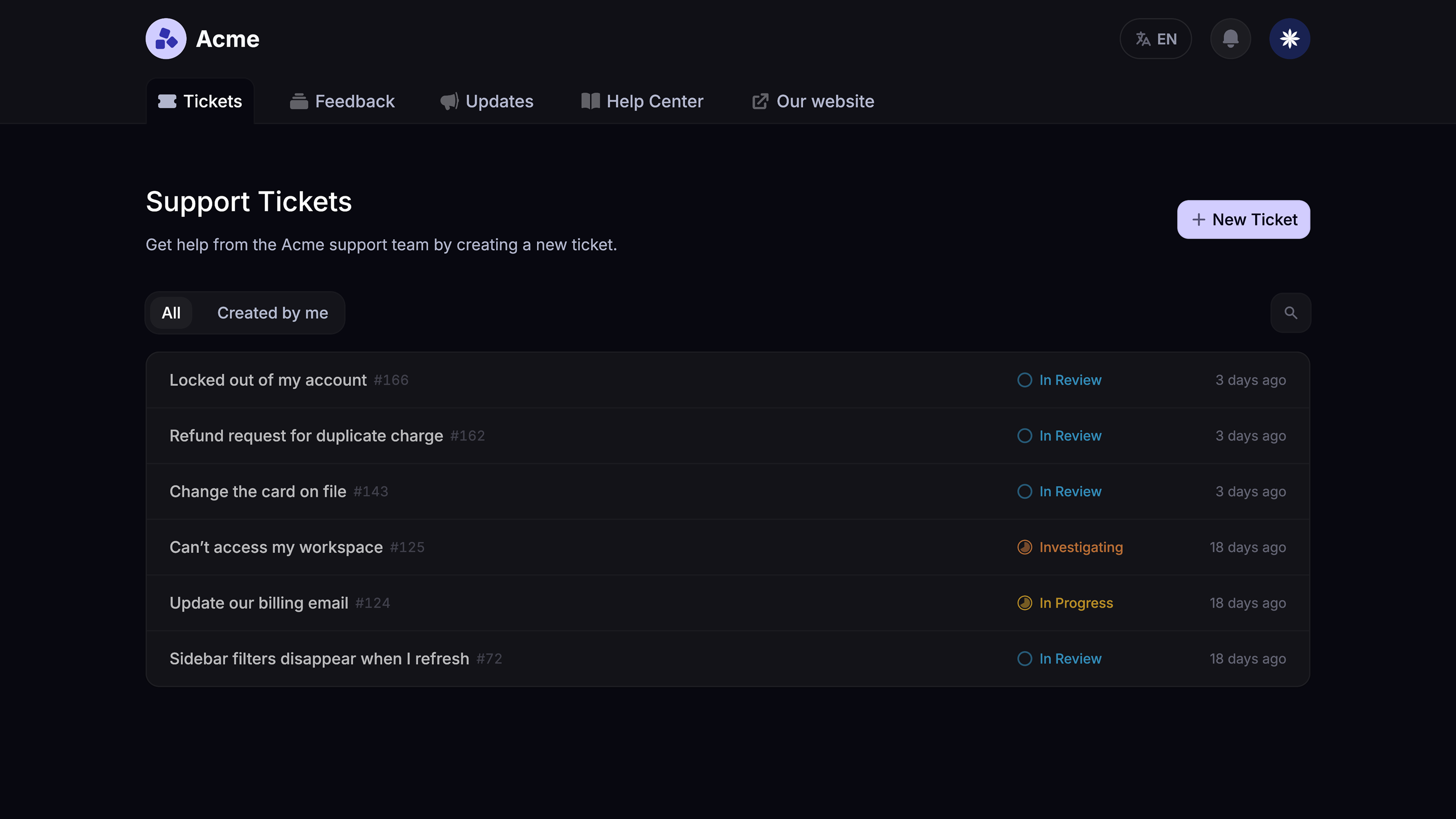
Resolve escalations faster
Route urgent tickets to the right teammate, track SLAs, and keep every customer updated from one AI-powered inbox.
The 5 types of ticket escalation
Most escalations fall into one of 5 categories. Each fires on a different trigger and routes the ticket to a different kind of owner. Understanding which type you're dealing with is the first step to building a workflow that handles it automatically.
Many of these overlap with broader ticket handling best practices.
1. Hierarchical escalation
Hierarchical escalation moves a ticket up the chain of authority - a customer support agent escalates to a team lead, the lead escalates to a manager, the manager escalates to a director. The ticket stays inside the support function but moves up a tier of seniority.
You'll use it for refund authorizations above the agent's limit, executive-level complaints, and any ticket where the customer is asking to speak to someone with more authority. Hierarchical and functional escalations are the two most common types and account for most of what you'll handle day-to-day.
2. Functional escalation
Functional escalation moves a ticket sideways to a different team because the issue needs specialized knowledge the support team doesn't have. A bug goes to engineering. A security question goes to security. A contract dispute goes to legal.
The customer-facing support team stays accountable for the resolution, but the actual problem-solving happens in another department. Clean functional escalations require named owners on each side, otherwise the ticket bounces between teams with nobody driving it forward.
3. Time-based (SLA) escalation
Time-based escalation fires when a ticket has been open for too long. If your SLA says "first response within 1 hour" and the ticket has been sitting in the queue for 55 minutes, the system should escalate it to a senior agent or a manager automatically. No human has to spot it.
This is where automation pays for itself. Manual SLA tracking breaks down at scale, and SLA breaches usually mean a customer is already unhappy by the time anyone notices. Automated time-based escalations stop the bleed before it starts.
4. Priority-based escalation
Priority-based escalation routes high-severity issues to senior agents or specialized teams immediately, regardless of who they came in to. A P1 outage doesn't queue behind 80 password resets. A security incident doesn't wait for a generalist agent to triage it.
Priority is usually assigned at intake based on issue type, customer tier, and impact. The escalation isn't about agent failure - it's about putting the most important tickets in front of the right people from the start.
5. Sentiment-based escalation
Sentiment-based escalation is the newest of the 5 types and the one most worth implementing if you haven't already. The trigger isn't the issue type, the SLA, or the customer's tier - it's how the conversation is going.
Modern inbox tools can detect when a customer's tone is shifting negative, when they're using cancellation language, or when they've repeated themselves multiple times without getting a resolution. Those signals route the conversation to a senior agent before the customer asks for one.
With Featurebase, you can pair sentiment signals with workflow automations that auto-assign negative-sentiment conversations to senior agents, so frustrated customers land with someone who has the context and authority to fix it on the first reply.
What a working ticket escalation process looks like
Knowing the types is one thing. Building a workflow that actually handles them is another. Here's what a working ticket escalation process looks like end-to-end.
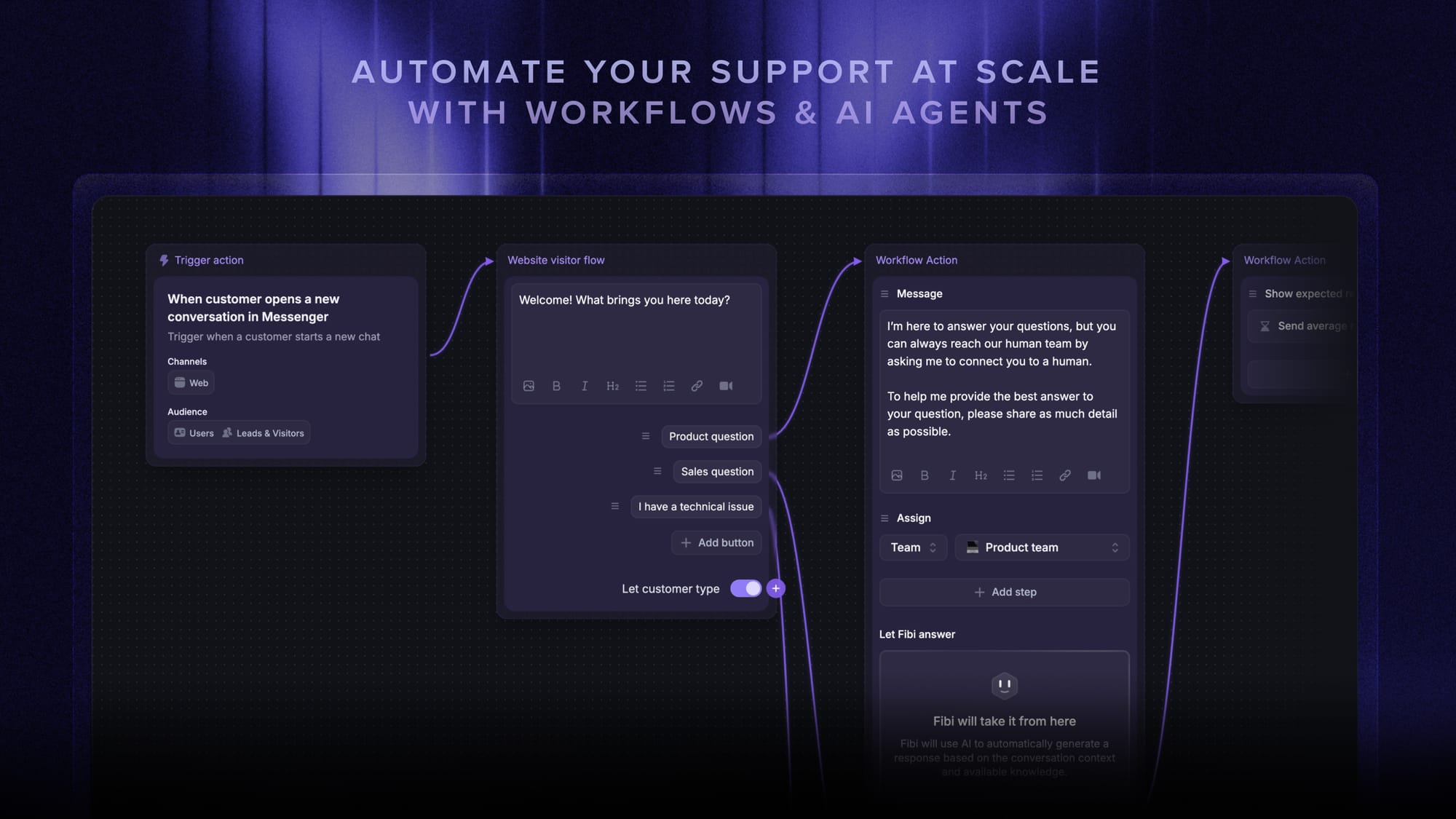
- Intake and triage Every ticket gets categorized at intake - issue type, severity, customer tier, channel. This is where you decide whether it's a Tier 1 question or whether it skips straight to Tier 2 or Tier 3 based on priority rules.
- Tier 1 attempt The frontline agent works the ticket against the knowledge base, account history, and any agent-facing AI tools. The goal is first contact resolution - solve it now, don't pass it along.
- Escalation trigger If the agent can't resolve it, the ticket hits one of the 5 escalation triggers (knowledge gap, SLA risk, priority, sentiment, or hierarchical authority needed). The trigger decides where it goes next.
- Handoff to the right tier or team A clean handoff includes the full conversation history, the steps already tried, and a brief note from the escalating agent on what they think the issue is. Without this, the receiving agent starts from scratch and the customer has to repeat themselves.
- Resolution and customer update The new owner works the ticket to resolution and updates the customer along the way. Silence between teams is the fastest way to make a frustrated customer more frustrated.
- Loopback and learning After resolution, the ticket gets reviewed. Was it escalated for a real reason? Could a knowledge base article, a workflow change, or agent training have caught it at Tier 1? This is the step most teams skip, and it's the reason escalation rates stay flat year after year.
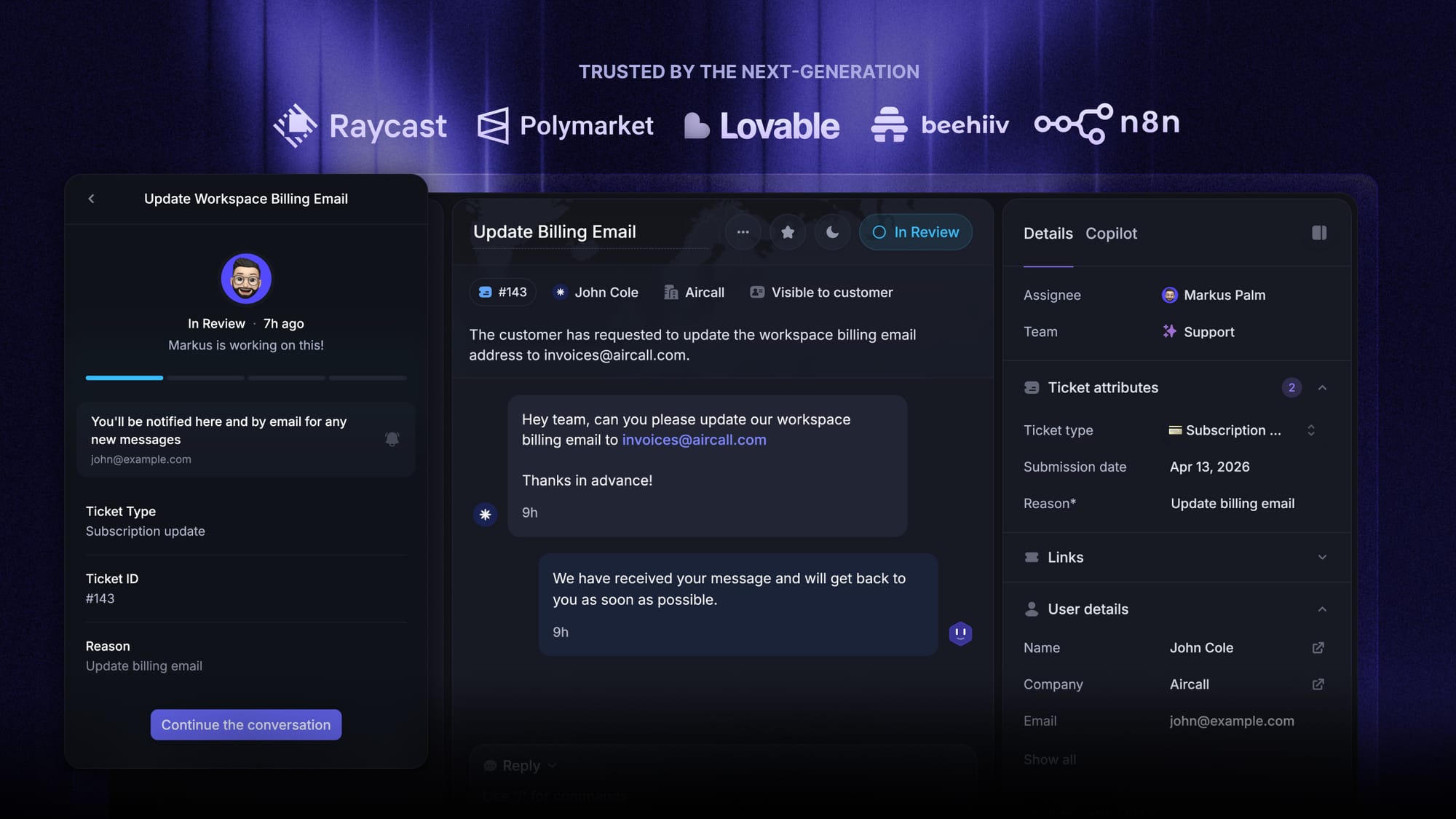
When the same root issue is affecting multiple customers at once - a known bug, an outage, a billing system glitch - bundle them. With Featurebase's Tracker tickets you can link every affected conversation to one internal ticket, then push a single status update that reaches every linked customer at the same time. One escalation handled, not 40.
5 best practices to reduce unnecessary escalations
The fastest way to improve your escalation process is to escalate fewer tickets. Here are the 5 best practices that work.
- Build a deeper knowledge base: A high percentage of escalated tickets are escalated because the agent couldn't find the answer, not because the answer didn't exist. Every escalation should generate a knowledge base review: is there an article that would have prevented this? If not, write one. If there is one but the agent missed it, fix the search or the indexing.
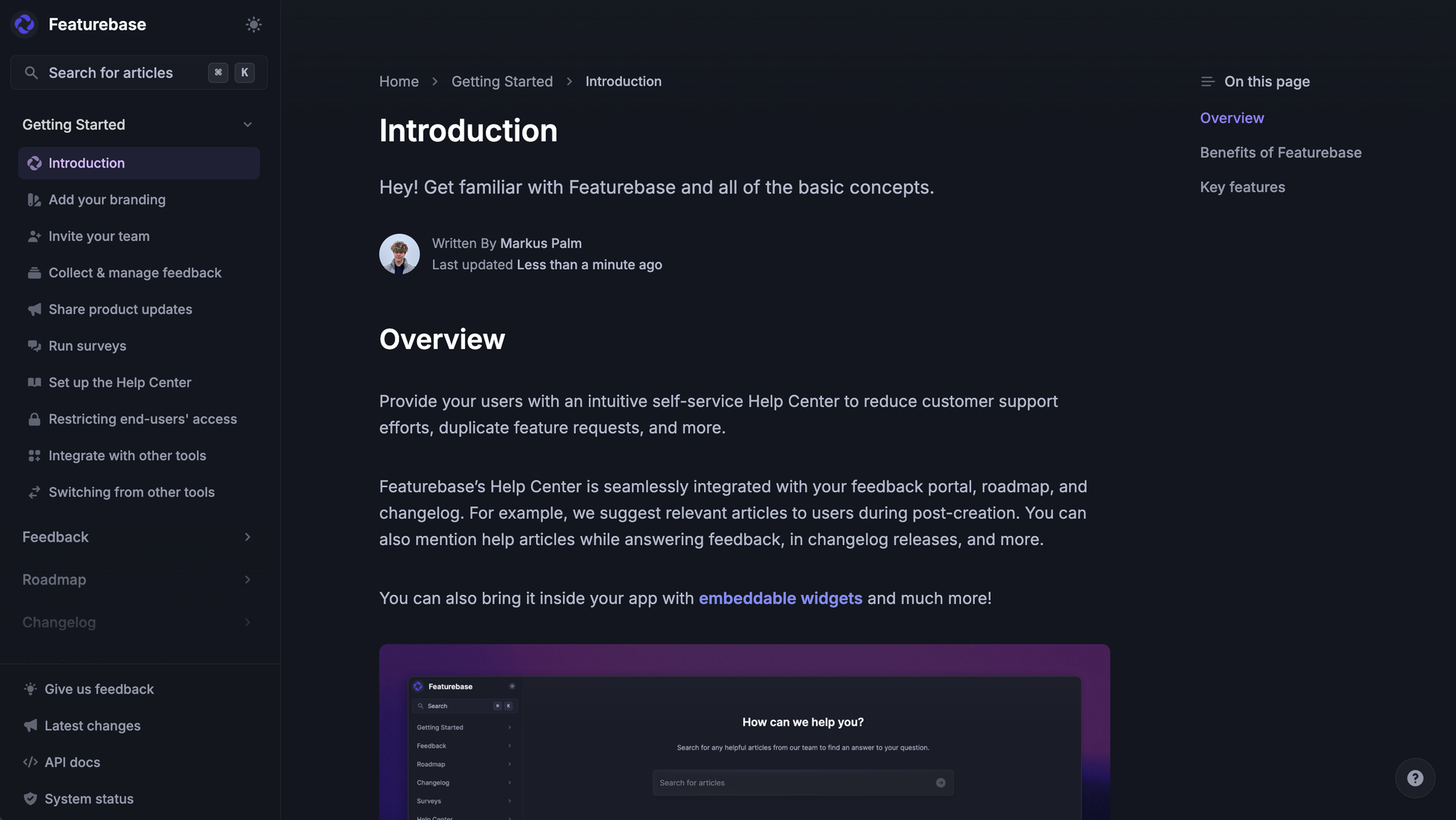
- Train frontline agents past the basics: Tier 1 isn't a junior tier - it's the most important tier. Agents who can resolve complex issues at first contact save the rest of the organization downstream work. Invest in product training, shadowing sessions with Tier 2, and decision-making authority (refund limits, account changes within set bounds) so they don't have to escalate for routine approvals.
- Automate ticket routing at intake: Manual routing means tickets sit in a general queue waiting for an agent to pick them up and triage them. Workflow automations can route by channel, customer tier, issue type, language, and keyword in seconds. This isn't an escalation - it's preventing one by getting the ticket to the right person on the first try.
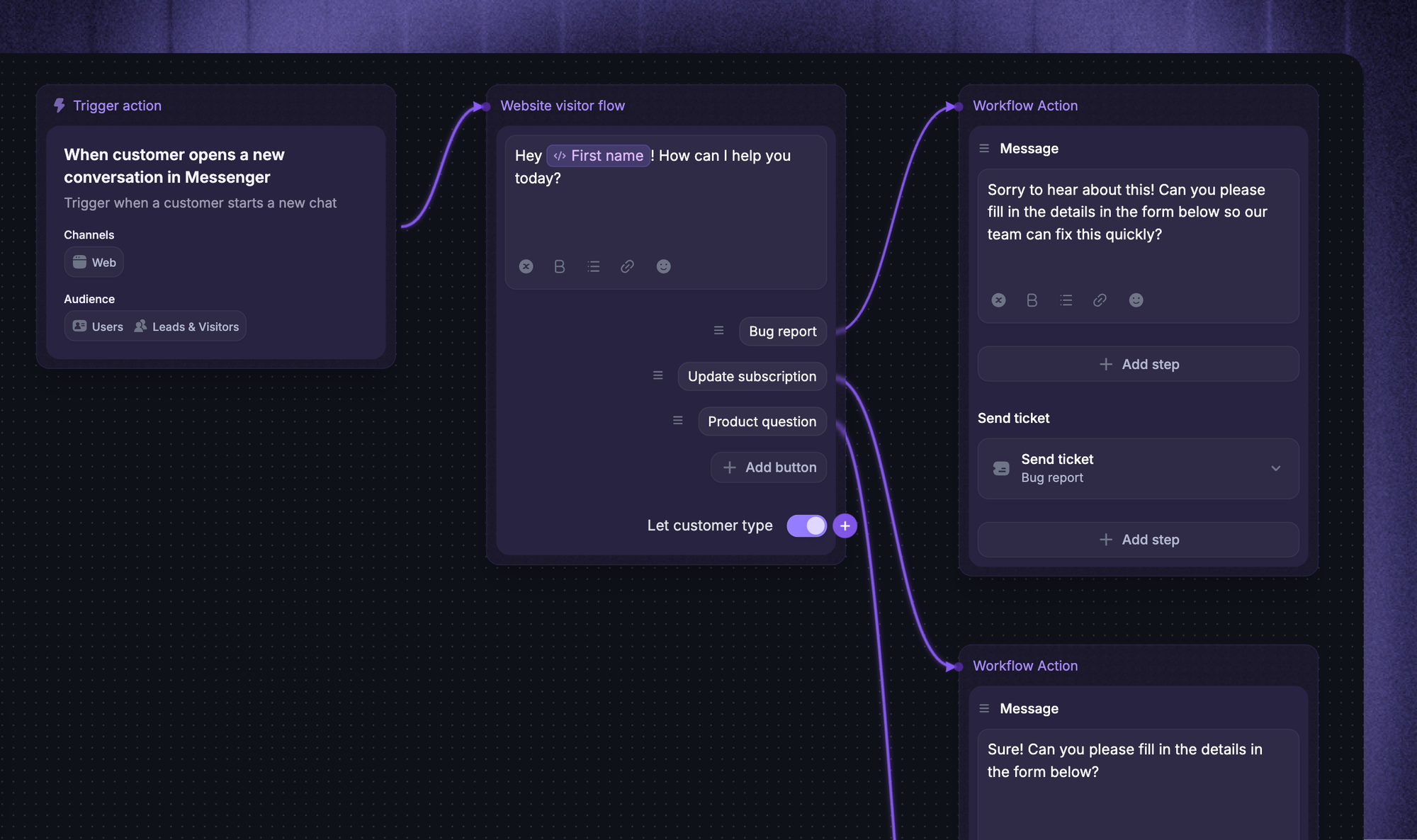
- Use AI to draft replies, not just deflect: Modern support platforms offer AI Copilot features that suggest answers to agents in real time using your knowledge base and past conversations. Agents who get a draft reply they can edit resolve faster than agents starting from scratch, which lowers escalation rates without anyone touching the workflow.
- Close the feedback loop on escalation reasons: Track why each ticket was escalated and review the top 3 reasons every month. If "needed engineering" is the top reason, work with engineering on a runbook for the most common cases. If "needed manager approval" is the top reason, raise the approval ceiling for senior agents. Patterns repeat, and the patterns are what you fix.
Metrics that tell you escalation is working
You can't improve what you don't measure. The 4 metrics below tell you whether your ticket escalation process is healthy or quietly draining your team's time.
- Escalation rate: The percentage of tickets that get escalated out of all tickets opened. Track it by tier, by issue type, and by agent. A rising escalation rate usually means knowledge gaps, undertrained agents, or a product change that frontline agents weren't briefed on. A very low rate can also be a warning sign - it might mean agents are stretching to resolve tickets they should have escalated.
- First contact resolution (FCR): The percentage of tickets resolved on the first interaction without any escalation or follow-up. SQM Group's 2024 benchmark found that FCR averages 69% across industries, with results ranging from 43% to 88% depending on call complexity. A rising FCR is the cleanest signal that your escalation process is working - more tickets are getting solved at Tier 1, fewer need to escalate at all.
- Mean time to resolution (MTTR): The average time from ticket open to ticket close. Track MTTR for escalated tickets separately from non-escalated ones. If escalated tickets have a much longer MTTR than non-escalated tickets (they will), the gap tells you how much time your escalation process is costing you. Closing the gap is the operational efficiency win.
- Post-escalation CSAT: Customer satisfaction scores measured after escalated tickets close. This is the metric that catches the problem the other 3 miss: a ticket can be escalated efficiently and still leave the customer unhappy with how it was handled. If post-escalation CSAT is much lower than baseline CSAT, the handoff itself is the problem.
Build a cleaner escalation flow
Give your team one place to triage tickets, assign owners, monitor SLAs, and follow up without messy handoffs.
Conclusion
Ticket escalation isn't about pushing hard problems away. It's about getting each ticket to the person best placed to resolve it, as fast as possible. The teams that do this well have clear triggers, named owners at each tier, the right metrics on a dashboard, and a feedback loop that turns every escalation into a smaller queue tomorrow.
Featurebase is a modern AI customer support platform that brings an omnichannel inbox, AI Copilot, workflow automations, SLA tracking, and Tracker tickets together in one place, so your team can run a clean escalation process without stitching multiple tools together.
It comes with a Free plan and the onboarding is fast, so there's no downside to trying it. 👇
✨ Get the modern Ticketing Inbox designed for efficiency →
FAQs
When should I escalate a customer support ticket
Escalate when the current agent doesn't have the knowledge or authority to resolve the ticket, when an SLA is about to breach, when the issue is high-priority (outage, security, enterprise customer), or when the customer's sentiment is going negative and the conversation is heading sideways. Define those triggers in writing so every agent makes the same call.
What are the most common types of ticket escalation?
The 5 most common are hierarchical (up the chain of authority), functional (sideways to a different team), time-based or SLA escalation (the ticket has sat too long), priority-based (high-severity from the start), and sentiment-based (the customer is unhappy and the conversation needs a senior agent). Functional and hierarchical escalations cover most day-to-day cases.
How can I reduce unnecessary ticket escalations?
Deepen the knowledge base, train frontline agents past the basics so they can resolve complex tickets without help, automate ticket routing at intake so tickets reach the right person on the first try, and review the top reasons for escalation every month to fix the upstream cause.
What metrics should I track to measure escalation effectiveness
Track escalation rate, first contact resolution, mean time to resolution for escalated vs. non-escalated tickets, and post-escalation CSAT. The first 3 tell you whether the process is efficient. The fourth tells you whether the customer was actually happy with how the escalation was handled.
What happens if an escalation doesn't resolve the issue
The ticket moves to the next tier or to a different specialized team, and you log the gap. If the issue is affecting multiple customers, link the conversations to a single tracker ticket so a fix or workaround reaches all of them at once. If it's a one-off, document the root cause and update your runbook so the next agent has a path forward.
Is there a maximum number of times a ticket should be escalated
Most teams cap escalations at 3 tiers (frontline → specialist → engineering or leadership). If a ticket bounces past 3 levels without resolution, something is broken in the process itself - usually unclear ownership or a missing runbook. At that point, pull the ticket out of the normal flow, assign a single named owner, and review the root cause after resolution.