Blog Customer ServiceZendesk AI: Features, Pricing, Limits, and Verdict
Zendesk AI: Features, Pricing, Limits, and Verdict
Explore Zendesk AI features, pricing, and limitations, plus why simpler alternatives can offer SaaS support teams better value for money.



Zendesk AI can automate customer conversations, guide human agents, and improve support workflows. But Zendesk prices that value through several separate meters, which makes the platform look cheaper on the pricing page than it can become in practice.
This guide breaks down what Zendesk AI does, how intelligent triage works, what it costs, and which teams should consider a simpler alternative. 👇
Key takeaways
- Zendesk AI combines customer-facing AI agents, agent assistance, intelligent triage, and administrative tools inside the broader Zendesk service platform.
- Zendesk is replacing its older Essential and Advanced AI-agent split with a unified offering. Some legacy documentation and accounts may still use the old labels during the 2026 transition.
- Zendesk charges through 3 main layers: the base plan, per-agent Copilot access, and usage-based automated resolutions. Add-ons can push the total higher.
- That model is defensible for enterprises using Zendesk's contact-center breadth, but it is poor value for smaller SaaS teams that mainly need AI-powered support.
- Featurebase✨ offers a better support product for many B2B SaaS teams. It includes its AI Copilot on paid plans, publishes a $0.49 AI-resolution price, and treats Slack as a native support channel alongside live chat and email.
What is Zendesk AI?
Zendesk AI is the intelligence layer across Zendesk's customer-service platform. It automates customer requests with AI agents, assists human agents through Copilot, classifies tickets, and gives administrators recommendations for improving service operations.
Its main components cover 3 different jobs:
- AI agents: Handle customer conversations, generate answers from approved knowledge, complete actions, and escalate unresolved requests.
- Zendesk Copilot: Helps human agents understand tickets, draft replies, find next steps, and carry out approved actions.
- Administrative AI: Classifies incoming requests, highlights trends, recommends workflow improvements, and helps admins analyze support operations.
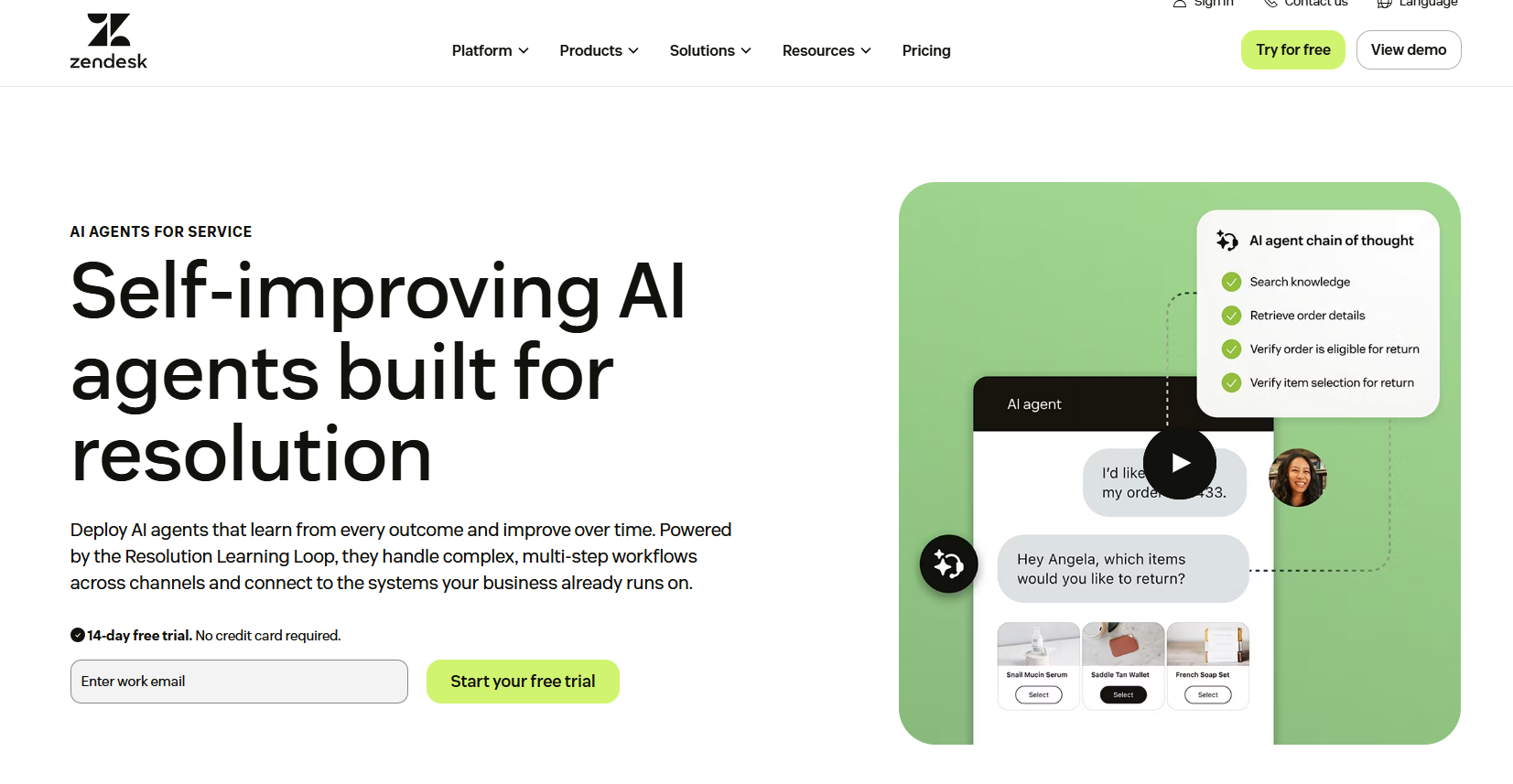
Older material separates AI agents into Essential and Advanced versions. Zendesk began replacing that split with a unified offering in May 2026, ended development for the legacy Essential experience in August, and plans to start removing it in December. Ask which experience and allowances apply to your account when comparing quotes.
How Zendesk AI is packaged
Zendesk splits AI between service-plan features, usage-based AI agents, and the paid Copilot add-on.
AI agents
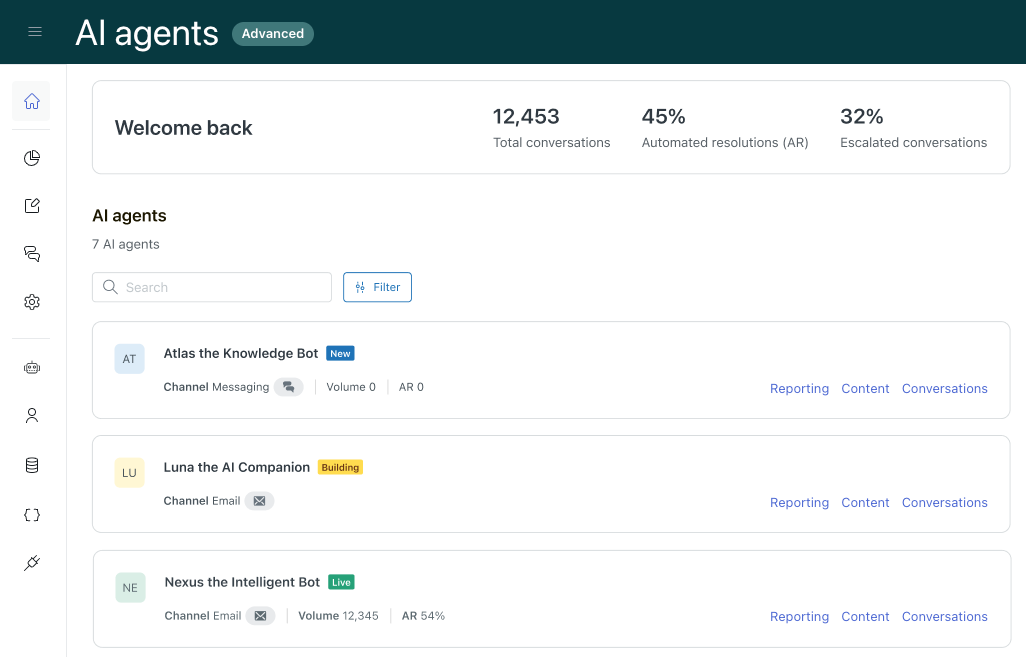
Zendesk AI agents act as the first point of contact. They answer from trusted knowledge, follow procedures, interact with connected systems, and hand unresolved conversations to a human.
The current product supports messaging, email, web forms, and API-created requests. Zendesk also markets voice AI agents, although current help materials describe voice availability as early access. Confirm access and telephony requirements during procurement.
Zendesk Copilot
Copilot assists the people handling requests that reach a human. Included features provide limited writing help, ticket summaries, and intelligent-triage classifications. The full add-on adds proactive guidance, recommended actions, workflow use, and unlimited access.
Administrative and platform AI
Admin Copilot can surface operational risks and recommend changes, while AI-powered reporting and knowledge tools identify gaps in content and service processes. These features matter most in larger operations that can act on detailed routing, quality, and workflow insights.
What can Zendesk AI do?
Zendesk AI combines conversation, knowledge, ticket context, and actions to automate requests or support a human agent.
Automate customer resolutions
AI agents can generate answers from approved content and complete multi-step work through connected systems. For example, an agent could check an order, confirm return eligibility, trigger the return, and explain the next step. Zendesk measures requests completed without human escalation as automated resolutions.
Assist support agents
Copilot summarizes conversations, suggests responses, surfaces procedures, and recommends next actions inside the agent workspace.
The productivity case is credible, but buyers should separate broad industry potential from guaranteed vendor results. McKinsey estimates that generative AI could create productivity value equal to 30% to 45% of current customer-care function costs, while 93% of service professionals at organizations using AI told Salesforce that the technology saves them time. Your outcome will depend on ticket mix, knowledge quality, adoption, and workflow design.
Use knowledge and connected systems
Zendesk AI can ground answers in help-center content, external knowledge, ticket context, procedures, and connected systems. This reduces unsupported answers but does not remove the need for content governance.
Teams still need knowledge owners, review cycles, escalation rules, and tests for high-risk topics such as refunds and account access.
How Zendesk intelligent triage works
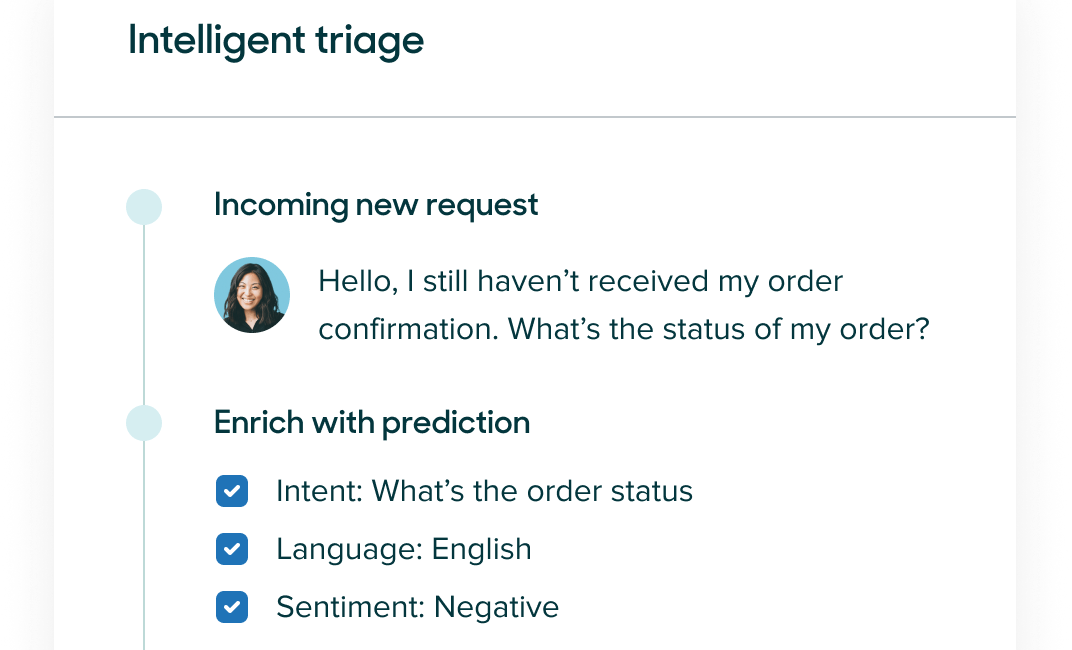
Zendesk intelligent triage uses AI to classify new tickets as they enter the support queue. It gives agents and workflows structured information about what the customer needs before anyone manually reads and tags the request.
What intelligent triage classifies
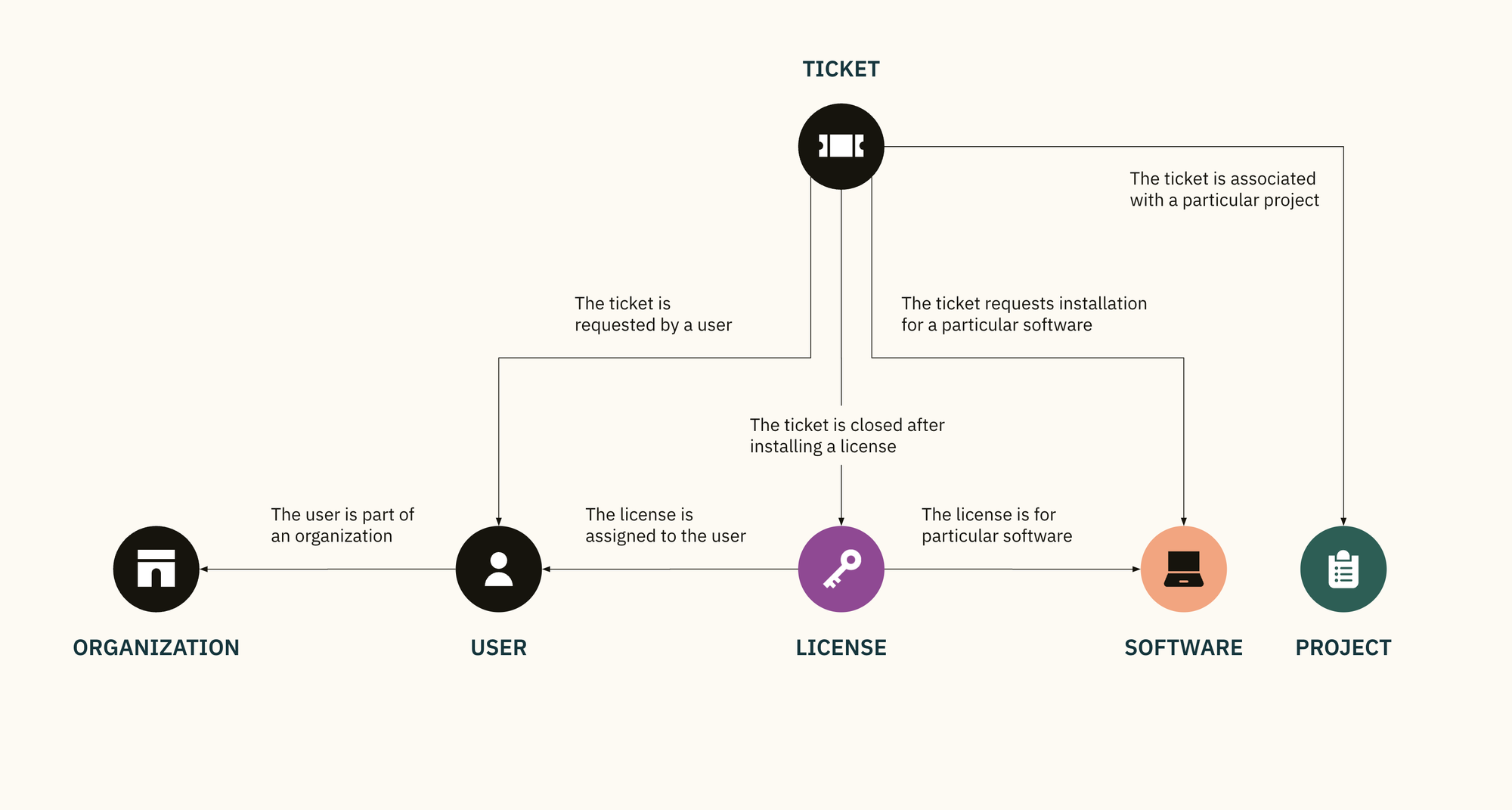
Zendesk intelligent triage enriches tickets with 4 main classifications:
- Topic: What the customer is contacting support about. Older accounts and documentation may call this intent during the 2026 terminology transition.
- Sentiment: How the customer's message is expressed, from very positive to very negative.
- Language: The language used in the ticket, which can support multilingual routing and reporting.
- Entities: Specific details such as a product name, order type, location, or other information relevant to the request.
Each classification includes a confidence signal, and agents can correct predicted values when needed.
How classifications improve routing and workflows
The classifications become useful when they change what happens next. A billing request can reach the finance queue, a negative message can receive priority, and a French-language ticket can reach the right team.
Teams can also find recurring topics, measure sentiment patterns, and identify requests that are good candidates for automation.
Intelligent triage plans and requirements
Zendesk currently makes intelligent-triage classifications available on Suite and Support Professional plans and above. Classification data can be used for ticket context and reporting, while using it inside triggers, automations, and recommended workflows requires the Copilot add-on.
That difference is easy to miss. Seeing a predicted topic on a ticket is not the same as automatically routing that topic through a production workflow.
Zendesk AI pricing: where the cost stacks up
Zendesk's pricing problem is not one outrageous line item. It is the way several reasonable-looking charges stack on top of each other before you have the complete AI support setup.
In practice, Zendesk has 3 separate meters: the base service plan, Copilot seats, and automated resolutions. Teams may also need paid add-ons for contact-center features, workforce management, or advanced controls.
Base Zendesk plans
Zendesk's publicly listed annual prices currently start at:
- Support Team: $19 per agent per month for email-based ticketing and core support tools.
- Suite Team: $55 per agent per month for messaging, live chat, voice, knowledge, and AI-agent capabilities.
- Suite Professional: $115 per agent per month for more advanced operations, including additional AI and routing tools.
Monthly billing costs more. Enterprise security, workforce management, contact-center functionality, and professional services can also change the quote.
Automated resolution billing
AI-agent usage is measured through automated resolutions. Zendesk defines these as customer requests successfully resolved by the AI agent without escalation to a human.
Plans include a baseline allowance, but the allowance and overage model can differ by plan, contract, and whether an account has moved to Zendesk's evolved resolution tiers. The public pricing page does not present one universal overage price, so ask for a written quote at your current, successful-rollout, and peak monthly volumes.
Copilot and other add-ons
The full Copilot add-on is publicly listed at $50 per agent per month when billed annually. Professional plans and above include a small pooled allowance for selected writing and summary features, but unlimited access and workflow automation require the add-on.
The advertised seat price is not the total cost. Include implementation, knowledge cleanup, integrations, AI-agent resolutions, Copilot seats, and enterprise controls.
Zendesk vs Featurebase pricing
Featurebase is more transparent and usually better value when the goal is AI-powered SaaS support rather than a full enterprise contact center.
| Cost layer | Zendesk | Featurebase |
|---|---|---|
| Base support platform | Suite Team is $55 per agent/month and Suite Professional is $115, billed annually | Growth is $29 per seat/month and Professional is $59, billed annually, with native Slack support on Professional |
| AI assistance for agents | Full Copilot costs another $50 per agent/month, billed annually | AI Copilot is included with paid support plans |
| AI-agent outcomes | Automated-resolution allowances and additional usage depend on the plan and account | $0.49 per AI resolution across paid plans |
| Free starting point | 14-day Suite Professional trial with Copilot included for evaluation | Free plan for 1 seat with unlimited conversations, without AI |
This is not a feature-for-feature comparison. Zendesk includes broader telephony, routing, and enterprise operations. The point is that SaaS teams should not pay for that breadth unless they will use it.
Consider a 10-agent support team using 1,000 AI resolutions per month. Zendesk Suite Professional plus Copilot costs $1,650 per month on annual billing before any extra AI-agent usage. Featurebase Professional pricing comes to $1,080 per month, including those 1,000 AI resolutions.
That is a $570 monthly difference, or $6,840 per year, before Zendesk resolution overages or other add-ons. Zendesk can still justify the premium for a complex contact center, but Featurebase delivers more value for a product-led SaaS team with straightforward support operations.
Zendesk AI limitations
Zendesk AI's main limitations are commercial and operational. Consistent value requires careful packaging, reliable knowledge, and ongoing administration.
Cost predictability
Zendesk's outcome-based pricing aligns cost with resolved requests, but the public pricing page does not show one universal price for additional resolutions. That makes the AI bill harder to forecast than Featurebase's published $0.49 rate.
Ask Zendesk to define what creates a resolution, how reopened issues are handled, how allowances roll over, and what happens when you exceed your tier. A small wording difference in the contract can have a large effect at scale.
Setup and maintenance
Production rollout requires clean knowledge, approved procedures, connected systems, fallback rules, tests, and a process for reviewing incorrect answers.
The administrative load grows with channels and business complexity. Deloitte's 2024 contact-center survey found that 76% of agents were already overwhelmed by systems and information. Adding AI without simplifying the surrounding workflow can move the complexity instead of removing it.
Knowledge and governance
Conflicting articles, missing policies, weak permissions, or poorly scoped actions can produce inconsistent service even when the model works as intended.
Zendesk uses a multi-model architecture for generative features and says third-party model providers cannot use customer inputs to train their models. Security teams should still review data flows, retention, regional hosting, subprocessors, access controls, and the specific compliance terms attached to their account.
Is Zendesk AI worth the price?
Zendesk AI is worth the price when you need Zendesk's full operational depth, not merely because you want an AI agent. Its combination of Copilot, intelligent triage, routing, knowledge, voice, and reporting can consolidate a complex enterprise service operation.
It is a strong fit for:
- Established support organizations with specialized queues and workflows
- Teams already committed to Zendesk's agent workspace and data model
- Contact centers that need messaging, email, social, and voice operations
- Organizations with owners for support operations, knowledge, and AI quality
For a small SaaS team that mainly needs live chat, email, an AI agent, and a help center, Zendesk is difficult to justify. These teams pay for platform breadth, then pay again for Copilot seats and AI outcomes. They should compare simpler Zendesk alternatives before accepting that cost structure.
A better-value Zendesk AI alternative: Featurebase
Featurebase is an AI customer support platform for product-led SaaS. It combines AI-powered support, help center, and feedback management in one platform. Teams at Lovable, Raycast, and n8n use Featurebase. 💫

For B2B SaaS, Featurebase is the better support product. Zendesk has broader contact-center features, but Featurebase fits the channels and customer context SaaS teams use daily.
Top features:
- Omnichannel inbox – Manage live chat and email conversations from one AI-powered view
- Fibi AI Agent - Resolve customer issues on autopilot & run custom actions like trial extensions and refunds
- Help center with AI search – Provide instant, multilingual self-serve answers
- Workflows & automations – Auto-assign tickets, route conversations, collect customer data, and more
- AI Copilot – Help your agents answer customers faster with AI Copilot that uses your internal knowledge
- Multi-brand support – Manage multiple Help Centers and Live chats from a single workspace
- Automatic AI translations – Automatically translate all messages and help articles to your customers native language
- Service Level Agreements – Track SLAs to make sure your team responds to customers on time, every time
- Mobile app – Respond to customers, receive notifications, and unblock users on the go
- Feedback & roadmap tools – Collect feature requests and close the loop with updates
- Product updates – Publish release notes with a changelog page, in-app widget, and emails
- Integrations – Connects with Slack, Linear, Jira, HubSpot, and more
Pricing: Free plan available for 1 seat with unlimited conversations. Paid plans start at $29/seat/month when billed annually, with $0.49 per AI resolution.
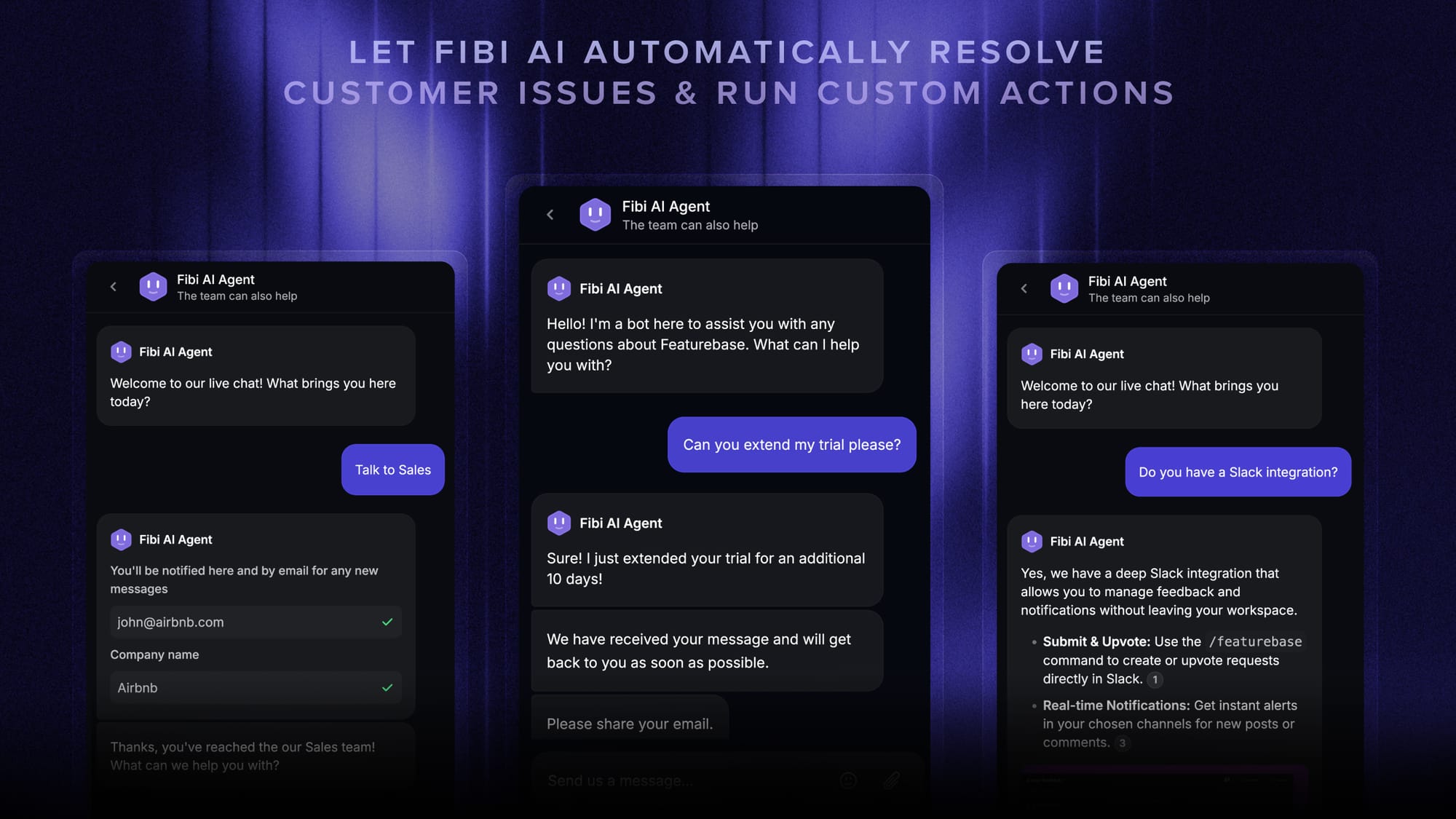
Featurebase is not a cheaper copy of Zendesk. It is a more focused support product for product-led companies that want live chat, email, AI, and product feedback to work together. Paid plans include Fibi AI Agent and AI Copilot, while the public resolution price makes successful automation easier to budget.
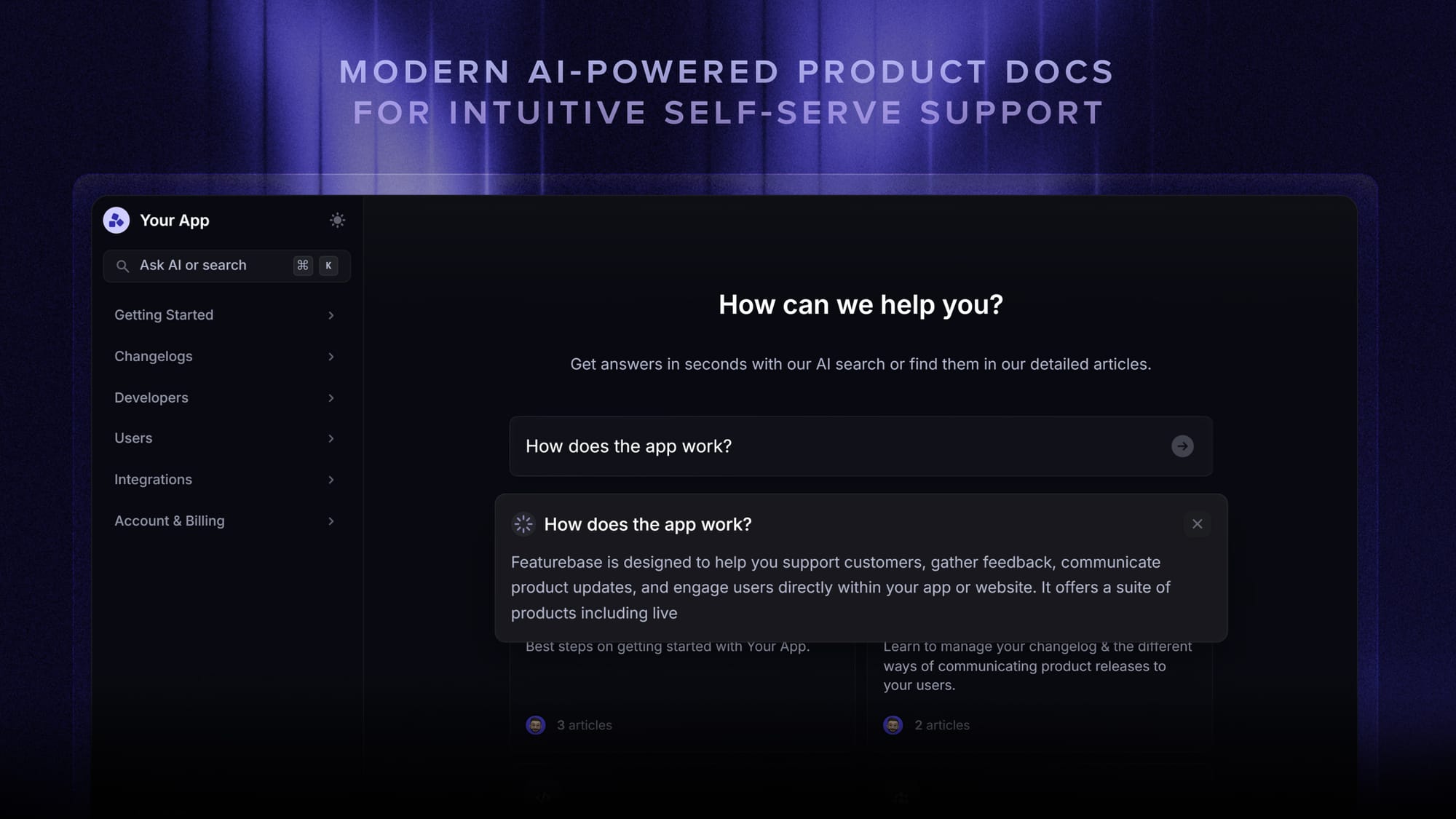
The value-for-money advantage is strongest when you want live chat, email, an AI agent, a help center, customer feedback, roadmaps, and product updates without assembling several products or add-ons. Zendesk remains stronger for a large contact center that needs deeper telephony and enterprise operations.

Get the best and most affordable Zendesk alternative
Automatically resolve 70% of customer requests & cut down manual support loads
Conclusion
Zendesk AI earns its premium when a team uses its advanced routing, telephony, governance, and enterprise service operations. If your main goal is to give SaaS customers fast AI-powered support, Featurebase is the stronger product and Zendesk's layered pricing is hard to defend.
Featurebase combines an AI agent, omnichannel inbox, Copilot, help center, feedback management, roadmaps, and product updates in one modern platform for product-led SaaS teams.
It has a Free plan for 1 seat with unlimited conversations, and paid support plans start at $29 per seat per month when billed annually. Featurebase gives product-led teams more of the support stack for less money, with fewer pricing layers to model. 👇
✨ Automate your support with a modern Zendesk alternative today →

FAQs
What AI agent works best with Zendesk helpdesk?
Zendesk's native AI agent is the simplest choice when you want one vendor for tickets, knowledge, routing, and automation. An integrated third-party agent can make more sense when it performs better for your use case, supports another platform you already use, or offers a more predictable commercial model. Compare resolution quality on your own tickets instead of choosing from a feature checklist.
How can I add AI to Zendesk?
You can use the AI-agent capabilities included with Zendesk, add the full Copilot package for agents and workflows, or connect a third-party AI agent through an integration or API. Start with one high-volume request type, test escalation behavior, and measure successful resolutions before expanding to more channels.
Which is easier to deploy: Fin or Zendesk AI?
Zendesk AI is usually easier for a team already operating entirely inside Zendesk, while Fin can be attractive when a team wants a standalone AI agent that works with an existing helpdesk. Deployment effort depends more on knowledge quality, integrations, workflow complexity, and testing requirements than on the initial installation.
Does Zendesk AI have a free trial?
Zendesk advertises free trials for its service platform and Copilot, but the duration and included AI allowances can vary by offer and account. Confirm which AI-agent features, Copilot functions, channels, and automated resolutions are included before using the trial to estimate production costs.
What AI model does Zendesk AI use?
Zendesk uses a multi-model architecture rather than relying on one permanent model. Its generative features may use models provided through OpenAI, Microsoft Azure, Amazon Bedrock, Google Cloud, and other infrastructure, while proprietary classification models handle tasks such as ticket categorization. The provider can change by feature and over time.
Is Zendesk AI safe for sensitive customer data?
Zendesk provides enterprise security controls and says its generative-AI providers cannot use customer inputs to train their models. A security review should still cover data residency, retention, subprocessors, access controls, redaction, auditability, and any industry-specific obligations before sensitive data is processed.