Blog Product ManagementPush vs In-App Notifications: Which to Use When
Push vs In-App Notifications: Which to Use When
Push and in-app notifications reach users at different moments. Here's how each channel works, when to use it, and how to run both together without annoying anyone.


✨ Start announcing updates & drive engagement with Featurebase for free →
You ship a big feature, announce it with a push notification, and half your users never see it. Not because the message was weak, but because they never opted in to push in the first place.
Push and in-app notifications reach people in completely different situations, and sending the wrong one is how good messages get missed. This guide breaks down how each channel works, when to reach for it, and how to run both together. 👇
Key takeaways
- Push notifications reach users outside your app: on the lock screen or in the notification tray, but only if they have opted in.
- In-app notifications reach users inside your product: they need no permission, so they reach everyone who shows up.
- Reach vs context: push wins on reach and re-engagement, in-app wins on timing and relevance.
- Push and in-app are not rivals: the strongest engagement programs use both and match each message to the moment.
- ✨ Featurebase lets you announce once, everywhere: publish a product update and share it as an in-app widget or popup and as an email, so the same news reaches users in-app and in their inbox.
What are push notifications?
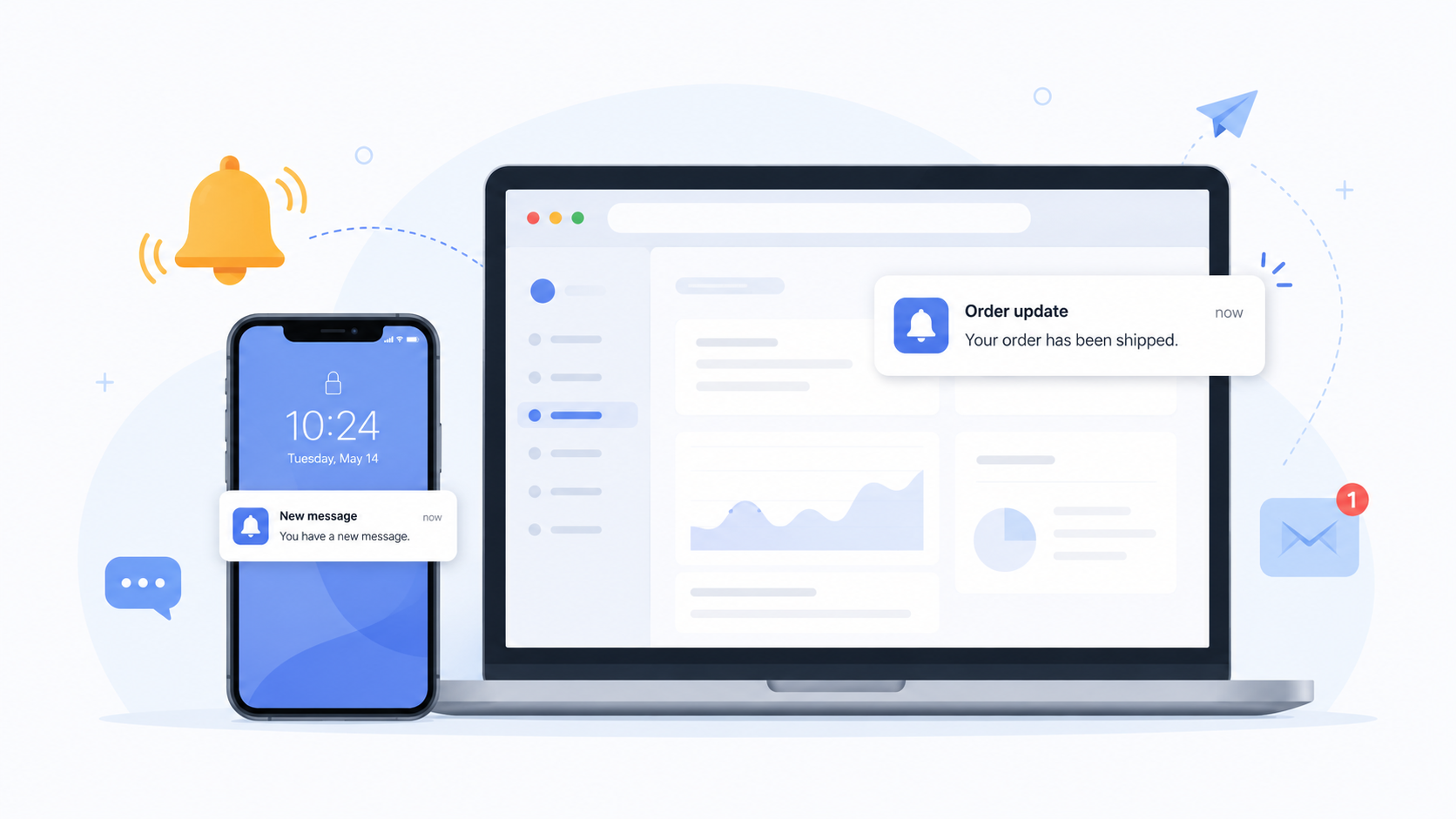
A push notification is a short message your app sends to a user's device when they are not actively using the app. It shows up on the lock screen, in the notification center, or as a banner, even if the app is closed.
The whole point of push is reach outside your product. It pulls someone back in - a food app reminding you your order is ready, a SaaS tool telling you a report finished running, a game nudging a lapsed player to return.
There is one big catch: push requires opt-in. On both mobile and web, the operating system asks the user for permission before any app can send them a push, and plenty of people say no. Once they opt in, they can also mute or disable notifications any time.
So push is powerful but conditional. You can only reach the slice of users who agreed to hear from you, and that slice is smaller than most teams expect.
What are in-app notifications?
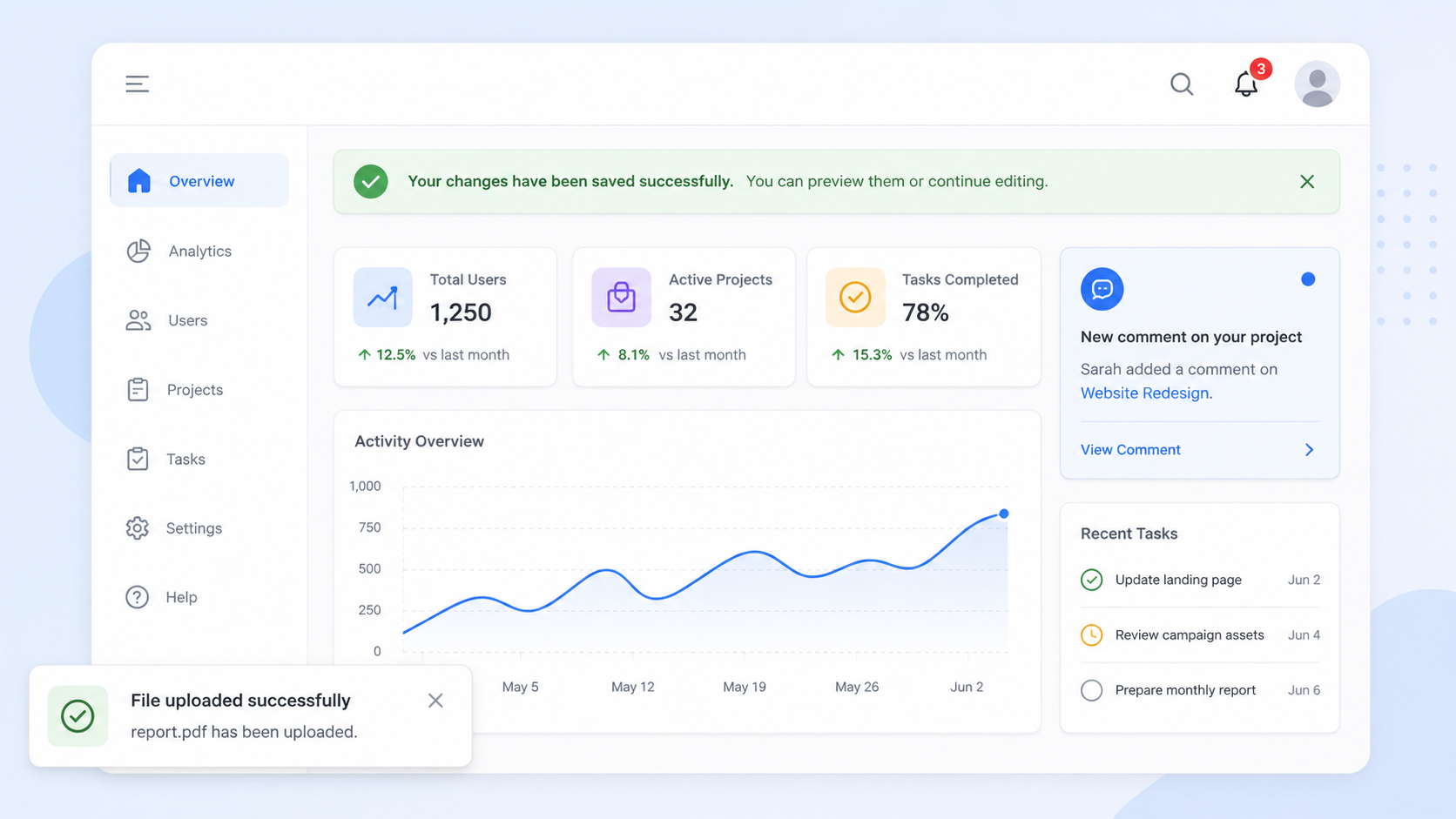
An in-app notification is a message that appears inside your product while the user is actively using it. Because the user is already in the app, there is no operating system permission to ask for - if they are on the page, they see the message.
In-app notifications come in a few common formats, and each fits a different job:
- Banners: A thin strip at the top or bottom of the screen for persistent, low-pressure notices like a maintenance window or a new plan.
- Modals and popups: A centered card that interrupts the flow for something important, like a major launch or an onboarding step.
- Tooltips: A small pointer tied to a specific button or feature, perfect for teaching users where something lives.
- Notification inbox: A bell icon and feed where users can catch up on updates they missed at their own pace.
Because they are shown in context, in-app notifications are great for guiding behavior right where it happens. You can highlight a feature on the exact screen where it is useful, or celebrate a milestone the moment a user hits it.
The trade-off is the mirror image of push: in-app notifications only work when someone is actually in your product. They cannot pull an absent user back.
Push vs in-app notifications: the key differences
The simplest way to hold the two apart is by where the user is standing when the message arrives. Push reaches users who are away. In-app reaches users who are already here.
Here is the side-by-side:
| Push notifications | In-app notifications | |
|---|---|---|
| Where they appear | Outside the app, on the device | Inside the app, while in use |
| Requires opt-in | Yes, at the OS level | No |
| Who it reaches | Only opted-in users | Everyone using the app |
| Timing | Any time, even when the app is closed | Only while the user is active |
| Best for | Pulling users back and re-engagement | Guiding and informing users in context |
That opt-in line is the one most teams underestimate. Median push opt-in rates sit around 51% on iOS and 81% on Android, based on Airship's benchmark of roughly 600 billion notifications. On iOS especially, that means nearly half your users may be unreachable by push before you send a single message. In-app notifications have no such ceiling, because permission was never part of the deal.

Start announcing updates with Featurebase for free
Beautiful release notes that drive adoption - effortlessly, with no code
When to use push notifications
Reach for push when the message needs to find the user outside your product. The value is getting attention when the app is closed.
Push works well for:
- Re-engagement: Bringing back a user who has drifted away, like a reminder that items are still sitting in their cart.
- Time-sensitive alerts: Anything that loses value if the user sees it an hour later, such as a delivery update, a price drop, or a security alert.
- Transactional confirmations: Order shipped, payment received, someone replied to your message.
- Scheduled nudges: A daily streak reminder or a "your weekly summary is ready" prompt.
The common thread is urgency or absence. If the message can happily wait until the user next opens your app, it probably does not need to be a push. Over-sending push is the fastest way to get muted, and a muted user is gone for good.
When to use in-app notifications
Reach for in-app notifications when the message only matters while someone is using your product, or when you want to reach everyone rather than just the opted-in crowd.
In-app works well for:
- Feature announcements: Point users to something new right on the screen where they would use it, which is one of the most reliable ways to lift feature adoption.
- Onboarding guidance: Walk a new user through their first key action with tooltips instead of a wall of text.
- Contextual tips: Surface a shortcut or advanced option the moment it becomes relevant.
- Non-urgent updates: Changelog entries, policy changes, or improvements that users can read whenever they have a moment.
Because in-app messages land in context, they tend to feel helpful rather than intrusive. The risk is different from push: instead of annoying people, a poorly timed in-app popup can block whatever they were trying to do. Aim to inform without interrupting the core task.
How to use push and in-app notifications together
The best engagement programs stop treating this as an either-or choice. Push and in-app are two halves of one system, and coordinating them is what separates a thoughtful strategy from notification spam.
A simple way to think about it: use push to bring people back, then use in-app to guide them once they arrive. A push says "your report is ready," and an in-app tooltip shows them what to do with it the second they open the app. The two reinforce each other instead of competing.
Coordination also protects you from fatigue. If a user already saw an announcement as an in-app popup, they do not need the same thing as a push an hour later. Mapping each message to a single primary channel keeps the volume sane and keeps people opted in. Getting this balance right is a core part of building any modern set of customer engagement channels.
Product updates are a good example of where both channels earn their place. A new feature or a set of release notes deserves an in-app announcement for active users and an email for the ones who are not logged in right now.
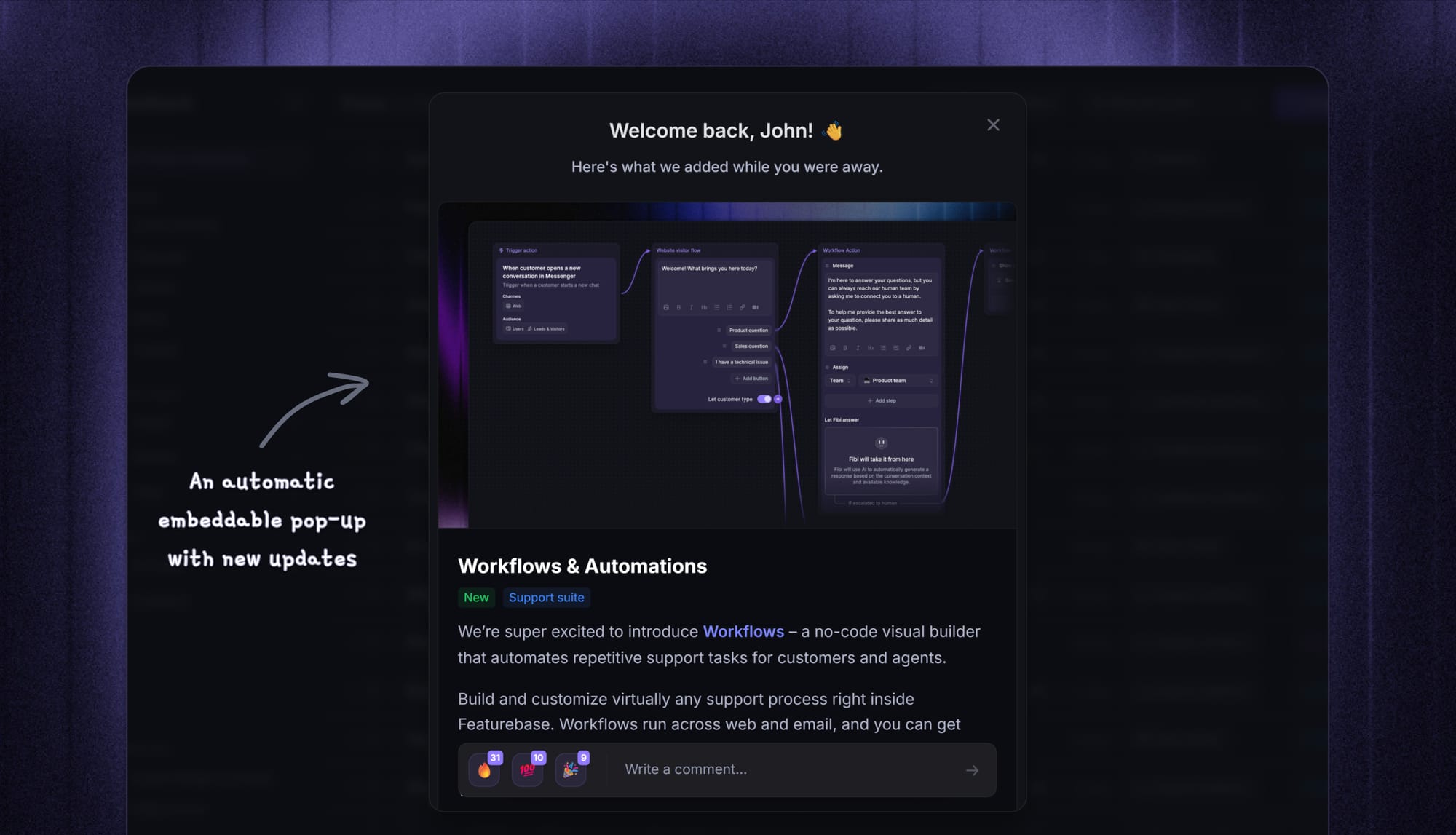
This is also where a single tool saves you from doing the work twice. With Featurebase, you publish a product update once and share it as an in-app widget or popup and as an email version of the same post, so active users see it inside your product, and everyone else gets it in their inbox. You can also target the update to a specific segment, like beta testers or users on a certain plan, and see whether people opened it from the widget, the page, or the email.
Conclusion
Push and in-app notifications are not rivals - they solve opposite problems. Push reaches users who have left, in-app reaches users who are present, and knowing which situation you are in tells you which channel to send. The teams that win at engagement use both, and coordinate them so no message lands twice.
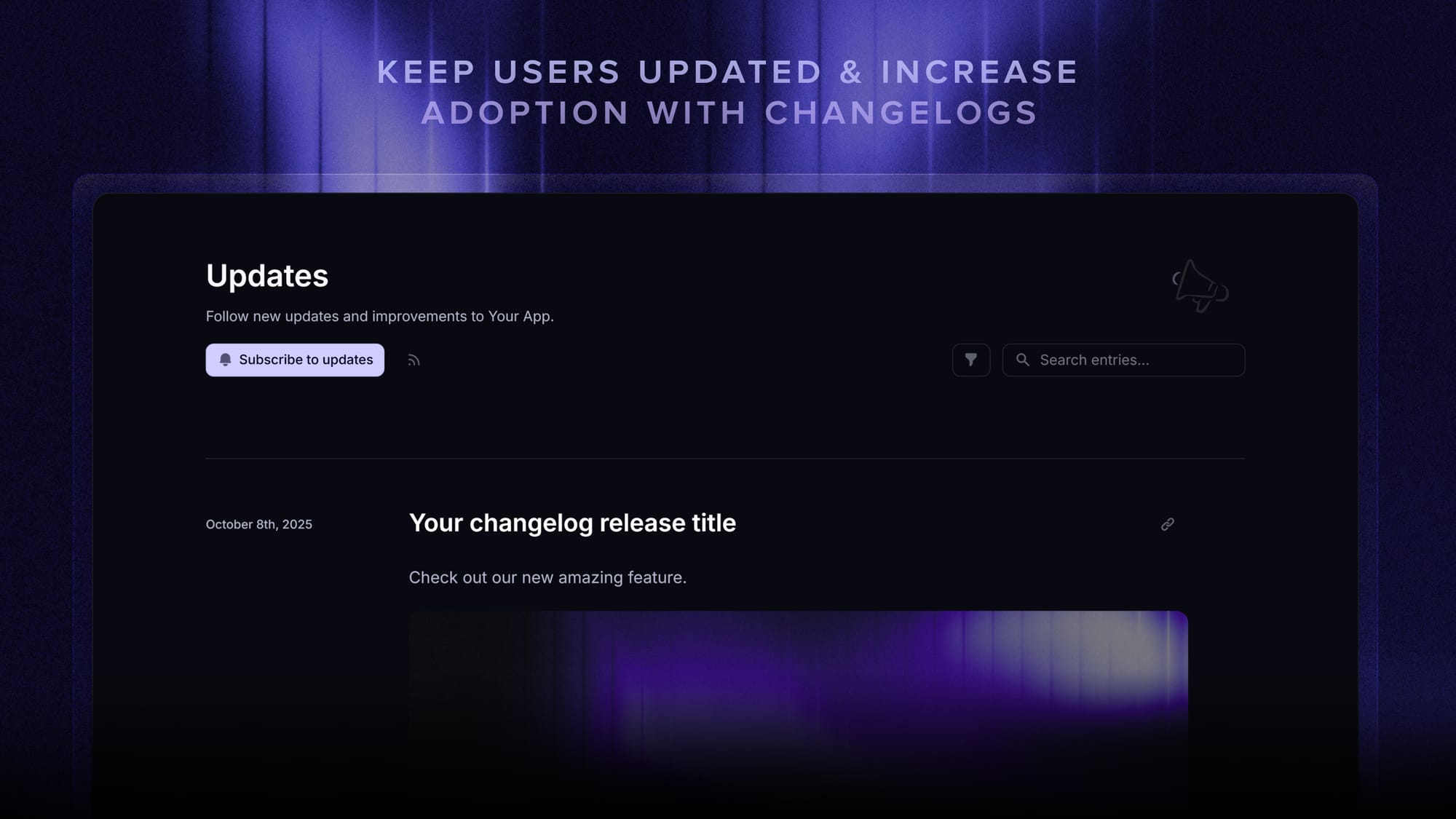
Featurebase is a modern changelog tool that helps you keep users updated with release notes, in-app popups, and automatic emails. It comes with an AI changelog writer, a clean editor, update analytics, and support for 40+ languages, so every launch reaches the right users in the right place.
It has affordable pricing and a Free plan with unlimited updates. You can set it up in minutes, so there's no downside to trying it. 👇
✨ Start announcing updates & drive engagement with Featurebase for free →
FAQs
Are in-app notifications the same as push notifications?
No. The difference is where they appear. Push notifications reach a user's device when they are outside your app, while in-app notifications appear inside your product while the user is actively using it. They often carry similar content, but they reach people in different situations.
Do in-app notifications require user permission?
No. Unlike push, in-app notifications do not need operating-system-level opt-in, because the user is already inside your product when they see them. That is why in-app can reach everyone who is active, while push only reaches the users who agreed to receive it.
What are the main downsides of push notifications?
Push is capped by opt-in, so you can only reach users who allowed notifications, and that group is often smaller than teams expect. Push is also easy to mute or disable, and over-sending is a fast way to get switched off. Once a user turns push off, you lose that channel to them entirely.
How do you prevent notification fatigue?
Match each message to a single primary channel instead of blasting the same thing everywhere, and cap how often you interrupt a given user. Target updates to the segments that actually care rather than your whole base. The goal is that every notification feels worth the interruption, which keeps people opted in.
Do in-app notifications work on web apps?
Yes. In-app notifications work in web apps as well as mobile apps - any product with a user interface can show banners, popups, tooltips, or a notification feed. The only requirement is that the user is actively using the product when the message appears.
What's the best way to send product update notifications in-app and by email?
Use a dedicated changelog tool so you can write an update once and publish it across channels instead of rebuilding it for each one. With Featurebase, a single update can appear as an in-app widget or popup for active users and go out as an email to everyone else, with analytics on where it was seen. There are also several free changelog tools worth comparing if you are just getting started.