Blog Product ManagementWhat Is a Changelog? Definition, Format & Examples
What Is a Changelog? Definition, Format & Examples
A changelog is a dated record of what changed in your product. Here's what goes into one, how it differs from release notes, and how to write entries people actually read.


✨ Start announcing updates & drive engagement with Featurebase for free →
You shipped 14 improvements last quarter. Your users noticed maybe two.
That gap is what a changelog closes. It's a running, dated record of the notable changes in your product, written for humans instead of machines.
In this guide, I'll cover what a changelog actually is, how it's different from release notes, what belongs in a good entry, and the mistakes that turn one into abandoned dead weight. 👇
Key takeaways
- A changelog is a curated, chronological list of notable changes to a project, grouped by version and dated, with the newest release at the top.
- The de facto standard format is Keep a Changelog, which sorts every entry into 6 categories: Added, Changed, Deprecated, Removed, Fixed, and Security.
- A changelog is not the same thing as release notes: the changelog is the complete technical ledger, release notes are the polished customer-facing story pulled from it.
- A changelog written for machines is a dead changelog: dumping raw git commit messages into a file is the single fastest way to make sure nobody reads it.
- The customer-facing half of a changelog needs a home users can actually find, which is what a tool like Featurebase✨ handles with a public updates page, in-app widgets, and release emails.
- Consistency beats completeness: a short entry shipped every release builds more trust than an exhaustive one shipped twice a year.
What is a changelog?
A changelog is a file or page that lists the notable changes made to a project, organized by version and ordered newest-first.
The word is a contraction of "change log", and that's exactly what it is: a log of changes. Each release gets its own section, each section gets a version number and a date, and under that sit the things that were added, fixed, or removed.
The key word in that definition is notable. A changelog is not a complete record of every code change, that's what version control is for. It's a curated summary of the changes a reader would care about.
It's also more common than you might expect. A 2026 analysis of 10,000 GitHub repositories found that 27.9% of them contain a CHANGELOG.md file, putting it among the most common non-code files in open source projects.
What is a CHANGELOG.md file?
CHANGELOG.md is the conventional filename for a changelog kept inside a code repository. It sits at the root of the project, next to README.md and LICENSE, written in Markdown so it renders on GitHub, GitLab, and package registries without any extra tooling.
The uppercase naming is deliberate. On most systems uppercase filenames sort to the top of a directory listing, so CHANGELOG.md sits where a new contributor will trip over it.
That file is the developer-facing changelog. Plenty of products also run a second, customer-facing changelog: a public page on the company's own domain that covers the same releases in plainer language. They serve different readers, and most SaaS teams end up maintaining both.
Changelog vs. release notes vs. version history
These three terms get used interchangeably, and they aren't the same thing:
- A changelog is the running ledger. Every notable change, grouped by version, in chronological order, written in a neutral and factual tone. It's cumulative, so one document covers the entire history of the project.
- Release notes are the story of a single release. They cover only what a user needs to know, they're written to sell the value of the update, and they're published per release rather than appended to one growing file.
- Version history is the automatic record your system already keeps: git commits, package registry version lists, document revision history. Nobody wrote it for a reader, it's just a byproduct of the software working.
The practical distinction is curation. Version history is generated, a changelog is curated, and release notes are marketed. If you want the full breakdown, I've written a longer piece on changelogs vs. release notes and a separate guide on writing release notes.
Most teams need the changelog first. Release notes are easy to write when a well-maintained changelog already exists, and painful when it doesn't.
Why changelogs matter more than they look like they should
A changelog looks like documentation chores. It behaves like a growth channel.
Pendo's software benchmarks, drawn from anonymized data across 6,800 of its customers, found that just 6.4% of features drive 80% of all clicks. Even in best-in-class products that number only rises to 15.6%. The overwhelming majority of what teams build goes unused, and a big slice of that is simply because nobody knew it existed.
Here's what a maintained changelog does about that:
- It drives feature adoption: users can only adopt what they know shipped. A changelog is the cheapest distribution channel you have for the work you've already paid for.
- It deflects support tickets: "did something change?" is one of the most common support questions in software. A dated public entry answers it before anyone opens a chat.
- It builds trust through visible momentum: a prospect evaluating your product can see whether you shipped last week or last year. An active changelog is the most honest proof of life a product has.
- It closes the loop on feedback: when someone requests a feature and later sees it announced, they learn that talking to you works. That's the mechanic behind a healthy customer feedback loop.
- It keeps your own team aligned: support, sales, and marketing all need to know what shipped. Without a single source of truth, they find out from customers.
The internal case is real, but the external case is bigger. Most teams underinvest in announcing product updates, then wonder why adoption of a new feature is flat.
What goes into a changelog entry
Every changelog entry answers 3 things: what version, what date, and what changed. The format below is the widely-adopted Keep a Changelog convention, and it's the safest default because most developers already recognize it.
The 6 standard change categories
Keep a Changelog sorts every line item into one of 6 buckets. Using the same 6 names consistently is what makes a changelog scannable:
- Added: new features or capabilities that didn't exist in the previous version.
- Changed: modifications to existing functionality. Anything that behaves differently than it used to belongs here.
- Deprecated: features that still work but are on their way out. This is the warning shot that gives users time to migrate before removal.
- Removed: features deleted in this release. Pairing this with an earlier Deprecated notice is what separates a considerate project from a frustrating one.
- Fixed: bug fixes. Be specific about the symptom, not just the internal ticket number.
- Security: vulnerabilities patched in this release. This gets its own category so security-conscious users can scan for it without reading everything else.
Not every release touches all 6. Omit the empty ones rather than listing a category with nothing under it.
How versions and dates are labeled
Each release section is headed by a version number and an ISO-format date, like ## [2.4.0] - 2026-08-19. The ISO format matters because it's unambiguous internationally, unlike 08/19/2026.
Most projects pair this with semantic versioning, which encodes the size of the change in the number itself:
- Major (2.0.0) - breaking changes that require users to update their code
- Minor (1.4.0) - new functionality added in a backward-compatible way
- Patch (1.3.2) - backward-compatible bug fixes only
There's also an Unreleased section that lives at the very top, above the newest version. It's where you log changes as you merge them, so that at release time you rename the section to the new version number instead of trying to reconstruct a month of work from memory. It's a small habit that removes almost all of the pain of keeping a changelog current.
What a changelog looks like in practice
Here's a minimal entry using the format described above:
# Changelog

## [Unreleased]
### Added
- Bulk export for saved filters

## [2.4.0] - 2026-08-12
### Added
- Slack notifications for status changes
- Keyboard shortcut (Cmd+K) for global search

### Changed
- Dashboard now loads the last-viewed workspace by default

### Fixed
- Timezone offset was applied twice on scheduled reports
- Long project names no longer overflow the sidebar

### Security
- Patched CVE-2026-1041 in the session-handling dependency
That's the developer-facing version. The customer-facing version of the same release reads differently: fewer entries, more context on why each one matters, usually a screenshot or short clip.
Same release, two documents, two readers. Which raises the question of where the second one goes.
Where your customer-facing changelog should live
A CHANGELOG.md file handles the developer half of this well. It does nothing for the customer half, because the average SaaS user is never going to open your repository.
That half needs 3 surfaces to work:
- A page users can find - hosted on your own domain so it's indexable, linkable, and shows up when a prospect searches for signs of life.
- An in-product prompt - a widget or popup that reaches the people who use your app daily and never visit your marketing site.
- An email - for the releases significant enough to interrupt someone over.
Publishing to one and skipping the other two is the most common reason a changelog gets almost no traffic despite being genuinely well written.
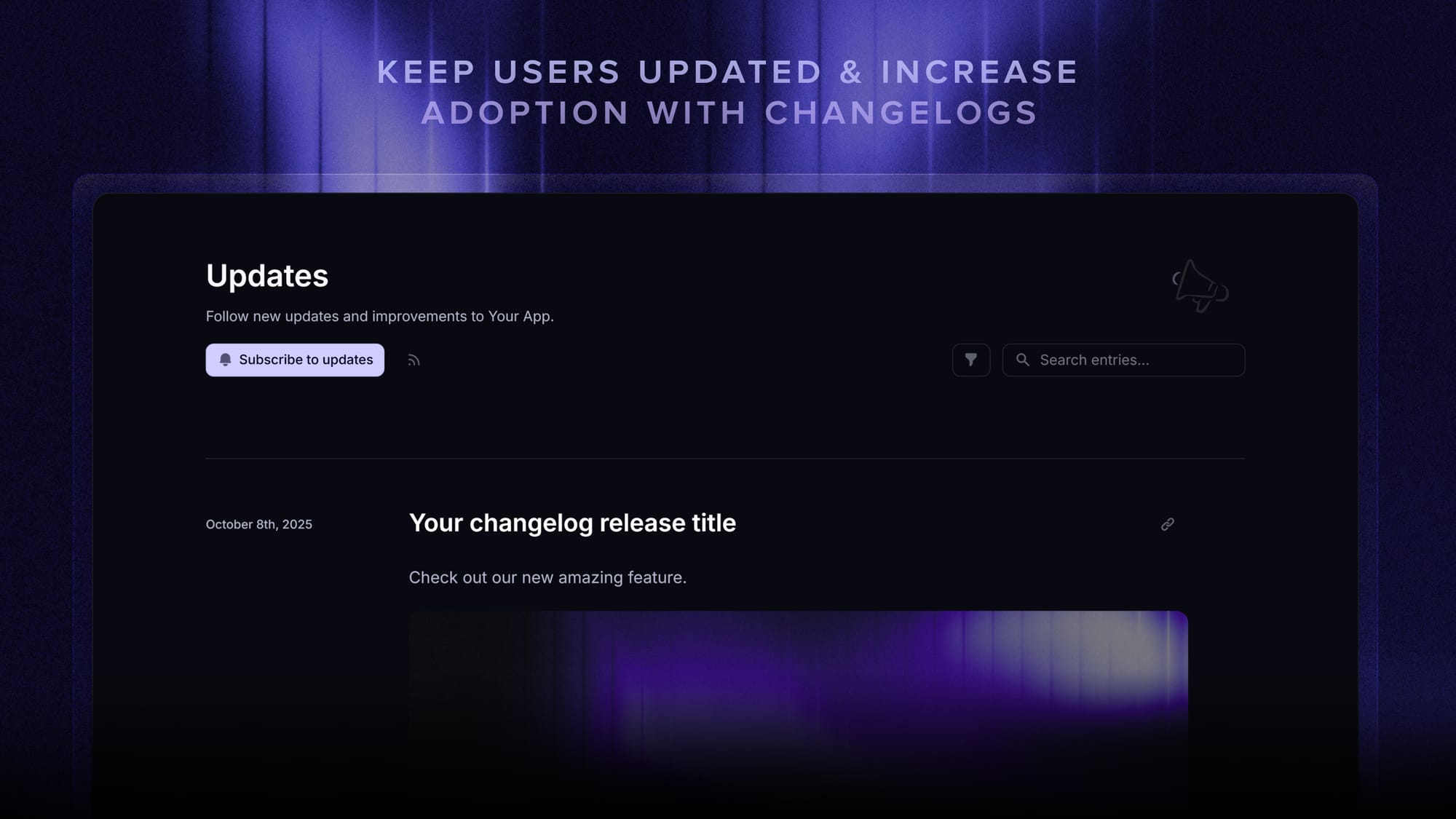
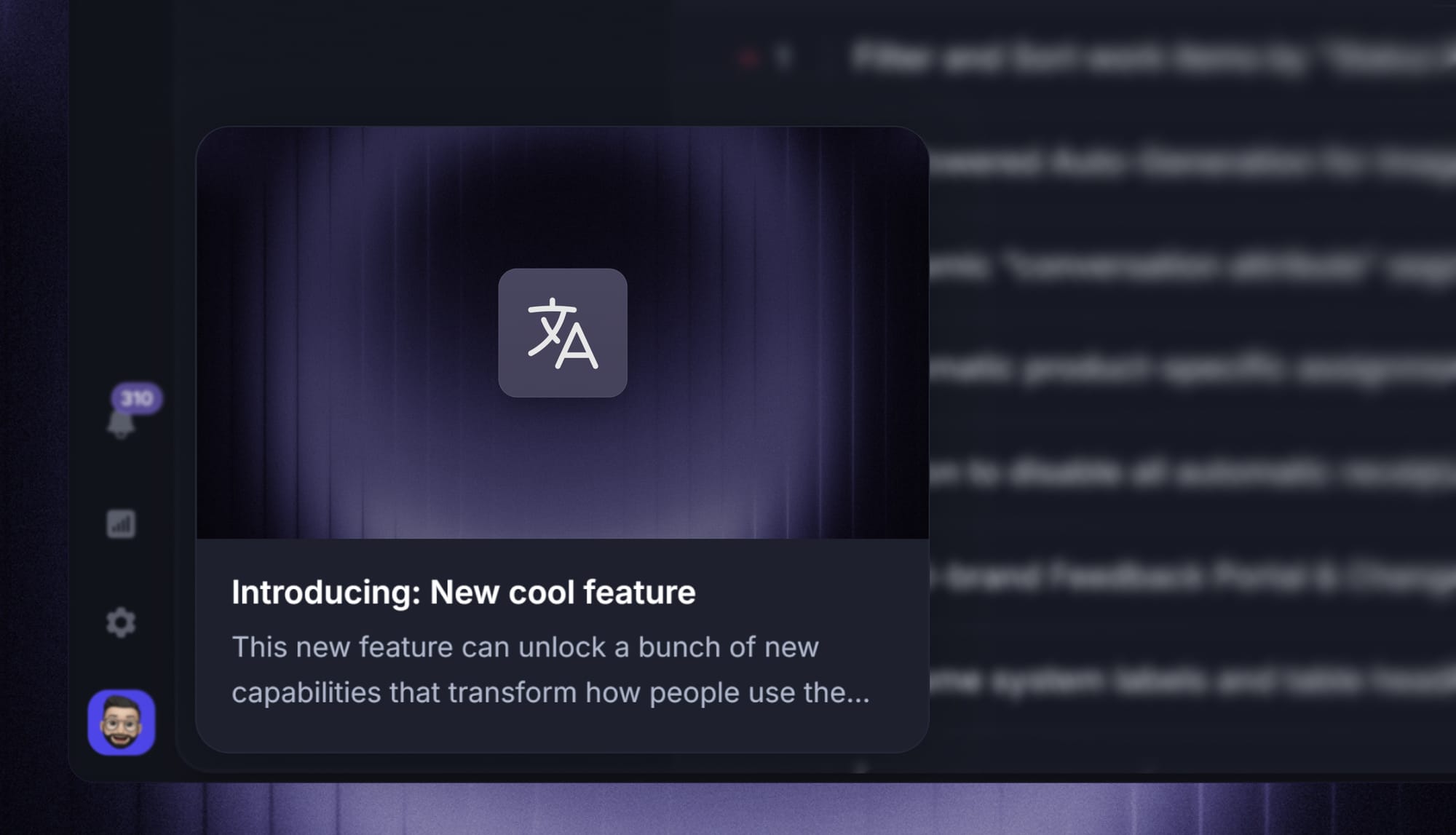
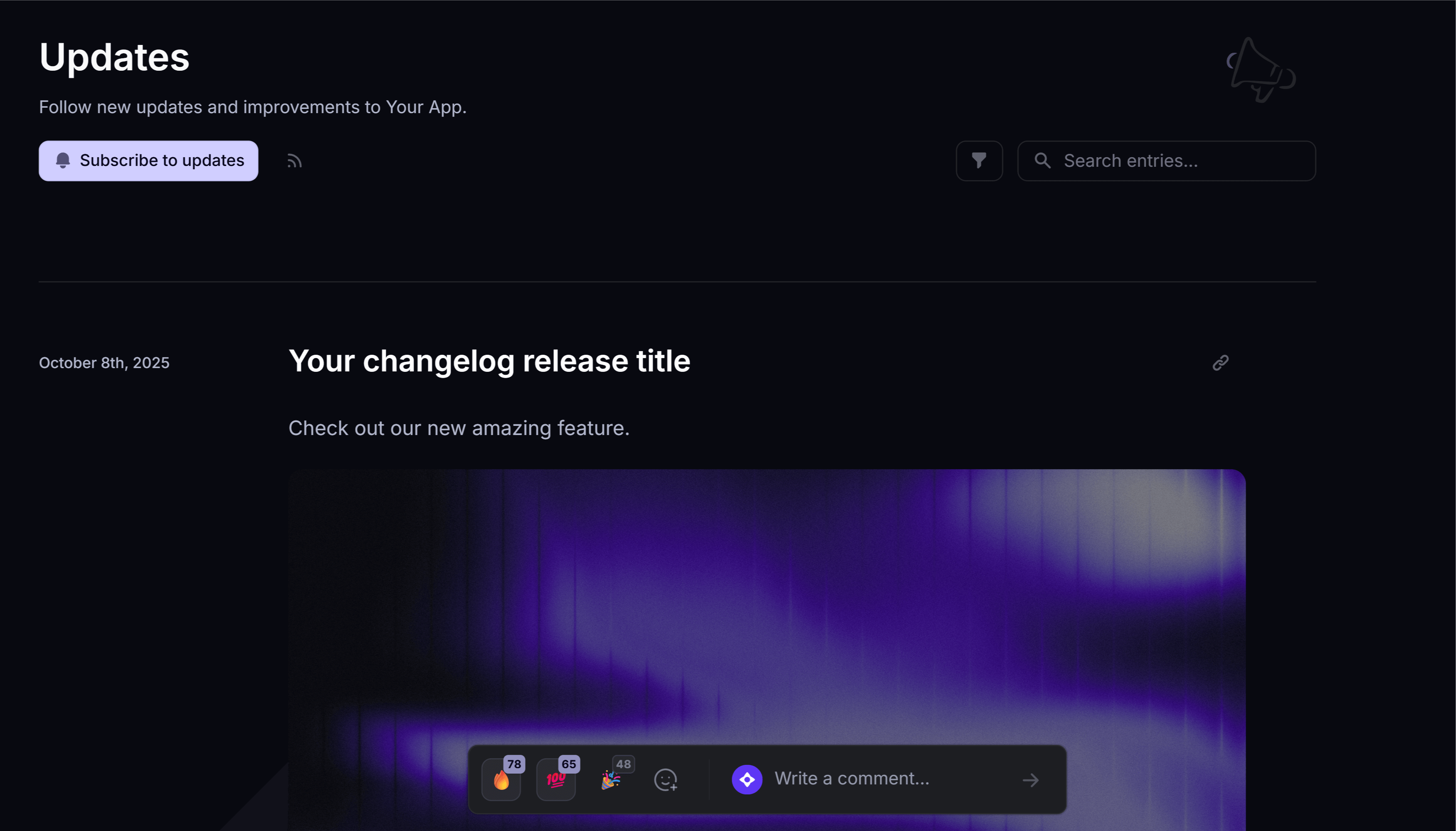
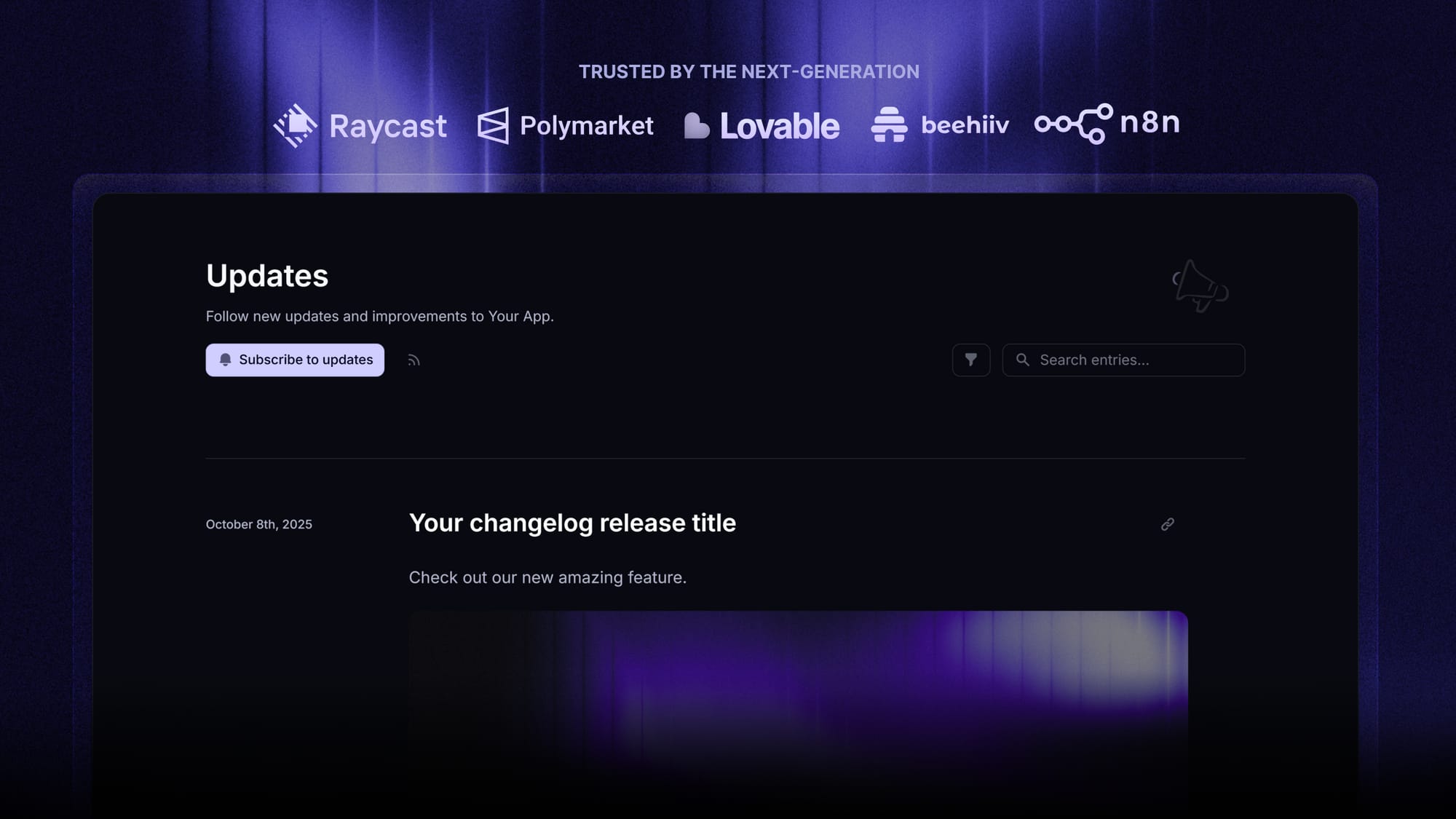
Featurebase is a changelog tool built around exactly that split. You write an entry once, and it publishes to a branded updates page on your own domain, an in-app widget or popup inside your product, and an automatic release email to the users the update applies to.
A few things that start to matter once you're publishing on a real cadence:
- AI changelog writer – turns rough release notes into a polished, on-voice post
- Release segmentation – show an update only to users on the plan, role, or region it affects
- Changelog analytics – see how many users opened an update and which surface they saw it on
- Automatic translations – publish every entry in 40+ languages
- Link back to feedback – connect an update to the original feature request that prompted it
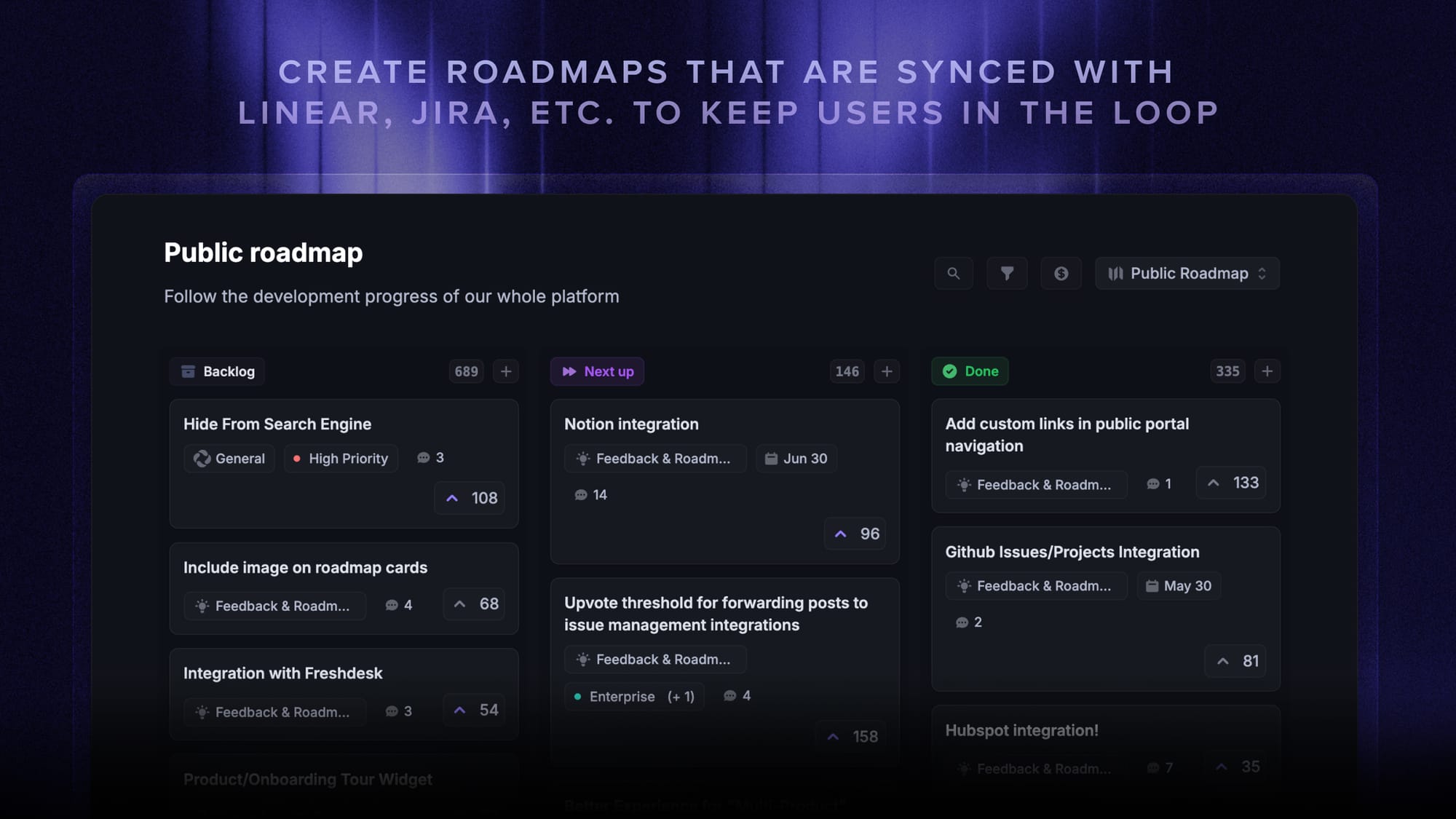
It also sits next to a public roadmap and a feedback forum, so users can see what's coming and react to what shipped rather than reading a list in isolation. If you want to compare the field first, I've rounded up the free changelog tools worth a look.
How to write a changelog people actually read
The format is the easy part. Writing entries that survive contact with a real reader is where most changelogs fall apart. 6 rules cover most of it:
- Write for a human, not a parser: the reader is a person deciding whether this release affects them. "Fixed a race condition in the auth middleware" is fine for a dev-facing log, but "You're no longer logged out when switching workspaces quickly" is what a user needs.
- Lead with the effect, not the implementation: start each line with what changed for the reader. The internal cause is optional context, not the headline.
- One change per line: if a line contains "and", it's probably 2 entries. Scannability collapses the moment lines get long.
- Link out where it helps: connect an entry to the issue, pull request, or the original feature request that prompted it. Readers who want depth can follow, everyone else keeps scanning.
- Keep the tone consistent across releases: a changelog that swings between terse and chatty reads as neglected. Pick a voice and hold it.
- Update it as part of the release, not after: the entry is written when the change is merged, while the reasoning is still in someone's head. Retrofitting a changelog a week later is how they go stale.
If the writing itself is the bottleneck, that's worth solving directly rather than working around. The "I'll write it up properly tomorrow" excuse is what kills most changelogs, and a rough entry published on time beats a polished one that never ships.

Start announcing updates with Featurebase for free
Beautiful release notes that drive adoption - effortlessly, with no code
5 changelog mistakes that kill the habit
Almost every abandoned changelog died of one of these:
- Dumping raw git logs: a wall of commit messages is not a changelog. Commit messages are written for the person reviewing the diff, and they carry internal shorthand that means nothing to a reader.
- Writing only for developers when your users aren't developers: if your product is a SaaS app, "Refactored the ingestion pipeline" tells a customer nothing. Two audiences, two versions of the same release.
- Batching updates into quarterly mega-posts: a changelog's value comes from rhythm. 12 small entries a year beat 4 giant ones, because the small ones actually get read.
- Skipping the boring releases: a month with no entry reads as a month with no work. Even a short "performance and stability improvements" line is better than a visible gap.
- Publishing it somewhere nobody looks: a changelog with no in-app entry point, no email, and no link in the navigation is a changelog nobody will find. Pair it with a public product roadmap so users see both what shipped and what's coming.
The through-line is that a changelog is a communication artifact, not a compliance artifact. The moment it starts being written for the file rather than for a reader, it stops earning its keep.
Conclusion
A changelog is a simple thing: a dated, curated list of what changed, newest first, written so a human can scan it. Getting the format right takes an afternoon. Getting the habit right is what actually pays off, because every release you don't announce is work your users never find.
Featurebase is a modern & powerful changelog tool that helps you keep your users updated with release notes, in-app popups, and automatic emails. It has an AI changelog writer, a powerful editor, and supports over 40+ languages.
It comes with affordable pricing and a Free plan with unlimited changelogs. You can set it up in minutes, so there's no downside to trying it. 👇
✨ Start announcing updates & drive engagement with Featurebase for free →
FAQs
What should a changelog file be named?
The convention is CHANGELOG.md, placed at the root of the repository. Uppercase keeps it sorted near the top of a directory listing where contributors will see it, and the .md extension means it renders as formatted text on GitHub, GitLab, and most package registries. Some projects use CHANGES.md or HISTORY.md, but CHANGELOG.md is what tooling and readers expect.
What is a changelog in project management?
In project management, a change log tracks changes to a project's scope, requirements, budget, or schedule rather than changes to software. Each row typically records the requested change, who raised it, the impact assessment, the decision, and the approval date. It's a governance document rather than a communication one, which is why it usually lives in a spreadsheet or a PM tool instead of a public page.
How often should you update your changelog?
Update it with every release, and log entries into an Unreleased section as changes get merged in between. Teams that ship continuously usually publish customer-facing updates weekly or biweekly by grouping smaller items, since a public page updated daily becomes noise. The failure mode to avoid is batching a quarter of work into one post, which almost guarantees nobody reads it.
Can a changelog be generated automatically?
Partly. If your team follows a commit convention like Conventional Commits, tools can group commits by type and generate a draft changelog on every release. That draft is a starting point, not a finished changelog, because commit messages are written for reviewers and carry internal shorthand. The reliable pattern is automated generation plus a short human editing pass before publishing.
What is the difference between a changelog and version history?
Version history is generated automatically by your systems: git commits, package registry version lists, or a document's revision log. A changelog is written deliberately by a person, filters out everything that isn't notable, and explains changes in language a reader understands. One is a byproduct of the software running, the other is a communication decision.
Where should you publish a customer-facing changelog?
Publish it on a page on your own domain so it's indexable and linkable, then push it to where your users already are. In practice that means an in-app widget or popup that surfaces new updates inside the product, plus an email to users affected by the release. Featurebase covers all 3 surfaces from a single entry, so publishing once updates the public page, the in-app widget, and the release email together.