Blog Customer ServiceWhat Is Live Chat? Benefits and How It Works
What Is Live Chat? Benefits and How It Works
Live chat lets customers reach you in real time, right from your site or app. Here's what live chat is, how it works, and how to run it well.



Email makes customers wait. The phone puts them on hold. Live chat answers them right there on the page, in the moment they actually have the question.
That speed is why live chat has become one of the most popular support channels for SaaS and ecommerce teams. In this guide, I'll break down what live chat is, how it works, the benefits, and how to run it well. 👇
Key takeaways:
- Live chat is a real-time, text-based channel: customers message a support agent or AI directly from a small widget on your website or app, without leaving the page or picking up the phone.
- It is faster than email and more scalable than phone: a single agent can handle several chats at once, so a smaller team serves far more customers.
- Live chat is not a chatbot: live chat is a conversation with a human, a chatbot follows a script, and an AI agent reads intent and resolves requests on its own.
- The benefits go past speed: live chat lifts conversions, lowers cost per conversation, and tends to score higher customer satisfaction than email or phone.
- Running it well takes more than a widget: you need staffing, routing, saved replies, and a mix of AI and human agents to keep quality high.
- Featurebase✨ brings live chat, AI support, a help center, and feedback into one platform, so you can run modern, AI-assisted support without stitching tools together.
What is live chat?
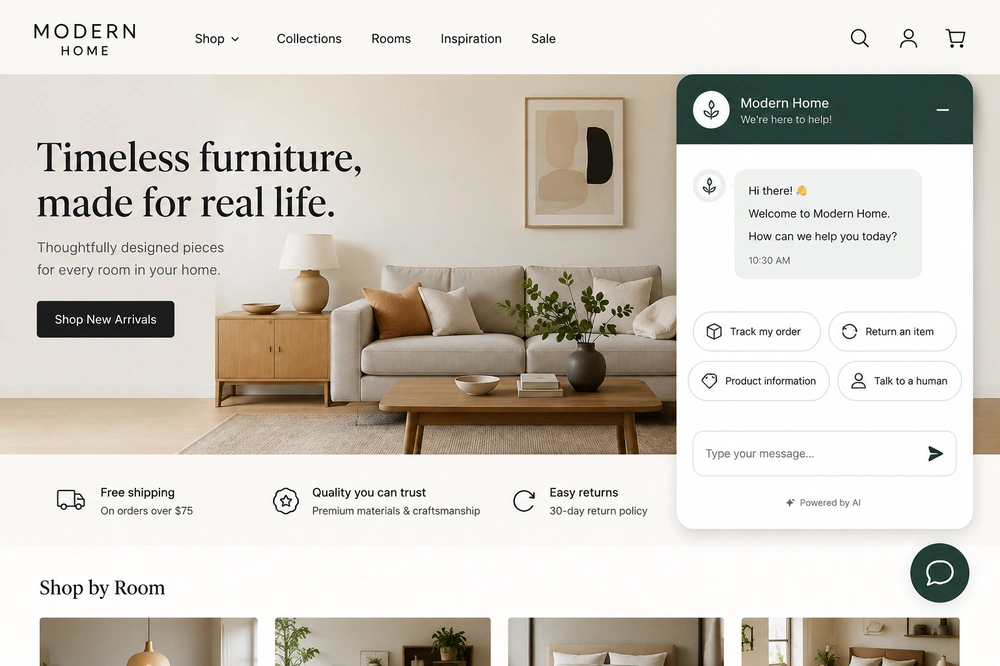
Live chat is a real-time, text-based communication channel built into a website or mobile app. It lets a customer ask a question and get an answer in the moment, usually through a small chat window in the corner of the screen, without sending an email or waiting on hold.
Unlike email, which is asynchronous, live chat happens live. The customer types, an agent (or AI) reads and replies, and most conversations resolve in minutes. That's the whole appeal: help at the exact moment someone has a question, while they're still on your site.
Demand has climbed as customers grow used to messaging everything. Forrester found that 42% of US online adults said it was important for retailers to offer live online chat on their websites, up from 27% in 2019.
Modern live chat is also more than a text box. Most live chat software adds file sharing, co-browsing, proactive triggers, and customer context pulled from your CRM, turning a simple chat into a full support surface. Many platforms now fold it into broader conversational customer service across channels.
Live chat vs chatbots vs AI agents
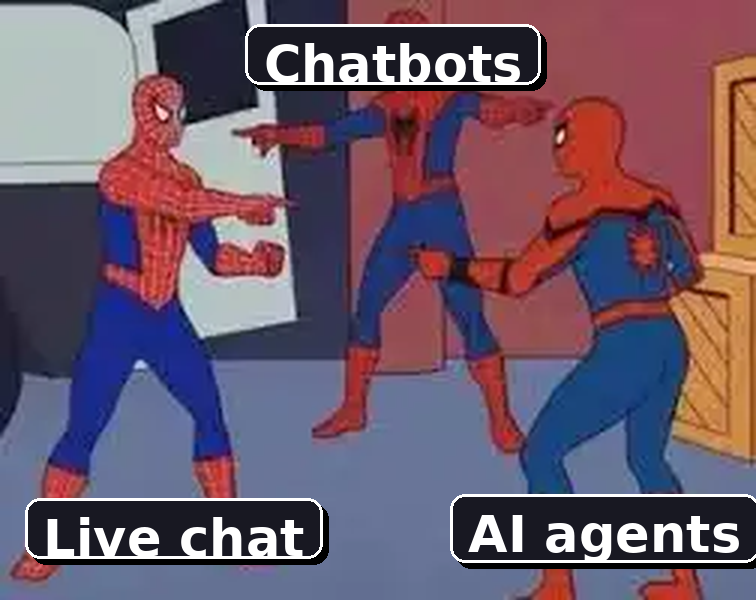
Live chat, chatbots, and AI agents get lumped together because they share the same chat window, but they do different jobs:
- Live chat is a real-time conversation with a human agent. It is the right choice for complex, sensitive, or high-value issues where judgment and empathy decide the outcome. Its limit is capacity, since a person can only hold a handful of chats at once and only during staffed hours.
- A chatbot follows a script. It answers set questions with set replies, which works for predictable, repetitive requests, but it stalls the moment a customer asks something off-script.
- An AI agent reads the actual question instead of matching keywords, pulls answers from your knowledge base, and resolves requests in natural language. When it hits its limit, it escalates to a human with the full conversation attached.
Most strong support teams run all three together. The AI agent or customer service chatbot takes the first touch, and live chat agents step in where a human changes the result.
How does live chat work?
Behind the chat window sits a process that decides how fast someone gets help and whether the right person handles it. Here's what happens from the first click to the closed conversation:
- The customer opens the chat: they click the widget (or it opens proactively based on their behavior), then type their question without leaving the page.
- Automated deflection kicks in: many systems first surface a relevant help article or let an AI answer common questions like order status or password resets, resolving simple requests on the spot. This is where good customer self-service clears the queue.
- Routing sends it to the right place: if a human is needed, the system reads the message, topic, and page, then assigns the chat to the right agent or queue based on skill, availability, and workload.
- The agent replies with context: before typing, the agent sees the customer's account, past tickets, and recent activity in a shared inbox, so they can answer without asking the customer to repeat themselves.
- The chat resolves and logs: once the issue is solved, the transcript is saved to your help desk or CRM and attached to the customer's history for whoever helps them next.
Reactive vs proactive live chat
There are two ways a chat can start. Reactive live chat waits for the customer to click and ask, like a shopper approaching a clerk in a store. Proactive live chat reaches out first, triggering an invitation based on behavior, such as time on a pricing page or items left in a cart.
Proactive chat is powerful for sales and retention, since not every customer with a question will start one themselves. Done well, it feels like helpful proactive customer service rather than an intrusive pop-up.
The benefits of live chat
Live chat is convenient for customers, but it is also a strategic advantage for the business. Customers increasingly expect it: Salesforce reports that 77% of customers expect to interact with someone immediately when they contact a company.
Here's what live chat delivers:
- Instant responses: customers get answers in seconds instead of waiting hours for an email or sitting on hold, which removes friction at the exact moment they need help.
- Higher agent productivity: an experienced agent can handle 4 to 6 chats at once, something impossible on a phone call, so a smaller team serves more people.
- More conversions: answering a question during a buying decision removes the doubt that makes people abandon a cart, turning a passive browse into an active sale.
- Lower support costs: concurrent chats and AI deflection push the cost per conversation well below phone-first support.
- Higher satisfaction: live chat consistently scores higher CSAT than email or phone, mostly because of how fast it resolves simple issues.
Live chat best practices
A great live chat experience is not just a fast one. It is contextual, personal, and well-run. A few practices separate the teams that win at chat from the ones that frustrate customers:
- Set clear availability expectations: show your hours and rough response times. Customers accept limited hours far better than a widget that says "online" when nobody answers.
- Lead with context, not questions: surface the customer's history before the agent replies, so nobody has to ask "what's your order number?" to a repeat customer.
- Use saved replies, but keep them human: templated answers speed things up, but they should read like a real person wrote them, not a robot pasting a macro.
- Balance automation with human judgment: let AI handle routine, high-volume questions and route complex or emotional issues to a person.
- Track the metrics that matter: watch first response time, resolution rate, CSAT, and missed chats. These customer service KPIs tell you whether chat is actually working or just looking busy.
How AI is changing live chat
AI does not replace the human agent in live chat. It changes what the human has to do. A well-trained AI agent handles tier-1 questions around the clock, surfaces customer context before the first reply, drafts responses for agents, and flags conversations trending toward frustration so a supervisor can step in.
The practical result is 24/7 coverage without 24/7 staffing, plus faster first responses across the board. This is where modern tools help. With Featurebase, the Fibi AI Agent resolves routine chats on autopilot and can run actions like trial extensions or refunds, then hands the complex conversations to a human in an omnichannel inbox with the full context attached. The agent picks up exactly where the AI left off, so the customer never repeats themselves.
Where Featurebase fits in
If you're weighing up live chat as part of your support setup, Featurebase is one modern option worth knowing about. It's an AI-powered support platform built for product-led SaaS teams, where live chat sits alongside an AI help center and feedback tools in the same workspace rather than as a separate subscription.
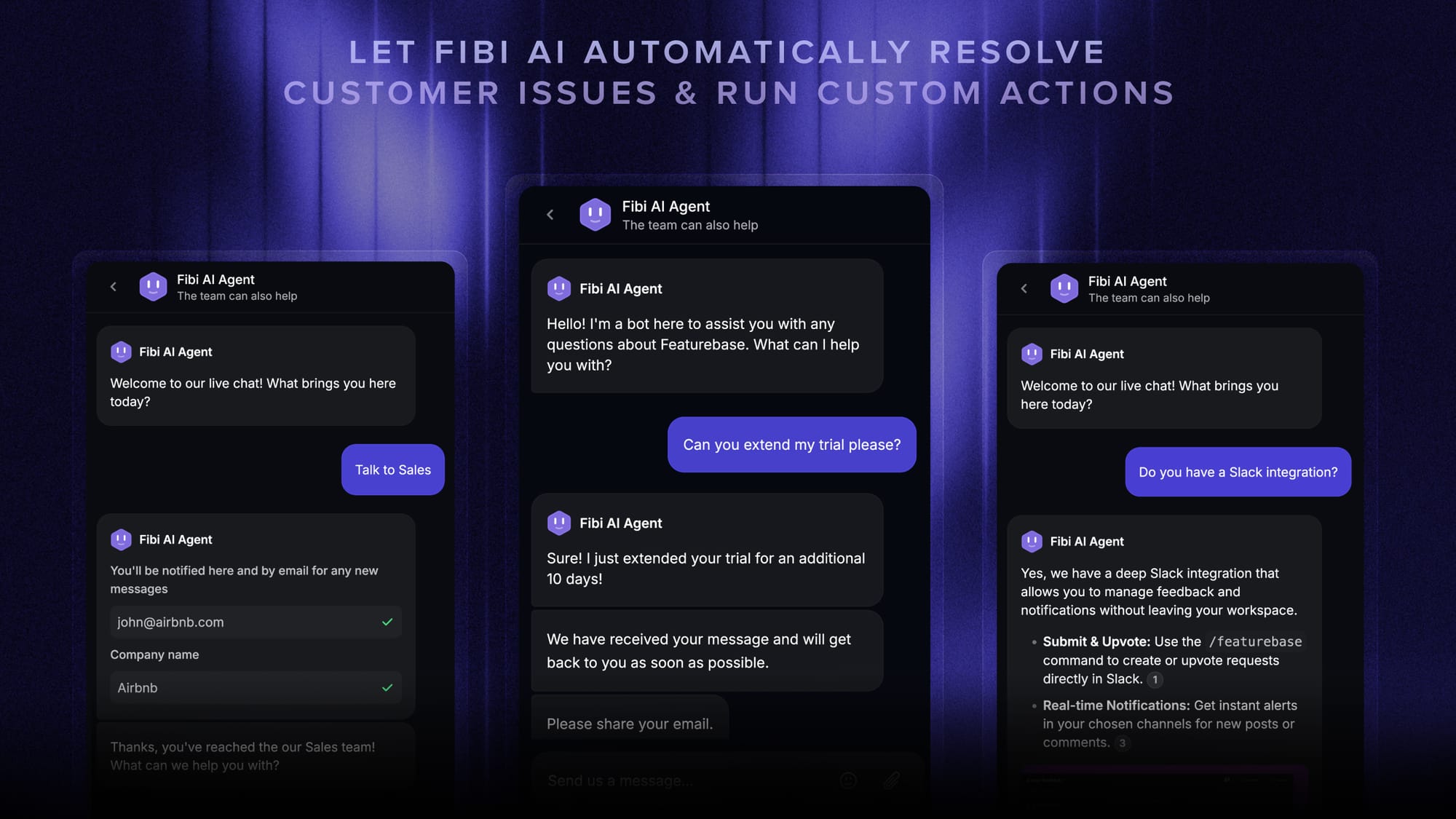
For live chat specifically, that has a few practical upsides. Conversations from live chat, email, and Slack land in one omnichannel inbox, so agents aren't switching tabs to find context. The Fibi AI Agent resolves routine chats on its own and escalates the rest to a human, and automatic AI translations let you answer customers in their own language without extra headcount.

There's a free plan with unlimited conversations, and paid plans start at $29/seat/month plus $0.29 per AI resolution, so it's easy to try before committing to anything.
Conclusion
Live chat has become the channel customers reach for first, because it answers them in the moment without the wait of email or the hold music of a phone call. Done well, it speeds up support, lifts conversions, and keeps customers coming back.
Featurebase is a modern AI-powered support platform that brings live chat, an AI help center, feedback, and product updates together in one place. It covers everything legacy tools do, but with AI automations and a mobile app built in, so your team can move faster without juggling five subscriptions.
It comes with a Free plan and unlimited conversations, and onboarding takes minutes, so there's no downside to trying it. 👇
✨ Automate your support with the fastest AI-enhanced Inbox today →

FAQs
What are the disadvantages of live chat?
Live chat is fast, but it depends on people being available. During peak times, response delays creep in, and text can struggle with complex or emotional issues that a call would handle better. That's why most teams use live chat as one part of a broader support mix rather than their only channel.
Is live chat the same as messaging?
Not quite. Live chat is a synchronous, on-site session that usually happens while the customer is on your website or app and ends when the issue is resolved. Messaging (like WhatsApp or SMS) is asynchronous, so the conversation can pause and pick back up over hours or days. Many omnichannel support tools now handle both in one inbox.
How much does live chat software cost?
Pricing ranges from free tools to roughly $20 to $80 per agent per month, and AI-heavy platforms increasingly charge per AI resolution on top. Featurebase offers a free plan with unlimited conversations, with paid plans starting at $29 per seat per month.
Is live chat secure?
It can be, as long as the provider encrypts conversations, complies with regulations like GDPR, and handles customer data responsibly. If you operate in a regulated industry, check for data residency options and compliance certifications before you choose a tool.
Which industries use live chat the most?
Ecommerce, SaaS, healthcare, travel, and financial services lean on live chat the hardest. Anywhere customers have urgent, time-sensitive questions (a product detail, a booking change, an account issue) benefits from real-time support. SaaS support teams in particular use it to reduce churn and guide users in the moment.
Can live chat run 24/7 without a big team?
Yes, with AI. An AI agent or chatbot can cover tier-1 questions around the clock, resolving simple requests instantly and escalating the rest to a human during staffed hours. That gives you always-on coverage without hiring a night shift.