Blog Comparisons11 Best SurveyMonkey Alternatives for Startups in 2026
11 Best SurveyMonkey Alternatives for Startups in 2026
SurveyMonkey used to be the obvious pick for surveys. But if you’re running NPS, CSAT, or product feedback on repeat, it can start to feel like you’re paying more just to do the basics. In this guide, we’ll cover the best SurveyMonkey alternatives in 2026!

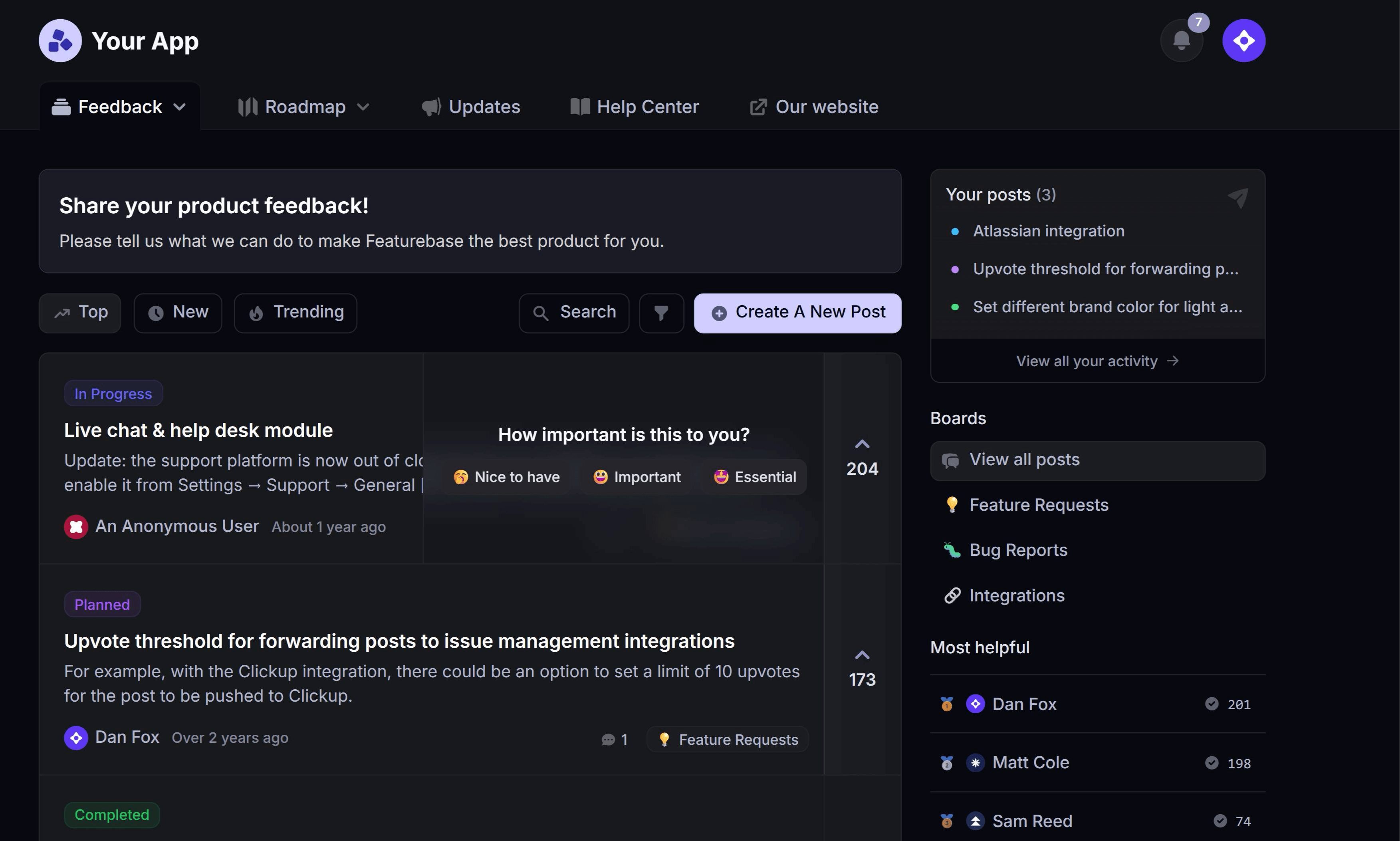

SurveyMonkey has been the default survey tool for years, but times are changing. Modern teams now expect more from their online survey platform and customer survey software than simple forms and response counts.
If you’re using surveys for product feedback, NPS, CSAT, or customer experience, SurveyMonkey can start to feel a little rigid. Month-end invoices can rise quickly, advanced features are often locked behind higher tiers, and deeper survey analytics and survey reporting are not always easy to access on lower plans.
In this guide, I’ve broken down the best SurveyMonkey alternatives in 2026, focused specifically on surveys, survey analytics, and customer feedback programs rather than generic form builders. 👇
Overview
| Tool | Best For | Key Features | Starting Price |
|---|---|---|---|
| Featurebase | Product feedback & surveys | Surveys, NPS, feedback boards, in-app widgets, analytics, integrations | $29/seat/month, including unlimited surveys and responses |
| SurveySensum | AI-powered market research & faster insight delivery | Agentic AI questionnaire builder, global panel access, automated data quality control, real-time dashboards, boardroom-ready reports | Custom pricing based on research needs, audience size, and study complexity |
| Typeform | High-completion, conversational surveys | One-question-at-a-time UX, logic & branching, NPS templates, integrations | $25/month |
| Alchemer | Advanced logic & recurring surveys | Advanced branching/piping, custom workflows, reporting tools | Mid-range, feature-based |
| QuestionPro | Research-heavy surveys | Advanced logic, CX & NPS tools, panel management | $99/month |
| Qualtrics | Enterprise CX & research | Advanced logic & targeting, dashboards, CX/EX/market research modules | Custom (enterprise pricing) |
| Zonka Feedback | Omnichannel NPS/CSAT surveys with built-in AI analysis | NPS/CSAT/CES templates, omnichannel distribution, AI text & sentiment analysis, integrations | Custom pricing, free trial available |
| Tally | Minimalist surveys | Unlimited surveys, logic & calculations, distraction-free UI | $29/month |
| Zoho Survey | Zoho ecosystem integration | Logic & branching, branding, Zoho CRM/Desk integrations | $9/month |
| Jotform | Flexible surveys & forms | Drag-and-drop builder, logic, widgets, integrations | $34/mo |
| ClearlyRated | NPS & client satisfaction benchmarking | Automated NPS, benchmarks, recurring feedback programs | Custom (enterprise pricing) |
What is SurveyMonkey?
SurveyMonkey is one of the most widely used online survey tools since its launch in 1999. It allows teams to quickly create surveys, collect responses, and generate basic reports, making it a go-to option for survey creation and simple feedback collection.
Over time, SurveyMonkey has expanded to include features for NPS, CSAT, and customer experience surveys, but its core focus remains on one-off surveys rather than ongoing, structured feedback programs. SurveyMonkey works well for basic surveys and small-scale feedback programs, but teams that want to analyze survey data, integrate feedback into workflows, or use surveys as part of continuous product and customer experience programs often start looking for more modern SurveyMonkey alternatives.
Why look for alternatives to SurveyMonkey?
SurveyMonkey is a well-known survey tool, and it works well for basic survey creation. But once teams start running surveys continuously and using feedback to guide product decisions, its limitations become much more visible.
1. Expensive pricing
Many of SurveyMonkey’s most useful features are locked behind higher pricing tiers. Advanced analytics, deeper reporting, and recurring survey programs like NPS or CSAT can become expensive quickly. Users frequently mention hitting feature limits as soon as their needs go beyond simple surveys.
- “The main limitation I notice on the Basic plan is how quickly you can reach feature constraints once your needs go beyond simple surveys. Advanced question logic, deeper analytics, and more detailed reporting are clearly reserved for paid plans. While this is understandable, it can feel restrictive when you want to explore results in more depth or customize the survey experience further. Response viewing and export options are also limited on the free tier.” (G2 review)
For teams running surveys on a recurring basis, costs often rise just to unlock features needed for everyday analysis and reporting.
2. Weak connection between feedback & product decisions
SurveyMonkey is primarily designed for collecting responses, not for managing feedback end-to-end.
Survey data often lives in isolation instead of flowing into the tools teams use to make decisions, such as product roadmaps, feature requests, or customer profiles. This makes it harder to turn feedback into action, especially for product-led teams running ongoing feedback programs.
Many teams end up exporting data manually or stitching together workflows across multiple tools just to understand what customers are asking for and why.
3. Missing features and workflows
SurveyMonkey works well for one-off surveys, but it becomes restrictive when feedback collection turns into an ongoing process.
Teams commonly run into limitations around:
- Response limits and export restrictions on lower plans
- Customization and branding constraints
- Limited workflows for continuous feedback collection
- Lack of built-in closed-loop workflows and automated follow-ups
As survey programs grow, these constraints create friction and add manual work, especially for teams collecting feedback regularly rather than occasionally.
Top SurveyMonkey Alternatives for 2026
Let’s be honest, SurveyMonkey is still a capable survey tool, but many teams need better solutions, especially for product feedback, NPS, and customer experience. Here’s a quick comparison of the top options:
1. Featurebase ✨
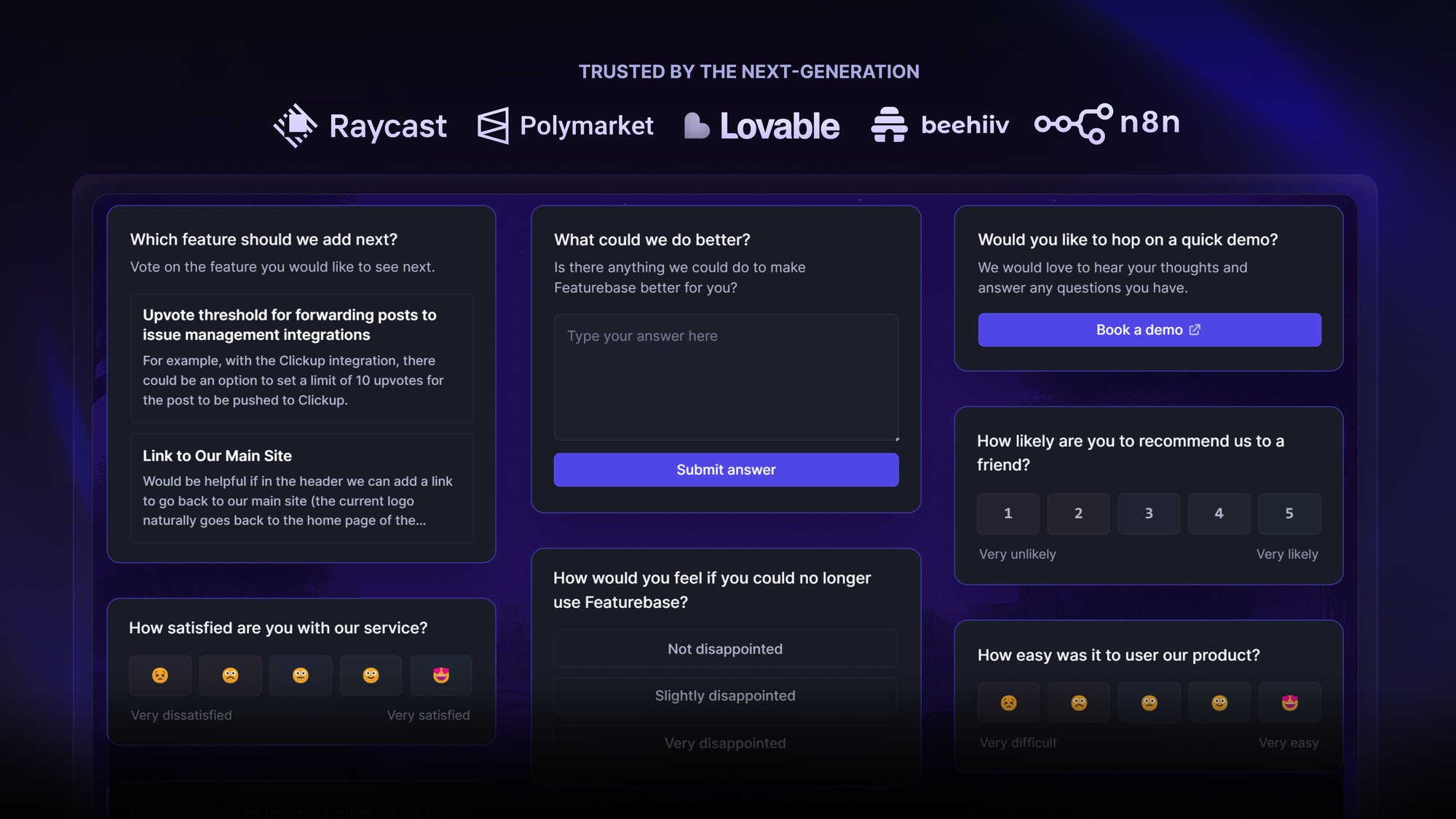
Featurebase is a modern customer feedback and survey platform with advanced capabilities built for product teams that want to turn survey data into product decisions, not just reports. Unlike traditional survey tools that focus mainly on survey creation and response collection, Featurebase is designed around continuous feedback collection, product discovery, and feedback-driven roadmapping.
Why this is a better SurveyMonkey alternative:
- Built for continuous feedback loops - unlike traditional survey tools, Featurebase supports ongoing customer feedback programs, helping teams capture and act on insights in real time
- Connects survey responses to feature requests and idea voting - survey results feed directly into structured product feedback, enabling teams to prioritize features based on real user input
- Turns feedback collection into structured product insights - feedback is tagged, tracked, and visualized in analytics dashboards to spot trends and patterns
- Supports in-app surveys using feedback widgets - collect feedback where users are already engaging with your product
- Combines survey analytics with feedback tagging and trend tracking - powerful tools to analyze survey data, track recurring issues, and measure NPS or CSAT over time
- Includes public feedback boards and roadmaps to close the loop with users- keep customers informed, allow them to vote on ideas, and show progress on requested features
Key features:
- Surveys, NPS, and feedback forms
- Public and private feedback boards
- In-app survey widgets and embed forms
- Follow-up questions and feedback conversations
- Powerful tagging and analytics
- Integrations with Slack, Linear, Jira, GitHub, and more advanced features
- Full custom branding and custom domains
Pricing:
Featurebase comes with a generous Free plan with unlimited survey responses and feedback. Paid plans start at $29/seat/month. The onboarding is super fast, so there's no downside to trying it. 👇
✨ Start running surveys & collecting feedback with Featurebase for free →

2. SurveySensum
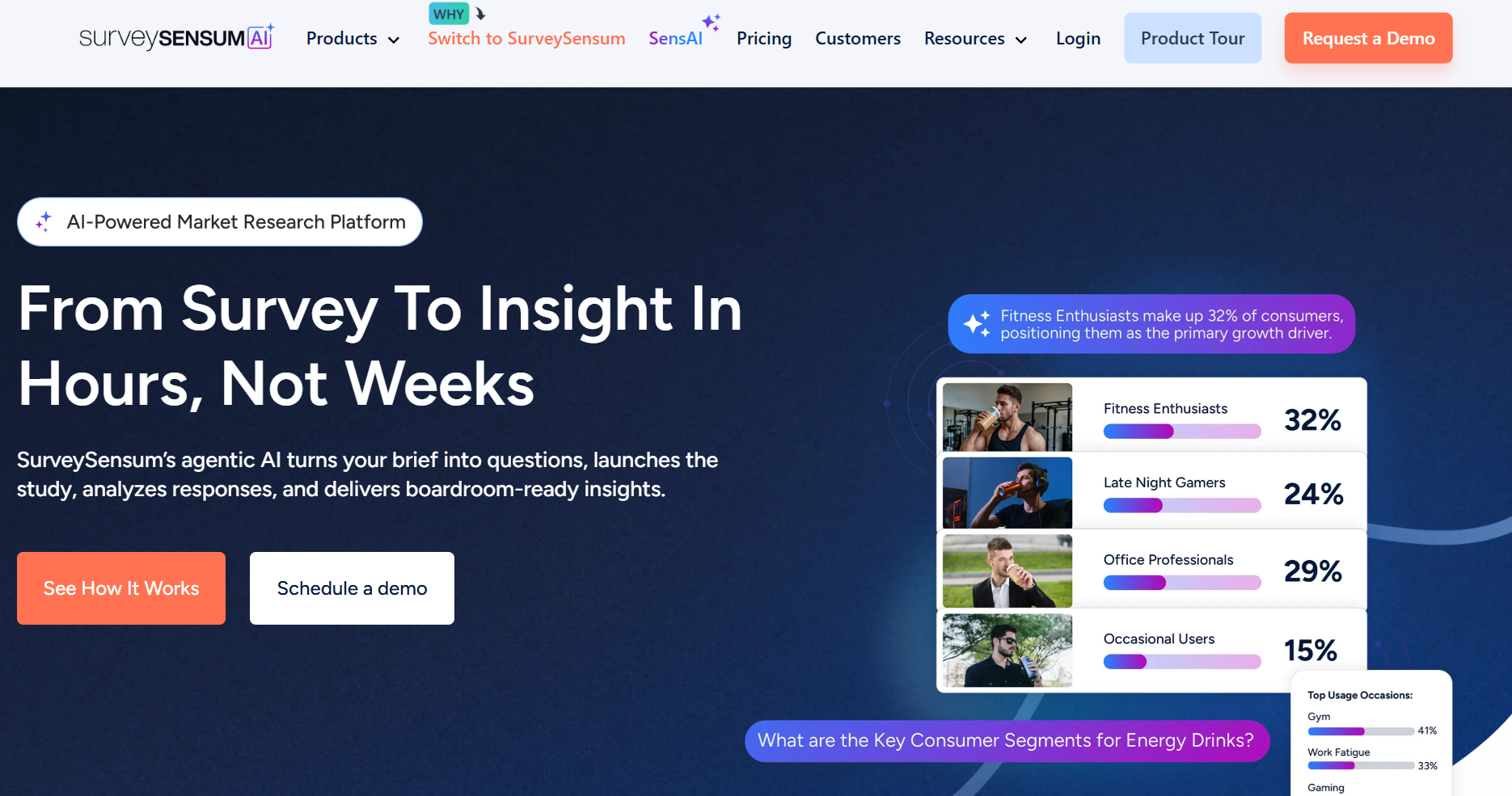
SurveySensum is an AI-powered market research platform built to shorten the entire research cycle. Instead of spending weeks designing surveys, collecting responses, cleaning data, and building reports, teams can go from research brief to boardroom-ready insights in days.
What makes SurveySensum different is its agentic AI workflow. The platform converts your research brief into a professional questionnaire, launches studies with the right audience, automatically checks data quality, analyzes responses in real time, and generates presentation-ready insights.
It is designed for teams that want agency-level research rigor with DIY speed and cost efficiency.
Whether you are validating a concept, testing an ad campaign, or tracking brand perception, SurveySensum removes the manual work so teams can focus on decisions instead of data processing.
Why this is a better SurveyMonkey alternative:
- AI-Powered Text & Theme Analysis: Automatically identify key themes, sentiment, and drivers in open-ended responses without manual tagging.
- SensAI Copilot for Deeper Insights: Ask questions about your research data and get instant insights, summaries, and recommendations.
- Real-Time Research Dashboards: Track responses live with cross-tabs, segmentation, and drill-down analysis as data comes in.
- Boardroom-Ready Reports: Generate fully editable PowerPoint presentations with executive summaries, charts, and key insights in minutes.
- Automated Data Quality Control: AI automatically detects speeders, straight-liners, duplicates, and contradictory responses: to ensure clean research data.
Key Features:
- End-to-end research workflows, from questionnaire creation to insight delivery
- AI text analytics with automatic theme detection, sentiment analysis, and root cause identification
- Multi-channel research deployment across CAWI, CAPI, and CATI from a single platform
- SensAI copilot to ask questions directly to your research data and get instant answers
- Real-time dashboards with cross-tabs, segmentation, and drill-down analysis
Pricing:
SurveySensum offers custom pricing based on research needs, audience size, and study complexity.
3. Typeform
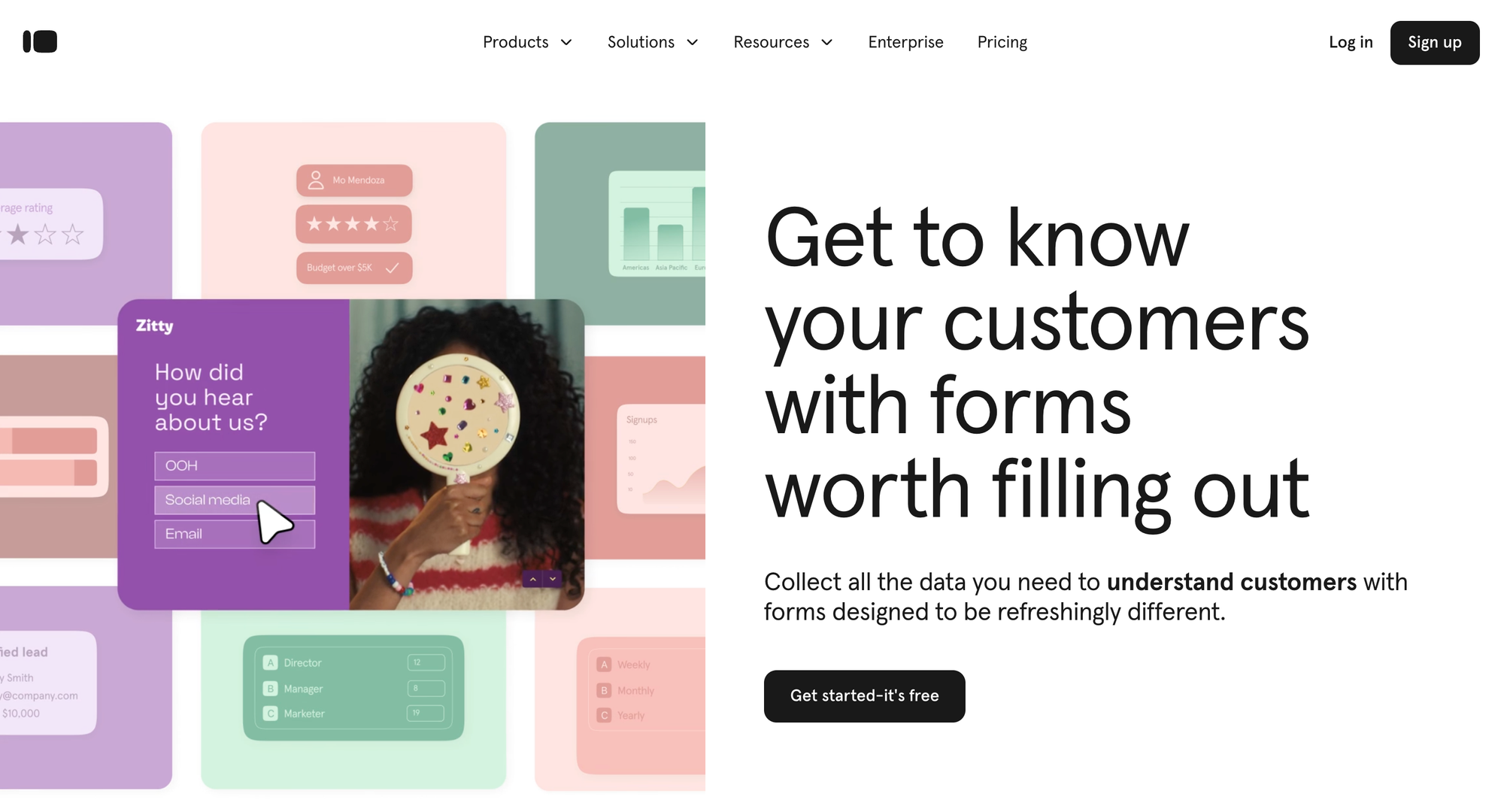
Typeform is a modern SurveyMonkey alternative that offers conversational, high-completion surveys instead of static forms. With one-question-at-a-time layouts, advanced logic branching, and NPS/CSAT templates, teams can increase engagement and collect valuable feedback than they would with SurveyMonkey. Integrations with CRMs and automation tools allow survey data to flow directly into workflows, providing actionable insights beyond basic survey reporting.
Why this is a better SurveyMonkey alternative:
- Engaging conversational surveys: The UX feels like a chat, improving survey completion and respondent engagement — a valuable trait when collecting quality feedback data.
- Highly customizable with logic and branching: Supports advanced logic to tailor paths based on responses.
- Strong integration ecosystem: Works with hundreds of apps for automation and workflows, helping teams analyze survey data downstream.
- Branding and visual polish: Allows rich themes and media, which can improve perceived professionalism and response quality.
Key features:
- Conversational, one‑question‑at‑a‑time survey layout
- Conditional logic and question branching
- NPS and CSAT survey templates
- Embeddable surveys and API integrations
- Analytics dashboards and export features
Pricing:
- Paid plans start at $25/month (scales with response volume)
4. Alchemer
Alchemer is a SurveyMonkey alternative designed for teams that need advanced survey logic, recurring feedback programs, and detailed reporting. Its features include complex branching, data piping, and workflow automation, giving teams the ability to analyze survey results, track trends, and trigger follow-up actions. Alchemer helps transform survey responses into structured insights that directly inform product and customer experience decisions.
Why this is a better SurveyMonkey alternative:
- Sophisticated logic and automation: Advanced branching, piping, and configurable “actions” (like email triggers or CRM updates).
- Enhanced survey analytics & reporting: Offers better cross‑tabulation, diagnostic reporting, and data exports than many mid‑tier survey tools.
- Enterprise‑grade security & compliance: Supports GDPR, SOC 2 Type II, and HIPAA options — important if survey data privacy is a priority.
- Training and support resources: Includes dedicated onboarding help, templates, and guides.
Key Features:
- Advanced logic, skip branching, and action triggers
- Cross‑tabulation and analytics tools
- Custom branding with CSS/HTML
- Integration with CRM and analytics systems
- Multi‑channel survey distribution
Pricing:
- Pricing varies by plan and features; more feature‑rich than basic survey tools.
5. QuestionPro
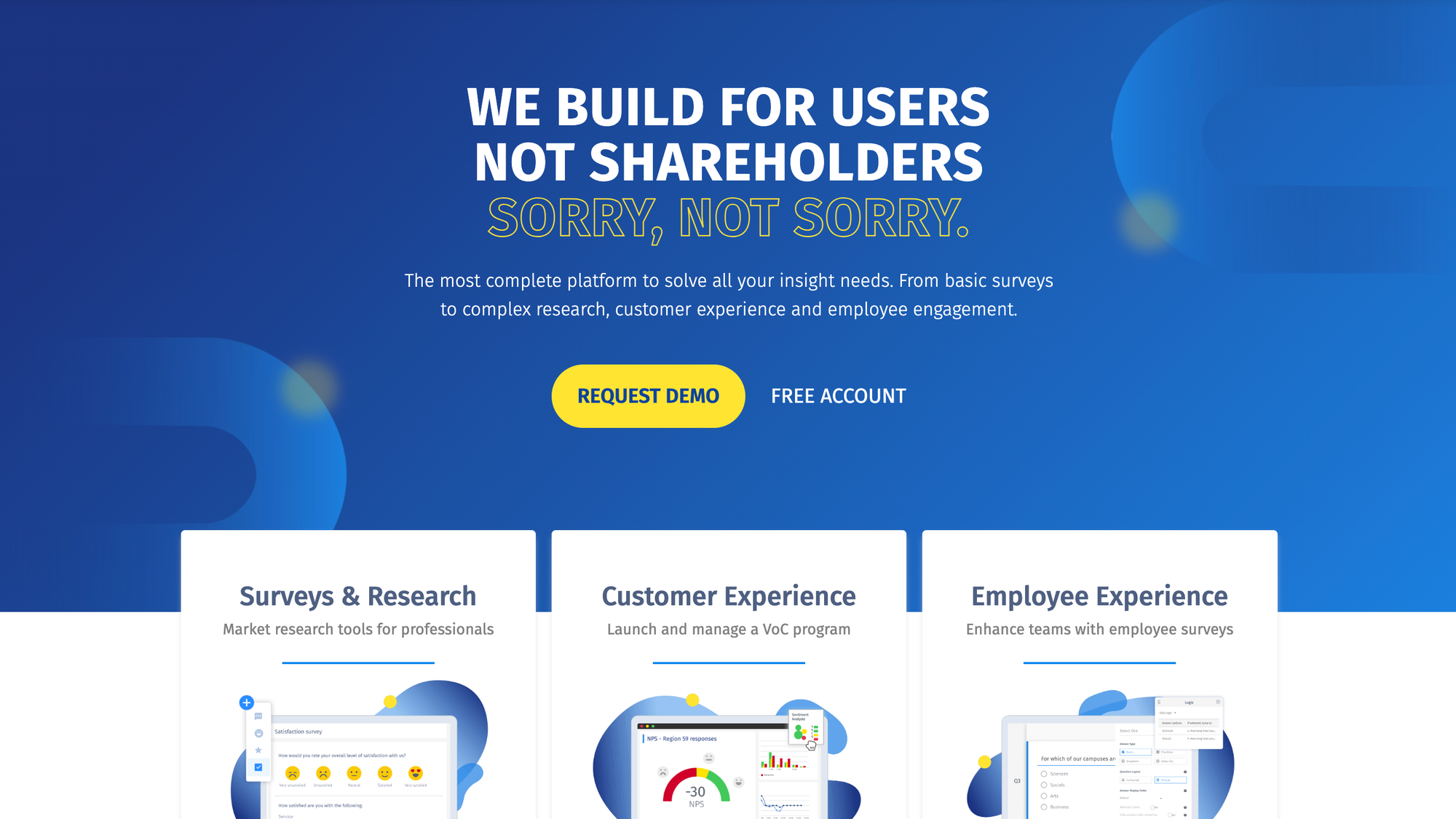
QuestionPro is designed for research surveys and offers robust survey logic, multilingual support, and panel management. Unlike SurveyMonkey, QuestionPro provides real-time dashboards, advanced analytics, and export options for in-depth survey reporting. Teams can capture continuous feedback, run NPS and CSAT programs, and generate actionable insights across multiple markets.
Why this is a better SurveyMonkey alternative:
- Advanced survey logic and branching: Supports complex survey flows for segmented data collection.
- Multiple languages: Great for global research projects and managing respondent panels.
- Real‑time dashboards and analytics: Built‑in dashboards help with feedback analytics and survey reporting early in the process.
- Sophisticated export and data handling: Exports to formats (CSV/Excel/SPSS) for further analysis.
Key Features:
- Advanced logic and branching
- Multilingual surveys
- Panel respondent management
- Analytics dashboards and real‑time reporting
- Offline survey options
Pricing:
- Free tier available; advanced plans typically start higher due to analytics and research focus.
6. Qualtrics
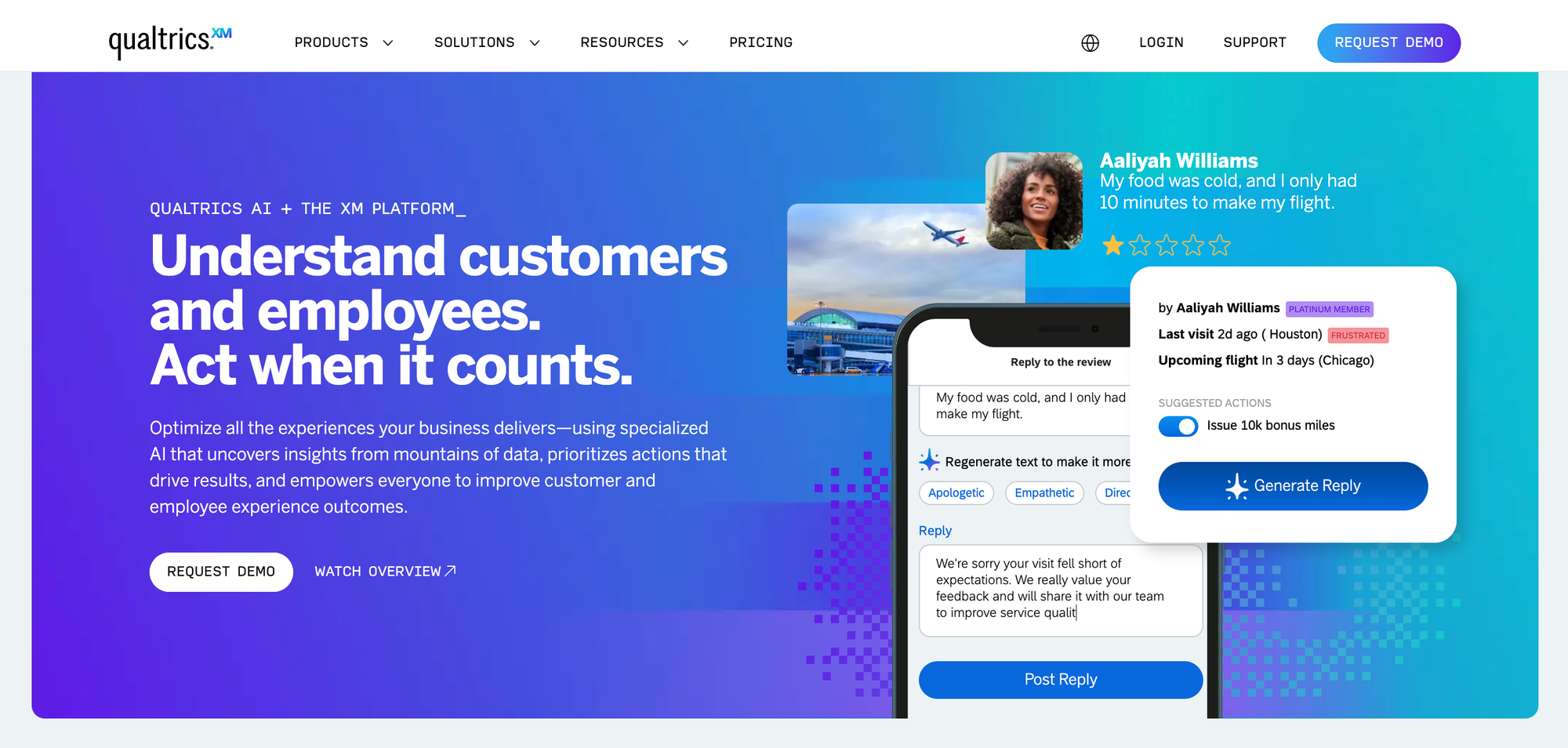
Qualtrics is an enterprise-focused SurveyMonkey alternative that goes far beyond basic survey creation. It offers advanced analytics, AI-powered insights, omnichannel feedback collection, and predictive dashboards, enabling teams to measure NPS, CSAT survey tools, and product feedback at scale.
While it’s a strong choice for global enterprises, many teams exploring Qualtrics alternatives in Indonesia evaluate platforms like Qualtrics for large CX programs and enterprise research initiatives that outgrow SurveyMonkey’s basic survey capabilities.
Why this is a better SurveyMonkey alternative
- Enterprise‑grade experience platform: Goes beyond basic surveys to power customer experience, employee experience, and market research programs.
- Advanced analytics and dashboards: Powerful data visualization, predictive modeling, and AI‑assisted insights help teams interpret feedback at scale.
- Omnichannel and omnipoint feedback: Capable of capturing feedback across websites, email, mobile apps, and customer journey touchpoints.
- Integrations and workflow automation: Works with major CRMs, analytics stacks, and enterprise systems.
Key Features:
- Advanced survey builder and distribution tools
- Smart analytics and predictive insights dashboards
- NPS/CSAT analytics and trend tracking
- AI‑powered text and sentiment analysis
- Enterprise governance, security, and compliance
Pricing:
- Paid plans and custom enterprise pricing; often positioned for large CX programs and multi‑department feedback initiatives.
7. Zonka Feedback
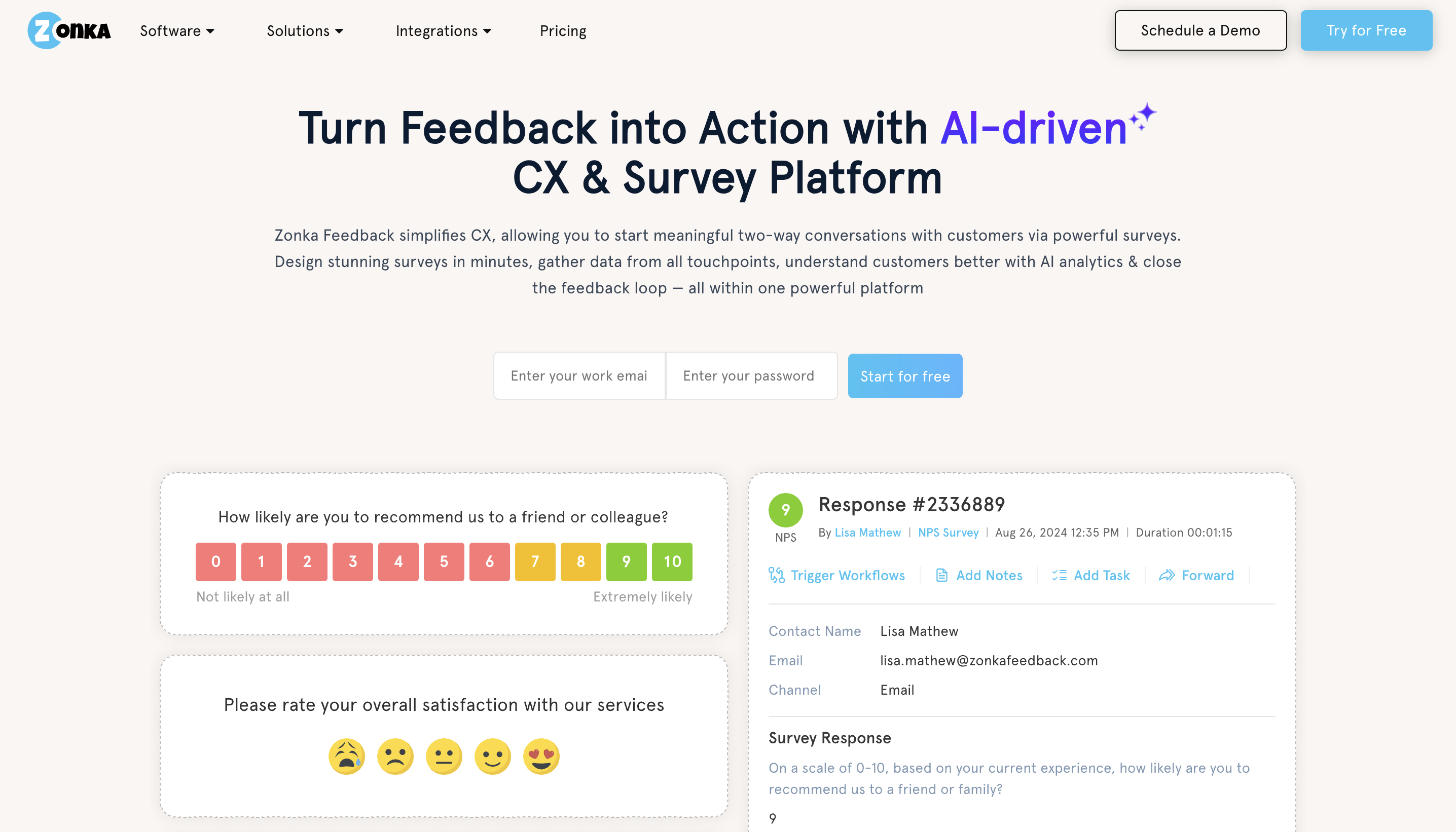
Zonka Feedback is a survey and feedback platform built for teams that want AI analysis included, not just response collection. Beyond standard survey creation, Zonka supports omnichannel distribution across email, SMS, WhatsApp, web, and in-app, along with dedicated NPS, CSAT, and CES templates. Unlike SurveyMonkey, it also automatically analyzes open-text responses and surface signals, without needing a separate analytics tool bolted on.
Why this is a better SurveyMonkey alternative:
- No-code survey builder with 25+ question types: Build NPS, CSAT, CES, and custom surveys with logic and branching, no separate form tool needed.
- AI analysis included, not a paid add-on: Open-text responses are automatically analyzed for themes and sentiment as part of the core survey plan.
- True omnichannel distribution: Run the same survey program across email, SMS, WhatsApp, web, and in-app instead of piecing together separate tools per channel.
- White-label, branded surveys: Fully customizable branding keeps every survey consistent with the rest of the product experience.
Key Features:
- NPS, CSAT, and CES survey templates
- Omnichannel distribution: email, SMS, WhatsApp, web, in-app, offline
- AI text and sentiment analysis on open-text responses
- Survey builder with logic, branching, and 25+ question types
- Custom branding and white-label surveys
- Integrations with CRMs and helpdesks (Salesforce, HubSpot, Zendesk, Intercom)
Pricing:
- Custom pricing based on company size, channels used, and survey volume, with a 14-day free trial available.
8. Tally Forms
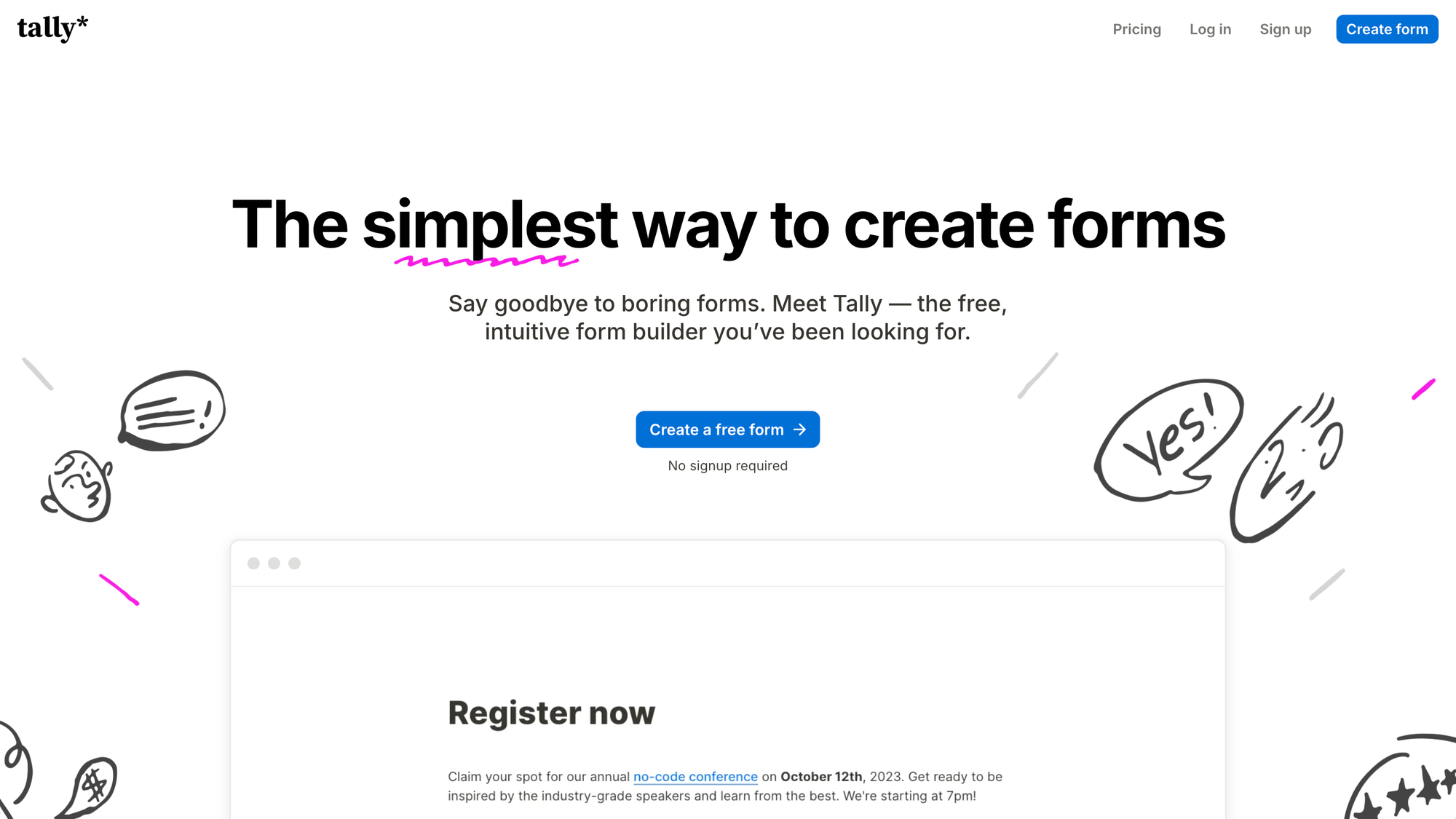
Tally is a minimalist survey and form builder that prioritizes speed, simplicity, and ease of use. Unlike SurveyMonkey, Tally supports unlimited surveys, real-time dashboards, and flexible embedding, making it easy for teams to collect feedback, NPS, and CSAT data quickly. Its integration ecosystem enables to responses to sync with Slack, Google Sheets, Notion, and other workflows.
Why this is a better SurveyMonkey alternative:
- Unlimited surveys and manage responses even on free plans: You can collect as much feedback as you want without usage caps, making it great for ongoing NPS or CSAT tracking.
- Real‑time response tracking and basic analytics: Tally provides live dashboards for survey results so teams can monitor feedback trends without needing advanced data tools.
- Flexible distribution options: Forms can be shared via unique links, embedded in web properties, or deployed as popups to capture contextual feedback on site or in apps.
- Strong integration ecosystem for automation: With Zapier and other connectors, responses can sync into Slack, Notion, Google Sheets, and other workflows, making it easier to incorporate survey data into daily team processes.
- Modern UX and minimalist design: Users report a clean, distraction‑free interface that reduces friction in both survey creation and response.
Key Features:
- Unlimited surveys and responses on all tiers
- Logic jumps and conditional paths
- Embeddable forms and popups
- Real‑time response dashboards
- Integrations with tools like Slack, Zapier, Notion, Google Sheets
- Custom branding and layouts
- Multi‑language support and mobile responsiveness
Pricing:
- Paid plans (beginning around $29/month) for advanced features like custom domains and white‑labeling
9. Zoho Survey
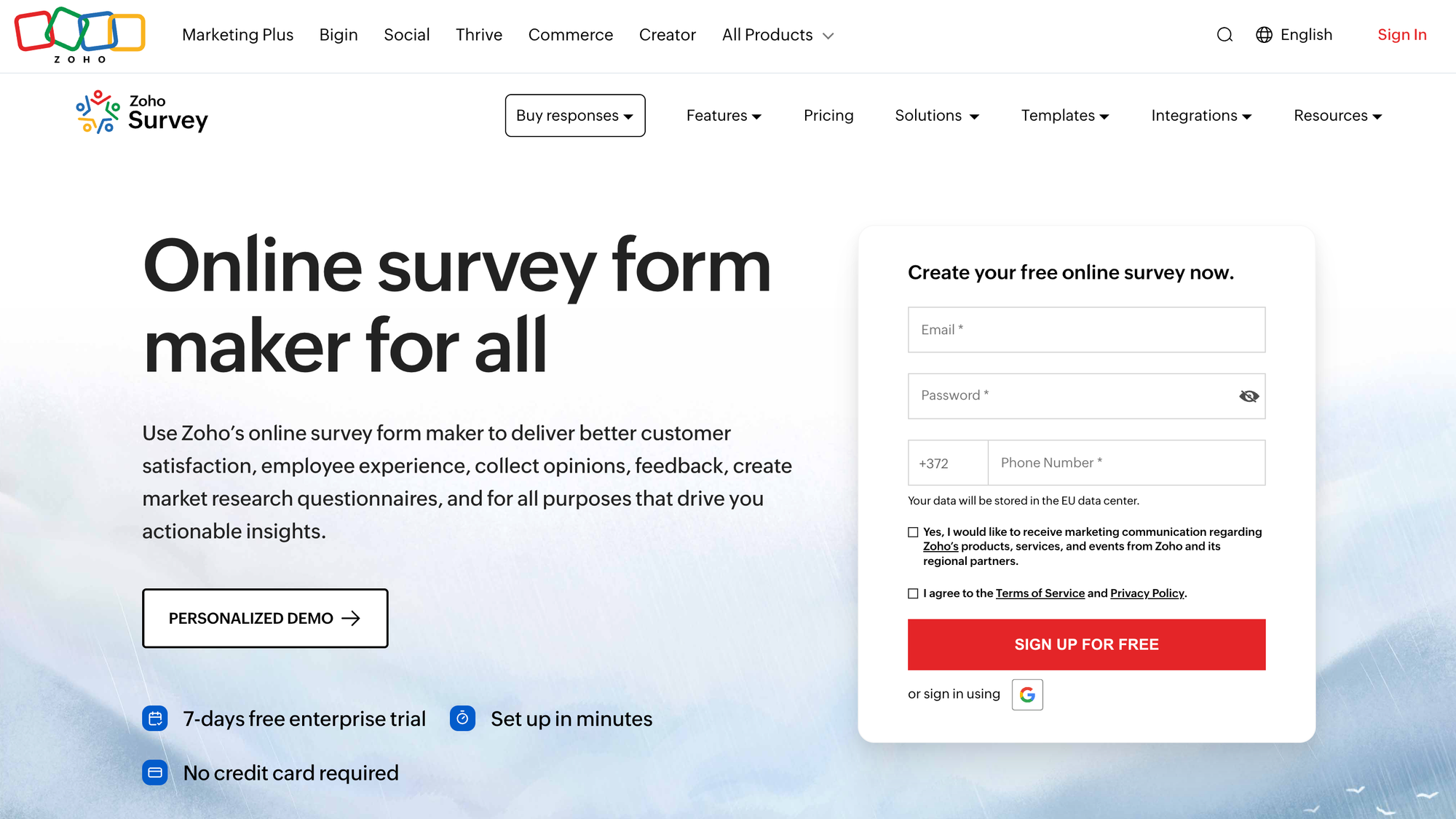
Zoho Survey is a SurveyMonkey alternative that integrates tightly with the Zoho ecosystem. Compared to SurveyMonkey, Zoho Survey provides 30+ question types, skip logic, branching, multilingual support, automated campaigns, and analytics dashboards, helping teams turn survey responses into actionable insights. It also supports NPS and CSAT programs across multiple channels.
Why it’s a better SurveyMonkey alternative:
- Extensive question types and customization: Zoho Survey supports over 30 question types, giving teams flexibility in survey creation and feedback collection.
- Skip logic and branching: Users can build dynamic surveys that adjust based on responses, improving data relevance and completion rates.
- Multilingual surveys: Zoho Survey supports 70+ languages, including right‑to‑left languages like Arabic and Hebrew, which is useful for international feedback programs.
- CRM integration for actionable insights: Survey results can sync directly with Zoho CRM records, allowing feedback data to inform sales, support, and retention workflows.
- Custom reporting and analytics: Built‑in dashboards and filters help teams visualize survey data and share insights with stakeholders.
- Multi‑channel distribution: Create surveys then distributed through email, embedded on websites, or sent via social channels for broader reach.
Key Features:
- Drag‑and‑drop survey builder
- Custom question types, many templates, and multilingual support
- Skip logic, branching, and scoring options
- Native Zoho CRM integration
- Automated reminders and survey distribution campaigns
- Reporting dashboards with filters and export options
Pricing:
- Free plan available with basic features and limits
- Paid plans are competitively priced for SMBs, with tiered features based on need and responses.
10. Jotform
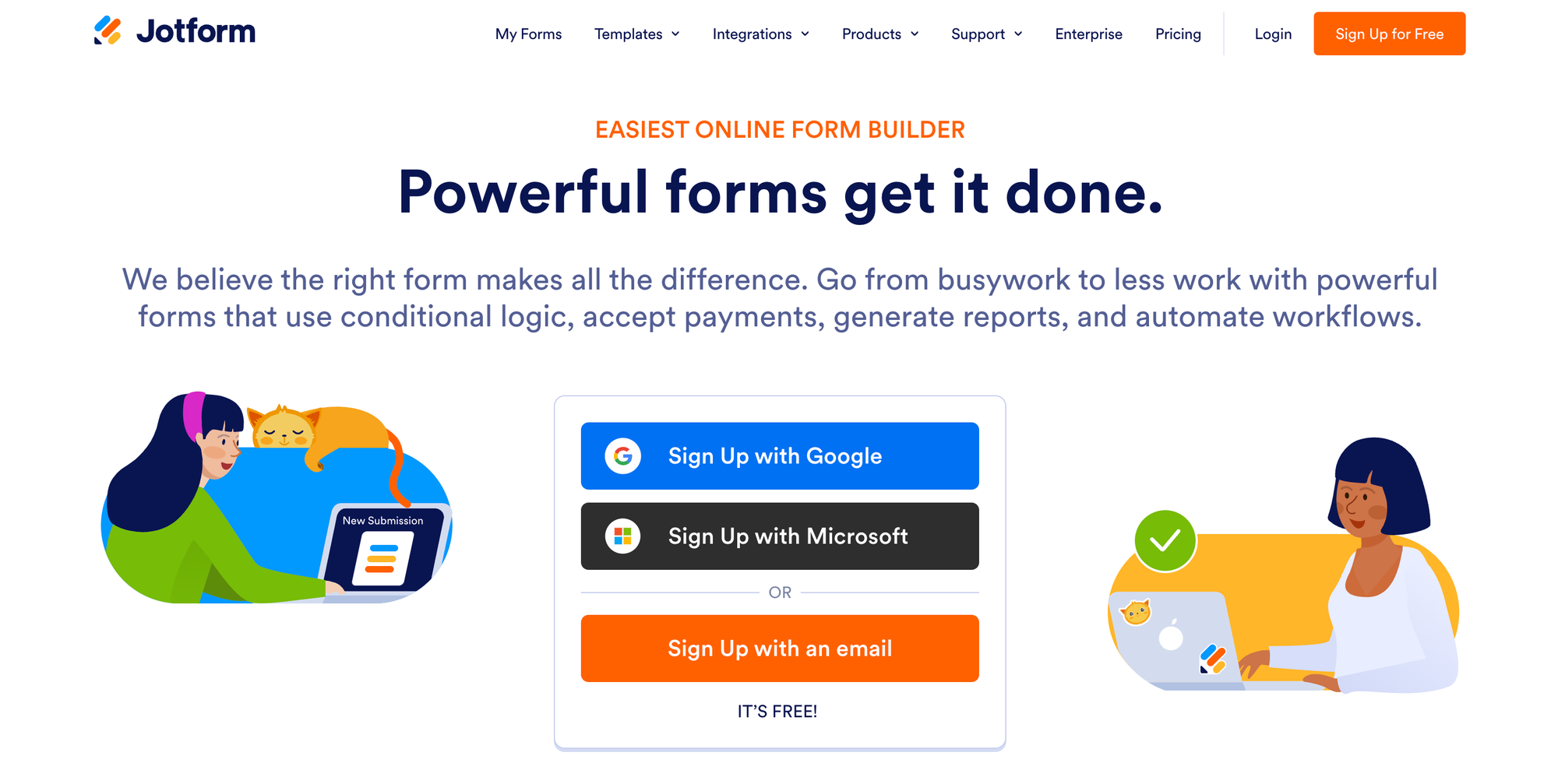
Jotform is a flexible SurveyMonkey alternative for teams needing versatile survey creation and lightweight customer feedback tools. Unlike SurveyMonkey, it offers real-time dashboards, unlimited forms and responses, conditional logic, and workflow integrations. Teams can capture NPS, CSAT, and product feedback, embed surveys across websites, apps, and emails, and automate data flows to CRMs and collaboration tools.
Why it’s a better SurveyMonkey alternative:
- Unlimited forms and responses across plans: Collect feedback at scale, making it useful for ongoing NPS or CSAT tracking.
- Real-time dashboards and reporting: Monitor survey results and feedback trends without needing advanced analytics tools.
- Flexible deployment: Surveys can be embedded, shared via links, or used in popups to capture contextual feedback.
- Integrations for workflow automation: Sync responses to Slack, Google Sheets, CRMs, and other tools with ease.
- Modern, user-friendly interface: A clean, intuitive design that reduces friction in survey creation and response.
Key Features:
- Drag-and-drop form and survey builder
- Conditional logic, calculations, and branching
- Jotform Reports for visual analytics
- Extensive template library (surveys, feedback, registration, quizzes)
- Widgets and integrations (Google Sheets, Slack, Salesforce, Zapier, and more)
- Embed options for websites, apps, and emails
- Payment collection via Stripe/PayPal and others
Pricing:
- Free plan with monthly limits
- Paid plans start at $34/month (billed annually) for higher submission limits and storage
11. ClearlyRated
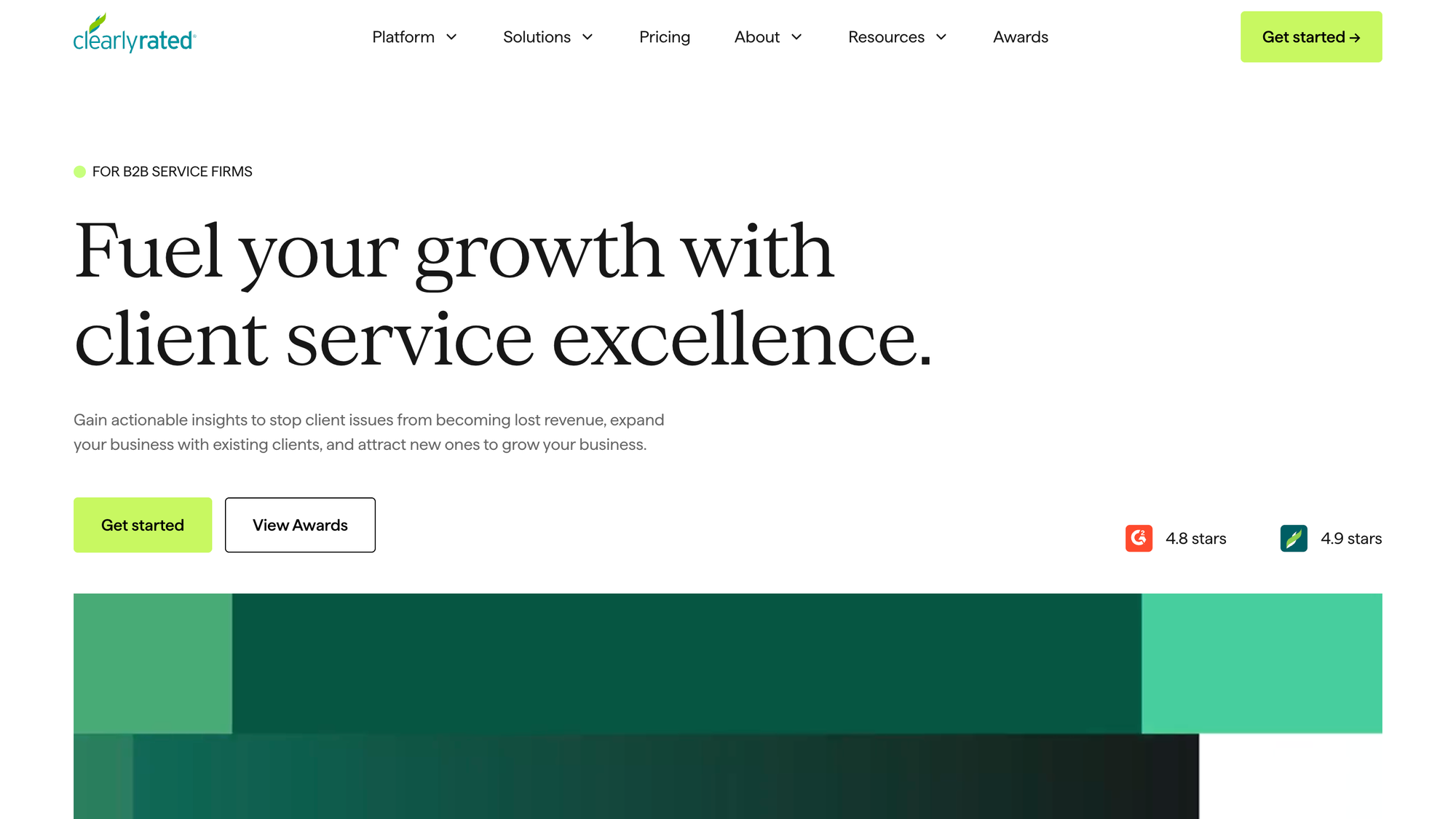
ClearlyRated isn’t a general-purpose survey builder like SurveyMonkey, it’s a feedback and ratings platform focused on Net Promoter Score (NPS) and customer satisfaction benchmarking for professional services firms. Unlike SurveyMonkey, it provides automated recurring feedback cycles, benchmarking dashboards, trend tracking, and workflow integrations, enabling teams to monitor client satisfaction, implement follow-ups, and improve loyalty over time. It transforms survey data into actionable client experience insights.
Why it’s a better SurveyMonkey alternative:
- Automated NPS and CSAT surveys: Collect recurring feedback without manual effort.
- Benchmarking dashboards: Compare scores against industry peers for context and improvement opportunities.
- Trend tracking and alerts: Spot recurring issues, monitor satisfaction trends, and trigger follow-ups.
- Workflow integrations: Sync feedback into CRM systems or team tools for actionable insights.
- Focused on ongoing client satisfaction: Helps firms close the loop and improve services continuously.
Key Features:
- NPS and CSAT survey templates with industry benchmarks
- Automated recurring feedback cycles
- Benchmarking dashboards displaying data comparisons against peers
- Custom reporting and trend analysis
- Alerts and follow-up workflows
- Client loyalty and satisfaction scoring
Pricing:
- Custom pricing (typically based on firm size and feedback volume)
- Pricing often bundled with onboarding and support
Choosing the best SurveyMonkey alternative for survey creation and data analysis
Not all survey tools are built the same. Some prioritize survey design and completion rates, while others focus on advanced reporting, analytics, and research depth. When choosing a SurveyMonkey alternative, it’s important to consider how the platform supports ongoing feedback and actionable insights.
Key factors to evaluate include:
- Continuous feedback support: Can the tool handle recurring NPS, CSAT, or product feedback surveys without manual effort?
- Follow-up and response management: How easy is it to organize survey responses, tag feedback, and trigger follow-ups?
- Data analysis and reporting: Does the platform provide dashboards, analytics, and export options to make sense of feedback at scale?
- Workflow integration: Collect data and connect directly to product management, CX, or CRM systems for actionable insights?
- Customization and targeting: Are surveys conditional, branded, and adaptable to different audiences or touchpoints?
Modern SurveyMonkey alternatives like Featurebase, Typeform, and Alchemer stand out for combining survey creation, advanced analytics, and continuous feedback loops. These tools allow teams to move beyond one-off surveys, turn valuable feedback into actionable insights, and make data-driven decisions faster.
Conclusion
SurveyMonkey can be a great survey tool for large enterprise teams that can afford to pay thousands for a simple feedback collection functionality. But the high pricing, bloated features, and high learning curve make it unideal for fast-moving teams.
Featurebase is the best modern SurveyMonkey alternative that helps you collect all feedback in one place with surveys, integrations, and a public forum. It combines in-app surveys, NPS/CSAT tracking, feedback voting boards, and customer support into one platform, making it easy to turn feedback into real product and customer experience decisions.
It comes with affordable pricing and a Free plan allowing unlimited feedback. The onboarding is incredibly quick and doesn't require a credit card, so there's no downside to trying it. 👇
✨ Start running surveys & collecting feedback with Featurebase for free →
Frequently Asked Questions about SurveyMonkey
What is the best SurveyMonkey alternative in 2026?
The best SurveyMonkey alternative depends on your specific use case and the type of surveys you run. For teams focused on product feedback, NPS, CSAT, online forms, and continuous customer insights, platforms like Featurebase excel because they combine survey creation, survey reporting, and feedback data analysis in one platform. If your priority is high-completion surveys and engaging design, Typeform offers conversational, one-question-at-a-time surveys with logic and branching. Research-focused teams or those handling complex survey data often prefer QuestionPro or Qualtrics, which provide advanced survey analytics, reporting dashboards, and data export tools.
Is there a free alternative to SurveyMonkey?
Yes. Several SurveyMonkey alternatives offer free plans that let teams experiment with survey creation, data collection, and basic analytics. Examples include Featurebase, QuestionPro, and Jotform. While free plans usually have limitations on the number of responses, advanced survey reporting, or branding customization, they can be enough for small teams, startups, or early-stage feedback programs that want to start tracking NPS, CSAT, and product feedback without immediate costs.
Why do teams switch from SurveyMonkey?
Many teams switch because SurveyMonkey works well for basic surveys but can become restrictive as feedback collection grows. Common reasons include:
- Limited survey reporting and analytics on lower plans
- Rising costs for recurring surveys, NPS, or CSAT programs
- Difficulty analyzing survey data and integrating feedback into workflows
- Weak tools for continuous feedback collection or closed-loop workflows
- Challenges turning responses into actionable product or customer insights
Modern teams often need tools that not only capture responses but also allow deep data analysis, survey tagging, and feedback prioritization, which SurveyMonkey cannot always provide efficiently.
What is the best SurveyMonkey alternative for product feedback?
For product feedback, teams need more than standalone surveys. Tools like Featurebase combine survey creation, NPS and CSAT tracking, feedback boards, and integrations so all feedback can be analyzed, prioritized, and acted on. Unlike SurveyMonkey, these alternatives support continuous feedback loops, in-app surveys, and structured analytics dashboards, helping teams make data-driven product decisions.
Is SurveyMonkey good for NPS and CSAT?
SurveyMonkey does support NPS and CSAT surveys, but managing recurring feedback programs can be limiting. Many teams find that dedicated feedback platforms offer:
- Automated NPS and CSAT workflows
- In-depth survey reporting and analytics
- Tagging, segmentation, and trend tracking of survey data
- Closed-loop feedback collection to respond directly to users
If your goal is continuous feedback collection and turning responses into insights, alternatives like Featurebase, GetFeedback, or Qualtrics are usually better than SurveyMonkey.
What is the best SurveyMonkey alternative for enterprise teams?
Enterprise teams often choose Qualtrics or GetFeedback for advanced survey creation, analytics, and workflow automation. These platforms support large-scale NPS and CSAT programs, integrate with CRM and enterprise systems, and provide survey reporting and data analysis at scale. They are powerful for cross-department feedback programs, but usually come with higher costs and require more setup than smaller-scale tools.
Can I embed surveys like SurveyMonkey?
Yes. Most SurveyMonkey alternatives allow you to embed surveys directly into websites, apps, or emails, which helps collect feedback in context. Tools like Featurebase, Typeform, Alchemer, and Jotform support embedded surveys, in-app feedback forms, and real-time data tracking, making it easier to monitor survey results and trends while users are actively engaging with your product.
Are SurveyMonkey alternatives better for continuous feedback?
Many modern alternatives are designed for continuous feedback collection, unlike SurveyMonkey’s focus on one-off surveys. They allow teams to:
- Run recurring NPS and CSAT surveys
- Collect in-app and contextual survey data
- Tag responses and monitor trends over time
- Automate follow-ups and close the feedback loop