Blog ComparisonsChatBot.com Pricing: Plans, Costs, and Fees in 2026
ChatBot.com Pricing: Plans, Costs, and Fees in 2026
A clear breakdown of ChatBot.com pricing in 2026: every plan, what's actually included, the AI resolution fees that catch teams out, real cost examples, and a more predictable alternative.



✨Psst... looking for a modern & affordable alternative to ChatBot.com? Check out Featurebase →
ChatBot.com (now branded ChatBot by Text) advertises plans "from $19/mo," but that number only tells part of the story. Once you add per-user seats, capped AI resolutions, and overage packs, the real monthly bill can climb fast.
This guide breaks down every ChatBot.com plan, what each one actually includes, the add-on fees that catch teams off guard, and how to work out your true cost.
We'll also look at where ChatBot.com pricing gets expensive, and a more predictable alternative if it does. 👇
Key takeaways:
- ChatBot.com has 3 plans: Essential at $19/user/month, Growth at $79/user/month, and a custom Enterprise tier. Those are annual prices - monthly billing is $25 and $99.
- AI resolutions are capped and metered: Essential includes just 10 resolutions a month and Growth includes 200. Past that, you buy 50-resolution packs at $49.50 each (about $0.99 per resolution).
- Pricing is per user: every agent seat multiplies the base price, so a small team on Growth can pass $300/month before any overages.
- There is no free plan: ChatBot.com only offers a free trial, so there is no permanent free tier to fall back on.
- Featurebase✨ is a cheaper, all-in-one alternative: AI support, a help center, and feedback tools in one platform from $29/seat/month, with a flat $0.29 per AI resolution and a genuinely free plan.
What is ChatBot.com?
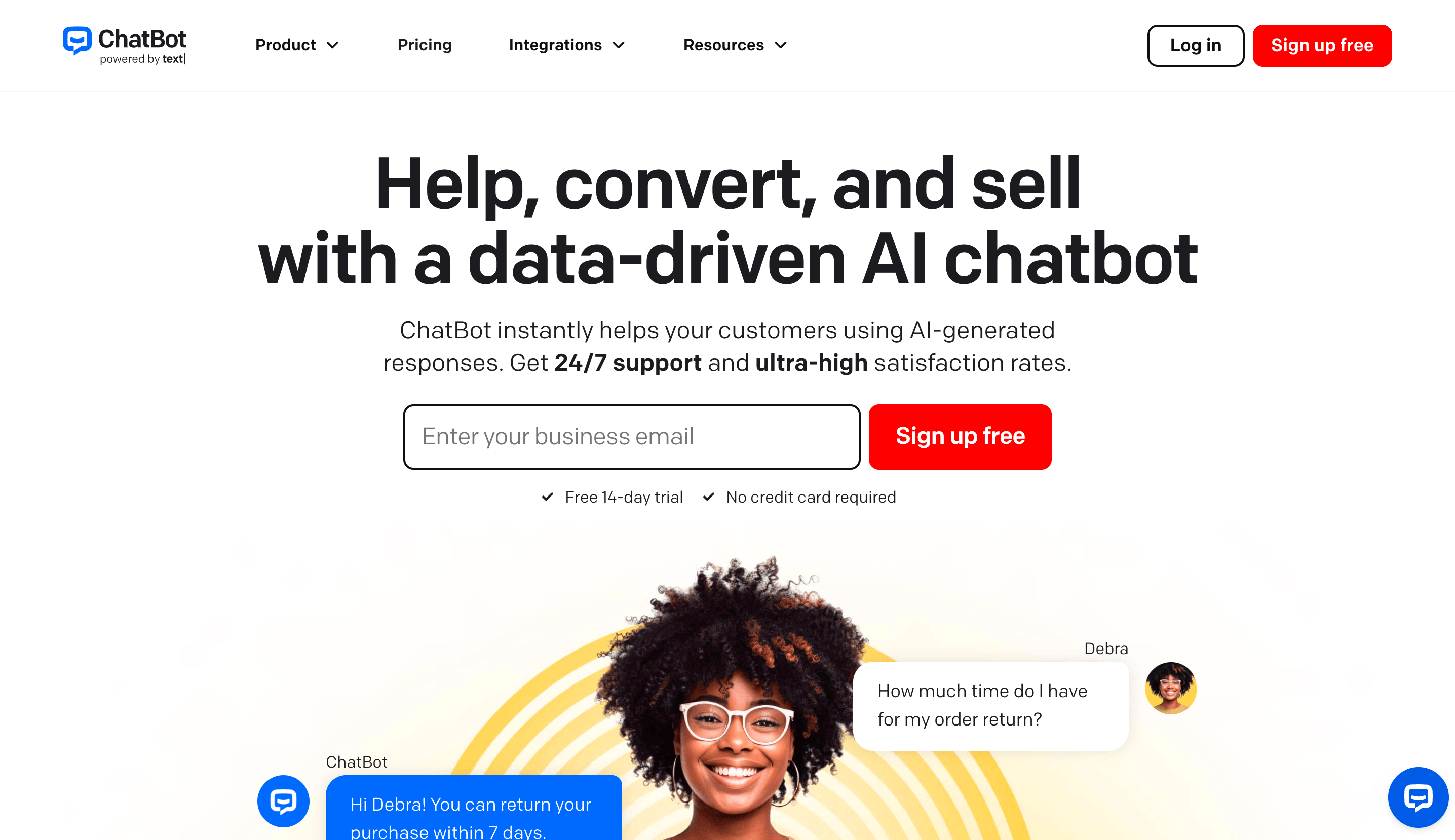
ChatBot.com (rebranded ChatBot by Text) is a no-code AI chatbot platform from the team behind LiveChat. It lets you build AI agents that answer customer questions, qualify leads, and drive sales across your website, Messenger, and Shopify, without writing code. It is used by 35,000+ brands including Toyota, Adobe, and Mercedes-Benz.
The platform recently moved to a per-user, resolution-based pricing model under the Text brand. That shift is exactly where the cost questions start, so let's break down each plan.
ChatBot.com pricing plans
ChatBot.com sells 3 plans, all priced per user. The headline prices below are for annual billing, which saves up to 24% versus paying monthly.
Essential plan - $19/user/month
The entry tier, aimed at small teams earning their first revenue from chat. At $25/user/month on monthly billing, it includes:
- 1 AI Agent
- 10 AI resolutions per month
- 5 reply suggestions and 5 AI text edits per user
- 50 live visitors tracked
- 10,000 API calls
- 3 proactive campaigns and 10 custom skills
- AI Copilot, inbox and ticketing, and workflow automation
- 2 GB storage (plus 50 MB per user)
The catch is the resolution allowance. 10 resolutions a month is barely enough to test the AI, so most teams that rely on it will hit the cap and start paying overages almost immediately.
Growth plan - $79/user/month
The most popular tier, built for teams that want chat to drive revenue. At $99/user/month billed monthly, it adds:
- 10 AI Agents
- 200 AI resolutions per month
- 50 reply suggestions and 100 AI text edits per user
- 400 live visitors tracked
- 200,000 API calls
- 30 proactive campaigns
- Chat topics insights, supervision and takeover, and chat summaries
- Shared canned responses, team performance reports, and unlimited chat history
- 15 GB storage (plus 100 MB per user)
Growth is where ChatBot.com becomes genuinely usable, but at $79 per seat the cost adds up quickly for any team larger than one or two people.
Enterprise plan - custom pricing
The Enterprise tier is quote-based and aimed at large organizations. It covers custom AI agents, flexible usage limits, a dedicated account manager, personalized onboarding, SOC 2 Type 2, SLAs, a white-label widget, and SSO with audit logs.
Here is how the self-serve plans compare side by side:
| Plan | Price (per user / month, billed yearly) | AI agents | Included AI resolutions | Best for |
|---|---|---|---|---|
| Essential | $19 ($25 monthly) | 1 | 10/month | Small teams testing chat |
| Growth | $79 ($99 monthly) | 10 | 200/month | Scaling teams driving revenue |
| Enterprise | Custom | Custom | Custom | Large orgs needing SSO and SLAs |
✨Want AI support without per-resolution overages? See how Featurebase compares →
Add-on and overage costs
The biggest variable in ChatBot.com pricing is what happens when you run out of resolutions, which is easy to do on every plan.
AI resolution packs (auto-refill): when you hit your monthly limit, ChatBot.com automatically adds 50 more resolutions for $49.50, and bills it at your next renewal. That works out to roughly $0.99 per extra resolution, and it applies on both Essential and Growth.
One resolution is counted whenever the AI directly solves a customer question. Multiple questions inside the same chat still count as a single resolution, which is fair, but the low included allowances mean a busy month can trigger pack after pack.
Because the refill is automatic, your bill can grow without you actively approving it. That is the part teams most often miss when they budget around the $19 or $79 sticker price.
What ChatBot.com really costs: a worked example
The advertised price and your actual invoice are rarely the same. Here is a realistic scenario.
Example:
A solo founder on the Growth plan (1 seat, $79/month) whose bot needs to resolve 400 conversations a month:
Base plan: $79
Overage: 400 − 200 included = 200 extra resolutions → 4 packs × $49.50 = $198
Total: $277/month - roughly 3.5× the $79 sticker price.
Now scale that to a 3-person support team on Growth handling the same volume:
Example:
3 seats × $79 = $237 base, plus the same $198 in resolution overages.
Total: $435/month, or about $5,220/year.
The pattern is clear. Per-user seats and metered resolutions both scale your bill independently, so the more your team and traffic grow, the further you drift from the entry price.
Is ChatBot.com worth the price?
For Shopify and sales-led teams already living in the LiveChat ecosystem, ChatBot.com is a polished, no-code option, and the AI is capable. The investment can pay off too: Gartner predicts agentic AI will autonomously resolve 80% of common customer service issues by 2029, cutting operational costs by 30%.
The friction is the pricing structure rather than the product. The tiny resolution allowances, automatic overage packs, per-user seats, and lack of a free plan all push the real cost well above the headline. If you want predictable AI support pricing, or you need feedback and help center tools alongside your chatbot, it is worth comparing alternatives before committing.
A more affordable ChatBot.com alternative: Featurebase
Featurebase is a modern AI customer support platform for product-led SaaS. It combines AI-powered support, help center, and feedback management into a single platform for startups that want all their customer-facing tools in one place. Featurebase is loved by thousands of support teams from companies like Lovable, Raycast, and n8n. 💫
Top features:
- Omnichannel inbox – Manage live chat, email, and Slack conversations from one AI-powered view
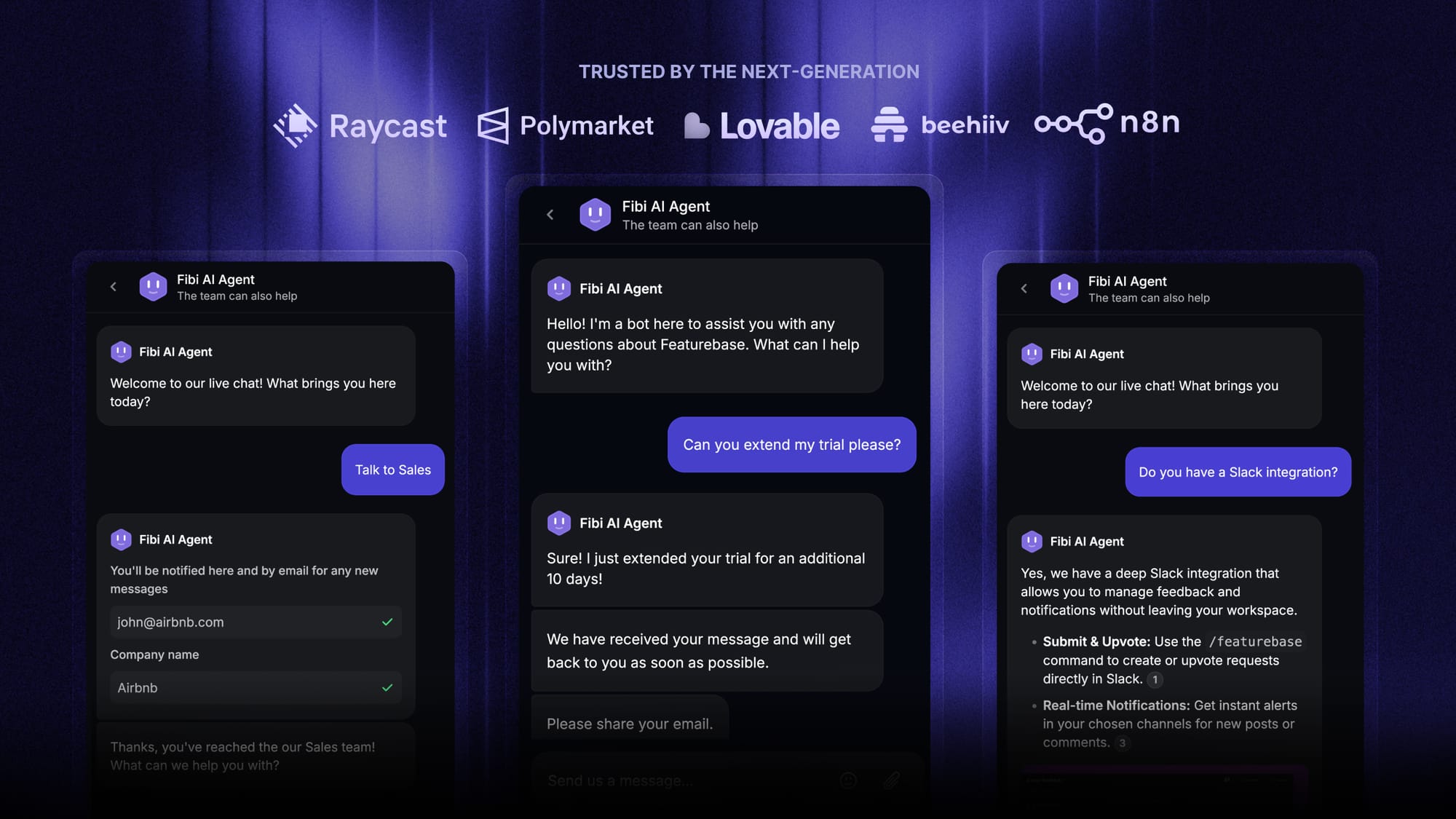
- Fibi AI Agent - Resolve customer issues on autopilot & run custom actions like trial extensions and refunds
- Help center with AI search – Provide instant, multilingual self-serve answers
- Workflows & automations – Auto-assign tickets, route conversations, collect customer data, and more
- AI Copilot – Help your agents answer customers faster with AI Copilot that uses your internal knowledge
- Multi-brand support – Manage multiple Help Centers and Live chats from a single workspace
- Automatic AI translations – Automatically translate all messages and help articles to your customers native language
- Service Level Agreements – Track SLAs to make sure your team responds to customers on time, every time
- Mobile app – Respond to customers, receive notifications, and unblock users on the go
- Feedback & roadmap tools – Collect feature requests and close the loop with updates
- Product updates – Publish release notes with a changelog page, in-app widget, and emails
- Integrations – Connects with Slack, Linear, Jira, HubSpot, and more
Pricing: Free plan available with unlimited conversations. Paid plans start at $29/seat/month with $0.29 per AI resolution.

Featurebase covers all the basic support features that legacy platforms do, but with a much more modern approach. Where ChatBot.com charges roughly $0.99 per extra resolution with auto-refilling packs, Featurebase bills a flat $0.29 per resolution and includes unlimited conversations even on its free plan, so your costs stay predictable as you grow.
Conclusion
ChatBot.com pricing looks approachable at $19/mo, but the real number depends on your seats and how many resolutions your bot handles. Between per-user pricing, small resolution caps, and automatic $49.50 overage packs, most teams pay several times the entry price once the bot is doing real work.
Before you commit, map your expected seat count and monthly conversation volume, then compare that against the included allowances on each plan.
If you want modern AI support without the per-resolution shock, Featurebase is built for exactly that. It bundles AI support, a help center, and feedback tools in one platform, with a flat $0.29 per AI resolution and no auto-refilling overage packs. 💫
There is a free plan with unlimited conversations and onboarding takes minutes, so there is no downside to trying it. 👇
✨Automate your support with the fastest AI-enhanced Inbox today →
FAQs
How much does ChatBot.com cost?
ChatBot.com costs $19/user/month for Essential and $79/user/month for Growth on annual billing ($25 and $99 on monthly billing), with a custom Enterprise tier. On top of the base plan you pay for AI resolution packs once you exceed your monthly allowance, at $49.50 per 50 resolutions. Your true cost depends on how many seats you need and how many conversations your bot resolves.
Does ChatBot.com have a free plan?
No, ChatBot.com does not offer a permanent free plan. You can sign up for a free trial without a credit card to test the platform, but after that you need a paid subscription. If a free tier matters to you, Featurebase offers a free plan with unlimited conversations and live chat.
What counts as an AI resolution on ChatBot.com?
A resolution is counted whenever the AI agent directly solves a customer's question. If a customer asks several questions within the same chat, it still counts as a single resolution. Essential includes 10 resolutions a month and Growth includes 200, after which you are billed for additional packs.
What happens if I exceed my ChatBot.com resolution limit?
When you hit your monthly resolution cap, ChatBot.com automatically adds a pack of 50 more resolutions for $49.50 and bills it at your next renewal. This auto-refill keeps the AI running, but it also means your bill can grow without you manually approving each increase. On lower plans with small allowances, those packs can stack up quickly.
Is ChatBot.com pricing good value?
ChatBot.com is a capable, no-code platform that fits sales-led and Shopify teams well, but its per-user seats and metered resolutions can make it expensive at scale. Teams that handle high conversation volume or want feedback and help center tools alongside their chatbot often find an all-in-one platform more cost-effective. It is worth running your own seat-and-volume math before committing.
What is a cheaper alternative to ChatBot.com?
Featurebase is a more affordable, all-in-one alternative that combines AI support, a help center, and feedback tools in one platform. It starts at $29/seat/month with a flat $0.29 per AI resolution and includes a free plan with unlimited conversations, which avoids the small caps and auto-refill packs that drive up ChatBot.com bills.