Confluence Review: Features, Integrations, and Alternatives (2026)
Reviewing Confluence in 2026? See features, pricing, pros/cons - and why AI-powered Featurebase is a stronger modern alternative for knowledge bases.


On this page
- What is Confluence?
- Core features that make Confluence powerful
- Knowledge management in practice
- Collaboration and workflow management
- Confluence's integrations with other tools
- Pricing plans and scaling considerations
- Pros and cons for teams using Confluence
- Extend Confluence with Featurebase and Fibi AI
- Take your Confluence knowledge base further with Featurebase ✨
Looking for a modern & AI-powered alternative to Confluence? Check out Featurebase
Confluence is a knowledge management platform trusted by thousands of teams worldwide. It helps teams organize documentation, wiki pages, and project plans in a single, structured knowledge base, making it easier to create pages for meeting notes, onboarding guides, or workflow management.
The platform has been around for a few years, building deep integrations, a robust template system, and a marketplace for add-ons. But is it still the right fit for your team in 2026? Let’s find out. 👇
What is Confluence?
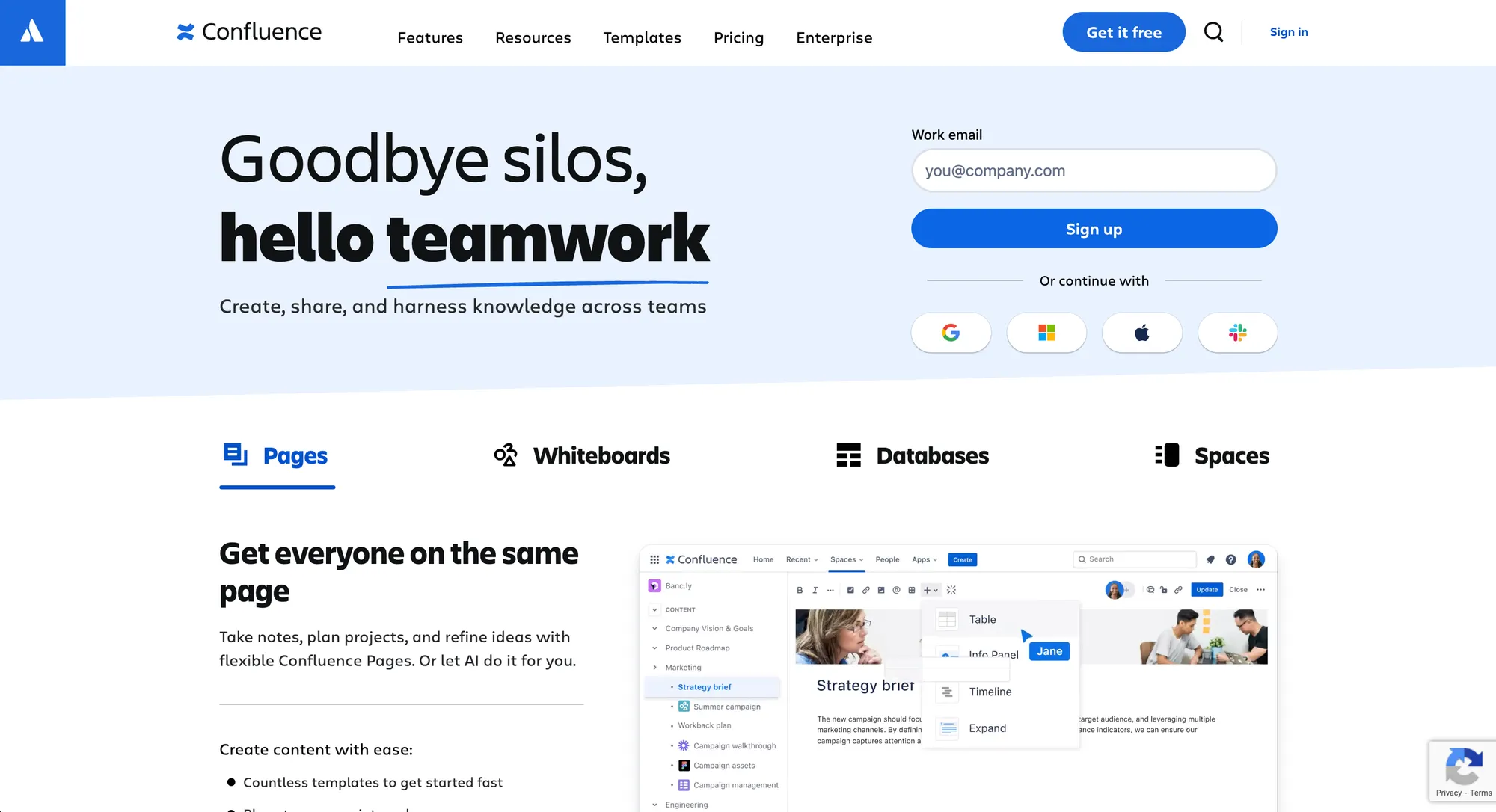
Confluence is a web-based wiki for teams and organizations. It collects a company’s docs, policies, guides, best practices, project plans, and other internal information into a structured knowledge base.
Unlike a static wiki or traditional Google Docs files, Confluence makes this knowledge contextually accessible, surfacing relevant information where and when people need it—whether inside a Confluence page, a project dashboard, or a workflow tool like Jira.
In this Confluence review, it’s clear that the platform is primarily designed for internal knowledge management. Its structured approach to Confluence pages and team collaboration ensures information is easy to organize, find, and update.
Here’s how that works in practical terms. 👇
Core features that make Confluence powerful
1. Structured knowledge management
Confluence lets teams organize knowledge hierarchically. Pages can be nested in Spaces, linked together, or cross-referenced, creating a clear tree structure that scales for larger organizations. This is crucial when your documentation library includes hundreds of pages.
Templates save time, covering project plans, sprint notes, marketing campaigns, and more. Macros add live content like Jira issues, team calendars, and workflow updates directly into pages. The software also supports various add-ons, making it flexible for different use cases, whether for onboarding, product documentation, or process tracking.
2. Real-time collaboration
Collaboration is at the heart of Confluence. Multiple team members can edit the same page simultaneously, leave inline comments, and mention teammates in MS Teams. This allows teams to collaborate efficiently on documents, reducing duplicated work and ensuring meeting notes are always up to date.
Example: Your support team can update a workflow page while your engineering team references it in real-time, showing how teams can collaborate across different projects without delays or miscommunications.
3. Access control & verification
Permission settings are granular: admins control who can see or edit specific Spaces or Pages. This is vital for security in larger organizations. Confluence also tracks version history, allowing teams to roll back edits or verify content accuracy, keeping documentation trustworthy and aligned with organizational standards.
Knowledge management in practice
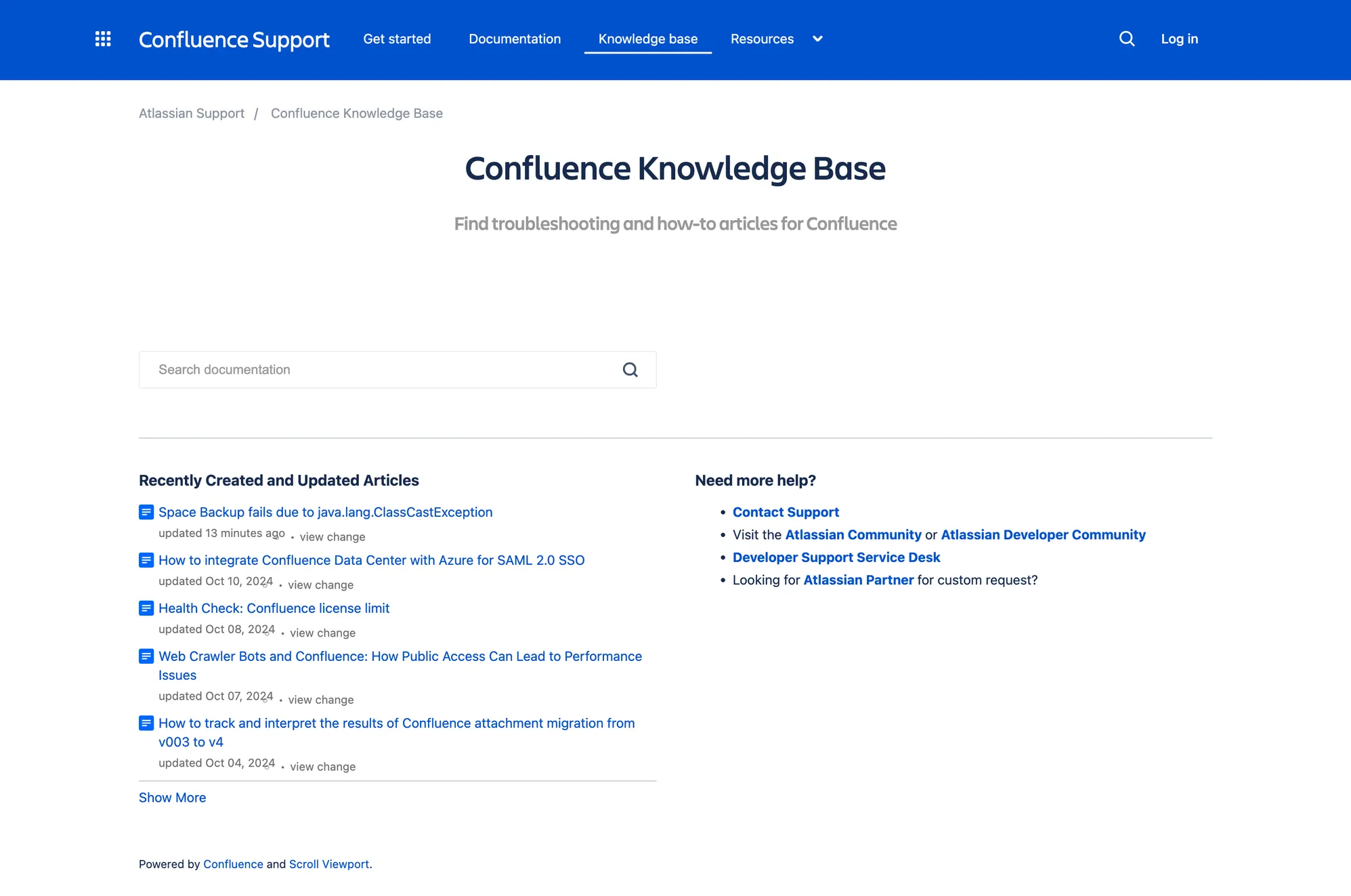
A robust knowledge base is only useful if your team can find what they need quickly. As highlighted in this Confluence review, Confluence search works well, but larger libraries require careful tagging and page hierarchy. AI add-ons can help surface accurate answers from your knowledge base when users type natural questions.
Example: A new employee wants to know the company’s vacation policy. Instead of digging through multiple wiki pages or Google Docs, a search in Confluence can bring up the correct policy immediately. Teams can then discuss work efficiently, create new pages for additional processes, and keep important business information organized, ensuring the team works productively and project management in tip-top shape.
Collaboration and workflow management
Confluence shines as a project management companion, not just a wiki. Teams can:
- Track project plans and tasks
- Use workflow templates to manage processes
- Maintain synchronized team calendars
- Integrate meeting notes and action items into Confluence pages
Example: A marketing project can have a master page with tasks linked to Jira, a campaign calendar, and a shared notes section. Teams can discuss work directly in context, create updates as projects evolve, and keep all business-critical information accessible. Everyone stays on the same page, literally.
Confluence's integrations with other tools
Confluence works best as part of a larger ecosystem, offering user-friendly integrations that make it easy for teams to connect wiki pages, project plans, and workflow tools without steep learning curves.
1. Browser access & in-page linking
With Confluence’s browser extensions, you can link wiki pages, project plans, or onboarding checklists directly to tasks in your workflow. This means team members can see relevant documentation in context, without switching between apps or hunting for the right Confluence page. For example, a support agent can reference a knowledge base page or related Google Drive files while working on a ticket, ensuring consistent, accurate answers.
2. Chat tool integration
Confluence integrates with MS Teams and Slack, bringing your internal knowledge base into messaging tools where your team already communicates. Instead of sending links or asking teammates for information, users can surface the right Confluence pages instantly. This keeps everyone on the same page, reduces repetitive questions, and ensures meeting notes or documentation updates are easy to access in real time.
3. Jira and Atlassian ecosystem
One of Confluence’s standout strengths is its deep connection with Jira and the broader Atlassian ecosystem. Teams can embed live Jira issues inside Confluence pages, convert meeting notes directly into tickets, and link project plans to epics or sprints. Confluence can also pull in external data sources, like Google Drive or other connected repositories, so all project documentation and references are available in one place. This ensures workflows remain synchronized and eliminates the friction of moving between tools.
4. Single Sign-On & identity sync
Confluence integrates with identity providers like Okta, Azure AD, and Google Workspace. Permissions are automatically aligned with company login credentials, so access to wiki pages, documents, project plans, or connected data sources updates in real time when roles change. This is especially helpful for larger organizations where security and compliance are critical.
5. Workflow triggers & embedded links
Confluence allows teams to embed links, notifications, or updates directly into workflow tools. Pages can be updated automatically based on events like project status changes or new content approvals—so your knowledge base stays up to date without requiring constant manual edits. For instance, when a new project plan is approved, related team calendars, wiki pages, Google Drive files, and task boards can all be synchronized automatically.
Pricing plans and scaling considerations
| Plan | User Tier | Annual Price | Approx. Price/User/Month | Key Features | Best For |
|---|---|---|---|---|---|
| Free | Up to 10 users | $0 | $0 | • Core pages & spaces • Basic templates • 3 whiteboards/user • 10 automation runs • Community support • 2 GB storage |
Small teams starting out |
| Standard | 16–25 users | $1,700 | ~$5.67 | • All Free features • Rovo AI • Guest access • Advanced permissions • 100 automation runs • 250 GB storage |
Growing teams |
| Standard | 201–300 users | $16,500 | ~$4.58 | • Same as Standard features above | Mid-sized teams scaling up |
| Premium | 16–25 users | $3,300 | ~$11.00 | • Unlimited pages & spaces • Dynamic intranet • Unlimited whiteboards • Admin controls • 24/7 support |
Teams needing advanced collaboration |
| Premium | 201–300 users | $31,500 | ~$8.75 | • Same as Premium features above | Mid-sized teams scaling up |
| Enterprise | 801+ users | Contact Sales | Custom | • All Premium features • Advanced analytics • Enterprise security • Multiple sites • Unlimited automations • 24/7 support |
Large organizations needing scale & compliance |
*Approximate monthly per-user price calculated from annual billing.
How Confluence pricing works (with per-user perspective)
- Tiered pricing: Larger teams pay a lower price per user, which can make Confluence more cost-effective as you scale. For example, a Standard plan for 201–300 users costs around $4.58 per user per month, compared to ~$5.67 for a smaller team of 16–25 users. This is useful for teams managing a knowledge base with hundreds of pages or multiple confluence pages.
- Annual billing savings: Paying annually offers up to 17% off the monthly equivalent.
- High overall cost: Even with per-user savings, Confluence can still cost tens of thousands of dollars per year for mid-sized and larger teams. Teams should factor this into their project management budgets, especially when maintaining extensive documentation or complex workflows.
- Plan differences: Free provides core functionality for small teams, Standard adds advanced permissions and AI features like Rovo Search, Premium introduces unlimited pages, whiteboards, and admin controls, while Enterprise adds analytics, multiple sites, and enterprise-level security.
- Storage & automation: Higher-tier plans increase storage limits and automation runs, supporting teams that manage large documentation libraries, multiple project plans, or complex workflow management processes.
Pros and cons for teams using Confluence
Pros ✅
- Centralized knowledge base with version history
- Powerful collaboration and real-time editing
- Seamless integration with Jira and workflow management tools
- Templates, macros, and add ons streamline processes
- Suitable for larger organizations
Cons ❌
- Steep learning curve for new users
- Manual effort required to keep pages up to date
- Costs increase with scale; custom pricing needed for enterprise
- Not optimized for public-facing documentation
Extend Confluence with Featurebase and Fibi AI
While Confluence excels at internal documentation, you can enhance its capabilities by connecting it to Featurebase via Fibi AI. This integration allows your team to leverage Confluence content in an AI-powered help center—without exposing sensitive information publicly.
Here’s how it works:
- Custom Files & URLs: Export Confluence pages as PDFs or publish them as webpages, then upload them to Fibi AI as training sources.
- Private Snippets: Add small Q&A snippets or internal documents to improve AI responses while keeping data hidden from customers.
- Instant AI Answers: Fibi AI processes new content in about 30 seconds, providing accurate answers based on your Confluence knowledge.
This setup reduces manual support work, ensures your team always finds the right information, and can even extend select knowledge to customers.

Take your Confluence knowledge base further with Featurebase ✨
In conclusion, Confluence is a powerful platform for internal documentation, keeping your team organized and aligned. But what if you could make that knowledge accessible both internally and externally, while adding AI-powered features to find answers faster? That’s where Featurebase comes in.
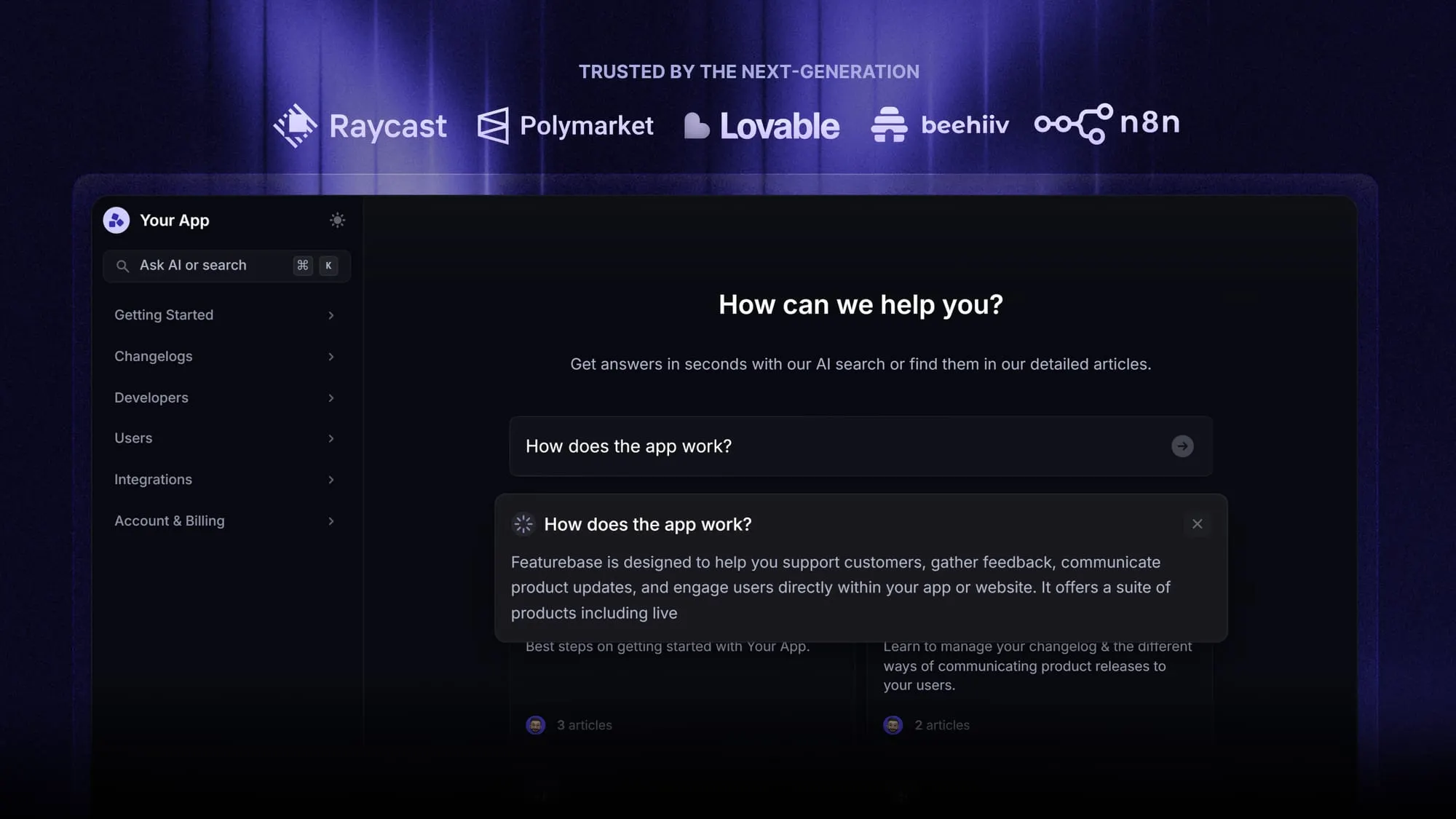
Featurebase works alongside your Confluence setup, connecting to your existing pages while giving you an AI-powered help center, searchable public knowledge base, and AI chatbot. Your team gets faster access to information, and your users can self-serve answers without needing a seat. It’s like giving Confluence superpowers—and it’s loved by thousands of companies like Lovable, Polymarket, and Raycast.
The best part? Featurebase has a Free plan and paid plans start at just $29/seat/mo. Onboarding is quick, requires no credit card, and you can start improving documentation discoverability and user experience immediately. 👇
Create a beautiful AI-powered knowledge base with Featurebase for free