Blog Customer ServiceBest Customer Service Software for SaaS: 10 Tools Compared
Best Customer Service Software for SaaS: 10 Tools Compared
The best customer service software helps SaaS teams keep support organized across email, chat, and help centers. This guide compares 10 tools and highlights who each one is best for.



✨ Automate your support with the fastest AI-enhanced Inbox today →
Customer support rarely happens in one place anymore. Research summarized by Harvard Business School followed 26,924 customers using multiple channels over a year.
That is a big part of why customer service software matters for SaaS teams. It helps keep support organized as conversations spread across email, chat, help centers, and other channels.
In this guide, we compare 10 customer service software tools for SaaS based on the criteria that matter most in practice: usability, support workflows, self-service, AI features, integrations, and overall fit.
Short answer:
- If you want the best all-in-one customer service software for modern SaaS teams, use Featurebase✨.
- If you want mature service management and deeper enterprise workflows, use Zendesk.
- If you want a flexible customer support platform for growing teams, use Freshdesk.
- If you want chat-first customer support with a strong AI layer, use Intercom.
- If you want customer support tightly connected to CRM and customer data, use HubSpot Service Hub.
- If you need large-scale customer relationship management and highly customizable service operations, use Salesforce Service Cloud.
See the full list below for a closer look at all 10 tools.👇
TL;DR – comparison table of the best customer service software for SaaS
| Platform | Category | Best for | Key strength | Pricing |
|---|---|---|---|---|
| ✨Featurebase | All-in-one customer support platform | Product-led SaaS teams | Support, knowledge base, live chat, and feedback in one platform | Free plan; paid plans from $29/seat/month |
| Zendesk | Enterprise customer service platform | Advanced support operations | Omnichannel support, routing, and mature service software workflows | From $19/agent/month |
| Freshdesk | Help desk/customer support platform | Growing SaaS teams | Good balance of usability, automation features, and multiple channels | Free plan; paid plans from $19/agent/month |
| Intercom | Chat-first customer support platform | Chat-first teams | Fast customer interactions, AI-first inbox, and conversational support | From $19/seat/month billed annually ($29 monthly) + $0.99 per Fin outcome |
| Help Scout | Shared inbox + self-service support platform | Email-first support teams | Clean workflow, strong self-service options, and simple collaboration | Free plan; paid plans from $25/user/month |
| HubSpot Service Hub | CRM-connected customer service platform | CRM-centric SaaS teams | Customer data and support operations in one ecosystem | Free plan; paid plans from $9/seat/month |
| Zoho Desk | Budget-friendly help desk platform | Budget-conscious teams | Broad feature set, automation, and good value | Free plan; paid plans from $7/user/month |
| Jira Service Management | Service management / ITSM platform | Technical and internal service teams | Structured service management and operational control | Free plan; paid plans from $20/agent/month |
| Salesforce Service Cloud | Enterprise CRM + service platform | Enterprise SaaS support orgs | Deep customization, large-scale routing, and CRM depth | From $25/user/month |
| Front | Shared inbox / collaborative support platform | Teams that work from shared inboxes | Fast collaboration and strong customer conversations workflow | From $25/seat/month |
What is customer service software?
Customer service software is a category of service software that helps businesses manage customer interactions, resolve customer issues, and support customers across multiple channels, including email, chat, phone support, web forms, and sometimes social messaging.
In practice, customer service platforms usually combine a ticketing system, collaboration tools, customer data, automation features, reporting, and self-service support. Some also include live chat software, help desk software, AI features, and knowledge base management.
For SaaS companies, customer service software helps support agents handle customer inquiries faster, maintain service quality, and improve the customer experience without turning support operations into a patchwork of disconnected tools.
How we evaluated these customer service software tools
We approached this the same way a SaaS team would during a real buying process:
Which customer service software options actually help teams manage customer support efficiently without adding unnecessary complexity?
To answer that, we evaluated each customer support tool against the criteria that matter most in day-to-day support operations:
- overall ease of use for the support team
- ticketing system quality and ticket management
- support across multiple channels and communication channels
- live chat software and phone support options
- knowledge base management and self-service support
- AI features and automated workflows
- integration capabilities with existing systems
- customer data visibility and customer relationship management alignment
- collaboration tools for support agents and customer success teams
- reporting depth and visibility into customer service operations
- fit for proactive support, consistent support, and business growth
- value of the free plan and paid plans
We also looked at how each platform feels in practice.
Some customer service tools are clearly designed for modern SaaS teams that want fast setup, good UX, and strong AI assistance. Others are better for large support operations, service cloud environments, or teams with more complex customer relationships and formal service management requirements.
Our goal was not to list every customer support platform on the market.
It was to identify the tools that give SaaS teams the best mix of usability, service quality, operational efficiency, and room to scale.
The 10 best customer service software tools for SaaS
1. Featurebase ✨

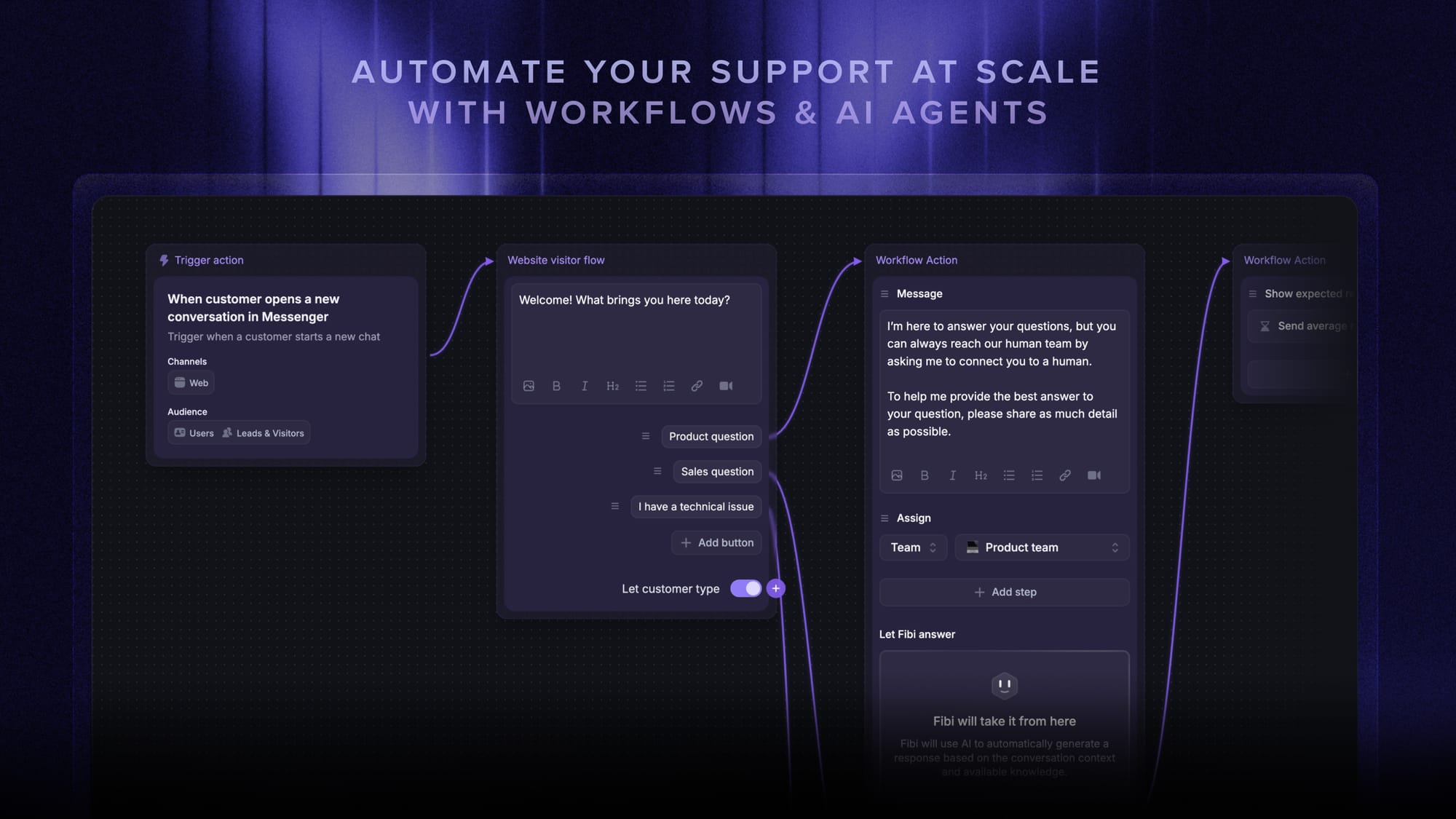
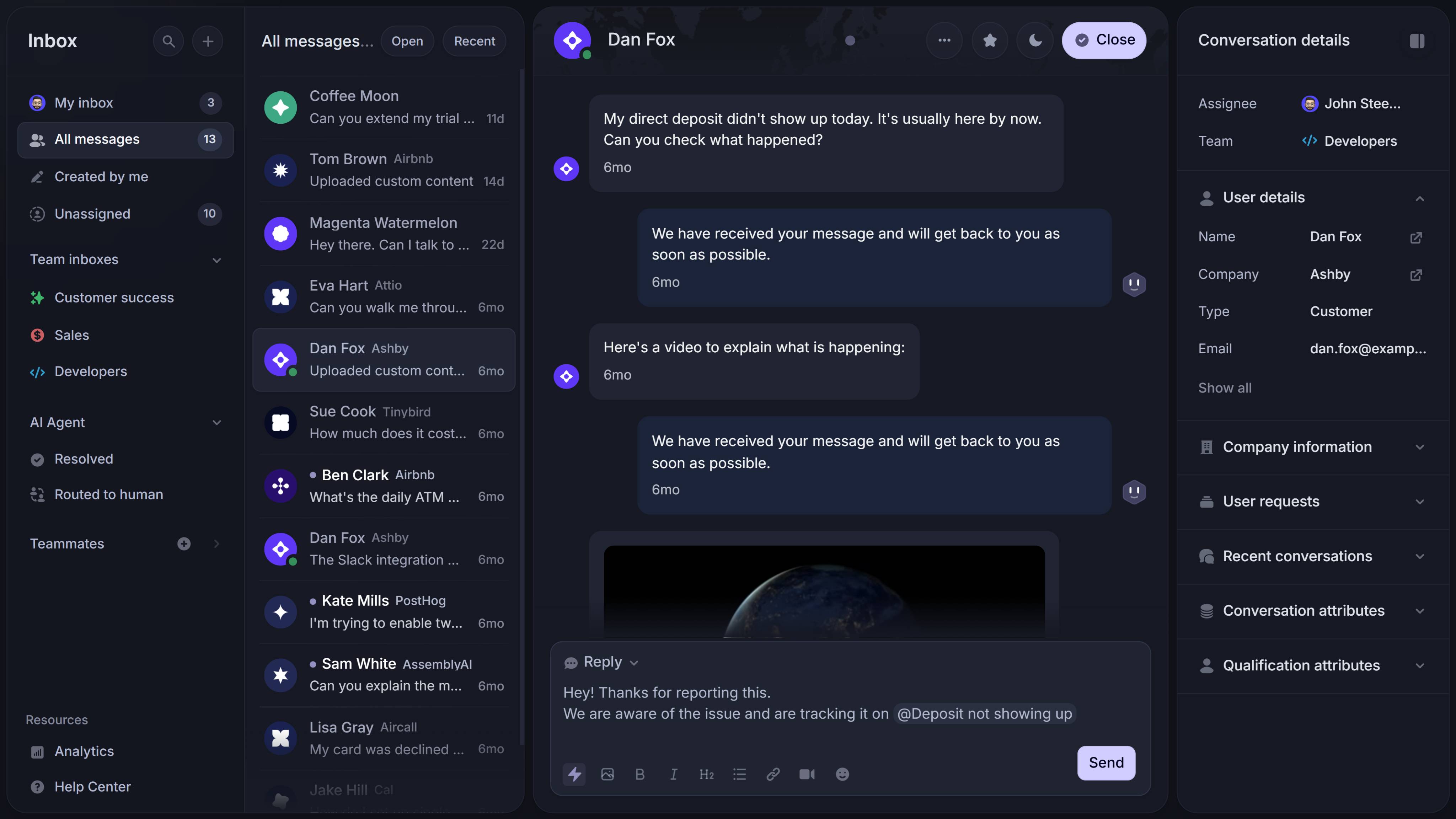
Featurebase is a modern AI-powered customer service software platform for product-led SaaS. It brings together an omnichannel inbox, help center, feedback management, product updates, surveys, and AI agents in one place, which makes it a strong fit for teams that want their customer-facing workflows connected instead of spread across multiple tools.
In practice, that means SaaS teams can handle support, self-service, feedback, and communication from a single platform. For startups and growing companies, that is a big advantage: instead of stitching together five different tools, they can keep customer interactions, feedback loops, and product communication in one system.
Key features
- omnichannel inbox for customer support across live chat, email, and Slack
- AI agents to automate support and reduce repetitive tasks
- AI-powered help center for self-service support and multilingual answers
- feedback collection with widgets, integrations, AI, and a public feedback forum
- surveys for NPS, CSAT, and other customer satisfaction workflows
- product updates with in-app popups, notification emails, and a dedicated updates page
- workflows and automations for routing conversations, collecting customer data, extending trials, and more
- integrations with popular tools like Linear, Jira, and Slack
Why it stands out
From an evaluation standpoint, Featurebase stands out because it is not just a customer support tool. It gives SaaS teams a broader customer-facing platform that combines support, help center, feedback, surveys, and product updates in one place.
That is especially useful for product-led SaaS companies, where support conversations, customer feedback, and product communication often overlap. Instead of stitching together separate customer service tools, teams can manage customer interactions, self-service support, and feedback workflows in a more connected way.
Pricing: Featurebase comes with a Free plan, with paid plans starting at $29/seat/month. The onboarding is super fast, so there is no downside to trying it.
Pros:
- Strong fit for product-led SaaS teams
- Combines support, help center, feedback, surveys, and updates in one platform
- AI-powered workflows help reduce repetitive tasks
- Good choice for teams that want fewer tools and more connected customer workflows
Cons:
- Less suited to teams that need highly formal service management workflows
- Not the best fit for heavy call center software use cases
- Enterprise teams with very specific admin requirements may want deeper customization

Get the fastest AI-powered Support Inbox
Support your customers from anywhere with an AI-powered omnichannel inbox
2. Zendesk
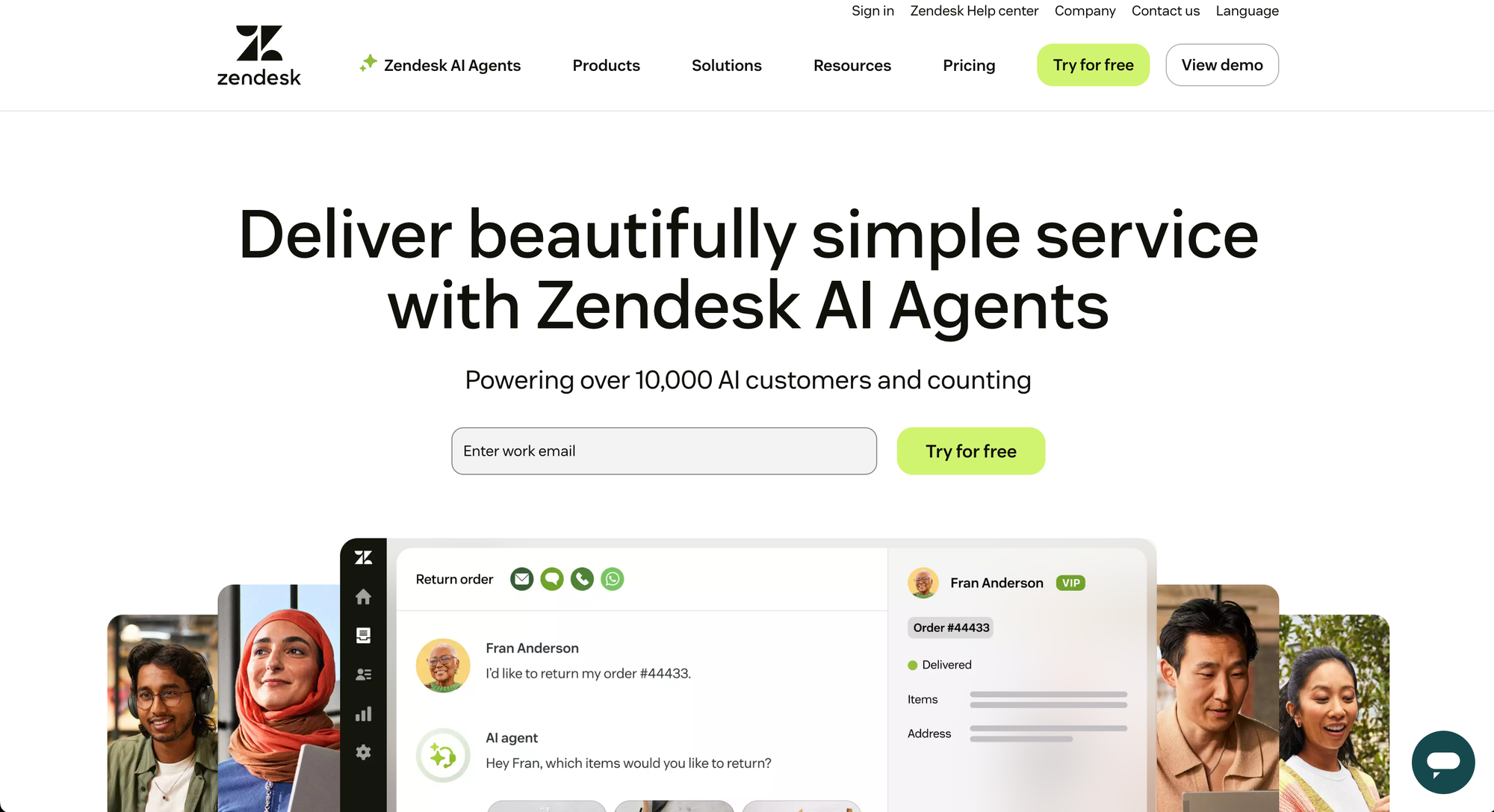
Zendesk remains one of the most established names in customer support software, and after comparing it against the rest of the field, it still feels like one of the most complete tools for teams with advanced support operations.
In our evaluation, Zendesk scores highly on omnichannel support, ticket management, routing logic, and reporting maturity. It is the kind of customer service platform that feels built for organizations with real complexity: multiple channels, large support teams, layered permissions, and higher ticket volume.
Key features
- omnichannel support across email, voice, messaging, and social
- unified agent workspace
- automation features for repetitive tasks
- macros, predefined responses, and internal collaboration
- help center and self-service support
- reporting and dashboards
- AI assistance for faster customer interactions
Why it stands out
What stood out most in the evaluation was depth.
Zendesk is not just a customer support tool with a ticketing system bolted on. It is a mature service software platform with strong support operations and controls. If you need to route customer inquiries across multiple channels, keep tight control over ticket management, and give customer service agents a unified view of customer data, Zendesk handles that well.
It also performs better than many tools when support quality depends on process discipline, not just speed. The tradeoff is that it feels heavier than more modern SaaS-first tools.
Pricing: Zendesk’s pricing starts at around $19/agent/month for entry-level plans, with more advanced suite tiers costing significantly more.
Pros:
- Strong omnichannel support and ticket routing
- Mature reporting and workflow automation
- Good fit for larger customer service teams
- Handles complex support operations well
Cons:
- Can feel heavy for smaller SaaS teams
- More system than many startups actually need
- Cost rises quickly as you move into advanced plans
3. Freshdesk
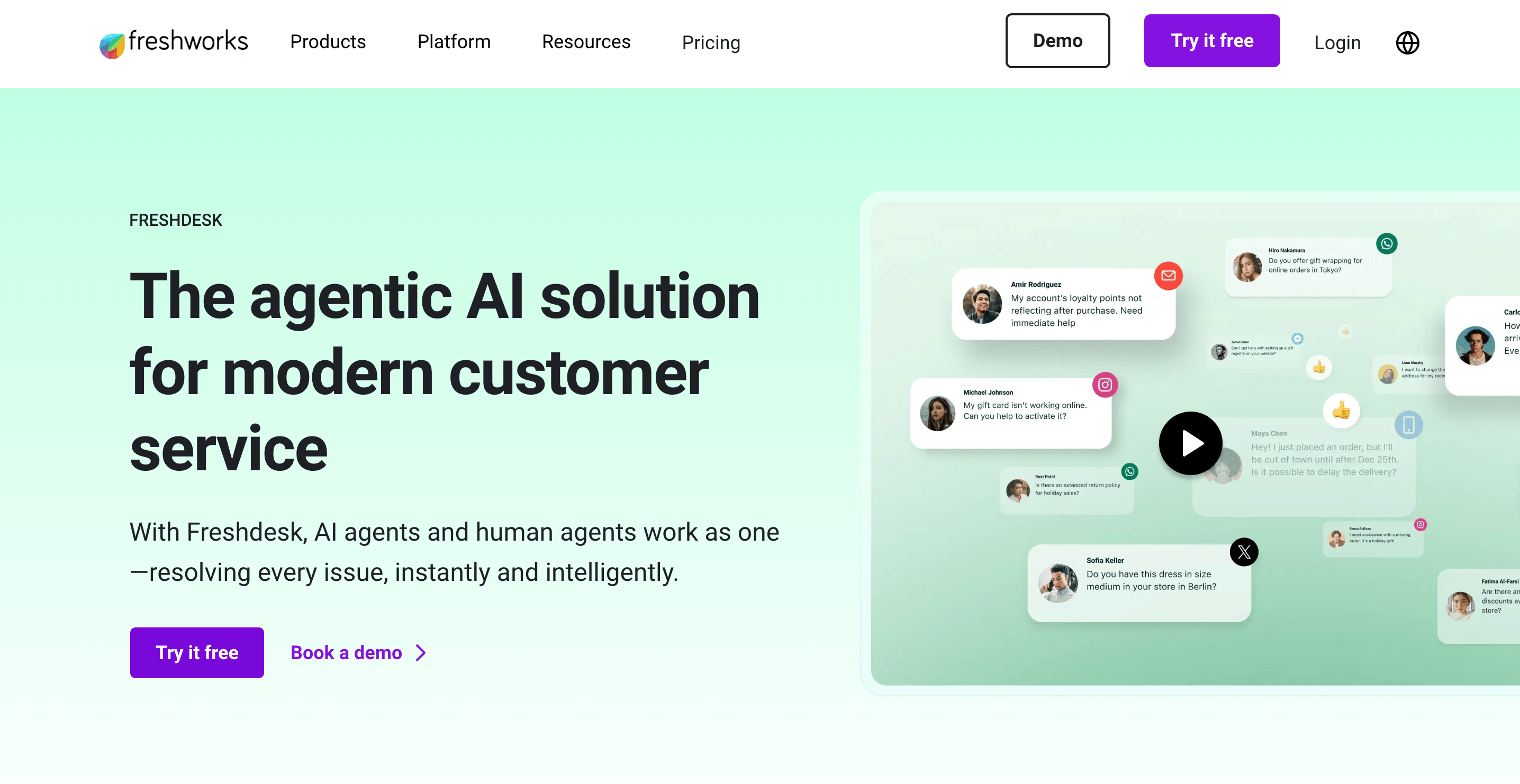
Freshdesk is one of the better-balanced customer service software options for growing SaaS teams.
That matches what makes Freshdesk attractive in practice: it covers the core evaluation criteria well without feeling as heavy as the enterprise end of the market.
Key features
- support across multiple channels
- shared inbox and support tickets workflow
- automation rules and ticket assignment
- knowledge base and customer portal
- reporting and analytics
- integrations with existing systems
- AI features through Freddy and related capabilities
- self-service options and CSAT workflows
Why it stands out
Freshdesk performs well when you judge it by the needs of a scaling support team: can the support team keep customer inquiries organized, reduce manual work, and maintain customer satisfaction as ticket volume grows?
The answer is mostly yes.
It is especially good in the middle of the market. It gives you more support software structure than a lightweight shared inbox, but it is still easier to adopt than the most enterprise-heavy customer service platforms. For SaaS companies that need multi-channel support, automation features, and a solid ticketing system without a huge implementation burden, it is a very practical choice.
Pricing: Freshdesk offers a free plan, with paid plans typically starting at $19/agent/month, depending on billing and tier.
Pros:
- Good balance of usability and feature depth
- Strong choice for growing support teams
- Covers automation, self service, and reporting well
- Easier to adopt than many enterprise platforms
Cons:
- Less differentiated than some competitors
- Not as deep as Zendesk for advanced service operations
- Not as uniquely SaaS-native as Featurebase
4. Intercom
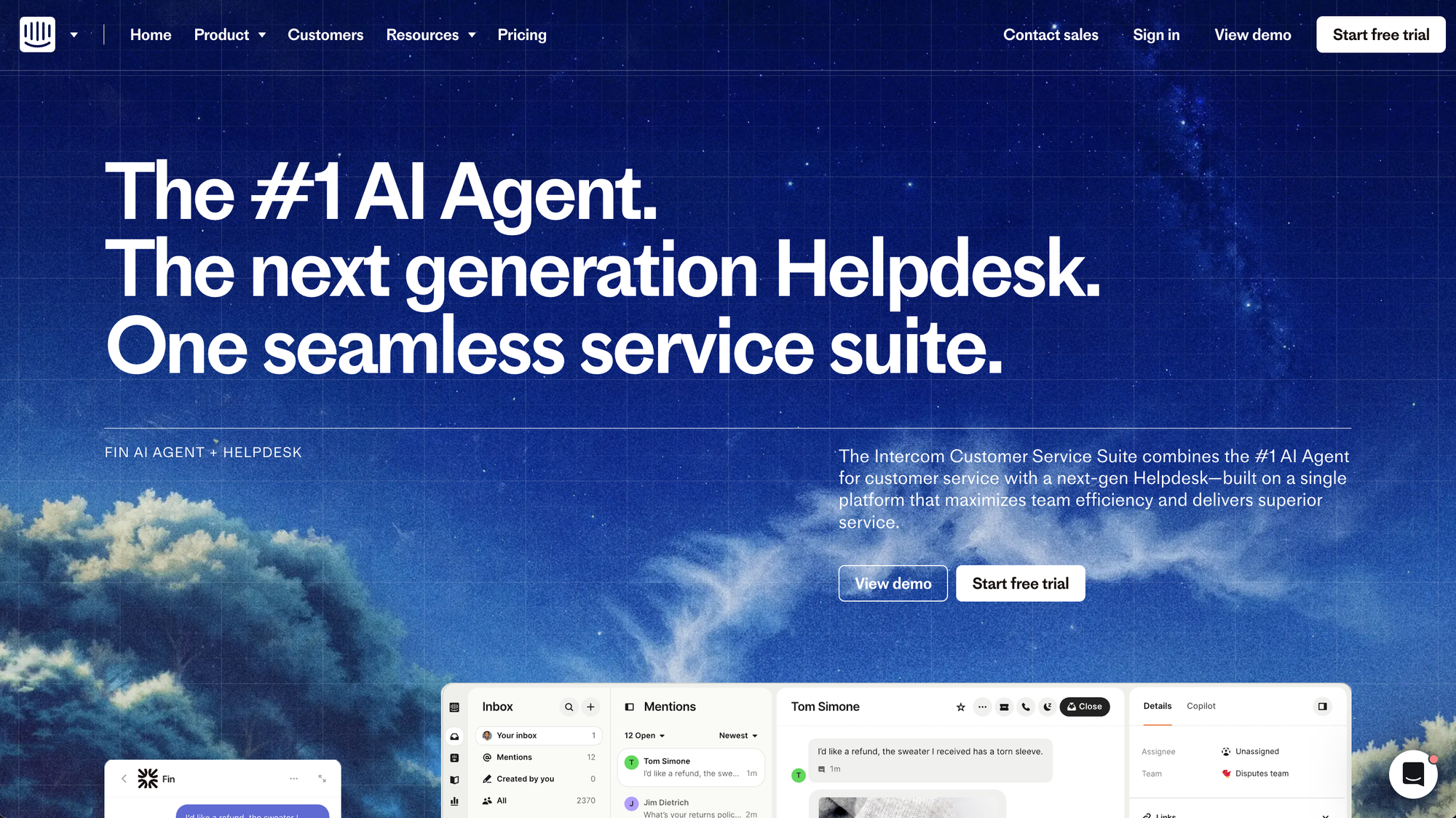
Intercom is strongest when customer support is fast, conversational, and tightly embedded into the product experience.
Key features
- AI-first inbox and ticketing
- live chat software and in-product messaging
- omnichannel support
- AI agent workflows
- help center and self-service support
- reporting and integrations
- shared workspace for human agents and AI flows
Why it stands out
Intercom is one of the best tools here for customer conversations that start in chat and need to move quickly. It is strong at personalized support, proactive customer engagement, and real-time customer interactions.
When we compare tools against our evaluation criteria, Intercom scores especially well on live chat software, AI features, and fast support across communication channels. It feels less like traditional desk software and more like a modern messaging layer for customer support.
That works very well for SaaS teams with product-led onboarding, in-app support, and a high value on speed. It is less ideal if your support operations revolve around formal queues, a heavy ticket-management structure, or lower-cost support at scale.
Pricing: Intercom’s pricing starts at $19/seat/month for Essential billed annually ($29 billed monthly), plus $0.99 per Fin outcome. Advanced costs $85/seat/month and Expert costs $132/seat/month, billed annually. AI usage and add-ons increase the total cost.
Pros
- Excellent for chat-first customer support
- Strong AI features and conversational workflows
- Very good for in-product support and proactive support
- Modern, fast customer experience
Cons
- Can get expensive quickly
- Less structured for teams that want formal queue management
- Not always the best fit for support teams centered on classic ticket workflows
5. Help Scout
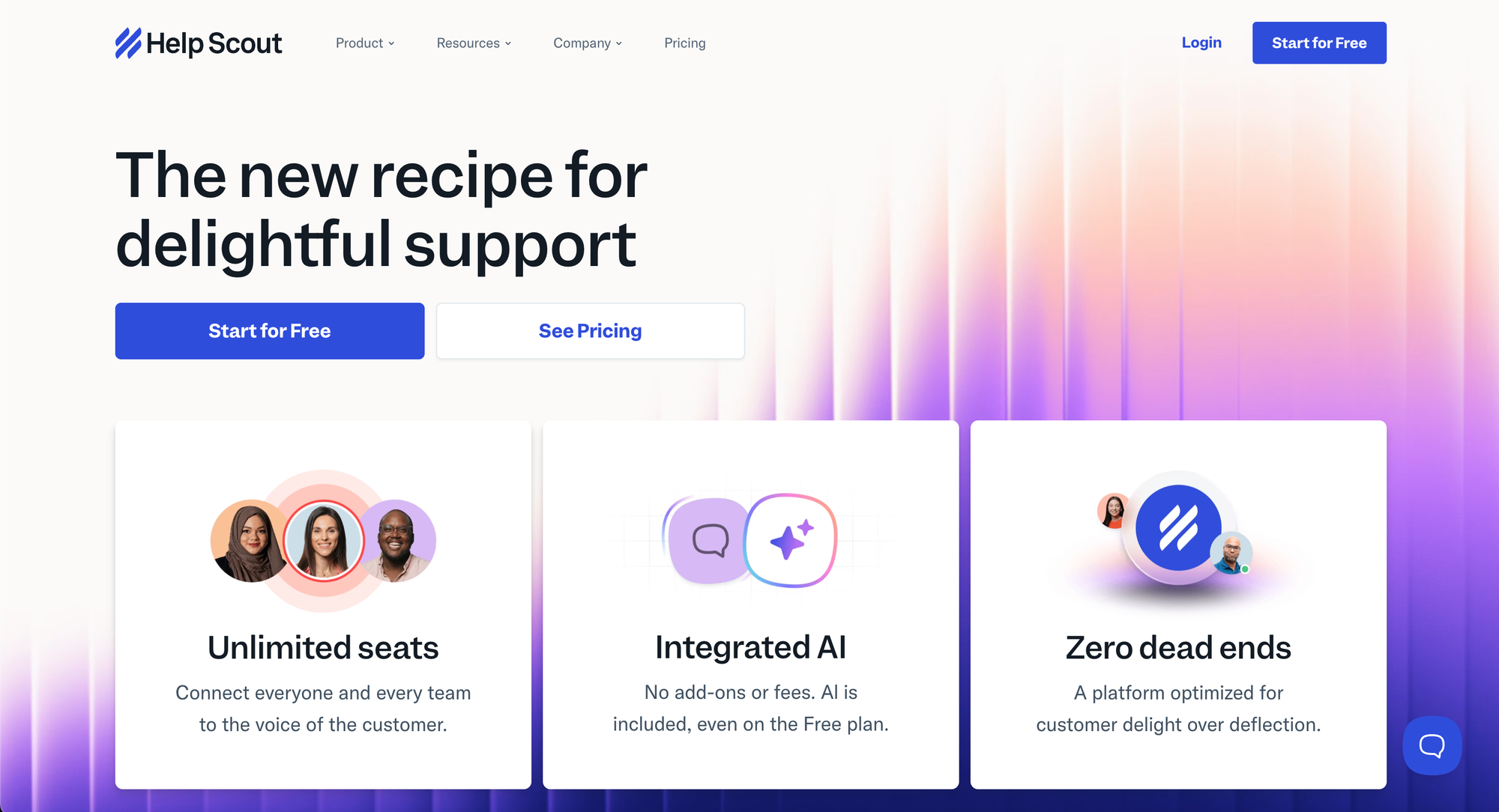
Help Scout is one of the cleanest tools in this category.
In evaluation, Help Scout scores very well on ease of use, collaboration tools, and keeping customer support human.
Key features
- shared inbox for support requests
- customer profiles and conversation history
- Docs knowledge base
- live chat and Beacon
- workflows and tags
- reports
- integrations across CRM, ecommerce, and support tools
Why it stands out
If your definition of the right customer support tool is “something the team can start using quickly without drowning in admin settings,” Help Scout is one of the strongest options here.
It is not trying to be the most expansive service cloud or the most complex service management platform. Instead, it is optimized for support quality, collaboration, and keeping customer conversations easy to manage.
It also handles self-service support better than many lightweight tools because Docs is a core part of the experience, not an afterthought.
Pricing: Help Scout offers a free plan for small teams, with paid plans starting at around $25/user/month plus AI-related usage pricing.
Pros
- Very easy to use
- Strong collaboration and shared inbox workflow
- Good self-service options through Docs
- Keeps support personal and lightweight
Cons
- Lighter on advanced routing and enterprise workflow control
- Less suitable for heavy phone support or complex support operations
- Not built for teams that need very deep automation
6. HubSpot Service Hub
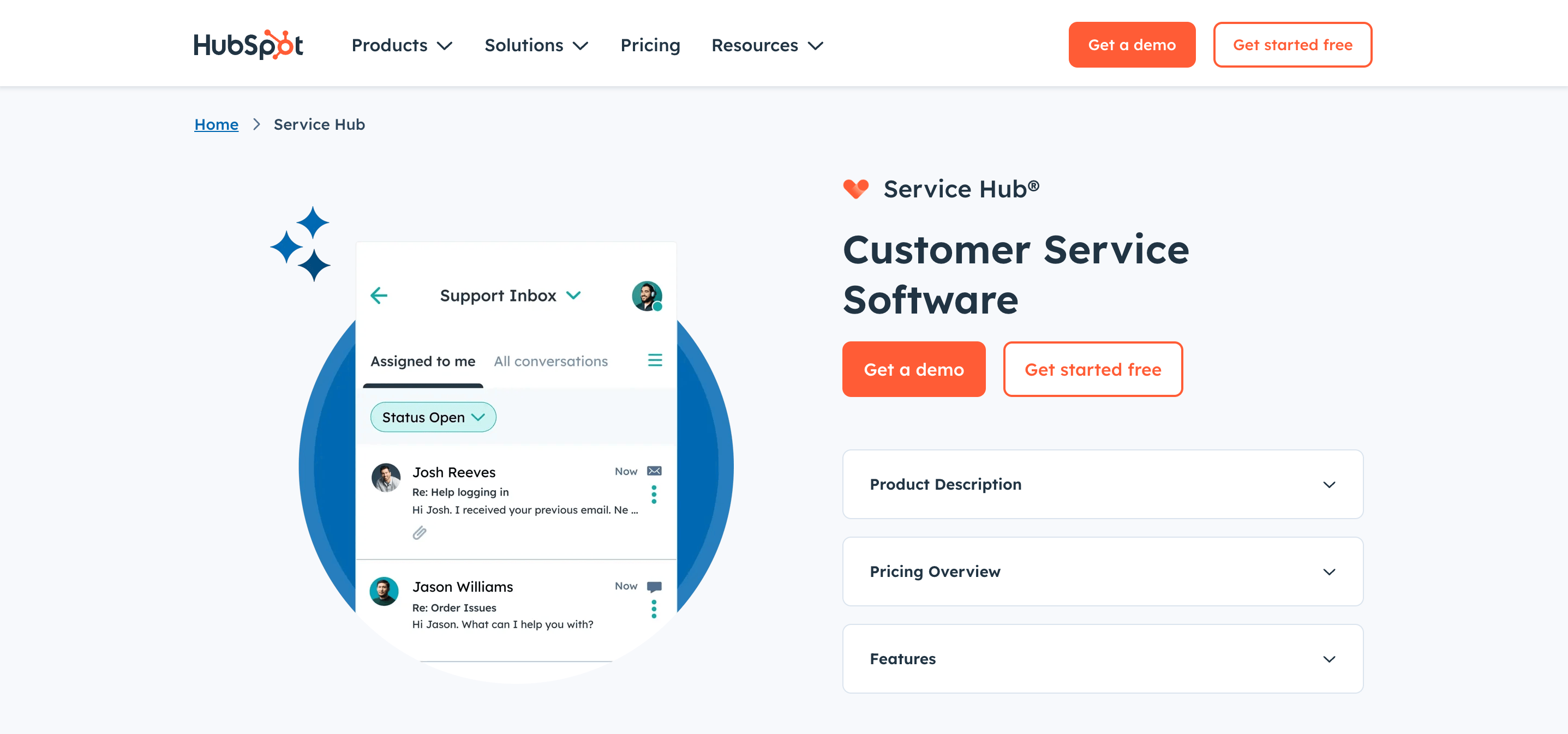
HubSpot Service Hub is a strong option for SaaS companies that want customer service operations closely tied to customer relationship management.
Key features
- ticketing and support requests
- customer data tied to the broader HubSpot platform
- knowledge base and self-service support
- AI-powered customer service capabilities
- reporting and automation
- omnichannel messaging
- customer portal workflows
Why it stands out
HubSpot Service Hub performs best when customer support is not a standalone function.
If your team wants support, sales, onboarding, and customer success teams connected through shared customer data, HubSpot offers real value. In evaluation, it scores especially well on customer relationship management alignment, cross-team visibility, and support operations that sit close to revenue workflows.
That can be a major advantage for SaaS companies with longer lifecycles, expansion revenue, or customer success teams working closely with support.
Pricing: HubSpot Service Hub has a free plan, with paid plans starting at $9/seat/month for Starter, $90/seat/month for Professional, and $150/seat/month for Enterprise, plus onboarding fees for higher tiers.
Pros
- Strong CRM and customer data alignment
- Good fit for support plus customer success workflows
- Useful if your team already uses HubSpot
- Solid automation and reporting
Cons
- Best value is tied to the broader HubSpot ecosystem
- Can become expensive at higher tiers
- Less compelling as a standalone support tool than as part of the full platform
7. Zoho Desk
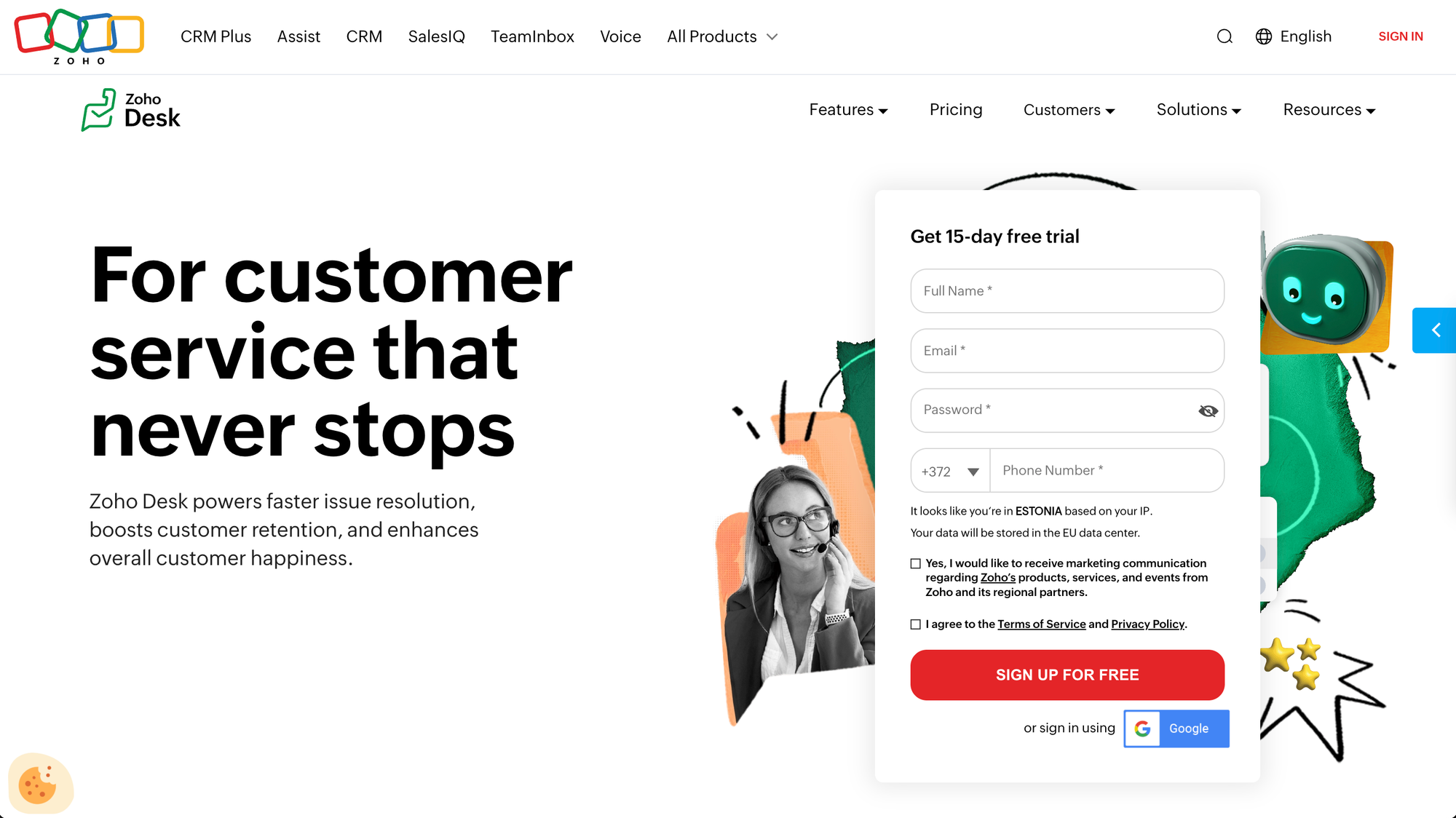
Zoho Desk is a strong value-oriented customer support platform.
Key features
- omnichannel communication
- automation features
- conversational AI
- ticket management
- self-service support
- reporting and dashboards
- integrations within the Zoho ecosystem and beyond
Why it stands out
Zoho Desk scores well on operational efficiency and value. It gives support teams enough structure to manage customer issues, automate repetitive tasks, and support multiple channels without requiring the same budget level as some larger platforms.
It is also one of the more accessible options for teams that need more than basic features but are not yet ready for heavier service management stacks.
Pricing: Zoho Desk offers a free plan, with paid plans starting around $7/user/month, making it one of the more affordable tools here.
Pros
- Strong value for the price
- Broad feature set for smaller teams
- Good automation and multichannel coverage
- Accessible entry point for growing support teams
Cons
- Less polished than some premium competitors
- Not as differentiated in SaaS workflow fit
- May feel more practical than exceptional
8. Jira Service Management
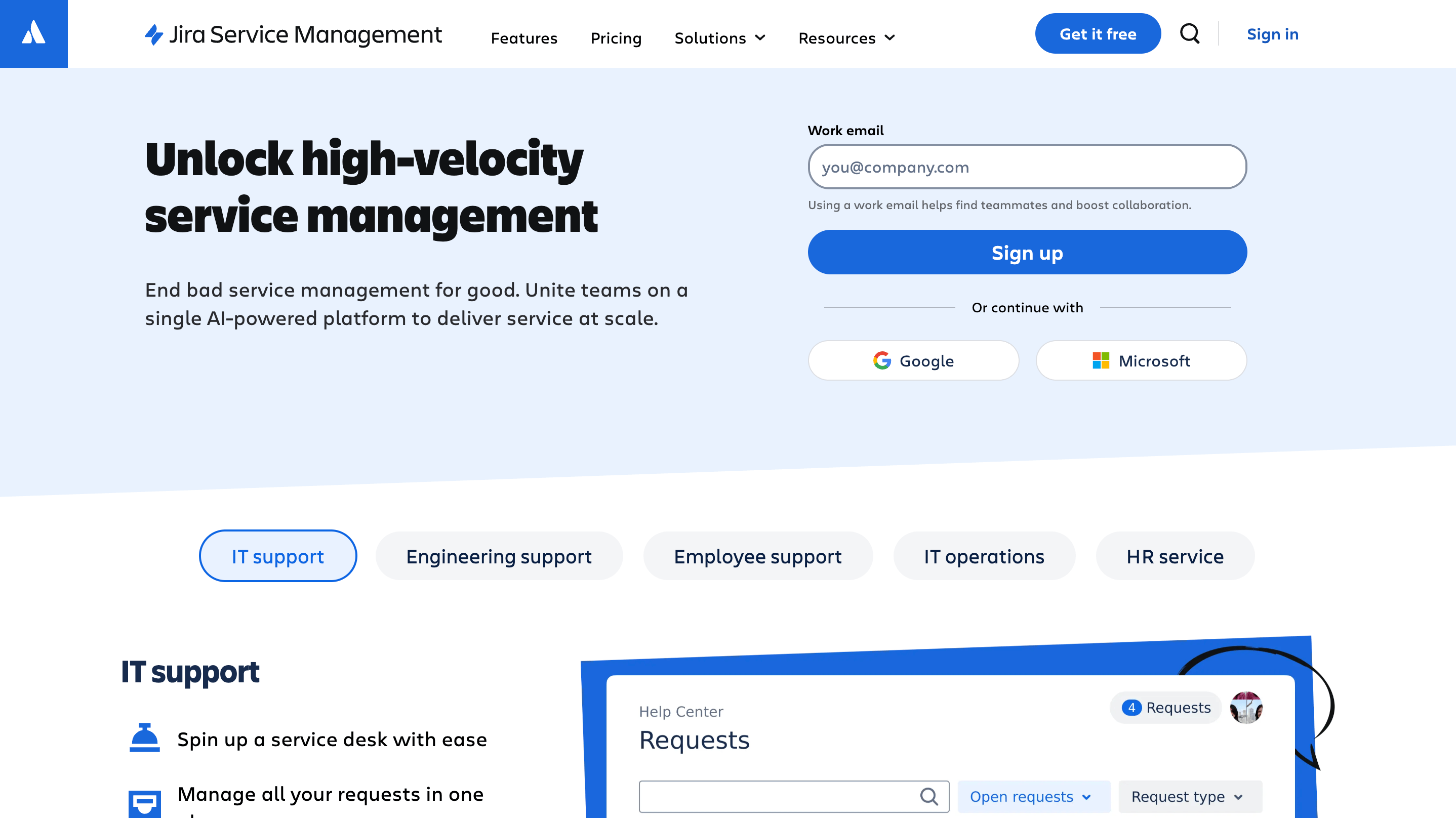
Jira Service Management is clearly rooted in formal service management.
Key features
- request and incident management
- problem and change management
- structured workflows
- automation for repetitive tasks
- self-service portal and knowledge support
- strong fit for technical teams
- broader service management controls
Why it stands out
When we evaluate customer service software through a SaaS lens, Jira Service Management scores highest for technical teams, internal service teams, and organizations where support operations overlap heavily with engineering and IT.
It is very strong on process control, service management, and handling structured support requests. If your customer support teams work closely with technical operations, that can be a real advantage.
But if your main goal is frictionless customer conversations, fast onboarding, and lightweight personalized support, it can feel too process-heavy.
Pricing: Jira Service Management offers a free plan for small agent teams, with paid plans starting around $20/agent/month.
Pros
- Excellent for technical and structured service workflows
- Strong service management depth
- Good fit for teams close to engineering and IT
- Helpful for complex internal support operations
Cons
- Can feel too process-heavy for customer-facing SaaS support
- Less natural for conversational support
- Not the best fit for teams that want fast, lightweight rollout
9. Salesforce Service Cloud
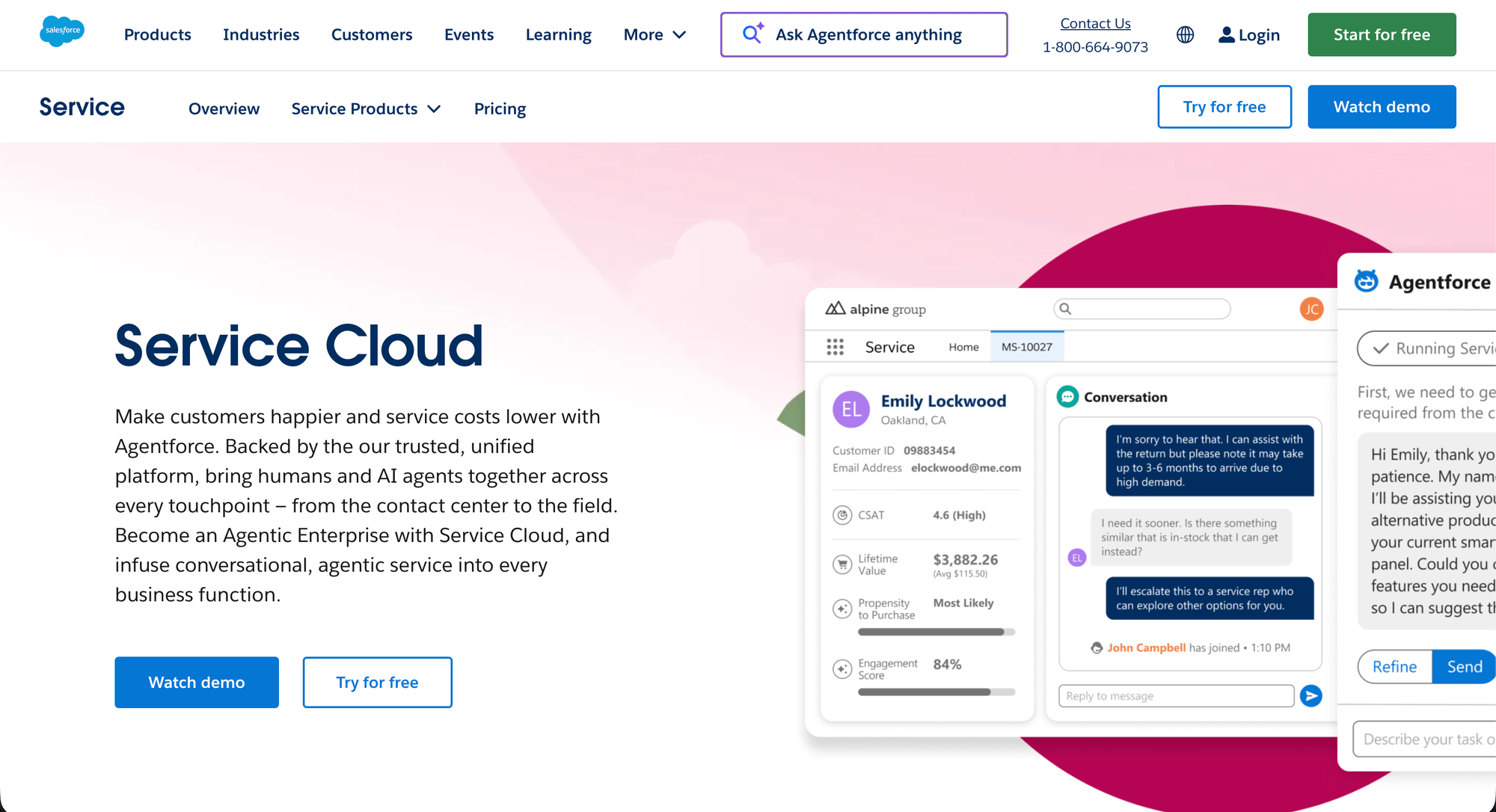
Salesforce Service Cloud is still one of the most powerful options in the category.
Key features
- unified service workspace
- case management and ticket management
- knowledge management
- AI-powered workflows
- omnichannel support across phone, chat, email, and social
- rich customer data from CRM
- advanced routing and service operations controls
Why it stands out
Salesforce Service Cloud is strongest when complexity is part of the job.
For teams managing large support orgs, complex customer relationships, and highly specific workflow requirements, it offers a level of customization that many lighter tools cannot match. It also performs especially well when support must sit directly inside a broader customer relationship management system.
That said, it is rarely the easiest starting point. It is powerful customer service software, but it assumes you are prepared for the weight that comes with that power.
Pricing: Salesforce Service Cloud pricing usually starts around $25/user/month for entry-level plans, with advanced enterprise tiers rising much higher.
Pros
- Deep customization and CRM integration
- Strong for enterprise-scale support operations
- Good omnichannel support and routing depth
- Powerful for large teams with complex requirements
Cons
- Heavy to implement and manage
- Often too much system for smaller SaaS teams
- Total cost and admin burden can rise quickly
10. Front
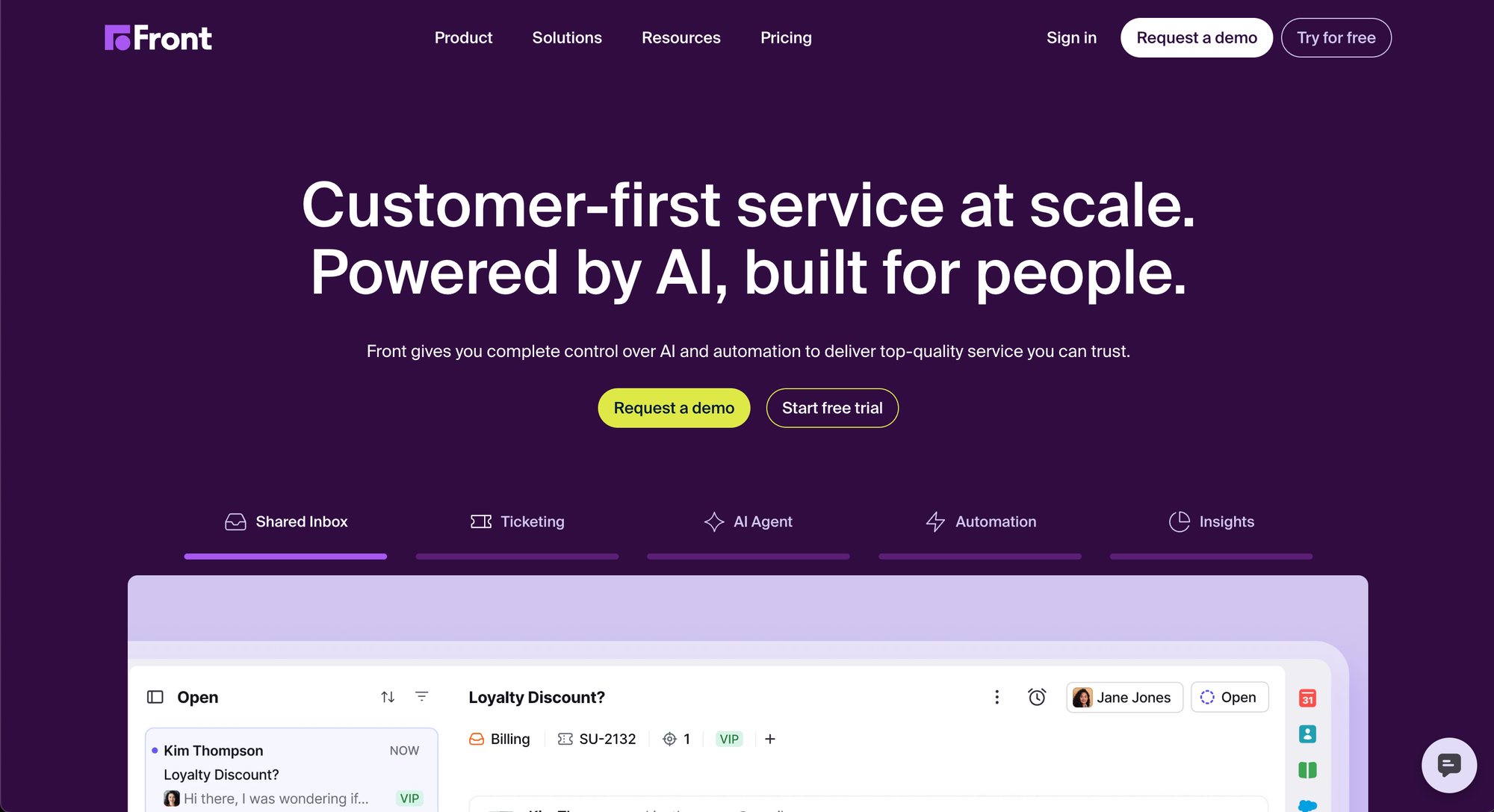
Front approaches customer support from a shared inbox and team collaboration angle, and that makes it relevant for SaaS teams that prioritize speed and visibility in customer conversations over classic service desk structure.
Key features
- shared inbox for customer conversations
- collaboration tools and internal comments
- email and communication channel management
- workflow automation
- customer context visibility
- integration capabilities with other systems
Why it stands out
Front is strongest when support, success, and account teams all need to collaborate around the same customer interactions. It keeps the workflow very visible and easy to manage, which can improve support quality for high-touch SaaS motions.
Where it falls short is in broader self-service support and deeper service management. It is not the most complete customer service platform on this list, but it is a very usable one for teams that prioritize collaborative inbox workflows.
Pricing: Front’s pricing starts at $25/seat/month for Starter, $65/seat/month for Professional, and $105/seat/month for Enterprise, with AI add-ons on lower tiers.
Pros
- Excellent shared inbox collaboration
- Good visibility into customer conversations
- Useful for cross-functional support workflows
- Lighter and faster than heavier desk software
Cons
- Less complete for self-service support
- Not as deep in formal ticket management
- Weaker fit for teams needing a full service management structure
How to choose the right customer service software
The best customer service software depends on how your team works.
Some teams need deeper service management and more structured workflows. Others care more about speed, self-service, and keeping customer conversations organized across channels. The right tool is the one that fits your support workflow without adding unnecessary complexity.
If you’re still narrowing down your options, it helps to review the core help desk software requirements before making a final decision.
- Choose Featurebase if you want an all-in-one customer support platform for SaaS with support, live chat, self-service, and customer feedback in one place.
- Choose Zendesk if you need advanced routing, omnichannel support, and more mature support operations.
- Choose Freshdesk if you want a flexible customer support tool with good automation and multichannel support.
- Choose Intercom if your team is chat-first and wants strong AI features and faster customer conversations.
- Choose Help Scout if you want a simple, intuitive platform with strong self-service and collaboration.
- Choose HubSpot Service Hub if support needs to stay closely connected to CRM and customer data.
- Choose Zoho Desk if you want broad functionality at a lower price point.
- Choose Jira Service Management if your workflows are more technical and process-heavy.
- Choose Salesforce Service Cloud if you need deep customization and enterprise-scale service operations.
- Choose Front if collaboration on customer conversations matters more than classic help desk depth.
The right tool should help your team stay organized, reply faster, and scale support without adding more overhead.
Get the fastest AI-powered Support Inbox
Support your customers from anywhere with an AI-powered omnichannel inbox
Conclusion
The right customer service software should help your team stay organized, reply faster, and scale support without adding more complexity. For SaaS teams, that usually means finding a tool that combines support, self-service, and automation in one place.
Featurebase is a modern AI-powered customer support platform for product-led SaaS. It lets you support customers via live chat, email, and Slack with an omnichannel inbox, automate support with AI agents, and offer self-serve support through an AI-powered help center. It also includes feedback collection, surveys, product updates, and automations to help you manage more of your customer-facing work from one platform. It’s loved by thousands of support, product, and marketing teams from companies like Raycast, Lovable, and n8n.💫
It comes with a Free plan for 1 seat with live chat, unlimited conversations, unified inbox and ticketing, and a Help Center with up to 50 articles. Paid plans start at $29/seat/month on Growth, then $59/seat/month for Professional and $99/seat/month for Enterprise, with $0.29 per AI resolution on paid plans. Onboarding is quick, and you can also try all features with a 10-day free trial. 👇
✨ Start using Featurebase for customer support for free →
FAQs
What is customer service software?
Customer service software helps businesses manage customer inquiries, requests, and interactions across communication channels such as email, chat, phone, and web forms. It usually includes ticket management, collaboration tools, reporting, and self-service support.
What is the difference between customer service software and help desk software?
Help desk software usually focuses more narrowly on support tickets and issue resolution. Customer service software often covers a broader range of customer support needs, including customer data, multiple channels, self-service options, and customer experience workflows.
What is the best customer service software for SaaS?
The best customer service software for SaaS depends on your workflow, but Featurebase is the best choice for teams that want support, live chat, a knowledge base, and customer feedback in one platform.
What should the right customer service software include?
The right customer service software should include a strong ticketing system, automation features, self-service support, reporting, integration capabilities, and enough flexibility to match your customer service operations.
What is the best customer support software for growing teams?
Freshdesk is one of the best customer support software options for growing teams because it balances usability, automation, and multiple channels well.
Do customer service platforms support multiple channels?
Yes. Many customer service platforms support email, live chat, phone support, and other communication channels. Zendesk, Intercom, Zoho Desk, and Salesforce all explicitly position around multi-channel support or omnichannel support.
How does customer service software help customer satisfaction?
Customer service software helps customer satisfaction by making it easier to resolve customer inquiries quickly, avoid missed support requests, give customers self-service support, and keep customer conversations consistent across channels.
Can customer service software integrate with existing systems?
Yes. Integration capabilities are an important part of choosing the right customer support tool. Many platforms connect with CRM, analytics, ecommerce, and other business systems, though the depth varies by tool.
What is the difference between HubSpot Service Hub and Salesforce Service Cloud?
HubSpot Service Hub is usually a better fit for teams that want support that is closely aligned with a simpler, CRM-centric workflow. Salesforce Service Cloud is a better fit for teams that need deeper customization, broader service management, and more enterprise scale.
Is there a free plan for customer support software?
Yes. Many customer support software tools offer a free plan or entry tier, though the depth varies. If free plan availability matters, compare the limits carefully before choosing.