Blog Product ManagementFeature Release: Strategies, Phases, and Best Practices
Feature Release: Strategies, Phases, and Best Practices
A feature release is more than a deploy. Here are the 5 rollout strategies, the 3 phases, and the practices that get your work actually used.

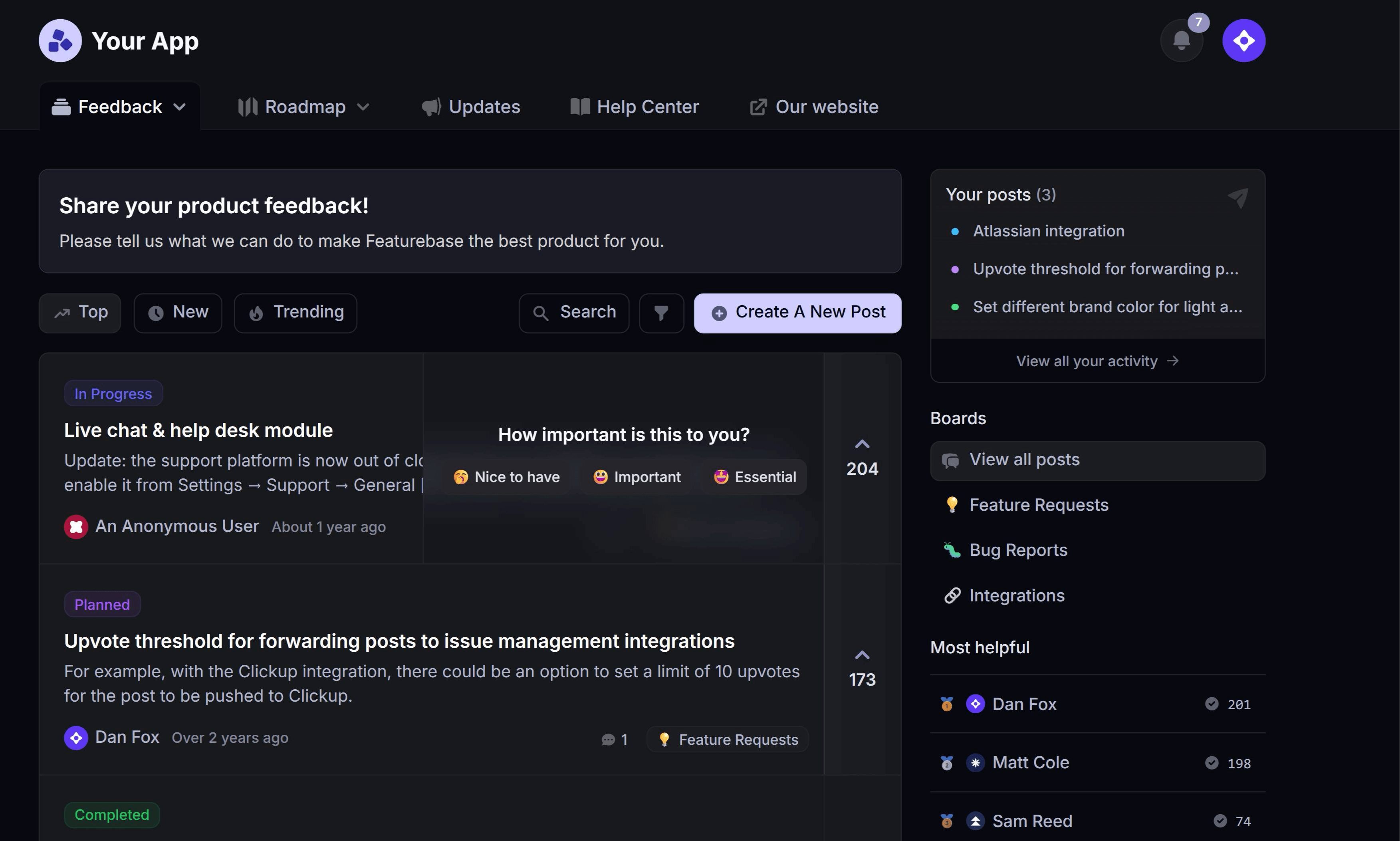

Shipping the code is the easy part.
The hard part is everything around it: choosing a rollout that won't take production down, catching the bug before 100% of your users do, and making sure the people who asked for the feature actually find out it exists. Most features quietly fail at that last step.
In this guide, I'll break down what a feature release really involves, the 5 strategies teams use to roll one out, and the practices that turn a deploy into adoption. 👇
Key takeaways
- A feature release is the process of getting a specific new capability into users' hands, from planning and testing through rollout and announcement. It's narrower than a product launch and different from a maintenance release.
- The rollout strategy decides your blast radius: Big bang releases are fast and risky. Phased rollouts, canary releases, blue-green deployments, and dark launches all trade speed for control.
- Feature flags decouple deploy from release: You can ship code to production turned off, then enable it for 1% of users, then 10%, then everyone - without another deploy.
- The release doesn't end at deploy: Pre-release planning, the rollout itself, and post-release measurement are 3 distinct phases, and teams usually under-invest in the third.
- Announcing the release is part of the release: A feature nobody knows about performs identically to a feature you never built.
- Featurebase✨ gives you a public changelog page, in-app update widgets, and automatic release emails so every feature release actually reaches the users waiting for it.
- Most releases fail on communication, not code. Fix the announcement layer before you fix the deployment pipeline.
What is a feature release?
A feature release is the process of delivering a specific new piece of functionality to your users. It covers everything from deciding the feature is ready, through testing and rollout, to announcing it and measuring whether anyone uses it.
The word "release" does a lot of work here, so it's worth separating 2 things that often get conflated:
- Deployment is a technical event. Your code goes to production servers. Users may or may not be able to see it.
- Release is a user-facing event. The functionality becomes available to some or all of your users.
Modern teams deliberately keep these apart. You can deploy 20 times a day and release a feature once a month, which is exactly what feature flags let you do.
Feature release vs. product launch
These get used interchangeably and they shouldn't be.
A feature release is about a single capability inside an existing product. Scope is narrow, the audience is your current users, and the goal is adoption of that specific thing.
A product launch is a coordinated go-to-market moment. It usually involves marketing, sales enablement, pricing, PR, and a target audience that includes people who aren't customers yet.
Every product launch contains feature releases. Not every feature release deserves a full product launch strategy. Most don't, and treating every shipped toggle like a launch burns your team out and trains users to ignore your announcements.
Feature release vs. maintenance release
A maintenance release ships fixes rather than capability. Bug patches, security updates, dependency bumps, performance work - anything that makes the existing product work better without changing what it can do.
The practical difference is who needs to know. A maintenance release mostly needs a line in your release notes. A feature release needs a plan for getting users to try the new thing.
Why feature releases are worth getting right
Because the default outcome is that nothing happens.
Across the product-benchmark data summarized by No Jitter, roughly 80% of built features achieve minimal meaningful adoption. That's not 80% bad ideas. A large share of those features were requested by real customers, scoped by real PMs, and built by real engineers who did good work.
They failed somewhere between "deployed" and "discovered."
A sloppy release compounds the problem in 3 ways:
- Wasted engineering time: Every unused feature represents weeks of work that produced no measurable change in retention, expansion, or satisfaction.
- Eroded trust: Users who requested a feature and never heard it shipped stop submitting feedback. You lose your best signal source.
- Feature bloat: Unused features still need maintenance, still add surface area to your UI, and still slow down onboarding for new users.
Getting the release right is cheaper than building the next feature. It's the highest-leverage part of the product management process that most teams treat as an afterthought.
The 5 feature release strategies
Your release strategy is really a decision about blast radius: if this feature is broken, how many users find out before you do?
Here are the 5 approaches that feature release management usually comes down to, ordered from most to least risky.
1. Big bang release
Everything goes live for everyone at once.
Best for small teams, low-stakes features, and products where a rollback is cheap. Worst for anything touching billing, auth, or data integrity.
The appeal is simplicity: no flag infrastructure, no cohort management, no partial-state bugs where some users see one version and some see another. The cost is that your first bug report and your full-scale outage arrive at the same moment.
2. Phased rollout
You release to progressively larger groups over days or weeks. Internal team first, then beta users, then 10% of accounts, then everyone.
This is the default for most SaaS teams, and for good reason. Each stage gives you real usage data before you widen the group, and every stage is a place you can stop.
The trade-off is time. A phased rollout that takes 3 weeks is 3 weeks of maintaining 2 code paths and 3 weeks of support agents asking "which version does this customer have?"
3. Canary release
A canary release pushes the new version to a small, randomly selected slice of production traffic - typically 1% to 5% - while everyone else stays on the old version. You watch error rates, latency, and business metrics side by side, then either widen or roll back.
The difference from a phased rollout is intent. A phased rollout targets chosen cohorts to gather feedback. A canary targets a random slice to detect regressions before they scale.
4. Blue-green deployment
You run 2 identical production environments. Blue is live, green has the new version. Once green passes its checks, you flip traffic over. If something breaks, you flip back.
The advantage is a rollback measured in seconds rather than a redeploy measured in minutes. The cost is running double infrastructure and dealing with database migrations that have to work on both sides of the flip.
5. Dark launch with feature flags
The code ships to production disabled. It sits there, deployed but invisible, until you turn the flag on for a specific segment.
This is the strategy that makes the others practical. A feature flag release lets you deploy continuously, test in production with real data, and turn a feature on for one enterprise customer who asked for it without shipping it to everyone. Turning a broken feature off is a config change, not an incident.
The catch is that flags accumulate. Every flag you don't clean up after full rollout is permanent branching logic in your codebase, and teams that skip flag hygiene end up with hundreds of dead toggles nobody dares delete.
The 3 phases of a feature release
Regardless of which strategy you pick, the release process moves through the same 3 phases. Most teams handle the first 2 well and the third badly.
[illustration here]
Phase 1: Pre-release
This is where you decide what ships and get everyone ready for it.
The work here is mostly non-technical:
- Confirm the demand: Check the feature against actual requests. If you're managing incoming feature requests properly, you already know who asked, how many asked, and how much revenue sits behind the ask.
- Set the success metric before you ship: Decide what adoption looks like now, while you're still honest. "30% of active accounts try it in 30 days" is a metric. "It goes well" is a hope.
- Write the announcement early: If you can't explain the value in 2 sentences, the feature probably isn't scoped right yet.
- Prepare support: Your support team should see the feature before your customers do, with a short brief on what it does and what will confuse people.
- Update the roadmap: Moving the item to "shipping soon" on a public product roadmap sets expectations and builds anticipation for free.
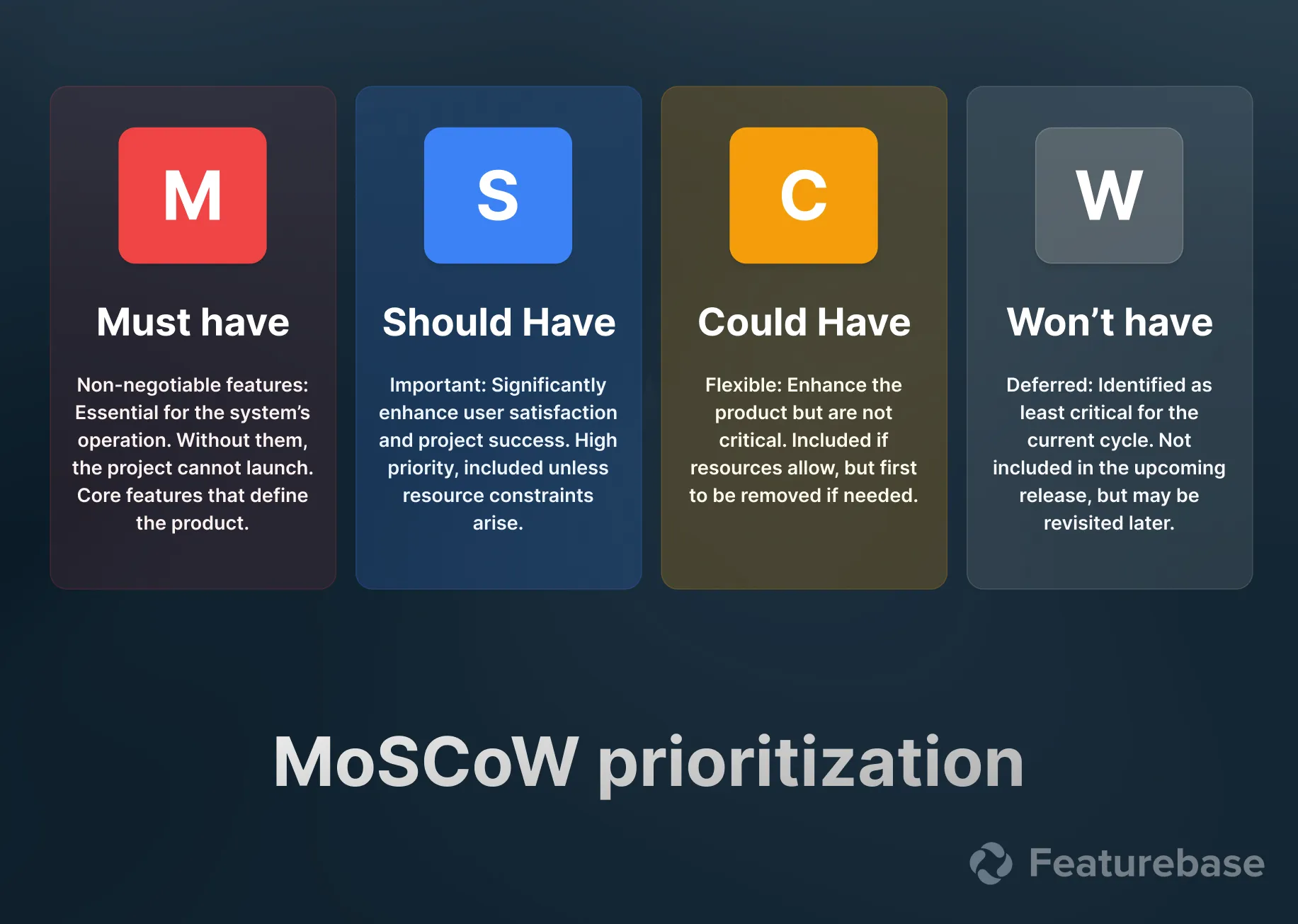
If you're choosing between several candidate features at this stage, feature prioritization frameworks like RICE or MoSCoW give you a defensible way to sequence them.
Phase 2: Release
The rollout itself. Execute your chosen strategy, watch your dashboards, and have a rollback plan you've actually tested.
3 things separate calm releases from chaotic ones:
- Pre-defined rollback thresholds: Write down the error rate, latency, and conversion numbers that trigger a rollback before you start. Deciding in the moment, at 2am, with a customer on the phone, produces bad decisions.
- A named owner: One person watches the release and has authority to stop it. Shared ownership means nobody rolls back.
- Observability that maps to the feature: Generic server metrics won't tell you the new export button is silently producing empty files. Instrument the feature path specifically.
Avoid Friday releases unless you genuinely have on-call coverage through the weekend. This is unfashionable advice and it is still correct.
Phase 3: Release announcement and measurement
The feature is live. Now the actual work starts, because being available and being used are very different states.
Consider the volume users are expected to keep up with. Microsoft added over 300 features to Teams in a single year and Cisco shipped more than 1,000 to Webex in 12 months, by No Jitter's count. Nobody is tracking that on their own. If you don't tell them, they don't know.
You need 3 announcement surfaces working together, because different users check different places:
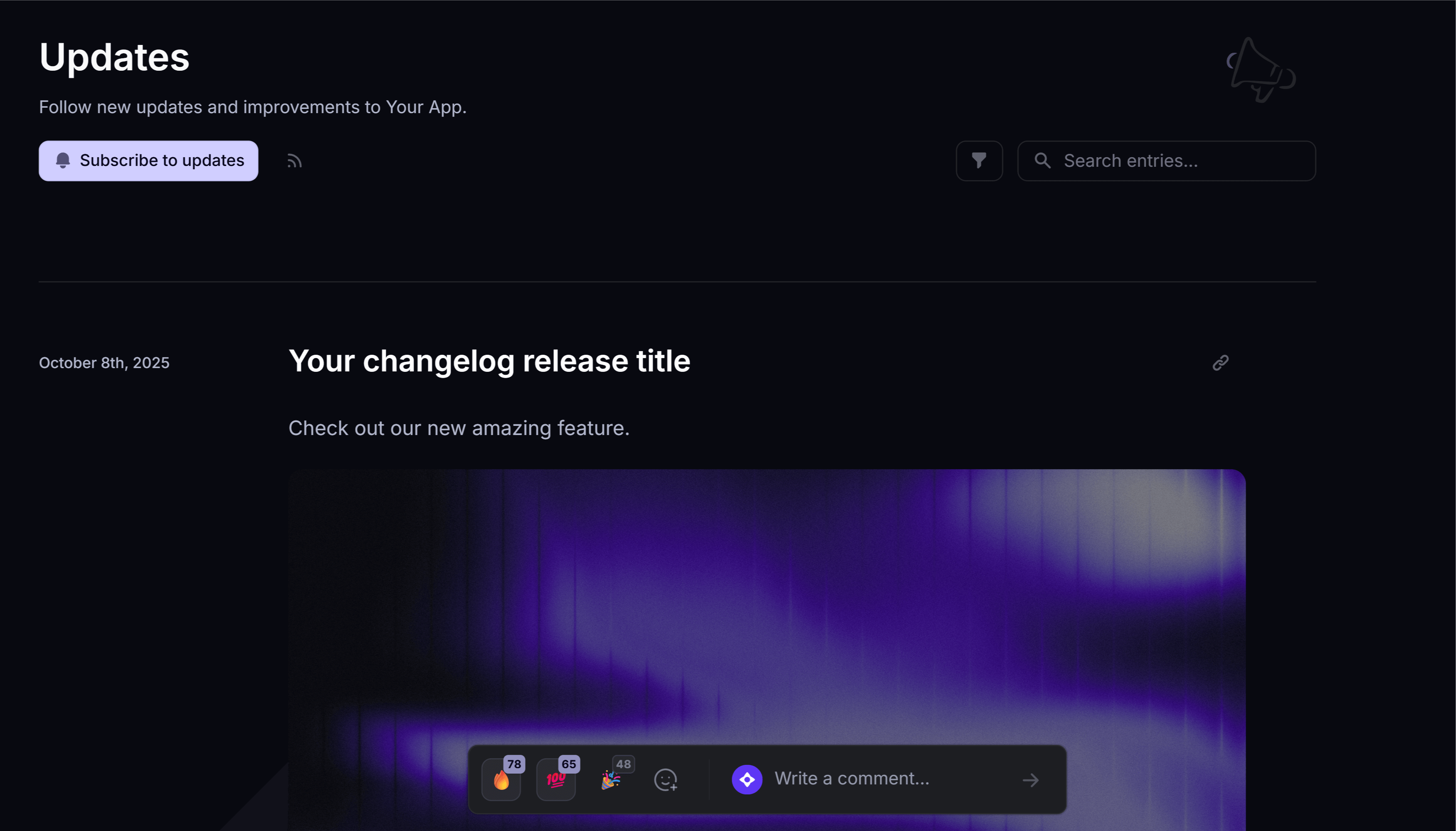
- A changelog page: A public, browsable record of what shipped and when. This is where users go when they want to catch up, and it's what your sales team links to when a prospect asks "are you still shipping?"
- In-app announcements: A widget or popup that surfaces the update while the user is already inside your product, which is the only moment they can actually try it.
- Email: The only channel that reaches users who haven't logged in recently, which is exactly the group a compelling new feature might win back.
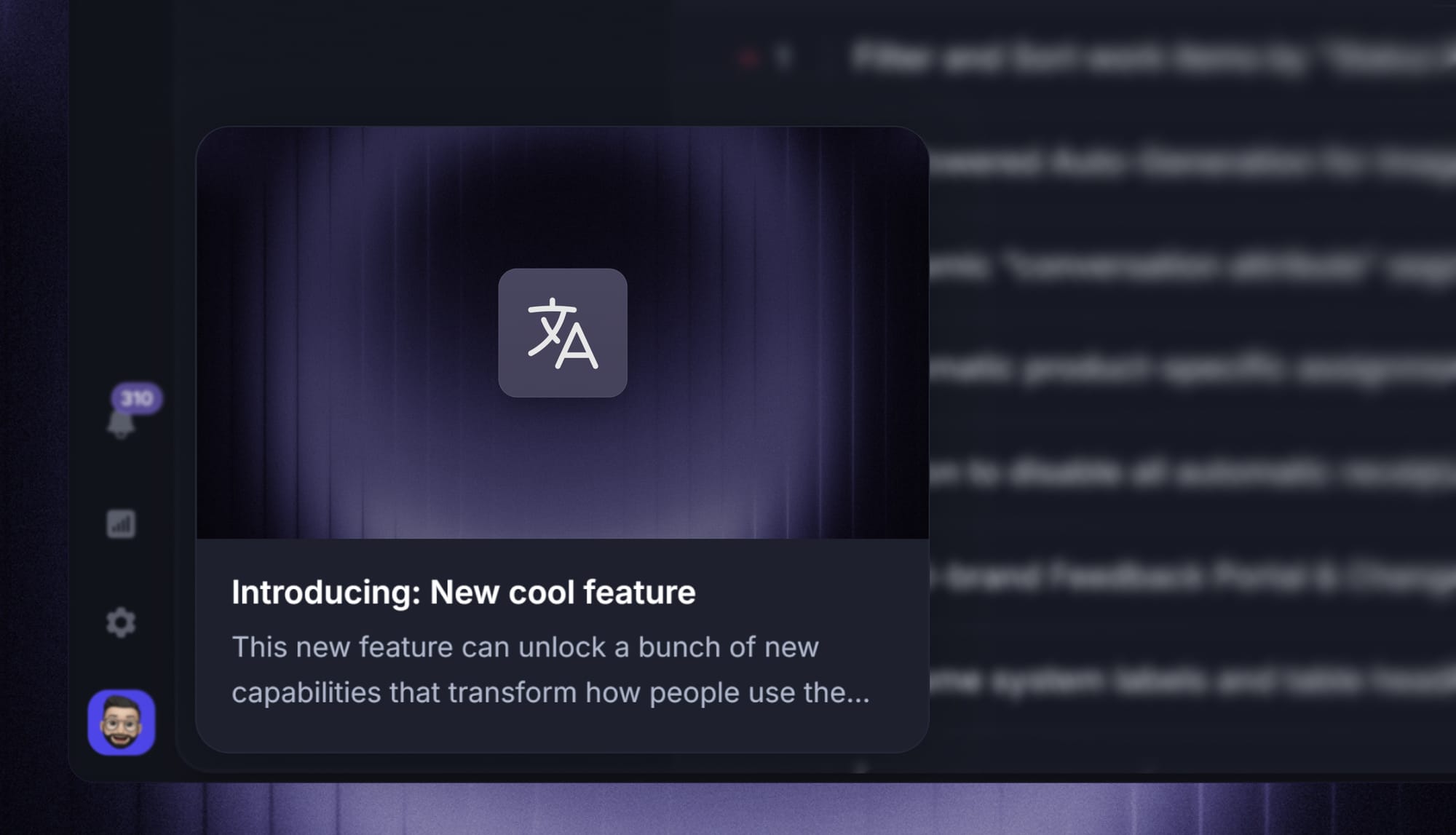
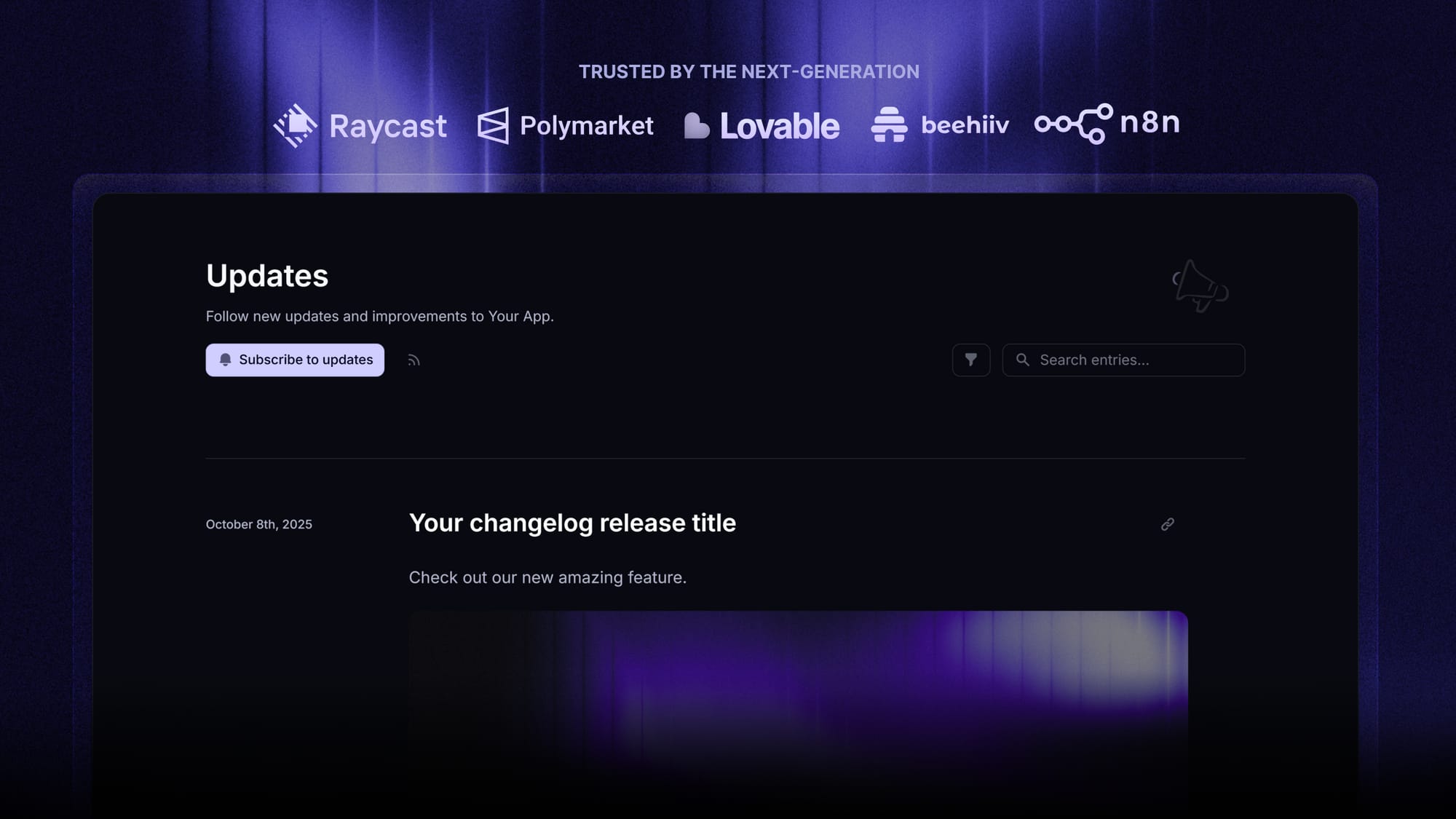
This is the layer Featurebase is built for. You publish once and it goes out as a branded changelog page on your own domain, an in-app widget inside your product, and an automatic email to the relevant users. It also links each update back to the original feature request, so the people who asked for it get notified specifically.
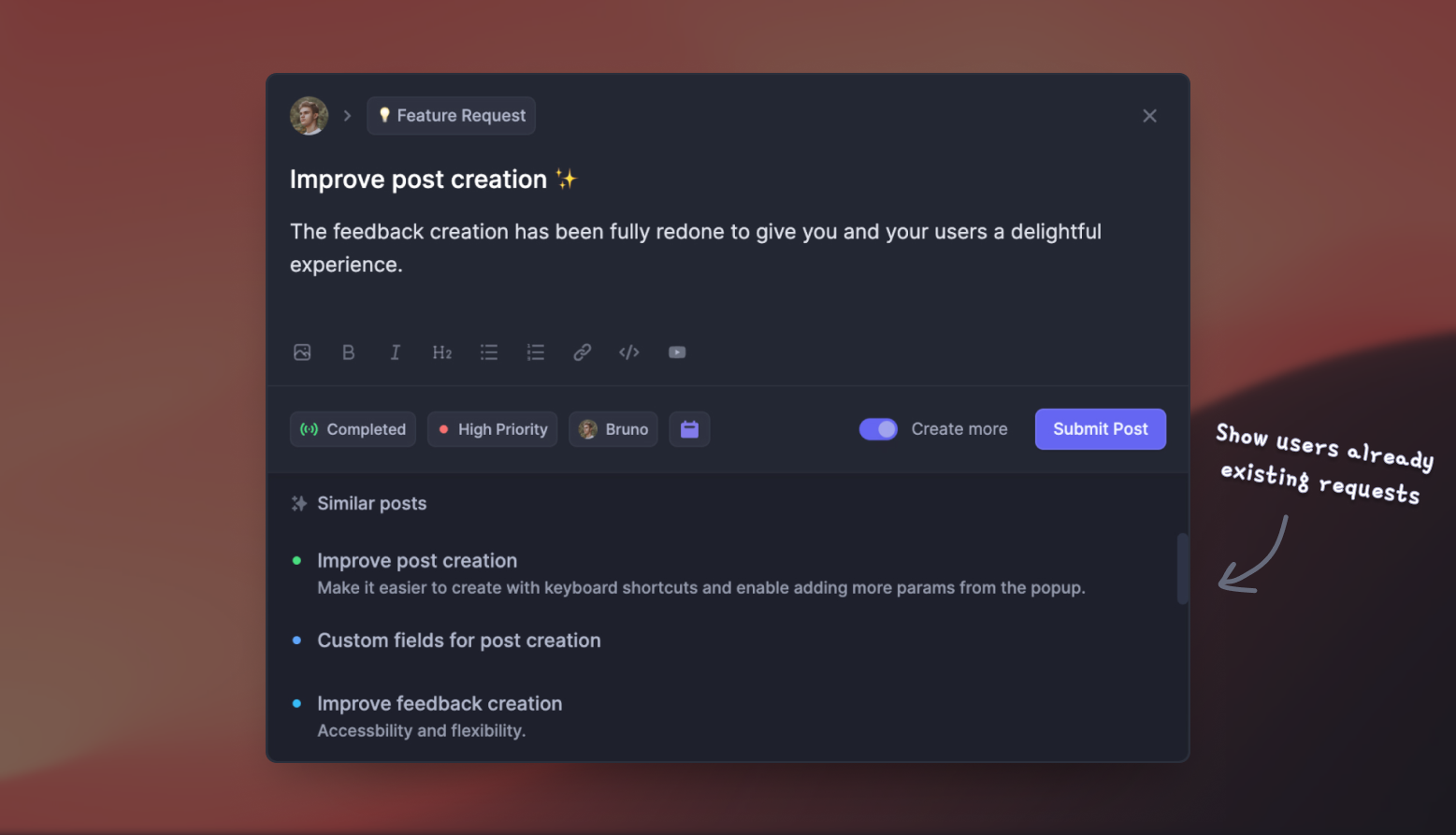
Then measure. Track how many users opened the update, how many tried the feature, and how many were still using it 30 days later. Feature adoption that spikes and dies tells you the announcement worked and the feature didn't. Adoption that never spikes tells you the opposite.
Feature release best practices
7 habits that consistently separate teams whose features get used from teams whose features don't:
- Decouple deploy from release: Ship code behind flags continuously and release capability deliberately. This single change removes most of the drama from releasing.
- Release smaller, more often: A quarterly mega-release concentrates all your risk into one date. Weekly releases give you smaller failures and faster learning.
- Write the announcement before you write the code: If the value proposition is hard to articulate in advance, that's information about the feature, not about your writing.
- Segment your announcements: A feature that matters to enterprise admins does not need to interrupt every free-tier user. Targeted release announcements keep your update channel worth reading.
- Close the loop with requesters: Everyone who asked for the feature should hear from you when it lands. Closing the feedback loop is the cheapest retention work available and almost nobody does it consistently.
- Keep a consistent release cadence: Users learn quickly whether your product updates are worth checking. Sporadic announcements train them to ignore you.
- Clean up your flags: Schedule flag removal as part of the release, not as a someday task. Otherwise your codebase accumulates permanent conditional logic.

Start announcing updates with Featurebase for free
Beautiful release notes that drive adoption - effortlessly, with no code
Common feature release mistakes
- Announcing once and moving on: One in-app popup on release day reaches only the users who logged in that day. Repeat the announcement across surfaces over 2 to 3 weeks.
- Shipping without a rollback path: A release you can't reverse isn't a release, it's a commitment. Database migrations are the usual culprit here.
- Measuring clicks instead of retention: Curiosity clicks on a new banner tell you nothing. Week-4 usage tells you whether the feature earned its place.
- Treating every release as a launch: When everything is a big deal, nothing is. Reserve the full announcement machinery for features that genuinely change what users can do.
- Skipping the support brief: Support agents finding out about a feature from a confused customer is a preventable, recurring, and completely avoidable failure.
- Letting the changelog go stale: An update page whose last entry is 5 months old actively damages trust. Prospects read it as a signal the product is abandoned.
Conclusion
A feature release is a sequence, not an event. Pick a rollout strategy that matches the risk, run it through the pre-release, release, and post-release phases with a named owner and a rollback plan, and then do the part most teams skip: tell people it shipped, repeatedly, on the surfaces they actually check.
Featurebase is a modern changelog tool that helps you keep users updated with release notes, in-app popups, and automatic emails. It comes with an AI changelog writer, update analytics, and support for 40+ languages, plus feedback and roadmap tools so you can close the loop with everyone who requested the feature.
It comes with affordable pricing and a Free plan with unlimited changelogs. You can set it up in minutes, so there's no downside to trying it. 👇
✨ Start announcing updates & drive engagement with Featurebase for free →
FAQs
What is the difference between a feature release and a maintenance release?
A feature release delivers new capability - something users couldn't do before. A maintenance release ships fixes to existing functionality, like bug patches, security updates, and performance improvements. The practical difference is communication: a maintenance release usually just needs a line in your release notes, while a feature release needs an announcement plan aimed at driving adoption.
How do feature flags help with a feature release?
Feature flags separate deploying code from releasing functionality. You ship the code to production with the flag off, then turn it on for a specific segment without another deploy. That means you can test in production with real data, roll out to 1% of users before 100%, and disable a broken feature with a config change instead of an emergency rollback.
When should you roll back a feature release?
Roll back when you cross a threshold you defined before the release started, not when someone gets nervous. Typical triggers are an error-rate increase above a set percentage, latency past an agreed ceiling, or a drop in a core conversion metric. Writing these numbers down in advance is what makes the decision fast and defensible in the moment.
How often should software teams ship feature releases?
Release cadence should follow your rollback speed, not a calendar. Teams with feature flags and fast rollbacks can safely release weekly or daily, because a bad release costs minutes. Teams with slow, manual rollbacks are better off batching into a bi-weekly or monthly cycle where each release gets proper testing.
Who owns feature release announcements?
It depends on team size. At smaller companies, the product manager writes and publishes the update themselves. Once there's a product marketing function, PMM typically owns the messaging and channels while the PM supplies the substance and signs off on accuracy. The failure mode to avoid is assuming the other person is handling it, so name an owner in the pre-release checklist.
What tools do you need to manage a feature release?
Three categories cover it: a feature flag service to control rollout, product analytics to measure adoption, and an announcement tool to reach users. Featurebase handles the announcement layer with a changelog page, in-app widgets, and release emails, and links each update back to the feature requests that prompted it. If you're comparing options, our roundup of free changelog tools covers the announcement side in more detail.