Conversational AI Design: Principles & Best Practices
Conversational AI design is how you turn a large language model into an agent people actually want to talk to. Here are the principles, the process, and the mistakes to avoid.


On this page
- Key takeaways
- What is conversational AI design?
- Why conversational AI design matters now
- The three eras: rules-based, generative, and agentic
- The core principles of conversational AI design
- How to design a conversation, step by step
- Designing for voice vs. chat
- Common conversational AI design mistakes
- Bringing conversational AI design to your support stack
- Conclusion
Old conversation design meant writing a friendly greeting and mapping out a decision tree. Now that large language models do the talking, the job has changed.
Today it is about deciding what your agent knows, when it should follow a fixed path, and how it recovers when a conversation goes sideways. The model handles fluency. You handle judgment.
This guide covers what conversational AI design actually is now, why it matters, the core principles, a step-by-step design process, how voice differs from chat, and the mistakes teams repeat. 👇
Key takeaways
- Conversational AI design is the practice of shaping how an AI agent talks with people so the exchange feels natural and actually solves the problem.
- The LLM era moved the work from scripting every reply to deciding what the agent knows, when it sticks to a fixed path, and how it behaves when it doesn't understand.
- Strong designs share the same principles: recognize intent, take turns, keep a consistent voice, confirm risky actions, and fail gracefully.
- The happy path demos well, but the unhappy paths and a clean human handoff are what earn trust.
- Voice and chat are different mediums. They need different pacing, length, and structure.
- Featurebase✨ brings conversational AI design to life in customer support with the Fibi AI Agent, an AI-powered help center, and an omnichannel inbox.
What is conversational AI design?
Conversational AI design is the discipline of shaping how an AI agent communicates with people: what it says, how it reasons, when it asks for clarification, when it hands off, and how it recovers when something goes wrong. It sits between linguistics, UX design, and machine learning.
The key difference from a graphical interface is that a conversation has no buttons, menus, or visual structure to keep users on track. People can ask anything, in any phrasing, and they expect to be understood the first time. Language itself is the interface, so every word is part of the experience.
That definition has held up for years. What changed is the medium. The old job was authoring rigid intent models and branching scripts for assistants like Siri and Alexa, where every path had to be hand-built. Today you design on top of a model that can already hold a fluent conversation, so the work moves from writing every line to shaping how the agent understands, decides, and recovers.
Why conversational AI design matters now
Conversational interfaces stopped being a novelty. Generative AI adoption has been faster than almost any technology before it: nearly 40% of US adults reported using generative AI by August 2024, according to a study from the National Bureau of Economic Research. Those users now arrive expecting to talk to your product, not click through it.
Support is where this shows up first, and it is why so many teams now put an AI chatbot on the front line. In Salesforce's 2025 State of Service report, service teams said 30% of cases are already resolved by AI. As more of the front line moves to agents, the quality of the conversation becomes the quality of the experience.
When conversational design is poor, the symptoms are predictable. Users abandon mid-conversation, ask the same question three ways, or escalate immediately. When it is good, the agent feels like a competent colleague, and that is almost entirely a design outcome rather than a model one.
The three eras: rules-based, generative, and agentic
Conversation design has moved through three broad approaches, and most teams still run a mix of them:
- Rules-based: hard-coded if-then logic written by humans. It is completely predictable and cannot handle anything it wasn't explicitly programmed for. A bot that replies to "hours" with your opening times but stalls on "when are you open?" is rules-based.
- Generative: the agent uses a large language model to produce original responses on the fly. This kind of generative AI learns patterns from data instead of pulling from a fixed script, which is what lets a modern agent answer a question no one anticipated.
- Agentic: the agent identifies a high-level goal from the conversation, breaks it into steps, and acts across systems to complete it, often with little hand-holding. Telling an agent "reschedule my delivery to Thursday" and having it check the order, find a slot, and confirm the change is agentic design.
More sophisticated is not automatically better. Reporting a road hazard needs the predictability of a rules-based flow. Planning a trip needs agentic reasoning. The best form of conversation design is the one that fits the job.
The core principles of conversational AI design
Across every strong guide and production agent, the same principles keep surfacing. These are the ones worth internalizing:
- Recognize intent: figure out what the user actually wants, even when they phrase it in unexpected ways. "My package didn't show up," "where's my order," and "it says delivered but it isn't here" all mean the same thing, and your agent needs to treat them that way. This is the backbone of any useful customer service chatbot.
- Take turns: know when to speak, when to ask, and when to pause. Missteps in rhythm make even a correct answer feel awkward or robotic.
- Lead with the answer, then explain: give the direct answer first and add detail only if it is needed. Users on chat skim, and users on voice wait, so both punish long preambles.
- Keep one consistent voice: pick a tone and stick to it. An agent that says "Howdy!" in one message and "We are processing your request" in the next feels like two different products and quietly erodes trust.
- Confirm anything irreversible: cancellations, refunds, and account changes always need an explicit confirmation before the agent acts. Optimistic shortcuts are fine for low-cost actions and dangerous for expensive ones.
- Fail gracefully: when the agent doesn't know or can't help, say so and offer a clear next step rather than a dead-end "I didn't understand that." A good fallback asks a clarifying question, offers options, or routes to a human.
- Be honest about being an AI: users should never have to wonder whether they are talking to a person. Transparency about what the agent is, and what it can and can't do, is what makes people comfortable relying on it.
How to design a conversation, step by step
Principles are the what. This is the how. The process below works whether you are designing a support agent, a booking assistant, or an internal helper.
Start with the user's goal
Write the job in one sentence: "Help a customer reschedule a delivery." A conversation is one way to solve that, not the goal itself. Sometimes a button or a link is genuinely better, and knowing that keeps you honest about when a conversation earns its place.
Map the happy path
Sketch the shortest route from "user arrives" to "problem solved," and keep it tight. If a human expert could handle it in 3 exchanges, your agent shouldn't need 8. This is the version that will show up in every demo, so get it clean first.
Decide deterministic vs. reasoned
For each step, ask whether it needs a fixed path or model judgment. Anything that writes to a system, moves money, or carries compliance weight should be deterministic and auditable. Open-ended help, like "which plan fits me?", can hand more freedom to the model. Drawing that boundary well is most of the job.
Design the unhappy paths and handoff
This is where agents earn trust, and where most designs are thin. Decide what happens when the user is vague, frustrated, off-topic, or silent, and write those fallbacks on purpose. Then design the human handoff for the cases the agent shouldn't own, and make sure it carries context across so the customer never has to repeat themselves.
Ground it and test with real inputs
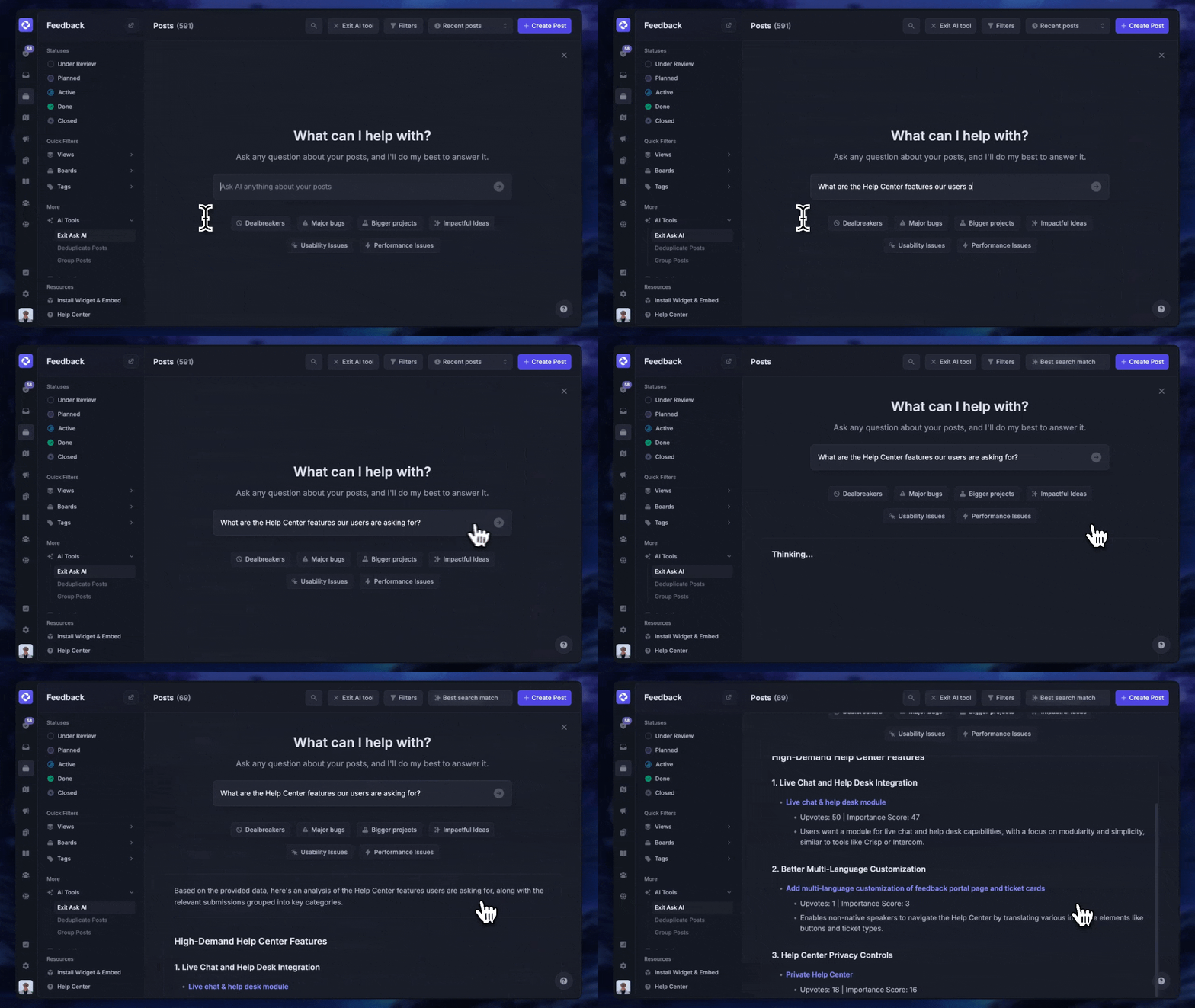
If the agent answers questions, connect it to a real source of truth instead of hoping the model knows. A well-structured knowledge base is what keeps answers accurate and current, and it is why Featurebase pairs its AI agent with a help center whose AI search pulls instant, multilingual answers straight from your own docs. Then test with messy, real inputs: the half-sentences, the typos, the "actually, never mind." You learn more from 10 ugly transcripts than from a clean demo.
Designing for voice vs. chat
The same conversation feels completely different in the two channels, and a script that reads well in chat often falls apart out loud.
Live chat tolerates longer messages, supports formatting like lists and links, and lets users scroll back to reread. Voice demands shorter turns, no long lists, careful pacing, and deliberate handling of turn-taking, interruptions, and silence. Long preambles waste time on a call, parenthetical asides get lost, and emojis mean nothing when spoken.
If your agent runs on both channels, design the voice version as its own thing rather than a read-aloud of the chat copy. The intent and the flow can be shared. The wording and rhythm should not be.
Common conversational AI design mistakes
A few patterns show up again and again when agents underperform:
- Designing only the happy path: the demo works, then a real user says something unexpected and the whole thing collapses. The unhappy paths are the product, not an afterthought.
- Confusing personality with usefulness: teams spend a week on a witty persona and 10 minutes on escalation. Charm doesn't survive a customer who is already annoyed. Be clear before you try to be clever.
- Over-scripting where the model could reason: hand-writing 30 branches for a question a grounded model could answer is doing 2019 work in a 2026 tool.
- Under-scripting where you needed control: the opposite failure. Letting the model freelance on a refund or an account change is how you get confident, wrong, and expensive answers.
- Skipping measurement: "it feels better" is not a result. Instrument the conversation, track the right customer service metrics, and treat the agent as a living product you keep improving.
Bringing conversational AI design to your support stack
Good principles need a place to live. In customer support, that means a platform where you can design how the agent talks, ground it in your own content, and hand off cleanly to a human when it should.
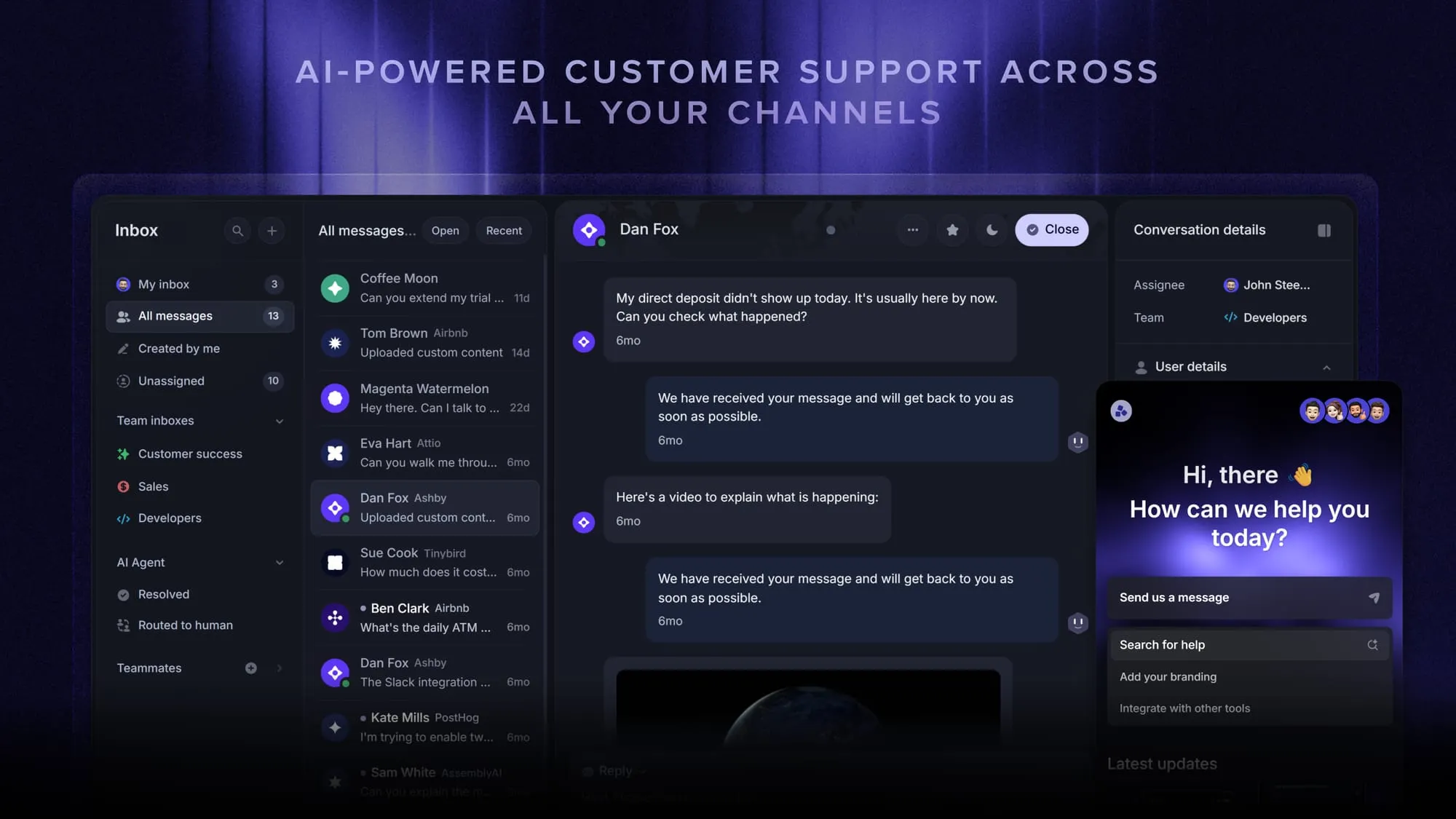
Featurebase is a modern AI customer support platform for product-led SaaS. It combines AI-powered support, help center, and feedback management into a single platform for startups that want all their customer-facing tools in one place. Featurebase is loved by thousands of support teams from companies like Lovable, Raycast, and n8n. 💫
Top features:
- Omnichannel inbox – Manage live chat, email, and Slack conversations from one AI-powered view
- Fibi AI Agent - Resolve customer issues on autopilot & run custom actions like trial extensions and refunds
- Help center with AI search – Provide instant, multilingual self-serve answers
- Workflows & automations – Auto-assign tickets, route conversations, collect customer data, and more
- AI Copilot – Help your agents answer customers faster with AI Copilot that uses your internal knowledge
- Multi-brand support – Manage multiple Help Centers and Live chats from a single workspace
- Automatic AI translations – Automatically translate all messages and help articles to your customers native language
- Service Level Agreements – Track SLAs to make sure your team responds to customers on time, every time
- Mobile app – Respond to customers, receive notifications, and unblock users on the go
- Feedback & roadmap tools – Collect feature requests and close the loop with updates
- Product updates – Publish release notes with a changelog page, in-app widget, and emails
- Integrations – Connects with Slack, Linear, Jira, HubSpot, and more
Pricing: Free plan available with unlimited conversations. Paid plans start at $29/seat/month with $0.49 per AI resolution.
Featurebase covers all the basic support features that legacy platforms do, but with a much more modern approach. It comes with AI automations, a mobile app, and multiple channels (email, live chat, Slack, etc.).
Conclusion
Conversational AI design is no longer about scripting every line. It is a systems discipline: decide what the agent knows, when it follows a fixed path versus reasons on its own, and how it recovers when it doesn't know the answer. Get the principles right, design the unhappy paths as carefully as the happy one, and test with the messy inputs real people actually send.
If you want a place to put all of this into practice, Featurebase gives you an AI-powered support platform where conversational AI design comes together in one workflow. The Fibi AI Agent answers first and resolves issues on autopilot, an AI-powered help center grounds every answer in your own docs, and a clean handoff to your omnichannel inbox means customers never repeat themselves.
There is a Free plan with unlimited conversations, and onboarding is fast, so there is no downside to trying it. 👇
Automate your support with the fastest AI-enhanced Inbox today
FAQs
They overlap, but they are not the same. UX design shapes screens, layouts, and visual flows, while conversation design shapes dialogue, intent, and recovery. Conversation design is best thought of as a specialized subset of UX where the conversation itself is the interface, so it leans heavily on language and the psychology of how people ask and listen.
A conversation designer crafts dialogue flows, writes system prompts and example responses, defines tone and persona, and designs the clarification and recovery patterns that keep a conversation on track. The role blends three things: enough language and copywriting instinct to write natural responses, enough UX thinking to design flows around real behavior, and enough technical understanding to know when to be deterministic and where the model will fail. You don't need to master all three equally, but you do need to understand how they fit together.
No. Modern platforms let you design, test, and ship agents visually, and developers extend them with code where it is needed. The core design work, deciding flows, grounding answers, and writing guardrails, does not require programming.
Rules-based design follows hard-coded if-then logic and is fully predictable but rigid. Generative design uses a language model to produce original responses, so it can handle questions no one scripted. Agentic design goes further: the agent identifies a goal, breaks it into steps, and acts across systems to complete a task. The right choice depends on how much predictability versus flexibility the job demands.
Voice requires shorter turns, careful pacing, no long lists, and explicit handling of turn-taking and silence, because users listen in real time and can't scroll back. Chat tolerates longer messages, supports formatting like lists and links, and lets people reread. A response that works as text frequently needs rewriting before it works out loud.
Most conversational design now lives in the prompts, knowledge sources, and guardrails of an AI agent platform, supported by analytics that show where conversations succeed or fail. Dedicated design tools help you map and test flows before launch, and diagramming or user-research tools are useful in the sketching stage. The common thread is that the design is encoded in how the agent is grounded and constrained, not just in the words it says.