Blog ComparisonsFreshdesk Review 2026: Features, Omni, AI Tools & Pricing
Freshdesk Review 2026: Features, Omni, AI Tools & Pricing
Freshdesk looks like the safe “does-it-all” helpdesk. But in 2026, that can also mean paying for complexity you don’t need. In this review, we’ll break down what Freshdesk is actually good at, where it starts to fall apart for growing teams.


✨ Psst...looking for a modern AI-powered alternative to Freshdesk? Check out Featurebase →
Freshdesk is one of the most recognizable names in customer support. From startups handling their first support tickets to large enterprises managing global operations, Freshdesk provides a structured ticketing system that helps teams organize conversations, automate workflows, and improve customer satisfaction.
But in 2026, is it still the right support desk for your team?
In this honest Freshdesk review, we cover its core ticketing system, Freshdesk Omni features, AI tools like Freddy AI, pricing, and where it works best depending on your support type. 👇
What is Freshdesk?
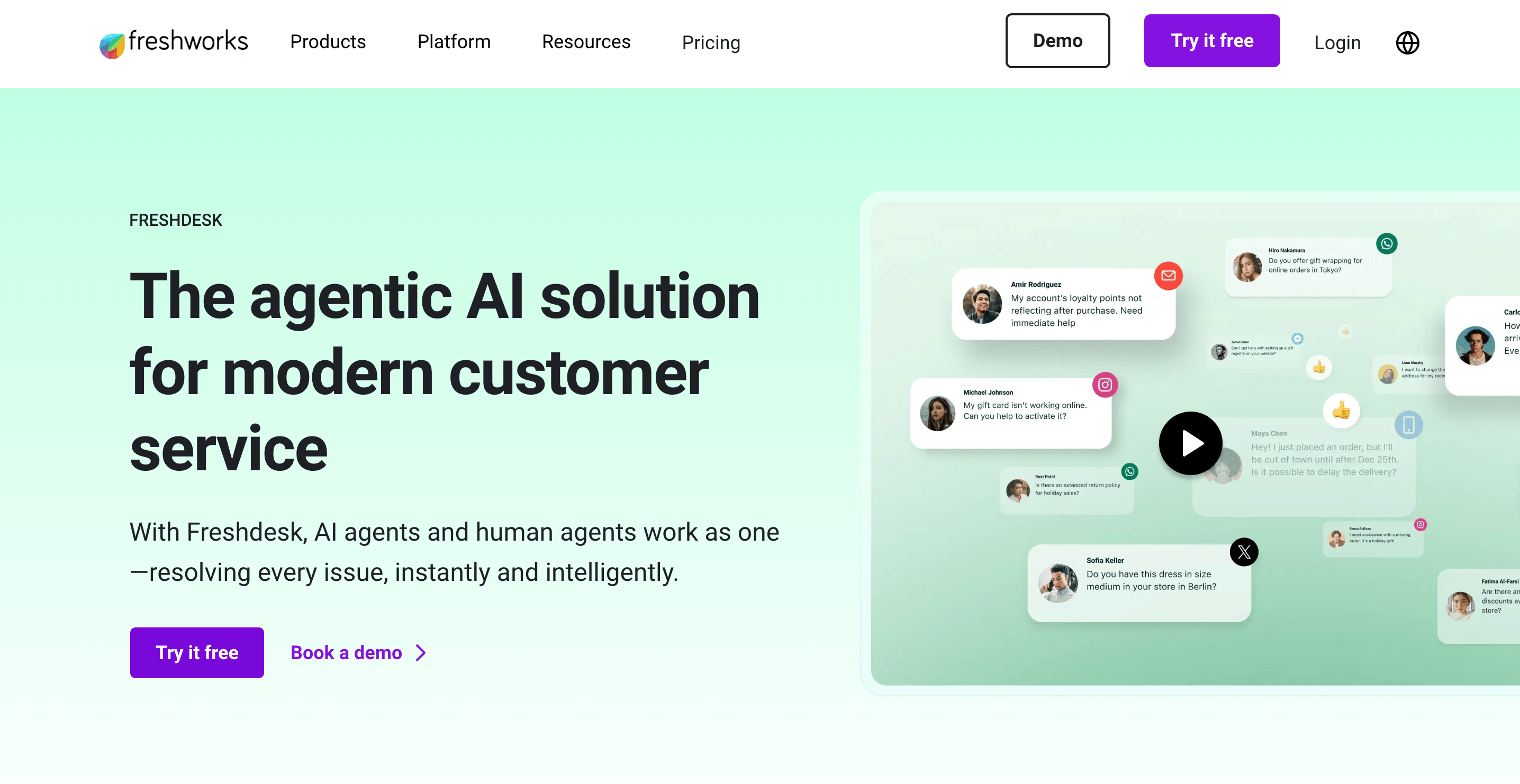
Freshdesk is a cloud-based ticketing system that helps businesses handle customer queries from different support channels, like email, chat, phone calls, social media, and web forms. All incoming tickets appear in one support desk, so support agents can see ticket status, merge similar tickets, and resolve issues faster.
Freshdesk goes beyond basic ticketing. It offers essential features such as a knowledge base, self-service options, and custom reports to track ticket volume, agent performance, and customer satisfaction. While Freshdesk Omni brings all channels together, routes tickets automatically using Omniroute, and ensures SLAs are followed, but at a higher cost.
So, AI tools like Freddy AI and Freddy AI Copilot can handle repetitive tasks, suggest relevant solutions, and help agents respond to customer interactions. This makes Freshdesk a comprehensive solution for teams of all sizes, from small businesses to large enterprises.
Freshdesk Omni: Multi-channel support in one platform
Freshdesk Omni expands the platform to unify multi-channel support. Instead of juggling separate tools, it consolidates:
- Live chat
- Phone calls
- Social media
- Messaging apps like Facebook Messenger
- Self-service options, including a knowledge base and community forums
All incoming tickets appear in a single dashboard. The Omniroute feature automatically assigns tickets to agents based on skill, availability, or priority. Workflow automation rules help categorize customer issues, assign them correctly, and maintain SLA compliance. This ensures support tickets are resolved efficiently and consistently.
For small businesses, Freshdesk Omni reduces missed conversations. For large enterprises, it improves coordination and handling of high ticket volume. Combined with AI features like Freddy AI, it allows teams to manage customer queries across channels while keeping customer satisfaction high.
Core ticketing system and essential features
At its foundation, Freshdesk’s ticketing system is its biggest strength. It converts every customer message into a structured ticket, giving support agents full context and control.
Basic ticketing and ticket management
Freshdesk converts every customer message into a structured ticket. Agents can:
- Update ticket status (Open, Pending, Resolved)
- Merge similar tickets to reduce clutter
- Track past tickets for context
- Assign ownership to specific support agents
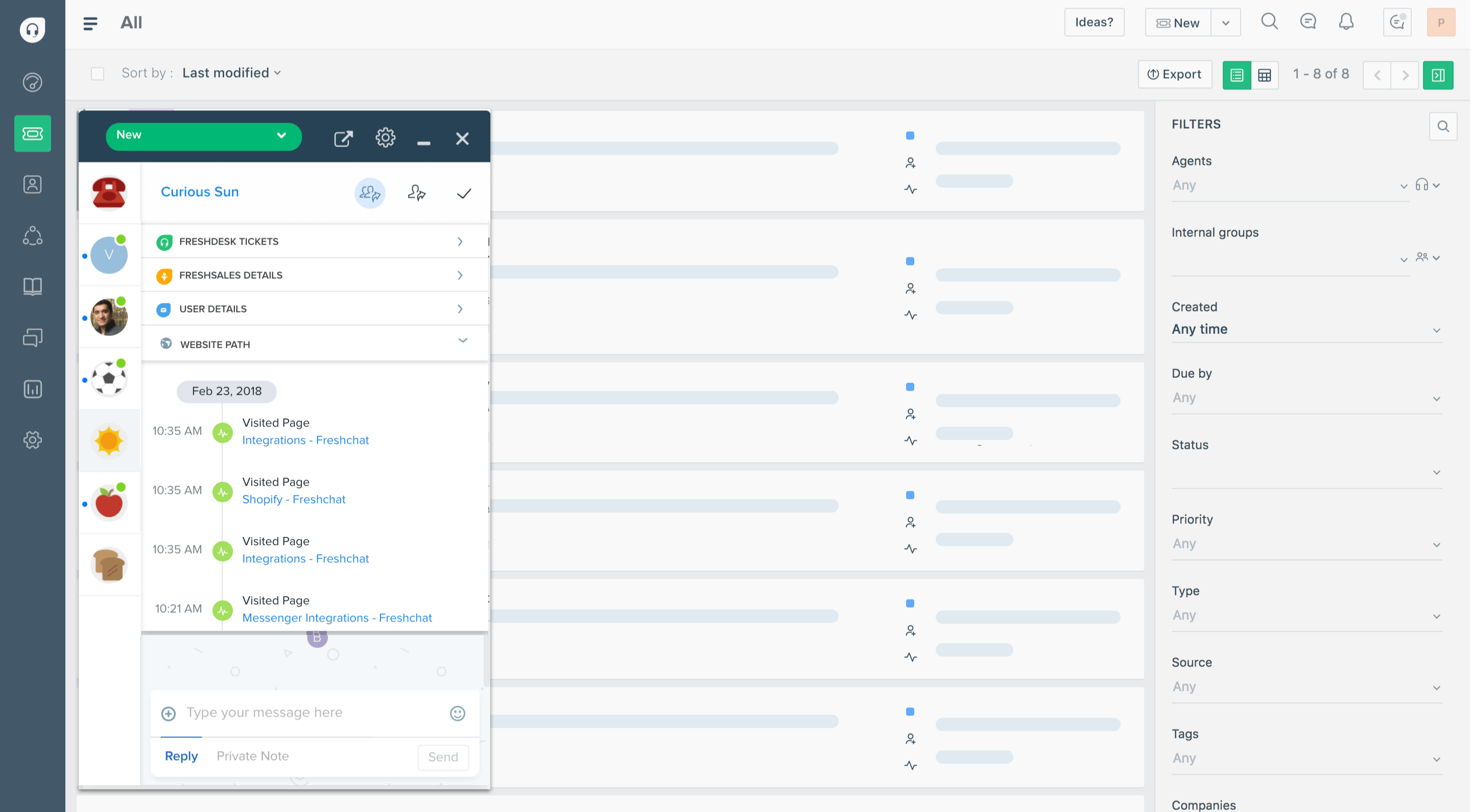
- View full conversation history inside the left hand menu
This structured approach simplifies ticket management and ensures customer queries don’t fall through the cracks.
Collision detection & similar tickets
Freshdesk includes collision detection, preventing multiple agents from responding to the same request. You can also merge similar tickets when multiple customers report the same issue.
This is especially useful during product outages or bug reports when many similar tickets flood your support desk.
Knowledge base & customer portal
Freshdesk includes a built-in knowledge base and customer portal. Customers can search for relevant solutions before submitting new tickets.
Self service options reduce repetitive tasks and allow teams to constantly improve customer satisfaction without increasing headcount.
You can also enable community forums, allowing users to help each other and share best practices.
AI tools: Freddy AI, Copilot & Automation
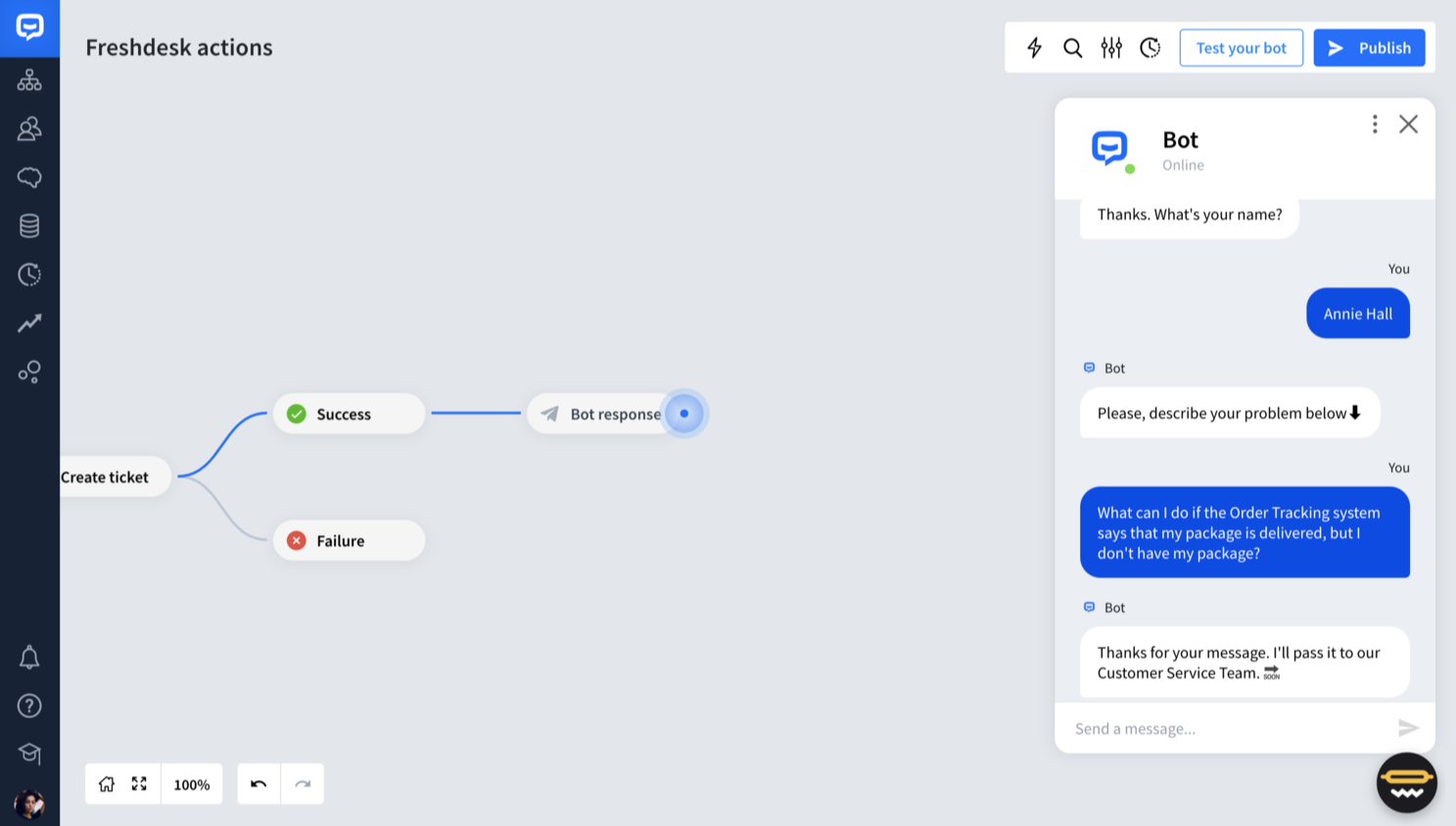
Freshdesk includes AI tools to help support agents handle tickets more efficiently and improve customer satisfaction.
Freddy AI and AI features
Freddy AI powers much of Freshdesk’s automation. It helps:
- Suggest replies to customer queries
- Recommend relevant solutions from the knowledge base
- Detect intent in customer interactions
- Prioritize new tickets based on urgency
The Freddy AI Agent can automatically respond to common questions and handle repetitive tasks, freeing up human support agents for more complex issues.
Freddy AI Copilot
Freddy AI Copilot assists agents in real time by drafting responses, summarizing past tickets, and suggesting next steps. This reduces handling time and helps maintain response quality for high ticket volume teams.
Some advanced AI features are available only on higher-tier plans, which can affect the pricing structure for teams that need deeper ticket management and reporting capabilities.

Resolve 70% of customer requests with AI
Looking for a more powerful alternative to Freshdesk? Try out Featurebase
Reporting, analysis tools & custom reports
Freshdesk offers robust reporting and analysis tools that help teams track performance and improve customer satisfaction.
Key reporting features include:
- Analysis widgets for quick insights on ticket trends
- Customizable dashboards to monitor ticket volume and SLA compliance
- Custom reports tailored to support type, ticket status, or agent performance
- Advanced customizable reports for teams needing deeper insights
Managers can track how efficiently support agents resolve tickets, identify SLA breaches, and monitor overall customer satisfaction surveys. Higher-tier plans offer more advanced analysis tools and reporting flexibility, helping teams make data-driven decisions and optimize their ticket management workflows.
Customization options and workflow automation
Freshdesk provides flexible customization options and workflow automation to help teams manage support tickets efficiently.
Teams can configure custom roles, adjust ticket fields, set workflow automation rules, manage SLA settings, and define agent-based routing logic. For large organizations, enterprise plans offer deeper customization and a sandbox environment to safely test changes before applying them live.
While the setup process is straightforward, Freshdesk is a complex platform with many configuration layers, so there is a learning curve for new administrators. Properly configuring these options can improve ticket management, streamline repetitive tasks, and help maintain consistent customer satisfaction.
Customer experience and agent productivity
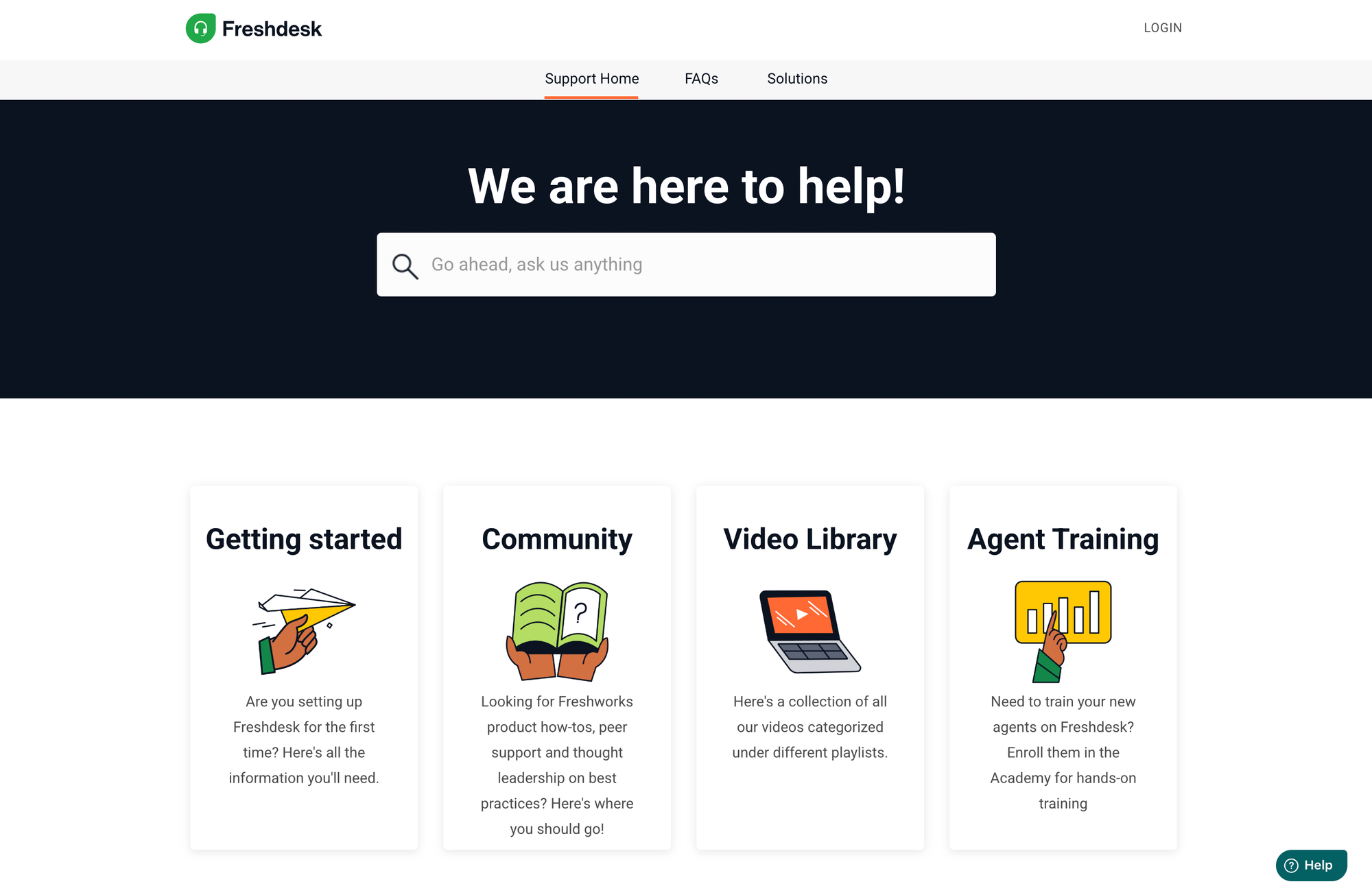
Freshdesk is designed to improve both customer experience and internal efficiency. Customers benefit from a searchable knowledge base, customer portal, self-service options, and faster responses. Support agents have AI-powered assistance, clear ticket status tracking, access to past tickets, and automated workflow rules, which help handle repetitive tasks efficiently.
These features streamline ticket handling, improve customer interactions, and maintain customer satisfaction. Depending on the support type, if its B2B or B2C, high-touch or transactional, some teams may find the platform heavier than necessary.
Freshdesk pricing overview
Freshdesk pricing 2026
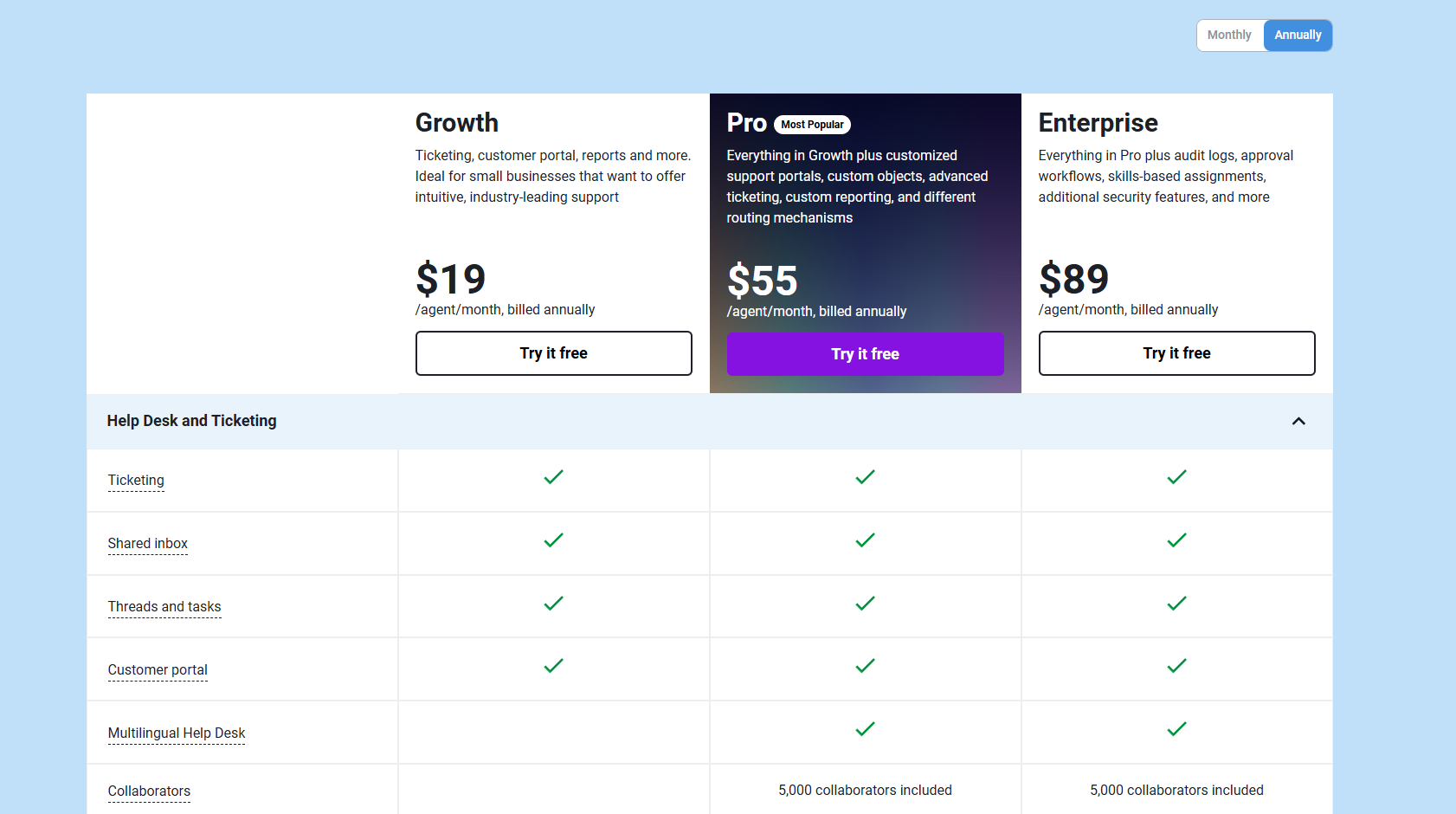
Freshdesk plans start with a Free plan for small teams, while Growth, Pro, and Enterprise tiers add advanced ticketing, automation, AI tools, and security features. Pricing is billed annually, with trial periods available for teams to explore features before committing.
| Plan | Price (Billed Annually) | Best For | Key Features |
|---|---|---|---|
| Free Plan | $0 (1–2 agents for 6 months) | - Small businesses testing a support desk | - Basic ticketing - Knowledge base - Customer portal - Pre-built reports - 24x5 support |
| Growth Plan | $19/agent/month | - Small businesses scaling customer support | - Full ticketing system - Shared inbox - Multilingual help desk - 5,000 collaborators - Core automation features |
| Pro Plan | $55/agent/month | - Growing teams needing advanced ticket management | - Everything in Growth - Customized support portals - Custom objects - Advanced ticketing - Custom reporting - Different routing mechanisms |
| Enterprise Plan | $89/agent/month | - Large enterprises with complex operations | - Everything in Pro - Audit logs - Approval workflows - Skills-based assignments - Enhanced security features |
Freshdesk Omni pricing 2026
Freshdesk also offers Freshdesk Omni for omnichannel support, with plans starting at $29/agent/month. Pricing is usually billed annually, and trial periods let teams test the platform before committing.
| Plan | Price (Billed Annually) | Best For | Key Features |
|---|---|---|---|
| Growth | $29/agent/month | - Small businesses needing omnichannel support | - Omnichannel ticketing (web, SMS, chat, email) - Freddy AI Agent (first 500 sessions) - Customer portal - Knowledge base - Multilingual help desk - Threads and tasks |
| Pro | $79/agent/month | - Teams needing advanced ticket management | - Everything in Growth - Customized support portals - Custom objects - Advanced ticketing - Custom reporting - Different routing mechanisms - Intelliassign - Round-robin and load-balanced assignment |
| Enterprise | $119/agent/month | - Large enterprises with complex operations | - Everything in Pro - Audit logs - Approval workflows - Skills-based assignments - Additional security features - BYOC/BYOT support - Advanced AI workflows |
While Freshdesk Omni offers a unified, multi-channel support suite, it’s priced separately from standard Freshdesk plans. This means teams often need to manage two sets of subscriptions if they want both core ticketing and full omnichannel capabilities.
Pros and cons
Pros ✅
- Comprehensive solution for multi-channel support (email, chat, phone, social media)
- Strong ticketing system with collision detection and structured workflow
- Powerful AI features powered by Freddy AI (Agent, Copilot, Insights)
- Flexible customization options, workflow automation, and SLA management
- Useful reporting widgets, custom dashboards, and analytics
- Suitable for both small businesses and large enterprises
Cons ❌
- Pricing structure becomes expensive as teams scale
- Learning curve for advanced setup and configuration
- Some advanced features locked behind higher-tier plans
- Can feel complex for teams needing only basic ticketing
Turn your support desk into an AI-powered help center with Featurebase ✨
Freshdesk is a solid customer support platform, but handling tickets, multi-channel queries, and AI features can get complex for growing teams.
Featurebase is a modern, AI-powered help center and knowledge base platform that complements any customer support software. With Featurebase, you can create a searchable knowledge base, add in-app widgets, manage translations, and leverage AI-driven ticket management to reduce repetitive queries. It’s loved by thousands of companies like Lovable, Polymarket, and n8n.
It comes with a Free plan and quick onboarding, so teams can start building their AI help center without a credit card. Featurebase integrates seamlessly alongside your existing ticketing system or support desk. 👇
✨ Automate your support with the fastest AI-enhanced Inbox today →

Frequently asked questions (FAQs)
1. What is Freshdesk and who is it for?
Freshdesk is a cloud-based customer service software designed for small-to-mid-sized teams, as well as large enterprises. It centralizes support channels like email, chat, phone, social media, and web forms into a single platform, helping teams manage tickets, automate workflows, and improve customer satisfaction.
2. What is Freshdesk Omni and how does it work?
Freshdesk Omni expands the standard Freshdesk platform to offer omnichannel support. It consolidates email, chat, phone, social media, and self-service options into a single dashboard. Omniroute automatically assigns tickets based on agent skill, availability, or priority. Workflow automation rules help categorize tickets and maintain SLA compliance. Freshdesk Omni is a separate subscription from core Freshdesk plans.
3. Does Freshdesk offer AI tools for customer support?
Yes. Freshdesk includes Freddy AI, which can suggest replies, recommend solutions, detect intent in customer interactions, and prioritize tickets based on urgency. Freddy AI Copilot assists agents in real time by drafting responses, summarizing tickets, and suggesting next steps. Advanced AI features are often part of higher-tier plans.
4. Can I try Freshdesk before buying?
Freshdesk provides free trials for most plans, including Freshdesk Omni. The Free plan supports 1–2 agents for six months, allowing small teams to test ticketing, knowledge base features, and automation without committing to a paid plan.
5. What support options does Freshdesk provide for users?
Freshdesk offers 24/7 support via chat, email, and phone for all subscribers. It also maintains an extensive knowledge base, product videos, a community forum, and a “Getting Started” section to help new users navigate the platform. For deeper learning, the Freshdesk Academy provides training and certification programs.
6. Is Freshdesk easy to use for new agents?
Freshdesk has an intuitive and modern user interface, which minimizes training time for new agents. However, some users report that the setup process can be challenging and may require follow-ups for effective onboarding. The mobile app is functional but lacks some features compared to the desktop version.
7. How does Freshdesk pricing work?
Freshdesk offers multiple subscription plans billed annually: Free, Growth ($19/agent/month), Pro ($55/agent/month), and Enterprise ($89/agent/month). Freshdesk Omni is priced separately, starting at $29/agent/month, for teams that need omnichannel support. Teams often manage both subscriptions to access full ticketing and Omni capabilities.
8. Can Freshdesk help improve agent productivity and customer satisfaction?
Yes. Freshdesk provides AI-powered assistance, automated workflow rules, a searchable knowledge base, and self-service options. These tools help agents handle tickets efficiently while reducing repetitive tasks, improving response times, and enhancing the overall customer experience.