Mintlify vs Docusaurus: Which Docs Tool Wins in 2026
Mintlify vs Docusaurus, compared on setup, design, AI, API docs, and true cost, so you can pick the right documentation tool for your team in 2026.


On this page
Building a customer-facing help center, not developer API docs? See how Featurebase does it
Mintlify and Docusaurus both produce great-looking documentation. What they ask from your team to get there could not be more different.
Mintlify is a managed platform that gets you live in an afternoon for a monthly fee. Docusaurus is a free, open-source framework you host and maintain yourself. One trades money for time, the other trades time for money.
Here is how they compare on setup, design, AI, API docs, and real cost, so you can pick the one your team will actually keep using. 👇
Key takeaways:
| Dimension | Mintlify | Docusaurus |
|---|---|---|
| Hosting model | Managed hosting included | Self-hosted (Vercel, Netlify, AWS, etc.) |
| Setup time | Hosted setup with less infrastructure work | Depends on hosting, configuration, and customization |
| Design out of the box | Production-ready theme | Classic theme, customize for production |
| AI features | AI-readable docs and MCP on Starter, Assistant and automations on paid plans | AI capabilities require plugins or custom work |
| API playground | Built in from OpenAPI | Plugin required (Redoc or similar) |
| Search | Semantic search included | Algolia DocSearch you configure |
| Pricing | Free Starter, Pro $450/mo billed annually or $540 monthly, custom Enterprise | Free (MIT), plus hosting and engineering time |
| Open source | Proprietary platform | MIT licensed |
A few things to take away before the detail:
- Pick Mintlify if you want managed hosting: Starter includes hosting, search, and an API playground for free. Pro adds the Assistant, automations, and unlimited editor seats.
- Pick Docusaurus if you want control and a $0 license: you get full React customization and own your entire stack, but you also own setup, search, analytics, and ongoing maintenance.
- Consider a help-center platform for customer support docs: if you need an in-app help widget and support conversations alongside your articles, compare those features too.
Mintlify vs Docusaurus at a glance
What is Mintlify?
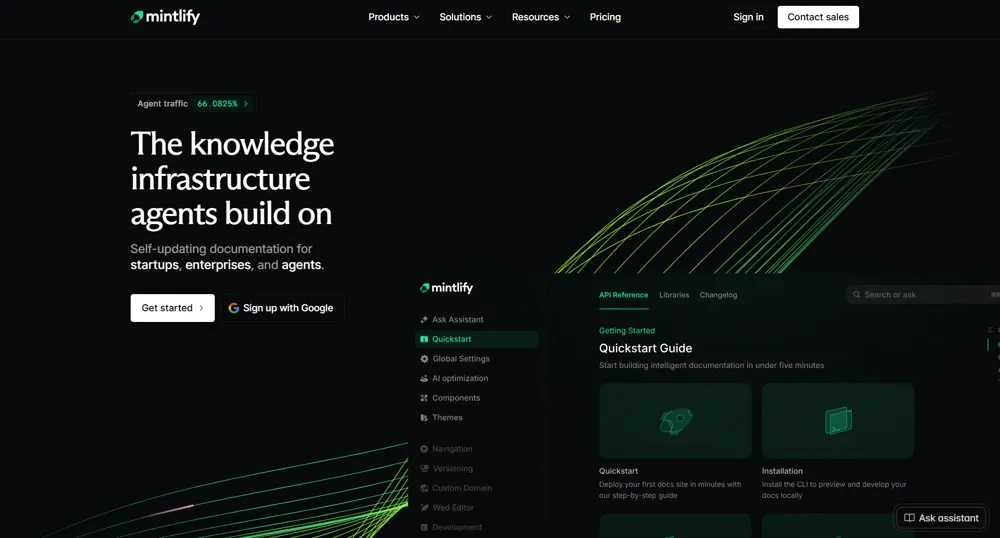
Mintlify is a hosted, AI-native documentation platform built around a Git-native MDX workflow. You connect a repository, edit a config file, push, and Mintlify handles hosting, SSL, search indexing, and deploys. Its free Starter plan includes a web editor, custom domain, search, and an interactive API playground. The in-docs AI assistant is available on paid plans.
Its headline bet is AI readability. Mintlify auto-generates the structured files that AI tools use to read docs, hosts an MCP server for each site, and serves every page as Markdown for agents. It also offers a documentation agent that can draft updates when your code changes and open pull requests for review. Teams like Anthropic, Cursor, Perplexity, and Zapier use it.
What is Docusaurus?
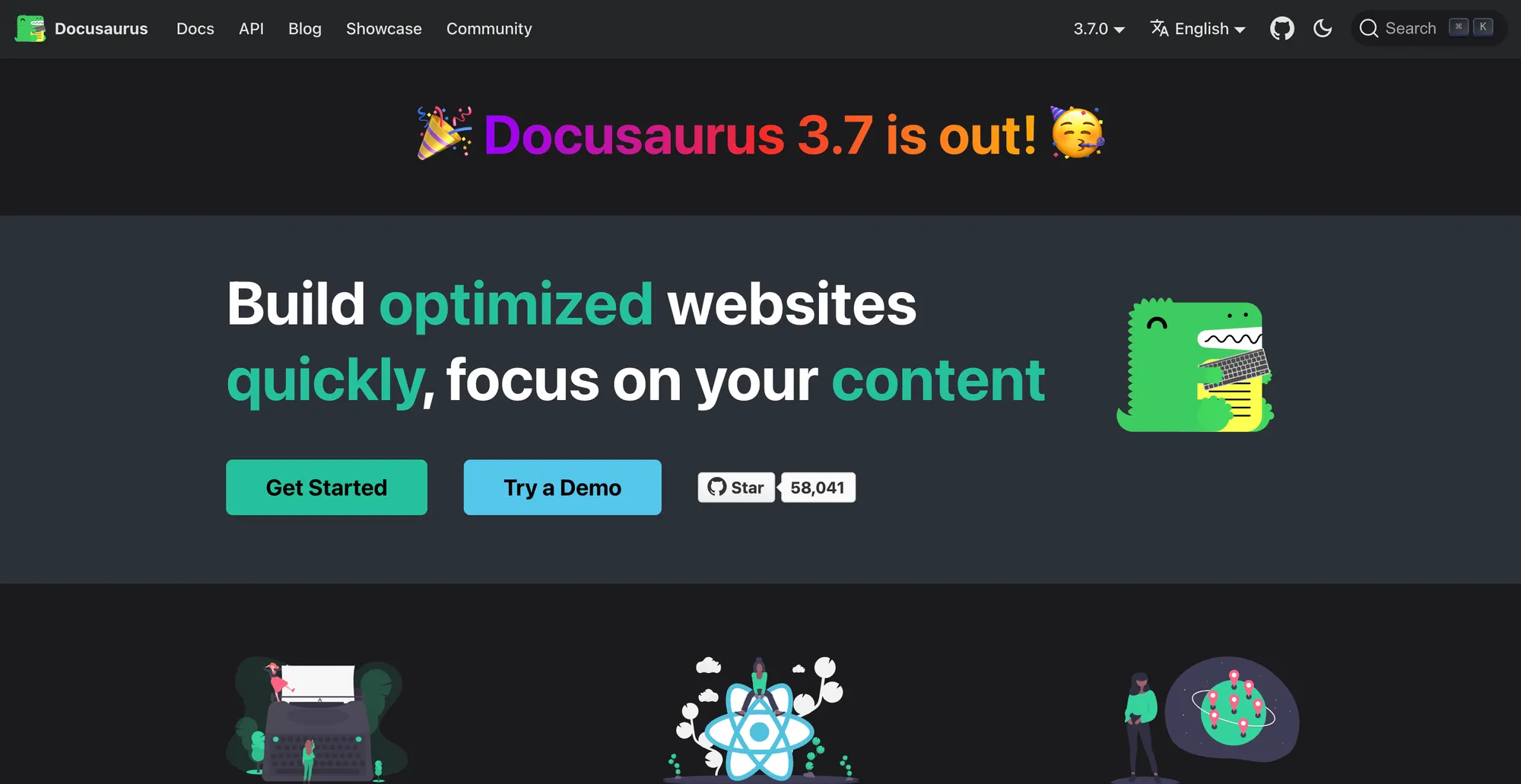
Docusaurus is a free, open-source static-site generator built by Meta, originally for React's own documentation. It now sits at more than 65,000 GitHub stars, which tells you how deep the community and plugin ecosystem run.
You write MDX, build custom React components, add plugins for versioning, search, and i18n, and deploy the static output anywhere. The framework is mature and endlessly extensible. The trade-off is that everything a managed platform does for you, you set up and maintain yourself.
Setup and skill required
Mintlify handles hosting and deployment. Connect your repository, configure docs.json, and publish your content. Setup time depends on your content, domain configuration, and customization needs.
The catch is that Git-native means Git-native. Every change is a commit, a branch, a pull request. Non-technical contributors like product marketers or support leads can get stuck at the first merge conflict. Mintlify's web editor softens this, but the underlying workflow is still built for developers.
Docusaurus asks more upfront. You need Node.js, a package manager, and a host to deploy to. Search, analytics, and custom styling need configuration, with setup time depending on your requirements and your team's experience. If your team lacks the internal React bandwidth, you can work with lemon.io to get it built and deployed.
Winner: Mintlify, on speed. If you need a polished site shipped this week and your content is ready, Mintlify is faster by a wide margin. Docusaurus wins only when that setup work is something your team actively wants to own.
Customization and design control
This is where Docusaurus pulls ahead. It is a React app you happen to write Markdown inside, so any theme component can be overridden with your own JSX and you can drop live React components into any page. If you want docs that look nothing like the default theme, the path is open.
Mintlify offers configurable themes, custom styling, and components for MDX pages. Its managed design tools reduce the work needed for a polished site, while more extensive customization adds engineering work.
Custom layouts also mean maintaining your own React components and CSS as your site and dependencies change.
Hosting, ownership, and lock-in
Mintlify hosts your site on its infrastructure with a custom domain, auto-SSL, and a rebuild on every push. You do not need to run your own hosting pipeline, though content or configuration errors can still require debugging. For most teams this is the single best thing about the platform.
Docusaurus produces a static build you own and can deploy on Vercel, Netlify, GitHub Pages, S3, or your own servers. You can move that build between hosts, though domains, redirects, and integrations still need checking.
Mintlify lists self-hosting as an Enterprise option. With Docusaurus, deployment control is part of the open-source framework, which can matter for teams with specific infrastructure requirements.
AI features and search
In 2026 this is the widest gap between the two.
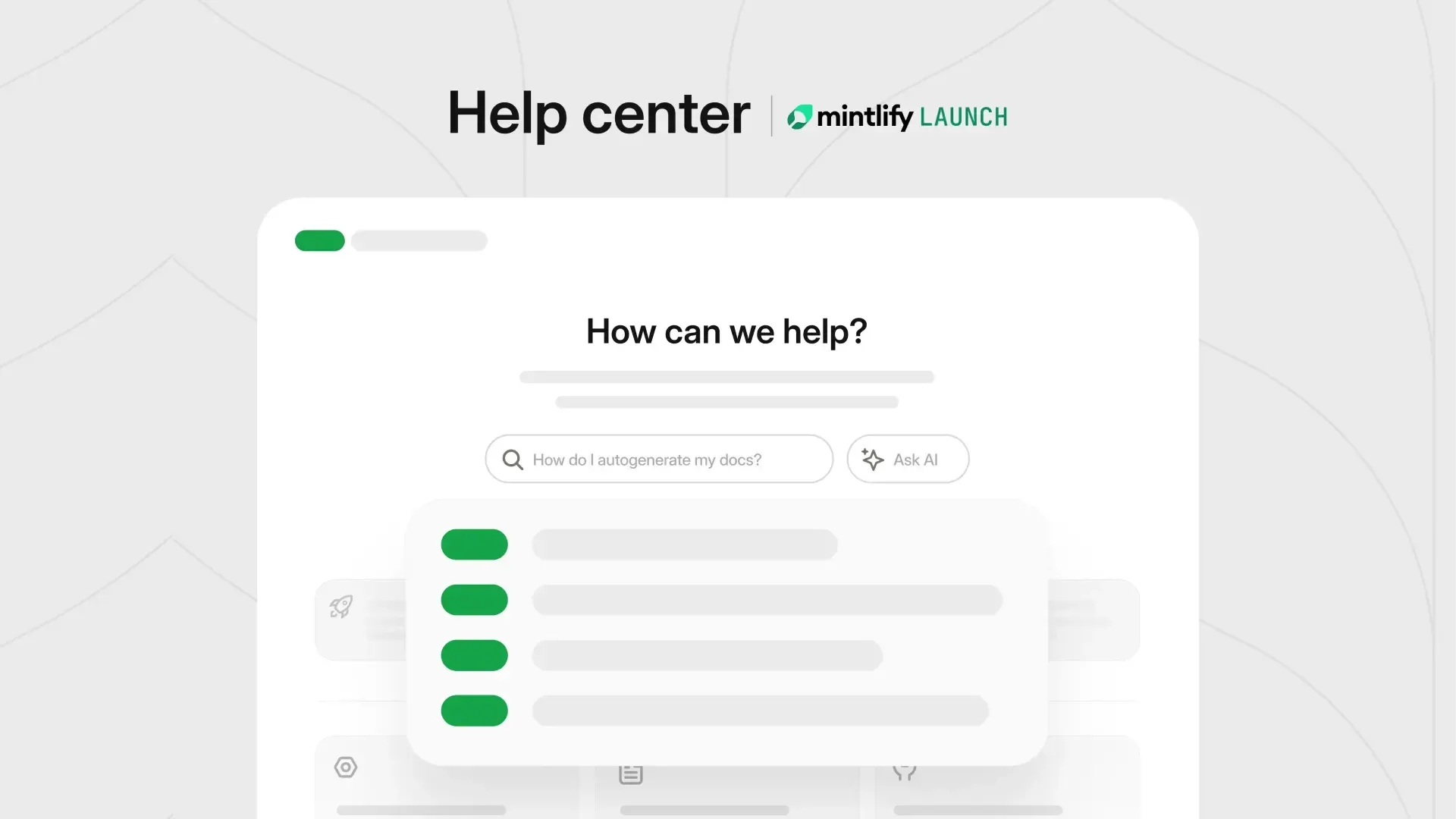
Mintlify treats AI readability as a native part of the platform. It auto-generates llms.txt and llms-full.txt, hosts a skill.md and an MCP server for each docs site, and serves Markdown to AI agents alongside HTML so tools like ChatGPT, Claude, and Perplexity can read your docs. Search and the MCP server are included on Starter. The Assistant, automations, and agent analytics require a paid plan.
Docusaurus has none of this built in. Search is usually Algolia DocSearch, which you configure and maintain, and any AI-readable output comes from community plugins and custom build steps that your team assembles and keeps working. If AI retrieval and modern search are priorities and you do not have engineers to own that setup, this gap is the most likely reason to lean Mintlify.
API documentation
If you ship an API, Mintlify has a clear edge. It generates endpoint pages from an OpenAPI spec and includes an interactive playground where developers can authenticate, send real requests, and inspect responses, with multi-language code samples.
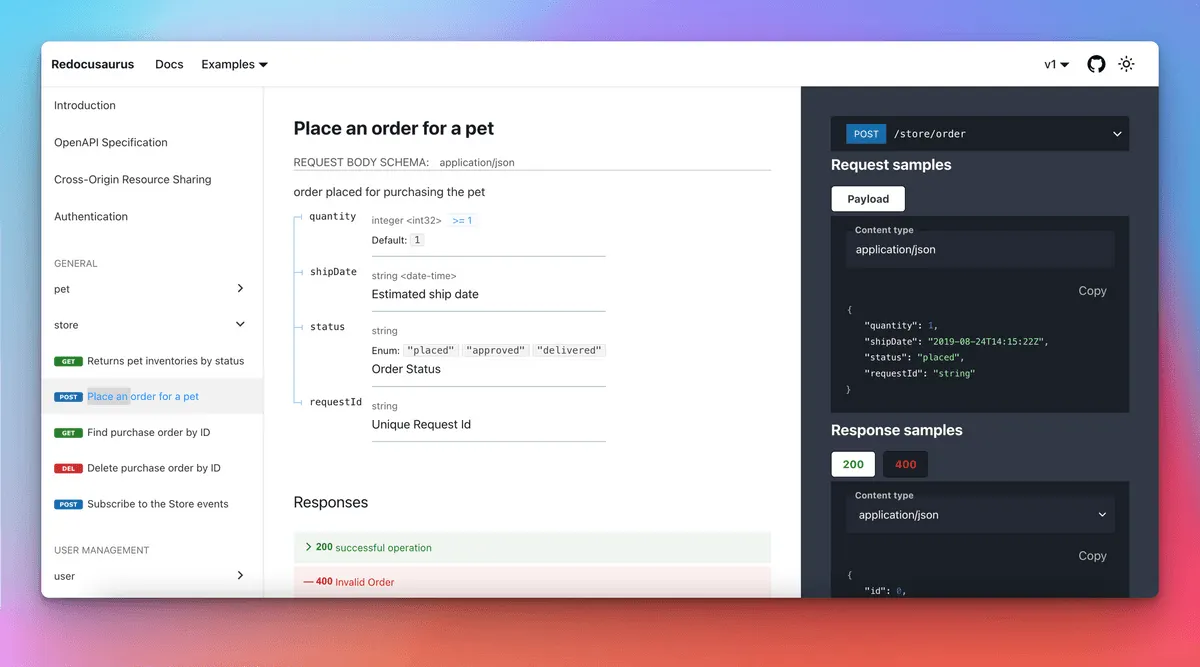
Docusaurus does not include an API playground by default. Teams typically add Redoc or a similar plugin and use that plugin's rendering as the reference experience. It works, but it is another component to wire up and maintain rather than something that ships in the box.
Pricing and true cost of ownership
Both tools let you start without a software bill. The difference is what you get for free and what your team has to manage.
Mintlify's pricing plans break down as follows:
| Plan | Price | Editors and key inclusions |
|---|---|---|
| Starter | Free | 5 editor seats, managed hosting, custom domain, web editor, search, MCP server, and API playground |
| Pro | $450/month billed annually or $540/month billed monthly | Unlimited editor seats, Assistant, writing agent, automations, preview deployments, and 10,000 credits/month |
| Enterprise | Custom pricing | Unlimited editor seats, SSO, SCIM, RBAC, performance SLA, and enterprise security and support |
Pro's AI allowance is shared across metered actions. An Assistant answer uses 25 credits, and an automation that updates your docs uses 250 credits. Overages cost $0.01 per credit, with discounted credit packs available. Unanswered questions and automation runs that produce no update are not charged.
The writing agent is unlimited on Pro and Enterprise at no additional usage charge. That makes it different from metered Assistant answers and automations. You can also set a spending limit or disable credit overages to control the bill.
Docusaurus has no software license fee under its MIT license. You choose and pay for any hosting, domain, search, analytics, or other services your site needs. A simple site may fit within a host's free tier, while higher traffic, private access, or extra services can increase costs.
Engineering time belongs in the comparison too. Your team owns deployment, dependency updates, plugin compatibility, and custom integrations. Those tasks still have a cost when an existing engineer handles them, but there is no standard number of maintenance hours that applies to every site.
Winner: compare the setup your team actually needs. Mintlify Starter may cover a small documentation site for free. If you need Pro, compare its subscription and expected credit usage with Docusaurus's infrastructure costs and the time your team would spend maintaining it.
When to choose Mintlify vs Docusaurus
| Choose Mintlify if | Choose Docusaurus if |
|---|---|
| You want a polished site live in days, not weeks | You have engineers comfortable with React and Node.js |
| You ship an API and want an interactive playground | You need total design control and custom components |
| You want native AI readability and semantic search | You want zero license cost and no vendor lock-in |
| Docs is a side task, not a dedicated role | You already run your own deploy and want to own the stack |
The honest summary is that this is a managed-versus-DIY decision, not a feature ranking. Mintlify wins when you want documentation infrastructure handled for you. Docusaurus wins when that infrastructure is something your team wants to own and has the capacity to maintain.
One thing both have in common: they are aimed at developers. If your documentation is really customer-facing support content, the next section matters more than either tool above.
If you need a customer-facing help center, not API docs
It is worth being clear about what Mintlify and Docusaurus are for. Both are developer and API documentation tools. If what you are actually building is a help center for non-technical customers, with help articles, an in-app help widget, and search that answers questions in plain language, you are solving a different problem than either was designed for.
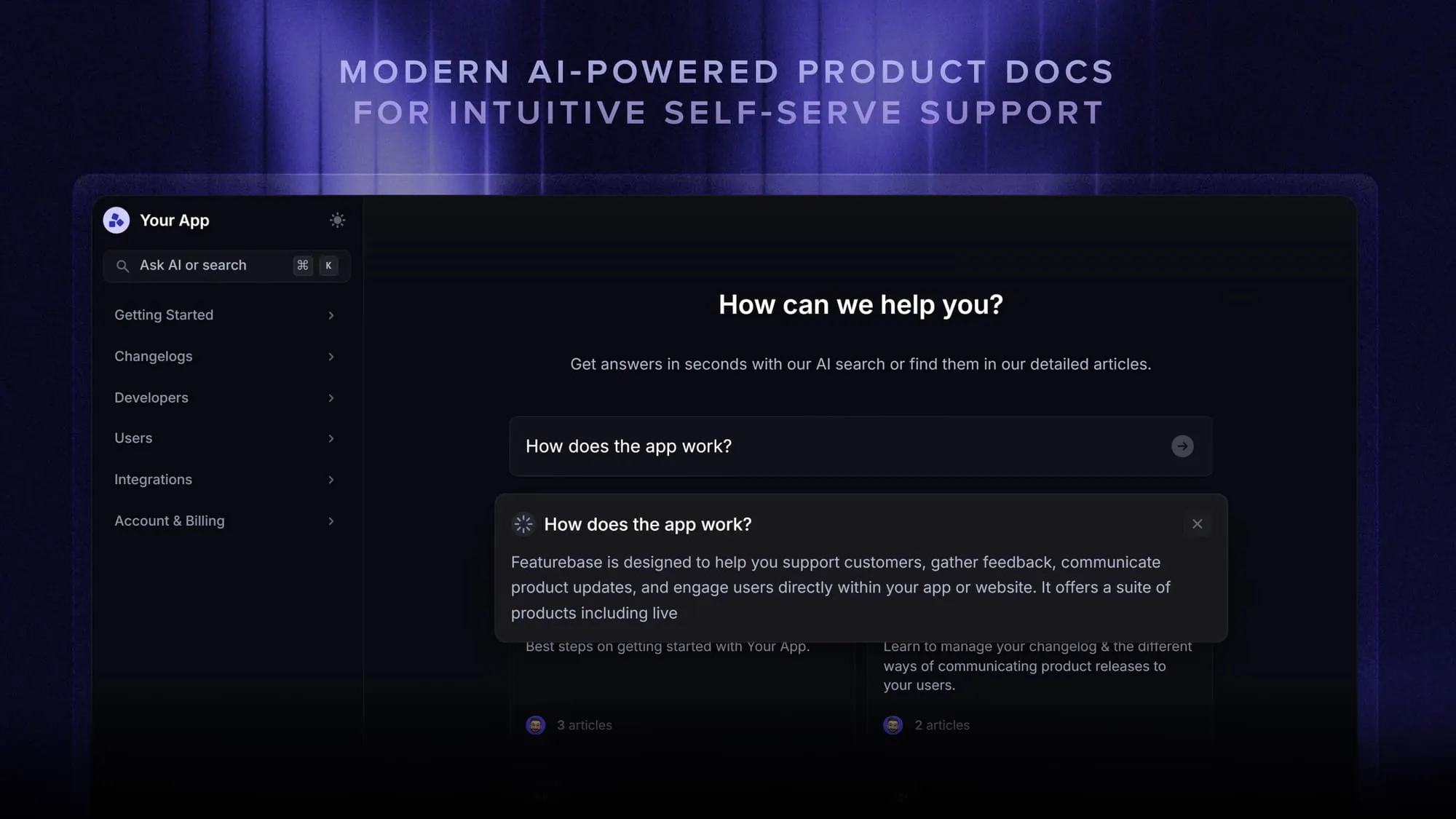
That is the gap Featurebase fills. It is a modern support platform where you can spin up a branded, AI-powered knowledge base on your own domain, embed help articles directly inside your app, and let users get instant answers through AI-powered search that summarizes the right article in seconds. Help content is automatically translated into your customers' languages, and you can run multiple help centers from one workspace.
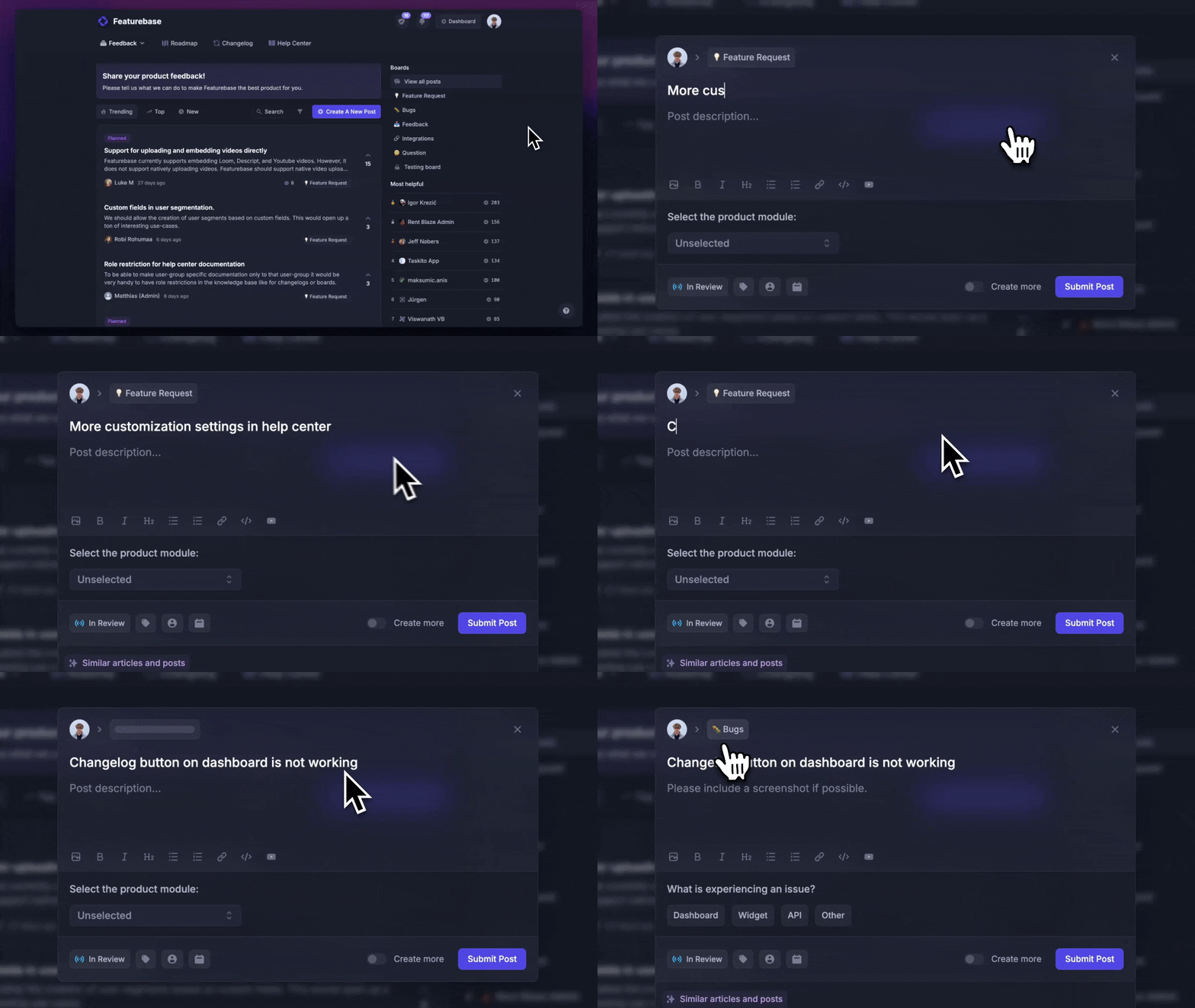
Where it really differs from a docs framework is that the help center is not the whole product. Featurebase also bundles a product changelog and feedback boards, so the place your customers read your docs is the same place they see what shipped and request what they want next. For a SaaS team that needs customer-facing docs rather than an API reference, that is a lighter setup than standing up Docusaurus and a separate help-desk stack.
If you want to weigh the field before deciding, we rounded up the best knowledge base software for support teams, and if open-source ownership is what drew you to Docusaurus in the first place, the open-source knowledge base options are worth a look too.
You can publish a public help center on a fully free plan, with paid plans starting at $29 per seat per month for unlimited articles. The onboarding is quick, so there is no real downside to trying it. 👇
Conclusion
Mintlify and Docusaurus solve the same problem from opposite ends. Mintlify is the managed choice: hosting, search, AI readability, and an API playground in one subscription, ideal when you want documentation off your plate and live fast. Docusaurus is the open-source choice: a free, infinitely customizable React framework that pays off when you have the engineers and the appetite to own your stack. Pick based on your team's skills and how much infrastructure you want to maintain, not on which screenshots look nicer.
And if this whole comparison feels slightly off because your real need is customer support docs, not developer docs, that is the signal to look at a help-center tool instead. Featurebase gives product-led SaaS teams an AI-powered help center, changelog, and feedback boards in one place, so your self-serve support, product updates, and feature requests all live together rather than across three tools. 💫
There is a free plan to start with and the setup takes minutes, so it is easy to see if it fits before committing. 👇
Create a beautiful AI-powered Help Center with Featurebase for free
FAQs
Neither is universally better. Mintlify is a better fit if you want managed hosting and built-in documentation tools, with a free Starter plan and paid tiers for more features. Docusaurus is better if you want full control, have React engineers, and prefer owning your stack. The right pick depends on your team's skills, required features, and budget.
Mintlify offers a free Starter plan with 5 editor seats. Pro costs $450 per month billed annually or $540 billed monthly, with unlimited editor seats and 10,000 credits per month. Assistant answers and automations use credits, with overages at $0.01 per credit, while the writing agent is included without a separate usage charge. Enterprise pricing is custom.
Yes. Docusaurus is free, open-source software under the MIT license. Your total cost depends on hosting, optional services such as search or analytics, and engineering time for setup and maintenance. A free software license does not guarantee that running the site will cost nothing.
Yes. Both use Markdown and MDX, so much of your written content can be reused. Custom components, navigation, redirects, and plugin-specific content need checking during migration. The timeline depends on the size and complexity of your site.
Docusaurus supports search integrations such as Algolia DocSearch. It does not include a native AI assistant. AI capabilities and additional AI-readable outputs can be added through integrations, community plugins, or custom work, with your team responsible for setup and upkeep.
A dedicated help-center platform may fit that workflow better than a developer documentation setup. A help-center platform like Featurebase is designed for that use case, with an AI-powered knowledge base, an in-app help widget, and multilingual answers, plus a changelog and feedback boards in the same product so customer support and product updates live together.


