Technical Specification Document: How to Write One
A technical specification document turns "what we want" into "how we'll build it." Here's what goes in one and how to write it.


On this page
- What is a technical specification document?
- Technical spec vs functional spec (and other docs)
- Why technical specifications matter
- What to include in a technical specification document
- The different types of technical specifications
- How to write a technical specification document (step by step)
- Best practices for keeping your tech spec useful
- Create and host your technical documentation with Featurebase
- Conclusion
Create a beautiful AI-powered Help Center with Featurebase for free
Starting a build without a technical specification is how projects end up over budget, behind schedule, and full of features nobody asked for. A technical specification document is the blueprint that turns "what we want" into "how we'll build it," and it's the cheapest insurance your project can buy.
This guide covers what a tech spec is, how it differs from a functional spec, what sections to include, and a repeatable process to write one your whole team can build from. 👇
Key takeaways
- A technical specification document explains how a product or system will be built: it covers architecture, requirements, and implementation details so engineers have one source of truth instead of a dozen half-remembered decisions.
- It answers "how," while a functional spec answers "what": the two work together, but they serve different readers and different stages of a project.
- The core sections are predictable: purpose and scope, functional and non-functional requirements, system architecture, data model, testing, and a deployment plan.
- Writing one is a process, not an event: gather information, define scope, choose an approach, review with your team, and keep the document alive as things change.
- A tech spec is only useful if the team can find the current version. Featurebase✨ lets you host product and technical documentation in an AI-powered knowledge base, so the latest spec is always a search away.
What is a technical specification document?
A technical specification document, often shortened to "tech spec" or TSD, is a detailed document that describes how a product, system, or feature will be built. It bridges the gap between business requirements and technical implementation, acting as a blueprint for the engineering team.
Where business goals answer "why" and product requirements answer "what," the technical specification answers "how." It translates abstract ideas into concrete, buildable decisions that fit into your wider product development process.
After reading a good technical specification, the team and stakeholders should understand:
- How the product will behave and what it can and cannot do
- How it will be built, including the systems, services, and technologies involved
- How data and privacy are protected, with security measures spelled out
- How it ships and rolls back, so a bad deploy has a clear escape hatch
- How success is measured and how the product will be supported after launch
That clarity is the whole point. A tech spec exists so that a developer can build the feature from the document alone, without stopping every hour to ask what was actually meant.
Technical spec vs functional spec (and other docs)
The most common source of confusion is the line between a functional specification and a technical specification. The difference is simple once you see it: a functional spec describes what the system should do from the user's point of view, while a technical spec describes how the system will be built to do it.
A functional spec might say, "Users can reset a forgotten password by email." The technical spec then details the token generation, the expiry window, the encryption, and the API endpoints that make that happen.
A tech spec rarely lives alone, though. It sits inside a small family of project documents, each answering a different question:
| Document | Answers | Written for |
|---|---|---|
| Business requirements (BRD) | Why are we building this? | Stakeholders, executives |
| Product requirements (PRD) | What are we building? | Product managers, designers |
| Functional spec (SRS) | What should the system do? | Analysts, testers |
| Technical specification | How will we build it? | Developers, architects |
| Test plan | How will we verify it? | QA engineers |
The technical specification typically references the PRD and functional spec above it, then becomes the primary input for the developers and the foundation for the test plan below it.
Why technical specifications matter
Skipping the spec feels faster because you start coding sooner. It rarely is. The cost of unclear requirements and rushed decisions shows up later as rework, and rework is expensive: US businesses lost an estimated $2.41 trillion to poor software quality in 2022, with accumulated technical debt sitting around $1.52 trillion.
A well-written technical specification pays for itself by preventing that waste. The main benefits:
- Clarity: it gives everyone a precise, shared understanding of what to build, which cuts down on misunderstandings, errors, and mid-build surprises.
- Risk reduction: writing the spec forces you to surface technical challenges and edge cases early, while they cost hours to fix instead of weeks.
- Efficiency: with a clear roadmap, developers spend their time building instead of guessing, and the project is far more likely to land on time and on budget.
- Alignment: the document is a common reference point for engineering, product, QA, and stakeholders, so teams stop working from different assumptions.
- Knowledge retention: it records not just what was built but why, which keeps context alive when team members move on and makes onboarding much faster.
What to include in a technical specification document
There is no single mandatory template, and the exact sections vary by company and project. That said, comprehensive specs tend to share the same building blocks. Include the ones that fit your project:
- Front matter: title, authors, reviewers, dates, and a link to the related epic, ticket, or PRD.
- Introduction and scope: an overview of the project, its goals, and a clear statement of what is in scope and, just as importantly, what is out of scope.
- Functional requirements: the features and behaviors the system must deliver, often as user stories or use cases.
- Non-functional requirements: performance targets, scalability, availability, and security expectations that shape how the system behaves under real conditions.
- System architecture: the components, services, and data flows, usually with a diagram showing how the pieces fit together.
- Data model: the entities, relationships, schemas, and any migration plan for replacing an existing system.
- API specifications: endpoints, request and response formats, authentication, and error handling for anything the system exposes or consumes.
- Security design: authentication, authorization, encryption, and the compliance standards you need to meet.
- Testing strategy: the test plans, cases, and acceptance criteria that define "done."
- Deployment and rollback plan: how the system ships, how it is monitored, and how you revert safely if something breaks.
For smaller work you will not need every section. The rule of thumb: include everything a developer needs to build the feature, and nothing that just duplicates another document.
The different types of technical specifications
"Technical specification" is a broad label. In practice, teams produce different versions depending on the depth and audience:
- High-level design (HLD): an overview of the system architecture and major components, aimed at architects and stakeholders who need the big picture without implementation detail.
- Low-level design (LLD): the detailed view for developers, covering class diagrams, algorithms, and database schemas at the level needed to write code.
- Interface specification: the contracts between components or systems, including API endpoints, data formats, and protocols, essential when teams build different parts independently.
- Infrastructure specification: the deployment environment, covering server configuration, networking, monitoring, and disaster recovery.
You will also see specs organized by domain, such as software, IT, website, or product specifications. The type matters less than matching the detail to who has to act on it.
How to write a technical specification document (step by step)
A tech spec is easier to write when you treat it as a sequence rather than a blank page. Here is a process that works for most projects:
- Gather the inputs: pull together the product requirements, user feedback, technical constraints, and any existing documentation before you write a word. The clearer your inputs, the less guesswork ends up baked into the finished spec.
- Define the problem and scope: state the problem clearly, then draw the boundaries. Write down the non-goals explicitly so nobody quietly expands the project later.
- Choose your approach: outline how you will tackle each part of the build and, crucially, why. If you considered other options, note them and explain why you did not pick them.
- Draft the sections: work through the components above, from architecture and data model to testing and deployment. Use diagrams for anything complex and plain language throughout.
- Review with your team: circulate the draft to developers, QA, and stakeholders. A second set of eyes catches gaps and ambiguities while they are still cheap to fix.
- Keep it updated: a spec is a living document. As decisions change during the build, update it so it stays the single source of truth instead of drifting into fiction.
Best practices for keeping your tech spec useful
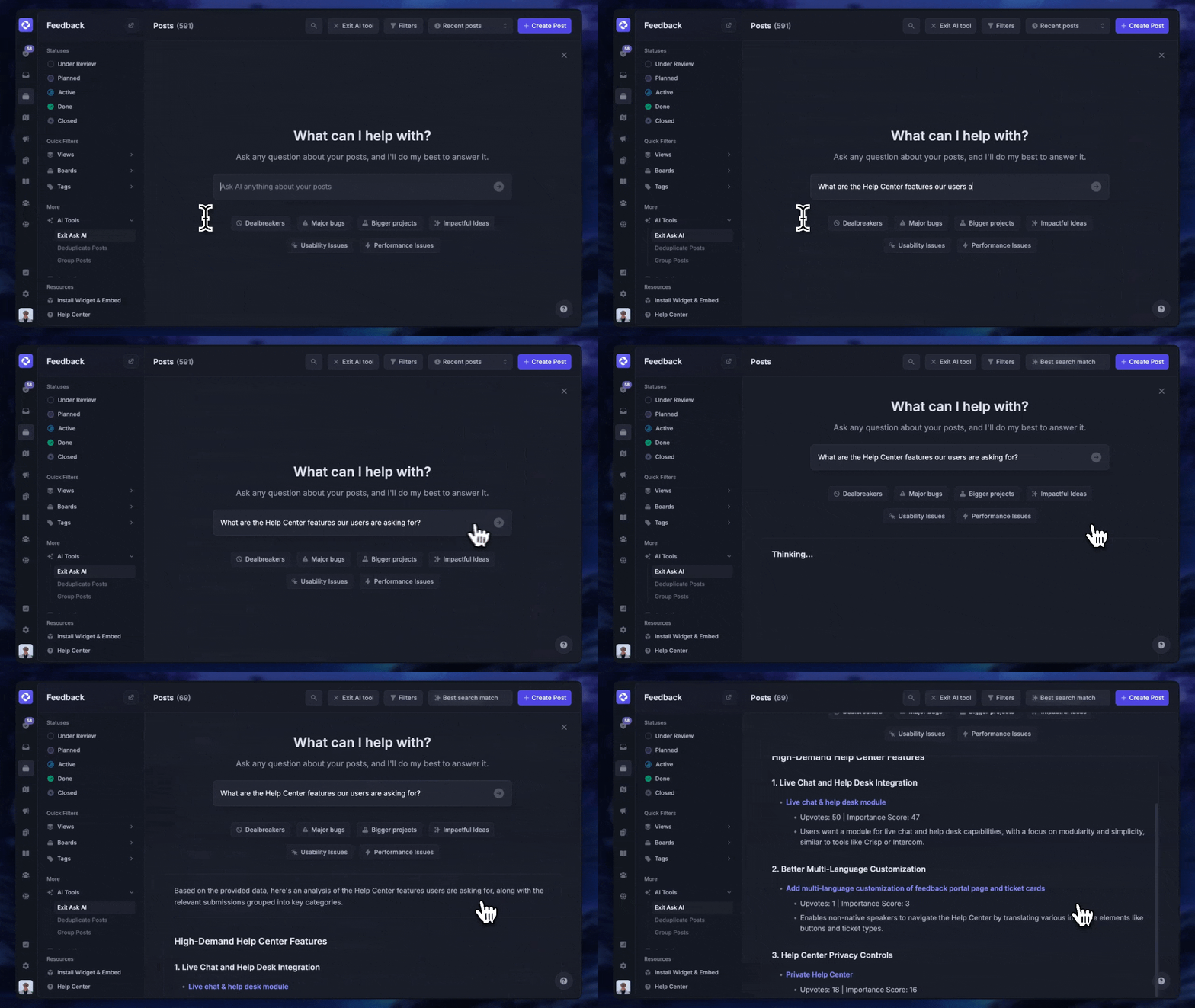
The difference between a spec that guides a project and one that gets ignored comes down to a few habits. It also helps to keep every spec somewhere the whole team can actually find it: with Featurebase you can host your product and technical documentation in an AI-powered, searchable knowledge base, public or internal, so the current version is never buried in someone's drive.
- Treat it as a living document: update it as requirements evolve rather than freezing it at kickoff. A stale spec is worse than none because people trust it.
- Use version control: keep the spec alongside your code or in a tool that tracks changes, so you always know what changed and when.
- Start from a template: a consistent structure means fewer missed sections and less time spent formatting instead of thinking.
- Write for your reader: tailor the depth to whoever has to act on it, and define specialized terms in a short glossary so nobody has to guess.
- Make it testable: write requirements precisely enough that QA can verify them. If you cannot test a requirement, it is probably too vague.
Create and host your technical documentation with Featurebase
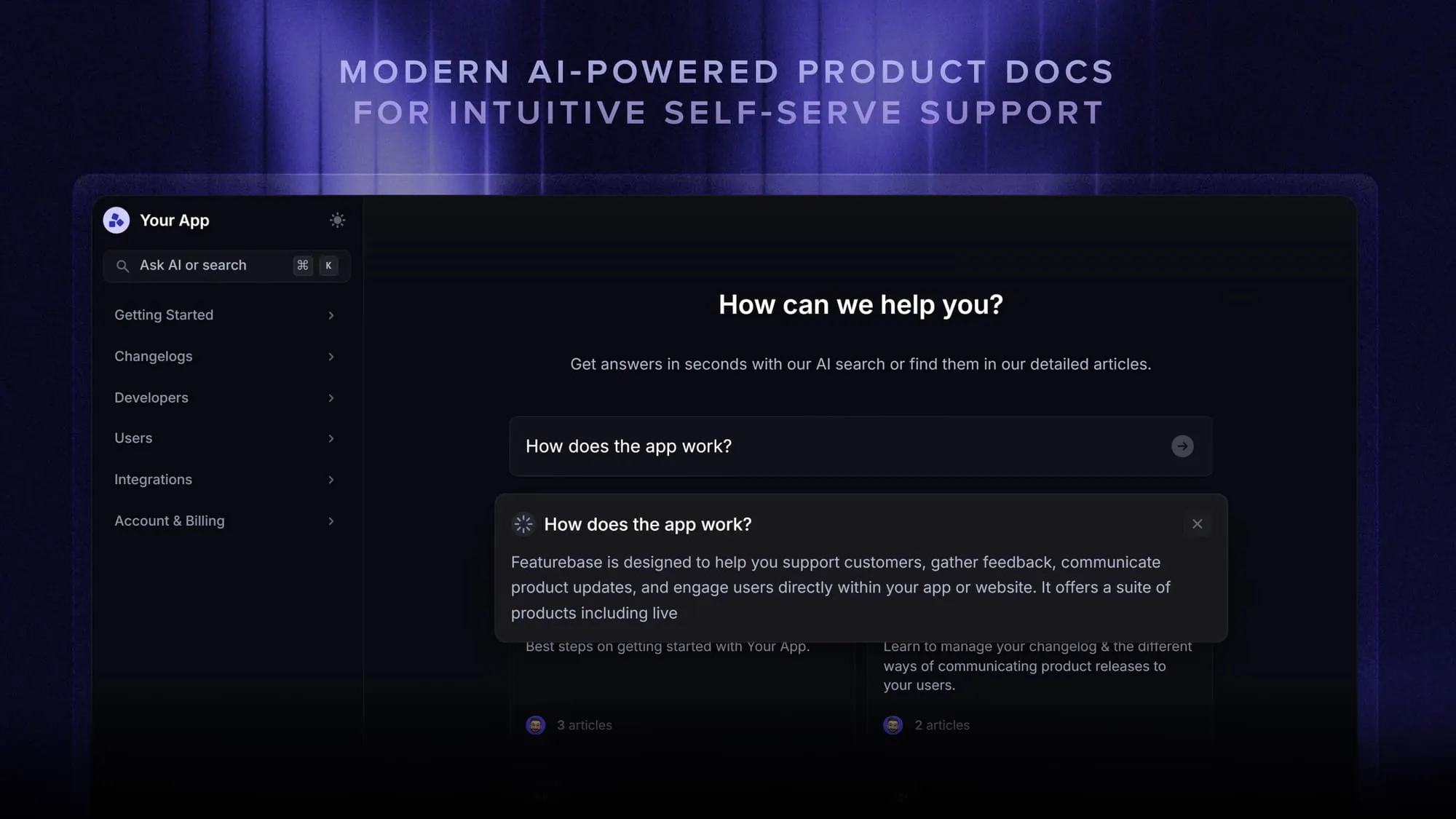
Featurebase is a modern & powerful support platform for SaaS teams that helps you create beautiful product docs, provide AI-powered support, and collect feedback all in one place. It's loved by thousands of product teams from companies like Lovable, Raycast, and n8n. 💫
Once your spec is written, it needs a home the whole team can reach and search. Featurebase gives your product and technical documentation exactly that:
Top features:
- Public & internal help center – Create a branded, knowledge base with your domain and design for easy self-service support.
- Embeddable in-app widget – Serve help articles directly within your app, reaching users where they need assistance most
- AI-powered search answers – Summarize answers for users right in the search bar in seconds
- Automatic AI translations – Automatically translate and show your Help Center in your users native languages
- Multi-brand support – Manage multiple Help Centers and Live chats from a single workspace
- AI-powered support platform – Manage chat, email, and Slack support conversations from one AI-powered view
- Feedback & roadmap tools – Collect feature requests and close the loop with updates
- Product updates – Publish release notes with a changelog page, in-app widget, and emails
- Integrations – Connects with Slack, Linear, Jira, HubSpot, and more
Pricing: You can create a public help center with a fully free plan. Paid plans start at just $29/seat/mo for unlimited articles.
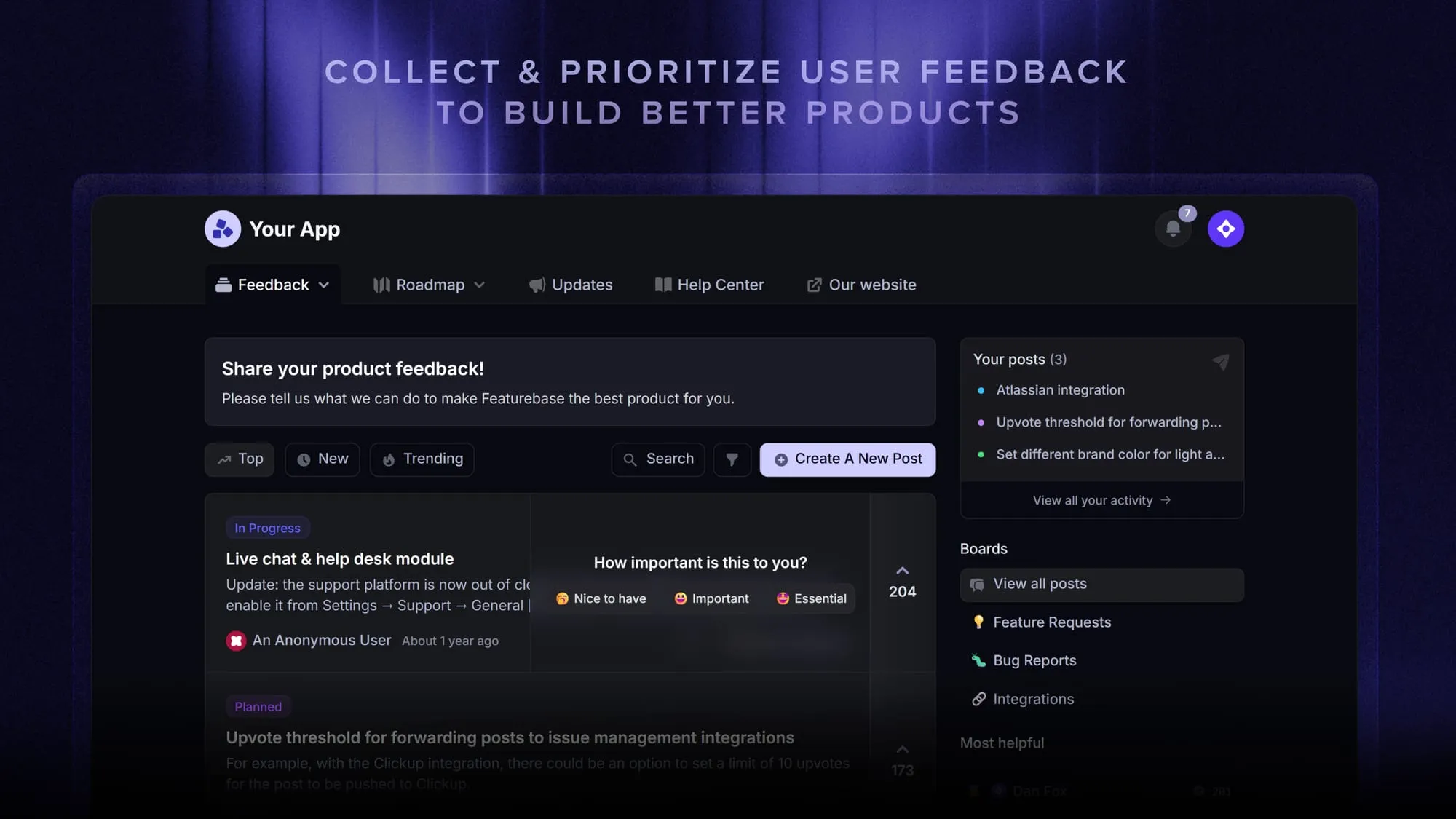
Featurebase offers a modern customer-facing product suite by integrating your help center, live chat, feedback collection, and product updates to build better products and customer experiences.
Conclusion
A technical specification document is not paperwork for its own sake. It is the plan that keeps a project aligned, catches expensive problems early, and gives your team a shared blueprint to build from. Get the definition, the sections, and the process right, and the spec becomes the most useful document in the project.
Featurebase gives your technical and product documentation a modern home, with an AI-powered knowledge base your team and customers can actually search, so your specs and docs stay findable instead of buried in scattered drives.
There's a free plan you can build a full Help Center on, and onboarding takes minutes, so there's no downside to trying it. 👇
Create a beautiful AI-powered Help Center with Featurebase for free
FAQs
It's usually written by the person closest to the build: a lead engineer, senior engineer, or technical lead, and sometimes a product or project manager on larger efforts. Whoever holds the pen, it is rarely a solo job. The best specs are written collaboratively, pulling input from developers, designers, and QA so nothing important is missed.
As long as it needs to be to guide the build, and no longer. A single feature might need 2 to 5 pages covering the architecture, API contract, and data model, while a new system can run 20 to 50 pages across all its components. The test is completeness without redundancy: include everything a developer needs, and cut anything that just repeats another document.
A requirement is a statement of need, describing what a product must do or what quality it must have. A specification is the detailed document that explains how those requirements will be met. In short, the requirement says "the system must be secure," and the specification names the encryption, access controls, and compliance standards that deliver it.
Agile teams write specs incrementally rather than producing one giant document upfront. Functional detail lives in user stories and acceptance criteria, while key technical decisions are captured in lightweight architecture decision records or short design docs. The goal is just enough documentation to guide the work without becoming a bottleneck, often kept as living docs alongside the code.
Most teams draft specs in collaborative editors like Confluence, Notion, or Google Docs, which handle versioning and comments well. Requirements and tasks are tracked in tools like Jira, and diagrams are built with editors like Mermaid, Lucidchart, or PlantUML. The best choice is whatever your team already works in, since a spec people can find and edit beats a perfect document nobody opens.
An SRS, or software requirements specification, defines what a system should do: its features, behaviors, and constraints from a functional point of view. A technical specification takes those requirements and defines how they will be built, covering architecture, data models, and APIs. The SRS is an input to the technical spec, which is why the two are often written in sequence.