How to Write a Game Design Document (With Examples)
Learn how to write a game design document your team will actually use, with a step-by-step process, what to include, and real GDD examples to learn from.

On this page
- What is a game design document?
- Do you actually need a game design document?
- What to include in a game design document
- How to write a game design document, step by step
- One-page vs full-length game design documents
- Game design document best practices
- Real game design document examples
- Turn your GDD into a living roadmap with Featurebase
- Conclusion
Create internal & public roadmaps with Featurebase for free
A game idea that lives only in your head is almost impossible to build, pitch, or hand to someone else. The moment a second person joins the project, or you return to it after a month away, all those unwritten decisions start to slip.
A game design document (GDD) is how you get the idea out of your head and into something a team can follow.
This guide covers what a GDD is, what goes in it, how to write one, and where to find real examples to learn from. 👇
Key takeaways
- A game design document captures your game's vision: It explains what you're building and why, so your team, collaborators, or future self can make decisions without guessing.
- There is no one correct format: A GDD can be a single page or hundreds, a written doc, a wiki, or cards in a project tool. What matters is that people actually read and update it.
- Start lightweight and grow it: Most teams begin with a one-page document in pre-production and add detail as the game proves itself in prototypes.
- A stale GDD is worse than none: Documents drift out of sync fast, so treat yours as a living reference and keep your prototype as the real source of truth.
- A GDD sets the plan, a roadmap keeps it alive: With Featurebase✨ you can turn your plan into internal and public roadmaps, then keep them current as player feedback rolls in.
What is a game design document?
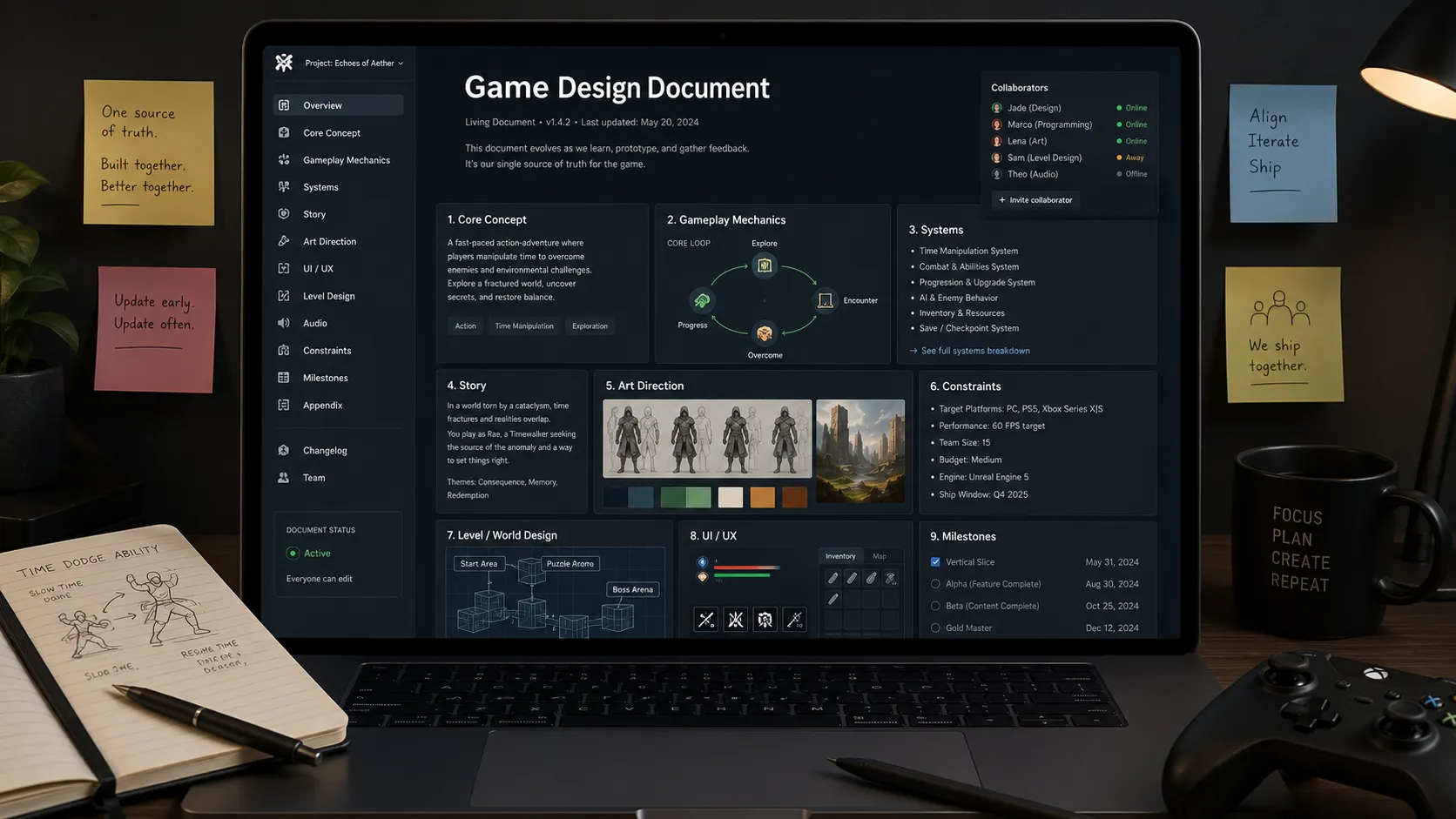
A game design document, or GDD, is a detailed guide that describes what your game is and how it works. It captures the core concept, the mechanics, the systems, the story, the art direction, and the constraints that keep everything on track.
Its real job is communication. A GDD is where you translate the ideas in your head into something an artist, a programmer, a composer, or a publisher can understand and act on. Even if you're working alone, writing things down forces you to decide exactly how your game is supposed to work.
In the early days, GDDs were huge printed binders scoped out in full before a line of code was written. Modern GDDs are the opposite: lean, living documents that change as you learn.
GDD vs pitch deck vs technical design document
People mix these up, but they solve different problems:
- A pitch deck sells the concept. It's short, visual, and aimed at publishers or investors.
- A game design document defines the gameplay, systems, content, and rules of the game itself.
- A technical design document (TDD) explains how the game will be built, covering the architecture and implementation details engineers derive from the GDD.
A common path is to start with a pitch doc, expand it into a GDD, then let engineering build TDDs from there.
If you don't have that engineering team yet, a finished GDD is also what lets you hire game developers and get accurate estimates for the build.
Do you actually need a game design document?
Whether you need a GDD is one of the more divisive questions in game development. Some designers swear by them. Others insist the big, all-encompassing document is obsolete.
Both camps have a point. Large, overly detailed documents written up front tend to be out of date almost immediately, and they can lock you into untested ideas that fall apart the moment someone plays them.
But "the 100-page binder is dead" is not the same as "don't document anything." A design guide by another name is still a design guide. The format changed, the need did not.
You almost certainly want some kind of GDD if:
- Your project is large or complex: There's too much to hold in one person's head reliably.
- More than one person is involved: Everyone needs a shared reference for what the game should and should not be.
- You're pitching or fundraising: Publishers, platform holders, and grant programs usually expect documentation of what you plan to build.
Even solo developers benefit. A GDD is a place to park decisions so you can stop re-litigating them and focus on building.
What to include in a game design document
There's no universal template, and that's by design. A puzzle game and an open-world RPG need very different documents. That said, most GDDs pull from the same menu of sections. Include the ones that serve your game and skip the rest.
- Overview and concept: A one-paragraph elevator pitch of what the game is and what the player actually does.
- Design pillars: The 2-4 guiding principles every other decision gets measured against, like "always fast" or "stealth over combat."
- Core gameplay loop: The short cycle players repeat, for example explore, fight, loot, upgrade, repeat.
- Mechanics and systems: The rules, controls, progression, economy, combat, and AI, including edge cases.
- Story and world: Characters, lore, setting, and how the narrative unfolds.
- Art and audio direction: Visual style, references, mood, music, and sound.
- UI and UX: Screen flows, HUD requirements, and accessibility notes.
- Target platform and audience: Who the game is for and where it will ship.
- Production and go-to-market: Milestones, scope, business model, and risks.
Notice how much of this overlaps with marketing and production. A GDD gets read by more than just designers, so give every discipline the context it needs to do its job.
How to write a game design document, step by step
Most good GDDs follow the same flow: start broad, then get specific. Here's a reliable order to work in.
- Define the vision in one paragraph: Write the elevator pitch, then add your design pillars and your non-goals, the things you're deliberately not doing.
- Describe the core gameplay loop: Nail the short cycle the player repeats. Every later decision should ground back to this.
- Document the systems: Capture mechanics, progression, economy, and rules, along with the edge cases designers and engineers will both need.
- Define the content: Spell out the levels, story beats, characters, and items you need to build. This is where scope creep starts, so be honest about volume.
- Add UX and UI notes: Wireframes, screen flows, HUD, and accessibility, so interface isn't a last-minute scramble.
- Include production details: Milestones, target platforms, business model, and risks, even if some are rough estimates you revisit later.
You won't have every answer on day one, and that's fine. Fill in what you know, mark what you don't, and come back as the game takes shape.
One-page vs full-length game design documents
One of the biggest decisions is how much to write. The honest answer is that different stages of your project call for different lengths.
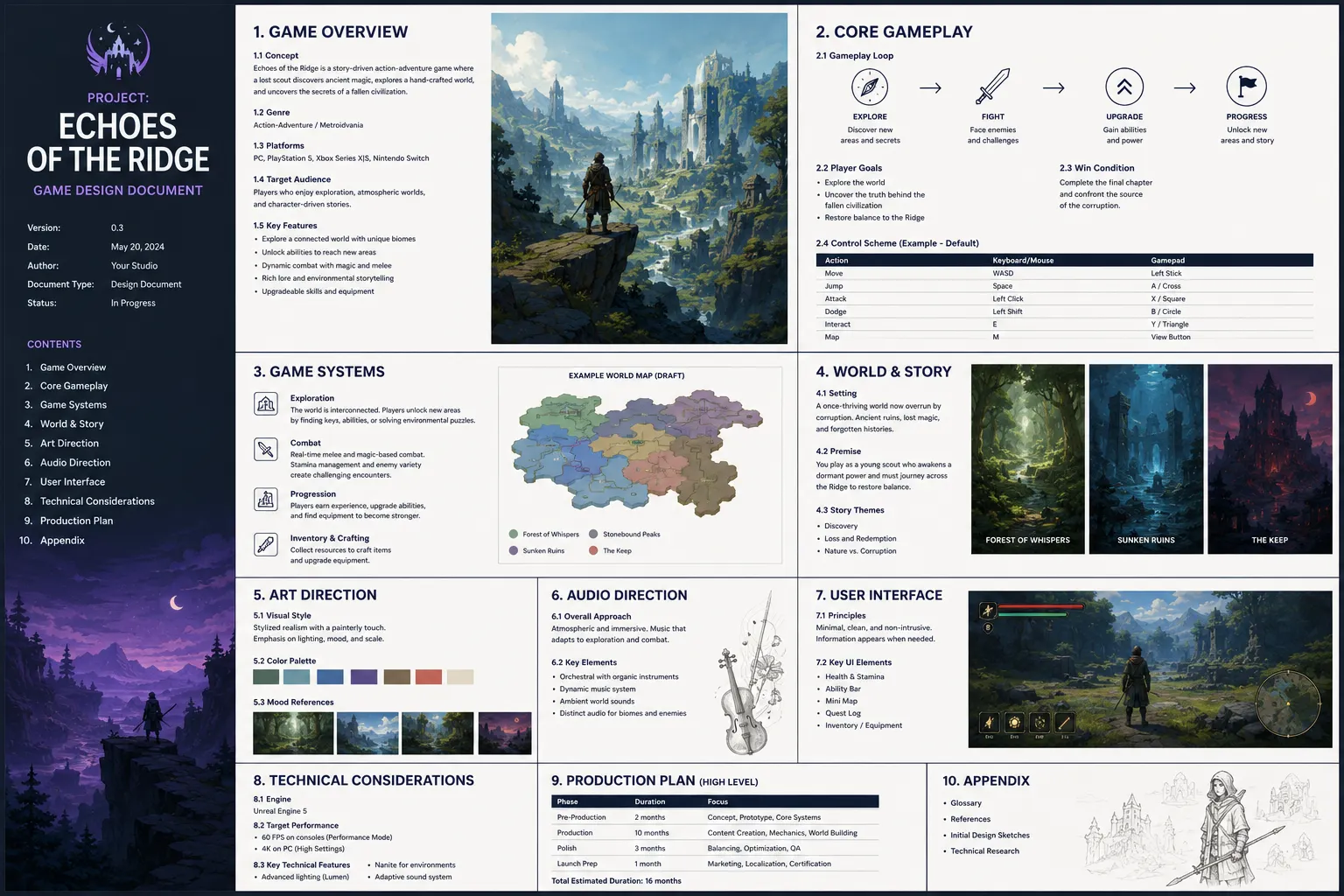
The one-page game design document is a method popularized by designer Stone Librande. Instead of paragraphs, it uses a single sheet, often built around an illustration, map, or chart with callouts, to communicate one idea clearly. It works because a single page forces you to find the most effective way to explain something, and because people are far more likely to actually read one page than fifty.
A full-length GDD makes sense when you genuinely need to track a large amount of detail: item stats, weapon profiles, level layouts, branching story paths. The risk is that long documents are hard to organize, harder to navigate, and almost always out of date.
A practical middle path is to stage your document with the project:
- Pre-production: A one-page doc focused on high-level concept and pillars.
- Early production: A 10-page doc with core mechanics and story beats.
- Full production: A complete document, or a wiki, covering all content and detail.
Whatever the length, keep each piece self-contained. If a "one-page" design only makes sense when read alongside 10 other pages, it's really just a big document in disguise.
Game design document best practices
A few habits separate a GDD people use from one that gets written once and forgotten:
- Keep it clear and concise: Nobody in game development has time to read three paragraphs where one sentence would do. Detailed but tight.
- Make things easy to find: Use clear sections, headings, and search. A reader who can't find an answer will stop looking.
- Collaborate across the team: One person rarely knows everything about a game. Let artists, engineers, and designers contribute their expertise.
- Update it constantly: A GDD is never finished. It evolves with the game, and an unmaintained doc quickly becomes misleading.
- Treat the game as the source of truth: Your prototype, not the document, is proof of what's fun. When they disagree, the game wins.
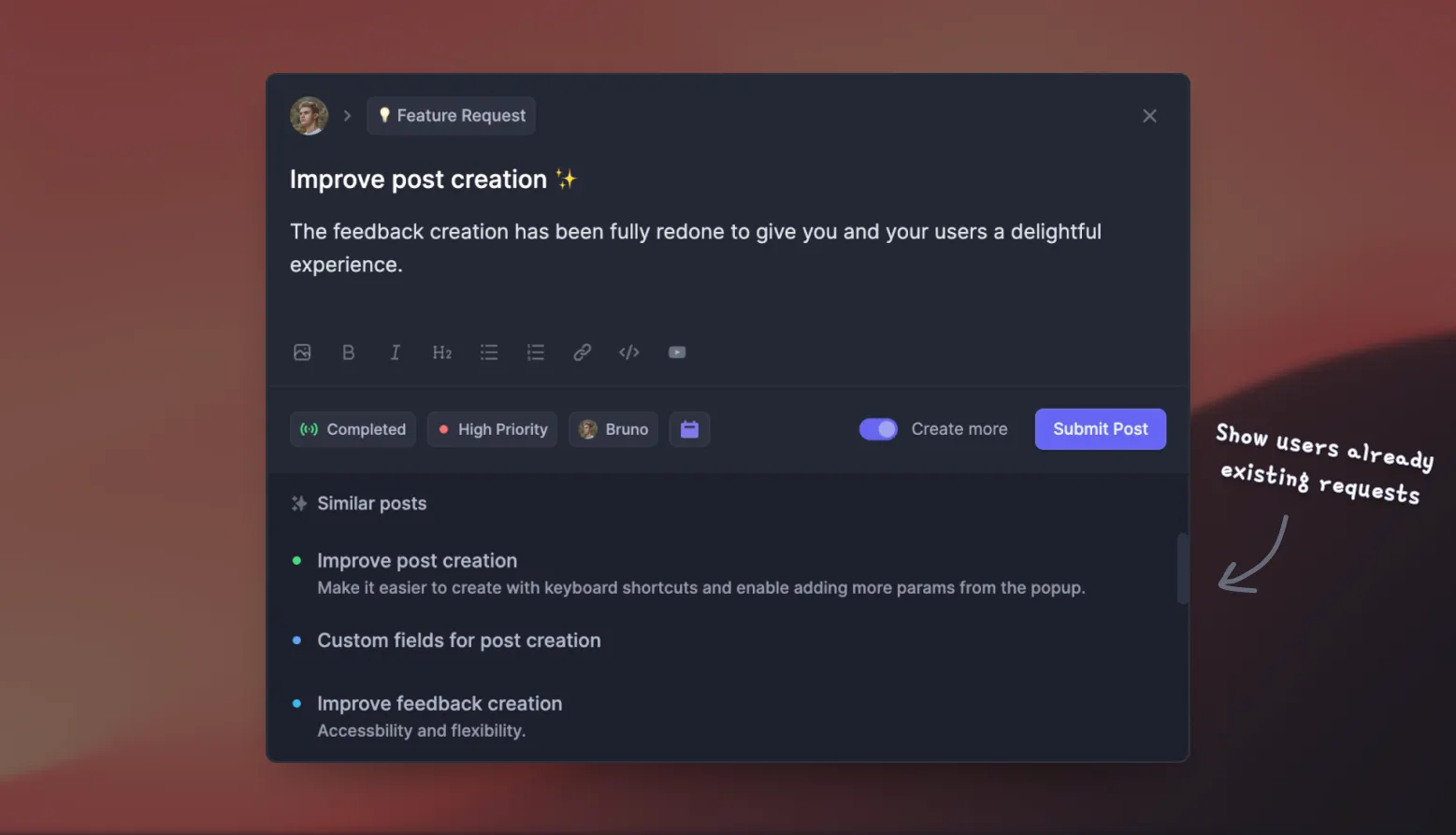
That last point matters even more once the game is in players' hands. A GDD captures what you intended to build, but a roadmap captures what you're building now and next. This is where a dedicated tool earns its place: with Featurebase you can collect player feature requests, let people vote on them, and roll the most-wanted ideas straight onto a public roadmap, so your plan keeps evolving with real player demand instead of guesswork.
Real game design document examples
GDDs are usually closely guarded, but a handful of famous ones have made it into the public over the years. They're worth studying, just remember most are older and not a template for modern team production.
- The original Diablo pitch document from Blizzard North shows the game's early vision, gameplay, and timelines.
- The GTA design document, back when the game was called Race 'n' Chase, details the top-down concept, the team, and the schedule.
- The Doom bible from 1992 covers characters, weapons, and sounds, famously with local takeaway phone numbers printed in the back.
Reading a real GDD is one of the fastest ways to see how much detail is enough and how a document translates a vision into a plan.
Turn your GDD into a living roadmap with Featurebase
Your game design document captures the plan. But a plan only stays useful if it has somewhere to live and evolve as your game takes shape and players start weighing in. That's what a roadmap is for, and it's the natural next step once your GDD's direction is set.
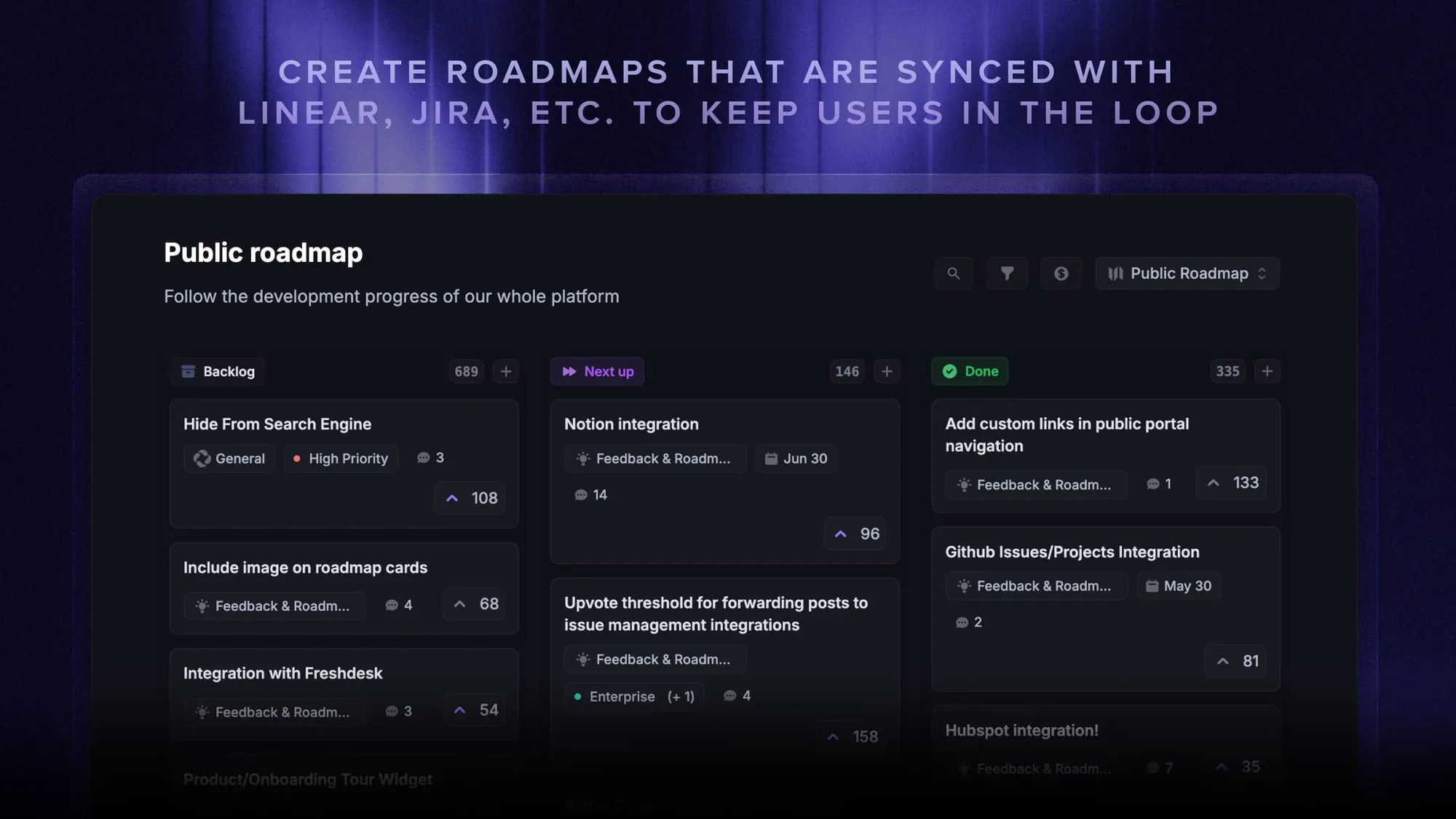
Featurebase is a modern feedback and roadmapping platform that helps product and game teams collect feedback, prioritize features, build roadmaps, and announce updates, all in one place. It's loved by thousands of product teams from companies like Lovable, Raycast, and n8n. 💫
Top features:
- Roadmaps – Create internal & public product roadmaps to keep players informed and build engagement
- Feedback forum – Public feedback forum where players can submit ideas and vote on features, helping you know what they want
- Prioritize by revenue – Link feedback with customer revenue, company size, and more to understand the impact of each idea
- AI feedback categorization - Automatically group large volumes of feedback into product areas, projects, or themes with AI
- Automated email updates – Automatically notify players when their requested features are implemented
- In-app widgets – Embed feedback, changelog, and help center widgets directly in your game or site
- Product updates – Publish release notes with a changelog page, in-app widget, and emails
- Surveys (NPS, CSAT, etc) – Create targeted surveys to ask players anything and measure satisfaction
- Integrations – Connects with Slack, Linear, Jira, HubSpot, and more
Pricing: Free plan available with unlimited feedback collection. Paid plans start at $29/seat/mo.
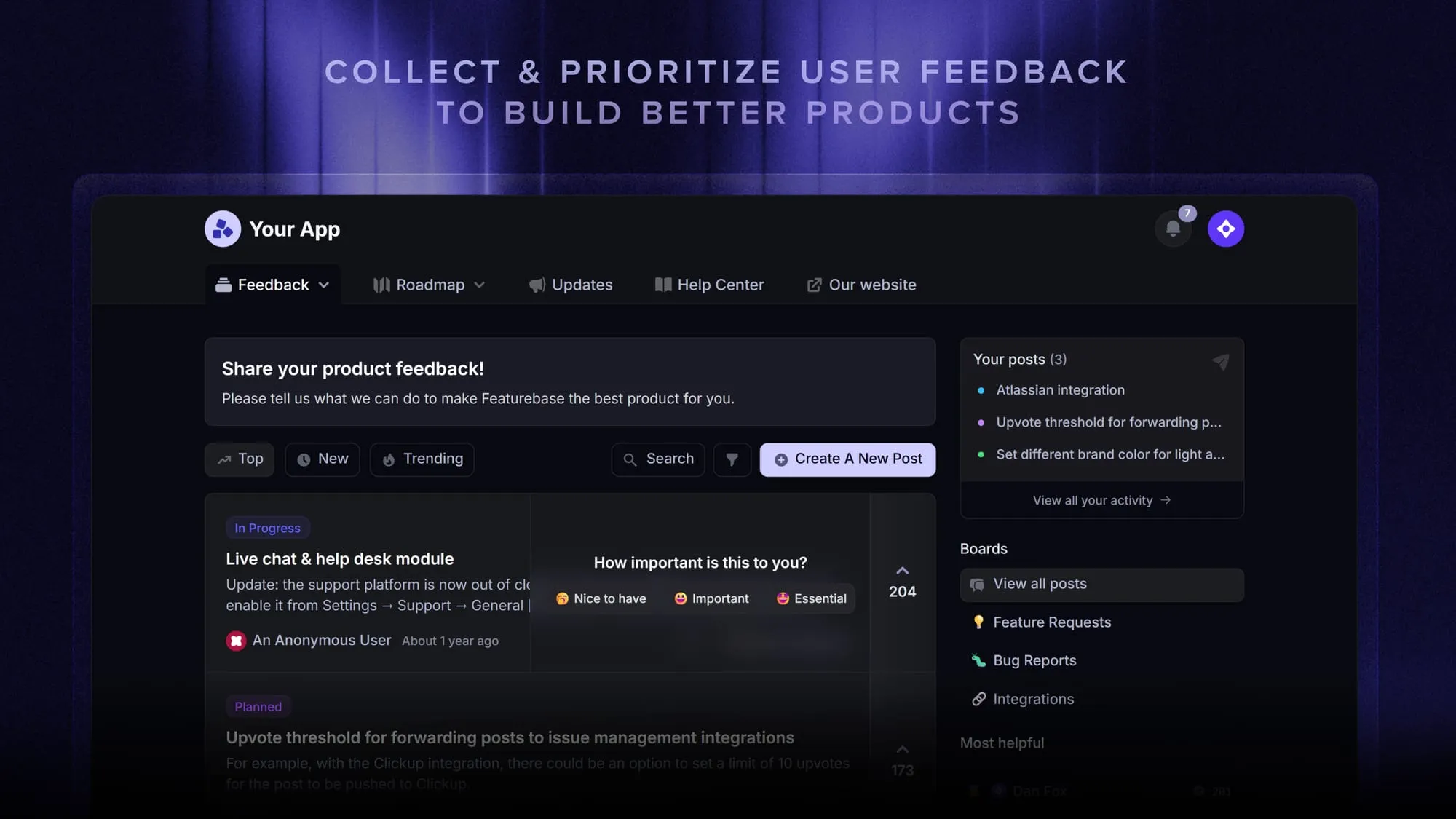
Think of it as the living companion to your GDD: the document sets the direction, and the roadmap turns that direction into internal and public plans you can update as the game evolves.
Conclusion
A game design document isn't busywork or a relic of the AAA past. At its core it's a communication tool, a way to get the game out of your head and into a form your team, your collaborators, or your future self can actually build from. Keep it lean, keep it current, and let your prototype stay the final word on what works.
Start with a single page, grow it as your game proves itself, and don't be precious about changing it. The best GDD is the one people actually open.
A GDD captures the plan, but plans change, so the plan needs somewhere to live and evolve. Featurebase turns your GDD's direction into internal and public roadmaps, then keeps them current as you gather feedback and prioritize what matters, so you always know what to build next.
There's a free plan to get started, so there's no downside to trying it. 👇
Create internal & public roadmaps with Featurebase for free
FAQs
As long as it needs to be to prevent confusion, and no longer. Many teams start with a one-page GDD in pre-production and add detail only as the game proves itself in prototypes. A short document people read and update beats a comprehensive one nobody opens.
Not strictly, but even a lightweight one helps. For a solo developer a GDD is a place to store decisions so you stop second-guessing them, and it keeps scope under control. It also protects future-you from forgetting why you made a choice months earlier.
Teams use "game bible" in different ways, but it usually refers to the narrative bible, the lore, characters, and tone of the world, or a broader umbrella that also includes brand and art guidelines. A game design document is narrower and more practical, focused on gameplay, systems, content, and rules.
Usually the game designer or design lead owns it, but the best GDDs are collaborative. Artists, engineers, writers, and audio leads all contribute the detail only they know, which makes the document useful to the whole team rather than one person's wish list.
A GDD describes what the game is and why, covering the design intent, mechanics, and content. A technical design document (TDD) describes how it gets built, covering architecture, systems implementation, and engineering decisions. Engineers typically derive the TDD from the GDD.
Anything your team will actually keep updated works, from a Google Doc or Notion page to a dedicated wiki or a card-based project management tool. The traits to look for are easy editing, good search, and permissions, so the document stays findable and current as your game changes.