Blog Customer ServiceBest AI Chatbots for Customer Support in 2026
Best AI Chatbots for Customer Support in 2026
The 8 best AI chatbots for customer support in 2026, ranked on resolution quality, real pricing, and how cleanly they fit your support stack.



✨ Automate your support with the fastest AI-enhanced Inbox today →
Search "best AI chatbot" and you'll mostly get ChatGPT, Claude, and Gemini. Great tools, but useless if what you actually need is a bot that answers your customers and clears your support queue.
A support AI chatbot is a different category. Pick the wrong one and you'll either get a meter that bills you for every answer (even the unhelpful ones) or a bot that confidently tells customers the wrong thing.
This guide ranks the 8 best AI chatbots for customer support in 2026, on resolution quality and the pricing you'll actually pay. 👇
Key takeaways:
| Tool | Best for | Starting price | AI pricing | Free plan |
|---|---|---|---|---|
| ✨Featurebase | Fast-growing SaaS that want AI support and feedback in one | $29/seat/mo | $0.49 per resolution | Yes, unlimited conversations |
| Chatbase | Ecommerce, omnichannel, and enterprise AI customer support | $32/seat/mo | Fixed monthly pricing with message credits | Yes |
| Intercom | Teams wanting a mature all-in-one with a strong AI agent | $19/seat/mo billed annually ($29 monthly) | $0.99 per Fin outcome | Trial only |
| Zendesk | Large enterprise support orgs | ~$55/agent/mo | $1.50–$2 per resolution + add-on | Trial only |
| YourGPT | Teams that need omnichannel AI agents and workflow automation | $39/mo | Fixed monthly pricing / AI credits | No |
| Tidio | SMBs and small ecommerce sites | $29/mo | Lyro from $39/mo | Yes, limited |
| Gorgias | Shopify and ecommerce stores | $10/mo | $0.90 per resolution | Trial only |
| Ada | Enterprises that want automation-first CX | Custom | ~$1–$3.50 per resolution | No |
| Freshchat | Multichannel messaging on a budget | $19/agent/mo | 500 sessions, then $100 per 1,000 | Yes, limited |
| HubSpot | Teams already running HubSpot CRM | $15/seat/mo | $0.50 per resolution | Yes, limited |
What is an AI chatbot?
An AI chatbot is software that uses natural language processing and large language models to understand what a customer is asking and answer it in plain language, without a human agent. For support, it pulls answers from your help center and past conversations, resolves common questions instantly, and hands off to a person when things get complex.
That's the key difference from the older chatbots you've probably used:
- Rule-based chatbots follow scripted decision trees - the customer picks from preset buttons, and the bot can only respond to flows you built by hand. Go off-script and it breaks.
- AI chatbots read free-text questions, understand intent, and generate an answer on the fly from your knowledge base. No rigid menu required.
This shift matters because the technology is moving fast. Gartner predicts that agentic AI will autonomously resolve 80% of common customer service issues by 2029, and 85% of customer service leaders were set to explore or pilot a customer-facing conversational GenAI solution in 2025. A good AI chatbot is how you get ahead of that curve without hiring a bigger team.
If you want to see how this plays out in practice, we've collected real chatbot examples elsewhere on the blog.
What to look for in an AI chatbot for support
Not all support chatbots are built the same. These are the 5 things that actually separate a good one from an expensive headache:
- Resolution quality: The whole point is to close tickets correctly, not just reply. Look for a bot that learns from your real help content and conversations, and that knows when to hand off instead of guessing. This is where something like Featurebase's Fibi AI Agent stands out - it resolves questions on autopilot using full context from your help center, feedback boards, and changelog, then passes the conversation to a human with that context intact.
- Pricing model: Most support bots now charge per resolution, and the rate ranges wildly (from $0.29 to $3.50+). Watch for minimums, add-on fees, and "resolutions" that get billed even when the answer didn't help.
- Integrations: The bot should plug into the tools you already run - your help center, CRM, Slack, and issue tracker - so it can pull context and trigger real actions.
- Channel coverage: Live chat is table stakes. Check whether the same bot also covers email, in-app messaging, and social so you're not buying a separate tool per channel.
- Analytics and handoff: You need to see deflection rate, resolution rate, and where the bot fails, plus a clean handoff to human agents with the full thread.
Get these right and the rest is mostly brand preference. Here are the 8 tools that do it best.
The 8 best AI chatbots for customer support in 2026
1. Featurebase✨
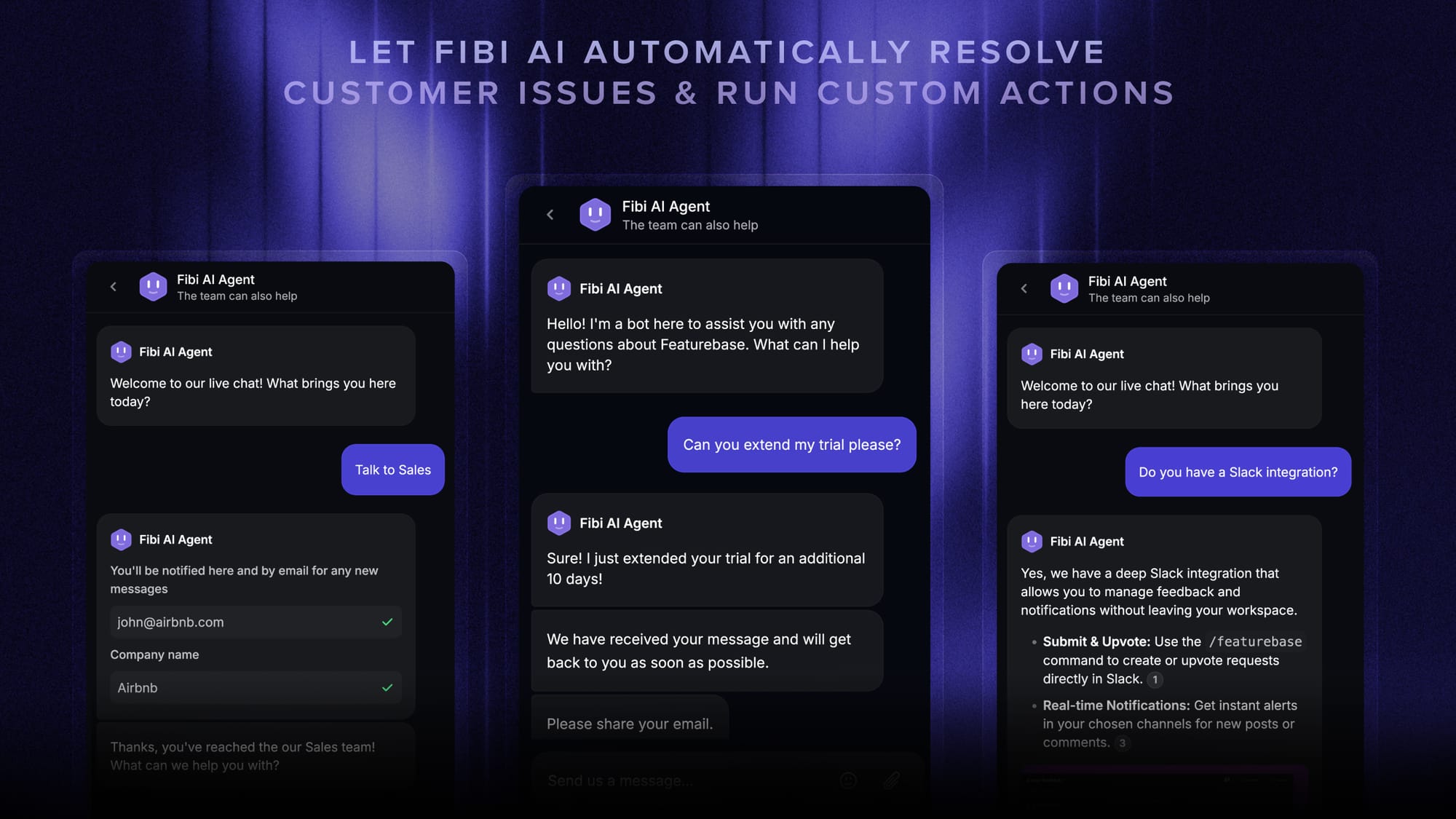
Featurebase is a newer AI support platform built for product-led SaaS teams. Its Fibi AI Agent answers customer questions from your help center and resolves them on its own, and the support inbox sits in the same workspace as your feedback boards, roadmap, and changelog - so the bot has product context most standalone tools don't.
Best for: Fast-growing SaaS teams that want AI support and customer feedback in one tool.
Key features:
- Fibi AI Agent that resolves tickets and runs actions like trial extensions or refunds
- Omnichannel inbox across live chat, email, and Slack
- Help center with AI search and automatic translations
- AI Copilot that drafts agent replies from your internal knowledge
- Built-in feedback, roadmap, and changelog tools
Pricing: Free plan with unlimited conversations. Paid plans start at $29/seat/month, with the Fibi AI Agent billed at $0.29 per resolution.

The clearest reason to consider Featurebase is cost: $0.29 per resolution is the lowest AI meter on this list, well under Intercom or Zendesk. The trade-off is maturity - it's a younger product than the enterprise suites below, so very large support orgs with complex routing needs may find those more battle-tested. For SaaS teams that want modern AI support without a per-answer bill that balloons, it's a strong fit.
✨ Automate your support with the fastest AI-enhanced Inbox today →
2. Chatbase
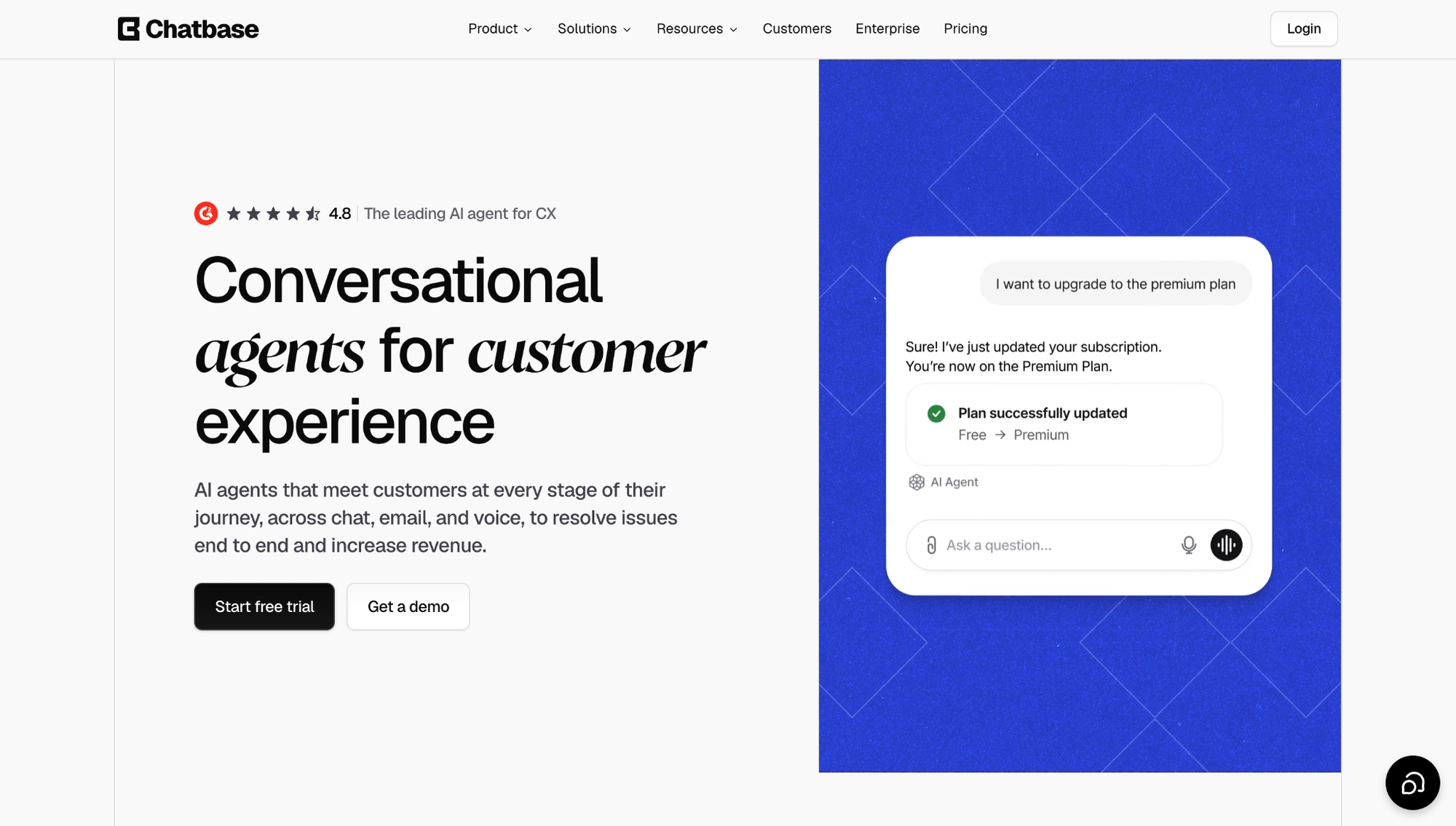
Chatbase helps ecommerce, omnichannel, and enterprise teams build customer-facing AI agents for customer support, sales, and order-related workflows. It trains on websites, help centers, documents, support tickets, and business data, then uses that knowledge to answer customer questions, qualify leads, collect details, trigger approved workflows, and route complex conversations to the right team.
Best for: Ecommerce, SaaS, and enterprise teams that want omnichannel AI support across chat, email, WhatsApp, Messenger, Instagram DM, Slack, voice, and human handoff.
Key features:
- AI agents trained on websites, help centers, files, support tickets, and internal knowledge
- Omnichannel deployment across website chat, email, WhatsApp, Facebook Messenger, Instagram DM, Slack, and voice
- Built-in Help Desk for reviewing, assigning, tracking, and taking over conversations
- Actions and Procedures for lead qualification, routing, order lookup, approved workflows, and repeatable support processes
- Shopify workflows for product questions, recommendations, cart actions, order status, billing updates, and order views
- Outbound WhatsApp campaigns for proactive updates, reminders, promotions, and follow-ups using approved templates
- Enterprise controls including SSO, RBAC, audit logs, SOC 2 Type II, GDPR, and HIPAA-compliant Enterprise environments after required setup
Pricing: Free plan available. Paid plans start at $32/month when billed annually, with Enterprise plans available for higher limits, advanced controls, and custom requirements.
Chatbase is strongest when support has to run across more than a website widget. It brings AI agents, Help Desk, human handoff, Actions, Shopify workflows, outbound WhatsApp, voice, and enterprise controls into one platform. The trade-off is setup: teams need clean support content, tested workflows, and clear escalation rules to get strong resolution quality.
3. Intercom
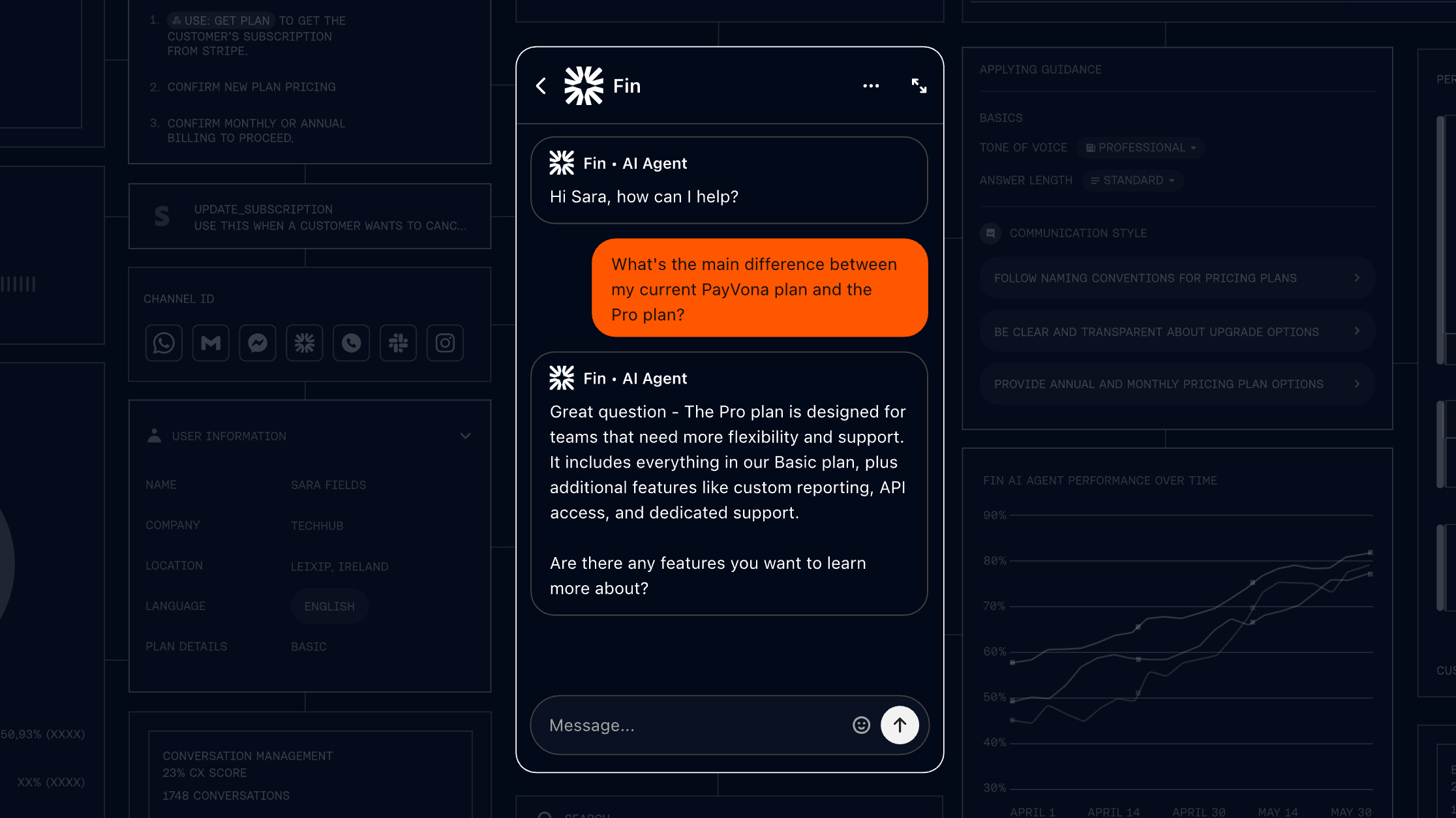
Intercom is one of the best-known customer messaging platforms, and its Fin AI Agent is one of the most mature AI support bots on the market. It answers customer questions from your help center, resolves a high share of tickets on its own, and lives right inside the Intercom inbox your agents already use.
Best for: Teams that want a polished, all-in-one support suite and are willing to pay for it.
Key features:
- Fin AI Agent that resolves tickets from your existing help content
- Omnichannel inbox across chat, email, and social
- Strong reporting and workflow automation
- Large integration marketplace
Pricing: Essential starts at $19/seat/month billed annually ($29 billed monthly), and Intercom's pricing adds $0.99 per Fin outcome. Advanced costs $85/seat/month and Expert costs $132/seat/month, billed annually. Fin on a supported existing helpdesk requires no Intercom seats; a minimum monthly commitment applies.
Fin earns its reputation - G2 reviewers consistently praise how fast it sets up and how accurately it answers from a good knowledge base, with deflection rates often cited in the 50-80% range. The recurring complaint is cost: at $0.99 per support outcome at the standard rate, your best months are also your most expensive, and reviewers note bills can climb fast at scale. Smaller teams also feel the higher seat tiers.
4. Zendesk
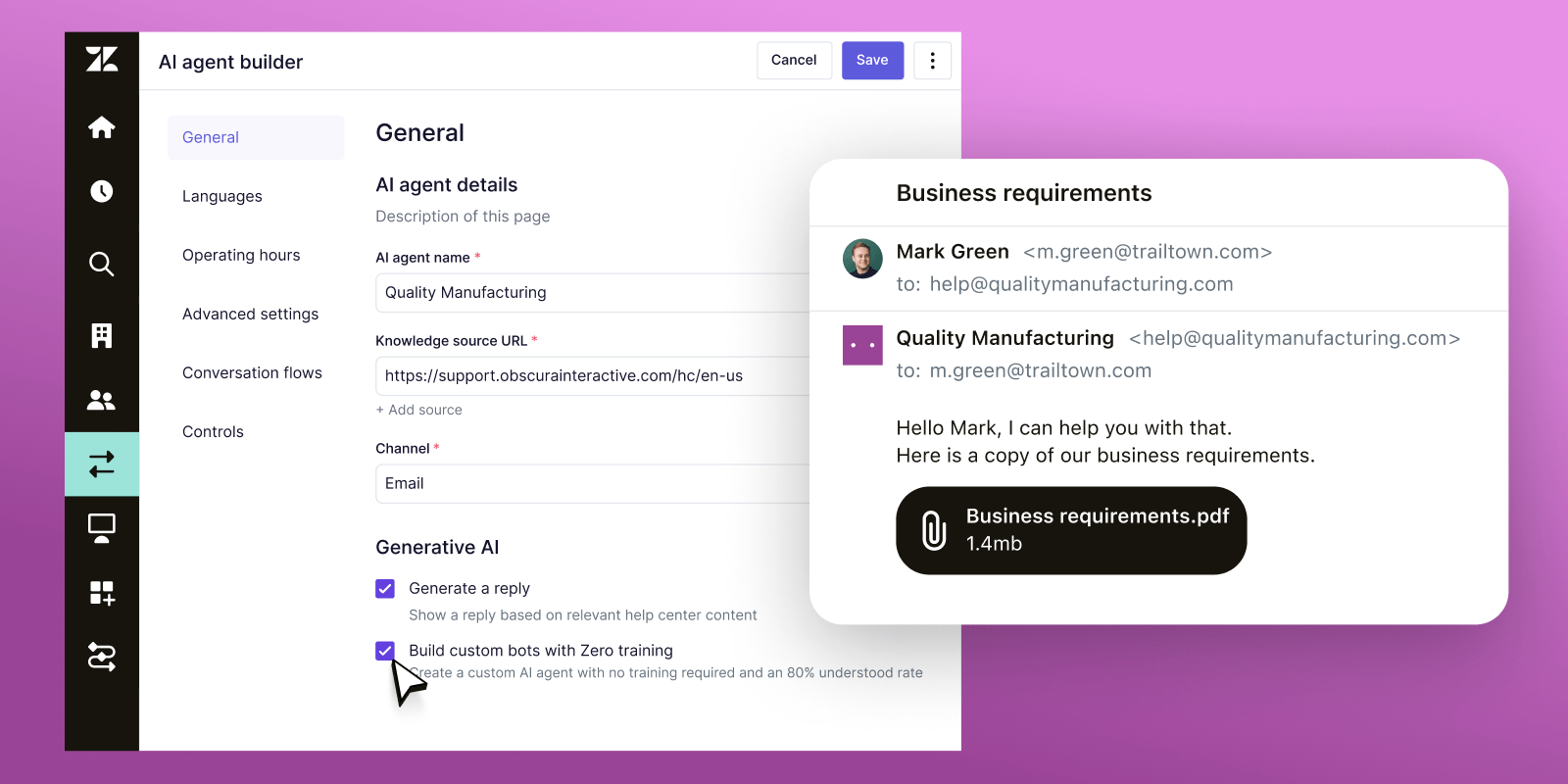
Zendesk is the enterprise standard for support, and its AI agents bolt onto that mature ticketing core. If you're a large org with complex routing, SLAs, and a big agent headcount, it's built for your scale.
Best for: Large enterprise support teams that need depth and are already on Zendesk.
Key features:
- AI agents that resolve tickets autonomously
- Deep ticketing, routing, and SLA management
- Intelligent triage and agent copilot
- Extensive app marketplace and reporting
Pricing: Suite plans start around $55/agent/month, with AI agents billed at roughly $1.50-$2 per automated resolution, plus a $50/agent/month Advanced AI add-on.
Zendesk's strength is also its weakness. Reviewers value the platform's maturity but flag setup as burdensome and technical, and the per-resolution meter draws steady criticism - especially a January 2026 change that auto-bills overages above your committed volume without warning. Zendesk's own forums also carry complaints about the AI confidently serving incorrect or outdated answers, so the knowledge base needs real upkeep.
5. YourGPT
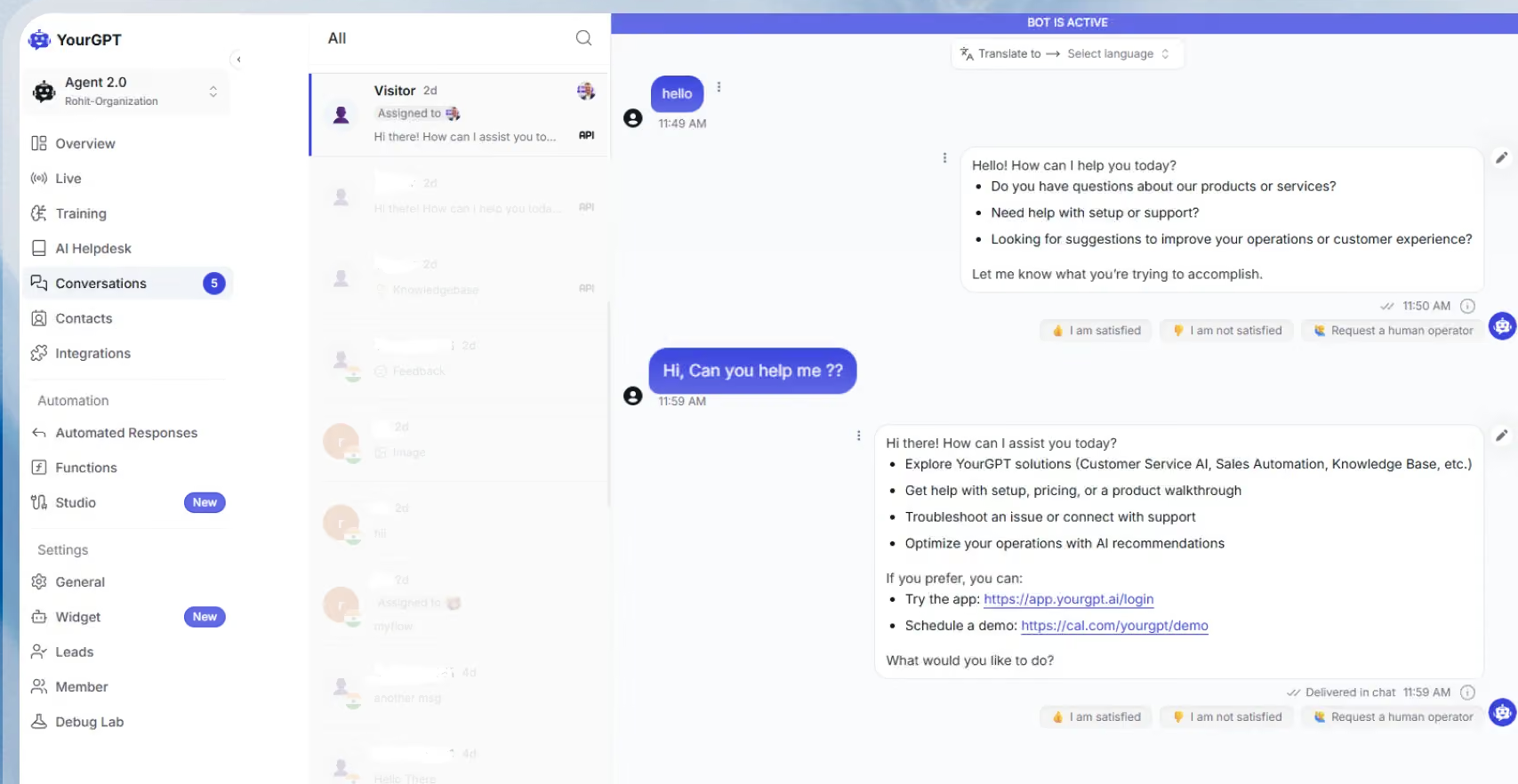
YourGPT is a no-code AI Agent platform for customer support, sales, and operations automation. It deploys self-learning AI agents across 100+ channels simultaneously, resolves up to 90% of repetitive queries autonomously, and takes real business actions like processing refunds, creating tickets, and updating CRMs. Unlike traditional chatbots that only respond, YourGPT agents execute workflows and improve automatically from every conversation.
Best for: Growing SaaS, e-commerce, and mid-market teams managing customer conversations across multiple channels that need genuine AI automation taking real business actions, not just chat responses.
Key features:
- Self-learning AI agents that improve automatically from conversations without manual retraining
- Omnichannel deployment across WhatsApp, Instagram, Slack, Discord, Telegram, email, web, and phone with real-time synchronization
- Multi-agent systems for specialized handling across billing, refunds, technical support, and sales
- No-code builder for simple workflows, AI Studio for complex multi-step automation
- Agents execute real business actions: process refunds, create tickets, update CRMs, book meetings
- 100+ language support for global customer support
Pricing: Plans start at $39/month for the Essential plan with 2 agents and 10M AI credits. Professional is $129/month with AI Studio access, and Advanced is $499/month with custom branding. Unlike per-resolution pricing models, YourGPT charges a fixed monthly fee regardless of query volume.
YourGPT's strength lies in its depth of automation, and its agents handle complex multi-step workflows that traditional chatbots can't manage. While G2 reviewers note strong resolution rates and genuine workflow execution beyond chat. The catch: it requires more upfront setup and knowledge base investment than simpler drag-and-drop builders. For teams ready to configure properly, the payoff is substantial automation that scales without per-resolution fees.
6. Tidio
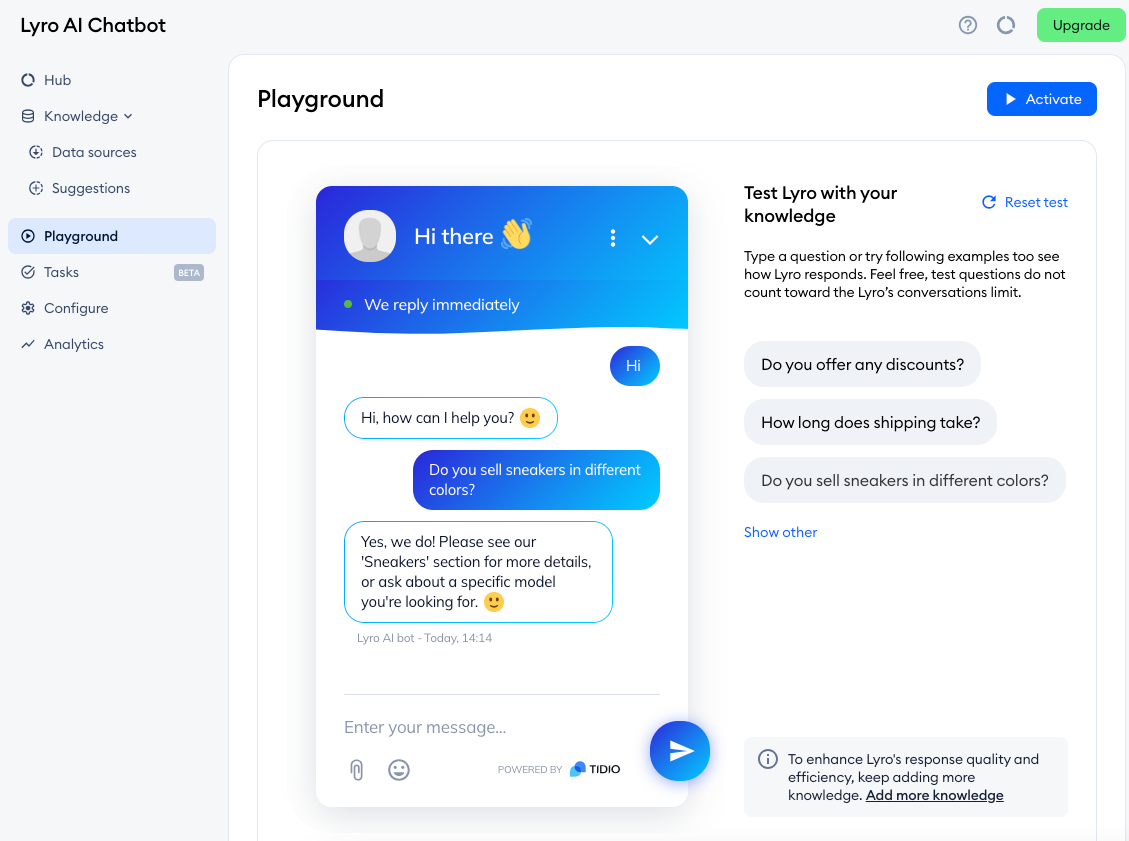
Tidio is a popular live chat and chatbot tool aimed at small businesses and ecommerce sites. Its Lyro AI agent (powered by Anthropic's Claude) handles customer questions, and the whole thing is genuinely fast to install.
Best for: SMBs and small online stores that want a quick, affordable setup.
Key features:
- Lyro AI agent with multilingual support
- Live chat, chatbot flows, and a helpdesk
- One-click WordPress and Shopify install
- Genuine free tier to start
Pricing: Paid base plans start at $29/month, but Lyro AI is a separate add-on starting around $39/month for a set number of conversations.
Tidio's appeal is speed - G2 reviewers report going from signup to a live bot in about 20 minutes, and Lyro's resolution quality gets good marks. The friction is pricing structure: Lyro is billed separately from your base plan, the free tier's AI is a one-time allowance rather than monthly, and there's a steep jump from the mid plan to the top tier with little in between. Read the meter carefully before you commit.
7. Gorgias
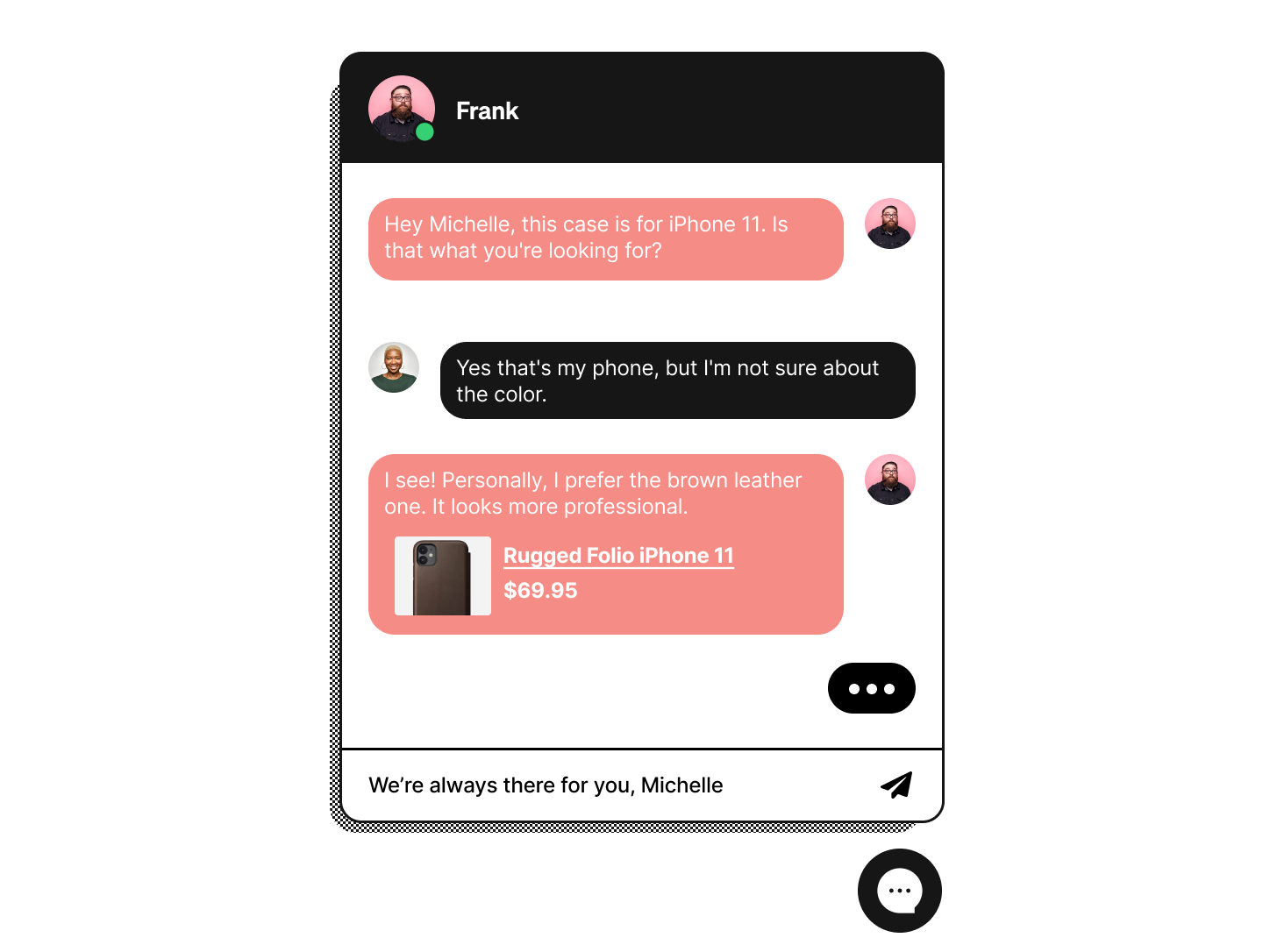
Gorgias is the ecommerce specialist. It's built around Shopify and the rest of the online-store stack, and its Automate AI agent resolves support tickets while nudging shoppers toward a purchase.
Best for: Shopify and ecommerce stores that want support and revenue in one bot.
Key features:
- Deep Shopify, BigCommerce, and Magento integrations
- AI agent tuned for order, shipping, and returns questions
- Unified inbox across chat, email, and social
- Revenue tracking tied to support conversations
Pricing: Plans start at $10/month, with Automate AI agents charged at $0.90 per resolution on top of your ticket allowance.
For higher-AOV stores, Gorgias reviewers report real ROI, and the Shopify integration is best-in-class. The catch is the billing model: an automated resolution can incur a per-resolution fee on top of the standard ticket charge, and bills can spike sharply during high-volume periods like Black Friday if you blow past your plan's allocation. Small stores running heavy automation may find it pricier than it first looks.
8. Ada
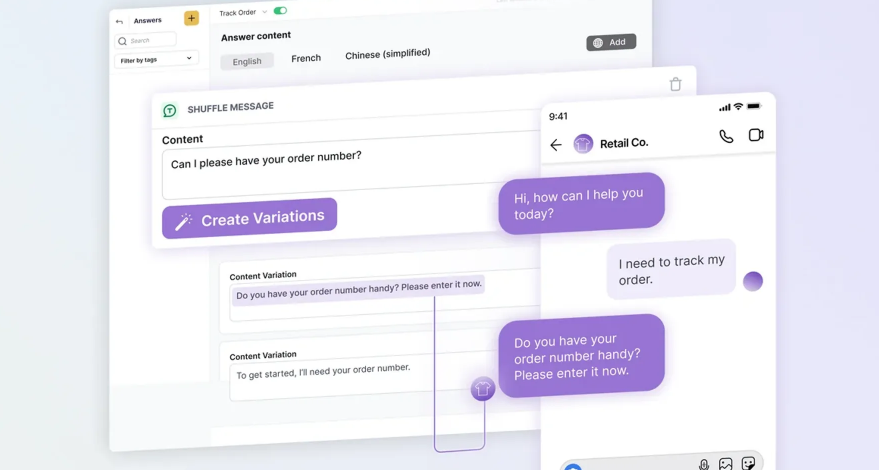
Ada is an automation-first AI platform aimed at enterprises with very high ticket volume. It's designed to resolve a large share of conversations with minimal human involvement across chat, email, and voice.
Best for: Enterprises that want a dedicated, automation-heavy CX platform.
Key features:
- High-volume autonomous resolution
- Fast knowledge sync from Zendesk, Freshdesk, and more
- Multilingual support across channels
- Coaching tools to refine bot behavior
Pricing: Custom enterprise pricing only (reported starting around $30,000/year), with per-resolution costs roughly $1-$3.50. See our full Ada CX review for the details.
Ada scores well with G2 reviewers for ease of use and fast knowledge sync, and it handles repetitive volume effectively. But pricing opacity is a real friction point, full deployment is often an 8-16 week project despite the no-code marketing, and end-user ratings on Trustpilot are notably lower, with complaints about context loss between turns and trouble reaching a human. It's an enterprise commitment, not a quick win.
9. Freshchat
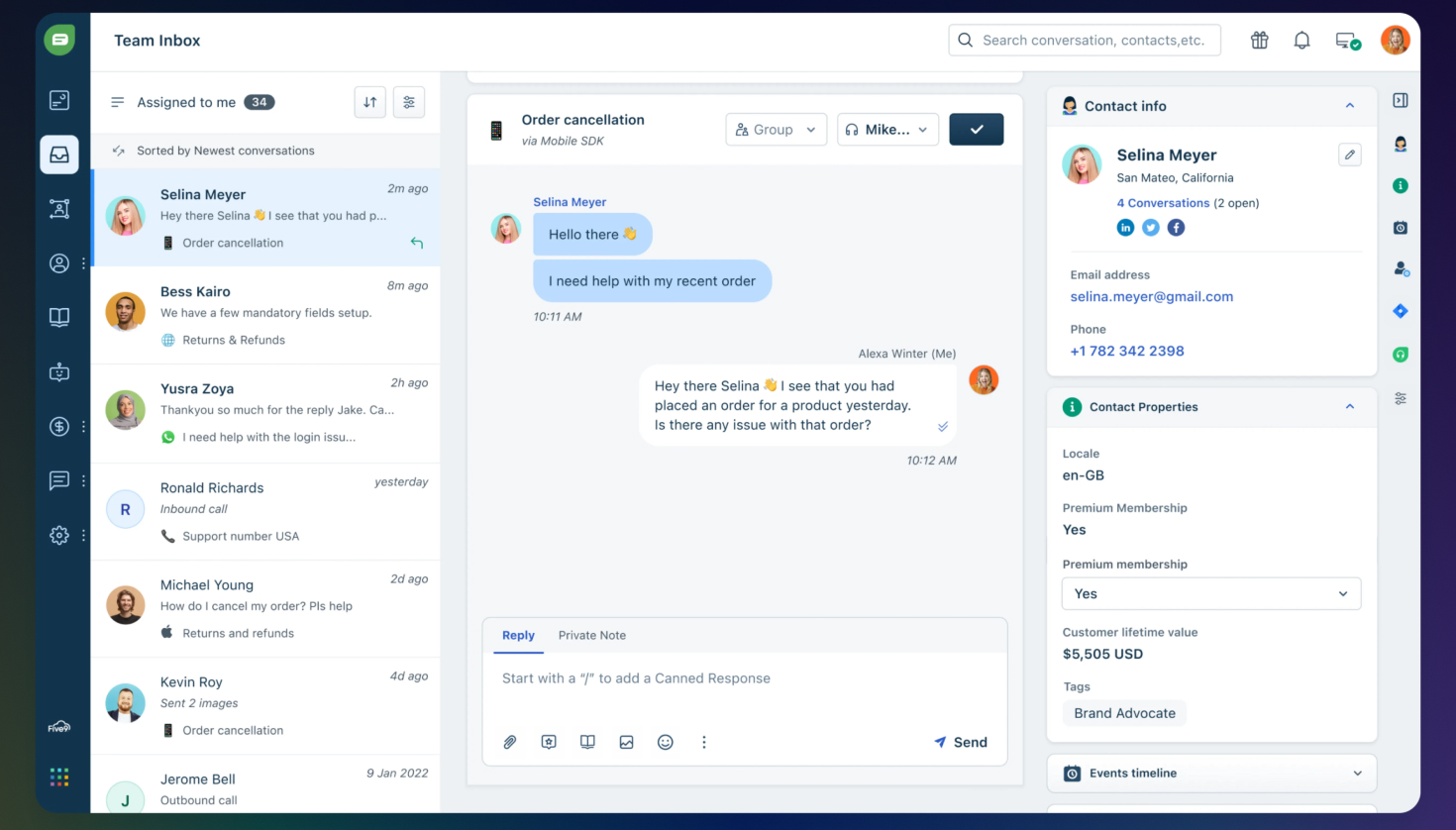
Freshchat (part of the Freshworks suite) pairs a clean multichannel inbox with the Freddy AI agent. It's a solid middle-ground option for teams that want modern messaging without enterprise pricing.
Best for: Teams that need multichannel messaging on a tighter budget.
Key features:
- Freddy AI agent for routine questions
- Unified inbox across chat, email, and social
- Clean, intuitive interface
- Part of the broader Freshworks ecosystem
Pricing: Plans start at $19/agent/month (Growth), which includes 500 Freddy AI sessions, and extra sessions cost about $100 per 1,000.
Freshchat's interface and multichannel management get strong marks from G2 reviewers, and teams report meaningful ticket reductions. The trade-offs are session-based AI billing that's hard to budget when volume spikes, analytics that feel basic next to competitors, and useful features (like the agent copilot and multilingual support) gated behind higher tiers or extra fees.
10. HubSpot
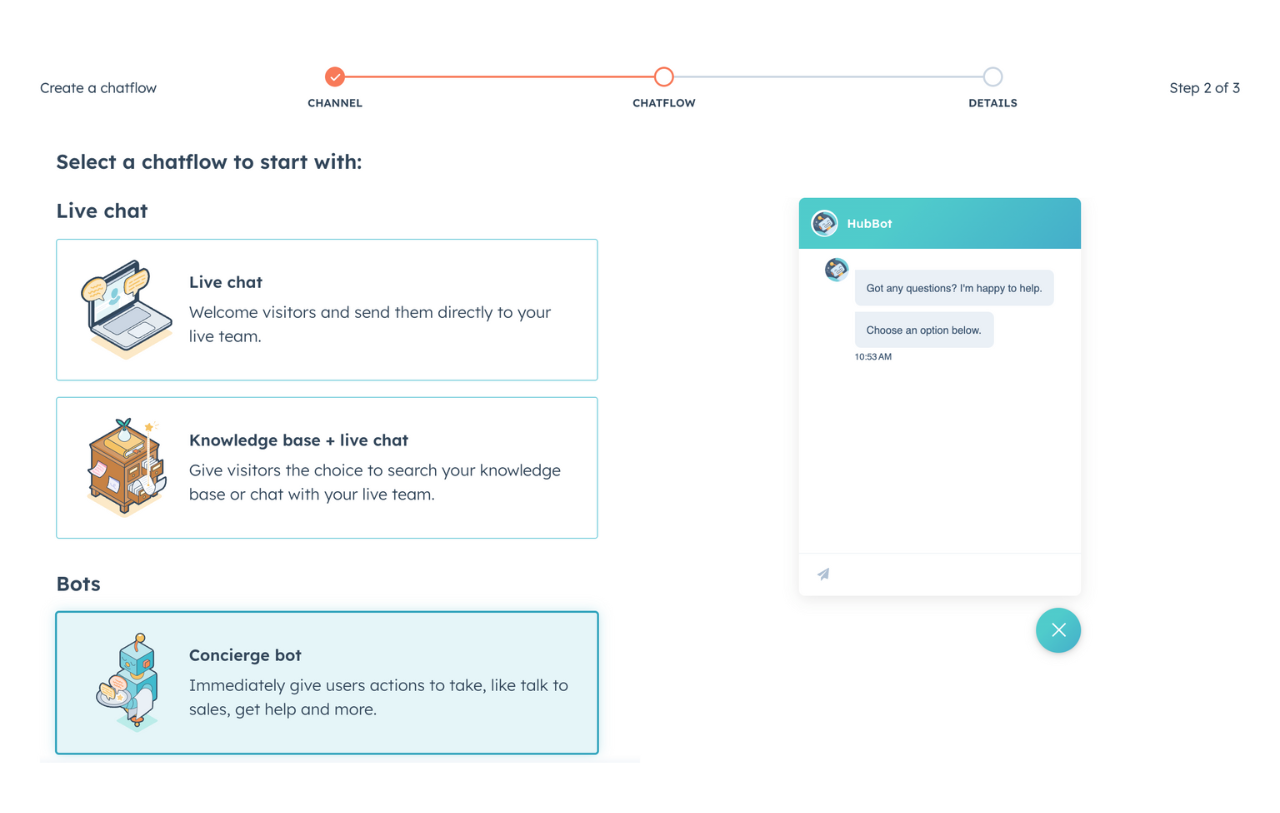
HubSpot's Service Hub includes a free rule-based chatbot builder plus the newer Breeze Customer Agent, an AI bot that resolves inquiries automatically. Its real edge is the CRM: every conversation writes straight to the contact record.
Best for: Teams already running HubSpot as their CRM.
Key features:
- Breeze Customer Agent for automated resolutions
- Native HubSpot CRM and contact-timeline sync
- Free chatbot builder on starter tiers
- Shared inbox and ticketing
Pricing: Service Hub starts around $15/seat/month, with the Breeze Customer Agent billed at $0.50 per resolved conversation. The Professional tier is $90/seat/month.
If your team lives in HubSpot, Breeze is hard to beat - the contact-timeline sync is something standalone bots can't match, and it's cost-effective if you're already paying for HubSpot. The downsides reviewers raise: you can't give the bot custom instructions to steer its behavior, the per-resolution charge can trigger even when the answer wasn't actually helpful, and Breeze loses its advantage the moment your data lives outside HubSpot.
Conclusion
The "best AI chatbot" for customer support isn't the one with the flashiest demo - it's the one that resolves your tickets accurately and doesn't punish you with an unpredictable bill. Enterprise teams may want Zendesk or Ada, ecommerce stores lean toward Gorgias or Tidio, and HubSpot shops should look at Breeze.
But if you're a fast-growing SaaS team, Featurebase brings AI-powered support, a help center, and customer feedback into one modern platform. The Fibi AI Agent resolves questions on autopilot with full context from your help center and product, and at $0.29 per resolution, it's the most affordable AI meter on this list.
It comes with a Free plan that includes unlimited conversations, and the onboarding is quick with no credit card required, so there's no downside to trying it. 👇
✨ Automate your support with the fastest AI-enhanced Inbox today →

FAQs
What is the best AI chatbot for customer service?
There's no single winner - it depends on your size and stack. Enterprises with high volume tend to choose Zendesk or Ada, ecommerce stores favor Gorgias, and HubSpot users get the most from Breeze. For fast-growing SaaS teams that want AI support, a help center, and feedback in one place, Featurebase is a strong pick, and its $0.29 per-resolution rate is the cheapest on this list.
What's the best free AI chatbot for a business website?
A handful of tools offer real free tiers with AI included, rather than just a free trial. Featurebase has a free plan with unlimited conversations, Tidio and HubSpot offer free chatbot builders, and Freshchat has a limited free tier. Watch the fine print - some "free" AI allowances are one-time credits rather than a monthly amount.
How much does an AI chatbot cost?
Most support chatbots use two layers: a per-seat (or per-agent) subscription, plus a per-resolution charge for the AI. Subscriptions typically run $15-$55 per seat per month, and per-resolution rates range from $0.29 to $3.50 or more. Enterprise tools like Ada use custom contracts, so total cost depends heavily on your monthly ticket volume.
What's the difference between a rule-based chatbot and an AI chatbot?
A rule-based chatbot follows scripted decision trees, so it can only respond to the flows and buttons you build by hand. An AI chatbot uses natural language processing and large language models to understand free-text questions and generate answers from your knowledge base, even for questions you never explicitly scripted. AI chatbots handle the messy, real-world phrasing customers actually use.
Can AI chatbots integrate with my existing help desk and tools?
Yes. Most modern AI chatbots connect to your help center, CRM, Slack, and issue trackers so they can pull context and trigger actions like refunds or trial extensions. The depth varies, though - some offer one-click setup with major platforms, while enterprise tools may need a longer integration project. Check that your specific stack is supported before you buy.
Are AI chatbot answers accurate, or do they make mistakes?
AI chatbots can make mistakes, usually when their knowledge base is thin or outdated, which can lead to confident but wrong answers. Accuracy depends on the quality of the content you connect and the guardrails the tool offers. The best ones cite their sources, recognize when they're unsure, and hand off to a human agent rather than guessing.