Blog Customer ServiceLive Chat Etiquette: 12 Rules for Better Support
Live Chat Etiquette: 12 Rules for Better Support
Live chat etiquette is the difference between a happy customer and a lost one. Here are 12 simple rules to make every support chat fast, friendly, and on-brand.



✨ Automate your support with the fastest AI-enhanced Inbox today →
One cold or rushed reply on live chat can cost you a customer for good.
And because chat strips away your tone of voice, your timing, and your body language, the small habits matter more here than on almost any other channel. A blunt "no" or a 5-minute silence reads very differently in a chat window than it would face to face.
The good news is that great chat etiquette comes down to a handful of repeatable habits. In this guide, I'll cover what live chat etiquette is, why it matters, and 12 rules your team can use on the very next chat. 👇
Key takeaways:
- Live chat etiquette is a set of expected behaviors: it covers how agents greet, write, and respond so every conversation feels professional and human.
- Speed sets the tone: customers expect near-instant replies on chat, so fast first responses and clear status updates are non-negotiable.
- Tone does the heavy lifting: without voice or facial cues, your grammar, word choice, and warmth carry the entire experience.
- Empathy and honesty build trust: leading with understanding and following through on promises matters more than a perfect answer.
- Canned responses help, but only when personalized: scripted replies speed things up, but robotic copy-paste is a fast way to frustrate people.
- A good tool makes etiquette easier: Featurebase✨ combines live chat, email, and Slack in one AI-powered inbox so agents can stay fast and personal at the same time.
What is live chat etiquette?
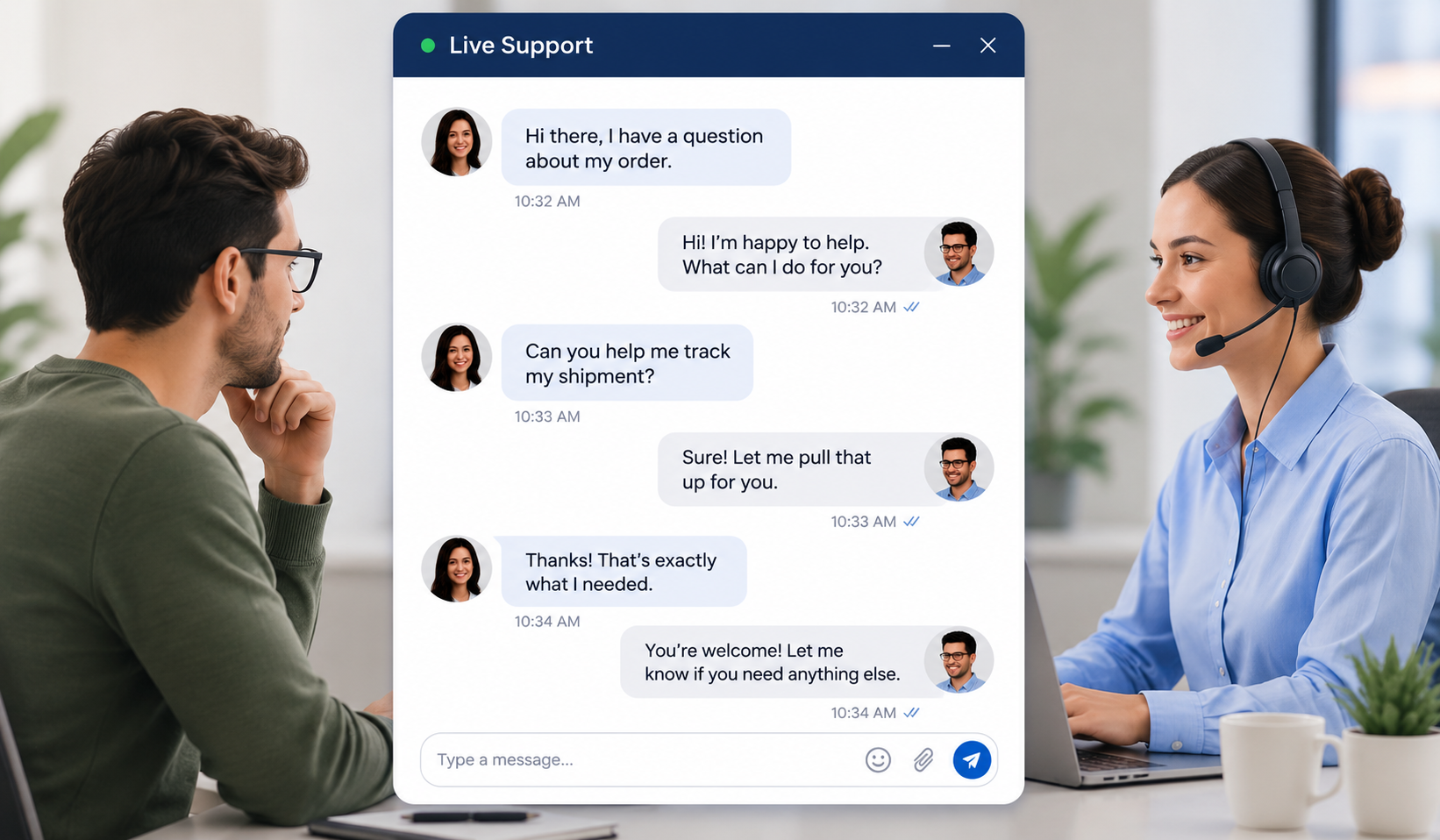
Live chat etiquette is the set of expected behaviors and manners agents follow when helping customers over chat. It covers how you greet someone, the tone and language you use, how quickly you respond, and how you close the conversation.
Think of it as the unwritten social contract of a support chat. Customers can't see your face or hear your voice, so they judge the entire interaction on your words and your response time.
It's worth separating etiquette from best practices, because the two often get mixed up. Etiquette is about how you behave in the conversation, like being polite, patient, and clear. Best practices are the operational tactics around it, like routing rules, staffing, and chatbots. This guide is about the etiquette: the human habits that make a chat feel good.
Why live chat etiquette matters
Poor chat etiquette has a direct cost. A rude, slow, or confusing chat leads to frustrated customers, a dented brand reputation, and lost sales. A warm, fast, helpful one does the opposite.
Live chat is often the first real conversation a customer has with your brand, so it shapes their impression fast. Get it right and you build loyalty. Get it wrong and you hand them a reason to leave.
There's also a financial upside to friendliness. PwC found that 42% of consumers would pay more for a friendly, welcoming experience, which makes good etiquette a revenue lever, not just a nicety.
12 live chat etiquette rules every agent should follow
Here are the 12 rules that keep every chat fast, warm, and on-brand. None of them are complicated, but applying them consistently is what separates good support from great support.
1. Respond fast and set clear expectations
Speed is the whole promise of live chat. Customers pick it precisely because they expect a near-instant answer, and Comm100's live chat benchmark report, which analyzed tens of millions of chats, found the average wait for a first reply was around 23 seconds.
If you can't solve something right away, say so. A quick "Give me a moment to look into this" is far better than silence. When an issue will take longer, set a clear expectation and offer to follow up by email.
2. Open with a warm, proper greeting
A good greeting puts the customer at ease and adds a personal touch. Introduce yourself, acknowledge their question, and make it clear you're ready to help.
A few greetings that work well:
- Welcome message: "Hi, welcome to [Product]! How can I help today?"
- Acknowledging the issue: "Hey there, happy to help you sort out the login problem."
- Open invitation: "Hi, I'm Sam. What can I do for you?"
If you have the customer's name, use it. If you don't, a friendly gender-neutral greeting is the safe choice.
3. Use correct grammar and spelling
Sloppy spelling and grammar make your whole company look careless. On chat, your writing is your professionalism, so proofread before you hit send.
That doesn't mean you need to be a copy editor. It means catching the obvious typos, avoiding all-caps (which reads as shouting), and keeping shorthand like "brb" out of customer conversations.
4. Keep a professional but human tone
The trick with chat is to sound like a real person without sounding unprofessional. Too formal and you come across as a robot. Too casual and you seem like you don't take the issue seriously.
The simplest fix is to write the way you'd talk. Use contractions like "you're" and "I'm," lean on personal pronouns, and keep slang out unless the customer uses it first. This kind of natural, conversational customer service is what makes chat feel human, so mirror the customer's tone, except when they're upset, where calm and steady always wins.
5. Be friendly and personable
Friendliness isn't fluff. Most customers expect a warm, personable agent, and as noted above, many will pay a premium for it.
A few easy ways to add warmth:
- Address people by name: it instantly makes the conversation feel personal.
- Keep it positive: frame answers around what you can do, not just what you can't.
- Use emojis lightly: a well-placed emoji can soften a message, as long as it matches the customer's tone.
6. Lead with empathy
Empathy is one of the most valuable customer service skills an agent can build. Most people who open a chat are already a little frustrated, so meet them where they are. Acknowledge the problem, show you understand why it's annoying, and make it clear you're on their side.
Empathy also defuses tense moments. Instead of getting defensive with an angry customer, apologize for the inconvenience and focus on fixing the issue. People forgive problems far more easily when they feel heard.
7. Keep it clear and concise
Customers aren't experts on your product, so skip the jargon and explain things simply. Long, dense replies are hard to follow in a fast-moving chat window.
Break complex answers into short, digestible messages and check in as you go. A few habits help here:
- Lead with the answer: put the most important information first.
- Break up long replies: several short messages beat one giant wall of text.
- Confirm understanding: a quick "Does that make sense so far?" keeps everyone aligned.
This is also where the right tooling helps. With Featurebase, an AI Copilot can surface instant, accurate answers from your company knowledge, so agents reply clearly and correctly without digging through docs mid-chat.
8. Stay on topic
Being friendly is great, but never lose sight of the goal: solving the customer's problem. It's easy to let a chat drift into small talk and watch resolution time balloon.
If the conversation wanders, gently steer it back. You can always circle back to a side question once the main issue is handled.
9. Be honest and transparent
Never lie or over-promise to make a customer happy in the moment. It always backfires. If you can't do something, say so, and offer the closest alternative you can.
How you phrase bad news matters as much as the news itself. Compare these two:
- ❌ "Our policy doesn't allow that."
- ✅ "I'm sorry, our current policy doesn't cover that. Let me see what alternative I can offer."
The first shuts the door. The second keeps the customer on your side.
10. Use canned responses mindfully
Canned responses and stock support phrases are a lifesaver for common questions, but customers can smell a copy-paste reply instantly. The goal is speed and a personal touch, not one at the expense of the other.
Tweak each template to fit the specific conversation, and never send a saved reply that doesn't quite match what the customer asked. With Featurebase, AI replies and macros can auto-draft responses in your agent's own tone of voice, so you get the speed of a template without the robotic feel.
11. Keep the customer updated
Silence is one of the fastest ways to lose someone's trust. If you need to research an issue, loop in a colleague, or escalate to another team, tell the customer what's happening.
The same goes when a customer goes quiet. Don't end the chat the moment they stop replying. Give them 2 or 3 chances to respond, a couple of minutes apart, before you close things out. People step away for all kinds of reasons.
12. End on a high note and follow through
Don't bail the second you think the problem is solved. A proper close confirms the customer is actually happy and leaves a good final impression.
A simple ending protocol works well:
- Confirm the fix: ask whether the issue is fully resolved.
- Offer more help: check if there's anything else you can do.
- Sign off warmly: thank them for their time and wish them well.
And whatever you promised during the chat, deliver on it. If you said you'd follow up by email, do it. Following through is how a one-time chat turns into lasting trust.
Common live chat mistakes to avoid
Even strong agents slip into bad habits. Here are the mistakes that quietly erode chat experiences:
- Leaving customers hanging: ignoring or slow-walking replies is the single fastest way to tank satisfaction on a real-time channel.
- Sacrificing accuracy for speed: a fast but wrong answer creates more work later, so balance both and lean on an updated knowledge base.
- Over-relying on scripts: too many canned replies make the chat feel robotic and impersonal.
- Not asking for clarification: guessing at a vague question wastes everyone's time, so ask for details when you need them.
- Using negative or absolute language: framing matters, and a small reword often turns a dead-end reply into a helpful one.
- Forgetting to follow up: dropping a promised follow-up is a quick way to lose hard-earned trust.

Support your live chat agents with an AI-powered chatbot
Automatically resolve 70% of customer requests & cut down manual support loads
Conclusion
Good live chat etiquette comes down to a few simple habits: respond quickly, write clearly, stay honest, and make every customer feel like there’s a real person on the other side. When your team does that consistently, live chat becomes more than a support channel. It becomes a reason customers trust you and stick around.
Featurebase helps support teams keep that standard across every conversation. You get a fast live chat widget, shared inbox, AI-powered replies, macros, a help center, and Fibi AI Agent to handle repetitive questions while your team focuses on the conversations that need a human touch.
It also comes with a Free plan, so you can try the inbox, live chat, help center, and feedback tools without needing a credit card. Setup is quick, and you can start with a simple chat widget before rolling it out across the rest of your support workflow. 👇
✨ Automate your support with the fastest AI-enhanced Inbox today →

Frequently asked questions
Why is live chat etiquette important?
Live chat etiquette shapes how customers perceive your brand in real time. Good etiquette leads to higher customer satisfaction, stronger loyalty, and more sales, while poor etiquette frustrates people and pushes them toward competitors. Because chat is often a customer's first direct conversation with your company, the manners and habits of your agents carry a lot of weight.
How fast should you respond to a live chat?
Aim to send a first response within a minute, and ideally within seconds. Customers choose live chat precisely because they expect near-instant help, and benchmark data on millions of chats puts the average wait for a first reply at well under a minute. If you can't fully solve the issue quickly, at least acknowledge the message right away and set an expectation for when you'll have an answer.
What's the difference between live chat etiquette and best practices?
Etiquette is about how agents behave during a conversation, like being polite, empathetic, clear, and patient. Best practices are the operational tactics that support those conversations, such as routing rules, staffing levels, response-time targets, and chatbots. You need both, but etiquette is the human layer that customers actually feel.
How do you handle an angry customer over live chat?
Stay calm and don't take the frustration personally. Acknowledge the problem, apologize for the inconvenience, and show the customer you're focused on fixing it rather than defending yourself. Leading with empathy defuses most tense situations, and if the customer asks for a manager, transfer the chat rather than resisting.
Are emojis okay in customer support chat?
Yes, used sparingly and in the right moment. A well-placed emoji can warm up a message and soften difficult news, but overdoing it looks unprofessional. The safest approach is to mirror the customer: if they're upbeat and using emojis, a light touch fits, and if they're frustrated, keep things plain and focused.
What's the best software for live chat support?
The best live chat software gives your team one place to manage conversations, fast tools to reply, and AI to handle repetitive questions. Featurebase is a strong option for SaaS teams, combining live chat, email, and Slack in one AI-powered inbox alongside a help center and feedback tools. It offers a Free plan, so you can test whether it fits your team before paying anything.