Chattermill Pricing: Costs, Buying Factors, and Alternatives
Chattermill pricing requires a custom quote. I’ll break down the available cost benchmarks, what to ask sales, and when another feedback tool makes more sense.


On this page
Looking for product feedback tools with public pricing? Explore Featurebase
Chattermill pricing is quote-based, with no public starting price or plan comparison. Getting a usable budget means speaking to sales.
In this guide, I’ll explain what Chattermill does disclose, what third-party contract figures can tell you, and which questions to ask before deciding whether it fits your feedback workflow. 👇
Key takeaways
- No public starting price: Chattermill’s pricing URL leads to a demo form. You’ll need a quote for your requirements.
- No per-user fee: Chattermill says you can add as many users as needed without a per-user charge. The platform subscription still requires a quote.
- Contract averages need context: Vendr displays a $63,500 average contract value. That is third-party purchasing data, not Chattermill’s official price or minimum spend.
- Compare the scope: Get written answers about feedback volume, sources, implementation, and renewal terms before comparing proposals.
- A different workflow may fit better: Featurebase combines product feedback collection, prioritization, roadmaps, and customer updates, with a Free plan and published paid pricing.
How much does Chattermill cost?
Chattermill uses custom pricing and does not publish a dollar price for its current offering. Its pricing URL redirects to a demo request, where buyers provide information about their feedback volume and needs.
For anyone researching Chattermill pricing in 2026, the distinction is straightforward: the official site explains the product, while sales provides the commercial proposal.
Does Chattermill publish pricing plans?
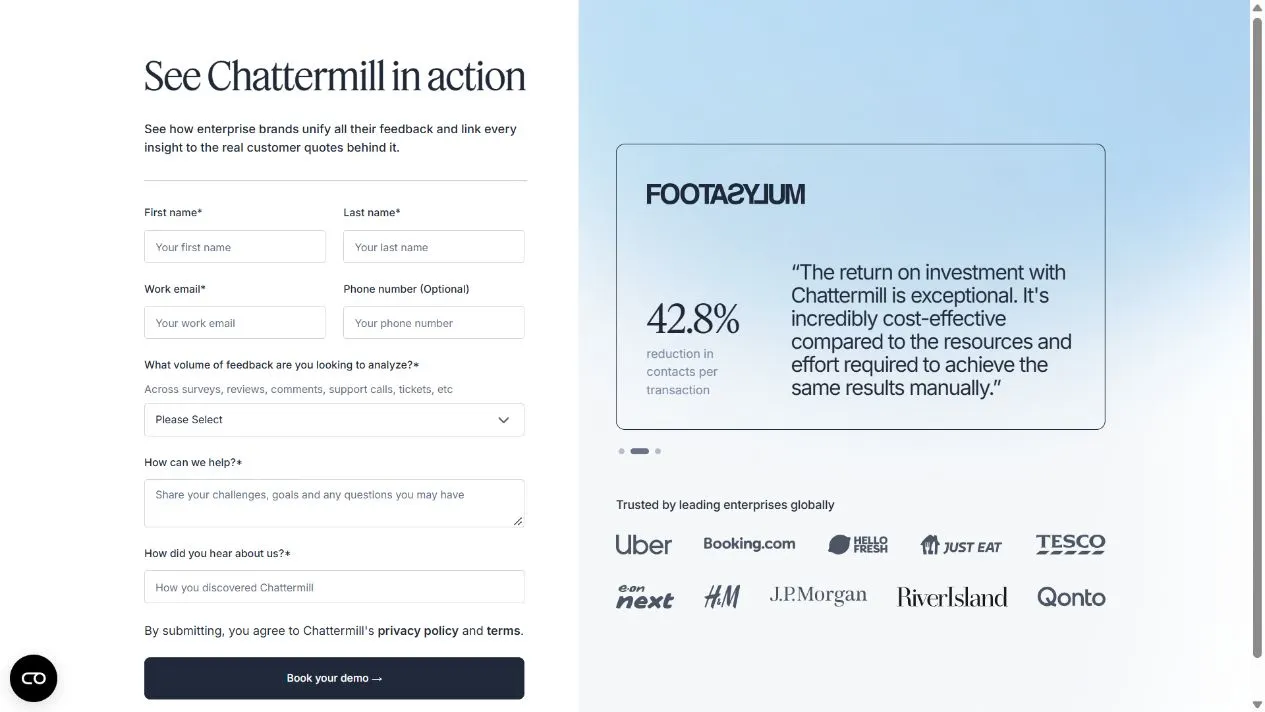
You won’t find a public table comparing Chattermill pricing plans, rates, and allowances. Here’s what the current official pages disclose:
| Pricing question | Public information | What to confirm in your quote |
|---|---|---|
| Starting price | No dollar amount published | Subscription cost and billing schedule |
| User fees | Chattermill says it does not charge per user | Any role or access restrictions |
| Feedback volume | The demo form asks for monthly volume | Included allowance and how usage is counted |
| Data sources | The product supports multiple feedback channels | Exact connectors and services included |
| Implementation | No public fee schedule | Setup work, responsibilities, and any charges |
| Contract terms | No standard commitment or renewal rates published on the pricing destination | Term length, cancellation notice, and renewal conditions |
Chattermill also describes teams consistently collecting more than 5,000 feedback items per month as a better fit. That’s product-fit guidance. It does not establish a contractual minimum, an included allowance, or a price tier.
What third-party contract data shows
Software procurement provider Vendr displays a $63,500 average contract value for Chattermill. Its accompanying explanation rounds the average annual cost to approximately $64,000.
Those figures describe the same benchmark at different precision. They are not the lower and upper ends of a pricing range.
Vendr does not display a minimum or maximum price on that page. The underlying deal dates and matching purchase scope are also unclear, so I’d use the figure as a conversation starter rather than a budget commitment.
Ask sales for an annual contract cost covering your own volume and requirements. An average from other buyers cannot tell you what your contract should cost.
What are you paying for with Chattermill?
Chattermill is a customer experience analytics and voice of customer platform. It brings existing feedback together and analyzes themes, sentiment, and the issues affecting customer experience.
Its core capabilities include:
- Bringing survey responses, reviews, support tickets, and call feedback into a shared analysis environment
- Identifying recurring themes and sentiment across customer feedback
- Connecting findings to customer metrics and supporting comments
- Sharing insights through dashboards and reports
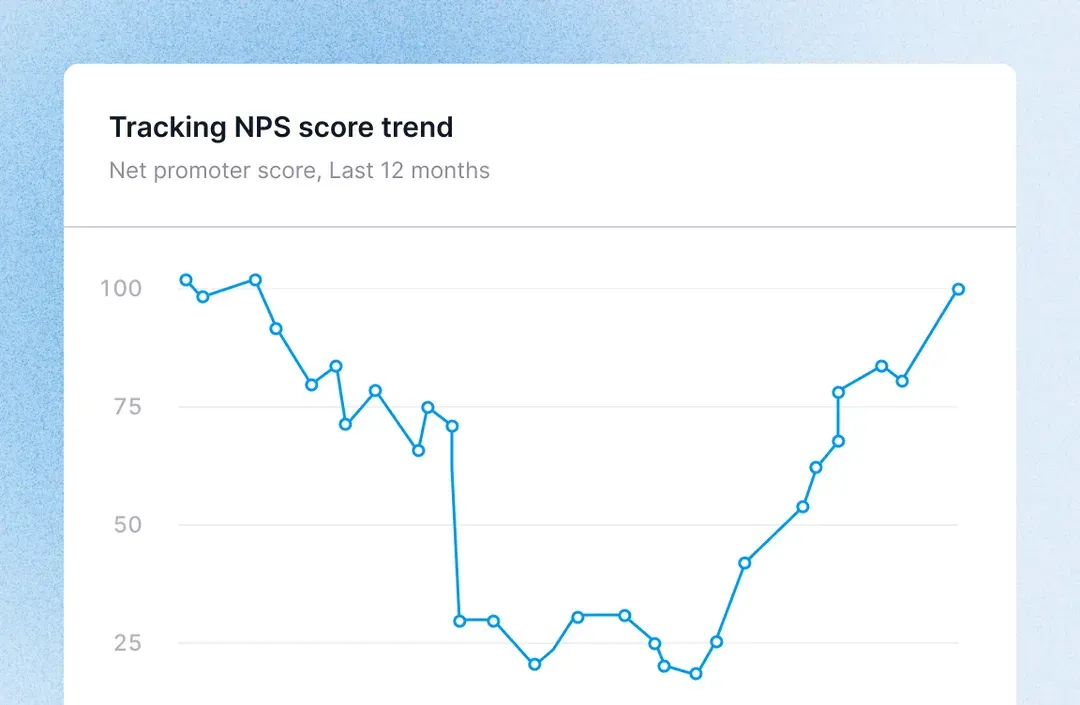
The buying question is whether you need that analysis across your existing feedback sources. For example, a CX team might want to understand which recurring complaints accompany declining satisfaction across several channels.
A product team trying to organize feature requests, show what’s planned, and notify customers when work ships has a different starting point. Keep that distinction in mind when comparing Chattermill features, pricing, and alternatives.
What to check in your Chattermill quote
A useful proposal should explain what you can analyze, what it takes to launch, and what happens as usage grows. These are questions to resolve with sales, not a list of confirmed Chattermill surcharges.
Feedback volume and data history
Start with the definition of a billable feedback item. A support conversation can contain several messages, while a survey response may contain several open-text answers.
Ask for written answers on:
- Counting rules: Is usage measured by conversation, message, response, comment, or another unit?
- Historical imports: Does loading an existing backlog consume the same allowance as new feedback?
- Duplicates and reprocessing: Does repeated or reanalyzed data count again?
- Growth and overages: What happens when you exceed the allowance, and can you adjust it during the contract?
Bring your normal monthly volume and expected peaks to the discussion. A launch or seasonal spike can make an average month a poor guide to the capacity you need.
Sources and integrations
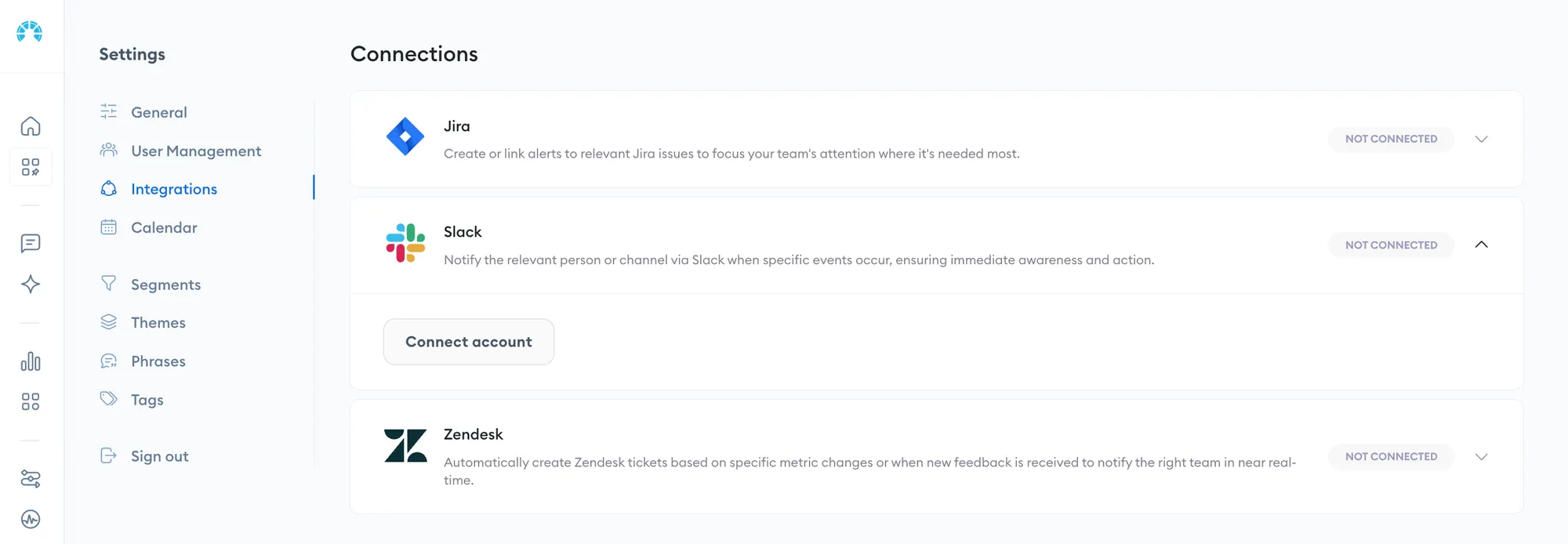
A supported integration does not automatically tell you everything included in a proposal. List the sources you need and ask the vendor to confirm their scope individually.
- Coverage: Which connectors, workspaces, and accounts are included?
- Data detail: Will you receive the customer attributes and conversation history needed for meaningful analysis?
- Custom work: Who builds and maintains a connection if a standard integration cannot cover your requirements?
Also check whether your existing tools charge separately for API access or exports. Your full cost can include services you must keep running alongside the analytics platform.
Implementation and ongoing support
Ask what the subscription includes beyond access to the software. Agree on who prepares the data and who checks that the analysis reflects your customers’ language.
- Launch scope: Confirm the initial sources, historical data, and reports to be delivered.
- Validation: Agree on how your team will review themes and representative feedback before relying on the results.
- Ongoing help: Clarify training, analysis support, and responsibility for maintaining integrations.
If any work is charged separately, request a line item. If it is included, have the proposal say so. Both answers are more useful than a vague promise of onboarding support.
Contract terms and renewal costs
Compare the commitment as carefully as the subscription amount. A monthly equivalent can hide a much larger upfront payment or a longer obligation.
- Billing and commitment: Confirm payment timing, minimum term, and the total amount committed.
- Changes and renewal: Ask how volume changes affect the price, whether discounts expire, and what renewal increases are permitted.
- Exit requirements: Confirm cancellation notice, export options, and access to your data after the contract ends.
Request a renewal-year estimate using the same scope as year 1. That makes temporary discounts easier to evaluate.
How to compare the full cost
Put every proposal against the same workload. Otherwise, a lower subscription can simply reflect fewer sources or a smaller allowance.
Example: Your team receives 12,000 new feedback items per month across 3 sources and wants to import 100,000 historical items. That means evaluating 144,000 new items over a year, plus the historical import. Ask each vendor how it would count and price both workloads.
Use a comparison sheet like this:
| Cost component | What to record |
|---|---|
| Subscription | Annual cost for the agreed features and workload |
| Initial services | Any quoted setup, migration, or custom integration fees |
| Additional usage | The rate or upgrade triggered by your forecast volume |
| Existing tools | Costs of required collection tools or data access |
| Internal work | Time your team needs for preparation, validation, and ongoing ownership |
You can then compare first-year cost and renewal-year cost separately. Keep unconfirmed fees marked as questions until the vendor answers them.
I’d also make the evaluation concrete: use representative feedback and agree on a decision the analysis should help you make. That gives you a way to assess value alongside price.
How does Chattermill pricing compare?
Published prices can help you evaluate a Chattermill quote, provided you account for the different billing units and workflows.
| Platform | Published price | Scope to compare |
|---|---|---|
| Chattermill | Custom quote | Confirm the feedback volume, sources, and services included. Chattermill says it does not charge per user. |
| Featurebase | Free plan. Growth costs $29 per seat/month billed annually, or $37 billed monthly. | Free includes 1 seat and unlimited feedback items. Features and usage allowances vary by plan. |
| Thematic | Foundation starts at $25,000/year. Enterprise is custom. | Foundation includes 25,000 comments per year across up to 3 datasets. |
Thematic provides a closer pricing reference when you need analytics across existing feedback. Its comment allowance is annual, so compare it with your expected yearly workload before using the starting price as a budget.
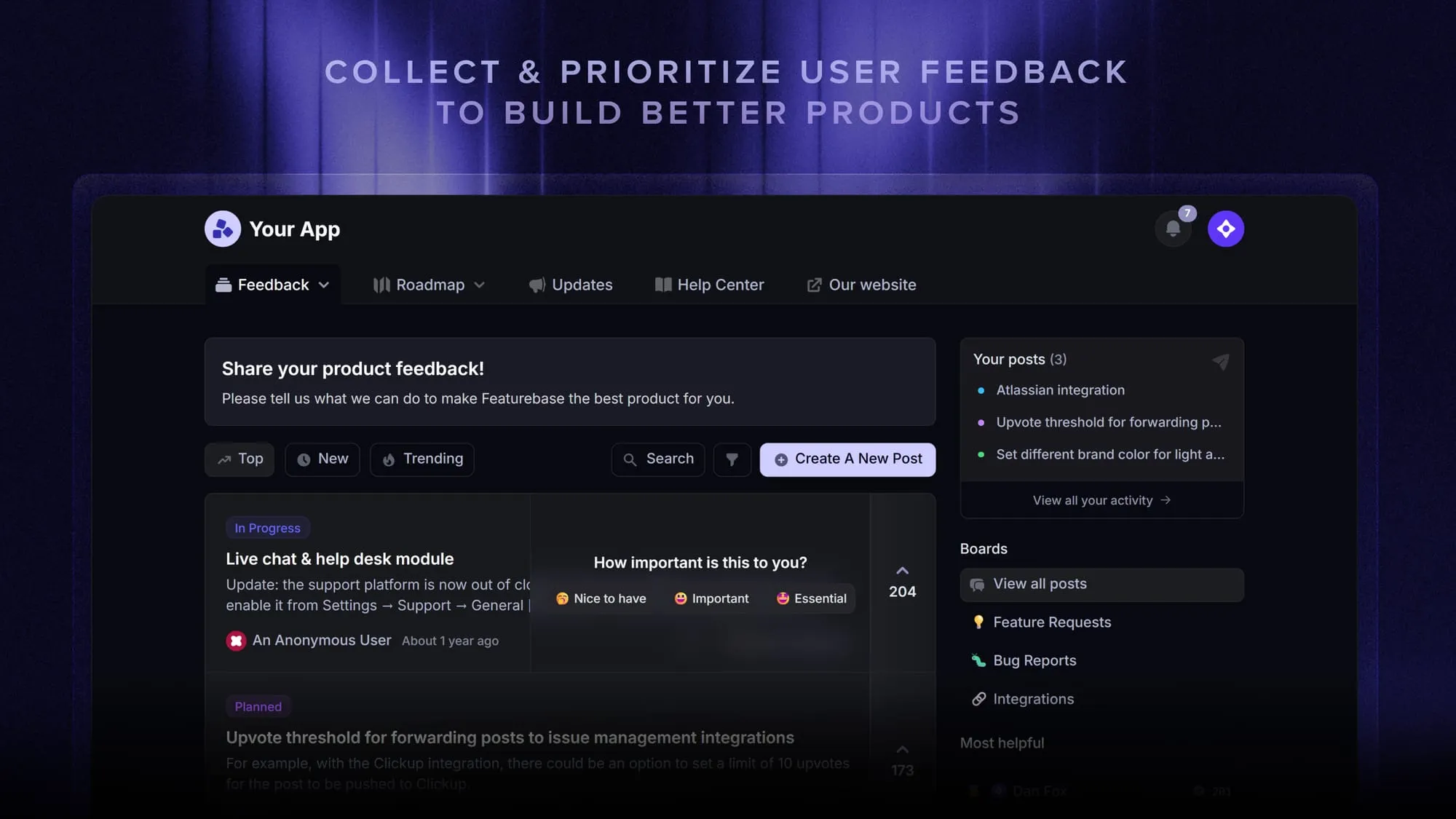
Featurebase is a better fit when your main requirement is collecting product requests, prioritizing work, and keeping customers informed through roadmaps and updates. Its published Growth pricing gives you a starting point for that workflow.
Match the work you need done and the volume involved before comparing either option with your Chattermill proposal.
Conclusion
Chattermill pricing requires a quote. Get the volume rules, implementation scope, and renewal terms in writing, then use third-party contract data as context for the discussion.
For SaaS teams that need to collect product feedback and act on it, Featurebase brings requests, prioritization, roadmaps, and customer updates together. It helps you connect what customers ask for with what your team builds and communicates.
You can start with the Free plan or explore paid features with a 10-day free trial, with no credit card required. 👇
Start collecting & managing feedback with Featurebase for free
FAQs
Chattermill positions itself as an analysis platform for feedback you already collect. If you need to create and distribute surveys, plan for a collection tool and confirm how its responses will reach Chattermill.
The current public pricing destination does not establish a standard implementation timeline. Ask for a schedule tied to your sources, historical import, and analysis validation, with clear responsibilities for both teams.
Chattermill offers a demo, but its current pricing destination does not publish self-serve trial terms. Ask whether you can evaluate your own data through a pilot, whether it has a fee, and what access you receive before committing.
Yes, Chattermill supports multilingual feedback analysis. During evaluation, confirm coverage for your required languages and test representative comments, including industry-specific wording and mixed-language responses.
Chattermill lists integrations with helpdesks including Zendesk and Intercom. Confirm which accounts, conversation fields, and historical records the integration will bring into your analysis.