Blog Customer ServiceCustomer Service Quality Assurance: A Practical Guide
Customer Service Quality Assurance: A Practical Guide
Build a customer service quality assurance program that actually improves your team. A practical guide to scorecards, KPIs, coaching, and AI-powered QA.



✨ Automate your support with the fastest AI-enhanced Inbox today →
"Quality assurance" in customer service often shows up as a spreadsheet of randomly sampled tickets nobody really acts on. Scores get logged, agents get a polite Slack message, and the same issues keep happening next month.
A good QA program looks different. It tells you what's actually going wrong, who needs coaching on what, and which fixes are working - all from your team's real conversations.
This guide covers what customer service QA is, what to measure, how to build a scorecard, and how to actually close the loop. 👇
Key takeaways:
- Customer service quality assurance is the systematic process of evaluating customer interactions to spot what's working, surface coaching opportunities, and keep service consistent across agents and channels.
- A real QA program runs on 5 moving parts: a clear quality vision, a scorecard, sampled conversation reviews, coaching, and a feedback loop that turns insights into action.
- Track 5 metrics alongside your QA scores: Internal Quality Score (IQS), CSAT, First Contact Resolution (FCR), Average Handle Time (AHT), and QA compliance rate.
- AI shifts QA from sampling 1-3% of conversations to scoring 100% of them, which lets reviewers focus on coaching, root-cause analysis, and the conversations that genuinely need a human eye.
- The biggest reason QA programs fail isn't the scorecard, it's the missing feedback loop. Scores logged with no coaching session, no knowledge base update, and no process fix mean nothing actually changes.
- Featurebase✨ gives you a modern AI-powered support inbox, AI Copilot, SLA tracking, and helpdesk in one place, so the conversation data your QA program needs already lives where your team works.
What is customer service quality assurance?
Customer service quality assurance (QA) is the systematic process of evaluating customer interactions like tickets, calls, chats, and emails against a defined standard for accuracy, tone, compliance, and resolution quality. The goal isn't to grade individual agents into the ground. It's to find what's working, surface coaching opportunities, and keep service consistent as your team grows.
In practice, that means a reviewer (or an AI model) reads or listens to a sample of conversations, scores them against a rubric, and feeds the results into coaching sessions and process changes. Most teams that run a real program see their service quality numbers move within a quarter.
QA vs quality control - what's the difference?
People often use "quality assurance" and "quality control" interchangeably, but in customer service, they're not the same. Quality control focuses on the output, the answer the customer received, whether the issue got resolved, and whether the response met the standard. It's reactive: you catch a bad response after it happened. Quality assurance focuses on the system that produces those answers, the agents, the processes, the training, the knowledge base. It's preventive: you find the gaps that cause bad responses and close them.
A team can pass QC on a specific ticket (the right answer got sent) while still failing QA (the agent guessed correctly because they didn't follow the documented process). QA is what makes the result repeatable.
Why customer service QA matters
The case for QA isn't abstract. Skip it and four specific things break:
- Consistency at scale: As your team grows from 3 to 30 agents, the same customer question starts getting four different answers depending on who picks it up. QA is how you find the divergence and align everyone back to the standard answer.
- Coaching with real data: Without QA, manager 1:1s drift into vibes ("you seemed off last week"). With QA, the conversation is concrete: here are 3 tickets where the resolution path was wrong, here's how to handle it next time.
- Churn prevention: Bad service is one of the top reasons customers leave. QA surfaces the recurring complaints, tone problems, and unresolved issues that aren't visible in a CSAT score alone.
- Compliance: In regulated industries like finance, healthcare, and insurance, an agent saying the wrong thing isn't just bad service, it's legal exposure. While, healthcare teams usually need a help desk built for compliance.
- QA doesn't run in isolation: It's one of the core responsibilities of customer support operations, the function that owns the tools, processes, and feedback loops behind a consistent support team, and QA is how you keep SaaS customer support consistent as the team scales, catching gaps before they show up in churn.
The payoff shows up in the numbers. McKinsey's State of Customer Care survey found that 40% of customer care leaders saw significantly improved CX scores in the past 12 months, versus just 12% of laggards. The leaders aren't doing magic. They're running disciplined feedback loops, and QA is the most common one.
What to measure: KPIs and signals
QA isn't the only number you track. It works best alongside a small set of operational metrics that show what's happening across the whole support function:
- Internal Quality Score (IQS): The average of your QA review scores expressed as a percentage. Modern tools score 100% of conversations automatically, so IQS becomes a real-time signal, not a monthly summary.
- CSAT (Customer Satisfaction Score): How customers rate the interaction directly, usually on a 1-5 or 1-7 scale right after the conversation closes.
- First Contact Resolution (FCR): The percentage of issues resolved in the first interaction with no follow-up needed. A low FCR usually points at a knowledge gap or a broken process, both of which QA can pinpoint.
- Average Handle Time (AHT): How long it takes an agent to resolve a typical inquiry. AHT alone is a trap (fast doesn't mean good), but paired with CSAT and IQS it shows where coaching could help an agent be both faster and better.
- QA compliance rate: For regulated environments, the percentage of conversations that hit every required compliance step (verification, disclosures, escalation triggers).
The trick is connecting these metrics to the actual interactions behind them. If your support data lives in one tool and your scoring lives in a spreadsheet, you'll spend more time copying numbers than learning from them. Featurebase keeps the conversation, the SLAs, and the resolution status in one omnichannel inbox, so the inputs your QA program needs are already structured the way you'll review them.
Anatomy of a customer service QA scorecard
A customer service scorecard is the rubric reviewers use to score conversations. Keep it tight. 4-6 categories are usually right. More than that, and you spread reviewer attention so thin that the score loses meaning.
Most scorecards include some version of:
- Accuracy: Did the agent provide correct information? Did they follow the documented policy or workflow?
- Tone and empathy: Did the agent match the brand voice? Did they acknowledge the customer's frustration before solving the problem?
- Resolution: Was the issue actually resolved, or did the conversation just end? Did the agent confirm resolution before closing?
- Process adherence: Did the agent verify the customer's identity where required, follow the escalation path, and document the conversation correctly?
- Compliance: For regulated workflows, are all required disclosures and confirmations present?
Score each line binary (yes/no) wherever possible. Binary scoring is faster, less subjective, and keeps multiple reviewers aligned. Reserve scale scoring (1-5, 1-10) for the few categories where nuance genuinely matters. Tone is the usual one.
One more thing: weigh the categories so the total reflects what your team actually cares about. A 100-point scorecard with 50 points for accuracy and 10 for process adherence sends a very different message than the same categories evenly weighted.
How to build and run a customer service QA program
A QA program is mostly 5 steps repeated in a loop.
1. Define your support vision and quality goals
Before you write a scorecard, decide what "great support" looks like for your team. Some teams optimize for speed (response time, resolution time). Others optimize for thoroughness (root-cause coverage, customer effort score). The right answer depends on your product, your customer base, and your business model.
Write it down. The vision sets the categories on your scorecard, which sets the metrics you'll track, which sets the coaching you'll deliver.
2. Build your QA scorecard
Translate the vision into 4-6 rating categories using the structure in the previous section. For each category, write the specific yes/no question a reviewer is asking. "Did the agent acknowledge the customer's emotion before solving the problem?" is reviewable. "Was the tone good?" isn't.
Pilot the scorecard on 20-30 real conversations before you roll it out. You'll spot ambiguous categories and unrealistic standards before they cause friction with your team.
3. Sample the right conversations
You can't review every conversation manually, and you usually shouldn't try. Random sampling of 5-10% of each agent's conversations catches steady-state issues and keeps the review unbiased. Targeted sampling focuses on conversations matching a specific signal like low CSAT, long handle time, reopened tickets, or new-agent tickets, and is where you'll find the conversations that actually matter.
If you're running AI-powered QA, the math changes. You can score 100% of conversations automatically and reserve human review for the outliers. More on that below.
4. Coach and feedback
QA works best when it's tied to training and development: each review should surface a specific customer service skill to coach, whether that's empathy, clearer writing, or cleaner problem-solving.
Scoring without coaching is just record-keeping. After each review cycle, the manager sits with each agent for a 1:1. 30 to 60 minutes monthly is a reasonable cadence. Pull up the actual conversation, walk through what worked and what didn't, and agree on one or two specific things to try next month.
The tone matters. QA exists to make the team better, not to catch agents out. Frame feedback as coaching, celebrate the good calls along with the bad, and avoid using QA scores as the sole input to performance reviews.
Run calibration sessions across your reviewers every month or so. Have everyone score the same conversation independently and discuss any disagreements. Calibration is the only way to keep multi-reviewer QA from drifting into inconsistency.
5. Close the loop
The biggest difference between a QA program that works and one that doesn't is what happens after the score lands. Real loops do four things:
- Coach the agent: Give specific, conversation-grounded feedback in the next 1:1.
- Update the knowledge base: If 3 agents missed the same answer, the article needs work, not the agents.
- Fix the process: If escalations keep failing because the routing is unclear, the routing is the fix.
- Track whether it worked: Re-score the next batch and check if the same issues are showing up. If they are, the fix didn't take and you go again.
The role of AI in modern customer service QA
The biggest practical shift in QA over the last 2 years is sampling math. Manual QA programs typically review 1-3% of conversations because that's what a human can read. AI-powered QA scores 100% of conversations against the same rubric in seconds, then surfaces the outliers for human review.
That changes what reviewers actually do. Instead of reading random tickets and hoping to find a pattern, they get a ranked list of the conversations most likely to need attention: high-effort customers, low-confidence AI agent responses, conversations where sentiment turned negative mid-thread. Reviewer time goes from "find the problems" to "understand and fix them."
AI also opens up scoring categories that were impractical before, like real-time sentiment analysis, brand-voice consistency checks, and compliance checks on every single conversation. And for teams running AI agents on the front line, QA has to extend to scoring the AI's responses too: did the bot give the right answer, did it know when to escalate, did it cite a real knowledge base article or hallucinate one.
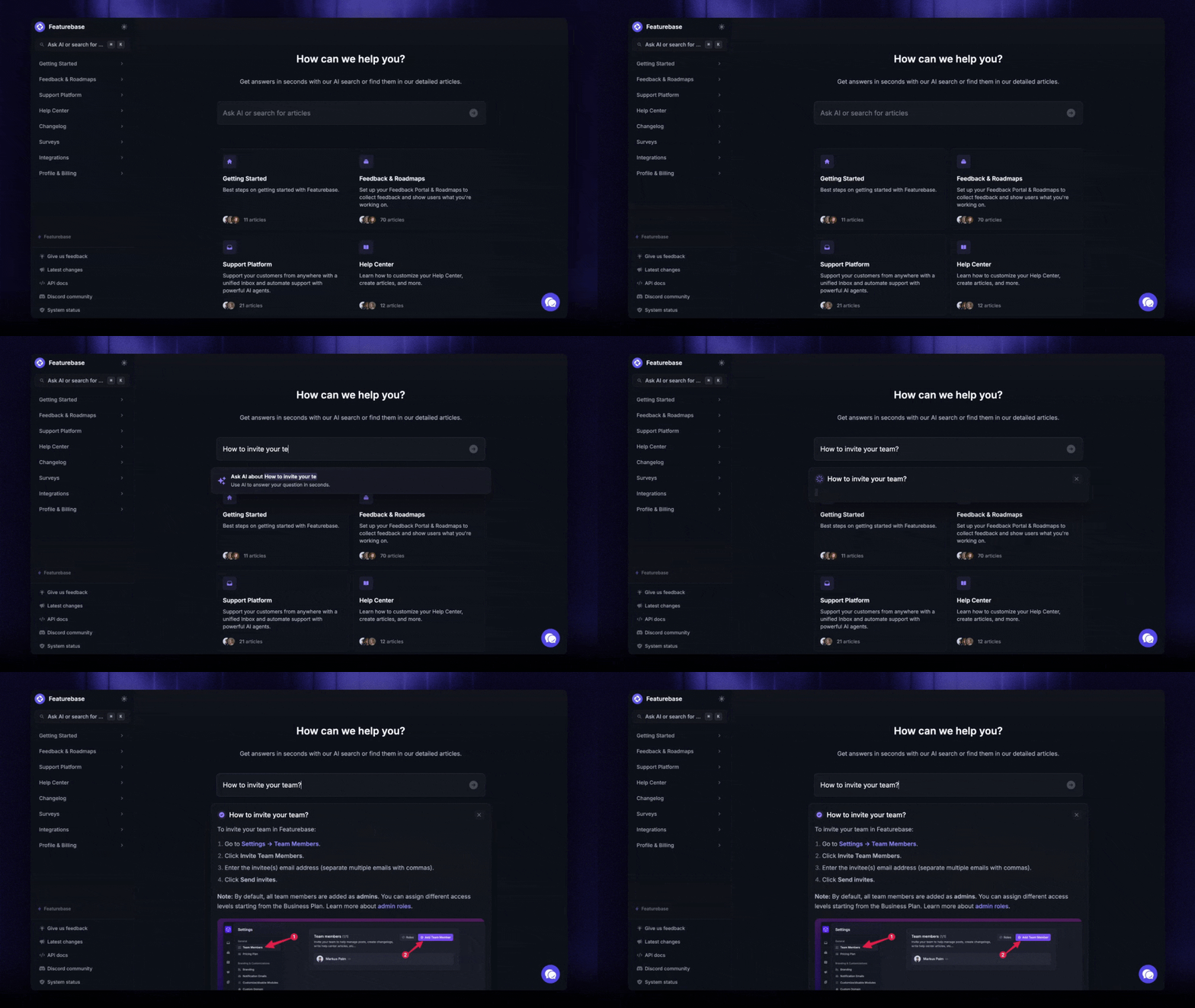
Modern AI-powered help desk software bakes some of this in at the conversation layer, before QA scoring even happens. With Featurebase, AI Copilot drafts on-brand replies pulled from your internal knowledge for your agents, and the Fibi AI Agent handles repetitive tickets autonomously with the policies you set. The floor on consistency rises before any review takes place, which means your QA program spends less time catching the same basic mistakes and more time on the harder questions of judgment and tone.
Common mistakes that derail a QA program
Most QA programs that get abandoned share a few patterns:
- Treating QA as performance management: When agents see QA as the basis for being put on a PIP, they game it. Tone goes up, real work goes down. QA should be coaching infrastructure, not a discipline tool.
- Scoring too many categories: A 15-category scorecard sounds rigorous and is actually noise. Reviewers can't hold 15 things in their head, so they bias toward the first few and rush the rest. 4-6 categories is the sweet spot.
- Reviewing without coaching: If the score goes into a spreadsheet and the next 1:1 doesn't mention it, nothing changes. The score isn't the product. The conversation about the score is.
- No calibration: Two reviewers scoring the same conversation can easily differ by 20 points without calibration. The score becomes unreliable and the program loses credibility.
- Skipping the systems-level loop: If 3 agents fail the same scorecard line, the agents probably aren't the problem. The documentation or the workflow is. QA programs that only ever coach individuals miss the bigger fixes.
Make customer service QA easier with Featurebase
A strong QA program depends on having clean, reviewable support data. If conversations, SLAs, knowledge base content, AI replies, and customer feedback all live in different tools, it becomes much harder to spot patterns and close the loop.
Featurebase helps by consolidating your customer support workflows into a single modern, AI-powered platform. Your team can manage live chat, email, and Slack conversations from a shared inbox, use AI Copilot to draft replies from internal knowledge, track SLAs, and keep customer feedback connected to the conversations that surfaced it.
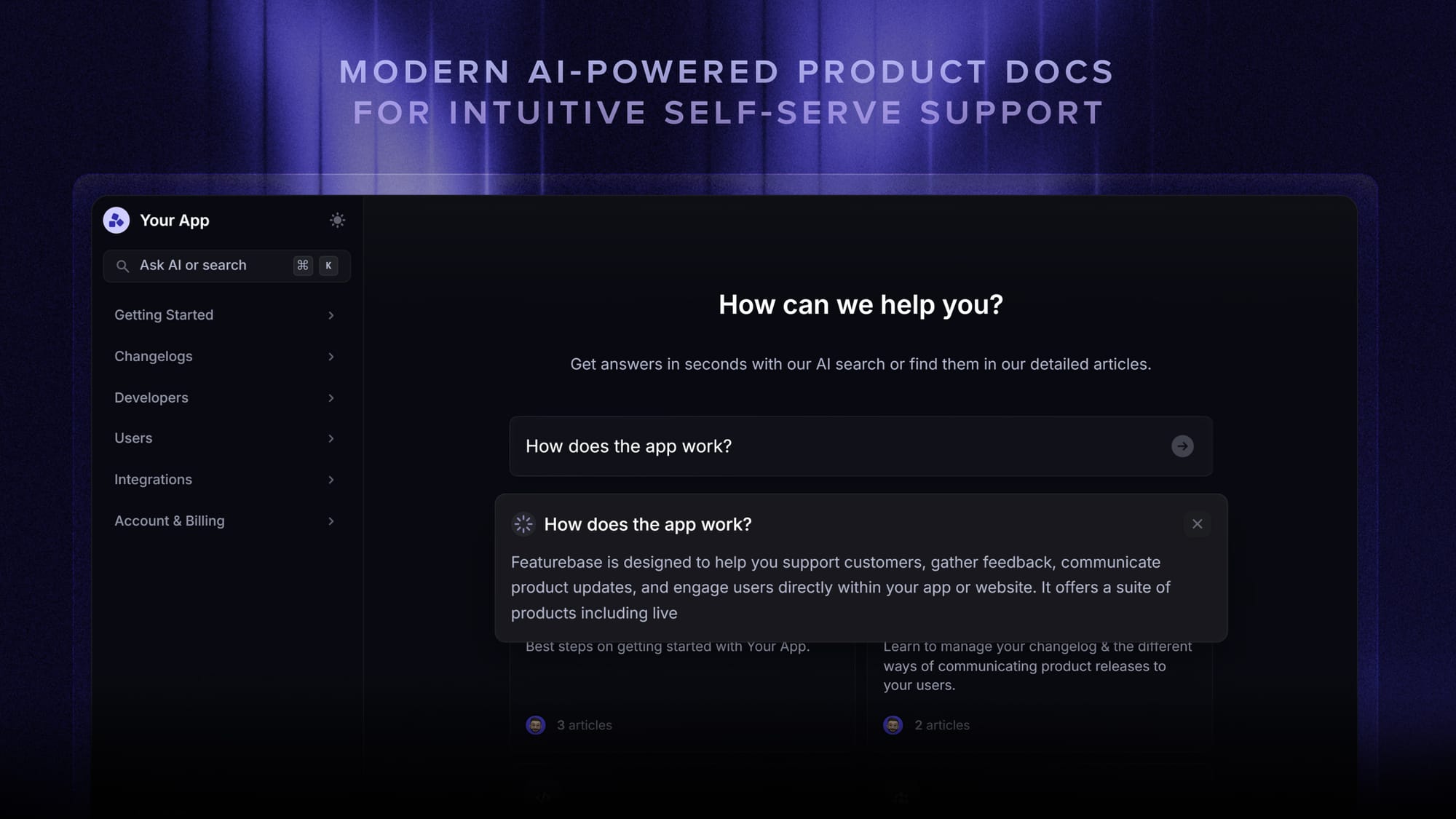
For QA, that means your team has a better foundation for reviewing interactions, finding recurring issues, coaching agents, and improving the systems behind support quality.
Top features:
- Omnichannel inbox – Manage live chat, email, and Slack conversations from one AI-powered view
- AI Copilot – Help agents draft faster, more consistent replies using your internal knowledge
- Fibi AI Agent – Resolve repetitive tickets automatically and escalate when human help is needed
- Help center with AI search – Give customers instant self-serve answers and reduce repeat questions
- SLA tracking – Monitor whether your team is responding on time
- Workflows and automations – Route conversations, auto-assign tickets, and collect customer data
- Feedback and roadmap tools – Turn recurring support issues into product insights
- Product updates – Close the loop with changelog posts, in-app updates, and emails
Featurebase is especially useful for product-led SaaS teams that want their support inbox, AI agent, help center, and feedback tools in one place. Instead of adding QA on top of messy, disconnected workflows, your team starts with structured customer conversations that are easier to review, coach from, and improve over time.

Conclusion
A customer service QA program isn't a one-time project. It's a discipline you build into how your support team works, run continuously, and tune as your team and product evolve. The best programs are simple: a clear vision of quality, a tight scorecard, sampled reviews, real coaching, and a loop that actually closes.
Featurebase is a modern AI customer support platform that gives you the inbox, AI Copilot, SLA tracking, and helpdesk infrastructure your QA program needs in one place. Instead of stitching together a ticketing tool, a knowledge base, an AI agent, and a quality dashboard, your team works in one platform with the data your QA reviewers need already structured the way they'll use it.
It comes with a Free plan and the onboarding is fast, so there's no downside to trying it. 👇
✨ Automate your support with the fastest AI-enhanced Inbox today →

FAQs
How often should you conduct customer service QA reviews?
Most teams review weekly or every other week, with each agent getting 3-5 conversations scored per cycle and a monthly 1:1 to walk through cumulative feedback. Teams running AI-powered QA can score 100% of conversations continuously and reserve human reviews for outliers and high-stakes interactions. Smaller teams (under 10 agents) can often manage with bi-weekly reviews, while larger or regulated teams usually need weekly cadences to keep coaching tight.
Should you outsource customer service QA?
Outsourcing makes sense when you don't have the headcount for a dedicated QA analyst and need an outside perspective on what your team is doing well or poorly. The trade-off is calibration: an external reviewer doesn't know your product, customers, or edge cases as deeply, so the first few months tend to produce shallow feedback. Hybrid setups work best: keep ownership of your scorecard and coaching internal, and lean on customer experience outsourcing for scoring at scale.
What KPIs should you track in customer service QA?
The core 5 are Internal Quality Score (IQS), CSAT, First Contact Resolution (FCR), Average Handle Time (AHT), and QA compliance rate. IQS comes directly from your scorecards. The other four are operational metrics that tell you whether the coaching driven by QA is actually moving real numbers. Tracking them together catches gaming, like an agent fast at AHT but tanking CSAT.
What's the difference between manual and AI-powered customer service QA?
Manual QA samples 1-3% of conversations because that's what a human reviewer can read. AI-powered QA scores 100% of conversations automatically against the same rubric and flags outliers for human review. The shift isn't replacing reviewers, it's freeing them from sampling work so they can focus on coaching, root-cause analysis, and the conversations that genuinely need a human eye.
What should a customer service QA scorecard include?
A tight scorecard has 4-6 categories: accuracy, tone and empathy, resolution, process adherence, and compliance. Each category should be scored binary (yes/no) wherever possible so reviewers stay aligned. Weight the categories so the total reflects what your team actually prioritizes. Accuracy and resolution usually carry the most weight in standard support, while compliance categories dominate in regulated industries.
Why is quality assurance important in customer service?
QA is how a customer service team stays consistent as it scales, catches systemic problems before they show up in churn data, and gives managers concrete coaching material instead of vague impressions. Skip QA and the same issues keep happening month after month because nobody has the data to find them or the rubric to coach against them. It's also the only reliable way to score AI agent responses now that AI handles a growing share of front-line conversations.