Blog Customer ServiceFirst Response Time: Formula, Benchmarks & How to Improve
First Response Time: Formula, Benchmarks & How to Improve
Learn what first response time means, how to calculate it, which benchmarks to compare, and 5 practical ways to help your support team respond faster.



✨ Improve your first response time with the fastest AI-enhanced Inbox today →
Your customers start waiting the moment they send a support request. A quick acknowledgment can still leave them wondering when someone will actually help.
In this guide, I'll explain how to calculate first response time, choose targets that fit your support channels, and reduce delays without rushing your answers. 👇
Key takeaways
- First response time (FRT): The wait between a customer's initial request and your first reply.
- Measure consistently: Separate human replies from AI answers, and compare the same channels and working hours.
- Look beyond averages: Track the typical wait, your slowest replies, and unanswered requests.
- Featurebase ✨: Combine AI-powered support, a help center, and response reporting in one platform.
What is first response time?
First response time measures how long a customer waits for an initial reply to a support request. It's also called first reply time.
For human support, the clock stops at the first customer-visible reply from a teammate. Keep AI response times separate so you can see how quickly each type of support reaches customers.
FRT matters because that initial silence leaves customers unsure whether help is coming. However, it doesn't show when their problem gets fixed. Resolution time measures the time until the issue is resolved.
How to calculate first response time
For an individual support ticket:
First response time = Time of first reply − Time of initial request
For a group of answered requests:
Average first response time = Total first-response waiting time ÷ Number of requests with a first reply
Here's a hypothetical example. Your team answers 5 requests after 2, 4, 6, 8, and 40 minutes.
- Average: 60 minutes ÷ 5 requests = 12 minutes.
- Median: The middle value is 6 minutes.
The median shows the typical wait in this sample, while the average reveals the effect of that 40-minute delay. Neither tells the whole story alone.
Use the same reporting window and clock for every request. Exclude internal notes, and track requests still awaiting a reply separately instead of recording them as zero-minute responses.
What is a good first response time?
A useful target reflects your support channel, staffing, and commitments. Someone waiting in a live chat needs a different promise from someone sending a routine email.
These are illustrative starting targets to test, not industry averages:
| Support situation | Example target |
|---|---|
| Staffed live chat | Within 1 minute |
| Routine support email | Within 4 business hours |
| Urgent account or service issue | Follow the agreed severity-based response commitment |
Published benchmarks also need context. Freshworks' 2025 benchmark summary reports a 10-second average first response time for web widgets among its top-performing cohort, using 2024 data.
That isn't an industry-wide average. The summary doesn't separate human and automated replies in that figure, so don't treat it as a direct target for your human support team.

Resolve 70% of customer requests with AI
Automatically resolve customer issues & cut down support loads for your team
5 ways to improve first response time
Start with the reasons requests sit untouched. These changes help shorten the wait before your team can give a useful answer.
1. Route new requests to the right owner
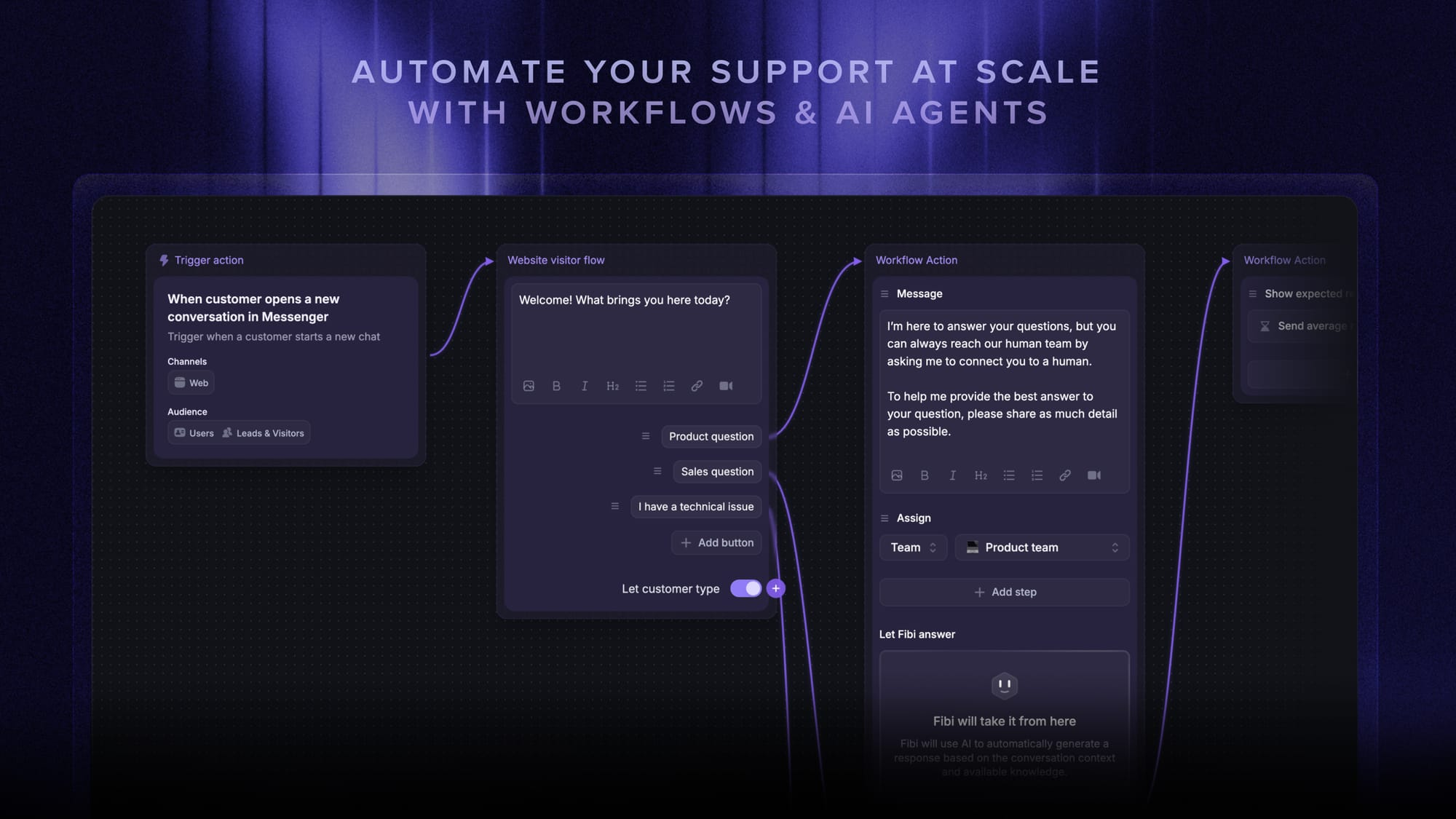
Use omnichannel routing to send billing questions to billing and technical issues to the relevant support team. Give unclassified requests a fallback owner so they don't sit in an unassigned queue.
Check handoffs too. A ticket bounced between teams can wait longer than one requiring a complex answer.
2. Set targets by channel and urgency
Turn your response goals into clear service level agreements (SLAs), including an owner and an escalation path when a deadline approaches.
Prioritize an account-wide outage ahead of a routine feature question. Make sure lower-priority requests still have a deadline.
3. Match coverage to incoming demand
Compare new conversation volume with available agents by hour and day. Shift breaks or add overlapping coverage where the queue grows.
Plan for predictable surges, such as product launches. A weekly staffing average won't show a gap during your busiest hour.
4. Prepare reusable answers and useful documentation
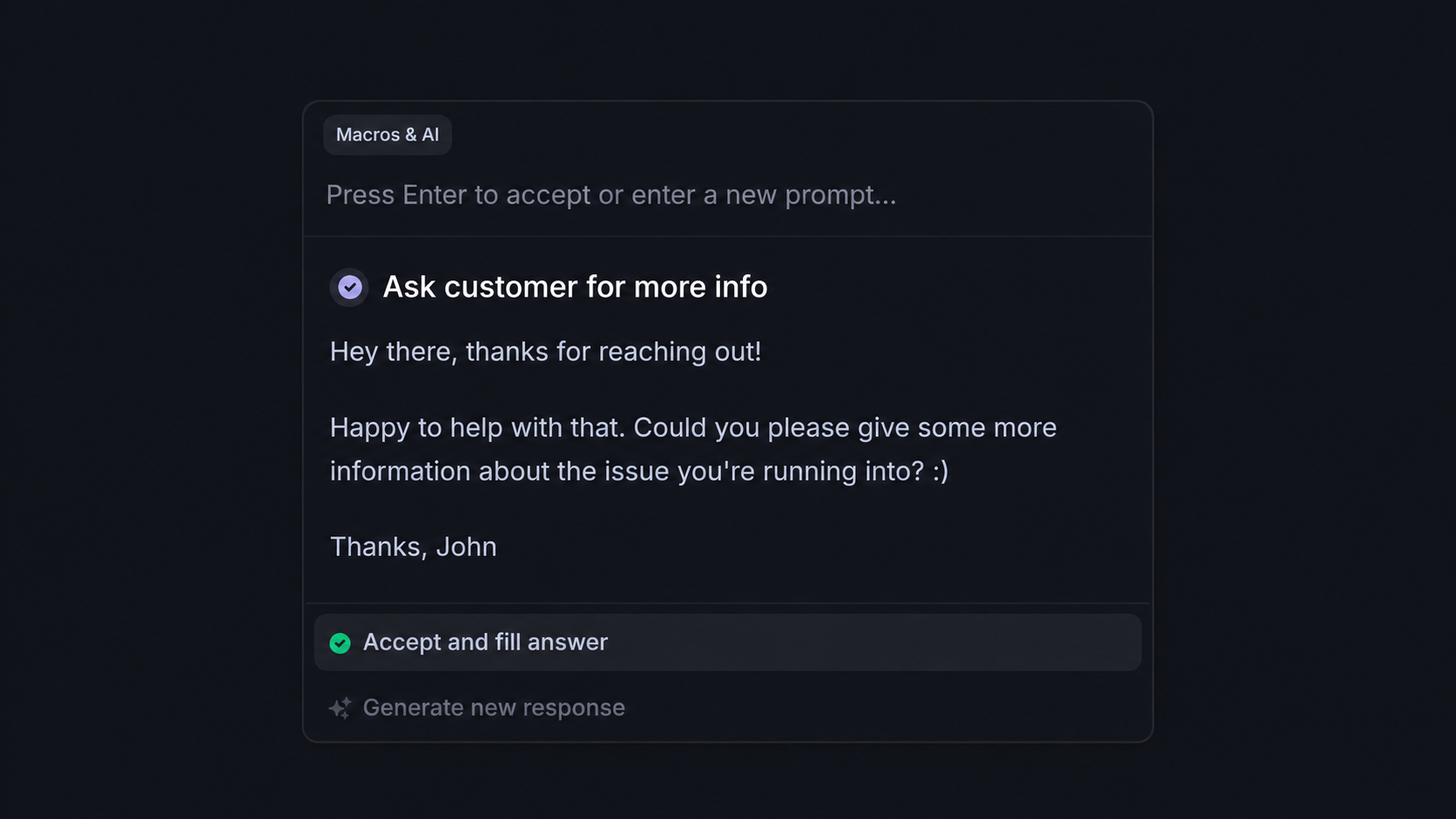
Create canned responses for recurring questions, then personalize them to the customer's situation. Include the next useful step instead of only saying someone will look into it.
Keep your knowledge base current so agents can find reliable instructions quickly and customers can solve straightforward problems themselves.
5. Use AI with a clear path to human support
AI customer support can answer routine questions from your help content. Test it on common issues before expanding its scope.
When AI can't help, pass the conversation and context to a teammate. Measure the remaining human wait too, so a fast AI answer doesn't hide a slow handoff.
How to track first response time
Review trends by channel and priority. Alongside the median, watch the 90th percentile, the time within which 90% of measured requests received a first reply.
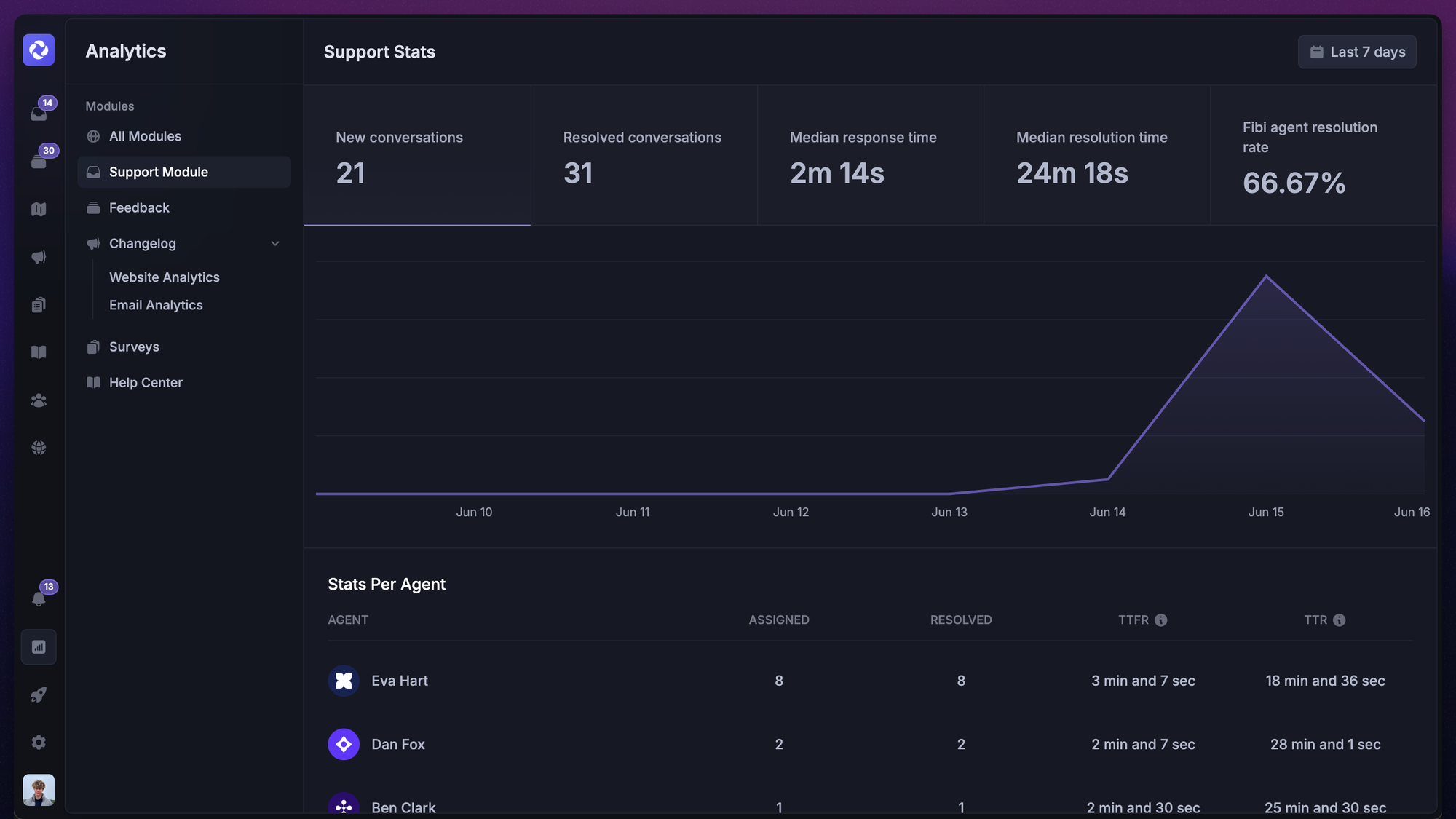
Keep unanswered requests visible with their current waiting time. Otherwise, a dashboard can look healthy while the oldest requests remain untouched.
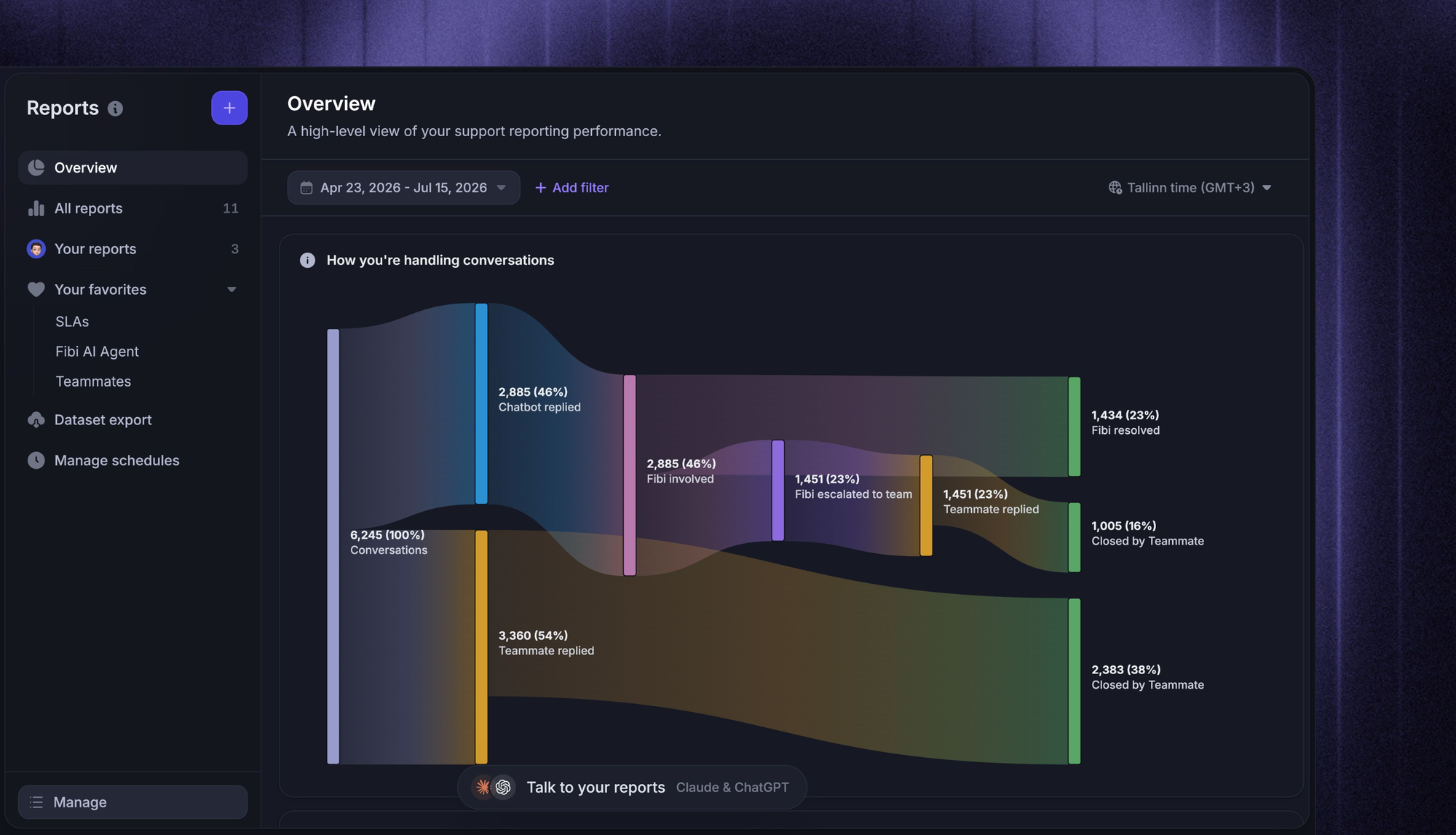
Featurebase lets you track median first response time and see conversations grouped by waiting-time ranges. Its first-response charts measure visible teammate replies and exclude conversations without one, so review the unanswered queue alongside those charts.
Pair speed with other customer service metrics, including resolution time and customer satisfaction (CSAT). Faster first replies are useful only if customers also get the help they need.
Conclusion
To improve first response time, find where requests wait, fix ownership and coverage gaps, and measure whether replies actually help.
Featurebase is a modern AI customer support platform for product-led SaaS. It combines AI-powered support, a help center, and feedback management in one place, helping you answer recurring questions and keep track of response times.
You can start with a Free plan for live chat. AI and advanced reporting require a paid plan. 👇
✨ Automate your support with the fastest AI-enhanced Inbox today →

FAQs
What is a good first response time?
Judge performance by how reliably you meet your published response promise. Report the share of requests answered within that target, since a low average can still hide frequent breaches.
Should first response time be measured in business hours?
Use business hours when assessing a commitment tied to your team's working schedule. Calendar hours show the customer's full wait, including nights, weekends, and holidays, so report both when you need an operational and customer view.
Does an automated acknowledgment count as a first response?
For a human first-response metric, it shouldn't. An automated receipt confirms delivery, while a substantive AI answer should be tracked separately as an AI response. Check your helpdesk's definition before comparing reports.
Does the first response need to resolve the customer's issue?
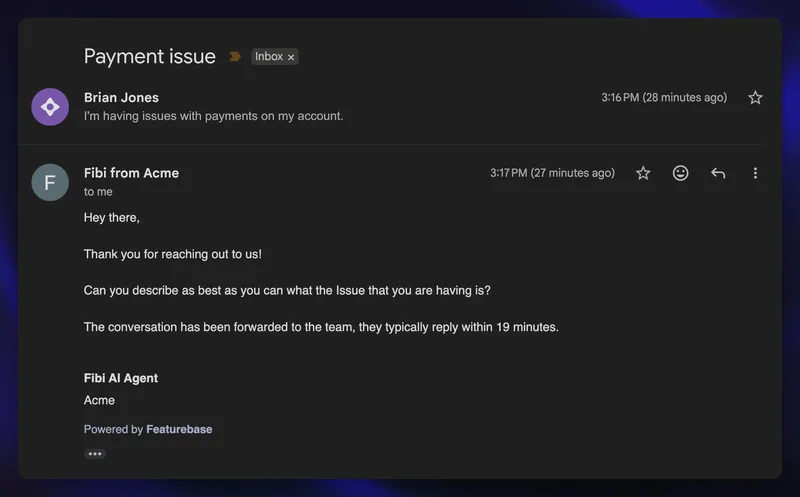
No. A useful first reply can ask for a missing detail, offer a workaround, or explain the next step and when to expect an update. Avoid sending empty holding messages just to stop the timer.
How is first response time different from first contact resolution?
First response time measures a duration. First contact resolution measures the share of issues solved during the initial contact without further follow-up, so it tells you about the outcome of that interaction.