Time to Resolution: What It Is and How to Reduce It
Time to resolution measures how long it takes to fully solve a customer's issue. Here's how to calculate it, what drives it up, and how to bring it down.


On this page
The moment a customer reaches out for help, a clock starts. It doesn't stop when you reply. It stops when their problem is actually solved.
That gap is your time to resolution, and it quietly shapes whether a customer sticks around or drifts to a competitor. A slow one frustrates customers and buries your team in follow-ups.
This guide breaks down what time to resolution really measures, how to calculate it without fooling yourself, how it differs from metrics it's often confused with, and the concrete levers that bring it down. 👇
Key takeaways
- Time to resolution (TTR) measures the average time between when a customer opens a request and when it's marked resolved, not just the first reply.
- The formula is simple: total resolution time divided by the number of resolved tickets. The hard part is measuring it consistently.
- TTR is not the same as first response time or MTTR, and small measurement choices (business vs. calendar hours, reopened tickets) can quietly distort it.
- The biggest levers for reducing it are self-service, AI deflection, smart routing, and clear escalation paths.
- Featurebase✨ is a modern AI support platform that tracks resolution speed in built-in reports and helps you cut it with AI agents, SLAs, and automated routing.
What is time to resolution?
Time to resolution (TTR) is a customer service metric that measures the average time between when a customer interaction is created and when it's marked as resolved.
In plain terms, it answers one question: how long does it take to actually solve a customer's problem?
It's worth being precise here, because the term travels under a few names. You'll see it written as time to resolution, resolution time, average resolution time, or mean time to resolution (MTTR). They all point at the same underlying idea: the full time from "help" to "solved," not the time to a first reply.
TTR shows up most in SaaS and software support, but the concept is universal. Whether you're restoring a downed service, fixing a billing error, or answering a product question, the clock runs from the moment the request lands until the customer has a complete answer.
Why time to resolution matters
Your time is valuable, and so is your customer's. The answer itself is only half of good service. A customer who gets a solid answer in a few hours is almost always happier than one who gets the exact same answer a few days later.
There's a deeper reason it matters, too. A landmark study of more than 75,000 customer interactions, published in Harvard Business Review, found that reducing customer effort (solving the problem with less back-and-forth and less waiting) predicts loyalty better than trying to delight people. A long, dragging resolution is high effort by definition. Speed here isn't just a support nicety, it's what keeps customers from drifting away.
Tracking TTR also surfaces problems you can't see otherwise. It can:
- Catch stalled tickets: A rising TTR flags conversations that are dragging on beyond the norm or have been quietly forgotten.
- Expose process gaps: Long resolution times often point to inefficient routing, missing documentation, or thin staffing, not lazy agents.
- Prove whether changes work: When you roll out a new workflow or hire, TTR tells you whether it actually moved the needle.
How to calculate time to resolution
The formula is refreshingly simple:
Time to resolution = total time to resolve all issues ÷ number of issues resolved
Say your team resolves 3 tickets in 4, 6, and 8 hours. Add those up (18 hours) and divide by 3, and your average TTR is 6 hours.
The math is easy. Measuring it consistently is where teams trip up. A few things quietly distort the number:
- Reopened tickets: If a resolved ticket gets reopened for a new issue, does the clock restart? Decide once and apply it everywhere.
- Non-support conversations: If your marketing or PR team uses the same inbox, their weeks-long threads can drag your average way up. Exclude what isn't real support.
- Outliers: A handful of edge cases left open for weeks can skew the mean. Flag them so they don't misrepresent typical performance.
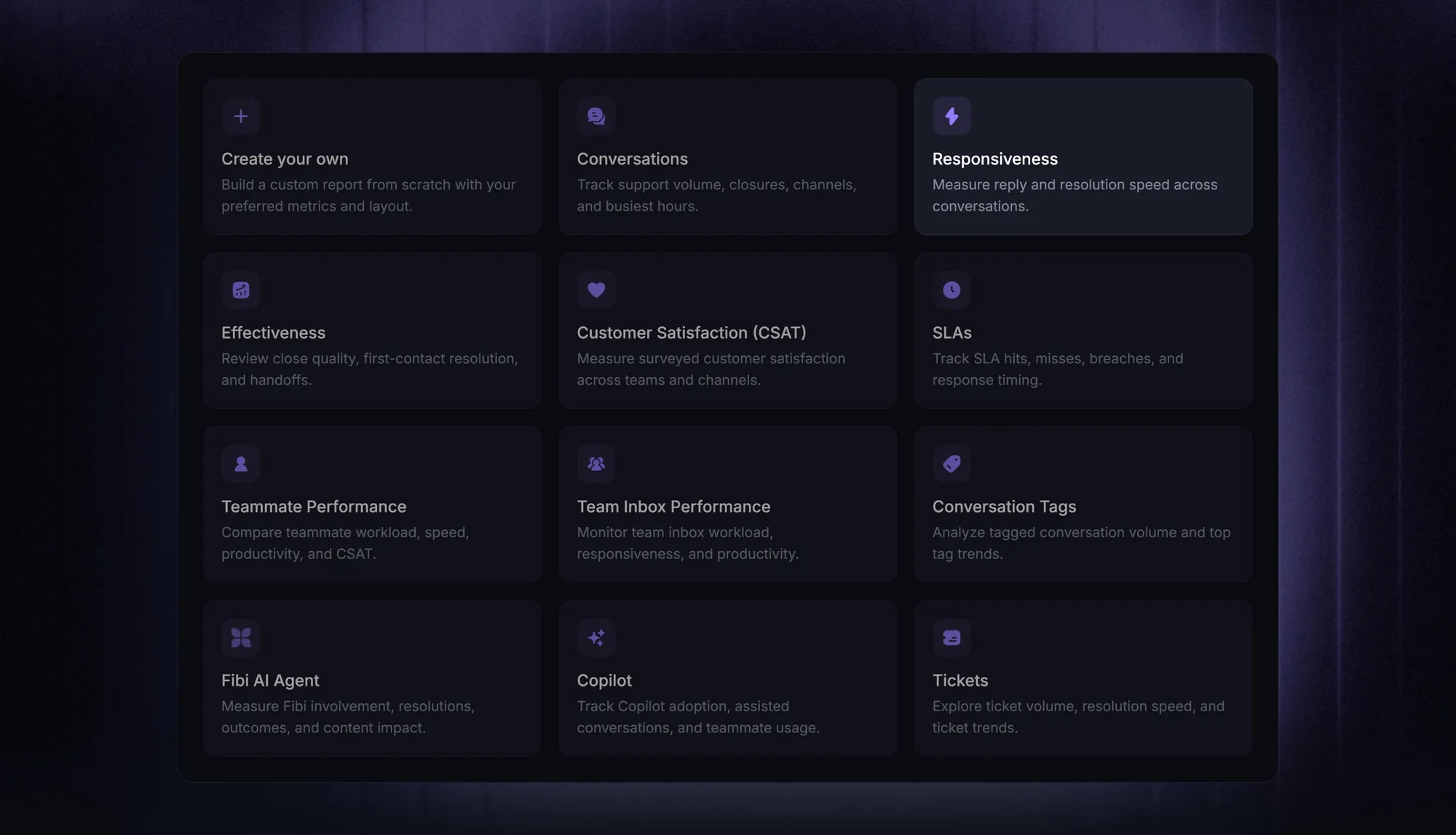
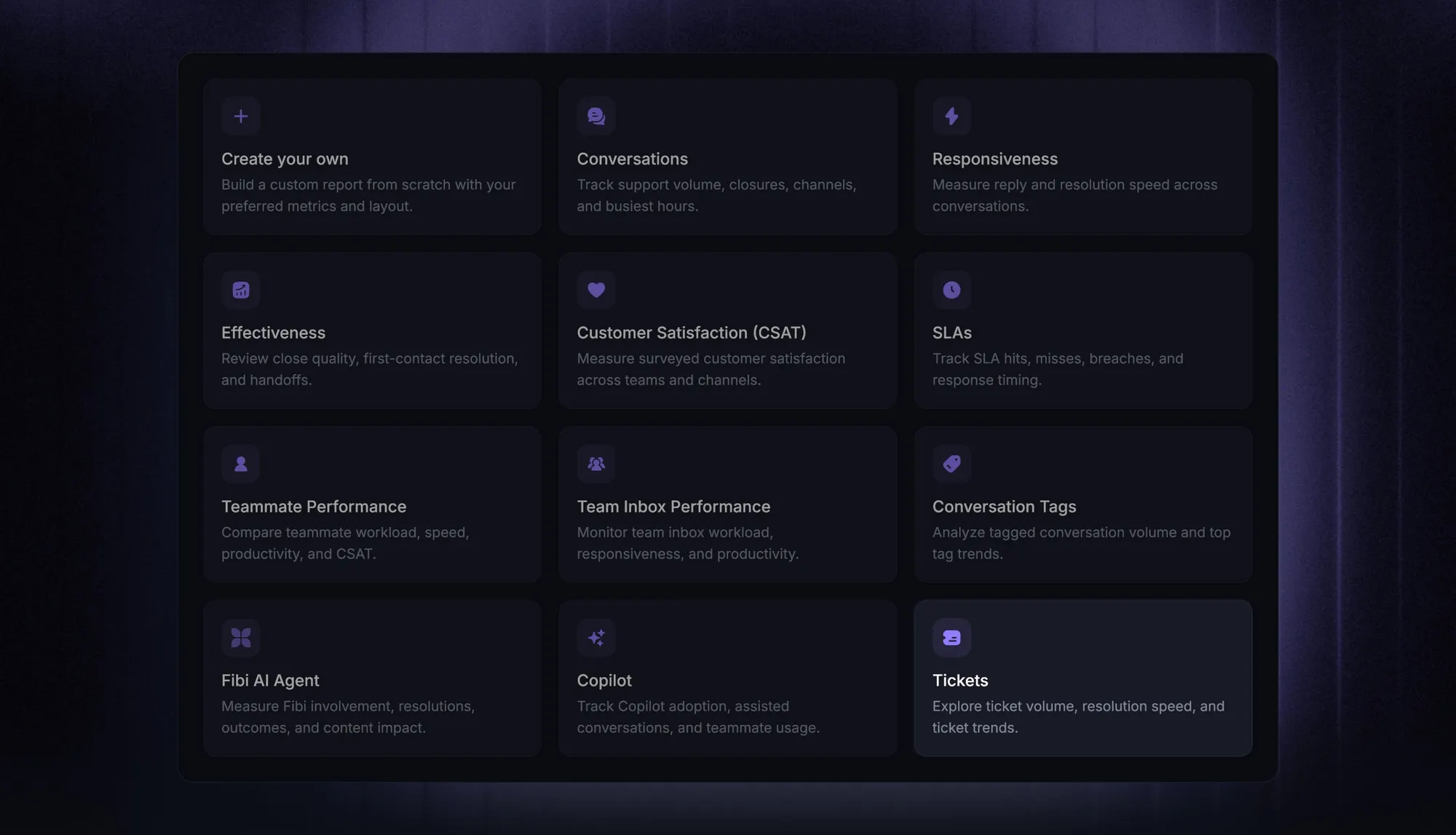
The practical fix is to pick clear definitions and let your help desk do the counting. In Featurebase, the built-in Tickets and Team Inbox Performance reports track resolution speed and time-in-state automatically, so you're not exporting timestamps into a spreadsheet every month. It also lets you measure duration within office hours or across all hours, which matters more than it sounds (more on that below).
Time to resolution vs. other support metrics
TTR is easy to confuse with its neighbours, and mixing them up leads to bad decisions. Here's how it sits alongside the other customer service metrics you're likely tracking:
- First response time (FRT): How long until the customer gets any reply. It measures acknowledgement, not a fix. You can have a fast FRT and a terrible TTR.
- Mean time to acknowledge (MTTA): Similar to FRT, this tracks how long before someone picks up the ticket. It's an early-stage signal.
- Mean time to resolution (MTTR): The average TTR across a batch of tickets. In support, MTTR and TTR are often used interchangeably. Just note that in IT and reliability engineering, MTTR can also mean time to repair or recover.
- First contact resolution (FCR): The share of issues solved in a single interaction. High FCR usually pulls TTR down, since fewer tickets bounce back and forth.
The takeaway: TTR is your best shorthand for the full customer experience, but it's not the whole story. Pair it with FRT and FCR so a fast-but-wrong answer doesn't look like a win.
What affects your time to resolution
Before you try to shrink TTR, it helps to know where the time actually goes. A few factors do most of the damage:
- Case complexity: A password reset is minutes. A technical bug that needs engineering is days. Complex cases will always pull your average up, and that's often fine.
- Team efficiency and training: A well-trained team with clear ticket ownership resolves faster. Ambiguity about who owns what creates dead time.
- Resource availability: Even a great team can't move quickly when it's understaffed or drowning in volume.
- Communication quality: Vague replies trigger back-and-forth. Clear, complete answers keep tickets moving toward resolution.
- Routing and handoffs: Time lost passing tickets between teams or waiting on a third party is often the single biggest hidden cost. Clear ticket escalation paths cut it dramatically.
- Tools and workflows: Outdated systems and manual triage add friction at every step. Modern ticket handling processes remove it.
The point isn't to fix all of these at once. Comb through 20 recent tickets (some fast, some average, some slow), find where the time slips away, and sort your list by biggest cause and simplest fix.
How to reduce time to resolution
Once you know where the time goes, these are the levers that move it most. Even a few of them can make a lasting dent.
- Offer self-service: A good self-service knowledge base lets customers solve common issues on their own, which removes those tickets from the queue entirely and frees your team for the hard ones.
- Deflect with AI: AI support tools can answer repetitive questions instantly, around the clock, and only escalate what genuinely needs a human.
- Route smarter: Automatically sending each ticket to the right person the first time removes the biggest source of dead time. This is where customer service automation pays off fastest.
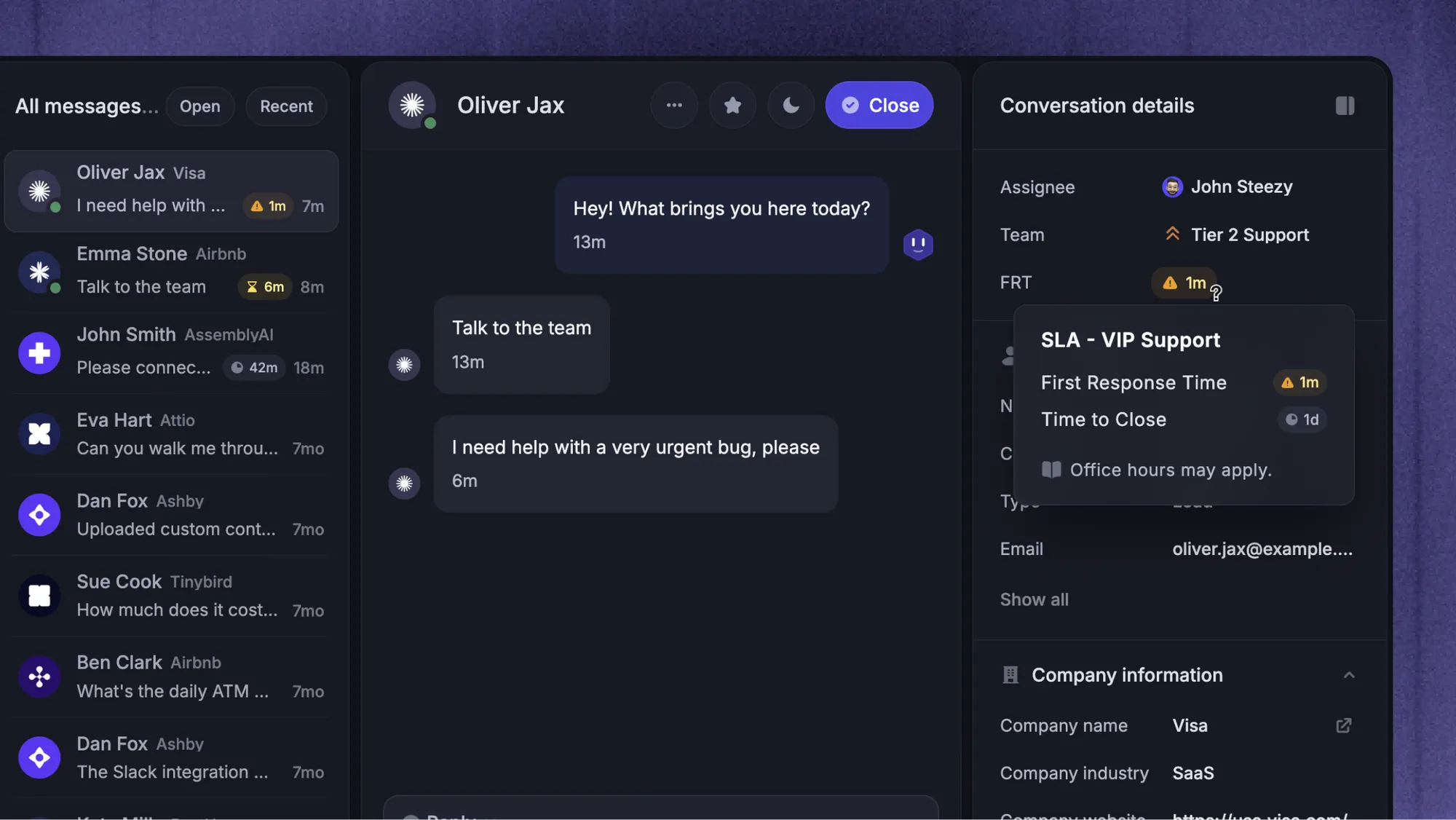
- Set clear SLAs: Defining target response and resolution times, based on your own history, keeps tickets from silently aging and gives your team a benchmark to hit.
- Fix root causes: When resolution times climb, look for the underlying pattern (onboarding gaps, a recurring bug, a documentation hole) rather than just pushing agents to work faster.
- Build escalation paths: Well-defined procedures move complex requests to the right people quickly instead of letting them bounce around.
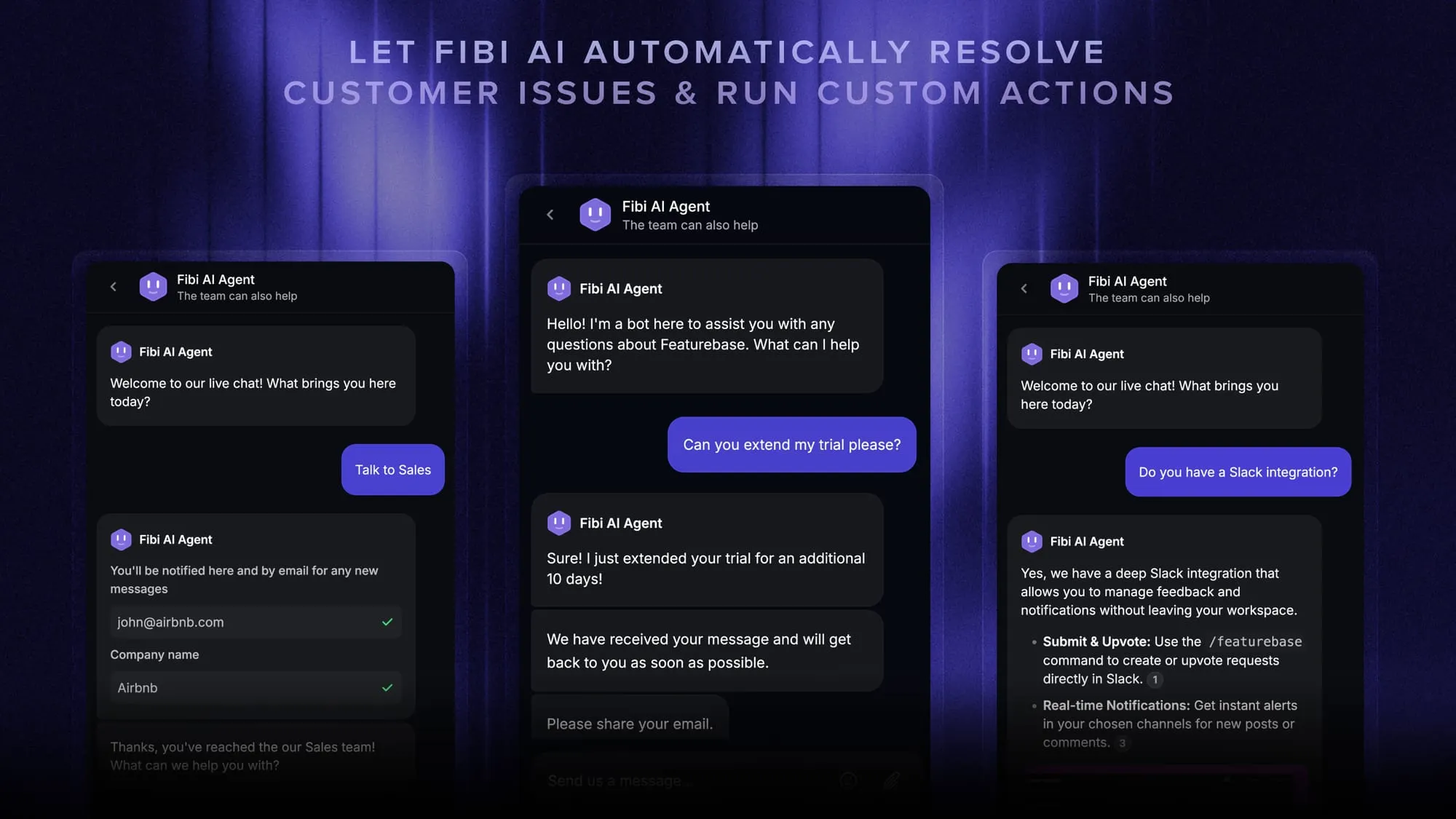
Most of these lean on your support platform. In Featurebase, the Fibi AI Agent can answer first and resolve common issues automatically to shrink your inbox, SLAs in Workflows let you set and track resolution targets, and automated Workflows route and assign conversations the moment they arrive. Together, they attack the two biggest TTR costs: volume and handoff time.
Track and reduce time to resolution with Featurebase
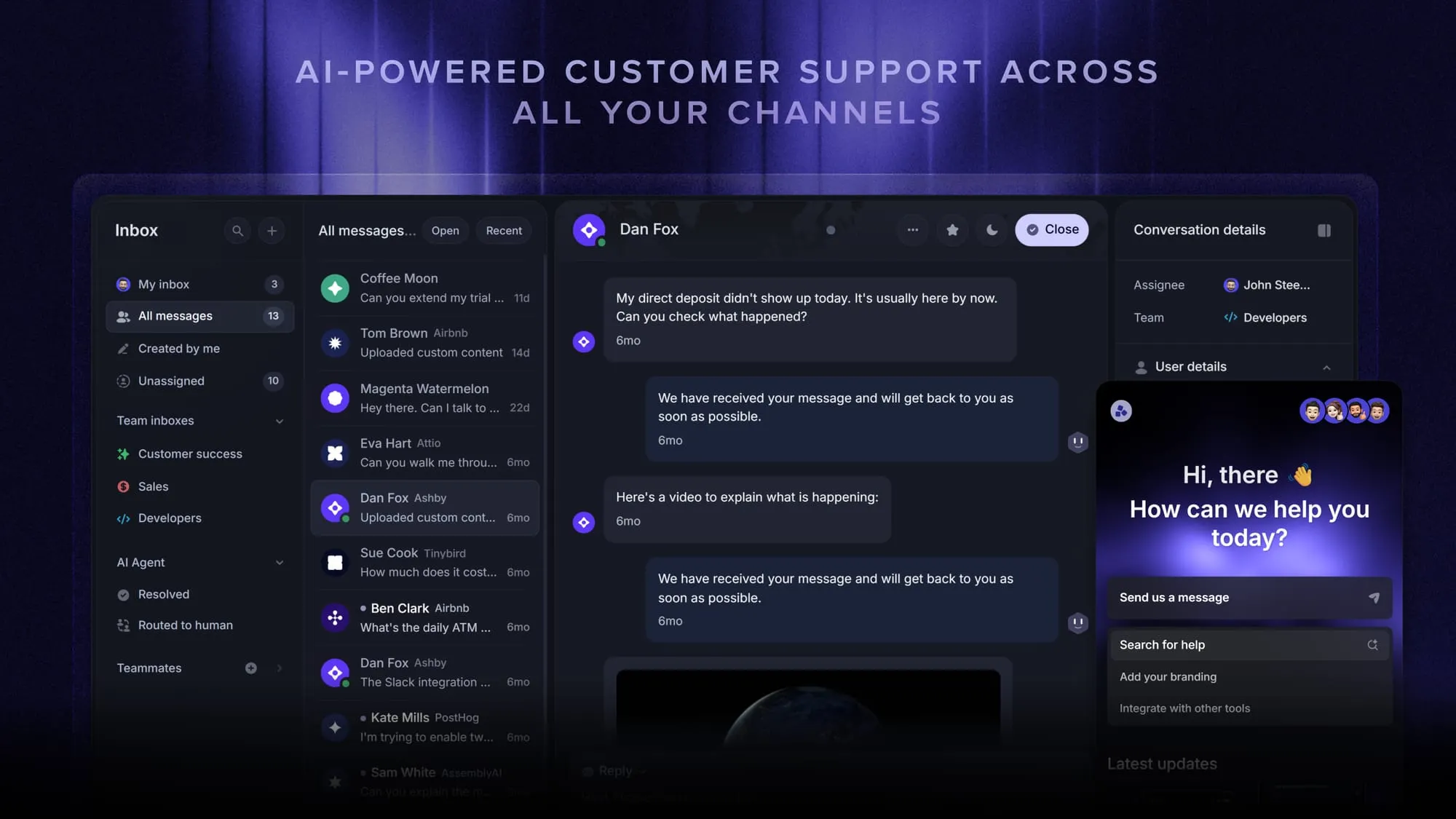
Featurebase is a modern AI customer support platform for product-led SaaS. It combines AI-powered support, help center, and feedback management into a single platform for startups that want all their customer-facing tools in one place. Featurebase is loved by thousands of support teams from companies like Lovable, Raycast, and n8n. 💫
Top features:
- Omnichannel inbox – Manage live chat, email, and Slack conversations from one AI-powered view
- Fibi AI Agent - Resolve customer issues on autopilot & run custom actions like trial extensions and refunds
- Help center with AI search – Provide instant, multilingual self-serve answers
- Workflows & automations – Auto-assign tickets, route conversations, collect customer data, and more
- AI Copilot – Help your agents answer customers faster with AI Copilot that uses your internal knowledge
- Multi-brand support – Manage multiple Help Centers and Live chats from a single workspace
- Automatic AI translations – Automatically translate all messages and help articles to your customers native language
- Service Level Agreements – Track SLAs to make sure your team responds to customers on time, every time
- Mobile app – Respond to customers, receive notifications, and unblock users on the go
- Feedback & roadmap tools – Collect feature requests and close the loop with updates
- Product updates – Publish release notes with a changelog page, in-app widget, and emails
- Integrations – Connects with Slack, Linear, Jira, HubSpot, and more
Pricing: Free plan available with unlimited conversations. Paid plans start at $29/seat/month with $0.49 per AI resolution.
Featurebase covers all the basic support features that legacy platforms do, but with a much more modern approach. It comes with AI automations, a mobile app, and multiple channels (email, live chat, Slack, etc.).
Conclusion
Time to resolution is one of the clearest signals you have of how support is really performing. Track it consistently, understand what's driving it, and you'll know exactly where to tighten workflows and where your customers are waiting too long.
Featurebase is a modern AI support platform that helps you measure and improve resolution speed in one place. It tracks your resolution times in built-in reports, deflects repetitive tickets with AI agents and a self-serve help center, and keeps work moving with SLAs and automated routing.
It comes with affordable pricing and a Free plan with unlimited conversations. The onboarding is quick and doesn't require a credit card, so there's no downside to trying it. 👇
Automate your support with the fastest AI-enhanced Inbox today
FAQs
In customer support, yes. MTTR (mean time to resolution) is just the average time to resolution across a set of tickets, so the terms are used interchangeably. The one caveat is that in IT and reliability engineering, MTTR can also stand for mean time to repair or mean time to recover, which measure restoring a failed system rather than closing a support request.
There's no universal number, because it depends heavily on the complexity of your issues and the SLAs you've set. A password reset should resolve in minutes, while a bug needing engineering might take days. The most useful benchmark is your own history: track your average over time and aim to trend it down, rather than chasing a figure you saw in someone else's report.
First response time measures how long until a customer gets any reply. Time to resolution measures how long until their problem is actually solved. You can reply in 2 minutes and still take 3 days to resolve, so the two tell very different stories. Track both, since a fast first response means little if the fix drags on.
It depends on what you want to learn. Business (office) hours isolate your team's actual performance by excluding nights and weekends when nobody is working. Calendar hours reflect the real wait your customer experienced, which is what they actually feel. Many teams track both, using office hours to coach the team and calendar hours to understand the customer experience.
First resolution time counts up to the first time a ticket is marked solved. Full resolution time counts up to the final time it's marked solved, so if a ticket gets reopened, the full resolution time extends. You want these two numbers close together, because a big gap usually means tickets are being closed prematurely and bouncing back.
Most modern help desks calculate it for you in built-in reports, so you don't have to export timestamps and crunch them by hand. Featurebase, for example, tracks resolution speed and time-in-state across teams and teammates in its Tickets and Team Inbox Performance reports, with an option to measure within office hours or across all hours.