GitBook vs Confluence: Which one should you use?
Docs drifting? GitBook vs Confluence: find the right tool for your team, reduce chaos, and keep knowledge accurate at scale.


On this page
- Quick comparison table
- What are Gitbook vs. Confluence
- Confluence vs GitBook: Documentation and communications strategy
- Editing experience: User-friendly interface vs. maximum flexibility
- Workflow and updates: Where documentation changes actually come from
- Technical documentation and API docs
- Knowledge management and internal documentation
- Integrations: third-party apps and custom workflows
- Pricing of Confluence and Gitbook
- Common limitations and tradeoffs
- Choosing the right tool based on your use case
- Conclusion
Looking for a modern & affordable alternative to GitBook and Confluence? Check out Featurebase
Most teams don’t have a “writing” problem. We have a documentation problem: docs drift, ownership gets unclear, and people stop trusting what they read.
That gets expensive fast. Support answers the same questions. Engineers get interrupted. New clients take longer to onboard. And your knowledge management system becomes a pile of stale pages.
In this guide, we’ll compare GitBook vs Confluence the way we actually see teams evaluate documentation tools: workflow fit, internal collaboration, technical documentation quality, and real pricing. I’ll also share a simple way to shape your documentation and communications strategy so the tool you pick doesn’t fall apart later.
Quick comparison table
| Category | GitBook | Confluence |
|---|---|---|
| Best fit | External docs + developer docs | Internal wiki + company knowledge |
| Default style | Documentation platform (publish-first) | Workspace (collaborate-first) |
| Editing | Clean UI + strong structure | WYSIWYG (Doc-style) editor + lots of templates |
| Tech docs | Great for API + dev docs | Works, but usually internal-first |
| Workflow | GitHub + Markdown support | Tight with Atlassian tools |
| Pricing model | Paid plans start at $79/site/month + $15/user/month | Paid plans start at $5.42/user/month |
What are Gitbook vs. Confluence
What is GitBook?
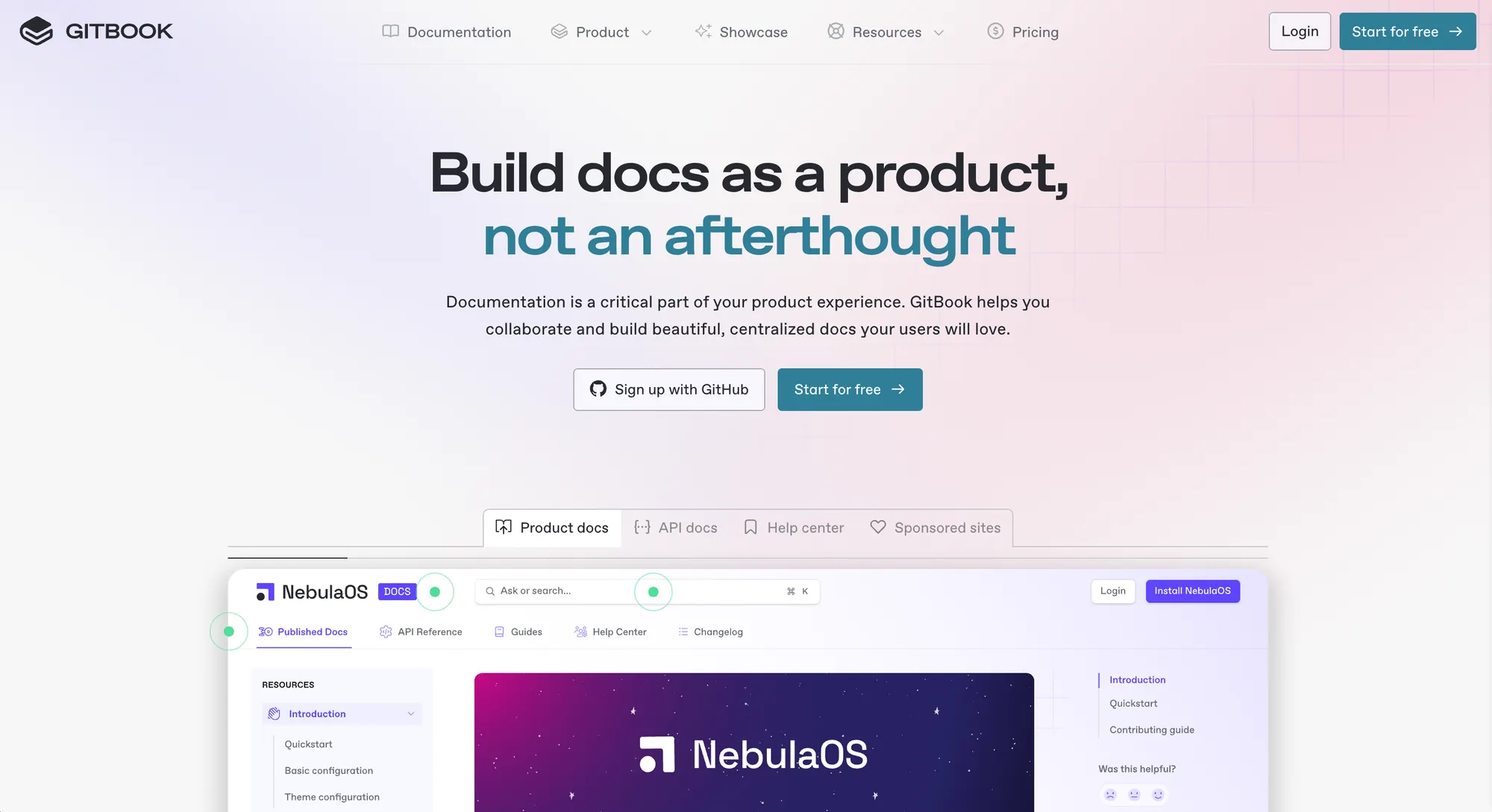
GitBook is a documentation platform that’s primarily designed to help teams publish and maintain docs that feel like part of the product. It’s common in teams that ship technical documentation for customers and software developers, like API docs, integration guides, and onboarding docs.
Where GitBook tends to stand out:
- Structure: you can organize documentation into a clear hierarchy that reads like a real docs site (not a random folder of pages).
- Markdown support: many teams like writing in Markdown, then publishing a polished site without spending time on design.
- GitHub workflows: GitBook is often used by engineering teams that want documentation changes to follow the same review habits as code.
If your docs are customer-facing, GitBook’s focus on publishing and navigation usually pays off in productivity. It’s a strong choice when “docs” is part of the product experience, not just internal notes.
What is Confluence?
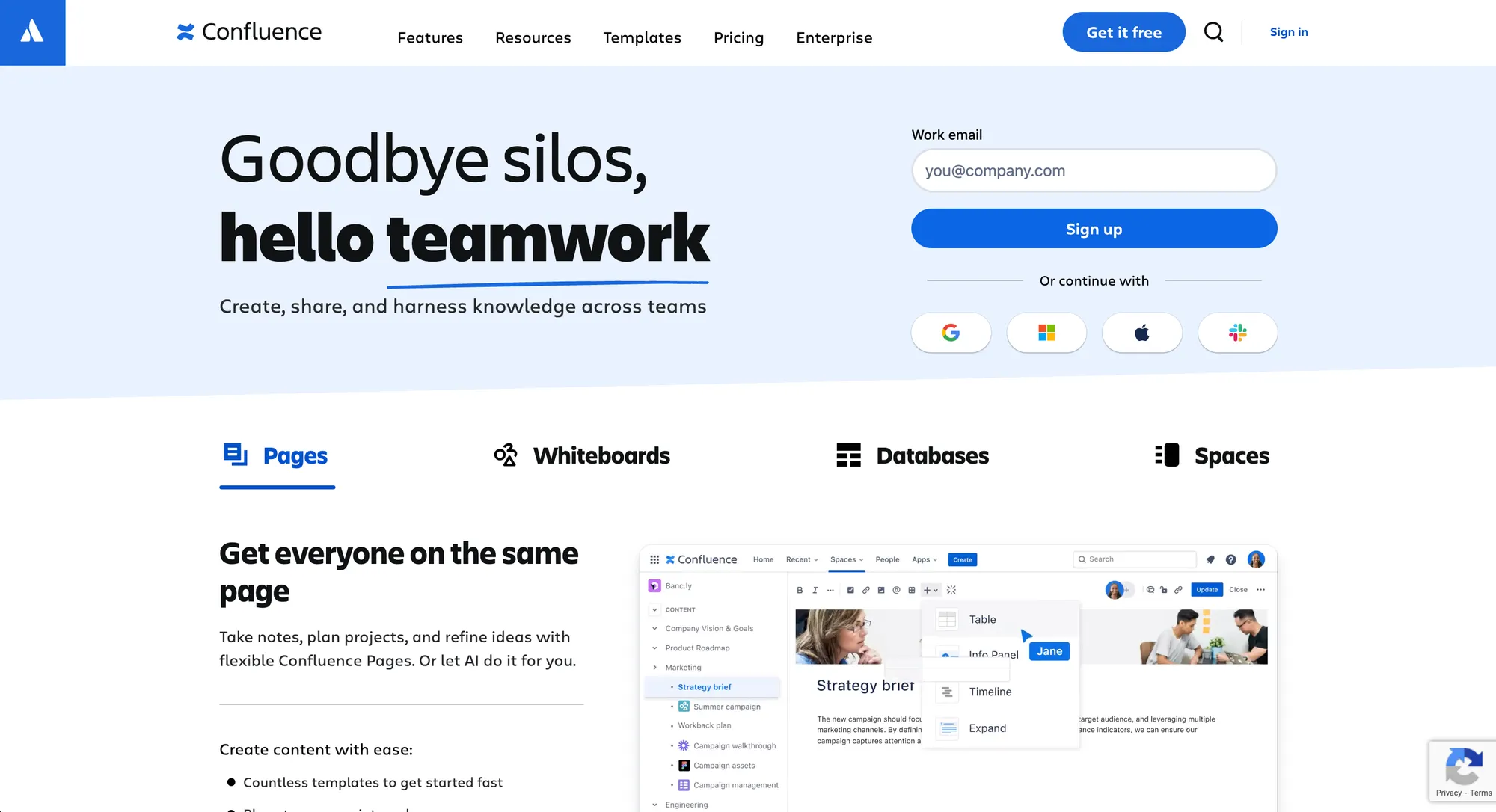
Atlassian Confluence is built for internal knowledge. It’s a workspace where teams create pages, share context, and keep decisions documented over time. Confluence is one of the most widely used tools in the Atlassian ecosystem, especially among companies already using Jira and other Atlassian products.
Where Confluence tends to stand out:
- Knowledge sharing across departments: product, support, ops, engineering, and leadership.
- Real-time collaboration: multiple users can edit, comment, and iterate quickly, which is great for living docs.
- Knowledge management at company scale: spaces, permissions, and governance make sense when you have many users and lots of teams contributing.
Confluence is a versatile tool for internal documentation because it’s built around collaboration and communication, not just publishing.
Confluence vs GitBook: Documentation and communications strategy
Before we compare features, it helps to be honest about what you’re trying to accomplish.
A good documentation tools and communications strategy answers two questions and clarifies your primary use case:
- Where does specific information live?
- Who owns updates when things change?
If you don’t answer those, it won’t matter which platform you pick. Your documentation will still drift.
Here’s the simplest rule I’ve seen work:
- If docs are for customers and external audiences, treat docs as a product surface. You need a clear structure, good search, and a consistent publishing workflow.
- If docs are for internal teams, treat docs as shared context. You need collaboration, lightweight editing, and easy discovery.
That’s the heart of most “Confluence vs …” debates. It’s not that one tool is “better.” It’s that the best tool depends on the job.
Editing experience: User-friendly interface vs. maximum flexibility
GitBook
GitBook usually feels like a modern docs site builder with an editor attached. For technical writers and engineering teams, the combination of structure + clean interface makes it easier to keep docs consistent.
In practice, GitBook is great when you want:
- a predictable doc layout
- a reader-first experience
- fewer formatting weirdness issues over time
Confluence
Confluence uses a WYSIWYG editor ("What You See Is What You Get"), which helps non-technical users write without worrying about Markdown or formatting rules. That lowers friction when you want lots of people to contribute.
The tradeoff is consistency. With plenty of users editing over time, you’ll often need stronger templates and tighter guidelines to keep pages from turning into a messy knowledge base.
Winner (and why): It’s a tie!
GitBook often wins on a “user-friendly interface” for publishing docs with a consistent structure. Confluence often wins on flexibility for broad internal collaboration.
Workflow and updates: Where documentation changes actually come from
This is where most teams feel the difference.
GitBook (engineering-led updates)
GitBook largely depends on how you want docs to live alongside code. If documentation updates are tightly coupled to releases, GitHub-based workflows usually reduce drift.
When docs change because code changes, GitBook’s Git-based model fits naturally:
- Engineers already live in GitHub
- Reviews already happen there
- Docs can follow the same process
This is especially helpful for technical documentation with lots of versioned instructions.
Confluence (org-led updates)
Confluence fits better when documentation changes, as teams change their processes. Support updates to workflows. Product updates messaging. Ops updates runbooks. Those updates don’t arrive as pull requests.
That’s why Confluence can be the best tool for internal knowledge sharing. People can create and update pages quickly, and collaboration is the default.
Winner (and why): depends on your update sourceEngineering updates drive documentation → GitBookCross-team collaboration drives documentation → Confluence
Technical documentation and API docs
If your product is developer-facing, this section matters more than the rest.
GitBook
GitBook is strong for developer docs because it’s optimized for structured publishing. Teams can create docs that feel like a real developer portal, with predictable navigation and a clean reading experience.
For teams with technical writers working closely with engineers, GitBook’s structure helps maintain consistency across lots of pages.
Confluence
Confluence can absolutely store technical documentation. Many teams do it. But it’s usually internal-first. If you try to use Confluence as your public developer docs site, you often end up fighting the “workspace” default.
You can still make it work, but it tends to require more manual governance:
- stricter templates
- careful page hierarchies
- more attention to formatting
Winner (and why): GitBook
For external-facing developer docs, GitBook’s publishing model and structure usually produce a cleaner result with less ongoing effort.
Knowledge management and internal documentation
This is where Atlassian Confluence often wins.
If your goal is internal knowledge management, you want three things:
- fast creation of new documents
- discovery (people can find what they need)
- ongoing collaboration (updates happen without drama)
Confluence is built for that. It’s part of why “Atlassian Confluence” shows up in so many internal wiki stacks. The platform is primarily designed for internal knowledge work.
GitBook can support internal knowledge too, but it’s usually better when the internal docs look like “product docs” (curated, structured, published), not a messy internal operating system.
Winner (and why): Confluence
For internal knowledge management at scale, Confluence’s collaboration-first model is hard to beat.
Integrations: third-party apps and custom workflows
Integrations matter because docs don’t live in one place. Most teams want documentation connected to tools like Slack, GitHub, and other systems so knowledge can be captured fast and reused later.
GitBook
GitBook’s integrations tend to be documentation-first. The goal is to bring your docs closer to where questions happen (like Slack) and where changes originate (like GitHub), making it easier to keep technical documents current. GitBook also supports building custom integrations for teams that need deeper workflows.
Confluence
Confluence’s integrations tend to be workspace-first. In addition to native connections inside the Atlassian ecosystem, it has a large third-party extension ecosystem (via the Atlassian Marketplace) and supports custom plugins (e.g., webhooks and apps) for companies that want Confluence to act as a central internal knowledge hub.
Winner (and why): depends on what you’re connectingIf you want integrations that improve docs publishing + developer workflows, GitBook is often a better fit.If you want a broad ecosystem for internal knowledge management with lots of third-party options and enterprise-style extensibility, Confluence usually fits better.
Pricing of Confluence and Gitbook
Pricing affects adoption. If it’s expensive to add editors, updates slow down, and documentation drifts. If it’s expensive to give broad access, teams start spreading knowledge across other tools.
GitBook pricing
GitBook prices around (1) a site plan plus (2) paid users on paid tiers.
| Plan | Site price | User price | Notes |
|---|---|---|---|
| Free | $0 / site/month | Includes 1 free user | Good for trying GitBook or a tiny docs setup. |
| Premium | $65 / site/month | $12 / user/month | Annual billing noted with “2 months free.” |
| Ultimate | $249 / site/month | $12 / user/month | Also, annual billing with “2 months free.” |
| Enterprise | Custom | Custom | For larger orgs and security/compliance needs. |
GitBook pricing can be cost-effective when a small group owns publishing and lots of people just read the docs. Costs rise mainly when you add many editors or manage multiple doc sites.
Confluence pricing
Confluence is priced per user, with Free/Standard/Premium tiers and Enterprise via sales.
| Plan | Price | Notes |
|---|---|---|
| Free | $0 (up to 10 users) | Great for small teams getting started. |
| Standard | $5.42 / user/month | Adds features like advanced permissions, guest access, and more storage. |
| Premium | $10.44 / user/month | Includes unlimited pages/spaces and stronger admin controls; 99.9% uptime SLA listed. |
| Enterprise | Contact sales (billed annually) | Adds enterprise-scale controls; supports multiple sites (up to 150). |
What this means in practice: Confluence pricing tends to map well to internal knowledge bases where many users need access. It’s predictable, but the cost scales with how broadly you roll it out.
Common limitations and tradeoffs
Both are excellent tools, but they fail in different ways. The trick is knowing what breaks first as you add more pages, more teams, and more readers.
| Area | GitBook’s limitations | Confluence’s limitations |
|---|---|---|
| Internal wiki vs published docs | GitBook tends to work best when docs are curated and published. If you try to use it as a messy internal wiki for lots of fast-moving projects, it can feel constrained. | Confluence is built for internal knowledge, so it can get messy over time if you treat it like a public docs site. |
| Access control and auth | If you need custom authenticated access, GitBook’s docs note that you may need to create and host your own server and maintain it. | Permissions can get complicated as teams grow, and poor permission models can hurt both security and discoverability. |
| Scale and structure | Splitting docs across many sites can add admin overhead and increase costs (because pricing is per-site + per editor). | Atlassian warns that spaces with too many pages can degrade performance (page tree navigation, viewing spaces, editing pages). |
| Organization and sprawl | GitBook can feel “too structured” if your team wants a looser place to dump ideas and notes. | Confluence sprawl is common without guardrails. Atlassian best practices emphasize reducing clutter and staying organized. |
Choosing the right tool based on your use case
You don’t need more feature lists. You need clarity on two things: what your docs are for, and what will break first as you scale.
Most teams create two types of documentation:
- Published docs for customers and developers
- Internal docs for processes, specs, and decisions
If your priority is polished, customer-facing documentation, GitBook is usually the better fit.
If your priority is internal knowledge sharing across teams, Atlassian Confluence is typically stronger.
But the real decision shows up when things get messy.
If you choose GitBook
GitBook works best when documentation is curated and structured.
It starts to feel constrained when:
- Teams want a loose internal wiki
- Lots of fast-moving projects dump notes into it
- You split documentation across many sites (which adds cost and admin overhead)
If your internal knowledge is messy by nature, GitBook may feel too rigid.
If you choose Confluence
Confluence works best when documentation is collaborative and internal.
It starts to break when:
- You treat it like a polished public docs site
- Spaces grow too large and navigation slows down
- Permissions become complex and hard to govern
Without guardrails, Confluence sprawl is common. The more contributors you add, the more structure you’ll need to maintain trust.
Conclusion
If you’re choosing between Confluence vs GitBook, the real decision isn’t about features, it’s about what you’re optimizing for and what’s most likely to break as you scale. GitBook is usually the better fit for structured, customer-facing product and developer docs. Confluence is typically stronger for internal knowledge sharing and cross-team collaboration.
Featurebase is a modern & powerful Help Center tool that lets you create a beautiful knowledge base with a custom domain, in-app widgets, translations, and so much more. It also comes with advanced features such as feedback collection, surveys, roadmaps, and changelogs - so your docs don’t live in a silo. The end result is fewer repeated support questions and faster self-serve for customers.
It has affordable pricing and a Free plan, so there’s no downside to trying it. Plus, we can help you migrate from your current docs or knowledge base tool quickly and keep everything organized from day one. 👇
Create a beautiful Help Center with Featurebase for free