Slite vs Confluence: Which Collaboration Tool Is Right for Your Team?
Ever played hide-and-seek with your docs? I’ve been there - no fun. Compare Slite vs Confluence on trust, search, and scale to pick the best fit.


On this page
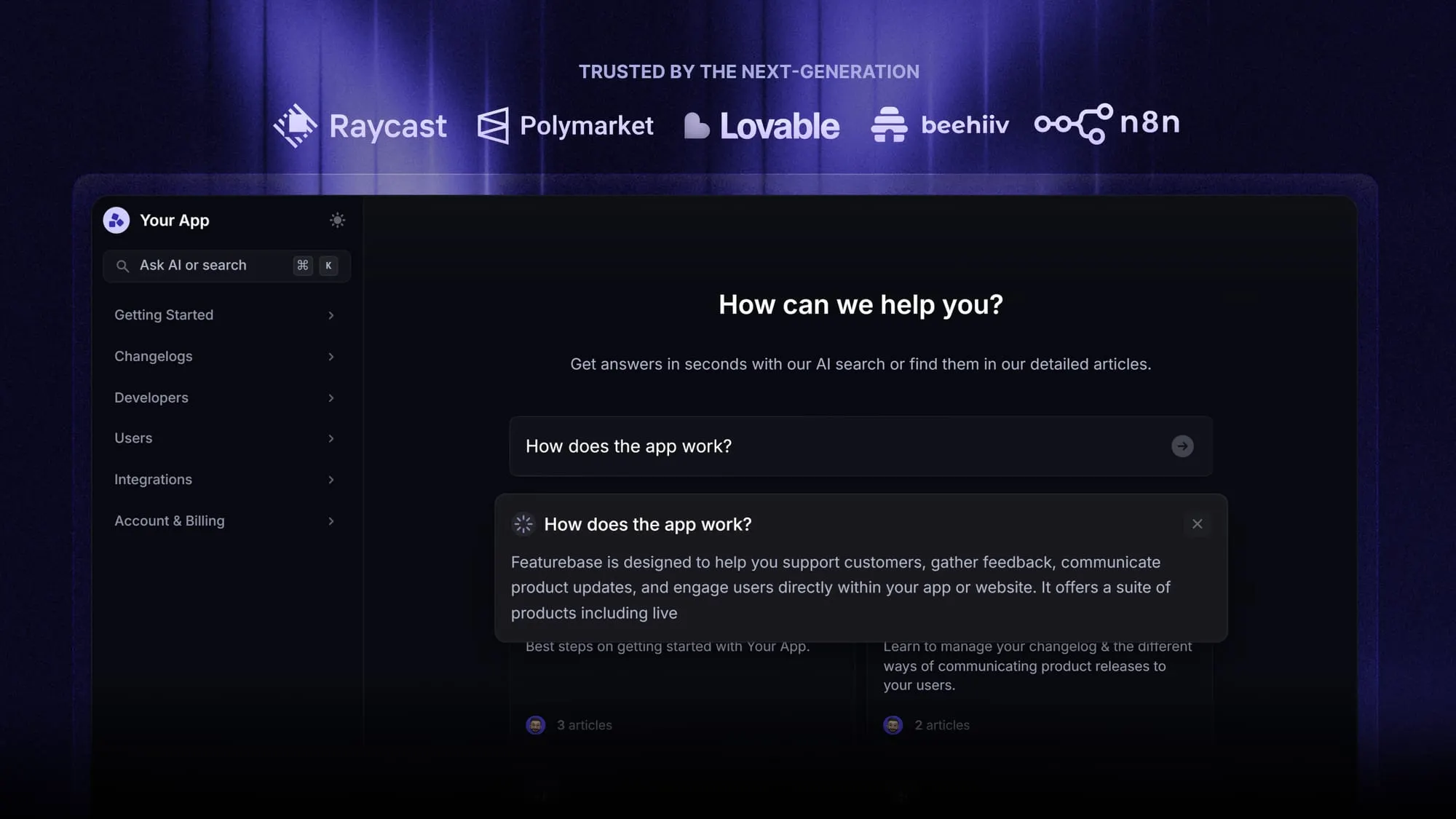
Looking for a modern & affordable alternative to Slite and Confluence? Check out Featurebase
Most teams don’t have a documentation problem. They have a trust problem.
Docs go stale. People stop checking them. “Source of truth” quietly becomes “best guess.” And before you know it, your collaboration software is just another place your team wastes time searching for answers.
That’s the real lens for Slite vs Confluence. Both tools help teams write, organize, and share information, but they differ in how well they preserve trust over time, how they support knowledge sharing, and how they scale from a few docs into a living knowledge base your team actually relies on.
In this guide, we’ll compare Slite and Confluence across knowledge management, project and task workflows, collaboration features, search (including AI search), and pricing, so you can choose what fits your team today, and still works when your docs library is 10× bigger. 👇
Quick overview: Slite vs Confluence
- Slite is lighter, more intuitive, and faster to set up. Confluence is broader and more powerful, but more complex.
- Slite is easier to learn and maintain. Confluence has a steeper learning curve with more admin overhead.
- Slite works well for simple knowledge management. Confluence handles deeper structure, permissions, and large-scale documentation better.
- Confluence integrates tightly with Jira and enterprise workflows. Slite is more standalone and lightweight.
- Slite pricing is straightforward. Confluence has a free tier, but costs can rise quickly as teams scale.
- If you want a more modern, balanced alternative, some teams also look at Featurebase to combine docs, feedback, and support on one platform.
What is Slite and Confluence?
What is Slite?
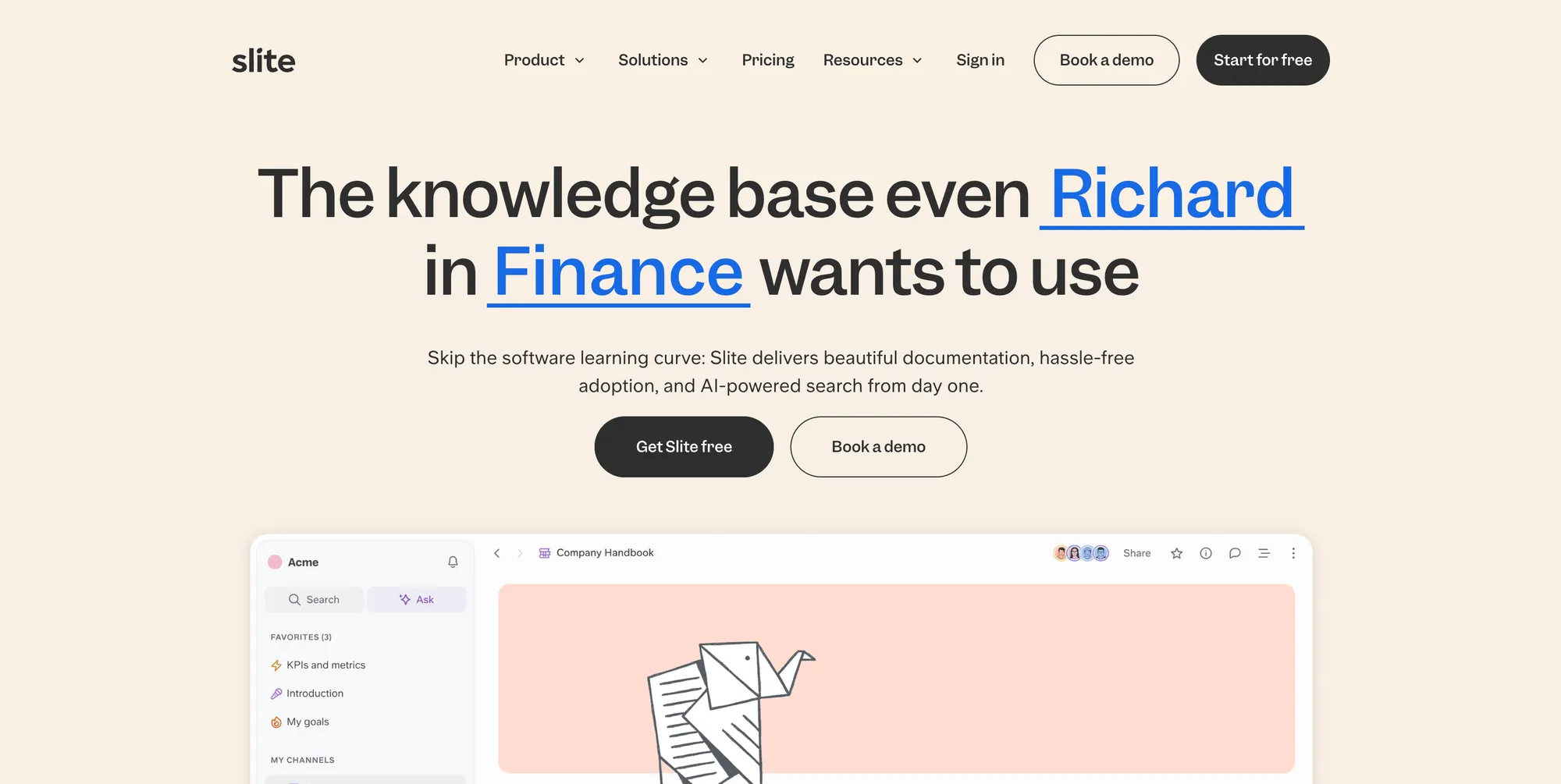
Slite is a self-maintaining knowledge base that keeps itself current from your company's entire tool stack. It pairs a structured, verified wiki with an AI agent that detects when documentation has drifted from reality, proposes the fix, and routes every change through human approval before it becomes truth, so both your team and your AI agents work from a single source of truth they can trust.
Common use cases include:
- Onboarding hubs
- Decision logs
- Meeting notes
- Internal FAQs
- Team handbooks
The product is intentionally focused. It aims to enable teams to contribute consistently, making knowledge sharing part of daily work. That habit is the foundation of strong knowledge management and a healthy knowledge base.
Slite is especially appealing to small teams and distributed teams that want a clean interface and a user-friendly platform without complex setup.
What is Confluence?
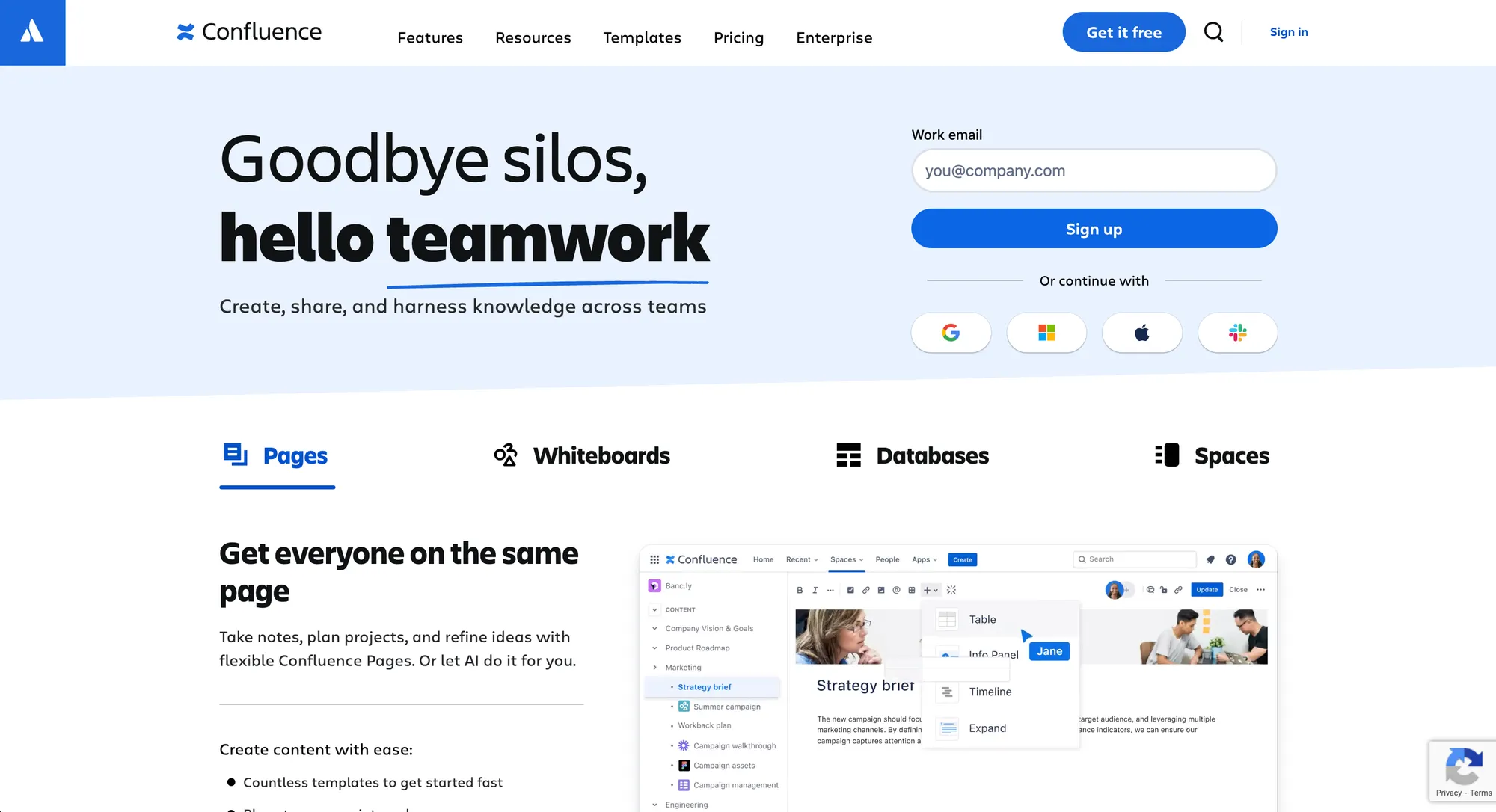
Confluence is Atlassian’s documentation and wiki workspace. It is built around structured spaces and Confluence pages and is commonly paired with Jira in software development environments.
Teams use Confluence for:
- Product specs
- Project documentation
- Policies and process documentation
- Cross-team collaboration hubs
Confluence offers a scalable solution for large organizations that need structured documentation, advanced features, and deeper control through user permissions.
It often becomes a centralized location for comprehensive documentation across departments. The tradeoff is complexity. Without conventions and ownership, the learning curve can feel steep, especially for new contributors.
Core management features
Knowledge management in Slite and Confluence
In the Slite vs Confluence comparison, knowledge management is the foundation.
Slite is optimized for practical knowledge management, helping small teams keep documentation current, encourage ownership, and avoid overengineering the knowledge base. Its user-friendly interface and intuitive features make it easy to maintain critical information without creating governance overhead. For teams prioritizing clarity, Slite offers knowledge-sharing and collaboration tools that help distributed teams stay on the same page.
Slite Agent cross-references your docs against Slack, Linear, GitHub and 20+ connected tools, flags what has gone stale, and proposes fixes that a human approves before anything changes.
Confluence, by contrast, shines in large organizations that need org-wide knowledge management with structured hierarchies, user permissions, and version control. It offers structured documentation and extensive cross-departmental customization, turning the knowledge base into a centralized repository for policies, specs, and processes. The tradeoff is governance: without internal links, templates, and standards, even its powerful search functionality may not prevent duplication or outdated pages.
So, the distinction comes down to scale versus simplicity. Slite keeps the knowledge base lightweight and easy to maintain, while Confluence provides a scalable solution with controls and structure that large organizations require. Both support knowledge sharing and team collaboration, but their approaches and levels of complexity differ.
Project management and task management features
Neither Slite nor Confluence is a full project management system, but both support task management in complementary ways.
Slite focuses on context rather than execution, helping teams manage projects through meeting notes, briefs, decisions, and process documentation. Its clean interface and user-friendly platform make it easy for teams to keep project documentation accurate, supporting better decision-making without overwhelming users.
Confluence excels when project management needs are tied to software development, particularly through seamless integration with Atlassian products like Jira. Teams can create Confluence pages for specs, link them to issues, maintain version history, and store project plans. Its advanced features and specialized features from the Atlassian Marketplace provide a comprehensive solution for engineering-heavy organizations, though it may require extensive training to overcome the steep learning curve.
In summary, Slite emphasizes documentation support for project management with an accessible approach, while Confluence delivers a structured, integrated platform that tightly connects project and task management to software development workflows. The choice depends on whether teams value simplicity and adoption or scale and extensive features.
Collaboration tools and features
Collaboration software only works if people actively participate, and the difference between Slite and Confluence comes down to simplicity versus breadth of features. Both aim to keep teams aligned, but they take different approaches to engagement and usability.
Slite emphasizes lightweight collaboration through everyday writing, document sharing, and real-time editing. Its intuitive design lowers friction, making it easy for teams to stay on the same page and encouraging adoption without requiring extensive training. For smaller teams or those prioritizing clarity, Slite’s approach keeps collaboration seamless and manageable.
Confluence, meanwhile, provides deeper collaboration capabilities suitable for larger, multi-department teams. It supports structured templates, advanced permission settings, workflow automation, and extensive customization, often extended through the Atlassian Marketplace. While this flexibility makes it powerful, it can also introduce a steeper learning curve, requiring teams to have clear guidelines to maintain efficiency and engagement.
Building a knowledge base
When comparing Slite and Confluence for building a knowledge base, the core difference is simplicity versus structural depth. A strong knowledge base depends on clear organization, ownership, and discoverability, and each tool approaches those foundations differently.
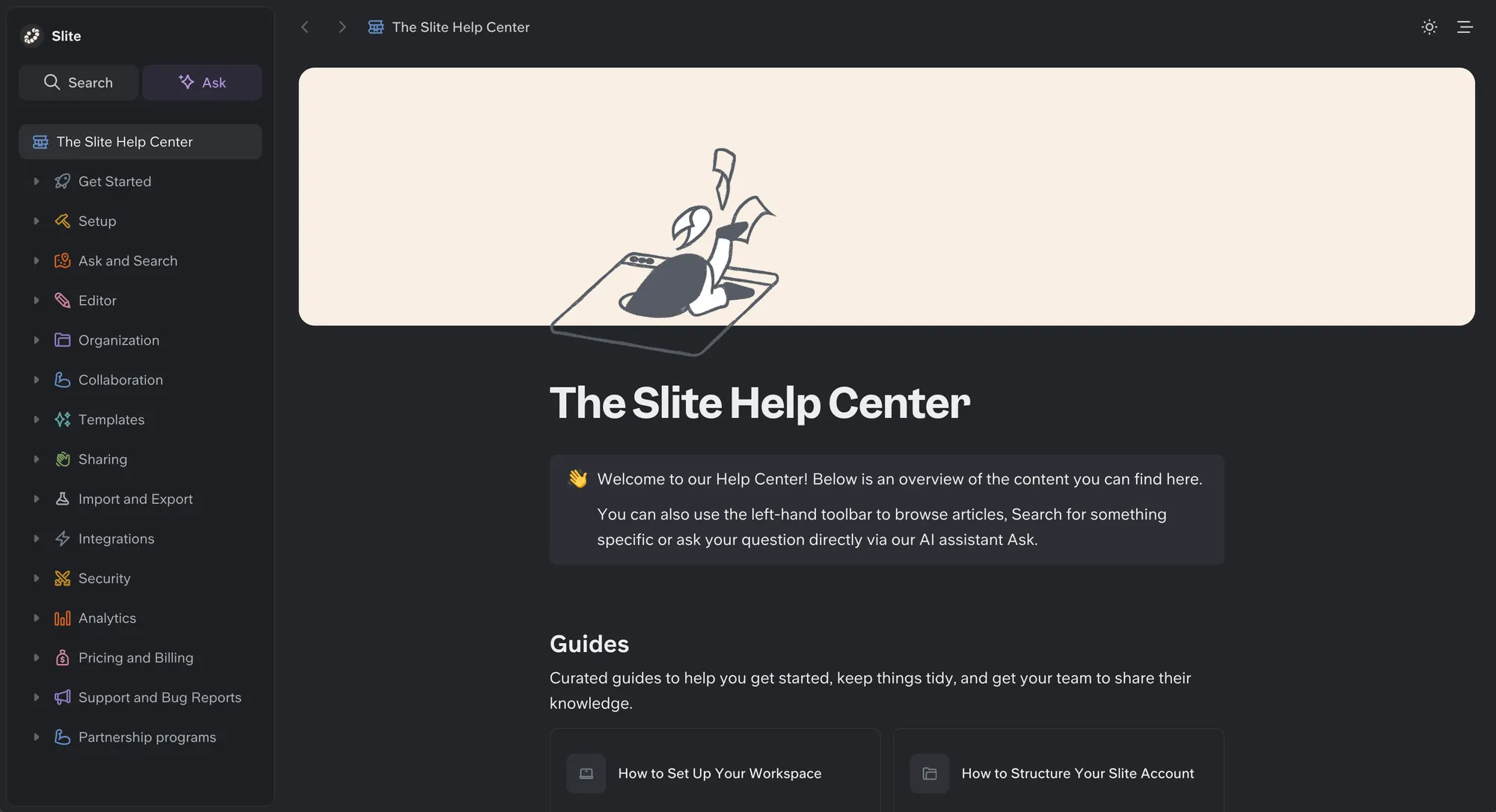
Slite focuses on clarity and ease of maintenance. Its streamlined structure works well for internal knowledge hubs and living documentation, especially for teams that want documentation to stay clean and manageable over time. The limited complexity helps reduce sprawl and lowers the risk of over-engineering your workspace.
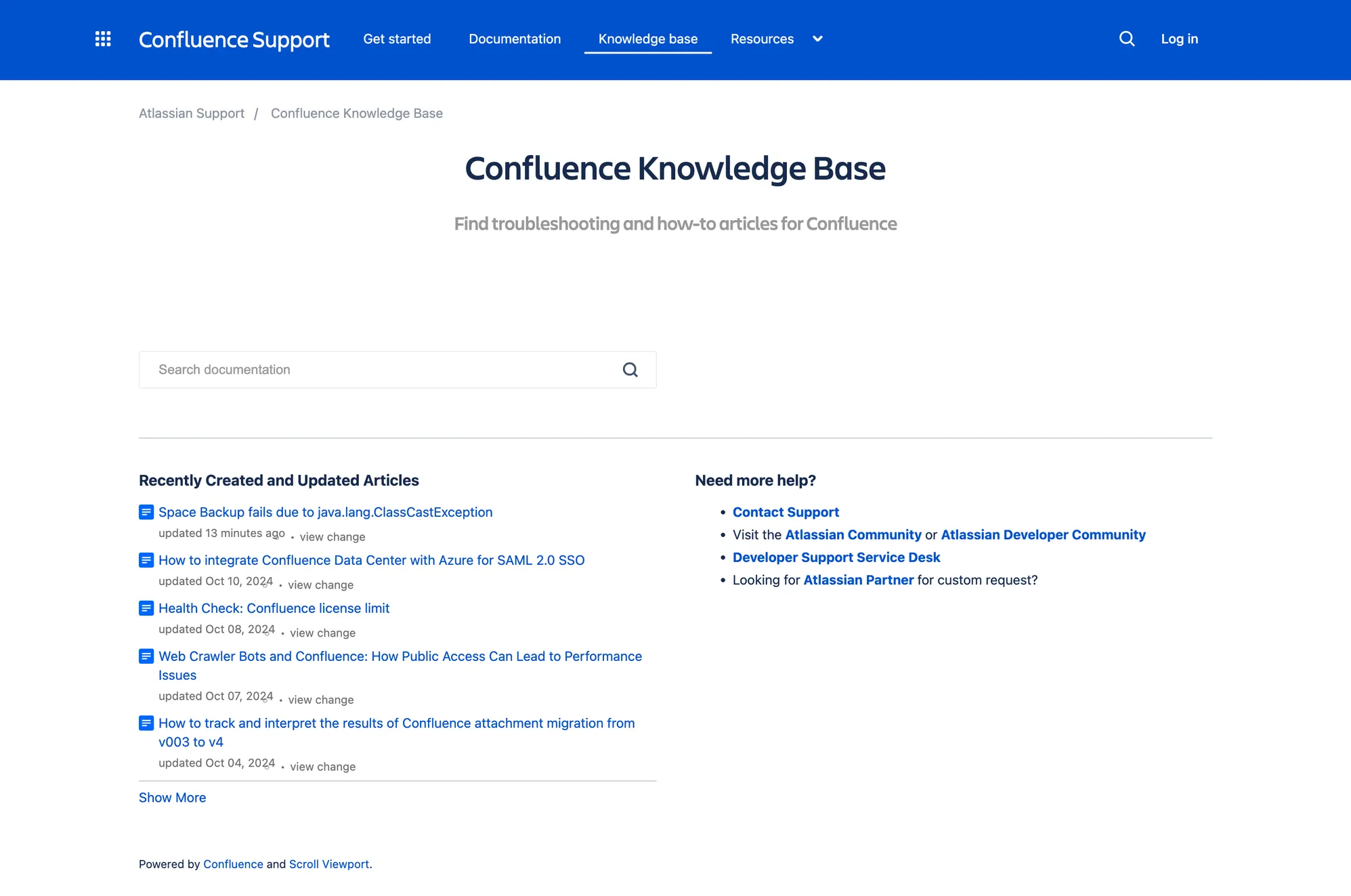
Confluence, by contrast, is designed for scale. It supports layered hierarchies, detailed frameworks, and extensive customization across teams and departments. That flexibility makes it powerful for larger organizations, but it also requires governance. Without defined ownership and standards, even robust search features can struggle to offset structural clutter.
Search capabilities and AI search
Search is the moment of truth for knowledge management.
If employees cannot find answers quickly, knowledge sharing breaks down, and collaboration software loses value.
Slite AI search
Slite places strong emphasis on AI-powered search and natural-language queries. Team members can ask questions in natural language, such as:
- How do we handle onboarding?
- What is our release process?
When the knowledge base is maintained properly, Slite’s AI search and search capabilities feel focused. The search function returns relevant answers rather than long lists of unrelated pages.
Slite's AI search ingests connected tools as sources for its retrieval engine, so answers are rooted in the latest information across your whole stack, with cited sources and no hallucinations.
In debates over Slite vs. Confluence, this lighter, AI-driven experience is often a deciding factor for small teams.
Confluence search capabilities
Confluence also provides powerful search functionality across large volumes of content.
Its search capabilities work best when:
- Spaces are structured
- Internal links are consistent
- Documentation standards are enforced
In large organizations using many Atlassian products, this becomes part of a broader, scalable solution. However, without discipline, the learning curve increases as content grows.
Pricing comparison
Pricing evolves, so always verify current numbers. But structurally, here is how the pricing structure compares.
Slite pricing plans
What you’re paying for
- Unlimited documents
- Structured knowledge base organization
- Permissions management
- Slack & workspace integrations
- Collaboration tools for async teams
Slite’s pricing scales predictably. It’s usually more cost-effective for small to mid-sized teams that don’t require complex workflow automation or enterprise-grade compliance features.
Confluence pricing plans (Cloud)
| Plan | Price (Per User / Month) | Best For |
|---|---|---|
| Free | $0 (up to 10 users) | Small teams |
| Standard | ~ $6.05 | Basic documentation needs |
| Premium | ~ $11.55 | Advanced permissions & analytics |
| Enterprise | Custom | Large organizations with compliance needs |
(Pricing varies based on user volume.)
What you’re paying for:
- Unlimited spaces and pages
- Deep integration with the Atlassian ecosystem
- Advanced permission controls
- Automation rules (Premium+)
- Audit logs & analytics (Premium)
Confluence looks cheaper at the entry tier, but costs rise quickly when; User counts scale, Premium features are required, and Enterprise compliance is needed.
For teams already embedded in the Atlassian stack, the cost is often justified. For lean teams, it can feel heavy over time.
Key considerations before choosing
Even after comparing Slite vs Confluence, the right tool depends on your team’s size, workflows, and growth plans. Small teams benefit from Slite’s clean interface and lightweight collaboration tools, while larger organizations may need Confluence’s structured documentation, advanced features, and integration with Atlassian products.
Think about your knowledge base needs, how your team manages projects and tasks, and whether features like AI search or user permissions are essential. The best choice balances usability, scale, and adoption to keep your team productive and informed.
Conclusion
Choosing between Slite and Confluence depends on your team’s size, workflows, and priorities. Slite works best for teams that want simplicity and rapid adoption, while Confluence excels for large organizations that need structured documentation and advanced features. The right platform is the one your team will actually use to maintain a reliable knowledge base and streamline collaboration.
Featurebase builds on both platforms by offering a modern support suite that combines public and internal help centers, AI-powered search, feedback collection, and product updates, all in one place. It’s trusted by teams from companies like Lovable, Raycast, and n8n, and makes it easy to create a self-service knowledge base, manage support channels, and keep users informed.
With a Free plan and quick onboarding, you can start building a better support experience today. 👇
Create a beautiful Help Center with Featurebase for free