Blog ComparisonsGuru AI 2026 Review: Features, Knowledge Sharing, Integrations
Guru AI 2026 Review: Features, Knowledge Sharing, Integrations
Find out what Guru AI is, how it can help your team and what you can (and can't use) it for, depending on what your business needs are.



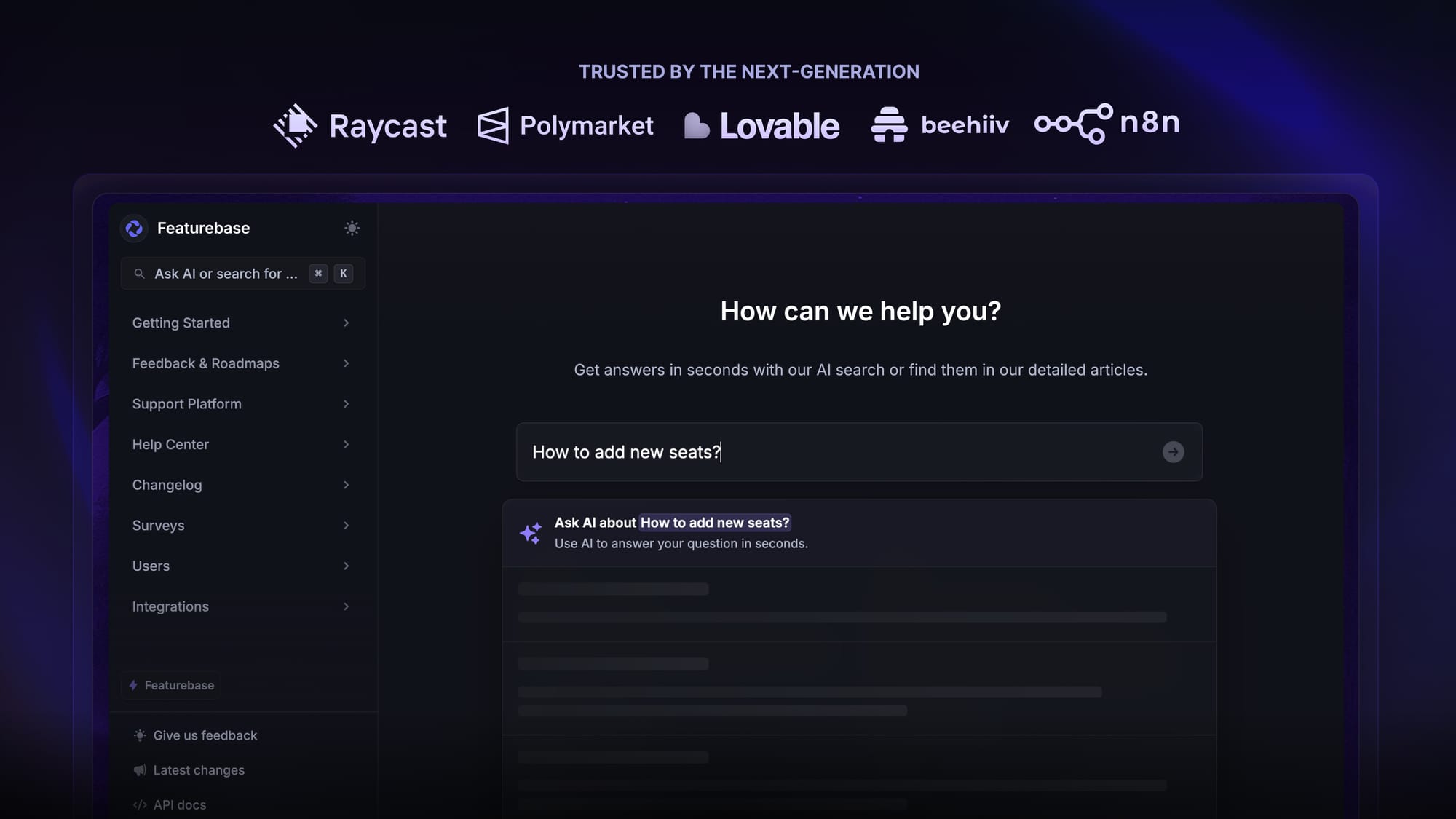
✨ Psst... Looking for a modern & powerful alternative to Guru? Check out Featurebase →
Guru is a knowledge base tool that helps businesses manage knowledge internally and externally. You can use it to help team members find relevant information quickly or for your customers to resolve issues on their own without talking to a rep.
Under the hood of all of these operations is Guru AI: artificial intelligence that helps you organize and find that information much more quickly compared to manual search.
Today, we'll show you what Guru AI is, how it works, and whether you should start looking at Guru alternatives. 👇
What is Guru?
Guru is a knowledge-management software for organizations. It gathers a company’s docs, FAQs, policies, guides, best practices, and other internal info and stores them in a structured knowledge base.
Instead of being a static wiki that employees must explicitly browse, Guru makes that knowledge available contextually, where and when people need it (for example, directly inside messaging or work apps).
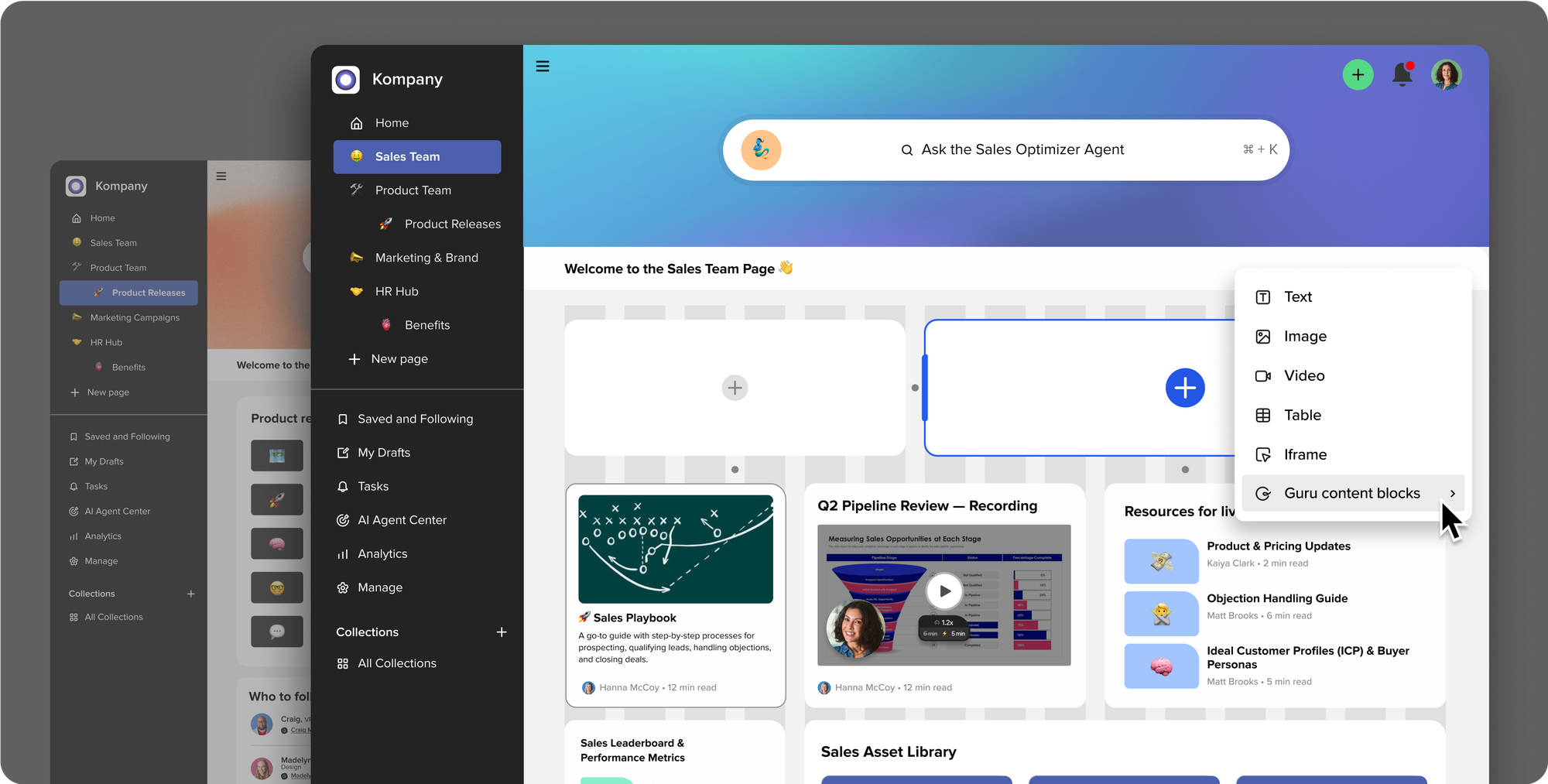
If you take a look at Guru's features, integrations, and pricing structure, it becomes obvious that the platform is primarily built for internal knowledge bases rather than public, customer-facing ones.
Here's how that works in practical terms. 👇
How Guru uses AI to surface knowledge
There is one basic principle: information exists, and your team members need to find and access it. Guru helps you do this through several different AI tools and methods.
1. Semantic search and intent matching
Guru does not rely only on keyword matches, e.g., when someone types in "reset password", they only see articles with "reset password" in the title.
Instead, Guru analyzes the meaning behind a question and connects it with related concepts across your stored knowledge. If someone searches “reset password” but the article is titled “account access recovery,” Guru can still surface the correct answer because it understands topic similarity.
This also works for long, natural language questions. Users can write full questions like “How do I refund a charge from last month?” and still get concise results.
The best part is that over time, search quality improves as teams add more confirmed content and usage signals show which answers people trust and reopen. So, the more you use Guru, the better it becomes at understanding what you need and how you search for it.
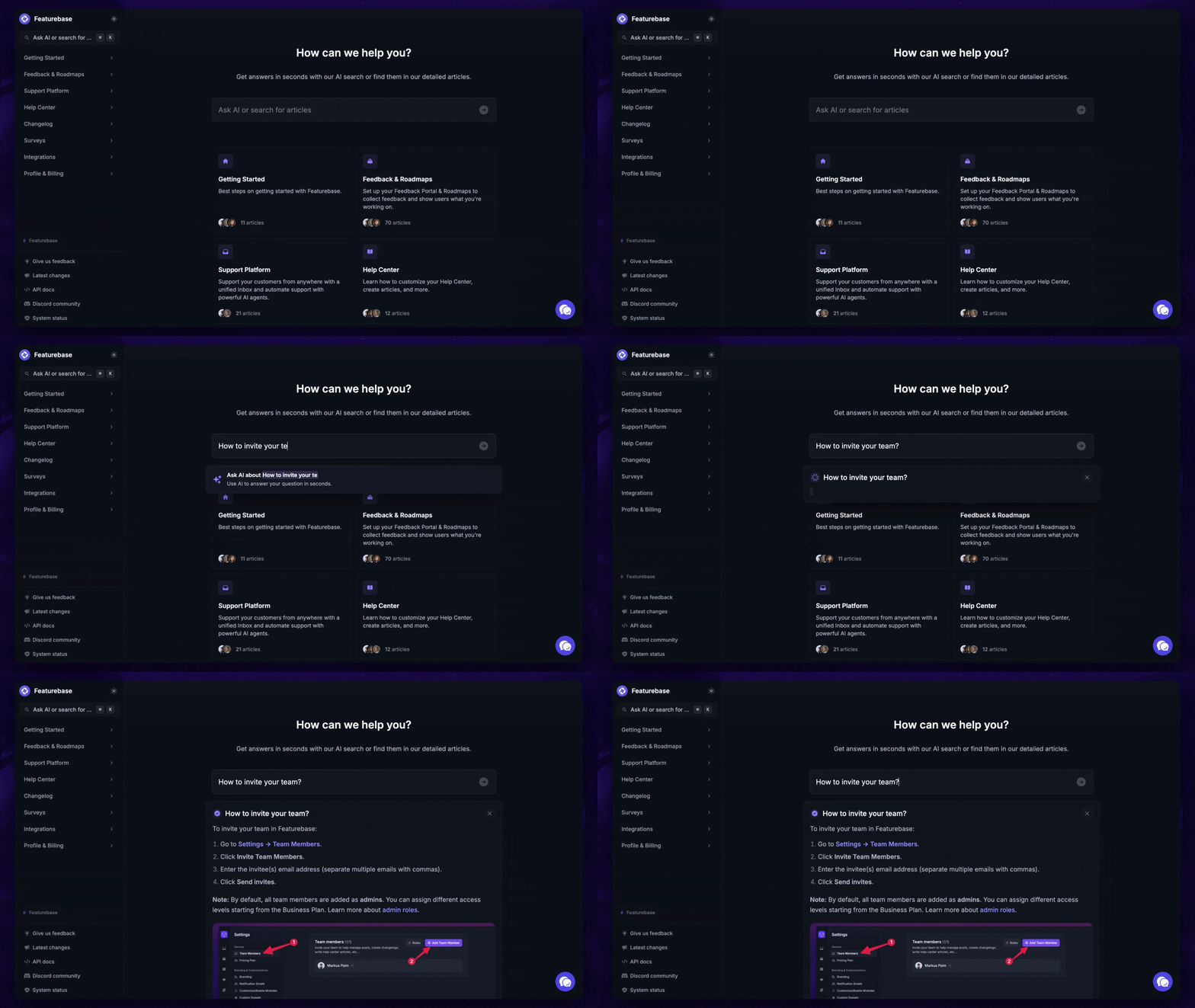
✨ Want to have your internal & public knowledge base in one place? Check out Featurebase →
2. Permission awareness and access control
Every answer Guru shows is filtered through your access rules. If a document is restricted to Finance or Legal, users outside that group will never see it in search results or suggestions. This is enforced at retrieval time, so there is no risk of exposure through search shortcuts or chat usage.
This matters most in companies where sensitive topics such as payroll, contracts, or security procedures live alongside general knowledge. Teams can safely store everything in one system without building separate silos or workarounds.

3. Knowledge cards as the primary content unit
Instead of storing knowledge as long pages or folders, Guru breaks information into individual cards. Each card represents one clear topic, such as a process, definition, script, or policy update. This makes updates easier because you can edit a single answer without affecting the rest of the document.
Cards also support rich structure. You can include checklists, tables, media, and internal links between related topics. When answers appear in search or chat, people see only the card that matters instead of paging through an entire wiki article to find one sentence.

4. Automated verification and content trust
Guru tracks who owns each piece of knowledge and how often it must be reviewed. When a verification date arrives, the owner is prompted to confirm or update the content. If that does not happen, the card is clearly marked as unverified, so users know it may be outdated.
This prevents the common problem of old instructions quietly living forever in documentation systems. Teams stop trusting a tool when answers are wrong. Verification keeps confidence high without forcing constant manual audits.

5. Answer suggestions and topic-based agents
Guru can respond to questions directly inside supported tools by suggesting the best-matching card or set of cards. Teams can also create dedicated agents for specific domains such as HR, support, or internal tools. When someone asks a recurring question, the agent responds instantly with the approved answer.
If no good match exists, the question can be flagged for review. This shows content gaps in real time and gives teams a clear backlog of what to document next.
Let's now see how Guru integrates with your tool stack. 🤔
Integration with workflow & tools
One of Guru's biggest strengths is the ability to use those AI features across different tools your team uses every day. Here are some examples.
1. Browser extension for in-place access
Guru runs as a browser extension that surfaces knowledge directly on top of the tools people already use. When someone opens a CRM, ticketing system, or internal tool, Guru can suggest relevant content based on the page context. This removes the need to switch tabs or search a separate system.

Teams can also save new knowledge from any webpage into Guru with one click. A support agent can turn a help article into an internal card. A product manager can capture release notes from a doc. This keeps knowledge creation close to the actual work.
2. Chat tool integration for instant answers
Guru integrates with communication tools like Slack and Microsoft Teams so users can ask questions in chat. Instead of waiting for a teammate to reply, people get an answer immediately from the knowledge base when a match exists.
If the question is new, the system can route it to the right owner or tag it for review. This turns daily questions into a steady flow of content improvement. Over time, fewer questions go unanswered, and fewer people repeat the same requests.
3. CRM and support system connections
Guru integrates with support platforms such as Zendesk and Salesforce so agents see relevant content while handling tickets or deals. When a ticket mentions a return policy or billing issue, Guru can suggest the related card instantly.
This reduces response time and improves consistency. Agents answer from approved sources instead of memory. New hires ramp up faster because they do not need to memorize processes before being effective.
4. Single Sign-On and identity sync
Guru connects with identity providers like Okta, Azure Active Directory, and Google Workspace. Access is tied to company login details, so users automatically receive the right permissions.
When someone changes roles or leaves the company, access updates immediately. There is no need for manual account cleanup or content permission fixes. This lowers security risk and keeps access correct without added work.
5. Workflow triggers and embedded links
Teams can link Guru cards inside project tools, internal docs, and onboarding checklists. For example, a task in a project manager can contain a direct link to the exact process card that explains what to do.
Guru can also surface content based on events. When someone joins a team, they can receive recommended reading. When a product is launched, support teams can be alerted with updated scripts and policies. Knowledge becomes part of daily work, not an extra stop.
What Guru is good for and what to watch out for
Guru is an excellent tool if you need something to help your team find information more quickly and accurately. There are some limitations, though.
The pros ✅
- Guru gives you quick access to verified, contextually relevant knowledge without digging through multiple systems. A team member won't have to dig through Slack, emails, and CRM just to find a single piece of information.
- It helps keep institutional knowledge organized and centralized, reducing duplication. You won't add the same info twice because Guru will flag that it already exists elsewhere.
- It reduces friction in onboarding new team members or scaling knowledge sharing across departments. When a new employee joins, they can simply ask Guru anything instead of bothering more senior team members.
The cons ❌
- Guru requires effort to build and maintain the knowledge base: cards need to be created, reviewed, and updated regularly. In other words, Guru is only as good as the amount of work you put into it. It's critical to get your team to adopt the tool early and learn the ropes.
- The quality of AI answers depends on the quality and completeness of the stored knowledge. If important info isn’t documented, AI can’t produce a reliable answer. As knowledge changes, you need to update the knowledge base to keep up.
- Guru is not cheap. It's $25 per seat, and a seat is anyone who can view the knowledge base. There is a 10-seat minimum, so expect to pay at least $250/month for Guru.
- Because of Guru's pricing model, it's not suitable for customer-facing knowledge bases. Every user is a "seat" and Guru can easily go into thousands of dollars every month.
Try Featurebase, the better alternative to Guru AI ✨
Guru is a powerful platform to help your team stay on the same page. It makes the most sense when you want to organize and share knowledge internally. However, you can't, unfortunately, use it to educate your customers with a self-serve public help center. This is where Featurebase comes in.
Featurebase is a modern Guru alternative with an AI-powered help center suitable for both public and internal knowledge sharing. You get all the same features, plus it's connected to your support platform and AI chatbot. It's loved by thousands of companies like Lovable, Polymarket, and Raycast.
What's best is that end-users don't need a seat, so you can use it for a public knowledge base at the same time! It comes with a Free plan, and the paid plans start at just $29/seat/mo. The onboarding takes seconds, so there's no downside to trying it out! 👇
✨ Create a beautiful AI-powered knowledge base with Featurebase for free →