SharePoint Knowledge Base: 2026 Review (+ Top Alternatives)
SharePoint is a decent choice for a knowledge base. But here are 9 SharePoint alternatives you should consider instead.

On this page
SharePoint is a common choice for internal knowledge bases, especially for teams already using Microsoft 365.
But it is not always the easiest or best option.
It works well for internal docs, policies, and team resources. For public help centers, AI search, analytics, feedback, and easy publishing, dedicated knowledge base tools are usually a better fit.
So, should you use SharePoint as your knowledge base? Let’s break it down. 👇
Create a beautiful AI-powered Help Center with Featurebase for free
TL;DR: the best SharePoint knowledge base alternatives to try in 2026:
What is Microsoft SharePoint?
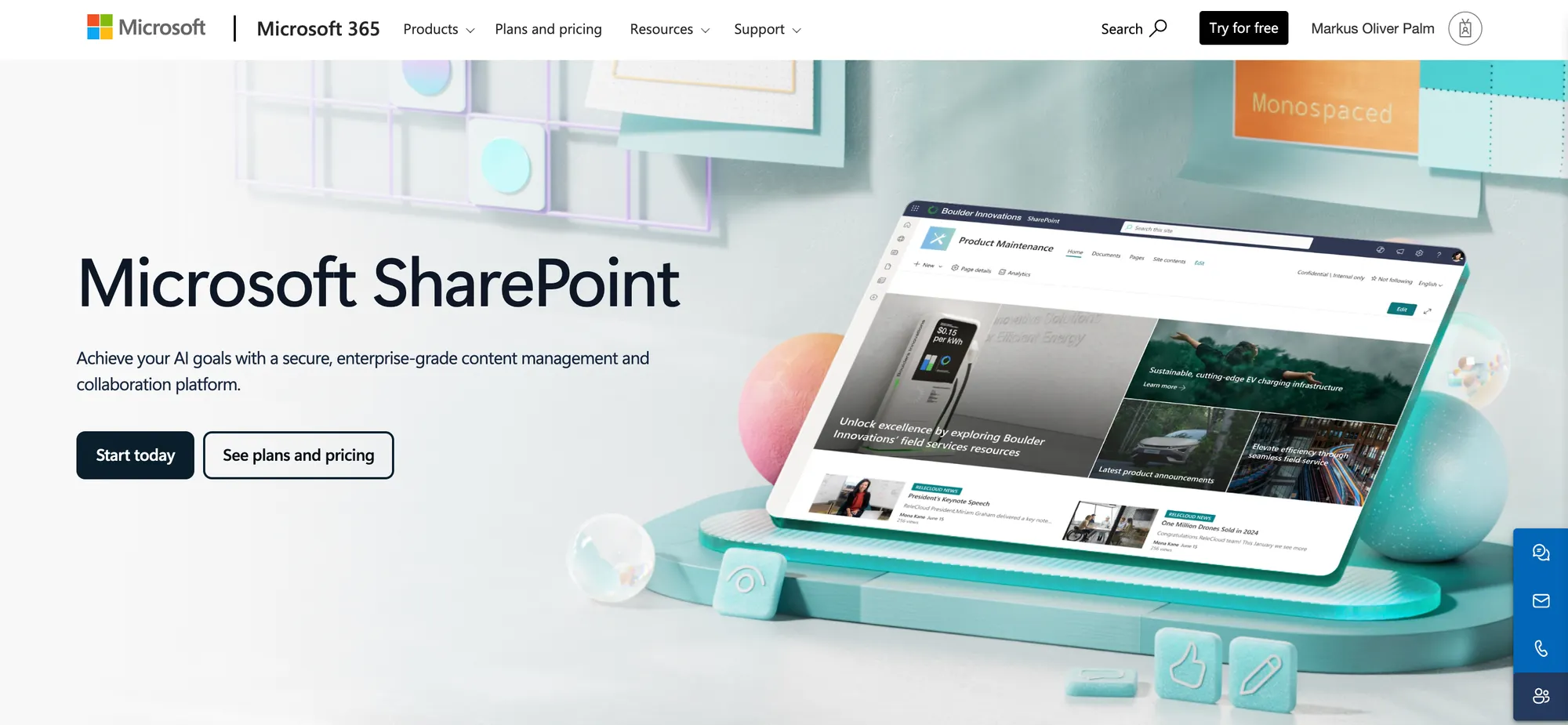
SharePoint is Microsoft’s tool for storing files, building internal sites, and sharing company information.
Most teams use it for things like intranets, document libraries, HR policies, team resources, and internal knowledge hubs.
Since it is already included in many Microsoft 365 plans, it is often the default choice for companies that want a knowledge base without buying another tool.
Can SharePoint be used as a knowledge base?
Yes, SharePoint can be used as a knowledge base, especially for internal company knowledge.
Teams can create SharePoint sites, pages, document libraries, categories, navigation menus, and permissions to organize information for employees. You can use it to store onboarding docs, HR policies, IT guides, internal FAQs, process documentation, meeting resources, and other company knowledge.
SharePoint is especially useful when:
- Your team already uses Microsoft 365
- Your knowledge base is internal-only
- Most of your content is documents, files, policies, or internal pages
- You need strong permission controls
- Your IT team can help with setup and maintenance
- You want knowledge to live close to Teams, Outlook, OneDrive, and Office documents
However, SharePoint was not originally built as a dedicated knowledge base platform. It is a broad collaboration and document management system. That means it can work for knowledge management, but it often requires more setup, governance, and customization than purpose-built knowledge base tools.
The pros of using SharePoint for knowledge management
Creating your collaborative environment in Microsoft Sharepoint has a few advantages.
- Easy integration with Microsoft 365: SharePoint works well with Microsoft Teams, Outlook, OneDrive, and Word documents. If your team is already used to these platforms, document management in SharePoint will be a breeze.
- Customizable structure and layout: you can build fully custom SharePoint sites and adjust them to your company's branding.
- Advanced permissions: set up your team site and determine who can open, view and edit it. This makes SharePoint ideal for internal wiki pages or knowledge base articles.
- Great search capabilities: you can find knowledge base articles, files, documents and pages on every team site with great accuracy, even compared to other knowledge management tools.
- Version history: find out who edited your knowledge base content pages and when, with a detailed audit trail.
- Structured and unstructured content support: manage formal documentation (e.g., policy documents, manuals) and informal content (e.g., team wikis, FAQs).
- Create automation and workflows: with Power Automate and SharePoint integration, you can create workflows for content approvals, updates, or notifications when documents are modified.
The cons of SharePoint as a document management system
SharePoint works okay for basic information retrieval, but like any Microsoft product, you can expect a few glitches here and there. The great news is that there are TONs of reviews on SharePoint out there. Let's summarize some of its weakest points.
- Integrations with other platforms: sure, this collaborative platform integrates well with tools such as Microsoft Teams. But if you want to integrate it with older tools or those that are outside the Microsoft ecosystem, it can give you a hard time.
- Steep learning curve for beginners: this is a robust platform with a rich feature set. If you've never worked with SharePoint intranet or SharePoint Online, getting everything set up will take a while.
- Performance issues: SharePoint can take a while to open or upload files, especially if they're larger in size. If a large number of users are accessing the same file, expect the loading time to be massive.
- Synchronization problems: if multiple people are working on a SharePoint knowledge base, the platform can glitch out and simply not save the correct version of the document on your team site.
- Complex security access levels: if data protection is a concern, SharePoint is not very clear on who has the necessary permissions and what sensitive information they can access. Triple check everything.
There is a lot of feedback online on SharePoint that we haven't mentioned, such as poor mobile performance for each communication site, high initial setup costs, feature bloat, and much more. All of this probably pushed you to look for SharePoint knowledge base alternatives. But before we jump into that, let's talk numbers.
Create a beautiful Help Center with Featurebase for free
How much does SharePoint knowledge base cost?
Microsoft SharePoint offers several pricing plans, depending on whether you need it as a standalone product or part of the Microsoft 365 suite.
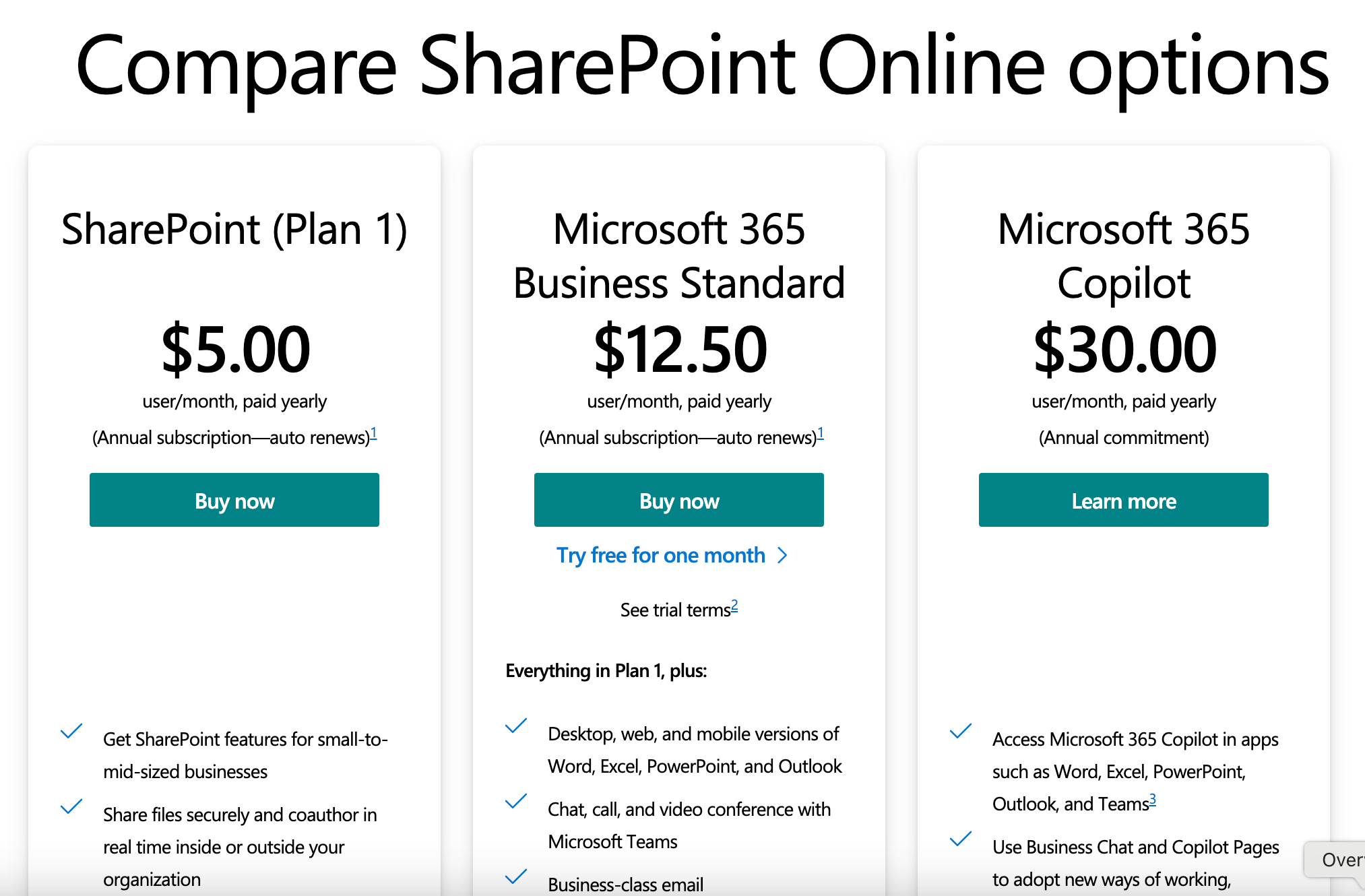
- SharePoint Online (Plan 1) costs $5 per user/month and includes core features like document libraries, version control, file sharing, and content search. It’s ideal for businesses that need a simple way to collaborate on files and manage internal content on a team site but don’t need desktop Office apps.
- Microsoft 365 Business Standard is $12.50 per user/month and includes everything in Plan 1, plus access to desktop versions of Word, Excel, PowerPoint, and Outlook. You also get business email, Microsoft Teams, and tools like Clipchamp and Microsoft Loop. This plan is a good fit for small to medium-sized teams looking for a full suite of productivity tools alongside SharePoint.
- Enterprise plans bundle SharePoint into the Office 365 E1, E3, and E5 tiers:
- Office 365 E1 ($7.75/user/month) offers web-based Office apps, email, Teams, and SharePoint Online (Plan 1).
- Office 365 E3 ($20.75/user/month) adds desktop Office apps, advanced security, and SharePoint Online (Plan 2) with more capabilities for compliance and data loss prevention.
- Office 365 E5 ($35.75/user/month) includes everything in E3, plus advanced analytics and voice features like Microsoft Teams Phone.
Plan 1 is cost-effective if you need document collaboration and the option to build a communication site. But depending on your team size and IT requirements, a Business Standard or Enterprise plan may be more suitable if you want broader Microsoft 365 capabilities.
To sum things up: SharePoint pricing doesn't seem all that expensive, but it's certainly complex and confusing.
The best SharePoint knowledge base alternatives
Looking for something better than a SharePoint knowledge base, with a user-friendly interface, easy knowledge management, and simple, transparent pricing? Look no further. 👇
1. Featurebase ✨
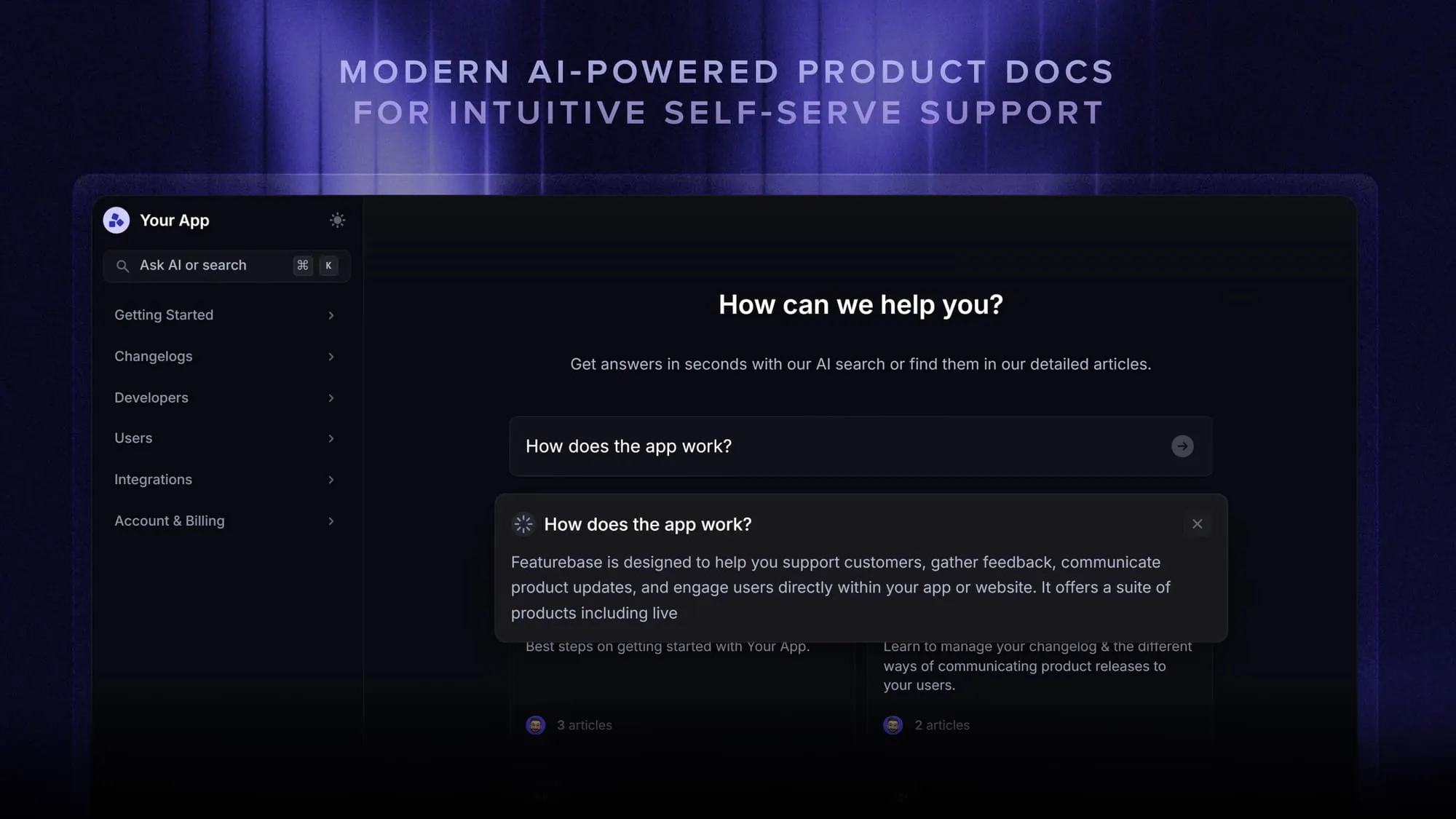
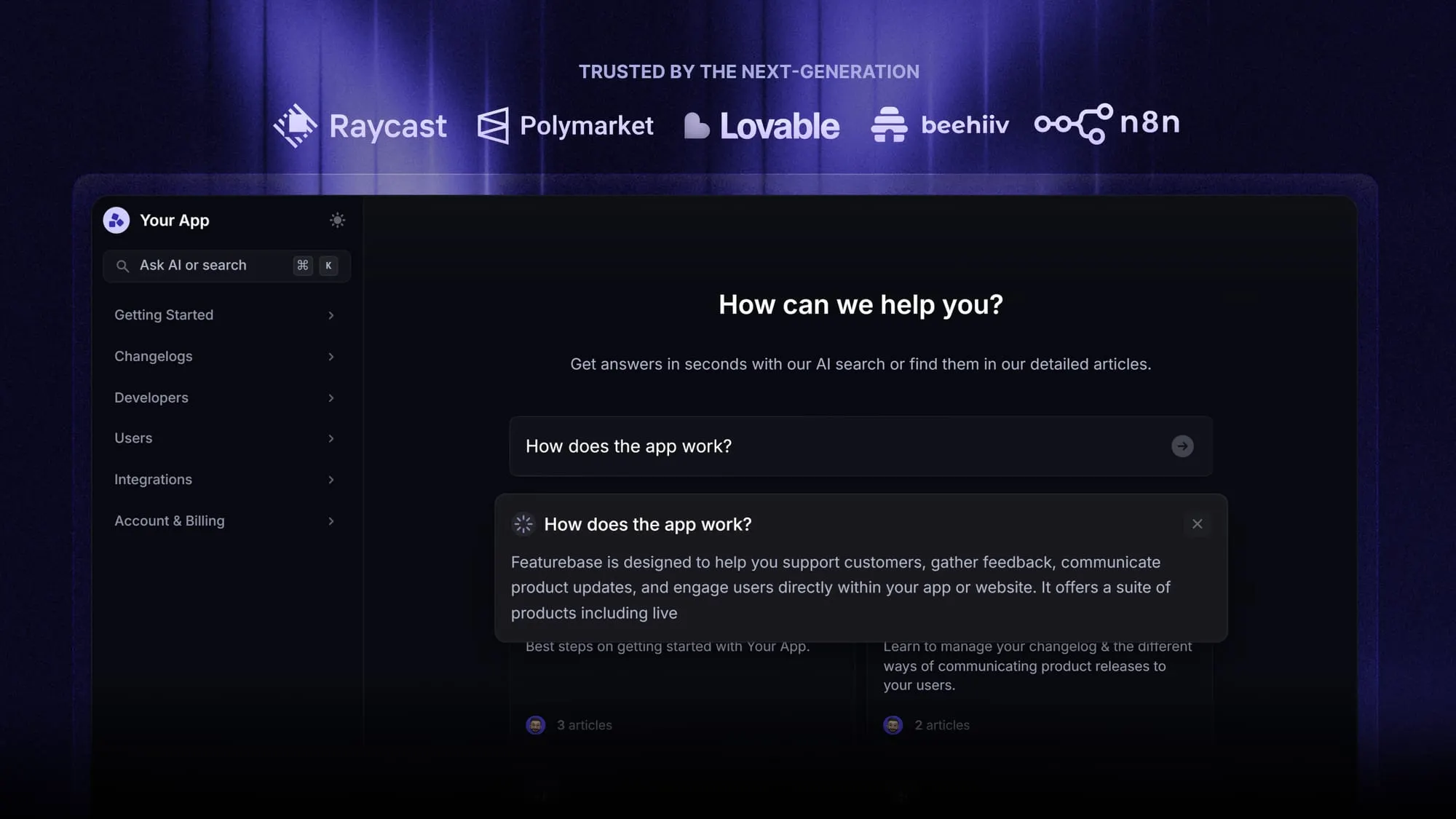
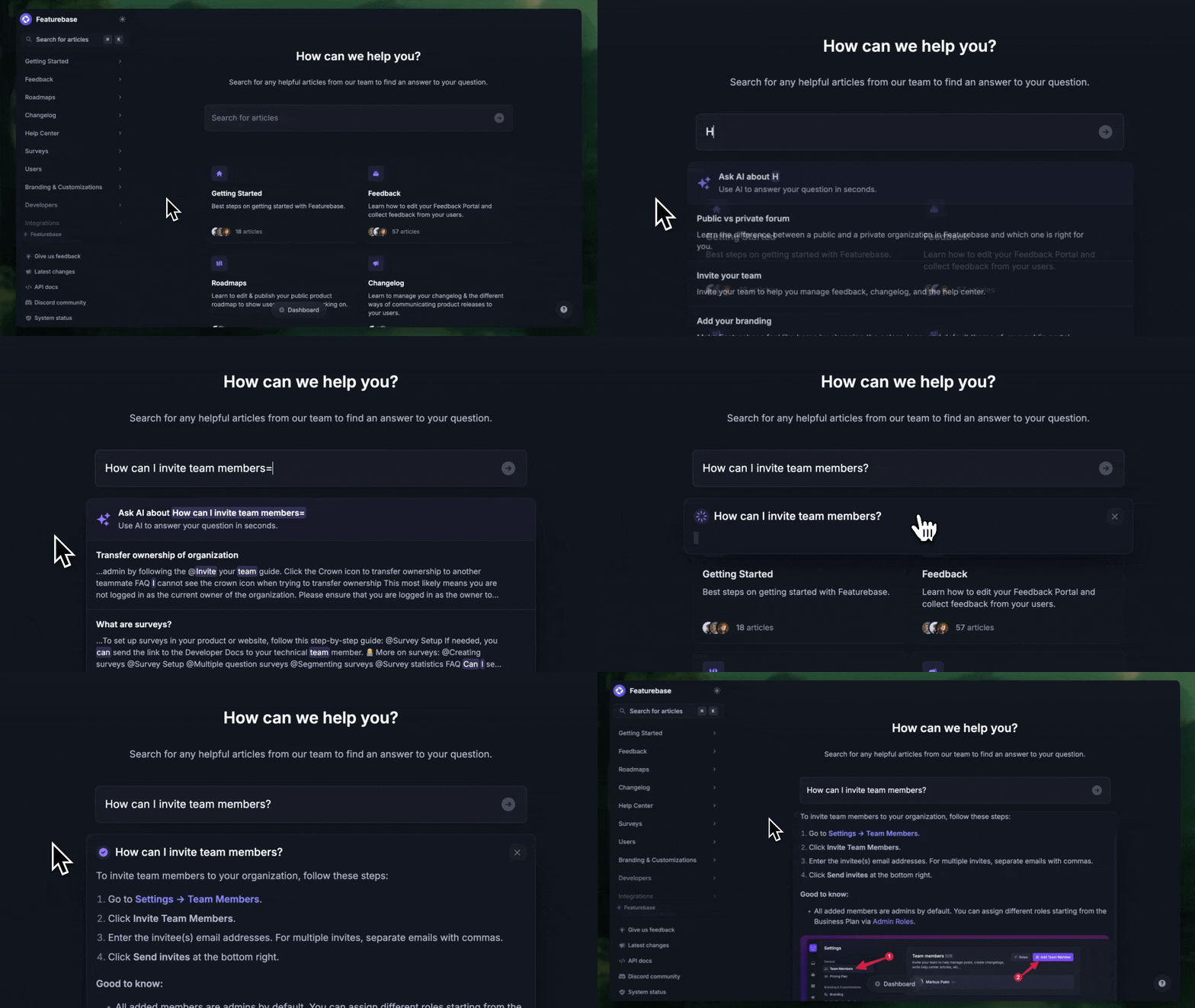
Featurebase is a modern all-in-one platform combining a powerful knowledge base with feedback collection, roadmaps, and changelogs, making it ideal for product-focused teams. Compared to SharePoint, it’s easier to set up, cleaner to navigate, and more focused on user experience, for internal teams and external customers.
Top features
- Public & internal knowledge base: Restrict access to certain articles only to select user groups or teammates
- Custom branding: Fully customize your help center with your brand colors and a custom domain
- AI-powered search: Summarise answers for users right in the search bar in seconds
- In-app widget: Serve help articles directly within your app, reaching users where they need assistance most
- 40+ language support: Automatically display content in your users' native language
- Notion-style text editor: Tons of formatting options and custom components
- Real-time analytics: See your articles scores and visits to improve the low performing ones and more
- Feature voting boards – Let users suggest features, upvote ideas, and interact with your product direction
- Public and private roadmaps – Show what’s coming next with visual roadmaps that can be public or internal-only
- Changelog announcements – Keep your users in the loop by publishing product updates and improvements from your dashboard
How it’s better than SharePoint: The Featurebase knowledge base offers a cleaner interface, built-in AI search, and combines documentation with feedback and changelogs, making it a better choice for teams that want a user-first knowledge platform without the complexity of SharePoint.
Pricing: Featurebase comes with a generous Free plan, and you can try the paid ones with a 10-day free trial. Pricing starts at just $29 per user per month. We can help you seamlessly migrate from any existing knowledge base tools. 👇
Create a beautiful Help Center with Featurebase for free
2. Document360
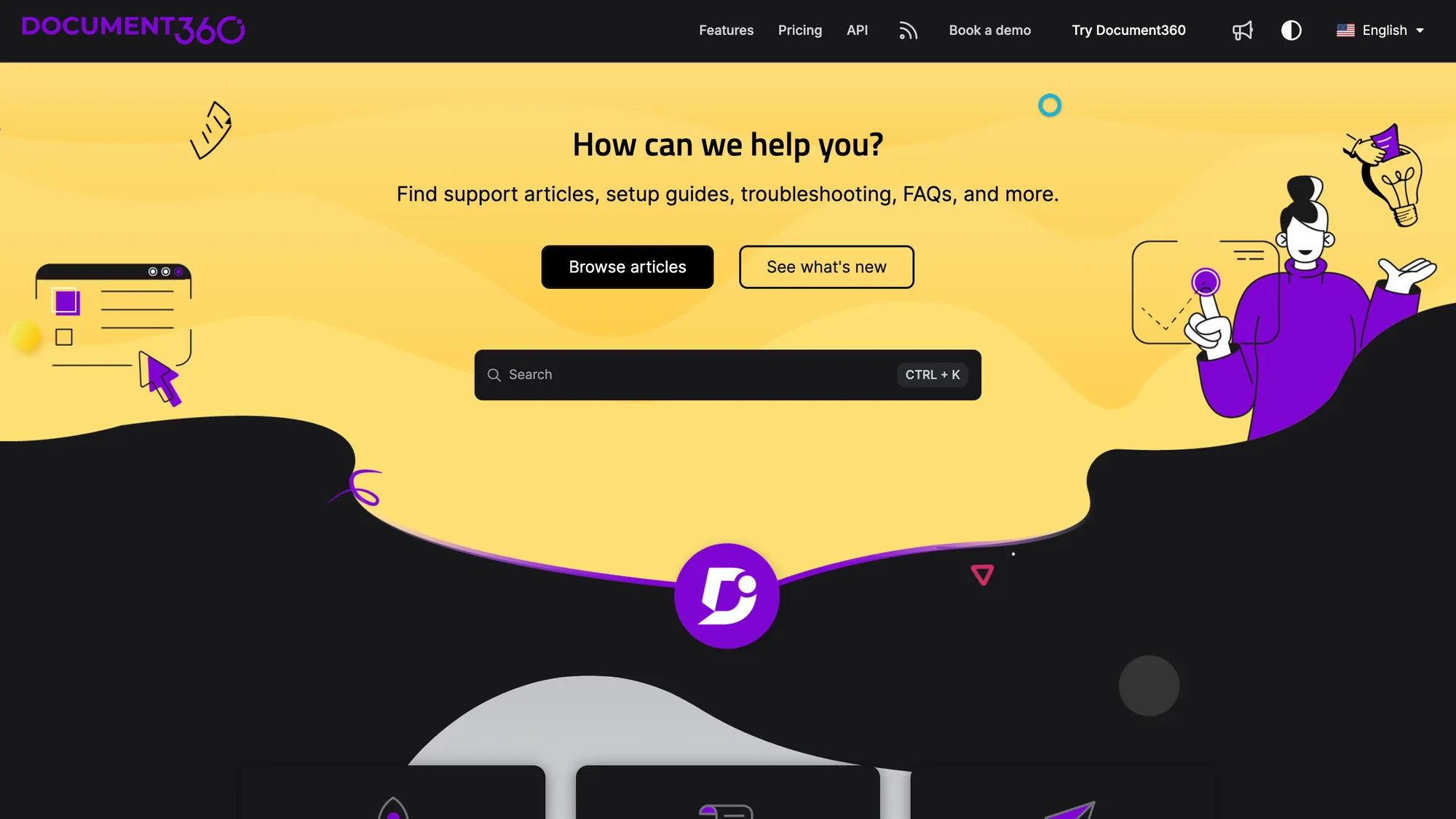
Document360 is a professional documentation platform built for creating internal wikis, help centers, and knowledge bases with precision and structure. This knowledge base tool is ideal for businesses that need a scalable, documentation-focused solution with rich customization and analytics.
Top features
- Markdown and WYSIWYG editors – Choose between simple or advanced formatting depending on your team's preferences.
- AI-powered content tools – Use built-in AI features to generate summaries, glossaries, and article metadata and improve employee productivity.
- Role-based access control – Manage who can create, edit, or view content by providing access to the right people at the right time.
- Custom branding and themes – Personalize your knowledge base with logos, colors, and layouts to reflect your brand.
- Advanced analytics – Track user behavior, article performance, and search data to improve documentation quality.
How it’s better than SharePoint: Document360 is a knowledge base tool purpose-built for documentation. It offers more intuitive authoring tools, structured organization, and a much faster learning curve, without the bloat of SharePoint’s broader enterprise features.
Pricing: not disclosed publicly.
3. Slite
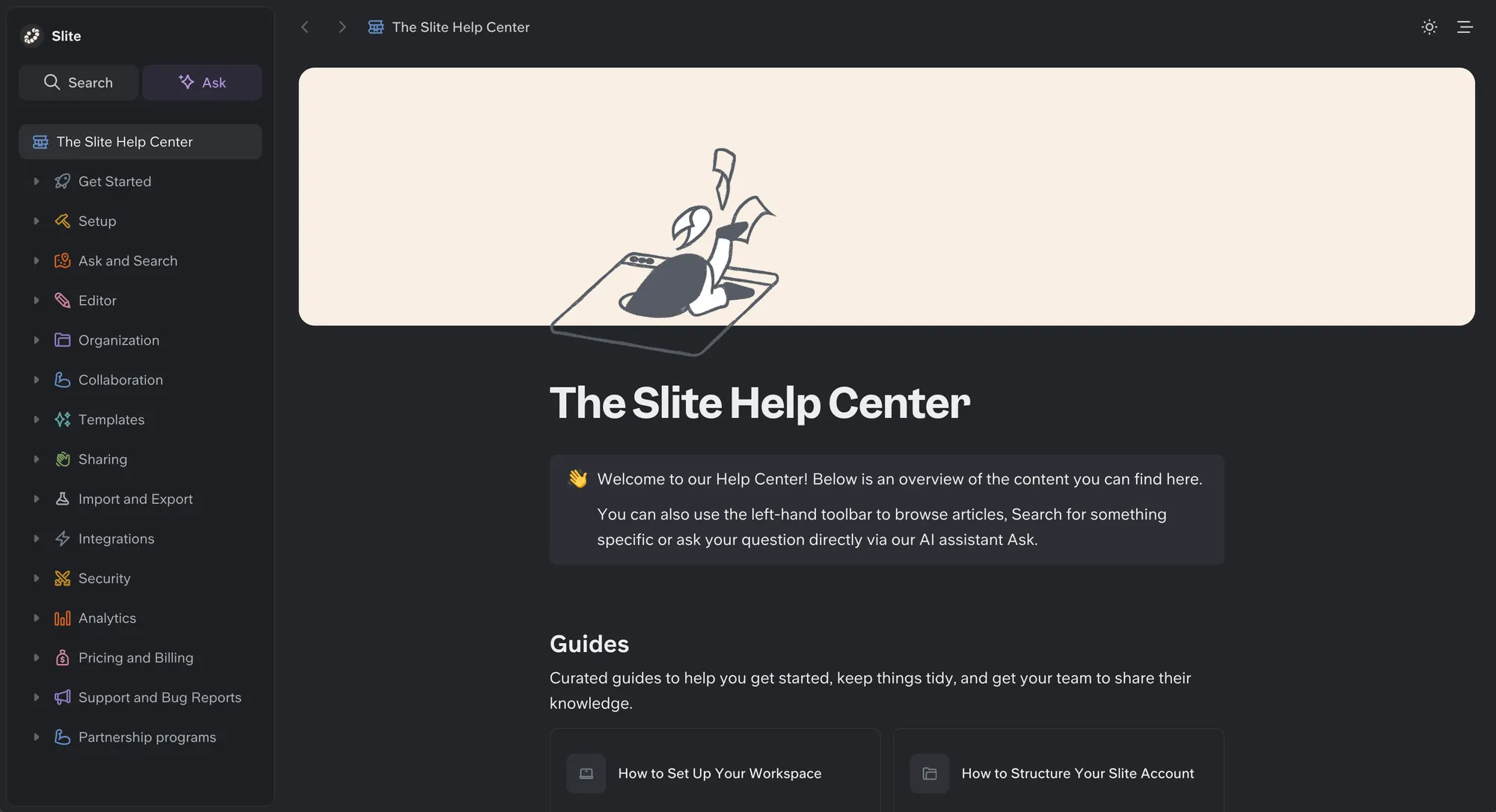
Slite is a self-maintaining knowledge base, built for remote and hybrid teams that want information to stay organized and current as the company changes.
A modern alternative to SharePoint, it keeps itself current from your company's entire tool stack, pairing a structured, verified wiki with an AI agent that detects when documentation has drifted from reality, proposes the fix, and routes every change through human approval before it becomes truth, so both your team and your AI agents work from a single source of truth they can trust.
Top features
- Slite Agent – Detects stale docs and proposes fixes for human approval, so the
knowledge base maintains itself. - AI-powered search – Cited answers across your docs; on Pro, search ingests 20+ connected tools as sources.
- Doc verification – Five verification statuses keep content trustworthy and ranked higher in AI answers.
- Verified context for AI agents – Full MCP read/write and a markdown-native format so agents and people edit the same docs.
- Knowledge Management Panel – One view of outdated, expired, and empty docs.
Comparison: Slite gives you a modern, structured experience that stays current, instead of the manual upkeep legacy tools require.
Pricing: Basic is $10 per user/month billed annually; Pro is $20 per user/month and adds Slite Agent and cross-tool search.
4. KnowledgeOwl
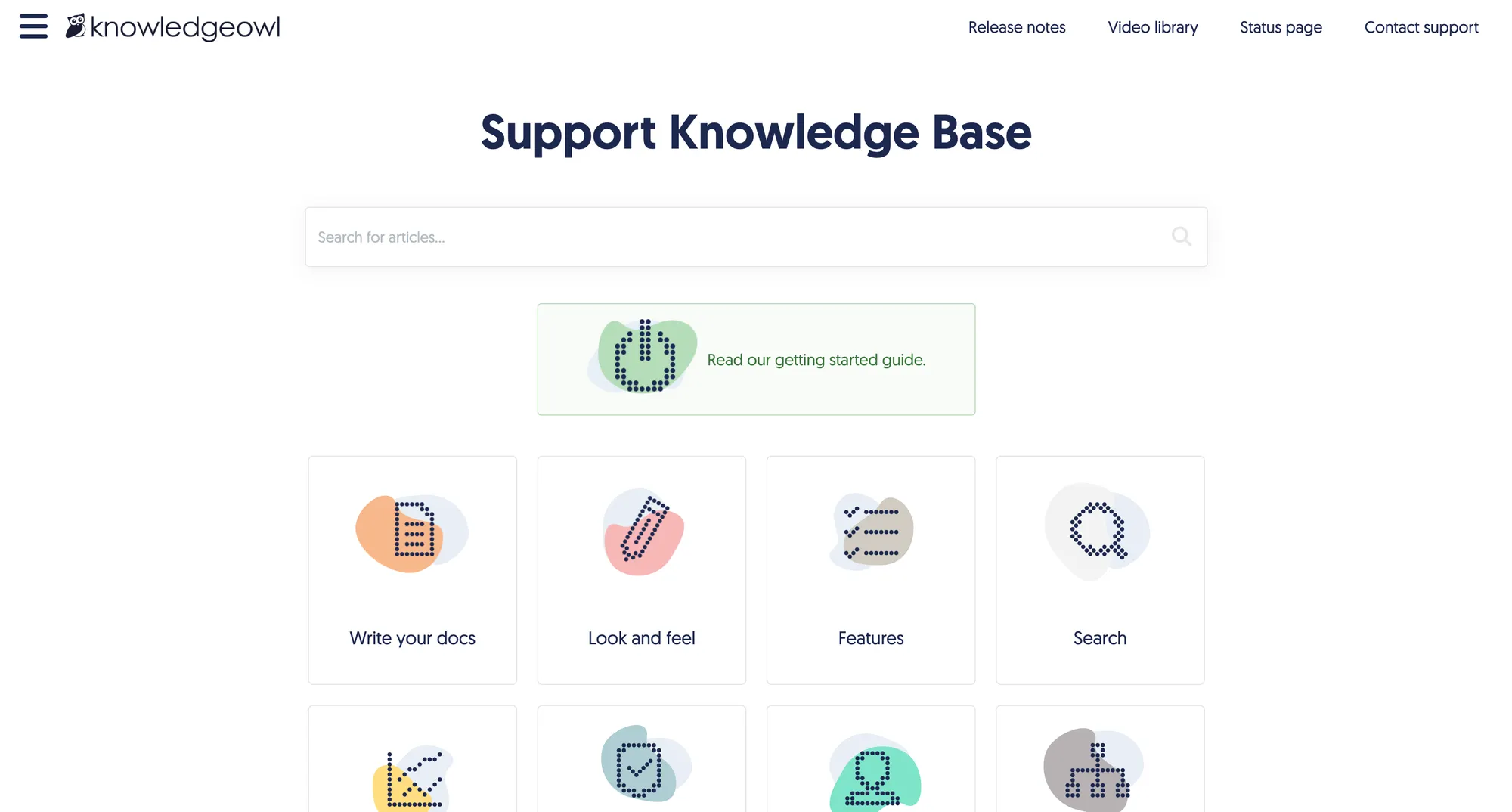
KnowledgeOwl is a standalone knowledge base tool that's especially popular with small-to-midsize businesses that want control over branding, structure, and permissions. Compared to SharePoint, it's easier to manage and much more focused on content delivery.
Top features
- WYSIWYG editor – Write and edit articles with no technical skills required.
- Granular access control – Manage who sees what with detailed user and group permissions.
- Custom domains and branding – Make your knowledge base match your company’s identity.
- Built-in glossary and categories – Keep your content organized and easy to browse.
- Article feedback and search analytics – Learn what’s working and where people get stuck.
How it’s better than SharePoint: KnowledgeOwl is simpler to maintain and more flexible when it comes to publishing knowledge across audiences without a steep learning curve.
Pricing: Starts at $100 per month for 1 author.
5. Guru
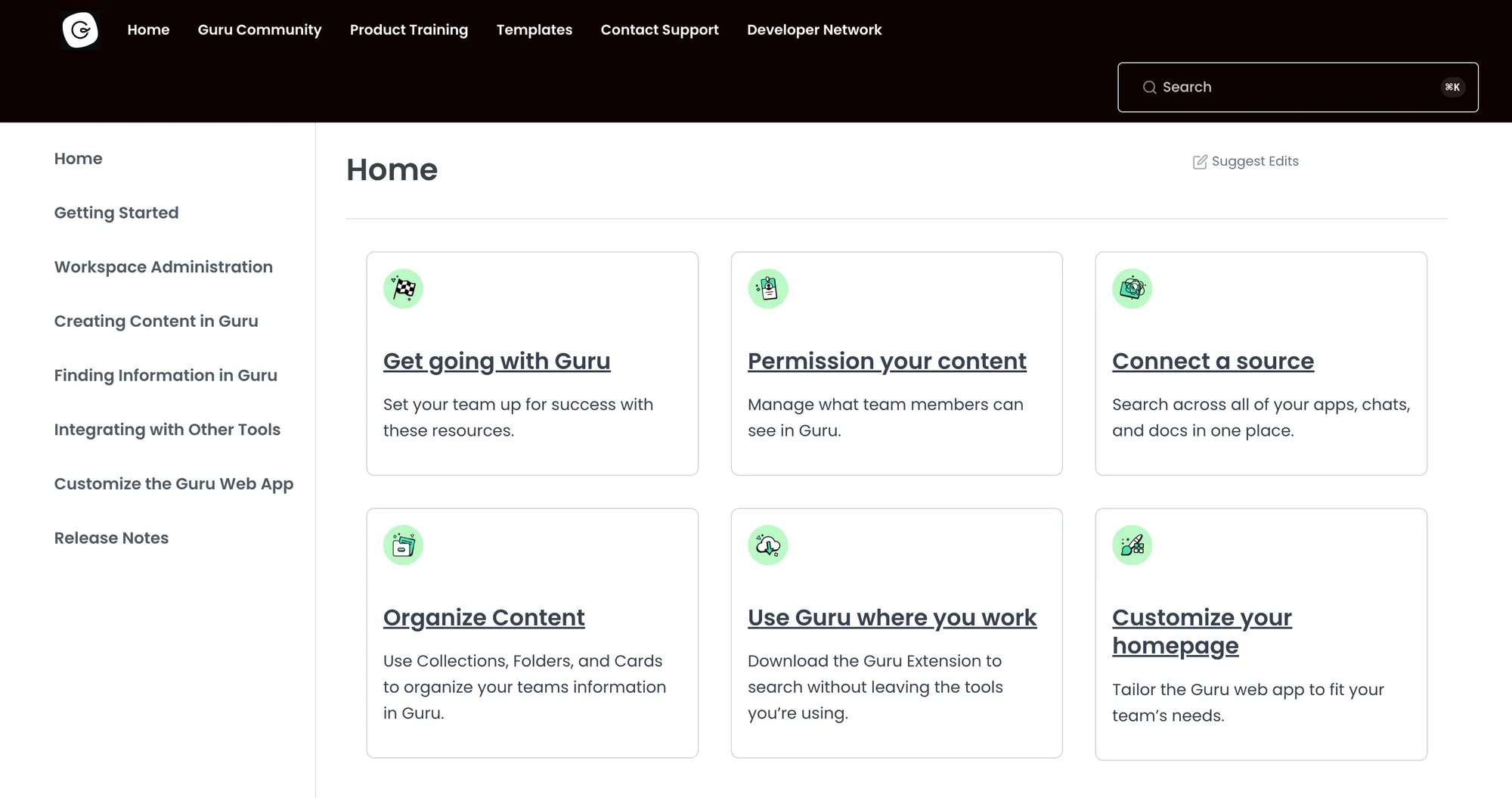
Guru is a knowledge management system that delivers verified, up-to-date answers inside the apps your team already uses. It’s a modern alternative to SharePoint, ideal for internal use cases where speed and relevance are more important than large-scale document storage.
Top features
- AI-powered search – Find verified answers fast, right in Slack, Chrome, or Teams.
- Knowledge cards – Store bite-sized answers that are easy to update and access.
- Content verification – Assign subject-matter experts to review and verify information on a regular schedule.
- Browser extension – Surface answers wherever your team is working.
- Insights and usage tracking – Understand which content is most helpful and what people are searching for.
How it’s better than SharePoint: Guru makes knowledge retrieval instantaneous and contextual, eliminating the need to dig through folders or rely on outdated intranet pages.
Pricing: Starts at $15 per user per month.
6. Confluence
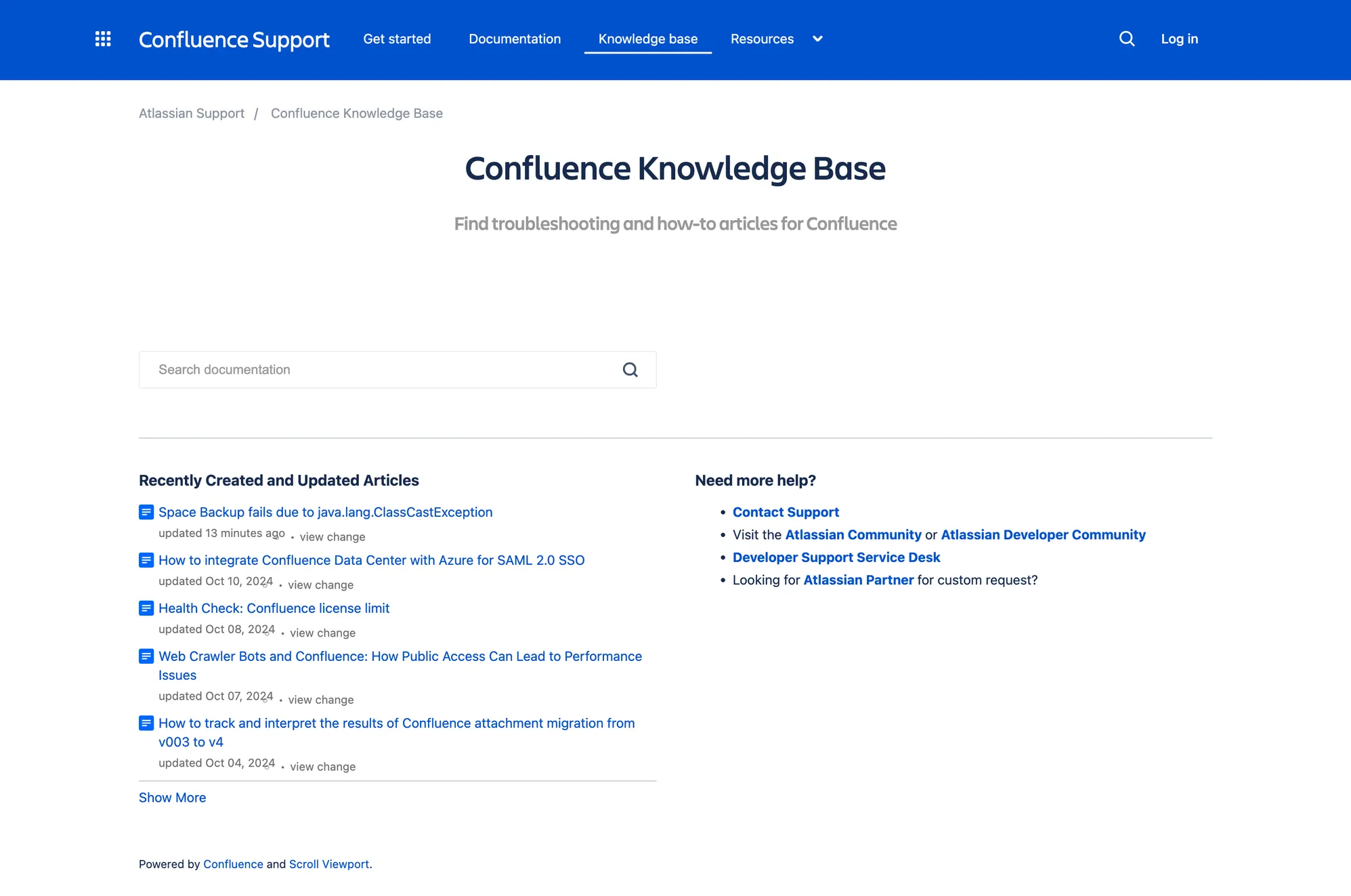
Confluence is a collaborative documentation and knowledge-sharing platform by Atlassian. It serves as a practical alternative to SharePoint, especially for teams already using Jira, and offers a cleaner, more focused environment for internal wikis and project documentation.
Top features
- Spaces and pages – Organize documentation in structured hierarchies by team, project, or topic.
- Real-time editing – Collaborate on documents with live updates and inline comments.
- Pre-built templates – Quickly spin up pages for meeting notes, product specs, or project plans.
- Advanced permissions – Manage access by space, team, or individual contributors.
- Seamless integration with Atlassian tools – Connect seamlessly with Jira, Trello, and Bitbucket.
How it’s better than SharePoint: Confluence is more user-friendly, easier to scale across teams, and better integrated with agile project tools, making it more approachable for non-technical users.
Pricing: Starts at $6.05 per user per month.
7. Helpjuice
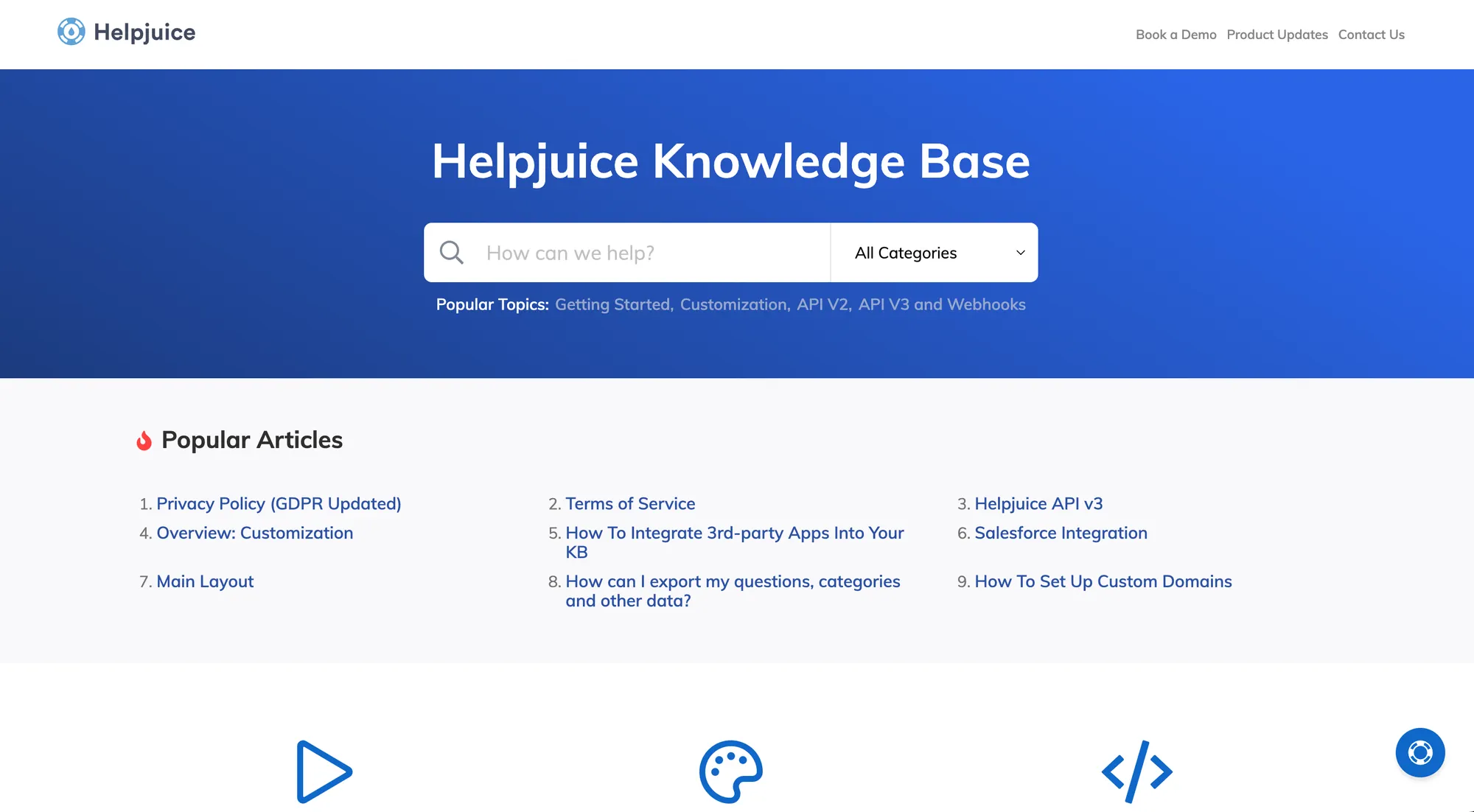
Helpjuice is a standalone knowledge base solution designed for internal teams and customer self-service. As a SharePoint alternative, it excels in content customization, detailed analytics, and fast search, all in a much simpler, more focused environment.
Top features
- Custom design options – Fully customize the look and feel of your knowledge base without writing code.
- Powerful search engine – Delivers accurate, instant results across articles, PDFs, and other files.
- Access control – Create public or private knowledge bases with granular user permissions.
- Collaboration tools – Let multiple authors contribute and comment with real-time content editing.
- Usage analytics – Track article views, search terms, and feedback to improve content performance.
How it’s better than SharePoint: Helpjuice is purpose-built for knowledge sharing, offering far less setup complexity, faster search, and better analytics for improving knowledge quality.
Pricing: Starts at $120 per month for up to 4 users.
8. Notion
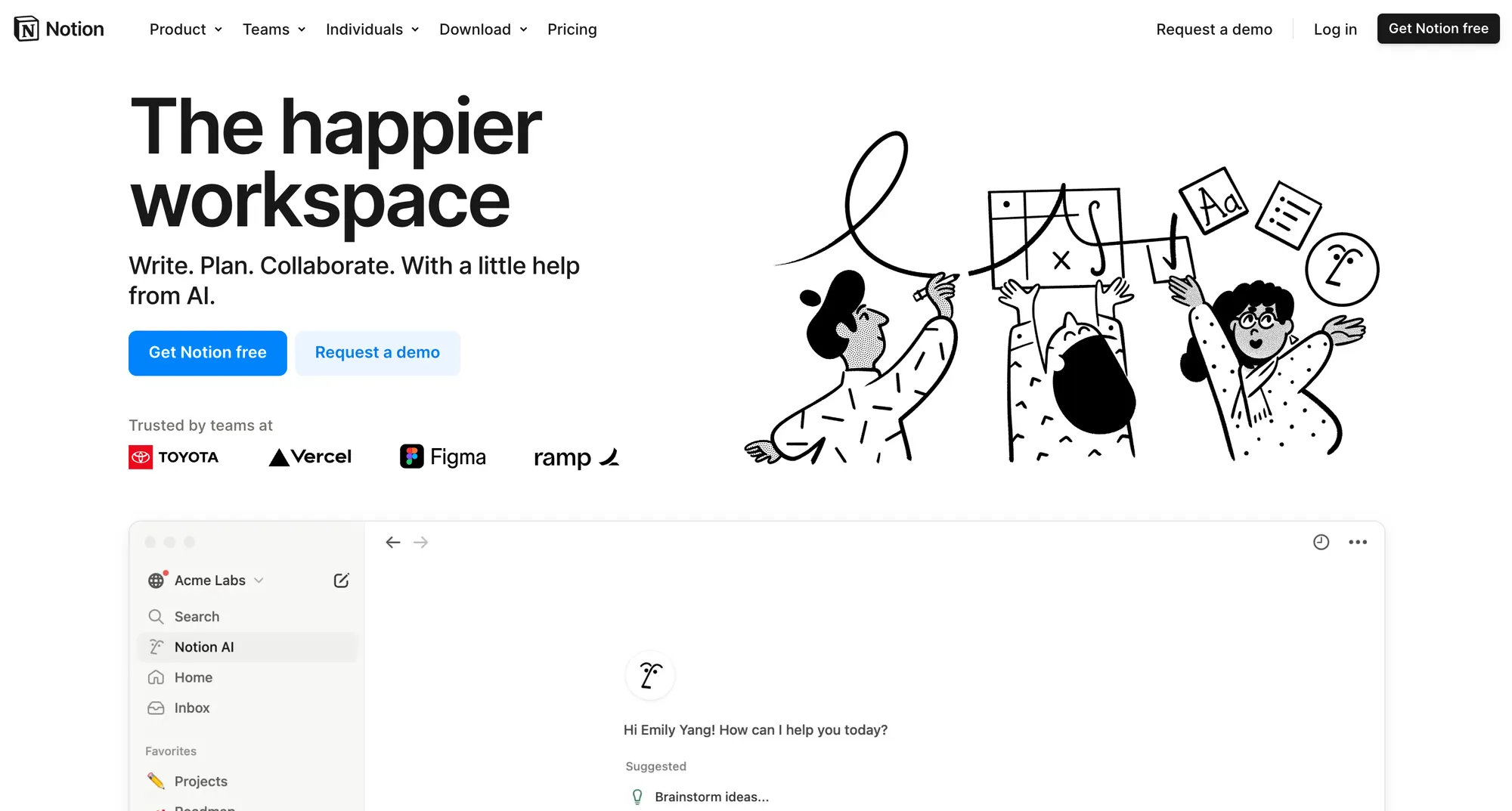
Notion combines documents, databases, and collaboration tools into a single, highly customizable platform. As a SharePoint alternative, it's ideal for teams looking for a more visual, intuitive, and flexible space to organize internal knowledge, manage projects, and build wikis without the complexity of enterprise systems.
Top features
- Customizable pages and templates – Build anything from internal wikis to project hubs with drag-and-drop components.
- Database views – Organize information with filters, sorts, and multiple layouts like tables, boards, calendars, and galleries.
- Real-time collaboration – Teammates can edit pages simultaneously, leave comments, and track updates live.
- Rich content blocks – Embed code snippets, videos, files, and charts to create detailed, interactive documentation.
- Integration with tools – Connect to Slack, Jira, GitHub, and more to keep work and documentation in sync.
How it’s better than SharePoint: Notion is faster to set up, easier to use, and offers much more flexibility in structuring content and building customized knowledge bases without relying on developers or IT admins.
Pricing: Starts at $10 per user per month.
9. Bloomfire
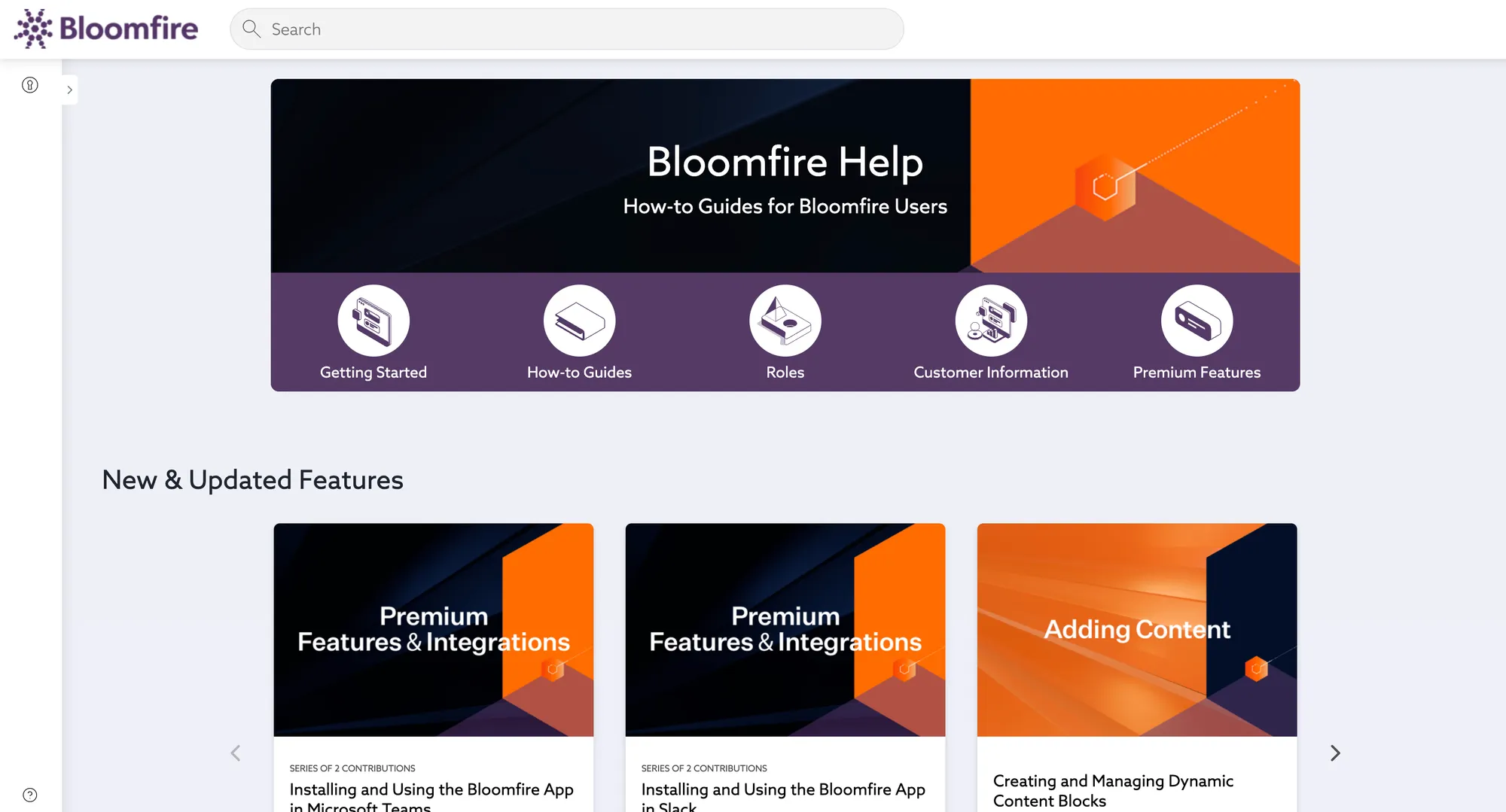
Bloomfire is a cloud-based knowledge management tool focused on helping teams find, share, and collaborate on information more efficiently. As a SharePoint alternative, it stands out with a user-friendly interface, AI-powered search, and built-in engagement tools that simplify content discovery and usage for both internal teams and customers.
Top features
- AI-powered search – Automatically indexes all content, including video transcripts and PDFs, to make everything instantly searchable.
- Engagement tools – Users can like, comment, and follow posts to stay connected with evolving knowledge.
- Custom branding and layout – Easily configure your knowledge base to reflect your organization’s style.
- Content performance analytics – Track how content is used and identify gaps in documentation.
- Multimedia support – Upload and organize articles, videos, audio files, and presentations all in one place.
How it’s better than SharePoint: Bloomfire is far easier to navigate and manage than SharePoint, with more intuitive search capabilities, built-in content engagement features, and a simpler admin experience that doesn’t require IT support.
Pricing: Bloomfire's pricing is not disclosed publicly.
Conclusion
Relying on SharePoint sites for knowledge management is just not an option for many organizations. The complex and outdated UX, confusing pricing, performance issues, and many other problems are causing them to look for an alternative to the SharePoint intranet. Luckily, we have what the doctor ordered.
Featurebase is a modern SharePoint alternative that lets you create a beautiful knowledge base with a custom domain, in-app widgets, translations, and so much more. In addition to a Help Center, it also comes with feedback collection, survey, and changelog features to help you build a product your users love.
It has affordable pricing and a Free plan. We can migrate your content from any existing Help Center tools with zero data loss. 👇
Create a beautiful Help Center with Featurebase for free