Knowledge Base Design: Best Practices in 2026
Find out the basics for proper knowledge base design, from article structure to what (not) to include in your knowledge base articles.


On this page
An effective knowledge base is a blessing for any business. Your customer support/success team can get back more time as the self-service knowledge base does the heavy lifting. Your customers can find answers on their own without asking you on a phone call or in live chat. You'll have more time and revenue, AND happier customers.
But this doesn't come easy. While knowledge bases are incredibly effective, you need to do the research and put in the work to create a knowledge base that helps people and that actually gets used.
Today, we talk about knowledge base design. Tips, dos and don'ts, and practical ways to make your knowledge base the star of your customer support team. 👇
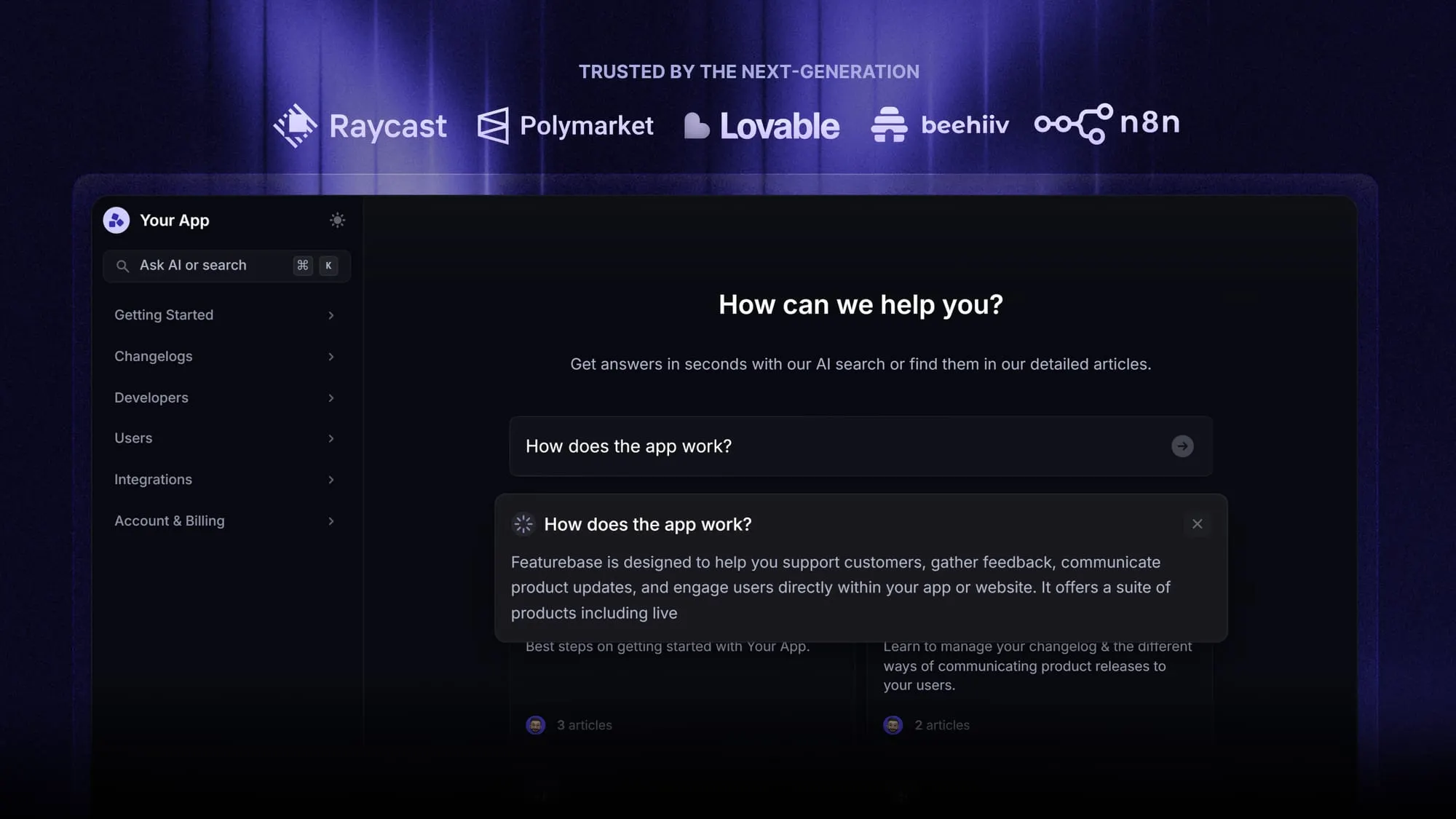
✨ Make your knowledge base more powerful with AI. Try Featurebase today, completely free →
What should a knowledge base do in the first place?
A knowledge base should be a place to store knowledge, as the name suggests, but there is more to it. Without going deep into customer service philosophy, here's what a knowledge base should ideally do.
- It should provide fast self-service support: Your customers should be able to resolve most of their problems on their own. This means clear knowledge base structure and hierarchy, great search, short and useful answers and keeping the base up to date.
- It should lower your support volume: Knowledge bases answer the most commonly asked questions, such as "What is your return policy?" so that agents have more time for higher-priority cases.
- It improves onboarding: In SaaS, a well-written and structured knowledge base reduces the need for hand-holding during onboarding. New users can troubleshoot without reaching out to a customer success rep.
- Customer satisfaction is improved: Your customers generally prefer resolving problems on their own as opposed to getting help from your business. They can get immediate answers with 24/7 availability and learn at their own pace.
- Answers get more consistent: There are no cases of three agents giving three different answers to the same question.
- Your team is aligned: Internally, knowledge bases can help teams document SOPs, internal processes, align on sales processes, and in general, resolve problems faster.
- You can scale without the high costs: With increased ticket volume, a good knowledge base will help you keep the headcount lower, as you won't need as many agents for good coverage.
With that out of the way, let's look at some knowledge base design best practices to implement for a smooth user experience.
Beyond design, see our full guide to knowledge base best practices for keeping content findable, accurate, and AI-ready.
Knowledge base design: top tips and best practices to build your knowledge base
Whether you want to use an external or internal knowledge base, the same principles apply. Having good knowledge base software like Featurebase is an excellent starting point, but the rest of the design should be done by your team, very intentionally. This is what to watch out for.
Prioritize search
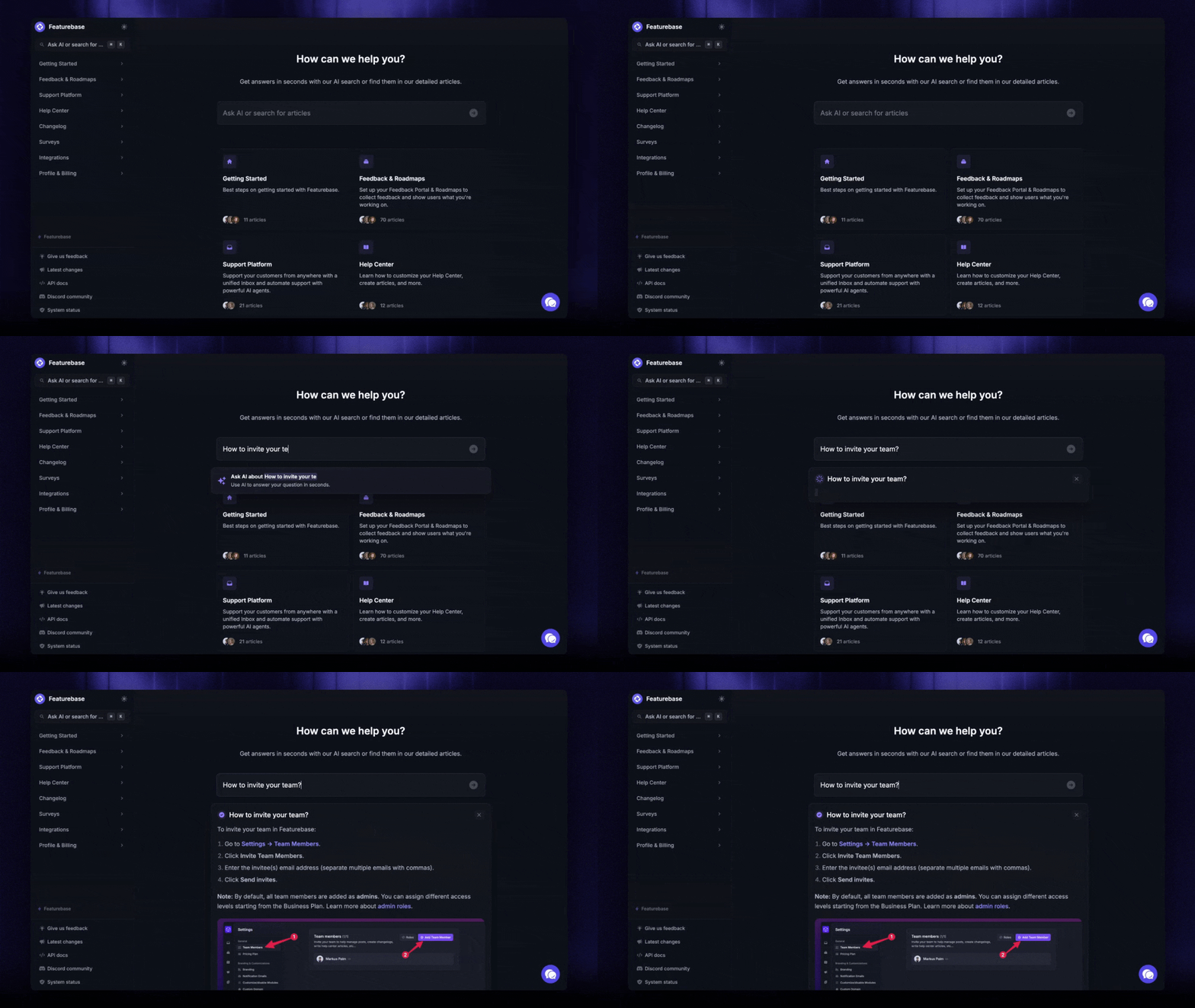
Most of your users won't browse categories until they land on the right one to find an answer to their question. Instead, they'll go straight to the search bar to type a keyword, which is the most important thing to keep in mind when building knowledge bases in 2026.
The search bar should be highly visible and impossible to miss on the knowledge base home page and every other page that users can access. If they don't land on the right one with the first query, they should get a second chance.
Then, make sure that the search function is fast. Of course, speed is only a part of the problem. It should also be able to spot typos easily, so users don't drop out because of a single letter.
Keep the navigation simple
There are millions of ways to build and organize websites, but even with websites, there are rules for making information easily accessible. Most knowledge base templates come with a certain structure, and you shouldn't try to reinvent the wheel. This means:
- Broad categories
- Clear naming
- Limited depth
- Predictable hierarchy so that every page feels the same
This helps the user understand where they are immediately and whether they found an answer or they need to search further.
Write for scanning, not reading
Speed is the name of the game, and whoever is searching your knowledge base probably doesn't have 15 minutes to read a knowledge base article. They'll want to skim through it, get to the solution, and hop back into your product.
Here are some ways you can help them do just that:
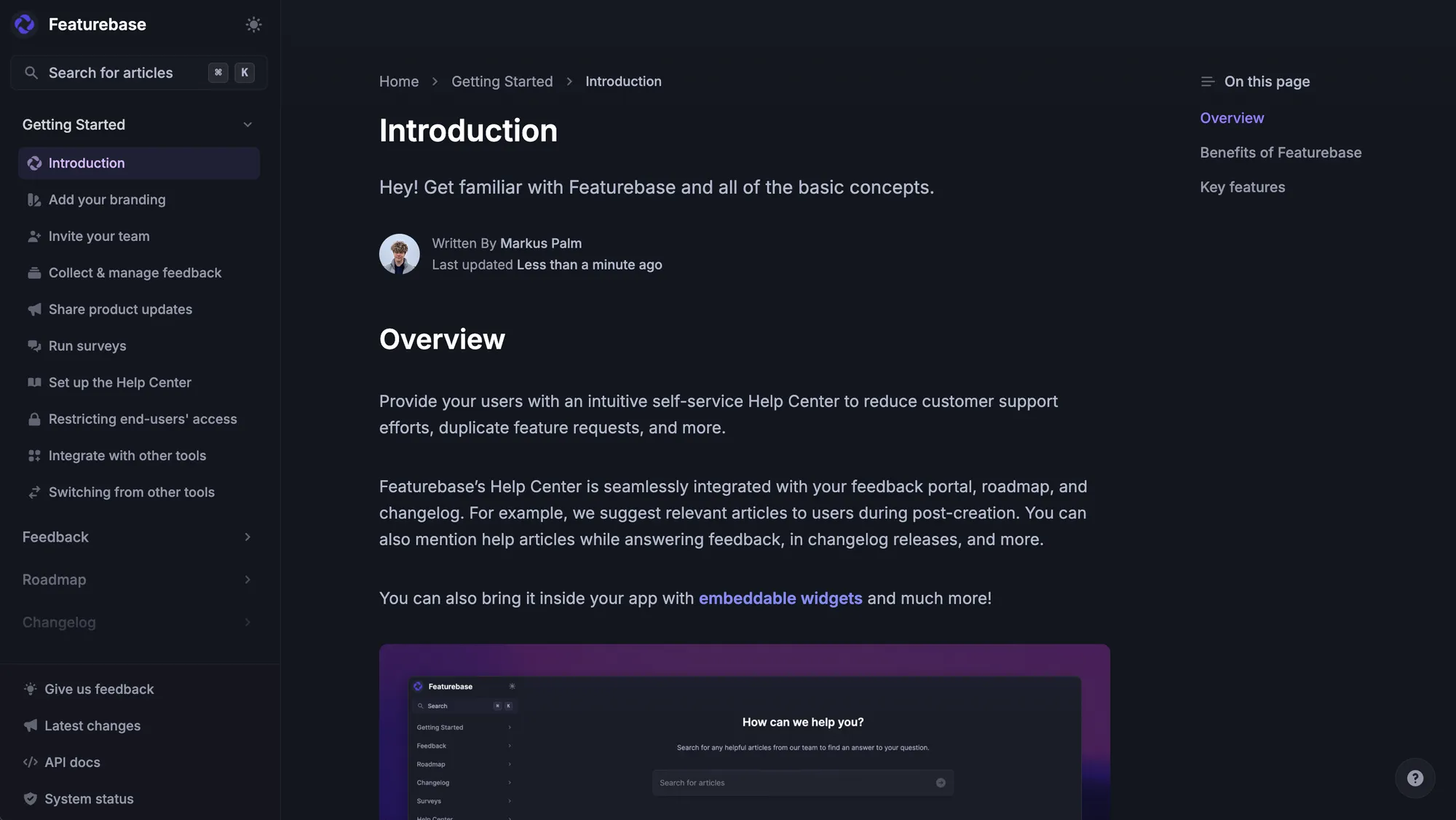
- Write clear H2 and H3 headings
- Use bullet points like I'm using them in this article
- Bold the most important information so it's easy to spot
- Keep the paragraphs short
- If there are multiple steps in a process, number them
- Have callout boxes for warnings or tips
A bunch of these items will come pre-built with good knowledge base software, which will actively prevent you from having walls of text.
Make the home page action-focused
Once you make sure the knowledge base is easy to find, the user has a very clear idea of what to do next when they land there.
First, make sure the search bar is so big that no one can miss it, no matter how poor their eyesight is.
Second, list the most popular categories first. Knowledge base software can give you insights into which categories and articles users browse the most, so make sure to place them front and center.
Third is to add links to your most popular action items.
Last and most important, forget about using the knowledge base home page for any kind of marketing messaging. Anything that doesn't help resolve an issue doesn't belong here.
Keep the article formatting consistent
Every knowledge base article should follow the same structure. Here's a good example:
- Short intro
- Step-by-step instructions
- Troubleshooting section
- Related articles
Consistency makes it easier for you to add new content and your users will expect that format with each new entry.
Optimize for mobile devices
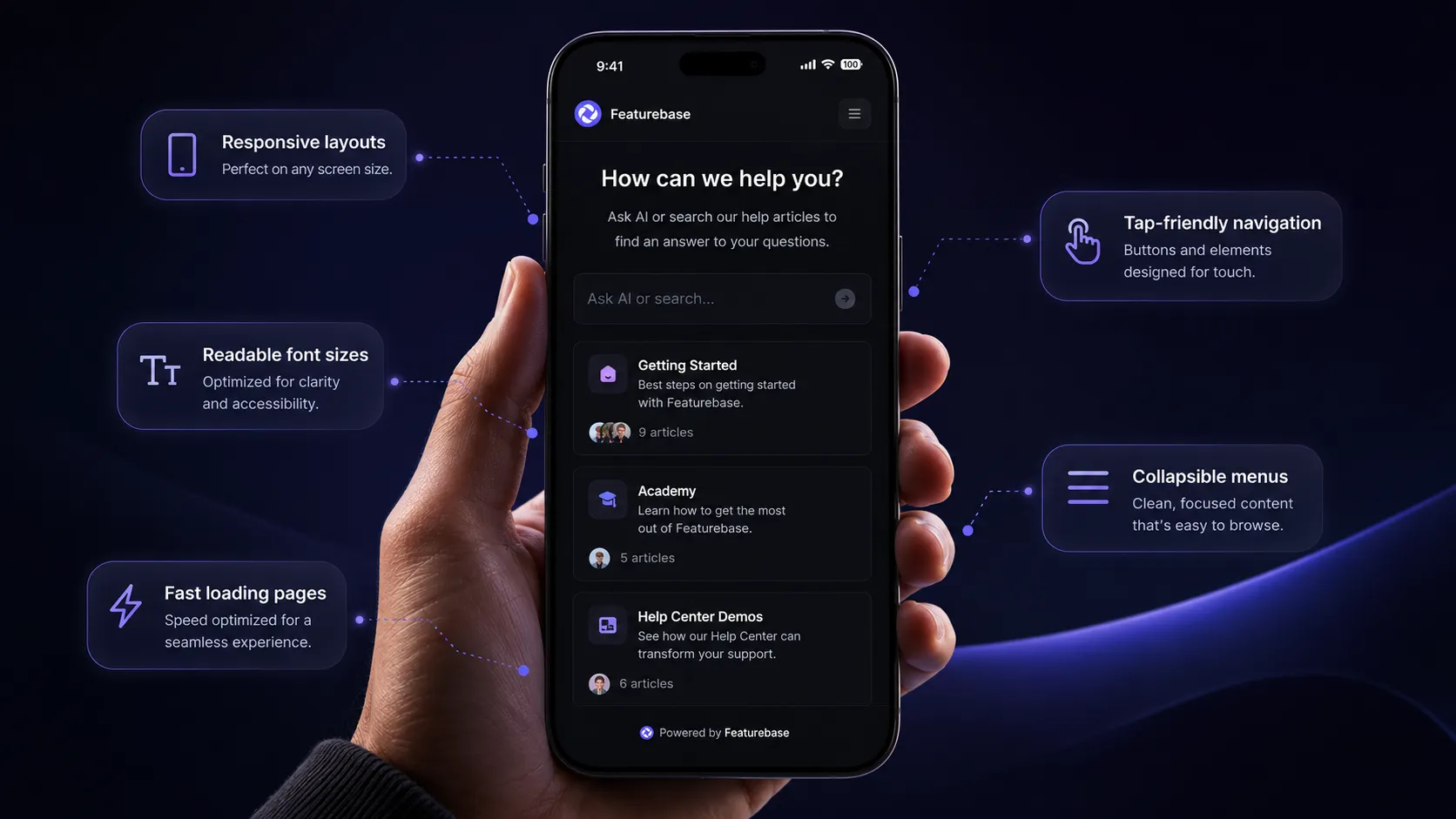
This should go without saying in 2026, but many websites are struggling with mobile optimization, which costs them valuable business opportunities. Once again, knowledge base software comes with pre-built templates you add to your website or app, and these should be very well optimized for different devices.
This means:
- Responsive layouts
- Readable font sizes
- Tap-friendly navigation
- Fast loading pages
- Collapsible menus
However, this is just the starting point. There is another element to keeping a knowledge base mobile-friendly.
Be careful with images
GIFs and screenshots can make a knowledge base article massively valuable. However, you shouldn't add images to every article just because you can. There are certain best practices for images, too.
Make sure to keep it at 1-2 images per entry, unless there are multiple steps involved. Adding more images can create huge content debt later because if you update your product, you now have an entire workflow to replace rather than one GIF.
If you have videos, make sure they don't autoplay. And finally, never add images for decoration purposes only.
Keep your branding clean and subtle
The best knowledge bases fit into the website and app of the product they're helping with. Achieving this is actually fairly easy if you follow a few rules. Here's what to include:
- Company colors
- Logo
- Custom domain
- Matching typography
This should be included in most templates, but you will have to do some design work, including refining your logo design, to make it blend in flawlessly.
Give users feedback options
The only way to know if your knowledge base design is good or not is to ask the people who use it. This is fairly easy to do with one or multiple tools, although it's best to keep things simple.
You can have feedback forms on individual entries, allowing users to give detailed feedback, but this won't be necessary for every user. A good compromise is a quick up/down vote button to determine if the entry was good or not. If they downvote, expand a feedback form for a more detailed answer.
Point to related content
Sometimes, a user will want to keep reading and exploring, even if they found what they were looking for. In these instances, you should give them related additional materials to go through. For example:
- Related articles
- Suggested next steps
- Linked troubleshooting guides
- Integration-specific follow-ups
This is also fairly easy to implement if you categorize and tag your knowledge base carefully.
Use analytics to improve your weak areas
Getting knowledge base software means you can have isolated analytics just for your knowledge base articles. In other words, you can track things such as:
- Failed searches
- Most viewed articles
- Exit rates
- Ticket deflection
- Time on page
All of this lets you refine the content and make it more useful for your intended audience.
Introduce AI into the mix
A knowledge base on its own is powerful, but combined with the rest of your customer communication, it can be the centralized knowledge repository that moves all the other parts.
Support tools like Featurebase let you connect your AI knowledge base to a customer-facing chatbot, which can save time and increase customer satisfaction. In short: customers no longer have to visit your knowledge base to find answers.
They can simply ask a question using plain English (or 40+ other languages!) and get a response from a chatbot that is pulling that information from your knowledge base. Your support agents can breathe more freely as AI is doing all the heavy lifting and customers can resolve problems on their own.
The only potential downside is that your knowledge base needs to be accurate and up to date. However, the additional time you spend on tidying up the knowledge base will more than pay off in the time you get back for your agents.
Build a knowledge base your customers will actually use
A knowledge base should do more than look good. It should help customers find answers quickly, reduce pressure on your support team, and create a better product experience from day one.
The good news is that you don't need a massive support organization or a complicated setup to make that happen. With the right structure, clean design, strong search, and consistent content, your knowledge base can become one of the most valuable parts of your customer support strategy.
Featurebase is a modern & powerful support platform for SaaS teams that helps you create beautiful product docs, provide AI-powered support, and collect feedback all in one place. It's loved by thousands of support teams from companies like Lovable, Raycast, and n8n. 💫
Top features:
- Public & internal help center – Create a branded, knowledge base with your domain and design for easy self-service support.
- Embeddable in-app widget – Serve help articles directly within your app, reaching users where they need assistance most
- AI-powered search answers – Summarize answers for users right in the search bar in seconds
- Automatic AI translations – Automatically translate and show your Help Center in your users native languages
- Multi-brand support – Manage multiple Help Centers and Live chats from a single workspace
- AI-powered support platform – Manage chat, email, and Slack support conversations from one AI-powered view
- Feedback & roadmap tools – Collect feature requests and close the loop with updates
- Product updates – Publish release notes with a changelog page, in-app widget, and emails
- Integrations – Connects with Slack, Linear, Jira, HubSpot, and more
Pricing: You can create a public help center with a fully free plan. Paid plans start at just $29/seat/mo for unlimited articles. The onboarding is super fast, so there's no downside to trying it. 👇
Create a beautiful AI-powered Help Center with Featurebase for free