Blog Customer ServiceMissive vs Front: Which Shared Inbox Wins in 2026?
Missive vs Front: Which Shared Inbox Wins in 2026?
A Missive vs Front comparison covering pricing, collaboration, channels, AI, and which shared inbox actually fits your team in 2026.



✨ Psst... want a modern AI support platform with a genuinely free plan? Check out Featurebase →
Your team has outgrown a plain shared mailbox, and the shortlist has come down to Missive and Front. Both turn email and messaging into a collaborative team inbox, but they pull in different directions: Missive is the cheaper, email-native collaboration tool, while Front is the broader customer operations platform with ticketing and a deeper AI suite.
In this guide, I'll break down how Missive and Front compare on pricing, collaboration, channels, AI, ease of use, and integrations, so you can pick the right one. 👇
Key takeaways:
- Missive is cheaper across every tier. Plans run $14–36 per user/month (billed yearly) versus Front's $25–105 per seat/month, and the gap widens once Front's AI add-ons stack on top.
- Front does more out of the box. It bundles ticketing, a native knowledge base, a customer portal, voice, and a full AI suite. Missive stays focused on shared inboxes, collaboration, and tasks.
- Missive is easier to adopt. It looks and feels like email with two-way sync, so teams get going in minutes. Front is more powerful but has a steeper learning curve.
- Front scales to bigger, multi-channel operations. More native integrations, more channels, and enterprise controls make it the better fit for large or fast-moving support teams.
- ✨ If you want modern AI-powered support, a help center, and feedback tools in one platform (with a free plan), Featurebase is worth a look before you commit to either.
What are Missive and Front?
Both tools solve the same core problem - a team drowning in a shared email address - but they were built with different priorities.
Missive
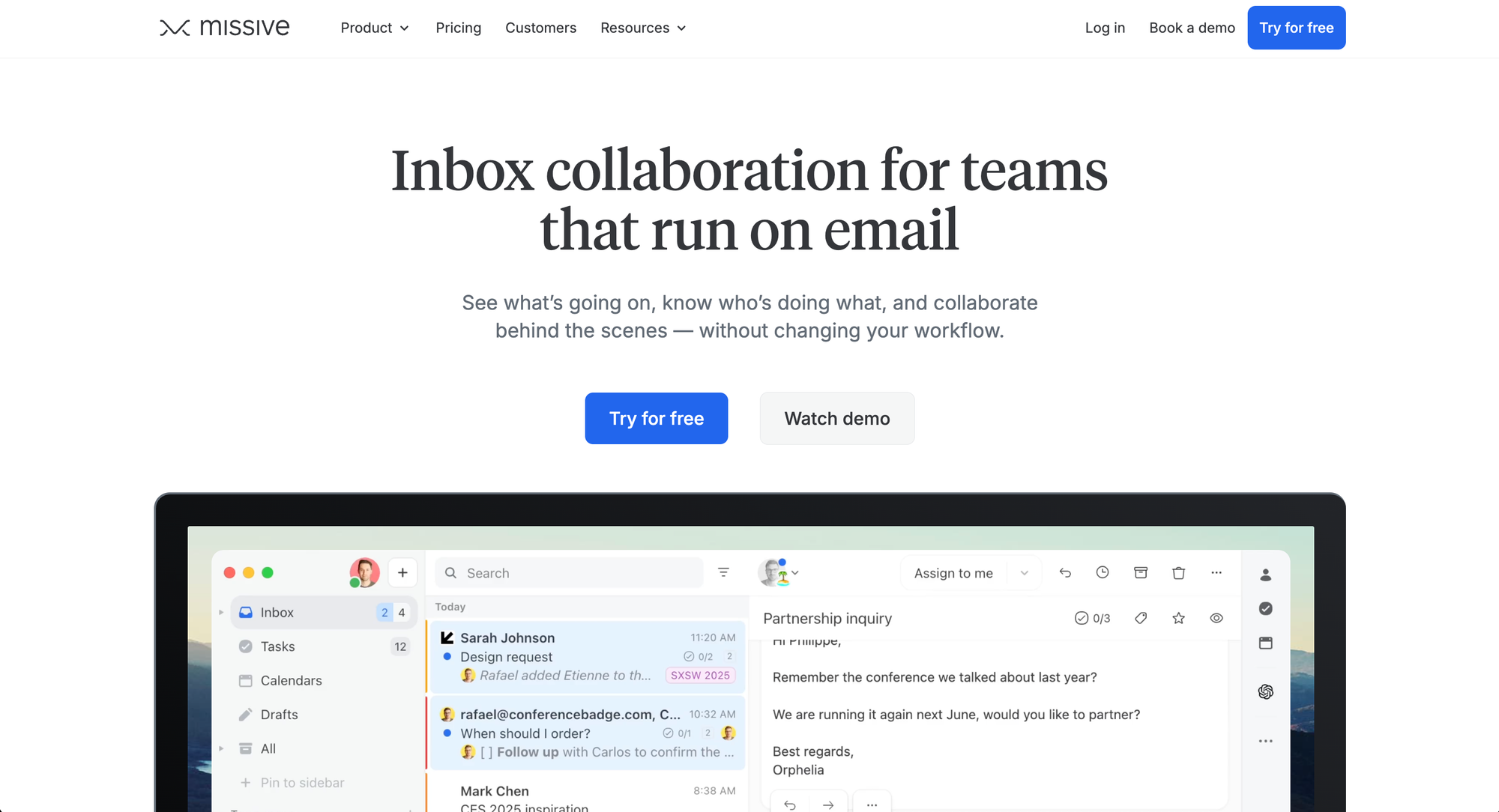
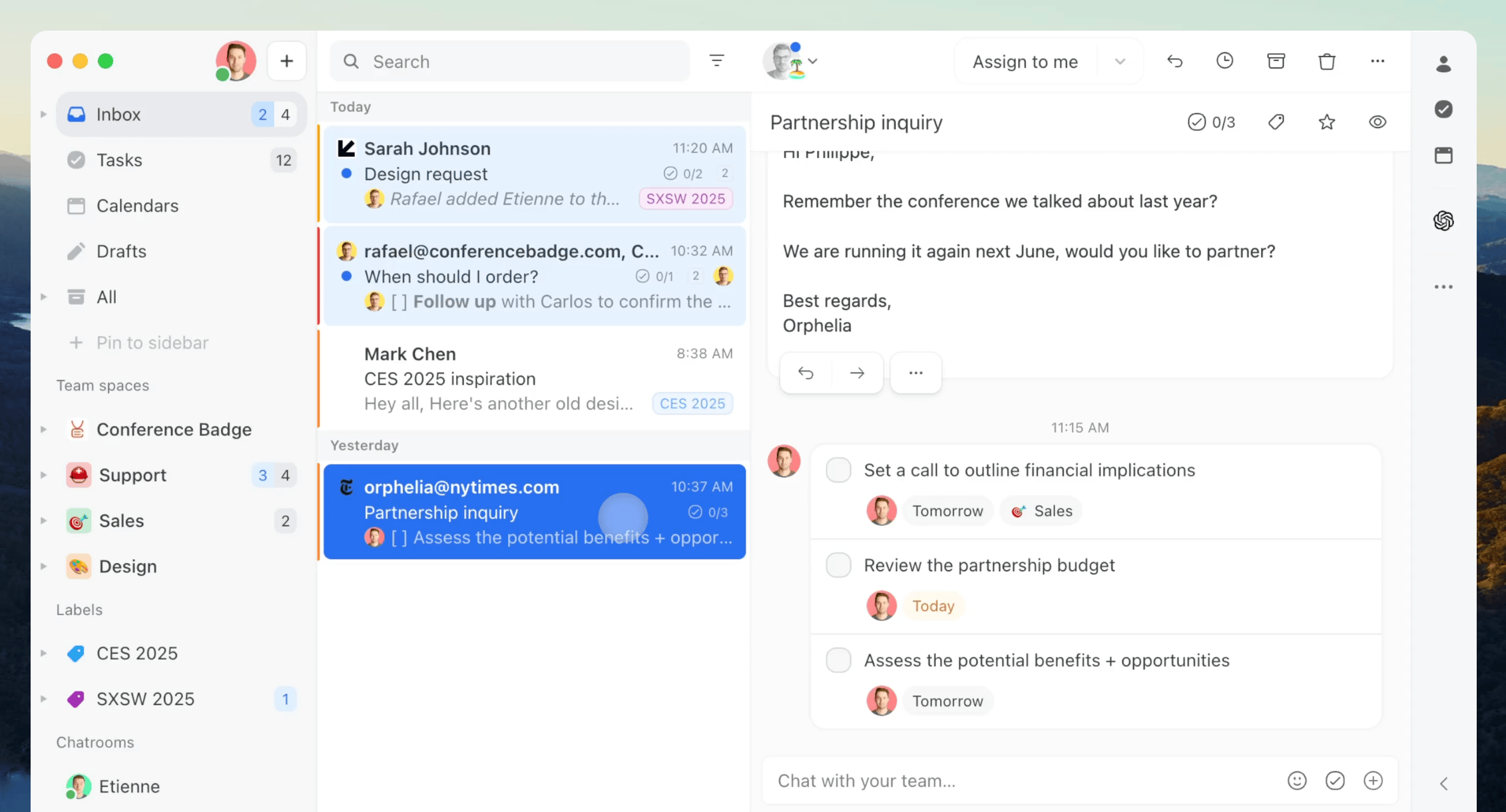
Missive is a collaboration-first team inbox for groups that live in email and messaging. It pulls email, SMS, WhatsApp, Messenger, and live chat into one workspace, then layers internal comments, collaborative drafting, tasks, and built-in chat directly on top of each conversation.
Its standout is two-way sync: anything you do in Missive (reply, archive, delete, assign) reflects back in the original mailbox, and vice versa. More than 4,500 companies use it, and it leans toward small and mid-sized teams that want a familiar, lightweight setup without ticketing overhead.
Front
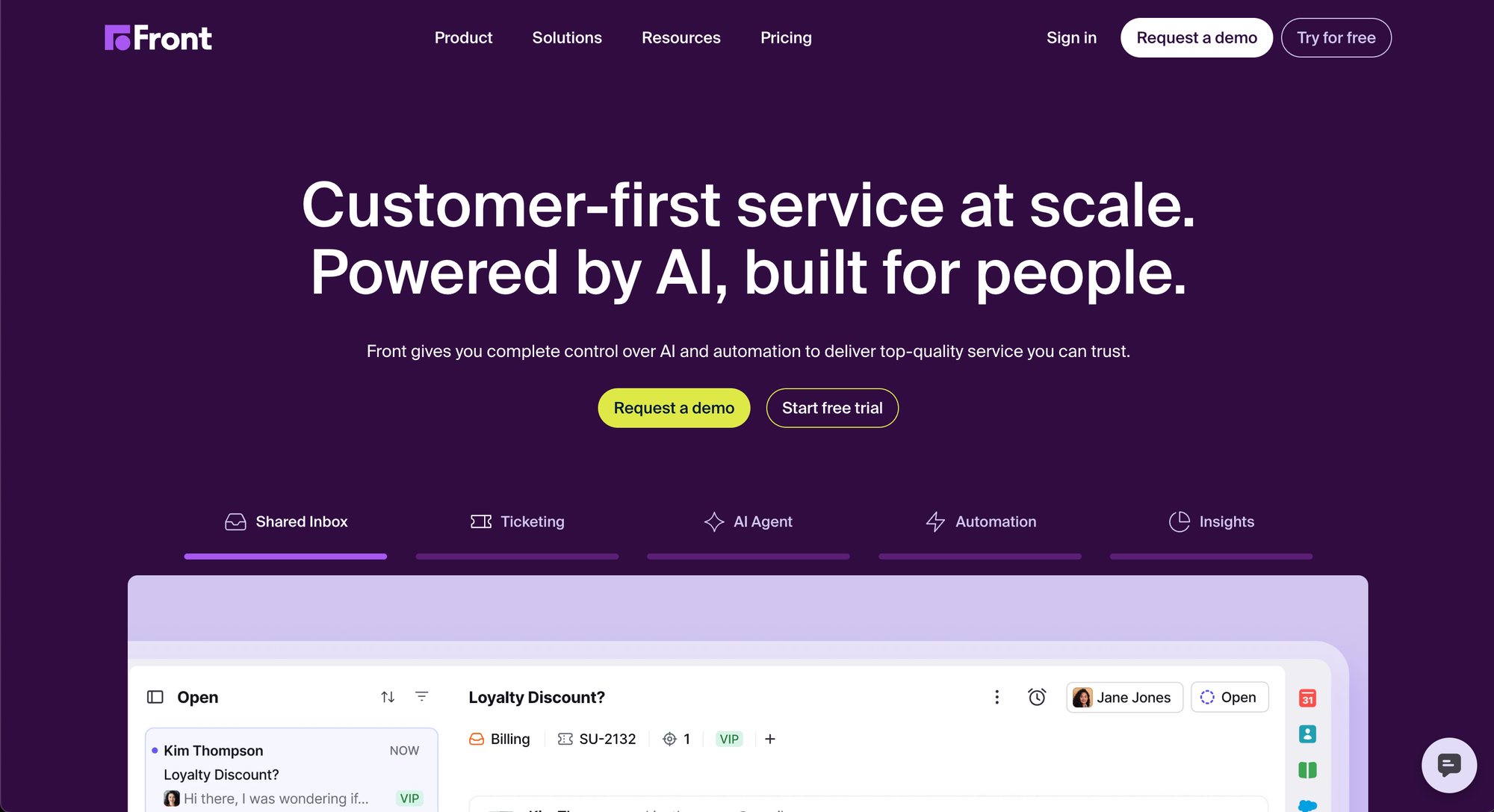
Front is a customer operations platform that combines shared inboxes with help-desk features. On top of the inbox, you get ticketing with statuses and SLAs, a native knowledge base, a customer portal, live chat, voice, and a deep AI layer.
Used by 9,300+ companies, Front is built for teams juggling higher volume across more channels, with routing rules, structured workflows, and enterprise controls. The trade-off is a busier interface and a higher price tag, especially once you add AI.
Here's how they stack up at a glance:
| Feature | Missive | Front |
|---|---|---|
| Pricing (per user/mo) | $14–36 (billed yearly) | $25–105 |
| Free plan | Yes | No (14-day trial) |
| Email sync | Two-way sync | Forwarding-based |
| Channels | Email, SMS, WhatsApp, Messenger, live chat | Email, chat, SMS, social, WhatsApp, voice |
| Ticketing | Thread-based tasks | Full ticketing + SLAs |
| Knowledge base | No native KB | Built-in KB + customer portal |
| AI | Lighter, bring-your-own-key | Copilot, Autopilot, Smart QA, Smart CSAT |
| Native integrations | ~25 + Zapier/Make | 100+ |
| Best for | Small/mid teams, email-first collaboration | Larger, multi-channel support ops |
Pricing
Price is where the two tools separate most clearly, and it's usually the deciding factor.
Missive uses simple per-user pricing with a free plan and a 30-day trial of paid features. Its three tiers (billed yearly) are:
- Starter - $14/user/month: shared inboxes across email, SMS, and social, team spaces, conversations, and tasks
- Productive - $24/user/month: integrations, rules and automations, API access, and basic analytics
- Business - $36/user/month: SAML/SSO, IP restriction, advanced analytics, and personalized onboarding
Missive's AI is bring-your-own-key, so you connect your own OpenAI, Anthropic, or Gemini account and pay your provider for usage instead of a flat per-seat fee. For most teams that's a few dollars a month.
Front's pricing is higher and structured around channels and controls (billed annually):
- Starter - $25/seat/month (up to 10 seats): shared inbox plus ticketing, single channel, basic analytics, no-code knowledge base
- Professional - $65/seat/month (up to 50 seats): omnichannel, macros, advanced analytics, multiple workspaces, SSO and SCIM
- Enterprise - $105/seat/month: unlimited rules, multi-language knowledge base, custom roles, and the full AI suite included
The catch is Front's AI. On Starter and Professional, Copilot ($20/seat/month), Smart QA ($20/seat/month), and Smart CSAT ($10/seat/month) are paid add-ons, and Autopilot is billed per conversation. A Professional seat with Copilot and Smart QA effectively costs $105/month - the same as Enterprise's list price - before Autopilot usage. G2 reviewers regularly flag Front's cost and add-on stacking as a pain point, especially for smaller teams.
Winner: Missive. It's cheaper at every tier, the pricing is predictable, and AI doesn't carry a separate per-seat tax.
Shared inbox and collaboration
This is the foundation of both tools, and they're closer here than anywhere else.
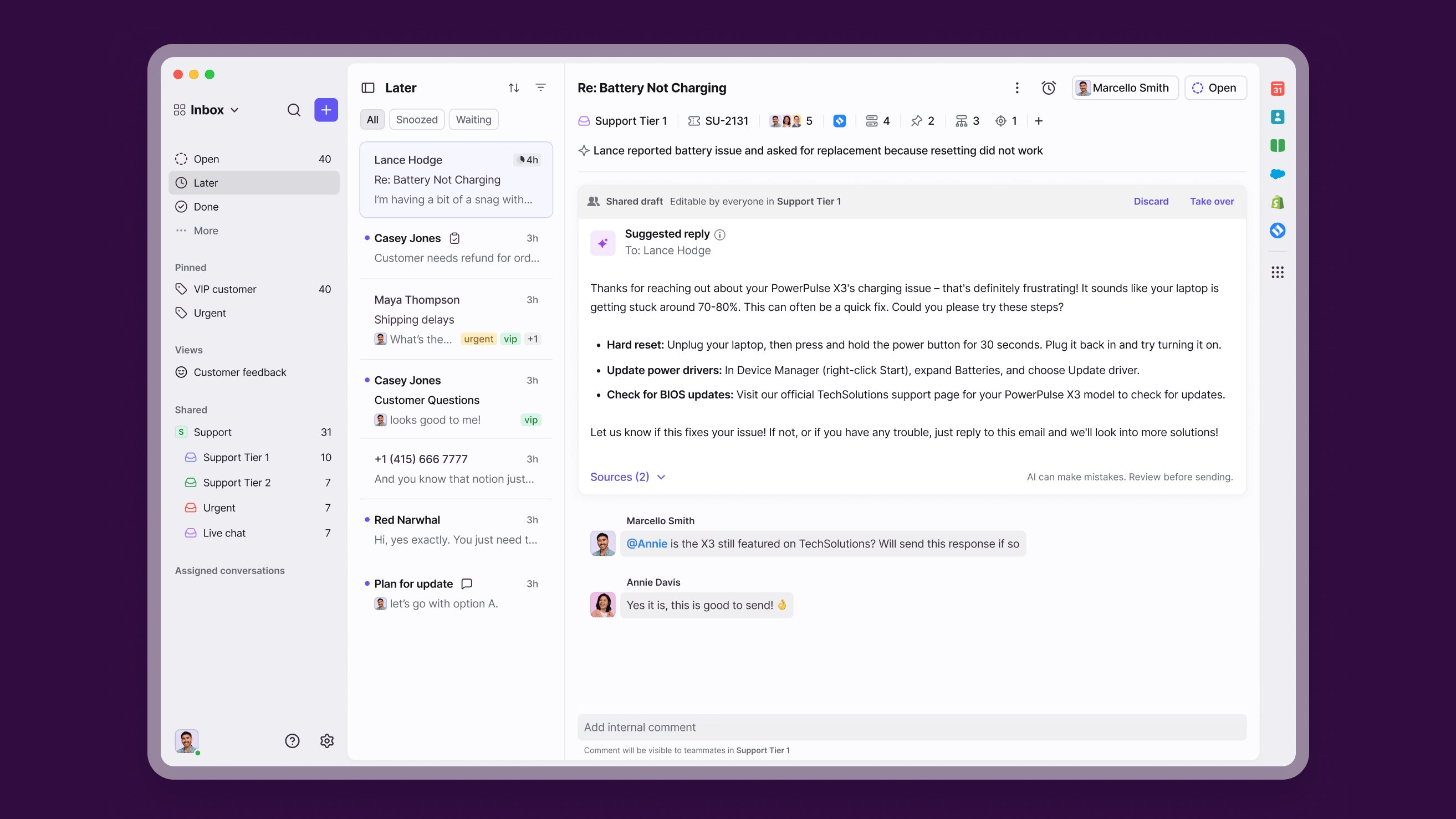
Front is built around structured shared inboxes. Teams assign conversations, set clear ownership, apply tags, and move messages through ticket statuses, so larger teams always know who owns what. Internal comments, shared drafts, @mentions, and collision detection keep everyone aligned, and you can loop in people outside Front when you need their input.
Missive keeps collaboration inside the thread. Teammates leave internal comments next to the message, draft replies together, and chat in built-in chatrooms without leaving the conversation. An audit trail records every action, and conversation links let you share a full thread without messy screenshots.
The real difference is sync. Missive offers full two-way sync with major email providers, so actions stay mirrored between Missive and the original inbox. Front uses a forwarding-based model where it becomes the system of record, and actions in Front don't sync back to your mailbox - a recurring complaint in G2 reviews from teams that wanted to keep working in their existing inbox.
Winner: Tie. Front wins on structured ownership and ticket statuses for big teams. Missive wins on email-native collaboration and two-way sync.
Channels and omnichannel support
Both tools go beyond email, but Front casts a wider net.
Front supports email, live chat, SMS, WhatsApp, social channels, and voice integrations, with everything landing in one inbox. The catch is that its Starter plan is limited to a single channel type, so you need to move to Professional to actually go omnichannel.
Missive covers email, SMS, WhatsApp, Messenger, and live chat, and its Starter plan already includes email, SMS, and social accounts. It doesn't offer native voice, so call-heavy teams will feel the gap, but messaging-first teams get more channels earlier without jumping to a pricier tier.
Winner: Front. Broader channel mix and native voice make it the better fit for true omnichannel support, as long as you're on Professional or higher.
AI and automation
AI is the fastest-moving part of this comparison, and it's where Front invests most heavily.
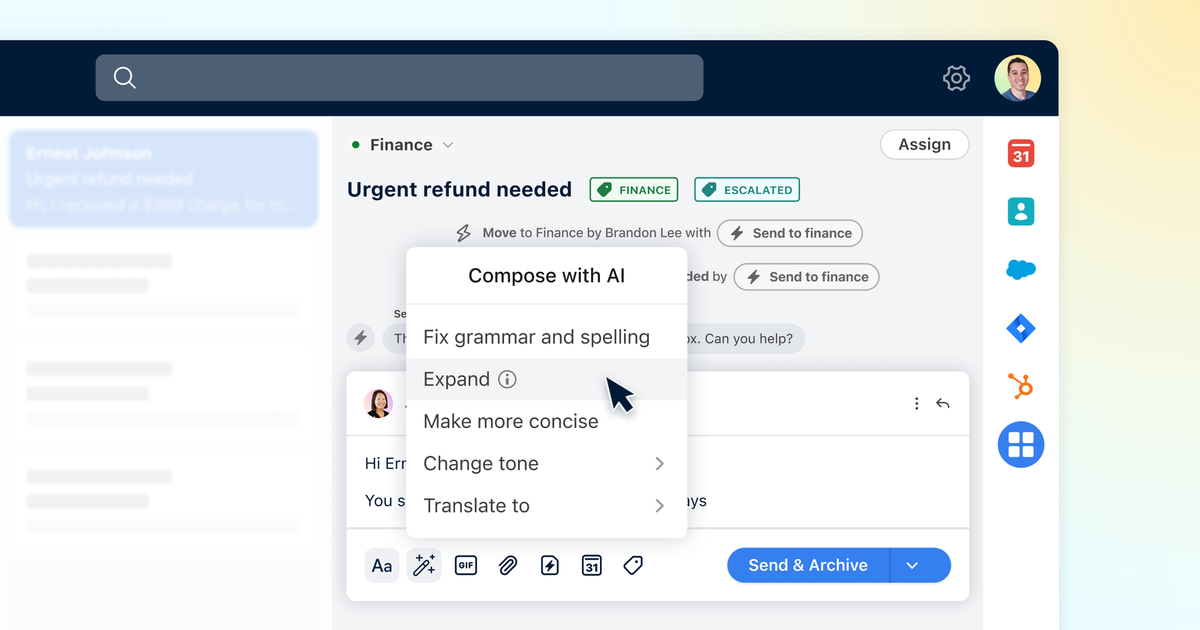
Front's AI suite is broad. Copilot drafts and rephrases replies using past conversations and knowledge-base content, Smart QA scores every conversation automatically, Smart CSAT infers satisfaction without surveys, and Autopilot resolves routine questions on its own. It's genuinely capable, but as covered above, most of it sits behind paid add-ons unless you're on Enterprise.
Missive's AI is lighter and more flexible. It drafts replies, translates messages into any language, summarizes long threads, and powers rule-based automations. Because it runs on your own API key, you control the model and the cost, though G2 reviewers note it's less of an all-in-one suite than Front's.
If you want the modern version of this - AI that resolves tickets on autopilot plus an AI Copilot that drafts answers from your own help center, without per-seat add-on fees - that's exactly what Featurebase is built for.
Winner: Front. Its AI suite is deeper and more automated, but you'll pay for it through add-ons on lower plans.
Ease of use and onboarding
A tool only helps if your team actually adopts it, and this is where Missive shines.
Missive feels like email from day one. The layout is clean and familiar, setup takes minutes, and the mobile app stays simple. G2 reviewers repeatedly call it intuitive with almost no learning curve - though the same reviewers note that advanced automations and rules do take more time to tune.
Front is more powerful but denser. New users often need tutorials to get comfortable, and the interface can feel busy when you're juggling high volume. G2 feedback describes it as helpful but occasionally overwhelming, and onboarding for larger teams takes real planning around channels, routing, and SSO.
Winner: Missive. Faster to adopt, gentler learning curve, less setup overhead.
Integrations and self-service
Here the breadth gap reappears, this time in Front's favor.
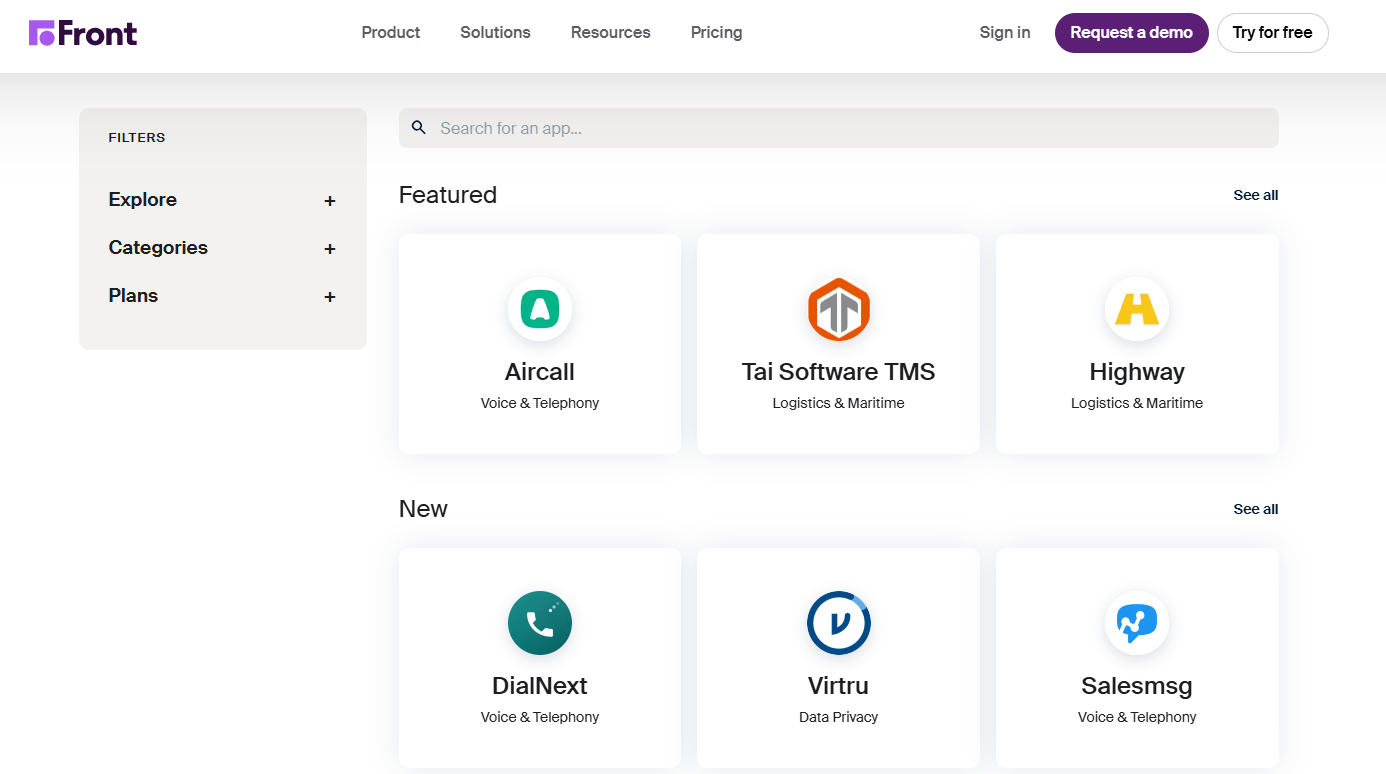
Front offers 100+ native integrations across CRM (Salesforce, HubSpot, Pipedrive), project management (Asana, Jira, ClickUp), telephony (Aircall, Dialpad), billing, and analytics. It also includes a no-code knowledge base and a customer portal, so customers can self-serve and submit requests.
Missive has roughly 25 native integrations (Salesforce, HubSpot, Asana, ClickUp, OpenAI, and more) and extends through Zapier, Make, and Integrately for thousands of others. The trade-off is reliance on third-party automation platforms. Missive also has no native knowledge base, so self-service means integrating an external tool.
Winner: Front. More native integrations and built-in self-service tools, where Missive depends on add-ons and third parties.
Missive vs Front: which should you choose?
There's no universal winner - it comes down to how your team works and what you're willing to pay.
| Choose Missive if... | Choose Front if... |
|---|---|
| You want the cheapest, most predictable pricing | You need omnichannel support including voice |
| Your team lives in email and messaging | You rely on ticketing, SLAs, and structured routing |
| You value quick setup and easy adoption | You want a built-in knowledge base and customer portal |
| You're a small or mid-sized team | You're scaling a larger, multi-team support operation |
| You prefer two-way email sync | You want a deep, automated AI suite and can budget for it |
Overall: Missive wins on price, simplicity, and email-native collaboration. Front wins on channel breadth, AI depth, and enterprise scale. If you mostly need a smooth shared inbox, Missive is the safer pick. If support genuinely runs across many channels with high volume, Front earns its premium.
But there's a third option worth considering before you commit to either. 👇

Get the best shared inbox tool
Automatically resolve 70% of customer requests & cut down manual support loads
Looking beyond Missive and Front: try Featurebase
Both Missive and Front are inbox-first tools. If you're a product-led SaaS team, you often need more than an inbox - you need support, a help center, and feedback all in one modern, AI-powered place.

Featurebase is a modern AI customer support platform for product-led SaaS. It combines AI-powered support, help center, and feedback management into a single platform for startups that want all their customer-facing tools in one place. Featurebase is loved by thousands of support teams from companies like Lovable, Raycast, and n8n. 💫
Top features:
- Omnichannel inbox – Manage live chat, email, and Slack conversations from one AI-powered view
- Fibi AI Agent - Resolve customer issues on autopilot & run custom actions like trial extensions and refunds
- Help center with AI search – Provide instant, multilingual self-serve answers
- Workflows & automations – Auto-assign tickets, route conversations, collect customer data, and more
- AI Copilot – Help your agents answer customers faster with AI Copilot that uses your internal knowledge
- Multi-brand support – Manage multiple Help Centers and Live chats from a single workspace
- Automatic AI translations – Automatically translate all messages and help articles to your customers native language
- Service Level Agreements – Track SLAs to make sure your team responds to customers on time, every time
- Mobile app – Respond to customers, receive notifications, and unblock users on the go
- Feedback & roadmap tools – Collect feature requests and close the loop with updates
- Product updates – Publish release notes with a changelog page, in-app widget, and emails
- Integrations – Connects with Slack, Linear, Jira, HubSpot, and more
Pricing: Free plan available with unlimited conversations. Paid plans start at $29/seat/month with $0.29 per AI resolution.
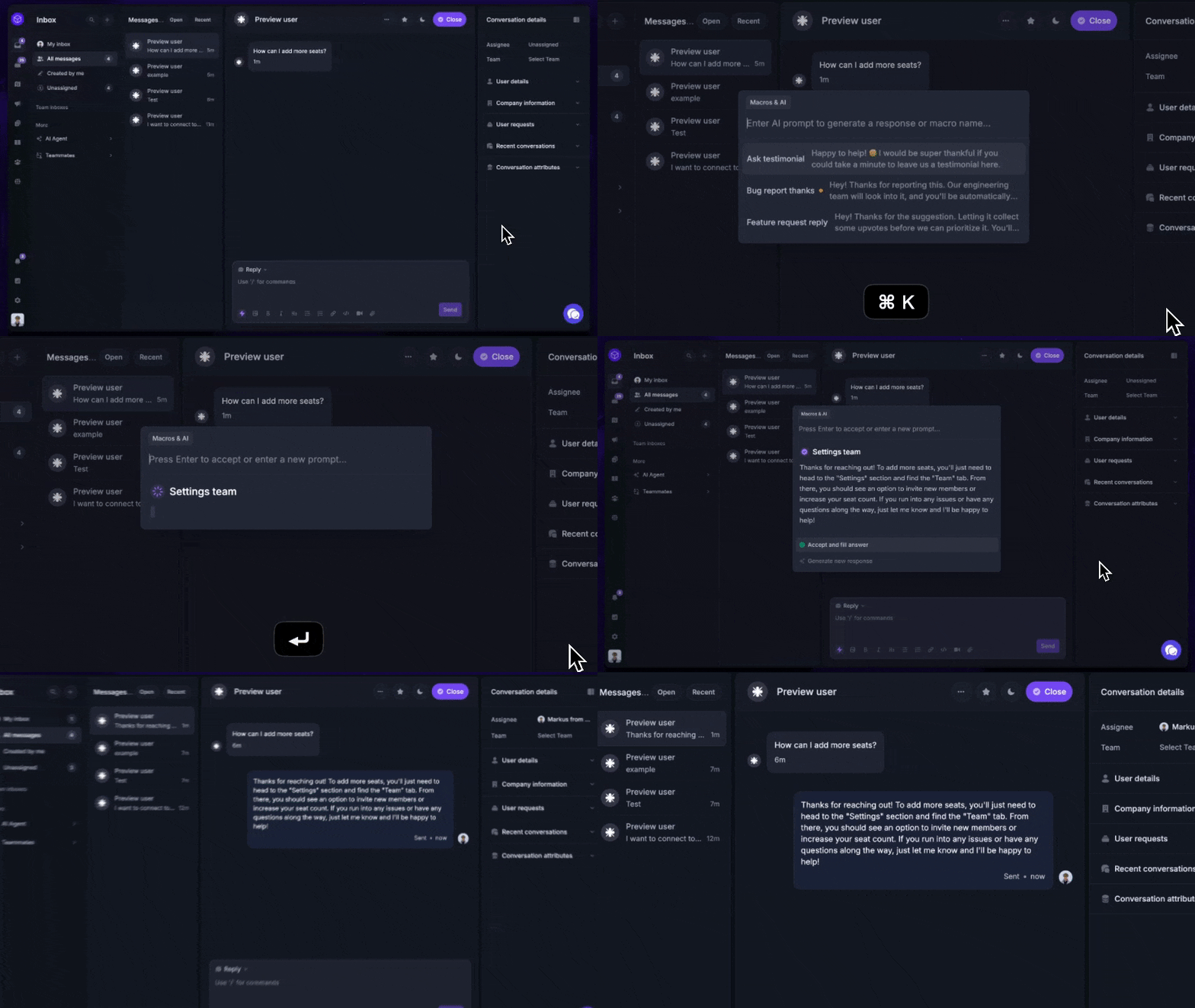
Featurebase covers all the basic support features that legacy platforms do, but with a much more modern approach. It comes with AI automations, a mobile app, and multiple channels (email, live chat, Slack, etc.).
Conclusion
Missive and Front both fix the chaos of a shared mailbox - they just aim at different teams. Missive is the affordable, email-native choice for teams that want collaboration without complexity. Front is the broader, pricier platform for support operations that need channels, structure, and AI at scale.
Featurebase is a modern AI-powered support platform that brings your inbox, help center, and feedback together in one place. You get an omnichannel inbox, an AI agent that resolves tickets on autopilot, an AI-powered help center, and feedback and roadmap tools - without paying extra per seat for every AI feature.
It comes with a Free plan and quick onboarding, so there's no downside to trying it. 👇
✨ Automate your support with the fastest AI-enhanced Inbox today →
FAQs
What is the main difference between Missive and Front?
Missive focuses on collaboration inside the inbox - co-drafting emails, internal comments, and thread-based tasks across email and messaging. Front is a broader customer operations platform that adds ticketing, SLAs, a native knowledge base, a customer portal, and a deeper AI suite. In short, Missive is collaboration-first and Front is operations-first.
Is Missive cheaper than Front?
Yes, across every tier. Missive runs $14–36 per user/month (billed yearly) while Front runs $25–105 per seat/month. The gap grows once you add Front's AI features, since Copilot, Smart QA, and Smart CSAT are paid add-ons on all but the Enterprise plan.
Does Missive have ticketing like Front?
No. Missive handles work through thread-based tasks, assignments, and labels rather than formal tickets. Front includes a full ticketing system with statuses, collision detection, and SLA tracking, which suits structured support teams handling higher volume.
Is Missive or Front easier to use?
Missive is generally easier and faster to adopt thanks to its clean, email-like interface and minimal setup. Front is more powerful but has a steeper learning curve, and larger teams usually need to plan onboarding around channels, routing, and SSO.
Which has more integrations, Missive or Front?
Front has the clear edge with 100+ native integrations across CRM, project management, telephony, and analytics. Missive offers around 25 native integrations and relies on Zapier, Make, and Integrately to connect the rest, which adds flexibility but also extra tools to manage.
Does Missive or Front have a knowledge base?
Front includes a native, no-code knowledge base plus a customer portal, with multi-language support on higher plans. Missive does not offer a native knowledge base, so you'd need to integrate a third-party tool for self-service content.
Do Missive or Front have a free plan?
Front has no free plan, only a 14-day trial of its Professional features. Missive offers a free plan plus a 30-day trial of paid features. If a genuinely free plan matters, Featurebase also offers one with unlimited conversations, plus an AI-powered help center and feedback tools.