Blog ComparisonsFreshdesk vs Zendesk vs Zoho: 2026 Comparison
Freshdesk vs Zendesk vs Zoho: 2026 Comparison
Choosing between Freshdesk, Zendesk, and Zoho Desk? All three promise great customer support, but each comes with trade-offs that can make or break your workflow. In this post, we compare their features, pricing, and AI tools to help you find the one that actually fits your team.


✨ Looking for a modern & affordable alternative to Zendesk, Zoho, and Freshdesk? Check out Featurebase →
Choosing between tools for your customer support stack is difficult. But choosing between three can be a proper nightmare.
When looking at the best platform to manage customer interactions, Freshdesk, Zendesk and Zoho Desk commonly come up as similar, but the truth is that there are nuances that can either make or break the deal for your team.
Today, we take a good look at all three tools and compare their core features, multi-channel communication tools, pricing, and more to help you choose the best tool for your unique use case. 👇
Short overview
- Core features: Freshdesk focuses on simple ticketing, Zendesk adds enterprise-scale automation, and Zoho Desk connects support with CRM data.
- Multi-channel support: All three handle email, chat, and phone, but Zendesk leads in omnichannel while Zoho links every interaction to customer history.
- AI capabilities: Freddy (Freshdesk) automates replies, Zia (Zoho) predicts sentiment and trends, and Zendesk AI handles advanced routing and analytics.
- Integrations: Freshdesk offers fast plug-and-play apps, Zendesk has the largest marketplace, and Zoho Desk integrates best within its own ecosystem.
- Ease of use: Freshdesk is the easiest to start with. Zendesk is the most complex but powerful, and Zoho Desk sits comfortably in between.
- Pricing: Freshdesk starts cheaper with a free plan, and Zoho Desk is the most affordable long-term. Zendesk costs the most but offers enterprise-grade tools.
- Final verdict: Choose Freshdesk for easy deployment, affordability and structured ticketing. Choose Zendesk for scale, depth and full omnichannel/enterprise capability. Choose Zoho Desk for ecosystem alignment, value and connected support across business units.
In short, Zendesk can quickly become very pricey, while Zoho and Freshdesk can feel outdated and delayed with proper AI features.
If you're after a more modern alternative, check out Featurebase (👋 that's us). We're a powerful alternative to Zendesk, Freshdesk, and Zoho - but we’ll stay unbiased in this comparison, promise.
Core feature set
The right tool for your needs is the one that can help you fix poor customer support and fits in with the rest of your tool stack. Here's where the main differences are.
Freshdesk
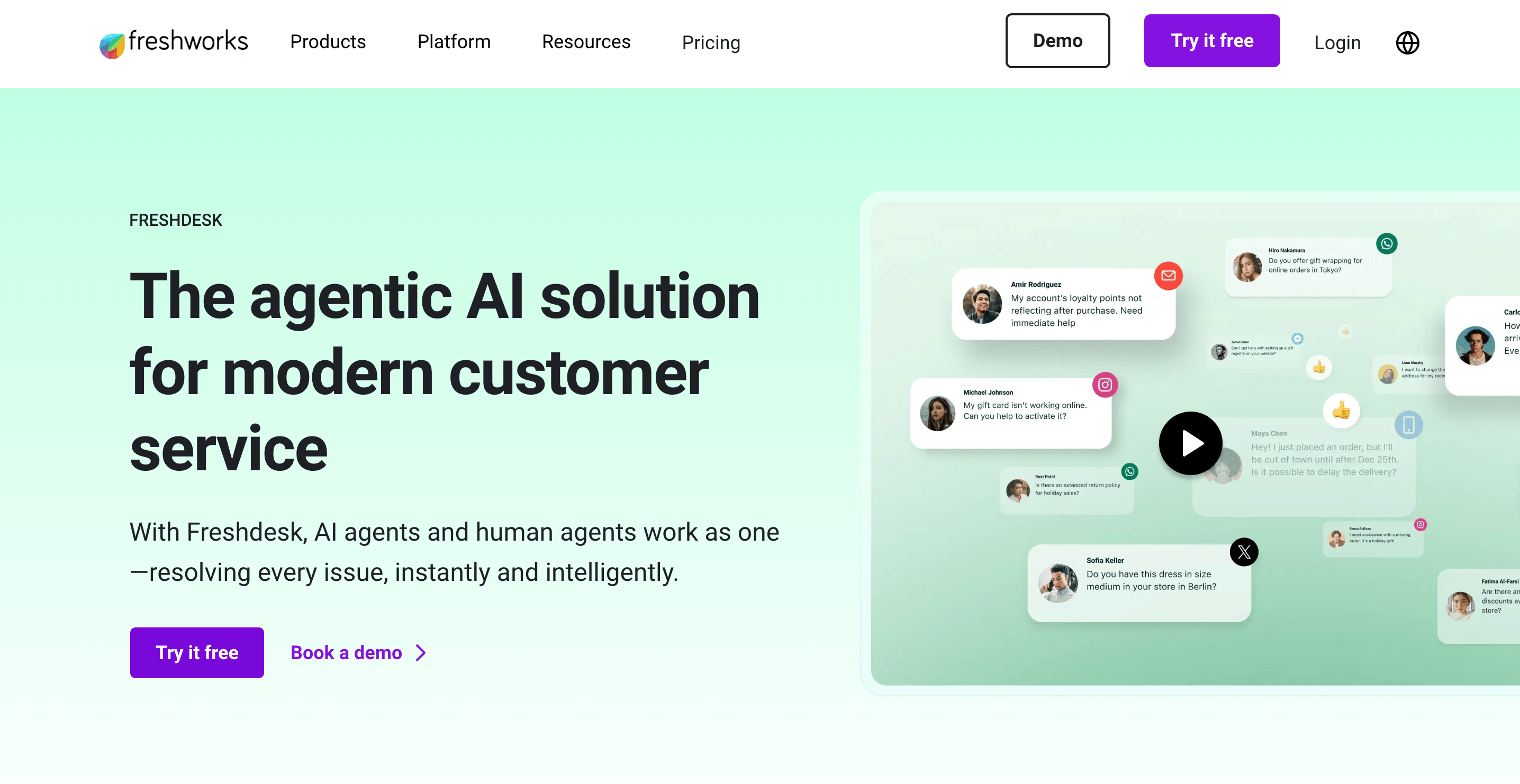
Freshdesk gives you a well-rounded toolkit for most support operations. You get multichannel ticketing that accepts emails, chats, phone calls, social messages, and web requests, all in one interface.
It supports automation and workflows like ticket assignment, triggers, status updates, and SLA enforcement. Team collaboration tools are baked in, such as internal notes, ticket splitting and linking, which help teams work together.
Self-service is supported via knowledge bases and community forums. And reporting dashboards let you track metrics like ticket trends, agent performance, and satisfaction.
Zendesk
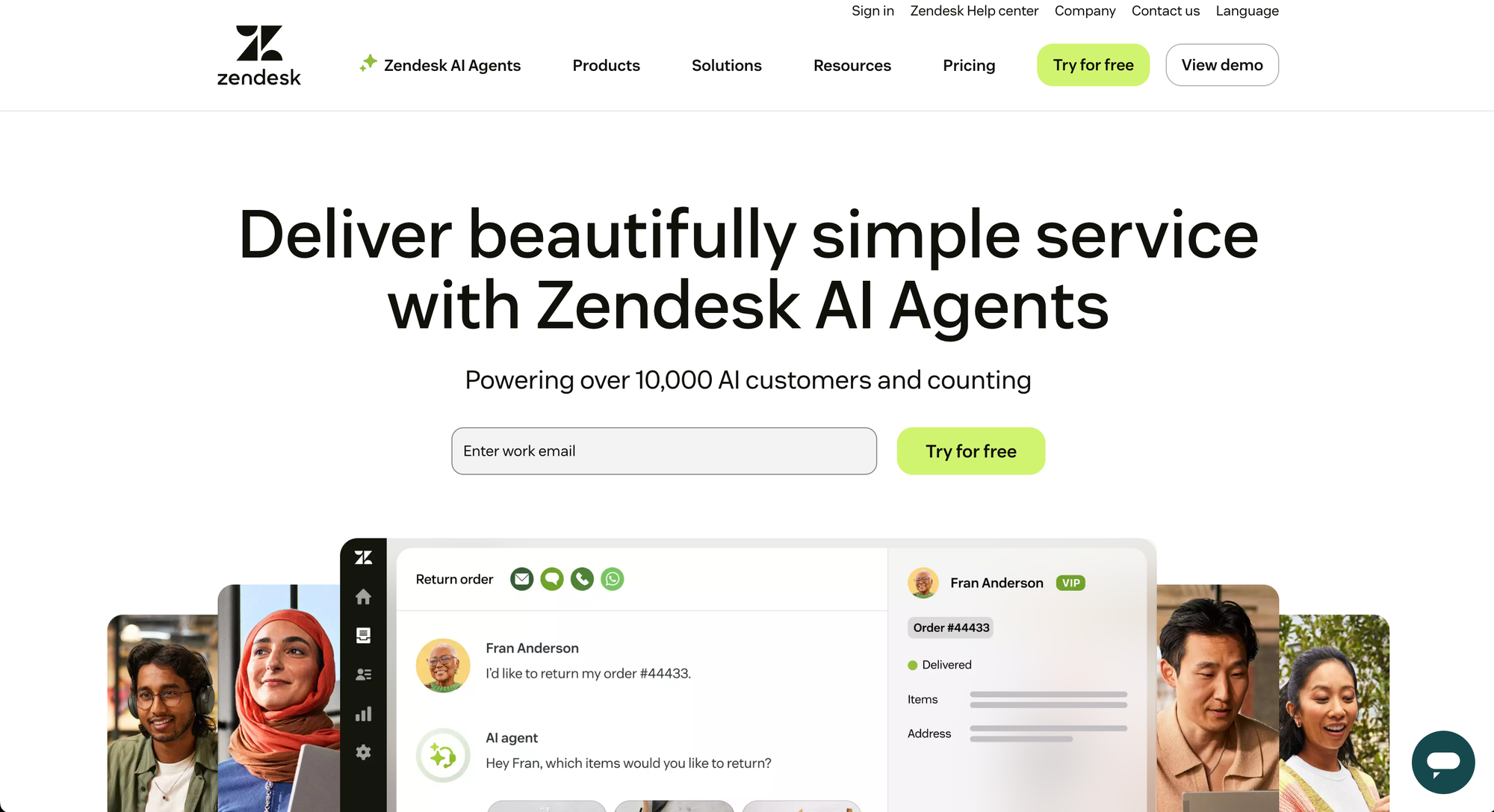
Zendesk tries to be more than just a ticketing platform. At its core is a unified agent workspace that combines messages from email, chat, social media, voice, and messaging apps.
It supports advanced automation, triggers, macros, and business rules to route, escalate, or tag tickets. Zendesk provides rich self-service tools: help centers, community forums, and dynamic article suggestions.
Analytics and reporting are deep, allowing for custom dashboards, SLA tracking, agent metrics, and trend analysis. One of its strongest sides is extensibility, since you get a large app marketplace and APIs to shape the system to your needs.
Zoho Desk
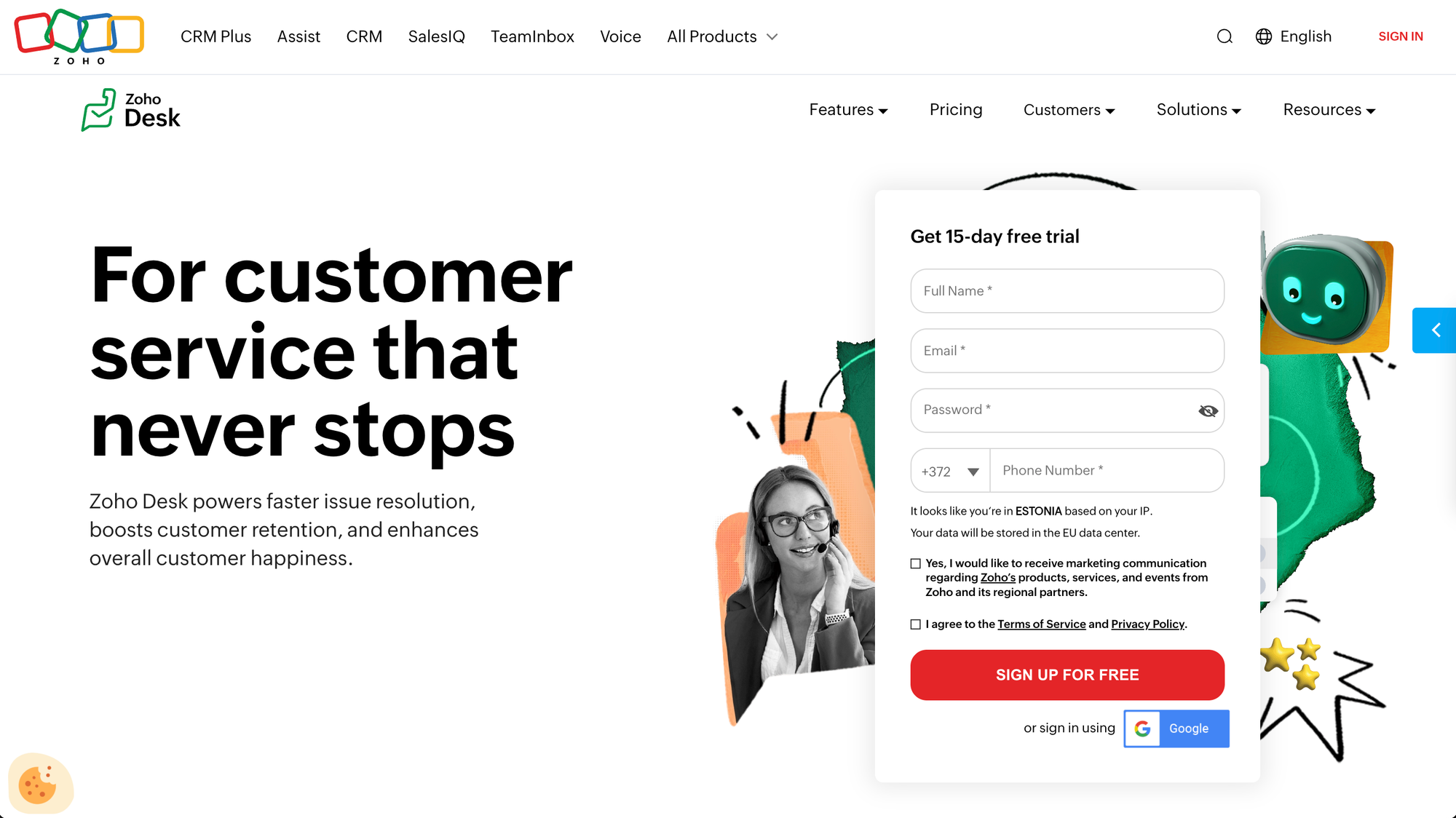
Zoho Desk’s feature set is built around tying support into the customer context. The ticket management includes parent/child tickets, merging, cloning, and organized queues. Omnichannel support is standard: email, phone, chat, social, and web forms.
Self-service is strong: knowledge bases, community portals, guided conversations, and multi-language support. Automation is a core part, with rule engines, escalation paths, and workflow logic. Because it sits inside a larger Zoho ecosystem, you also get deep integration with CRM and analytics tools.
In short:
- Freshdesk is reliable and straightforward, giving you all the support essentials without a steep learning curve.
- Zendesk is powerful and customizable, ideal if you want to scale, add complex routing, or build custom extensions.
- Zoho Desk sits somewhere in between: it gives more context and integration (especially for Zoho users) than Freshdesk, though not always as flexible as Zendesk for external systems, which is why people look for Zoho alternatives.
Let's see how these tools compare when customer queries are coming in from multiple channels. 👇
Multi channel support options
Delivering support across multiple channels is table stakes now. Each of these tools handles channel expansion differently, from native integration to extra add-ons for advanced workflow automation.
Freshdesk
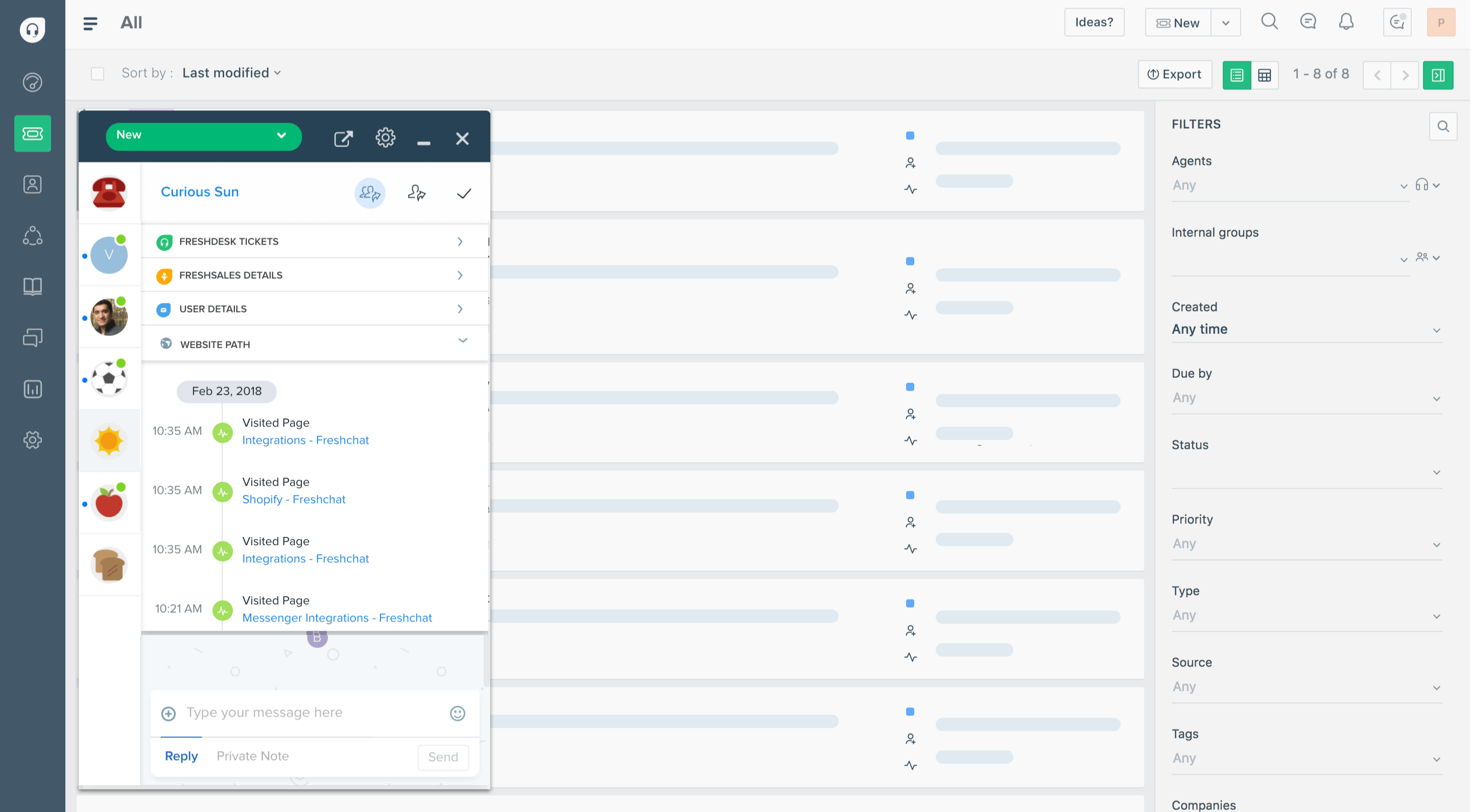
Freshdesk makes it easy to pull queries from multiple touchpoints into a unified helpdesk. Email, chat, social media, web forms, and feedback widgets all feed into ticket management and individual threads.
Voice support is handled via Freshcaller, which converts calls into tickets and enables IVR, call recordings, transfers, and more.
Its “Omni” branding emphasizes the integration across channels, so that all interactions appear in one view. This keeps conversation history intact as users change channels.
You can also link multiple support email accounts, so all inbound messages transform into tickets in one dashboard. Additional channels (like Instagram, advanced messaging platforms) require higher plans or third-party integrations.
Zendesk

Zendesk’s strength lies in its native support for omnichannel workflows. Agents use a unified workspace that pulls messages from email, chat, social media, messaging apps, and voice.
Even if a customer switches from chat to email or from social media to voice, Zendesk maintains context so agents see the whole conversation in one thread.
Some channels (such as voice or certain messaging platforms) may require add-ons or higher-tier plans.
Zoho Desk
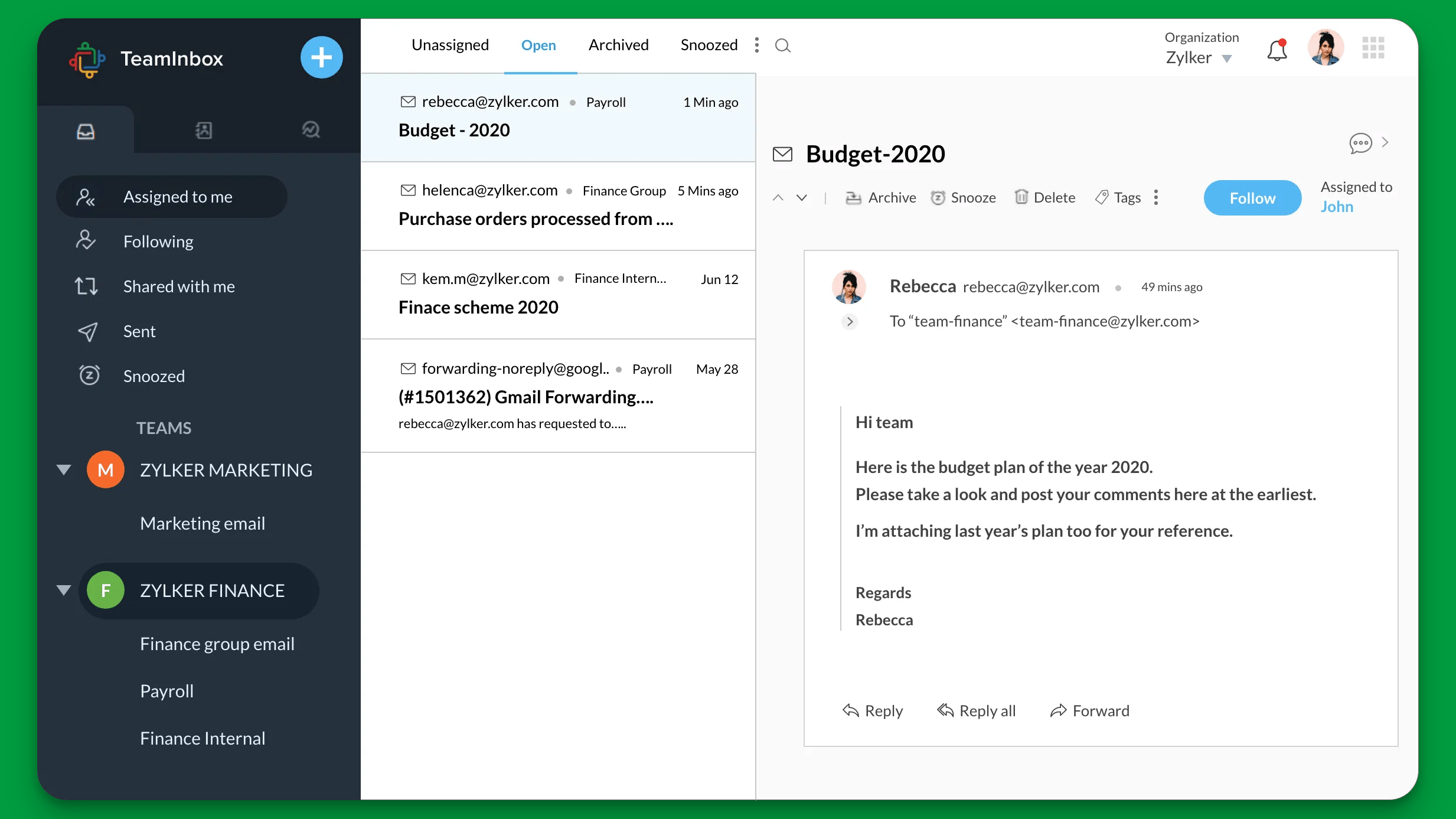
Zoho Desk gives you many of the same channels out of the box: email, chat, voice, social media, web forms, and messaging.
Its advantage is that all these channels are connected to the customer’s record via the Zoho ecosystem. That means agents can see prior tickets, CRM data, and deals while handling a chat or call.
Some channels or advanced messaging integrations may require configuration or separate Zoho tools (like Zoho Voice or Zoho Social) rather than being fully native.
In summary:
| Channel coverage | Integration model | Notes | |
|---|---|---|---|
| Freshdesk | Email, chat, social, web forms, voice via Freshcaller | Built-in integrations, app ecosystem | Extra messaging channels or platforms may require add-ons or third-party tools |
| Zendesk | Email, chat, voice, messaging apps, social | Strong native support; many channels built in | Some channels need add-ons or higher-tier plans |
| Zoho Desk | Email, chat, voice, social, web forms, messaging | Native connections within Zoho tools | Some channels require external Zoho products or configuration |
In practice, Freshdesk gives great coverage with fast setup, while Zendesk offers the deepest channel integration at scale. Zoho Desk balances coverage with CRM context.
AI features
There is no support desk software without advanced AI capabilities nowadays, and all three tools offer some level of artificial intelligence to aid with customer interactions.
Freshdesk
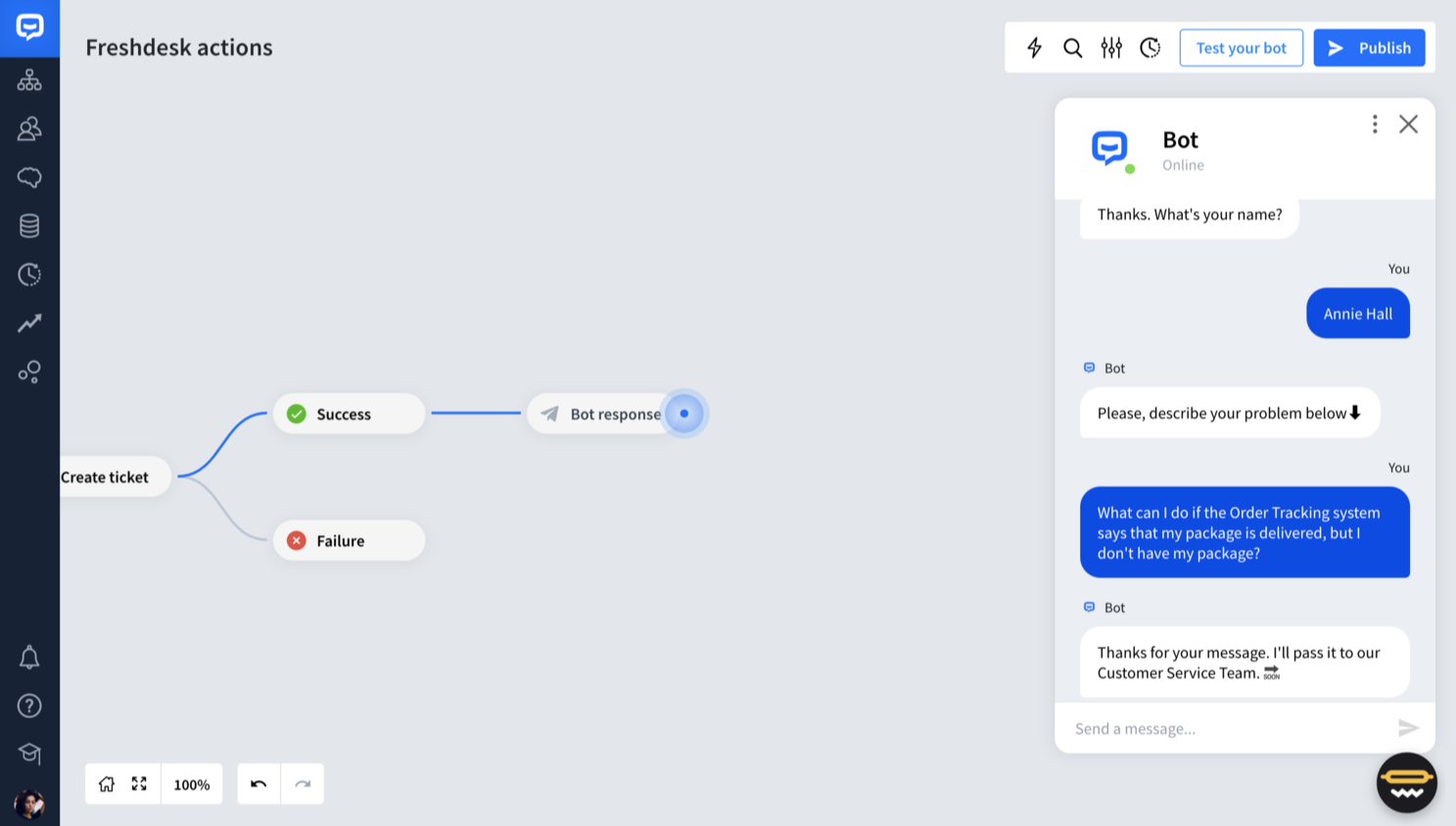
Freshdesk’s AI suite, known as Freddy, is split into layers that support self-service, agent productivity, and insight generation.
At the customer end, Freddy AI Agent can resolve routine queries 24/7 across channels. For example, it can update orders, fetch invoice data, or handle status checks, all without human intervention.
For agents, the Freddy Copilot acts as an assistant inside the ticketing interface. It suggests replies, summarizes conversations, offers sentiment detection, recommends knowledge base articles, and helps with ticket field triage.
On the managerial side, Freddy Insights surfaces analytics: trend alerts, anomaly detection, and even a “thank you detector” that helps avoid needless ticket reopenings.
Freshdesk supports multilingual interactions (22+ languages via Freddy AI Agent) so agents can respond in the right language when communicating with the customer base.
One caveat: many advanced AI features (Copilot, Insights) are add-ons and are not included in all tiers, so your Freshdesk invoice can get pretty sizable.
Zoho Desk
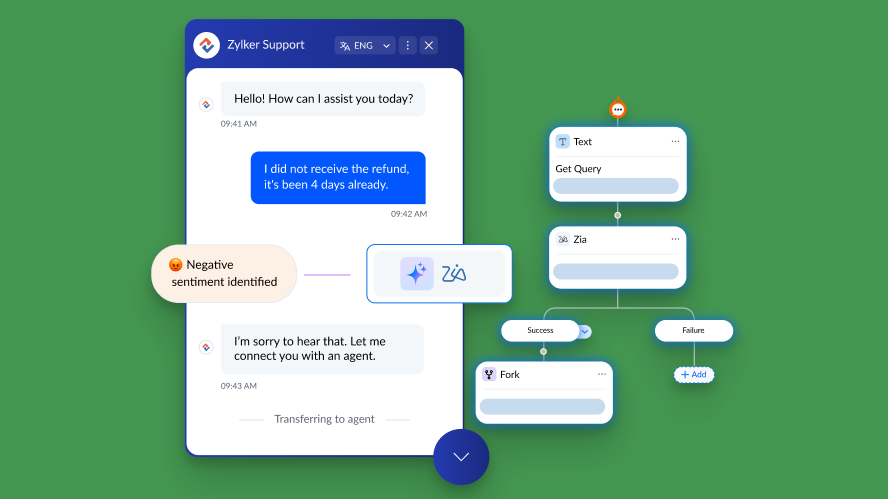
Zoho’s built-in AI, Zia, is more deeply connected with the Zoho ecosystem. It helps with sentiment analysis, response generation, prediction, and insight generation.
Zoho Desk's AI assistant works behind the scenes and in live interactions. It can analyze messages, suggest replies, summarize ticket threads, detect tone or urgency, and enrich ticket prioritization or routing.
Zoho has also introduced Zia GenAI, a generative AI module currently available in early access for Enterprise customers. It helps generate contextual replies, draft content, and improve conversational flows.
In recent updates, Zia’s capabilities have been extended to instant messaging channels: agents get AI-powered chat replies directly in IM inboxes, along with context awareness and session memory.
Zia is also used for predictive analytics and anomaly detection, which helps support leads spot unusual patterns in ticket volume or response times. Because Zia is integrated into the Zoho stack, it can tap into CRM, sales, and analytics data to make suggestions or routing more contextually intelligent.
One limitation is that the most advanced and generative features (Zia GenAI) are gated behind beta or Enterprise tiers and not yet globally available.
Zendesk
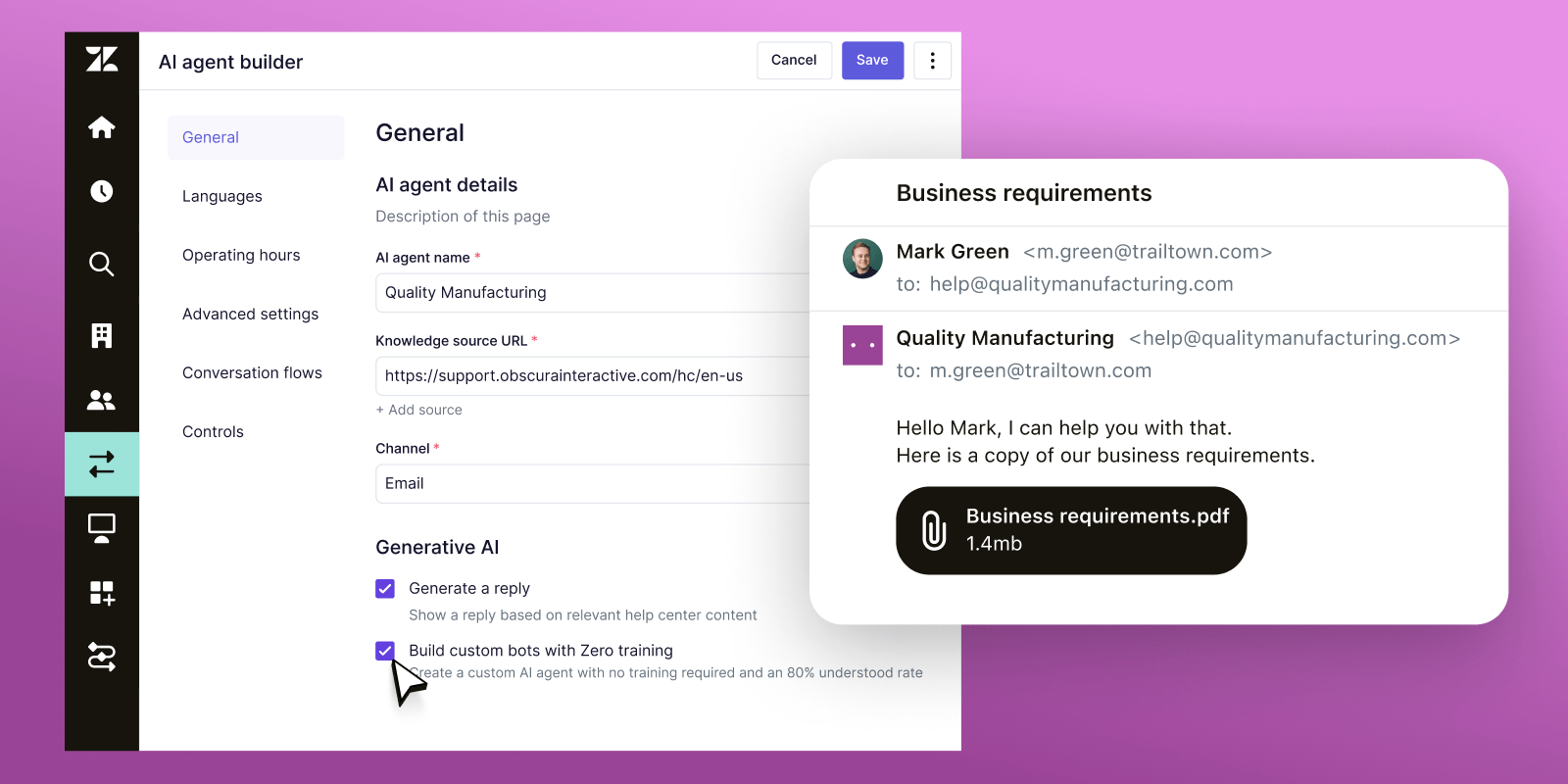
Zendesk also offers AI tools such as reply suggestions, summarization, intent detection, and automation routing based on sentiment or customer behavior (as seen in other comparative reviews).
In effect, Zendesk’s AI fits its positioning: offering assistive intelligence built into the broader omnichannel ticketing and routing framework.
In short:
- Freshdesk’s Freddy gives you broad automation and assistant tools, but many are paid extras.
- Zoho Desk’s Zia leans more toward predictive and generative intelligence, particularly when embedded within its ecosystem.
- Zendesk also offers solid AI, but it’s most effective when your support volume and complexity justify it.
✨ Looking for more advanced AI support automations? Check out Featurebase →
Integrations & customizations
The best help desk solution is the one that not only provides the best customer experience, but also integrates with the other tools you use on a daily basis. All three contenders are strong on this front.
Freshdesk
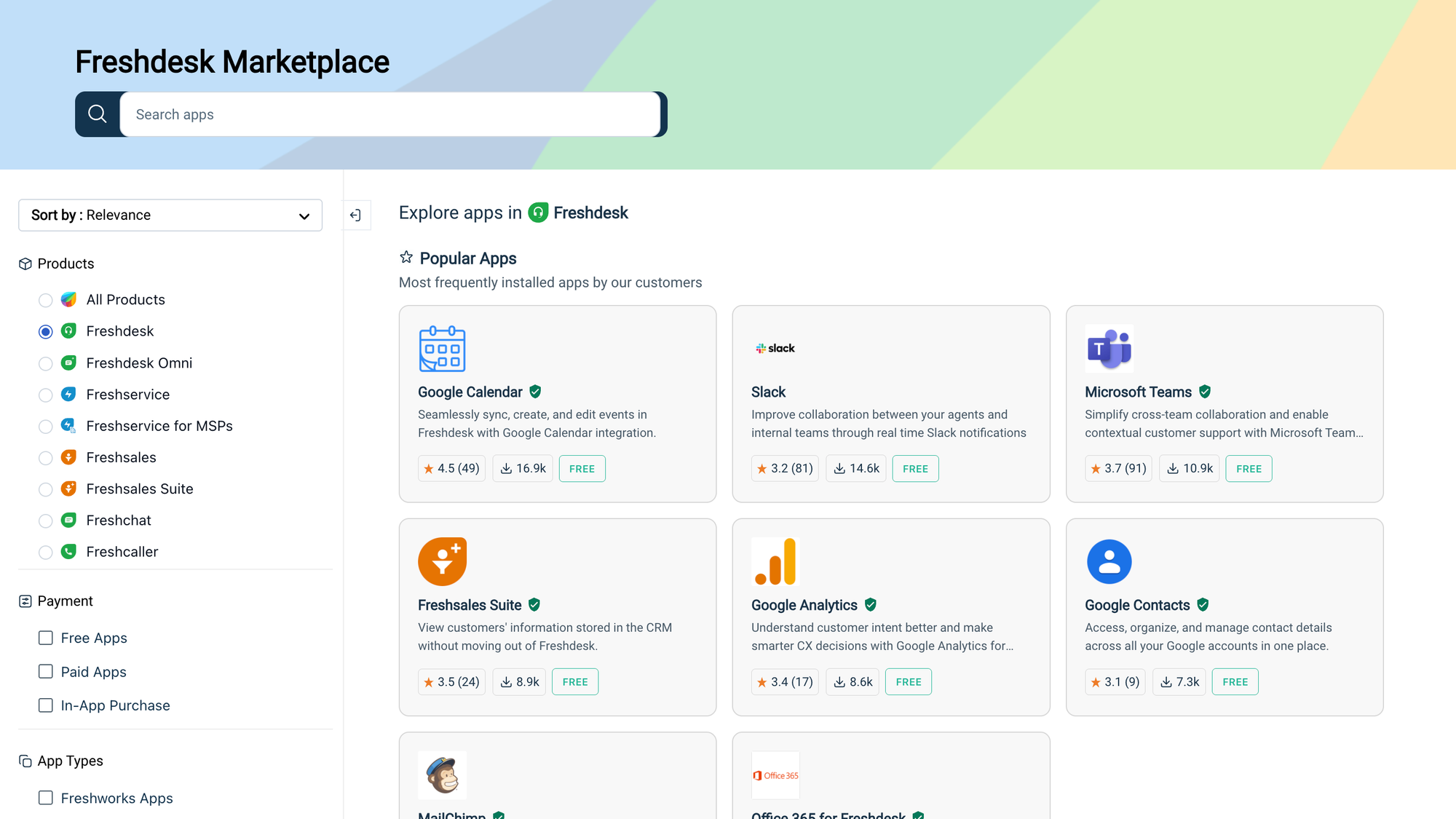
Freshdesk integrates with over 1,000 ready-to-install apps through the Freshworks Marketplace. You’ll find connectors for Slack, Microsoft Teams, Shopify, Salesforce, Jira, and many more.
For custom workflows or deeper integrations, Freshdesk offers APIs, webhooks, and a low-code mode to help you build integrations without heavy engineering. You can also use Zapier to connect Freshdesk to thousands of apps with no development work.
On the customization side, Freshdesk lets you brand ticket forms, help center layouts, chat widgets, and module appearance. It supports multiple brand portals and configurable workflows to suit different teams.
Zendesk
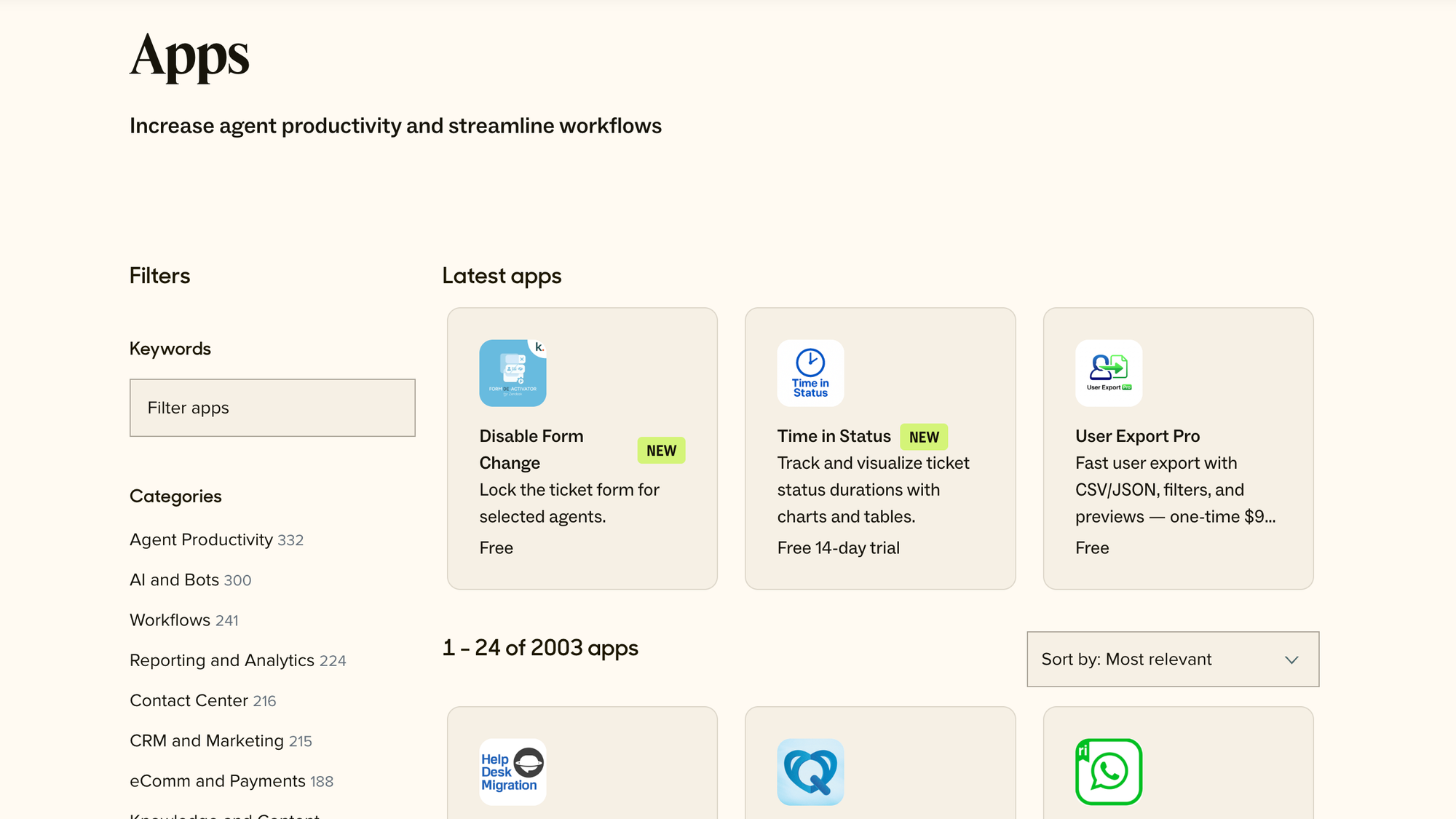
Zendesk’s strength is its extensibility. Its marketplace lists over 1,000 third-party integrations spanning CRMs, e-commerce, analytics, communication tools, and more. Agents can access CRM data directly within tickets via integrations like Zoho CRM for Zendesk.
You can build custom apps using the Zendesk App Framework, embed business logic, use APIs and webhooks for bidirectional data flow, and tailor workflows with triggers, macros, and automations.
Zendesk also supports internal collaboration through Side Conversations and Light Agents, letting non-agent team members contribute to tickets without cluttering the main thread.
Zoho Desk
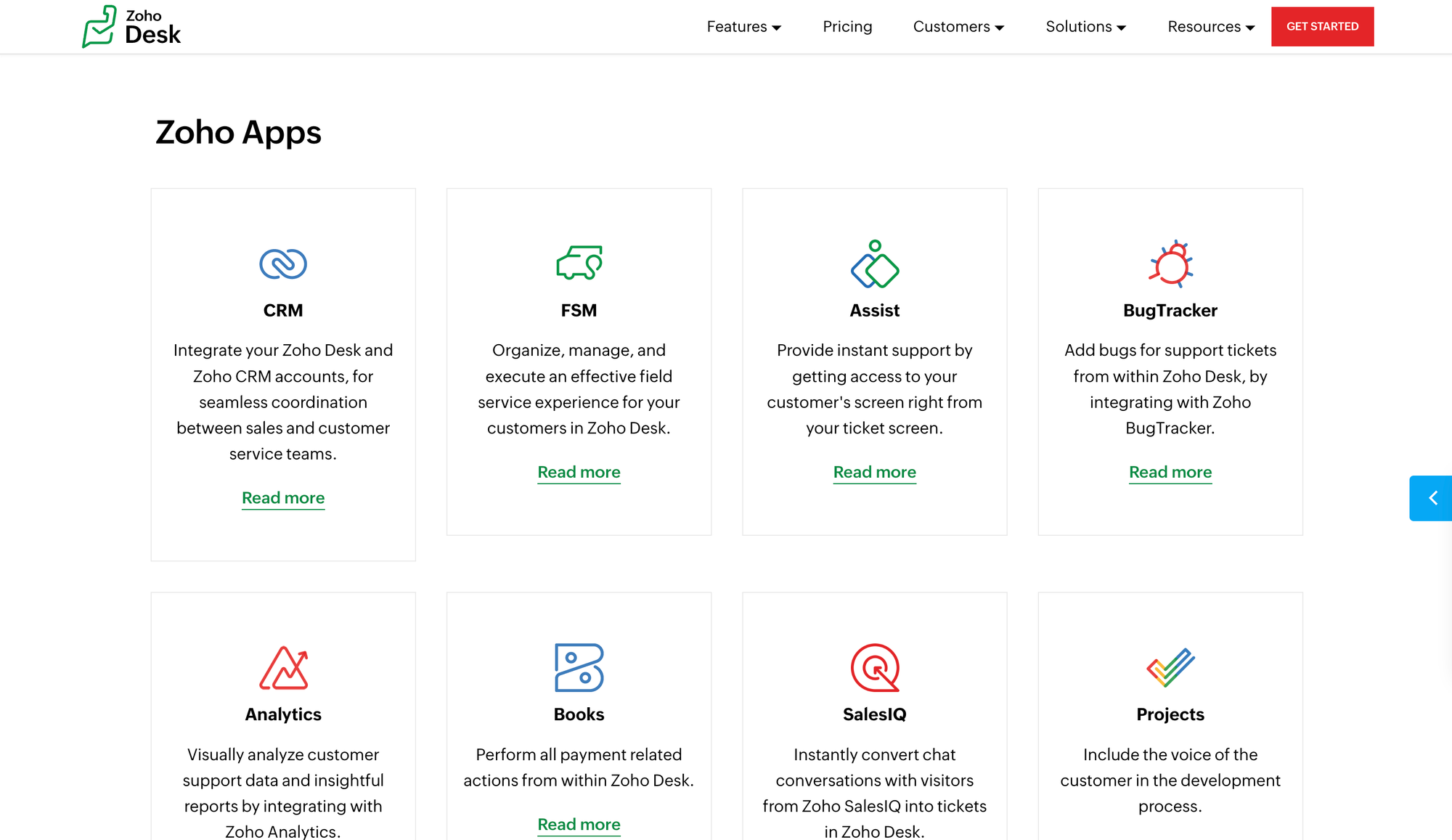
Zoho Desk integrates deeply with other Zoho products like CRM, Analytics, Books, Projects and more. It also supports over 1,400 third-party app integrations via platforms like Integrately.
Zoho Desk’s APIs let you access and manipulate tickets, users, accounts, and other modules programmatically. You can build custom functions and workflows, creating automation rules that span multiple Zoho apps.
On the customization front, you can design custom ticket layouts, fields, department-specific views, modular interfaces, and conditional logic. Zoho also supports multi-brand portals, custom roles and permissions, and tailoring the self-service experience per product.
In short:
- Freshdesk is ideal when you want many plug-and-play integrations and a quick setup. Customization is solid but not too complex.
- Zendesk gives you maximum flexibility and extension potential. It is ideal for teams that need to build bespoke workflows, embed logic, or unify unusual systems.
- Zoho Desk shines when your business already uses Zoho tools. Integration and customization inside that ecosystem are smoother and often more powerful than trying to connect external systems.
Ease of use and available support
Getting a tool up and running quickly matters more than any flashy feature. All three tools are similar in this regard, but once you start using more advanced features, the differences become obvious.
Freshdesk
Many praise Freshdesk for its user friendly interface and fast adoption. Reviewers consistently say the system is easy to pick up, even without technical knowledge. Administrators get a unified console where channels, workflows, and AI tools are configured in one place.
However, as your support setup grows more complex, some users report that advanced features and deeper configurations require more effort to master.
When support matters, Freshdesk has you covered. They offer a robust help center, community forums, and responsive support channels (email, chat, phone on higher tiers). Users often mention that Freshdesk’s support team is helpful and accessible.
Zendesk
Zendesk is packed with features and flexibility, which also means there’s more to learn. Many organizations find that setting up complex workflows, permissions, and integrations requires dedicated admin resources, which is why smaller teams often struggle with Zendesk.
Despite this, Zendesk invests heavily in support resources. You’ll find extensive documentation, structured learning paths, webinars, and a large user community. Premium support tiers offer faster response times and access to account experts.
Zoho Desk
Zoho Desk emphasizes ease of use, especially for teams already familiar with other Zoho products. Its interface is designed to let agents arrange tickets how they like (work modes, table views, filters) without friction.
That said, as workflows get more complex, some users note that deeper customization or advanced automations may need time to configure or depend on additional tools.
In terms of support, Zoho provides documentation, webinars, community forums, and prioritized support in its higher plans. Its resources are solid, though many users say the “wow” factor is less compared to giants like Zendesk.
Quick comparison:
| Ease of adoption | Complexity growth | Support & resources | |
|---|---|---|---|
| Freshdesk | Very user-friendly, fast onboarding | More complex setups may stretch learning | Help center, live support, active community |
| Zendesk | Strong baseline UI, but steeper for admins | Advanced features require more setup | Deep knowledge base, premium support tiers |
| Zoho Desk | Familiar and smooth for Zoho users | Advanced customization takes planning | Good documentation, support responsive at higher tiers |
In conclusion: All three are usable, but your experience depends on how much you ask of the tool. Freshdesk is the easiest to start with. Zendesk gives the most power at the cost of complexity. Zoho Desk strikes a good balance, especially if your team already lives inside Zoho’s universe.
Pricing plans
No matter the size of your team, help desk software pricing can build up very quickly. As you add more agents and features, you can go into thousands of dollars per month in the blink of an eye. Here's a rundown of what each tool will cost you.
Freshdesk
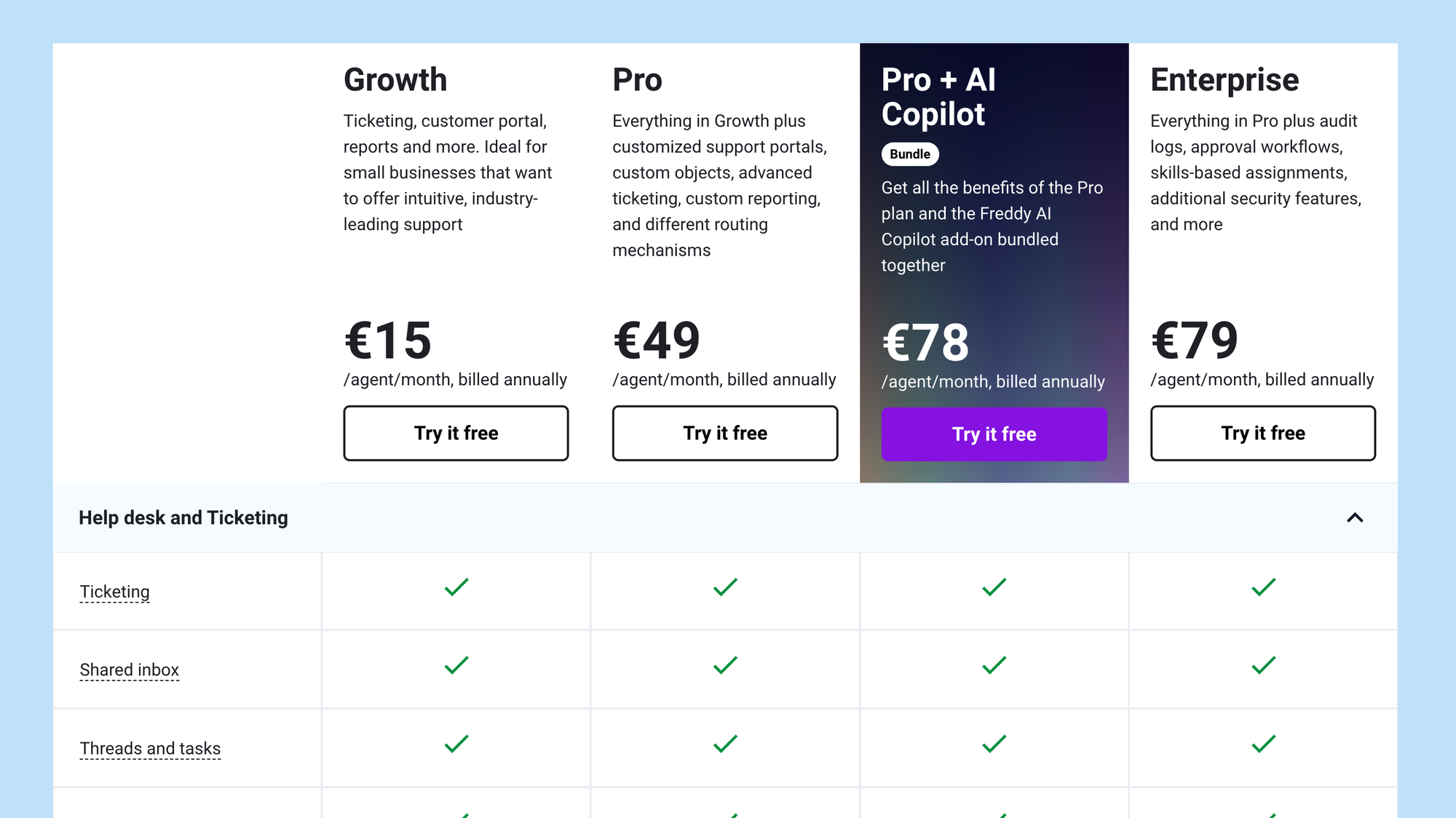
Freshdesk pricing uses a per-agent, per-month model. There's a free plan (up to two agents) with basic ticketing and knowledge base features and self-service options.
Paid plans (with annual billing) start at $15 per agent/month for the Growth plan. Higher tiers include:
- Pro: $49 per agent/month — adds SLA management, custom roles, multilingual knowledge base, etc.
- Enterprise: $79 per agent/month — includes advanced features like skill-based routing, sandbox environments, agent shifts, and IP whitelisting.
For its omnichannel line (“Freshdesk Omni”), there are separate tiers: Growth Omni begins at $29 per agent/month (billed annually), Pro Omni around $69, and Enterprise Omni up to $109.
An important caveat: AI features such as Freddy AI Agent sessions are usage-based (first 500 sessions are often included; beyond that, you pay per 1,000 sessions).
Zoho Desk
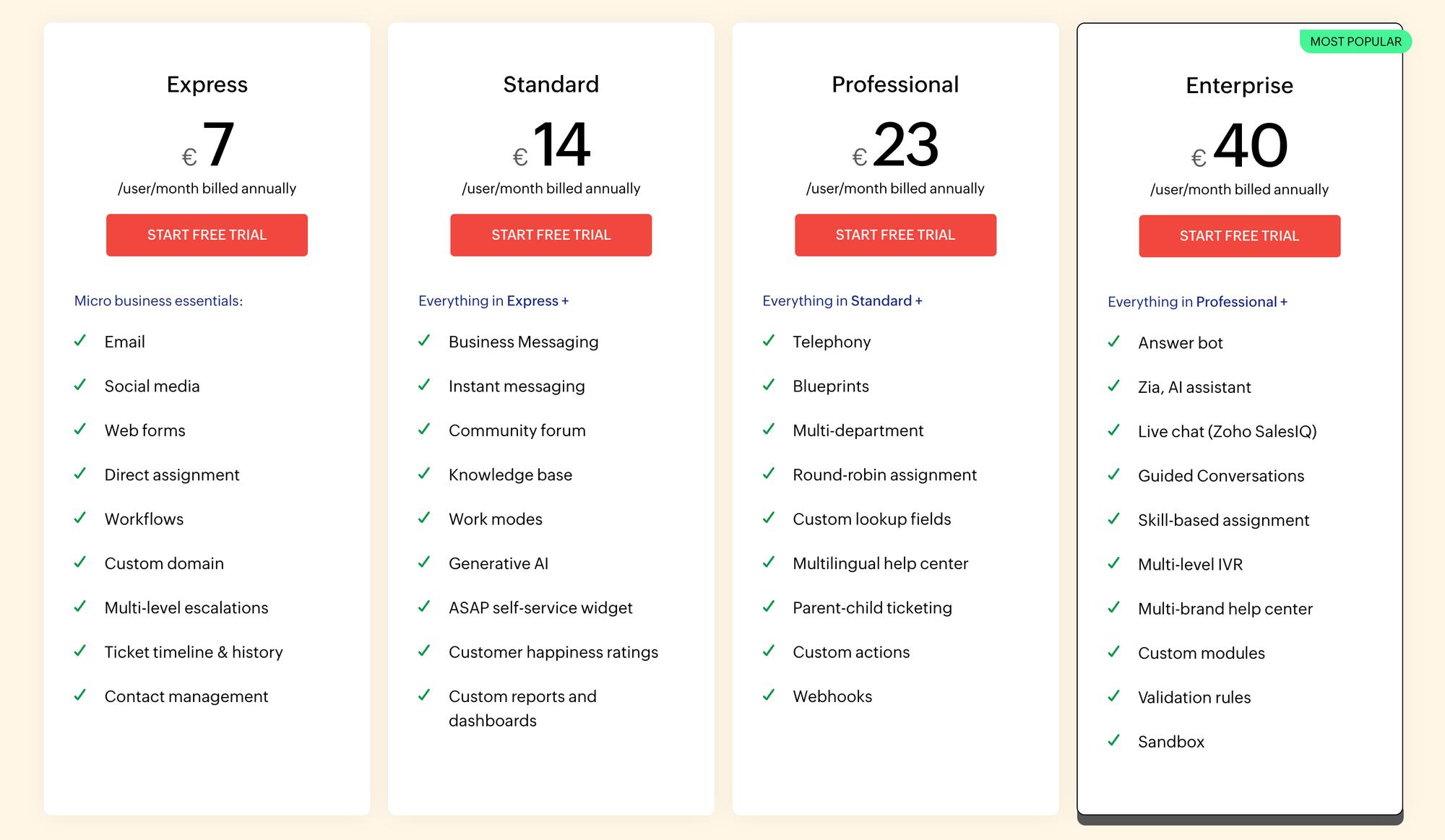
Zoho Desk also offers a free edition, which covers up to 3 agents with basic email ticketing and help center features.
Zoho's paid tiers scale upward. The published plans (billed annually) include:
- Express: 7EUR per user per month — basic ticketing and workflow tools.
- Standard: 14EUR per user per month — adds automation, multi-channel support, and more advanced reporting.
- Professional: 23EUR per user per month — includes custom functions, advanced workflows, and time tracking.
- Enterprise: 40EUR per user per month — the top public tier — includes multi-department support, advanced AI tools (Zia), sandbox/staging, advanced security, and customization.
Zendesk
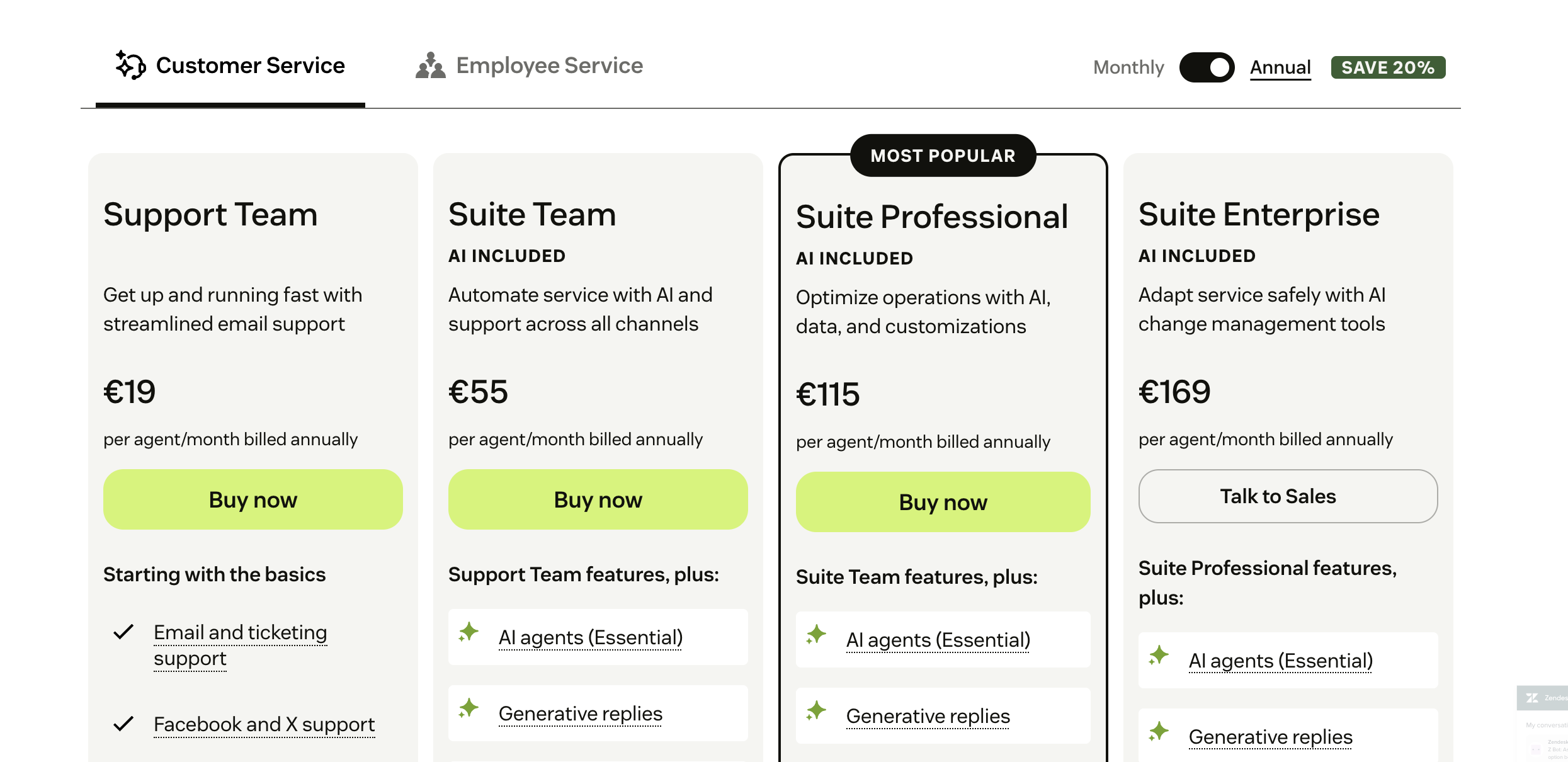
Zendesk's pricing is on a per-agent, per-month basis, with prices varying significantly based on plan tier, annual vs monthly billing, and included features.
Here’s a breakdown of publicly listed plans (annual billing) for the Zendesk Suite, which bundles ticketing, help center, chat/messaging, and voice:
- Suite Team: $55 per agent per month.
- Suite Growth: $89 per agent per month.
- Suite Professional: $115 per agent per month.
- Suite Enterprise: $169 per agent per month.
Some additional notes:
- Basic Support plans (without the full Suite) start as low as $19 per agent per month for core ticketing.
- AI add-ons (for advanced triage, automations, etc) may cost an additional ~$50 per agent per month.
In summary, Zendesk is priced at a premium compared to many competitors, and costs scale quickly with more agents or add-ons.
Pricing overview:
- Freshdesk offers the best balance between affordability and accessibility. It’s great for small to mid-sized teams that want structured ticket management, clear automation, and a clean user interface. However, costs increase quickly once you add omnichannel features or AI sessions.
- Zendesk is the most advanced of the three, with unmatched omnichannel depth, analytics, and scalability. It’s the go-to choice for enterprises but also the most expensive, especially when adding AI or premium support features.
- Zoho Desk delivers excellent value for money, especially for teams already using Zoho CRM or other Zoho products. It’s the most affordable at higher tiers and best suited for companies that want connected data and customization without the premium Zendesk price tag.
Final verdict
Still not sure which tool best fits your use case? Let's walk you through each tool and who it's best for.
Get Freshdesk if you:
- Manage a small to medium-sized support team and want a clear, structured ticketing system that won’t overwhelm your agents.
- Value easy setup and an interface that allows your team to start delivering support quickly.
- Prioritize a predictable pricing model where you pay per agent and can scale without a heavy cost shock.
- Want strong ticket automation, self-service (knowledge base), and omnichannel coverage without diving into enterprise-grade complexity.
Get Zendesk if you:
- Run a large support operation or expect rapid growth and need a platform that can handle high ticket volume, many channels, and complex workflows.
- Require deep automation, advanced analytics, AI capabilities, and customization to tailor the system to your business logic.
- Operate across multiple regions, brands, or languages and need enterprise-level integrations, roles, and data governance.
- Have the budget and resources to invest in implementation, training and ongoing admin to unlock the full potential of the platform.
Get Zoho Desk if you:
- Already use other tools in the Zoho ecosystem (CRM, Analytics, Finance) and want your support tool to tie in seamlessly with your existing stack.
- Want good value for money, with strong automation and AI features for a lower cost than many enterprise tools.
- Support multiple brands, languages, or departments and want flexibility to customize workflows without jumping straight into the highest priced tiers.
- Prefer a solution where support is connected to other business functions like sales or marketing rather than operating in isolation.
Or if you want a more modern alternative that doesn't compromise on usability and has an affordable pricing... 👇
Try Featurebase ✨
If Zoho is too outdated, Freshdesk is too limited, and Zendesk is too expensive, check out Featurebase, a modern support & product suite that blends the best of all worlds.
It’s loved by thousands of fast-growing teams from companies like Lovabale, n8n, and Instantly. With pricing starting from just $29 per user per month (+$0.29 per AI resolution), it costs a fraction of Zendesk, Zoho Desk, and most other support platforms.
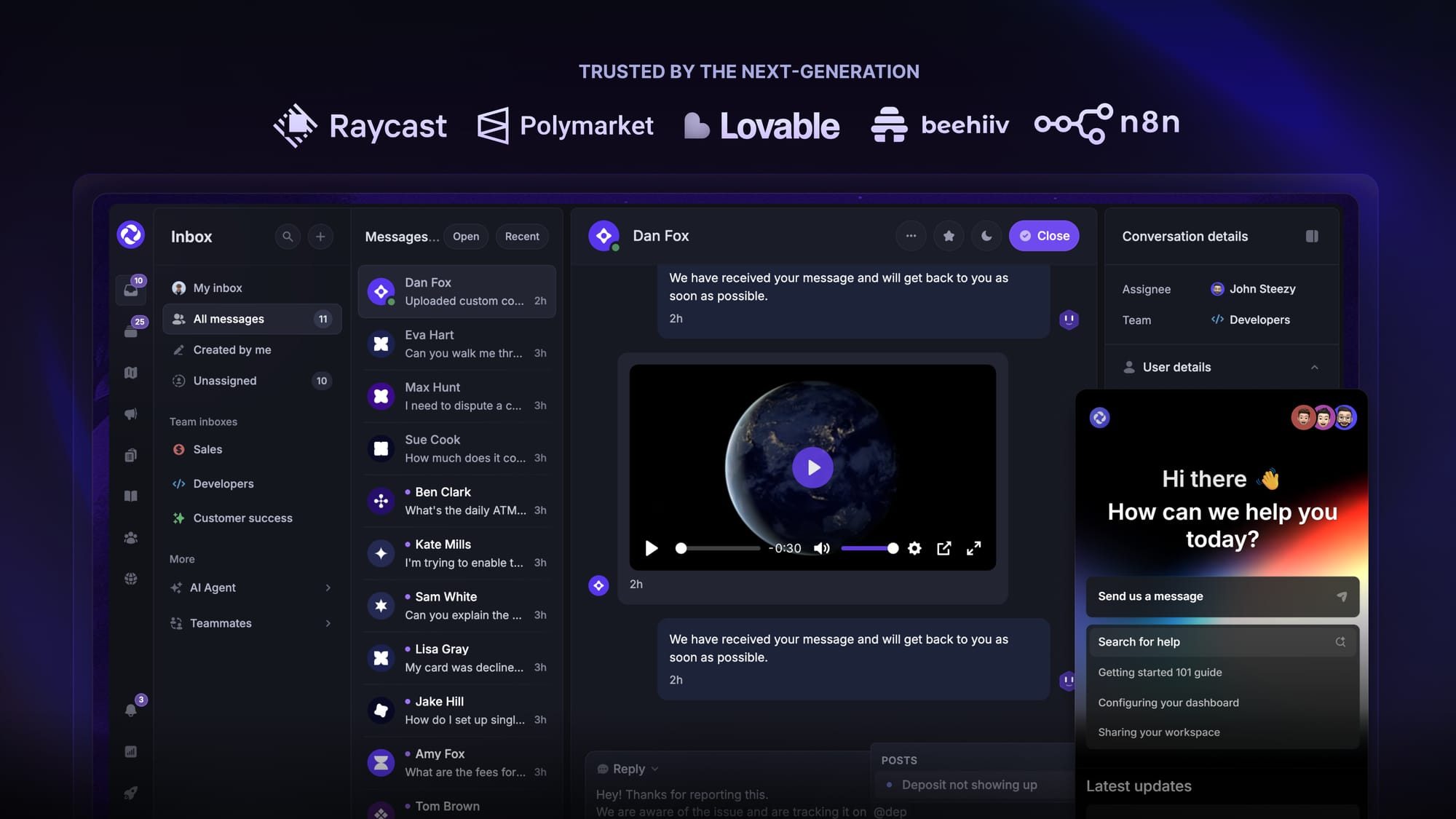
Featurebase is a modern support & feedback platform designed to help SaaS with AI-powered support, account management, and go-to-market. Instead of having 5+ different tools, Featurebase offers everything in one place to help you build products your users love:
- Support platform – Support your customers from anywhere with an omnichannel inbox and automate support with powerful AI agents.
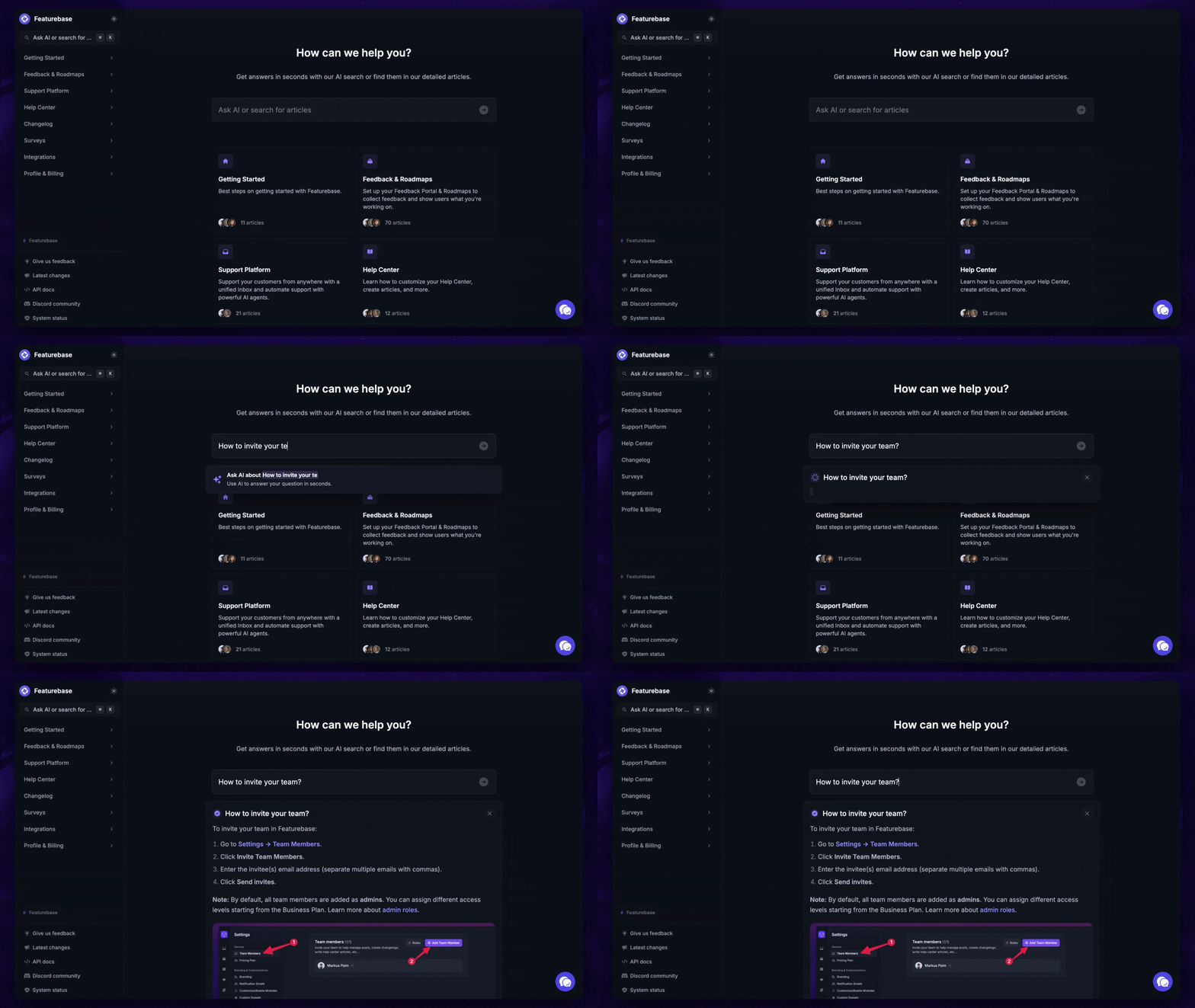
- Help Center – Provide self-serve support with a beautiful AI-powered knowledge base & bring help articles inside your product with a widget.
- Feedback collection & roadmaps – Centralize feedback with integrations, feedback widgets, AI, and a public feedback forum. Let users vote on each other's ideas, see their total revenue, and focus on the most impactful features. All upvoters will automatically be notified when you complete their request.
- Changelogs – Announce product updates and increase feature adoption with neat in-app popups, notification emails, and a dedicated updates page.
- Surveys (NPS, CSAT, etc.) – Create targeted surveys to ask users anything and measure customer satisfaction.
Plus, it integrates with many popular tools that you likely already use, such as Linear, Jira, Slack, and many more.
The onboarding is quick and doesn't require a credit card. Plus, you can automatically import your Zendesk knowledge base - so there’s zero risk involved. 👇
✨ Automate your support with the fastest AI-enhanced Inbox today →
More alternatives:
More comparisons: