Missive Pricing Explained: Plans, Costs & Value
Missive pricing starts at $14/user/month, but the per-seat math and billing rules change the real cost. Here's a full breakdown of every plan, the free option, and who Missive is actually worth it for.


On this page
Psst... need customer support, not just a team inbox? Check out Featurebase, the modern AI support platform with transparent pricing
Missive looks cheap at first glance. $14 per user a month for a shared inbox sounds like a steal next to most team email tools.
But the sticker price hides the real story. The tier you actually need costs more, the price jumps if you don't commit to a year, and AI is billed separately from your plan.
In this guide, I'll break down every Missive plan, what each tier unlocks, the costs people miss, and who Missive is genuinely worth it for. 👇
Key takeaways:
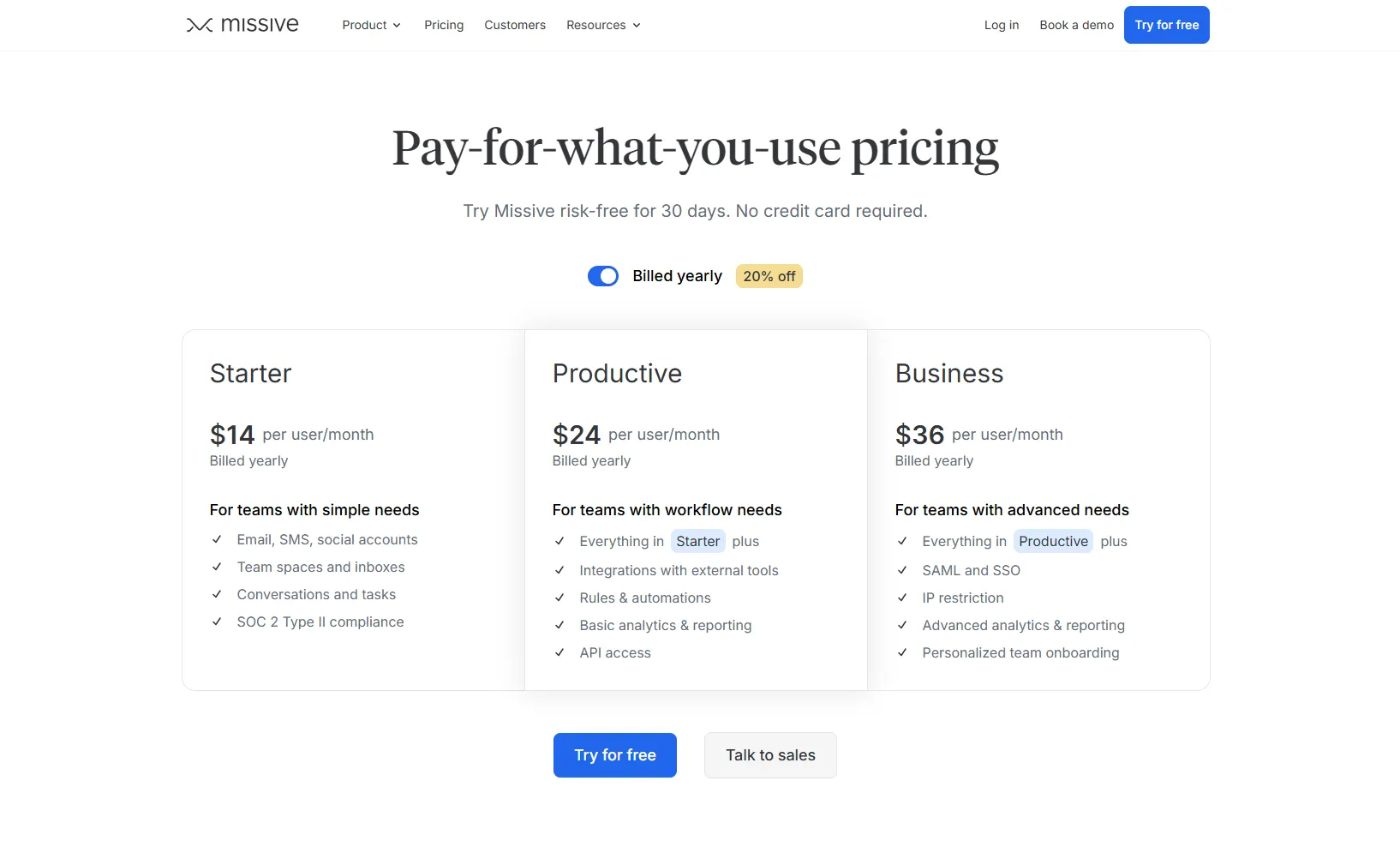
- Three paid tiers: Missive costs $14 (Starter), $24 (Productive), and $36 (Business) per user/month when billed yearly.
- There's a free plan: You can start for free and test the core shared-inbox features, plus a 30-day risk-free trial of the paid tiers with no credit card.
- Yearly billing saves 20%: Paying month-to-month costs noticeably more per seat than committing annually.
- AI is billed separately: Missive's AI runs on your own provider key or Missive AI credits, so AI usage isn't bundled into your plan price.
- Per-seat pricing compounds: A 5-person team on Productive is $120/month, and costs scale directly with headcount.
- If your real use case is customer support rather than team email, Featurebase✨ is a modern AI support platform with transparent pricing and a free plan worth comparing against Missive.
What is Missive?
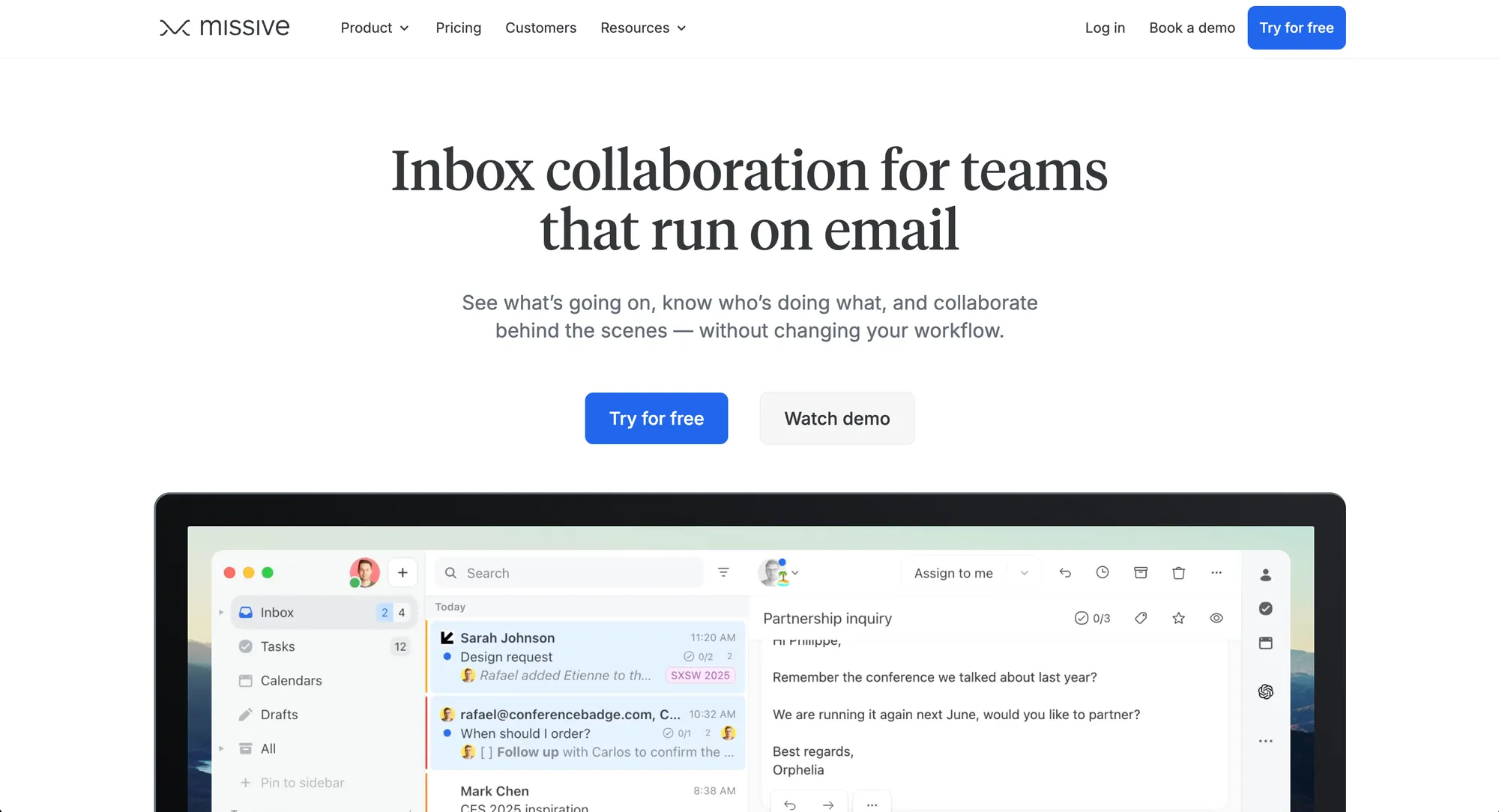
Missive is a team inbox built for collaborating on email and messages. Instead of forwarding emails around or jumping between apps, your whole team works out of one shared inbox and discusses conversations right inside the thread.
It pulls email, SMS, WhatsApp, and social messages into a single view. Team members can assign conversations, leave internal comments, draft replies together, and set rules to route incoming messages automatically.
It's popular with support teams, agencies, and operations teams - basically any group that needs shared visibility and ownership over the same incoming messages. If that sounds like team inbox management, that's exactly the problem Missive sets out to solve.
Missive pricing plans at a glance
Missive has three paid tiers plus a free plan. Here's how they compare at the yearly rate:
| Plan | Price (per user / month, billed yearly) | User limit | Best for |
|---|---|---|---|
| Free | $0 | Small teams | Getting started and testing core features |
| Starter | $14 | Up to 5 users | Very small teams with simple needs |
| Productive | $24 | Up to 50 users | Teams that need rules, integrations, and API access |
| Business | $36 | Unlimited | Larger orgs needing SSO and admin controls |
All paid prices assume annual billing. Choosing monthly pushes each seat higher, which I'll cover below.
Missive free plan and trial
Missive gives you two no-cost ways to start.
Everyone begins on a free plan, so you can set up a team inbox and test the core collaboration features without paying. On top of that, every paid tier comes with a 30-day risk-free trial, and no credit card is required to start.
That 30-day window is generous. It's enough time to migrate your email history, set up routing rules, connect integrations, and get your team comfortable with the in-thread chat workflow before you commit a cent.
For tiny teams, the free plan can be a real ongoing option. For everyone else, treat it as a proper trial: stress-test the product on your actual workflow before picking a paid tier.
Missive pricing tiers explained
Each tier builds on the one below it. The jump that matters most for real teams is Starter to Productive, since that's where automation and integrations show up.
Starter ($14/user/month)
Starter is the entry tier, billed yearly and capped at 5 users. You get the core of what makes Missive useful:
- Email, SMS, and social accounts in one inbox
- Team spaces and shared inboxes
- Conversations and tasks
- SOC 2 Type II compliance
What you don't get is the part most teams actually want: integrations, rules and automations, and API access. Starter suits a very small team running a single shared address like support@ or info@, but most teams outgrow it fast.
Productive ($24/user/month)
Productive is the tier most teams should budget for. It's $24 per user/month yearly, supports up to 50 users, and unlocks the features that make Missive more than a shared mailbox:
- Everything in Starter
- Integrations with external tools
- Rules and automations (up to 1,000 rules)
- Basic analytics and reporting
- API access
The API access matters more than it sounds. Missive's AI assistant and automations run through it, so Productive is effectively the entry point for using Missive's AI features at all.
Business ($36/user/month)
Business is the top tier at $36 per user/month yearly, with unlimited users. It adds the controls larger organizations need:
- Everything in Productive
- SAML and SSO
- IP restriction
- Advanced analytics and reporting
- Personalized team onboarding
Unless you specifically need SSO, IP restrictions, or advanced reporting, you can skip Business. Most small and mid-sized teams land on Productive.
The costs people miss
The headline prices are only part of the picture. A few details quietly change what Missive actually costs you.
Monthly billing costs more: Yearly billing saves 20% versus paying month-to-month. If you're not ready to commit to a full year, every seat costs noticeably more, which makes "trying before committing" an expensive proposition.
Per-seat pricing adds up fast: Missive charges every seat the same rate regardless of how heavily each person uses it. As your team grows, the cost grows in lockstep.
Here's the real math at the yearly rate:
5-person team on Productive: 5 × $24 = $120/month ($1,440/year)
10-person team on Business: 10 × $36 = $360/month ($4,320/year)
AI is billed separately: Missive's AI assistant works across multiple providers (Anthropic, OpenAI, and Gemini), but the AI usage isn't bundled into your plan. You either bring your own provider key or use Missive AI credits, and you're billed based on how much you actually use it. For light usage that's a few extra dollars a month, but heavy AI users should factor it in.
Extra shared accounts can cost more: Each user includes up to 10 personal accounts and 5 shared accounts. Larger setups with lots of shared mailboxes may need to purchase additional shared accounts.
Is Missive worth it?
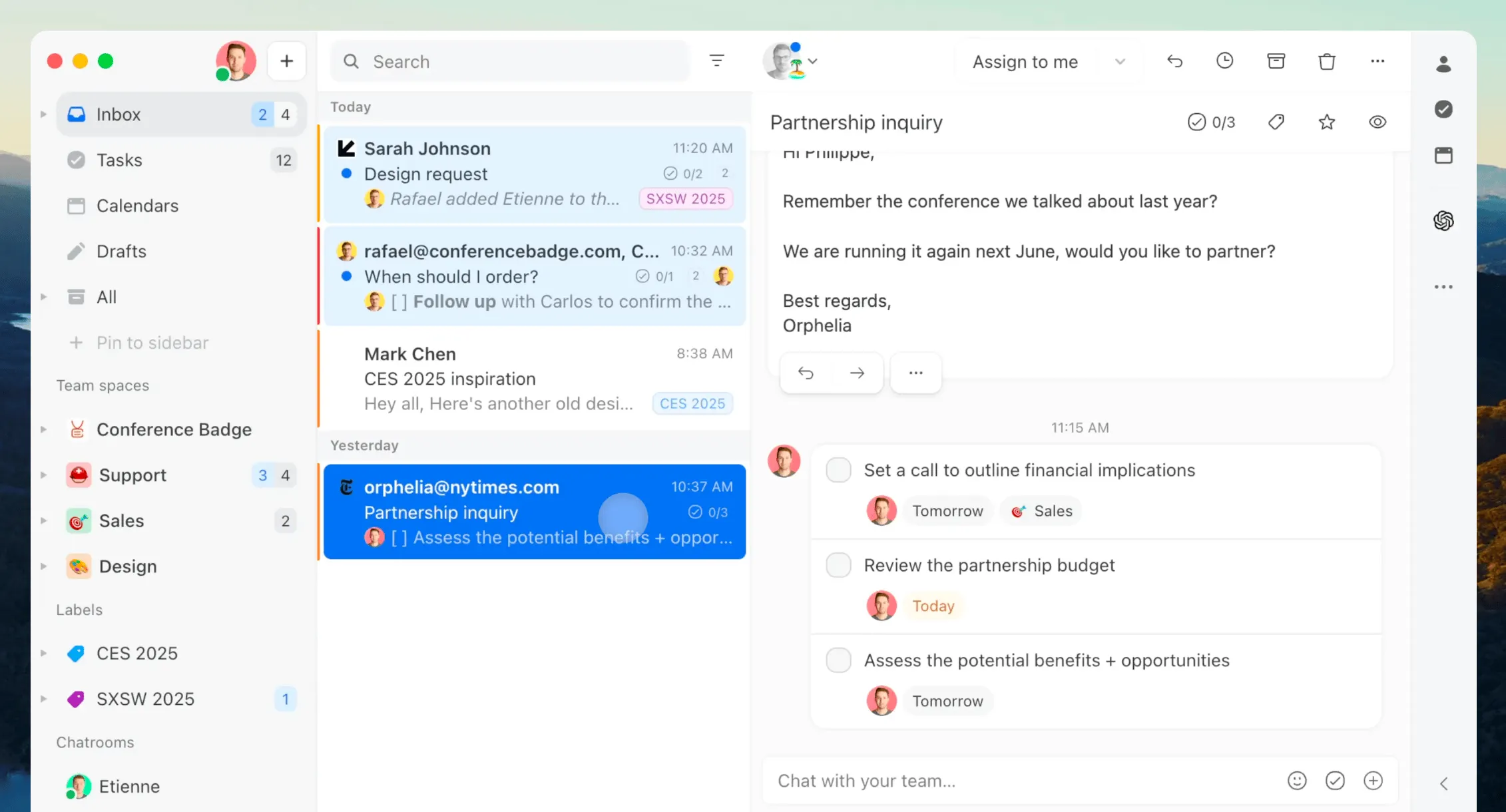
For the right team, yes. If multiple people need to collaborate on the same inbox - support teams, ops teams, agencies handling client email - Missive's in-thread chat design solves a real problem: how do you coordinate on an email without creating more email?
At $14 to $36 per seat, it's also materially cheaper than heavier shared-inbox platforms like Front, which is part of why it's a favorite for small and mid-sized teams.
It's a weaker fit for solo users. In that case, it's worth comparing a few Missive alternatives first. The shared inbox, assignment, and team chat features that justify the price go unused if there's nobody to collaborate with, so an individual ends up paying team pricing for features they can't use.
The other thing to weigh: Missive is built for team email, not customer support. It has no native knowledge base, basic analytics, and no AI included in the price. If what you really need is a support platform, you may be better served by a tool built for that job.
Looking for a support alternative to Missive?
Missive is a strong team inbox. If your main problem is collaborating on shared email, it does that job well.
But customer support usually needs more than a shared inbox.
You need a way to answer repeat questions, publish help articles, track issues, collect feedback, and keep customers updated when something ships. That’s where Missive can start to feel stretched, especially since AI, docs, and feedback aren’t really part of the core product.
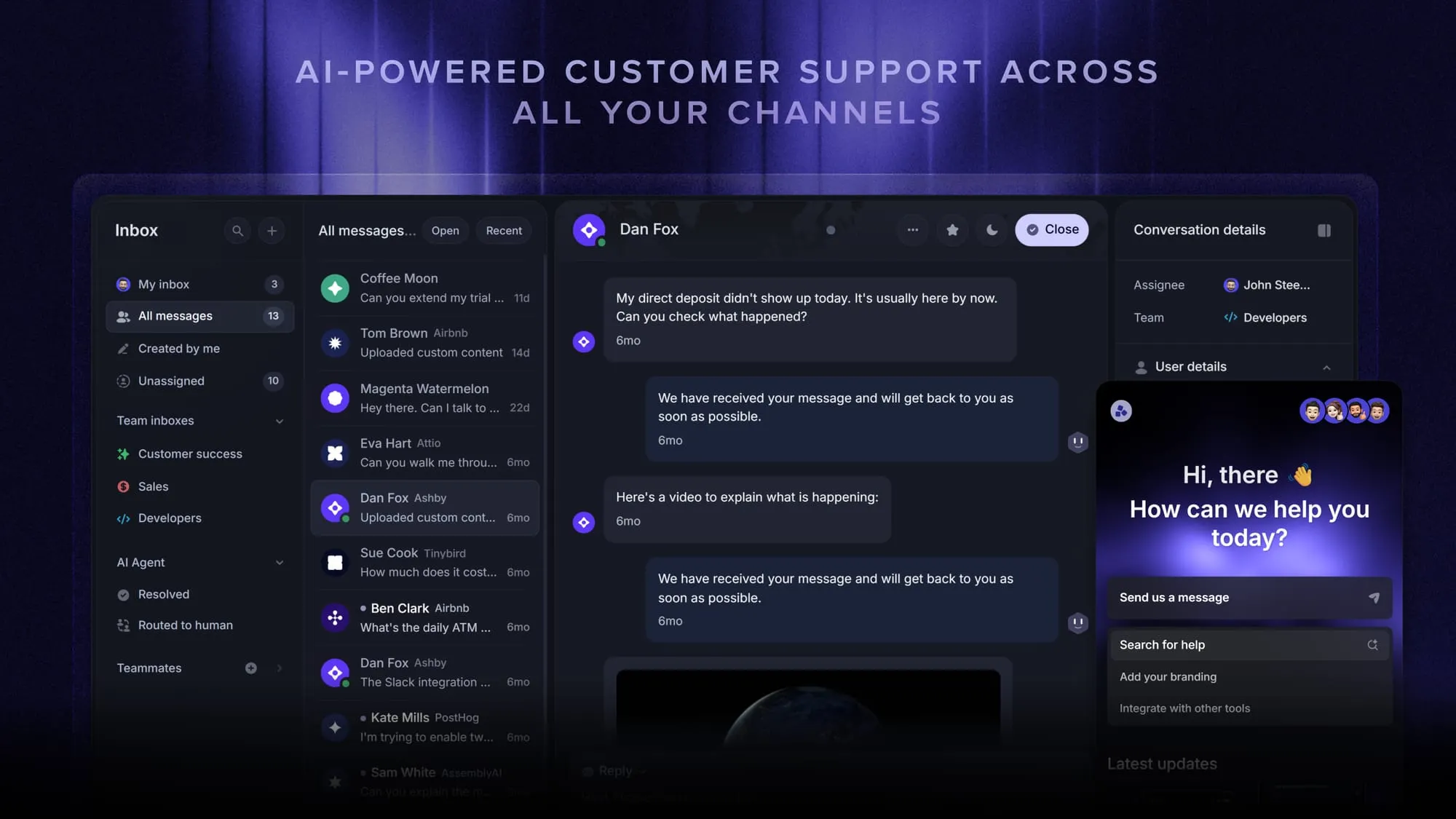
That’s the gap Featurebase is built around.
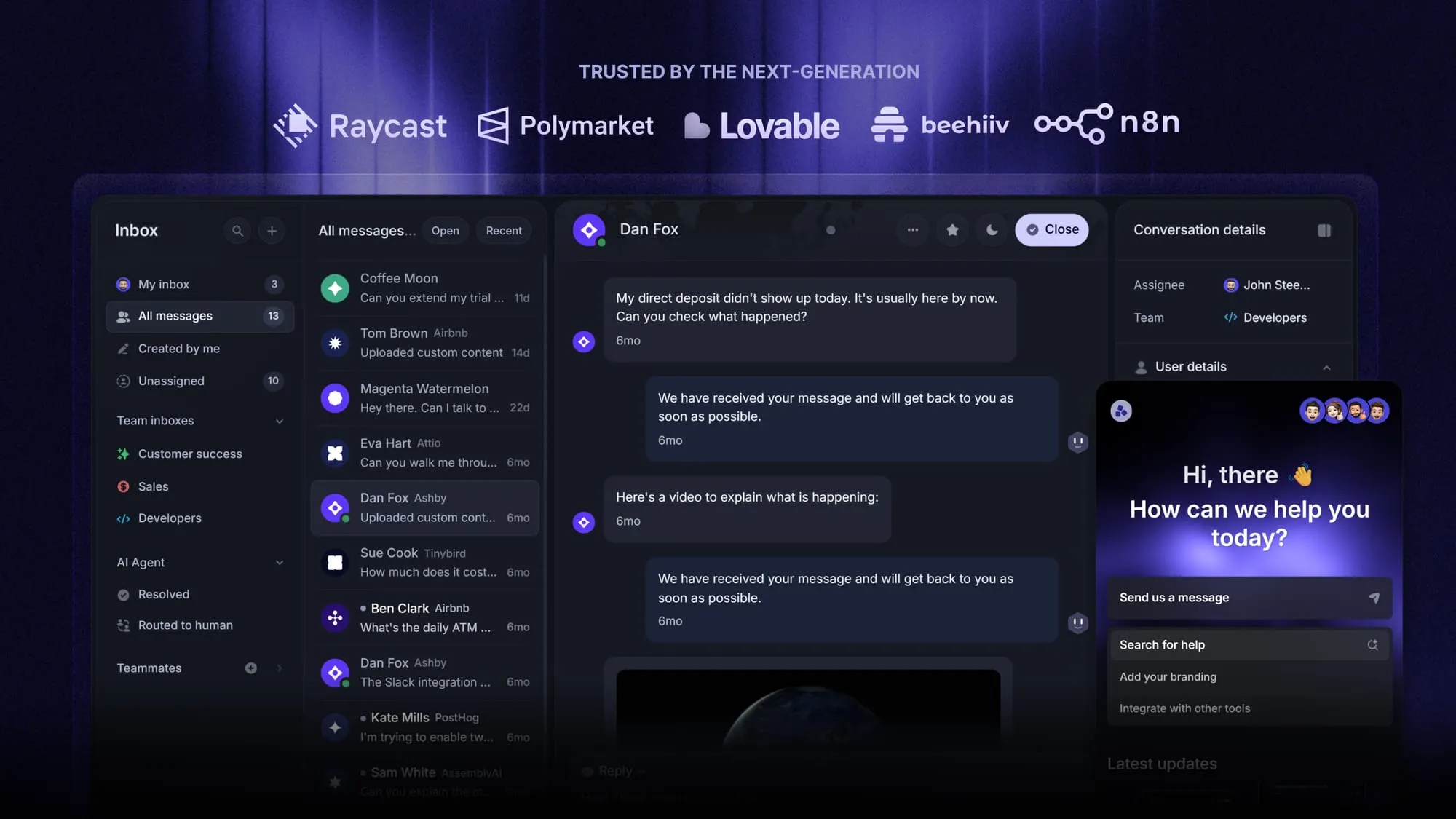
It gives SaaS teams a support inbox, AI help center, and feedback tools in one place, so support work stays connected to the rest of the product loop.
You can manage live chat, email, and Slack conversations, use AI to resolve repetitive questions, collect feature requests from support conversations, and close the loop with roadmap updates and changelog posts.
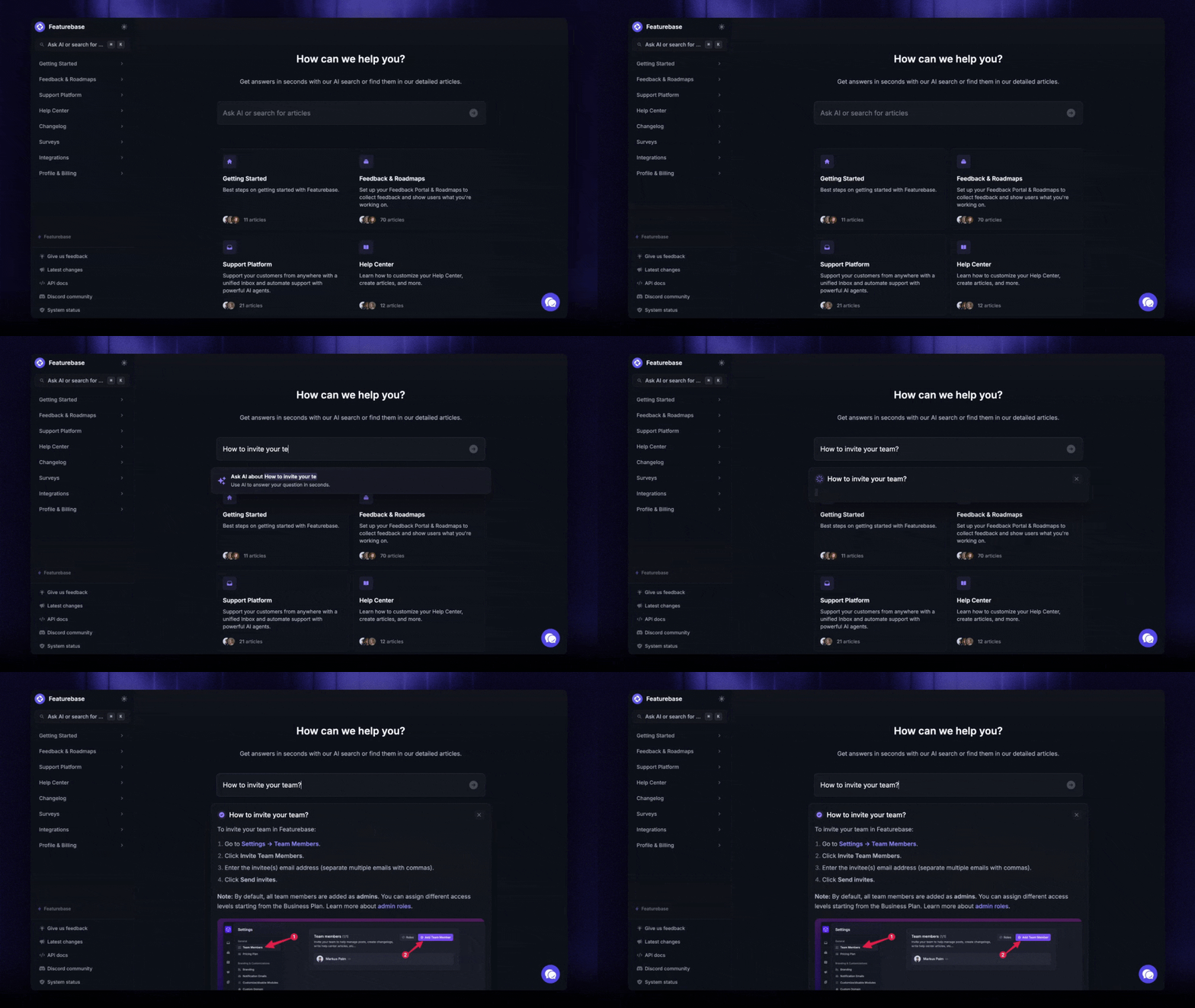
Featurebase✨ has a free plan with unlimited conversations. Paid plans start at $29/seat/month, with AI resolutions at $0.29 each.
Conclusion
Missive is a well-designed team inbox that earns its price for teams collaborating on shared email. At $14 to $36 per seat yearly it's competitively priced, with a free plan and a 30-day trial that make it low-risk to try. Just remember the real cost: the tier you need is usually Productive, monthly billing costs more, and AI is billed on top.
If your actual job is customer support, Featurebase is a modern AI support platform that brings your inbox, help center, and feedback tools together in one place - with AI included in the price instead of billed separately.
It comes with a Free plan and unlimited conversations, and the onboarding is quick with no credit card required, so there's no downside to trying it. 👇
Automate your support with the fastest AI-enhanced Inbox today
FAQs
Yes. Everyone starts on Missive's free plan, so small teams can set up a shared inbox and test the core collaboration features without paying. On top of that, every paid tier includes a 30-day risk-free trial with no credit card required. The free plan can work as an ongoing option for very small teams, but you'll need a paid tier for integrations, automation rules, and AI.
Missive's yearly pricing is $14/user/month for Starter, $24/user/month for Productive, and $36/user/month for Business. Paying month-to-month costs more, since annual billing saves 20%. Every seat pays the same rate, so a 5-person team on Productive comes to $120/month, or $1,440/year.
Starter at $14/seat covers the basics: shared inboxes, team spaces, conversations, and tasks, capped at 5 users. Productive at $24/seat adds integrations, rules and automations, basic analytics, and API access, and supports up to 50 users. Most teams that want automation or AI need Productive, because Missive's AI features run through the API that only unlocks at that tier.
Yes, AI is billed separately from your plan. Missive's AI assistant works with multiple providers (Anthropic, OpenAI, and Gemini), and you either connect your own provider key or use Missive AI credits. Because you're billed based on actual usage rather than a flat fee, light users pay only a few dollars a month, while heavy AI usage costs more.
Generally, yes. Missive's tiers run roughly $14 to $36 per seat, while Front's plans start higher and add separate charges for its full AI suite. You can see the full breakdown in our guide to Front's pricing. For most small and mid-sized teams, Missive is the more affordable shared-inbox option.
Yes, and the best fit depends on the job. For team email collaboration, options like Help Scout and Hiver compete in a similar price range. If your real use case is customer support, Featurebase offers an AI-powered support inbox, help center, and feedback tools on a free plan, with paid plans starting at $29/seat/month and AI included rather than billed separately.


