Blog Product ManagementNew Feature Announcement: How to Do It Right (+ Examples)
New Feature Announcement: How to Do It Right (+ Examples)
Learn how to write a new feature announcement that actually drives adoption, which channels to use, and 6 real SaaS examples worth stealing.

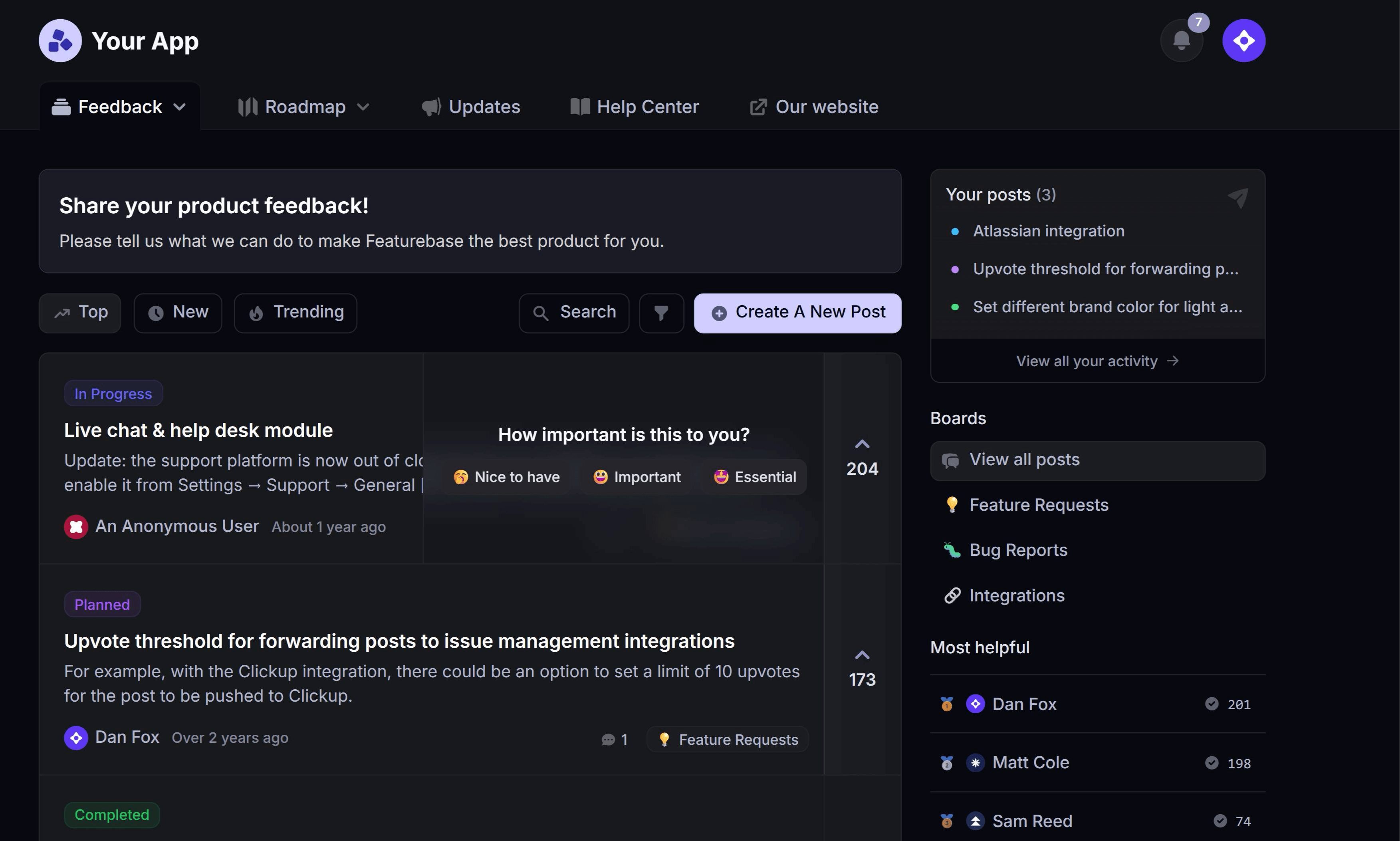

You shipped the feature. Two weeks later, barely anyone is using it.
The problem usually isn't the feature. It's that the announcement went out at the same volume as every other update, to everyone, describing what you built instead of what changed for them.
In this guide, I'll walk you through how to decide which releases deserve an announcement, where to publish them, what to write, and how to tell whether any of it worked. 👇
Key takeaways
- A new feature announcement is any message that tells users something shipped and why they should care. It lives in your product, your changelog, your inbox, and your social feeds.
- Not every release deserves a broadcast. Tier your updates by impact and match each tier to a channel, or you'll train users to ignore you.
- The best announcements lead with the outcome ("stop copy-pasting invoices") instead of the feature name ("Bulk Export v2").
- Segmentation beats volume. An announcement sent to the 12% of users who actually hit the problem outperforms one sent to your whole list.
- Measure feature adoption, not email opens. An announcement that gets a 60% open rate and zero new usage failed.
- Featurebase✨ gives you a public changelog page, in-app popups, and automatic release emails in one place, with a free plan for unlimited changelogs.
- Announcing is only half the loop. Follow up with the users who requested the feature and ask what they think.
What is a new feature announcement?
A new feature announcement is a message that tells your users something new shipped, what it does, and why it matters to them. It's the final phase of a feature release, not a separate task.
In practice, it shows up in a few different formats:
- In-app announcements: popups, banners, badges, and widgets that appear while the user is already inside your product
- Changelog entries: a running public log of what shipped, usually on its own page at
/changelogor/updates - Release notes: the detailed write-up attached to a specific version or release
- Announcement emails: a broadcast or segmented email to the users who'd benefit
- Social and community posts: X, LinkedIn, Slack communities, Discord, or a subreddit where your users hang out
Most teams treat these as one thing and blast the same copy everywhere. They aren't one thing. A changelog entry is a reference document people come back to. An in-app popup is an interruption you get to use maybe once a month before people start dismissing it on reflex.
Why most new feature announcements fall flat
Here's the uncomfortable benchmark. One industry analysis of SaaS release cadence pulled together adoption data showing that roughly 80% of shipped features never reach meaningful adoption, and that just 6.4% of features generate 80% of all user clicks.
That gap isn't only a product problem. A lot of it is a communication problem, and it usually comes down to 3 things:
- Everything gets the same volume: when a copy-tweak and a whole new billing system both get a modal, users learn that your announcements aren't worth reading. The next real launch lands in a room that's already tuned you out.
- The copy describes the feature, not the change: "Introducing Workspaces" tells the reader nothing. "Keep client work separated without a second account" tells them whether to care.
- It goes to everyone: a feature that solves a problem 15% of your users have will annoy the other 85%, and the 15% get buried in the same wall of text as everyone else.
There's a fourth one that's less obvious. Most teams announce once and move on, so the users who were on holiday, mid-onboarding, or simply not paying attention that Tuesday never find out. Consistently announcing product updates in more than one place is what separates a launch from a notification.
Does this release actually deserve an announcement?
Start here, before you write a word. The instinct to tell everyone about everything is the single biggest cause of announcement fatigue.
It's a well-documented effect. The classic feature fatigue study in the Journal of Marketing Research found that people weight capability heavily before they use a product and usability heavily after, so optimizing for how much you can show off at launch can quietly reduce customer lifetime value.
The fix is a tiering rule your whole team can apply without a meeting.
Tier 1: flagship launches
These are the releases that change what your product is for, open a new use case, or affect pricing. Think a new AI agent, a mobile app, or a second product line.
Tier 1 gets the whole kit: an in-app announcement, a changelog entry, a dedicated email, social posts, updated docs, and a sales and support briefing. If it's genuinely this big, it deserves a full product launch strategy rather than a single announcement.
Realistically, most SaaS teams have 2 to 4 of these a year.
Tier 2: meaningful improvements
These make an existing workflow noticeably better for a defined group of users. Bulk actions, a new integration, a filter people have been asking for.
Tier 2 gets a changelog entry, an in-app widget update, and a segmented email to the users who touch that part of the product. Skip the modal unless the change alters something they'll otherwise trip over.
Tier 3: fixes and small changes
Bug fixes, performance work, copy changes, minor UI polish. Individually, none of it is announcement-worthy.
Tier 3 goes into the changelog and nowhere else, then gets batched into a monthly or quarterly roundup. That roundup is often the highest-engagement thing you publish, because it reads as evidence of momentum rather than as a demand on the reader's attention.
Tip: Write the tier down before you write the copy. If two people on your team would tier the same release differently, your rule isn't specific enough yet.
Where to announce a new feature
There's no single best channel. There's a right combination for each tier, and the combination matters more than the copy.
In-app popups and widgets
In-app is the highest-intent channel you have, because the user is already inside the product where the feature lives. It's also the easiest one to burn.
Use a modal or slideout only for Tier 1. For everything else, reach for the quieter patterns: a badge on the nav item, a "what's new" widget behind a bell icon, an inline banner on the page the feature actually affects, or an empty state that points at the new capability.
The rule of thumb: interrupt the user only when the change would confuse them if they discovered it on their own.
A public changelog page
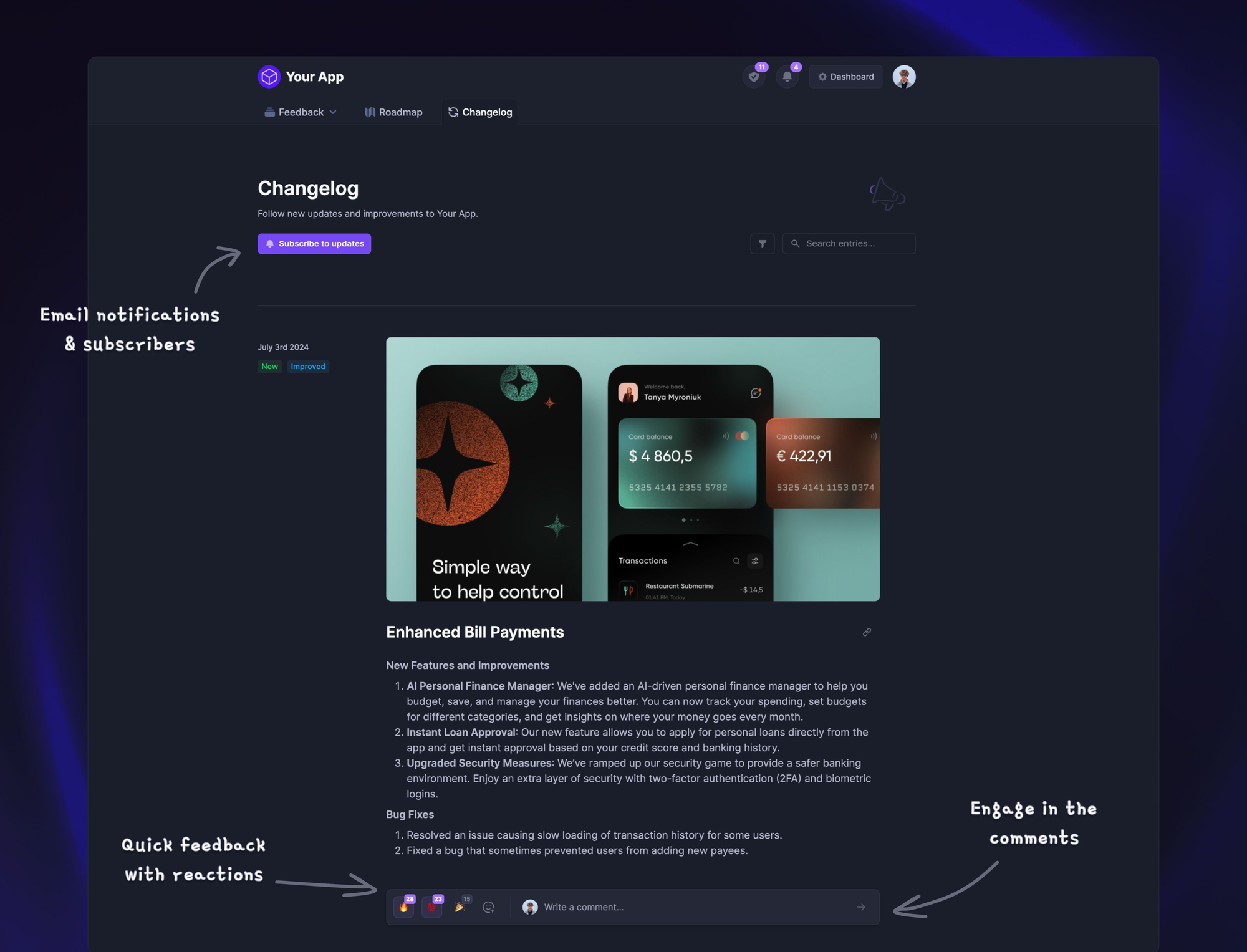
Your changelog is the only announcement channel that keeps working after the day you publish. It's a reference for existing users, a trust signal for prospects doing due diligence, and a source of SEO traffic on your own domain.
With Featurebase, you can run a branded changelog page on your own domain and embed the same updates as an in-app widget or popup, so users see what shipped without ever leaving your product. Every entry can be tagged by category and shown only to the user segments it's relevant to.
Release emails
Email is where you get the most reach and the most damage from getting it wrong. It's also the only channel that reaches users who haven't logged in recently, which is exactly the group most launches are trying to win back.
Segment ruthlessly. Send Tier 1 to everyone, Tier 2 only to users whose plan, role, or usage makes the feature relevant, and Tier 3 in a batched roundup.
One CTA per email. If the email offers 3 things to do, the reader does none of them.
Social media and community
Social is for reach beyond your existing user base and for the people who follow your product but aren't daily users. It rewards a different format: a short clip or GIF of the feature doing the thing, not a paragraph.
Community channels (Slack, Discord, a subreddit, your feedback forum) are where the requesters live. Posting the announcement in the thread where the feature was originally requested is one of the highest-return 30 seconds in product marketing.
Sales and support enablement
Internal is a channel, and it's the one teams forget. Your support team will get questions about the new feature within an hour of the announcement, and your sales team will be asked about it on the next call.
Give both teams the same 3 things before the announcement goes out: what changed, who it's for, and what to say when someone asks why it took so long.
What to include in a new feature announcement
The format barely changes between channels. Only the length does.
- A name people can repeat: pick something descriptive over something clever. "Bulk export" beats "Cargo" every time, because users have to be able to search for it and support has to be able to say it.
- The outcome in the first line: lead with what the user can now do or stop doing. The feature name can come second.
- Who it's for: one clause is enough. "If you manage more than one workspace..." lets 80% of readers opt out guilt-free and tells the other 20% to keep reading.
- One visual: a short GIF or a single annotated screenshot. Feature announcements with a clip of the thing working consistently outperform ones with a hero image of nothing in particular.
- One clear CTA: "Turn it on", "Try it on your next export", "Read the docs". Pick one.
- Availability and pricing: say plainly whether it's on every plan, gated to a tier, or in beta. Ambiguity here creates support tickets.
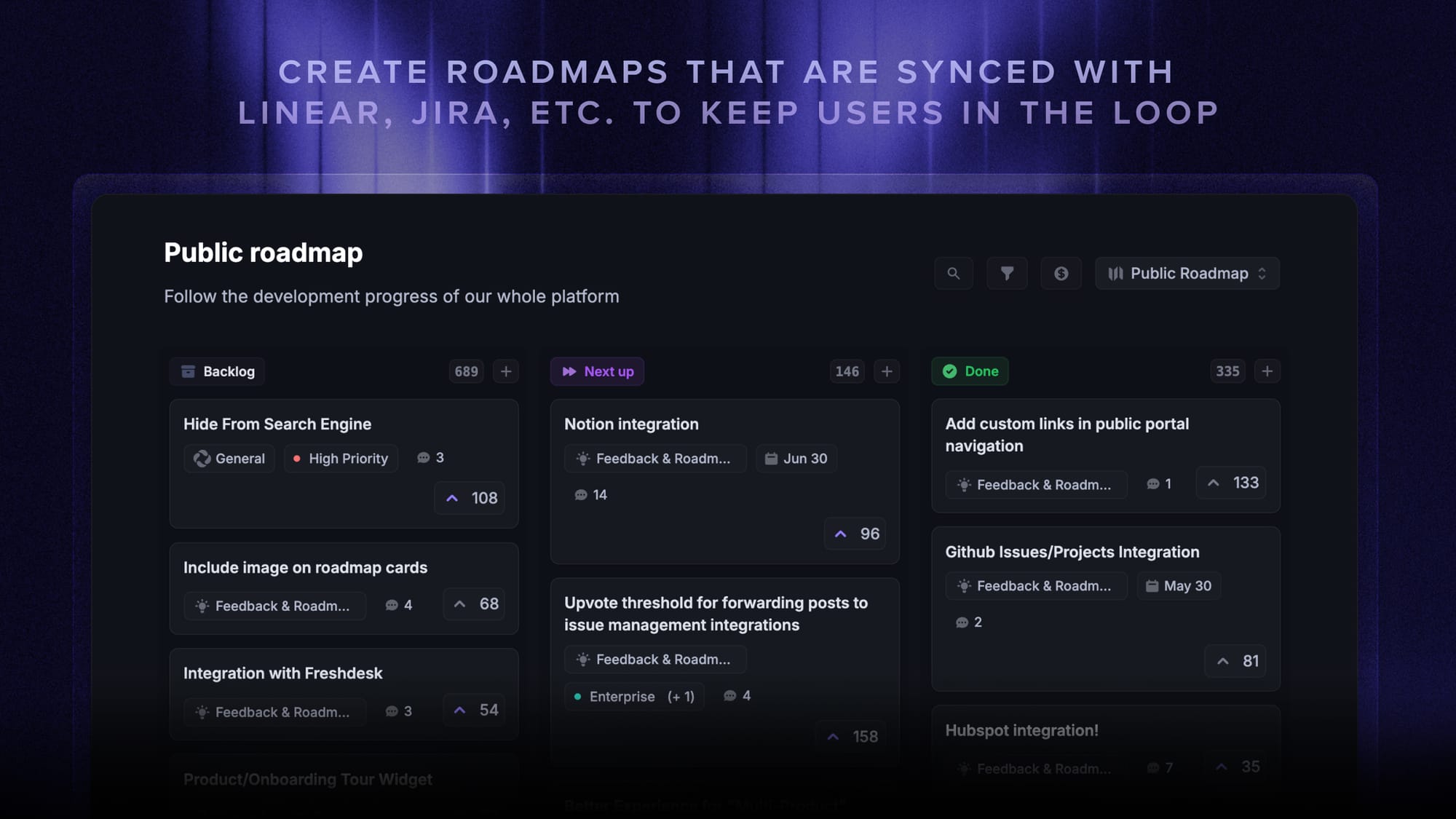
- A link back to what's next: pointing to your public roadmap turns a one-off announcement into an ongoing reason to pay attention.
For emails specifically, the subject line does most of the work. Name the outcome, keep it under roughly 50 characters, and skip "Introducing" and "We're excited to announce." Both are throat-clearing that costs you the preview text.
6 new feature announcement examples worth stealing
None of these are complicated. What they have in common is that each one picked a format and stuck to it long enough for users to learn where to look.
Linear
Linear's changelog reads like a product essay. Each entry gets a headline, a short paragraph on why the change exists, and a clean demo clip, and the whole thing lives on a page people actually browse for fun.
The lesson isn't the design. It's the editorial discipline: they batch small changes and only give standalone entries to things worth reading about.
Figma
Figma pairs a persistent "what's new" surface inside the editor with release posts that show the feature in context rather than in a marketing shot. Because the in-product surface is always there, they don't need to interrupt anyone to announce a Tier 2 change.
Notion
Notion's release roundups are the best argument for batching. Instead of 15 separate notifications, users get one well-organized digest with a clip per item, which turns "we shipped a lot" into a single satisfying read.
They also consistently link each item back to help docs, so the announcement doubles as onboarding.
Slack
Slack is strong on the boring but critical part: telling admins what changes before it changes for their users. Their announcements clearly separate "what's new for everyone" from "what admins need to do", which is exactly the split most B2B teams get wrong.
Loom
Loom announces with Loom, which sounds obvious and almost nobody copies. A 40-second video of a PM using the feature answers "what does this actually do" faster than any paragraph, and it's cheap to produce.
Raycast
Raycast's release notes are versioned, detailed, and unapologetically written for power users, complete with keyboard shortcuts and contributor credits. It works because their audience wants the detail, which is the real point: match the depth to who's reading.
How to measure whether your announcement worked
Opens and views are the metrics teams report. They're also the ones that tell you the least.
The only question that matters is whether more people are using the feature a week later than before you announced it. Track these instead:
- Feature adoption rate: the share of eligible users who used the feature at least once in the period after launch. This is the headline number, and there's a fuller breakdown of how to calculate and improve feature adoption.
- Repeat usage: the share of first-time users who came back to it a second time. High first use with no repeat usually means the announcement oversold what the feature does.
- Time to first use: how long after the announcement the average user tried it. If this stretches past a week, your channel mix is reaching people too late.
- Channel attribution: which surface actually drove the usage. Most teams assume it was the email. It's usually the in-app widget.
- Support ticket volume: a spike in "how do I..." tickets means the announcement explained the what but not the how.
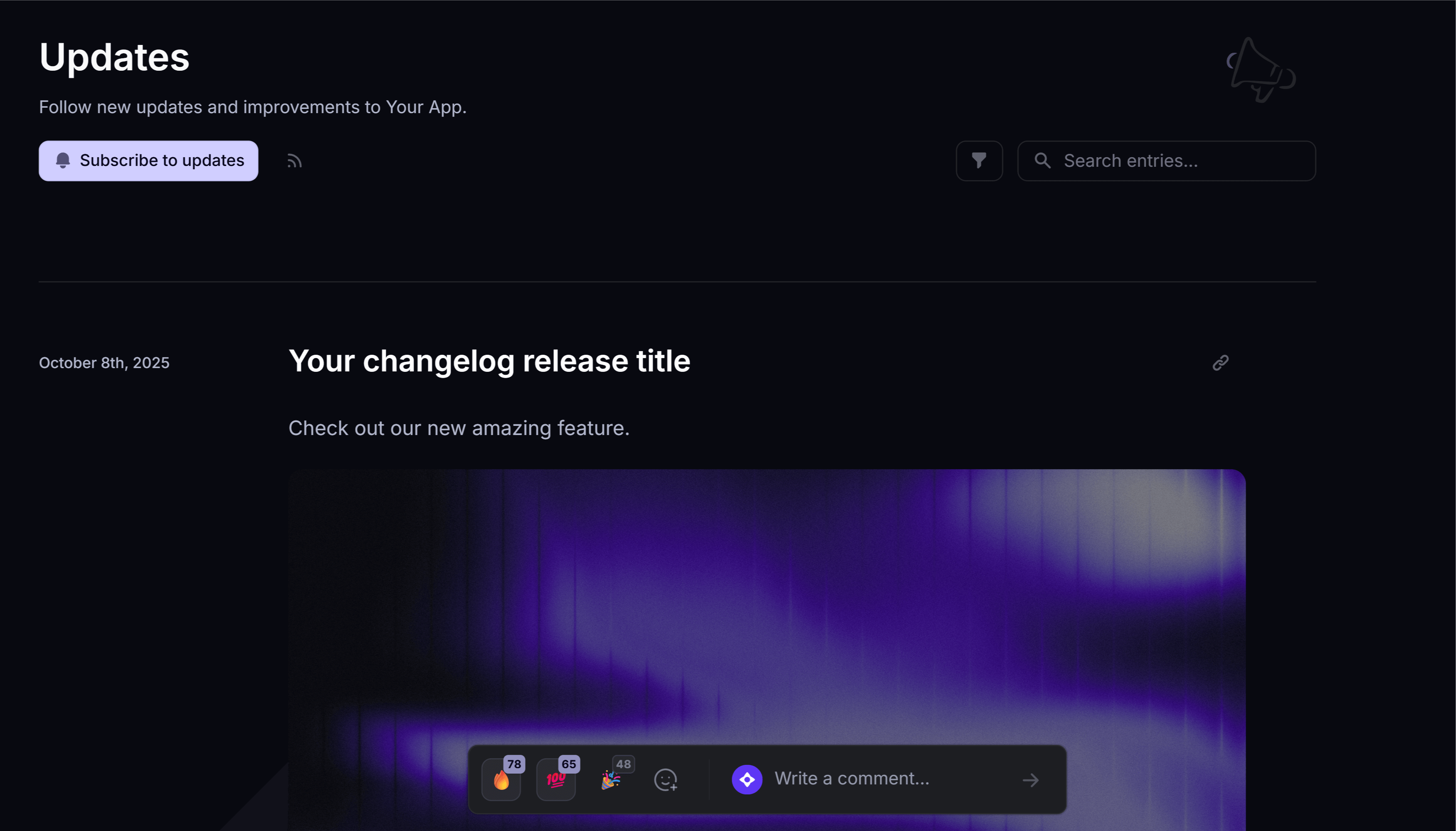
Featurebase's changelog analytics cover the attribution side: you can see which updates got the most views, whether users found them on the changelog page, in the in-app widget, or through the release email, and which posts drove reactions and comments.
Then close the loop properly. Go back to the users who originally requested the feature and tell them personally that it shipped, then ask whether it solved the thing they asked for. That single step turns an announcement into a customer feedback loop, and it's where most of the goodwill from a launch actually comes from.
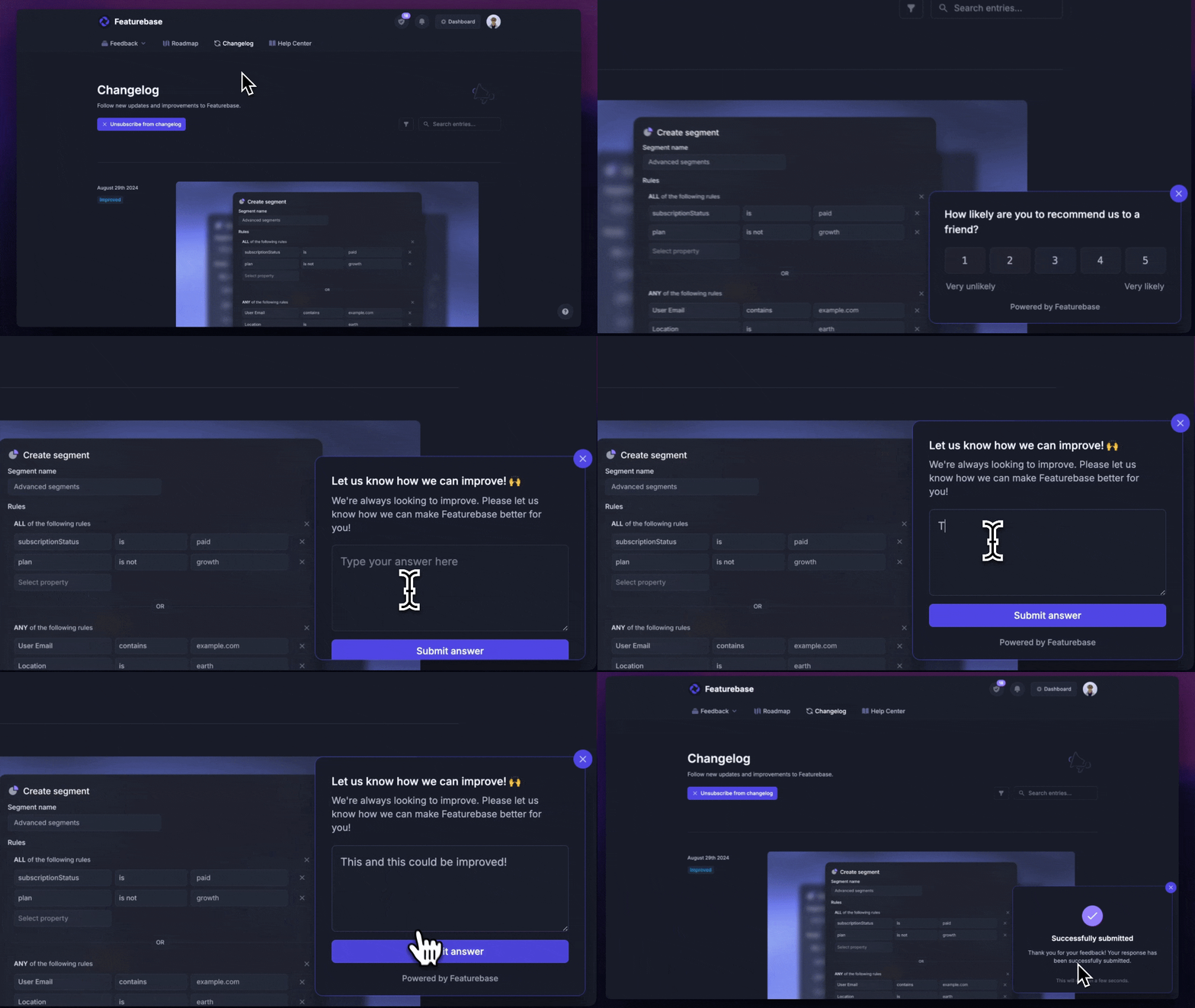
For bigger releases, follow up 2 weeks later with a short in-app survey asking the users who tried it what's still missing. The answers usually become your next Tier 2 release.
Announce your product updates with Featurebase
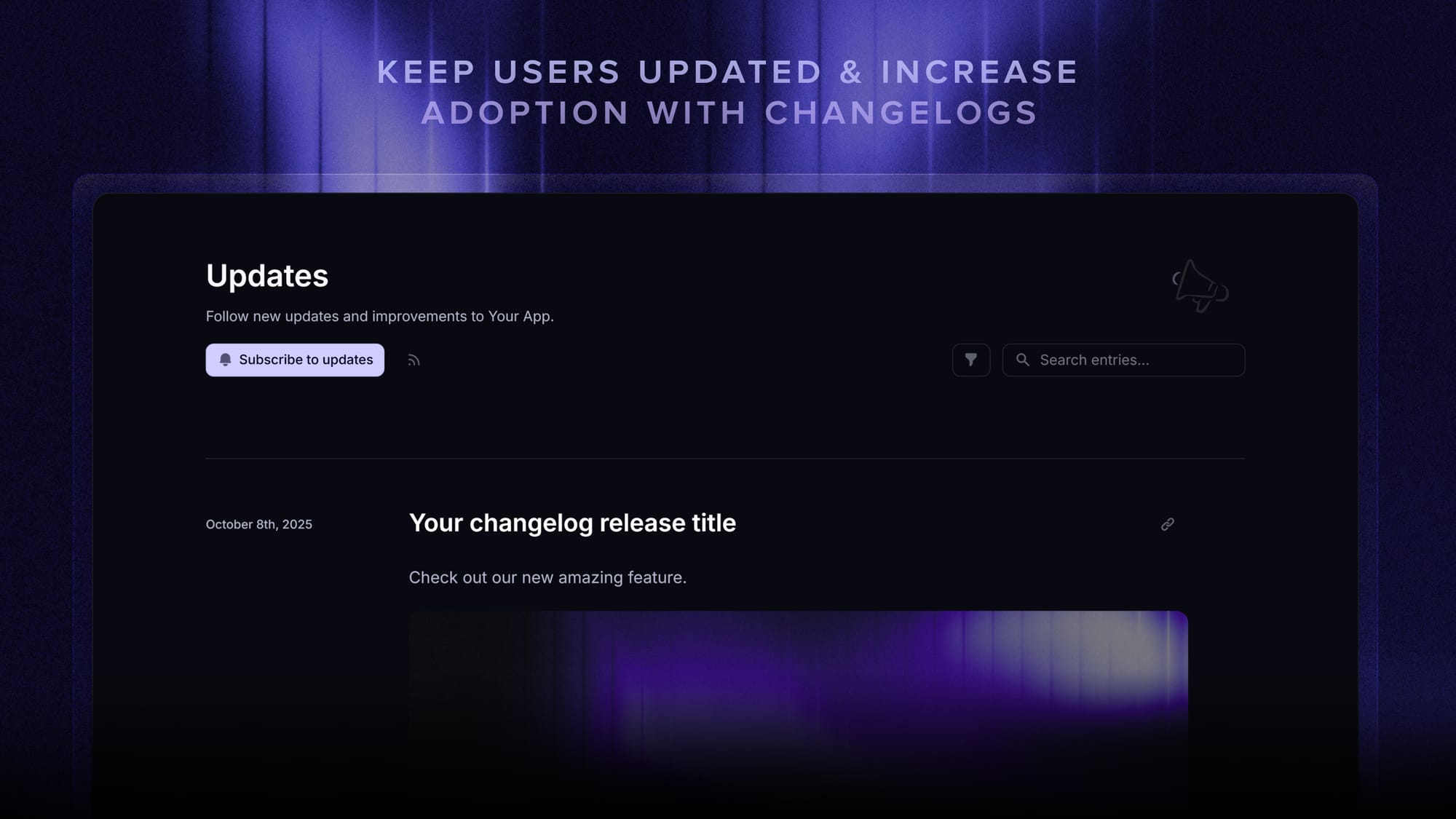
Featurebase is a modern & powerful changelog platform that helps product teams announce updates, drive feature adoption, and close the loop with users. It comes with a public changelog page, in-app widgets, automatic release emails, and an AI changelog writer - all in one place. It's loved by thousands of product teams from companies like Lovable, Raycast, and n8n. 💫
Top features:
- Public changelog page – Branded, customizable release-notes page on your domain so users see exactly what shipped
- In-app changelog widgets – Embed a widget or popup directly in your product to surface new updates without users leaving
- Automatic release emails – Notify users by email when you publish a new changelog entry to drive feature awareness
- AI changelog writer – Turn rough release notes into polished, on-voice changelog posts in seconds
- Automatic AI translations – Translate every changelog entry into 40+ languages
- Changelog analytics – See how many users open updates, where they viewed from (page, widget, or email), and which posts drive reactions
- Public roadmap – Pair your changelog with a roadmap so users see what's next, not just what shipped
- Feedback forum – Capture feature requests and bug reports once users have tried the launch
- Surveys (NPS, CSAT, etc.) – Measure satisfaction after major launches with targeted in-app surveys
- Integrations – Connects with Slack, Linear, Jira, HubSpot, and more
Pricing: Free plan available with unlimited changelogs. Paid plans start at $29/seat/mo.
Instead of having 4+ different tools, Featurebase enables you to replace all your customer-facing tools by bringing your changelog, roadmap, feedback collection, and customer support together in one place, helping you ship and announce products your users love.

Start announcing updates with Featurebase for free
Beautiful release notes that drive adoption - effortlessly, with no code
Ship it, then say it well
A good new feature announcement isn't a writing problem. It's a decision about which releases earn attention, which users need to hear about them, and where those users already are. Get the tiering right and the copy gets easy.
Featurebase is a modern & powerful changelog tool that helps you keep your users updated with release notes, in-app popups, and automatic emails. It has an AI changelog writer, a powerful editor, and supports over 40+ languages.
It comes with affordable pricing and a Free plan with unlimited changelogs. You can set it up in minutes, so there's no downside to trying it. 👇
✨ Start announcing updates & drive engagement with Featurebase for free →
FAQs
What is the difference between release notes and a changelog?
Release notes document a single release in detail, usually tied to a version number, and are written for users who need to know exactly what changed. A changelog is the running, chronological log of all those releases in one place, written to be browsed. Most SaaS teams publish a changelog and treat each entry as its release notes, which is fine. There's a fuller breakdown in our guide to changelog vs release notes.
Who should write new feature announcements?
In most SaaS teams, product marketing owns the final copy, the product manager supplies the why and who it's for, and engineering supplies the accurate what. In smaller teams it's usually the PM writing it directly. What matters more than the job title is that one person owns the announcement end to end, because announcements written by committee end up describing the feature instead of the outcome.
How often should you announce new features?
Publish to your changelog continuously, as often as you ship. Reserve interruptive channels like in-app modals and dedicated emails for the 2 to 4 flagship releases a year, and batch everything smaller into a monthly or quarterly roundup. The cadence that burns users isn't shipping frequently, it's interrupting them frequently.
What should a new feature announcement email include?
Lead with the outcome in the subject line and the first sentence, name who the feature is for in one clause, show one short GIF or annotated screenshot, and give exactly one call to action. State plainly which plans it's available on. Anything beyond that belongs in the changelog entry you link to, not in the email.
What makes a good subject line for a feature announcement?
Name the result the user gets, keep it under roughly 50 characters so it doesn't truncate on mobile, and cut "Introducing" and "We're excited to announce." Compare "Introducing Bulk Export" with "Export 500 invoices in one click." The second one tells the reader whether to open it.
How do you know if a feature announcement worked?
Compare feature adoption before and after the announcement, not email opens. Look at what share of eligible users tried the feature, how many came back to it a second time, and how long it took them to get there. An announcement with a 60% open rate and no change in weekly usage did not work.
Where can you host a public changelog for free?
Several changelog tools offer free tiers, and Featurebase has a free plan with unlimited changelogs that includes a branded public page, in-app widgets, and release emails. Hosting one on a dedicated tool rather than a blog post gets you per-entry analytics, user segmentation, and an embeddable in-app widget out of the box. We compared the options in our roundup of free changelog tools.